
Scan to Download
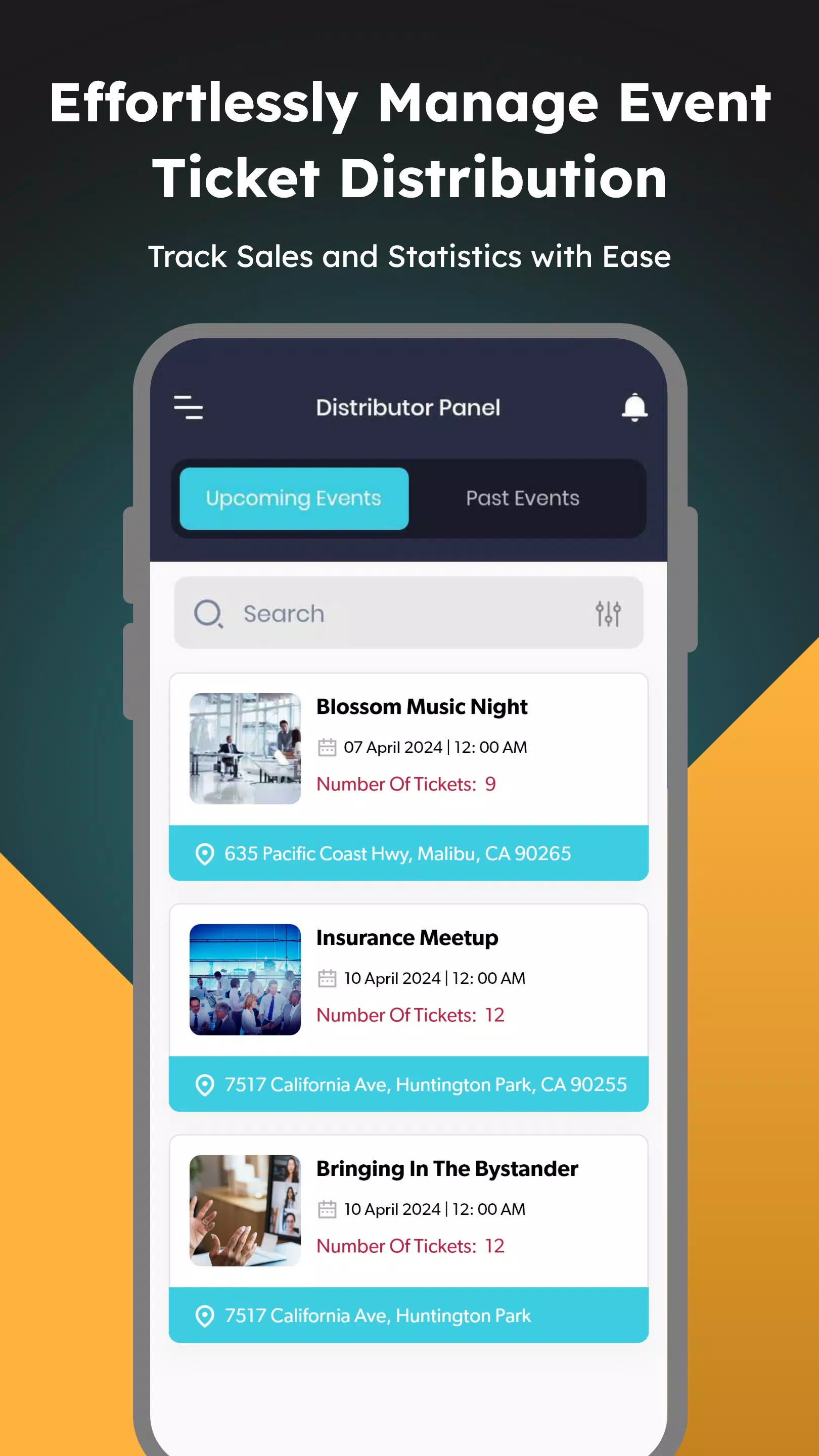
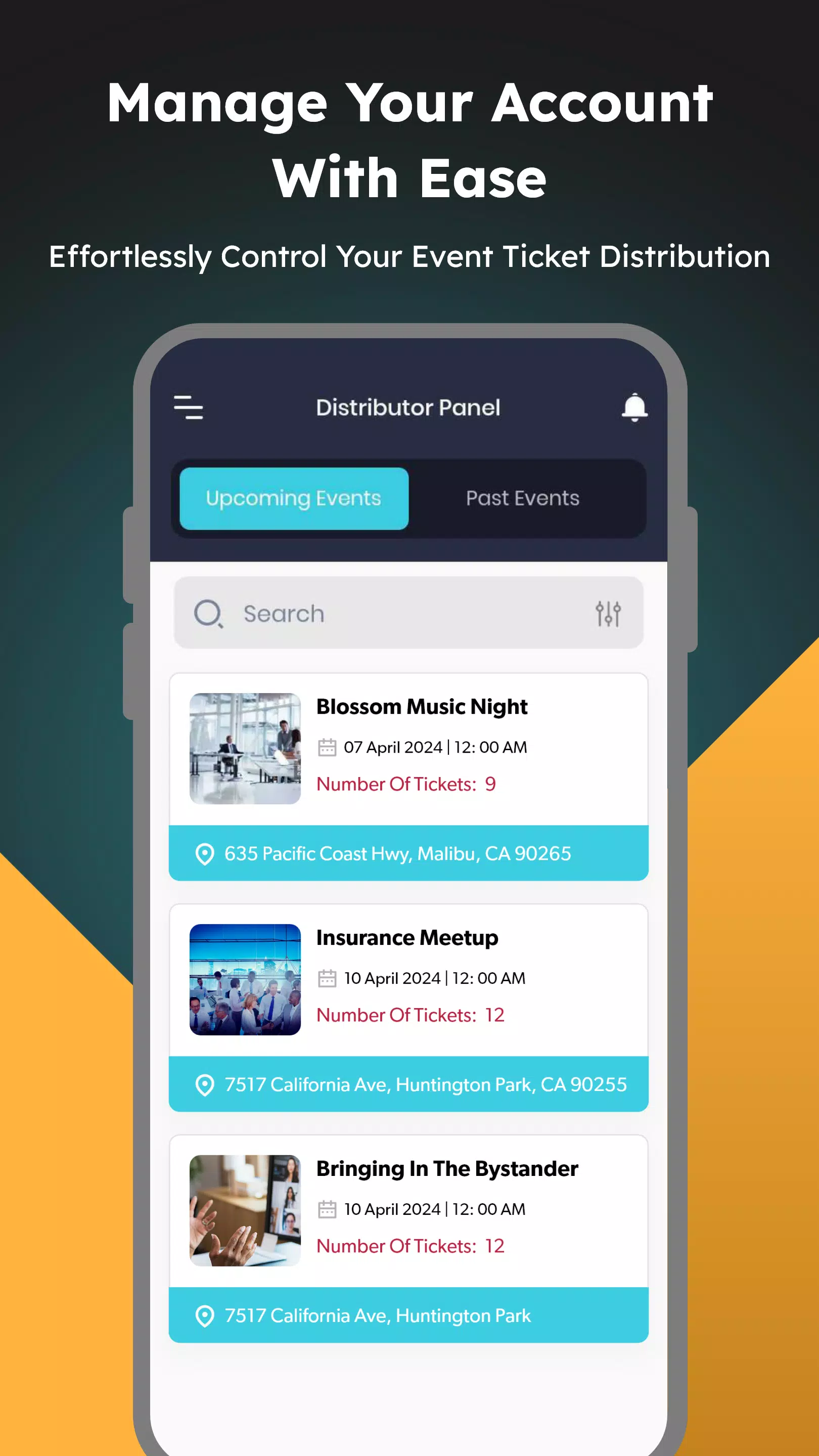
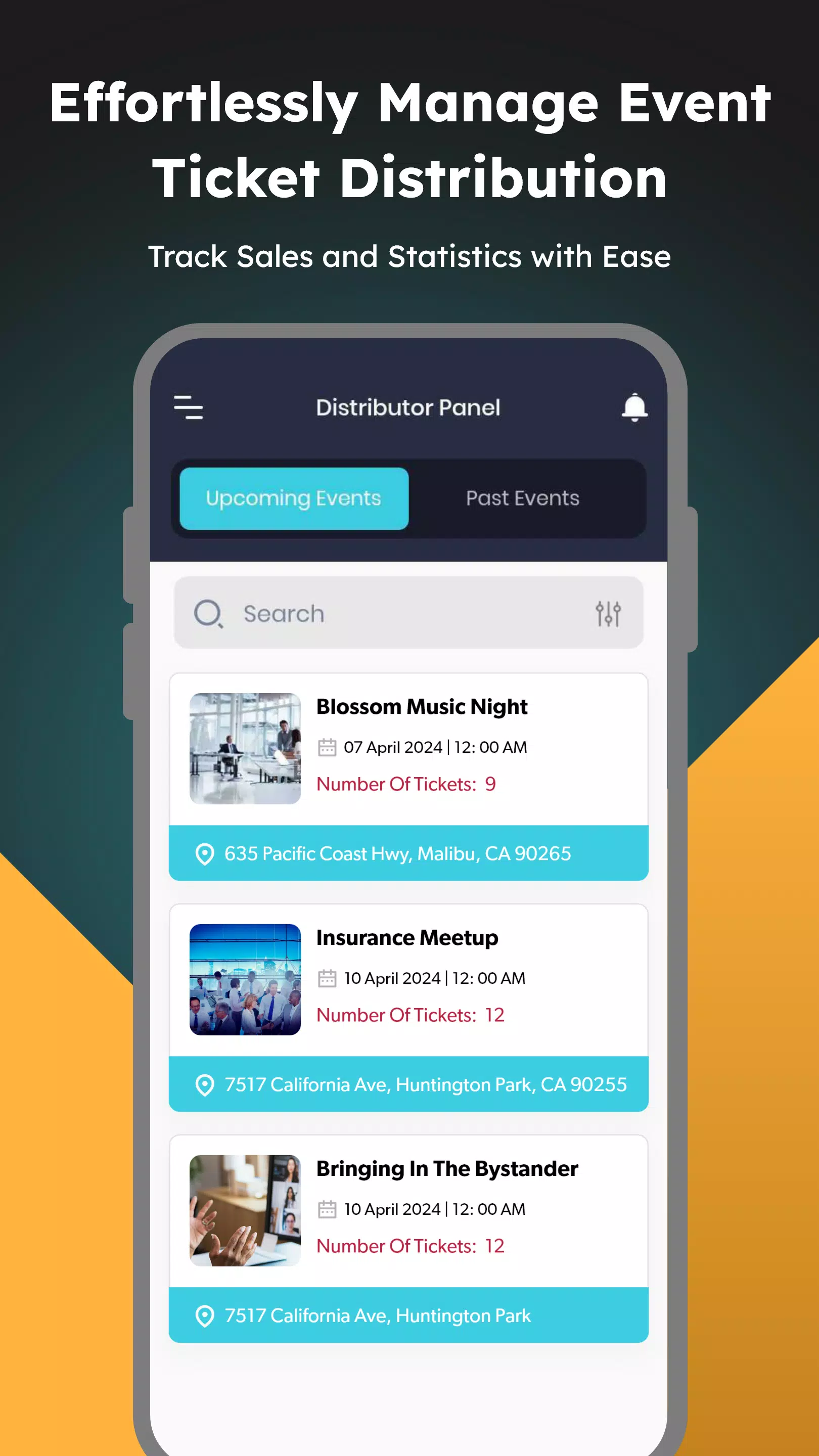
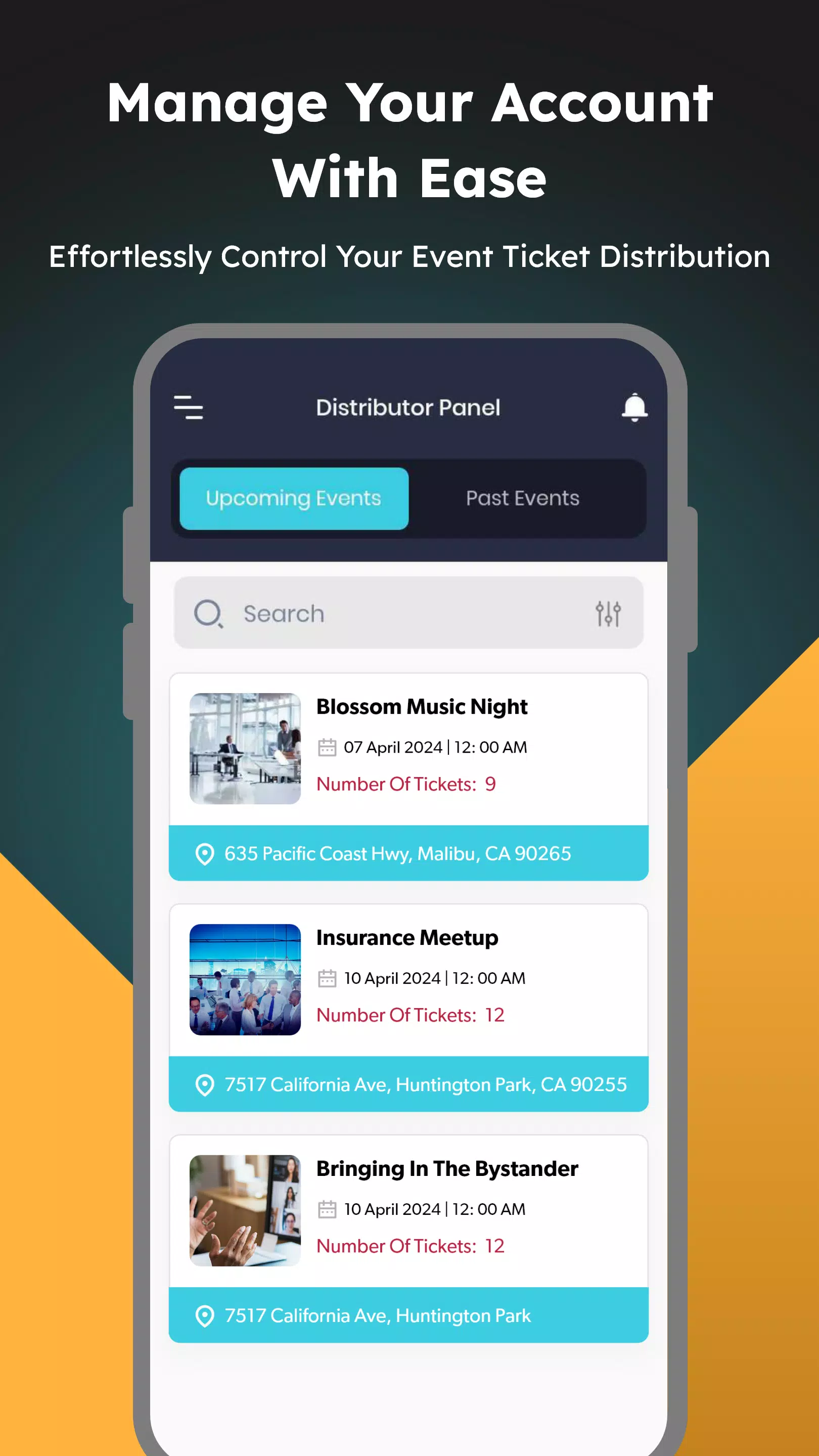
Ticket Agent is a compact event management app designed to simplify how organizers assign staff, control bookings, and keep a clear record of orders. Ticket Agent places agent assignment and permission controls at the center of its workflow so ticket distribution can be delegated without losing oversight. The first paragraph introduces the core idea: a focused tool for both organizers who configure events and agents who process bookings and resharing tasks.
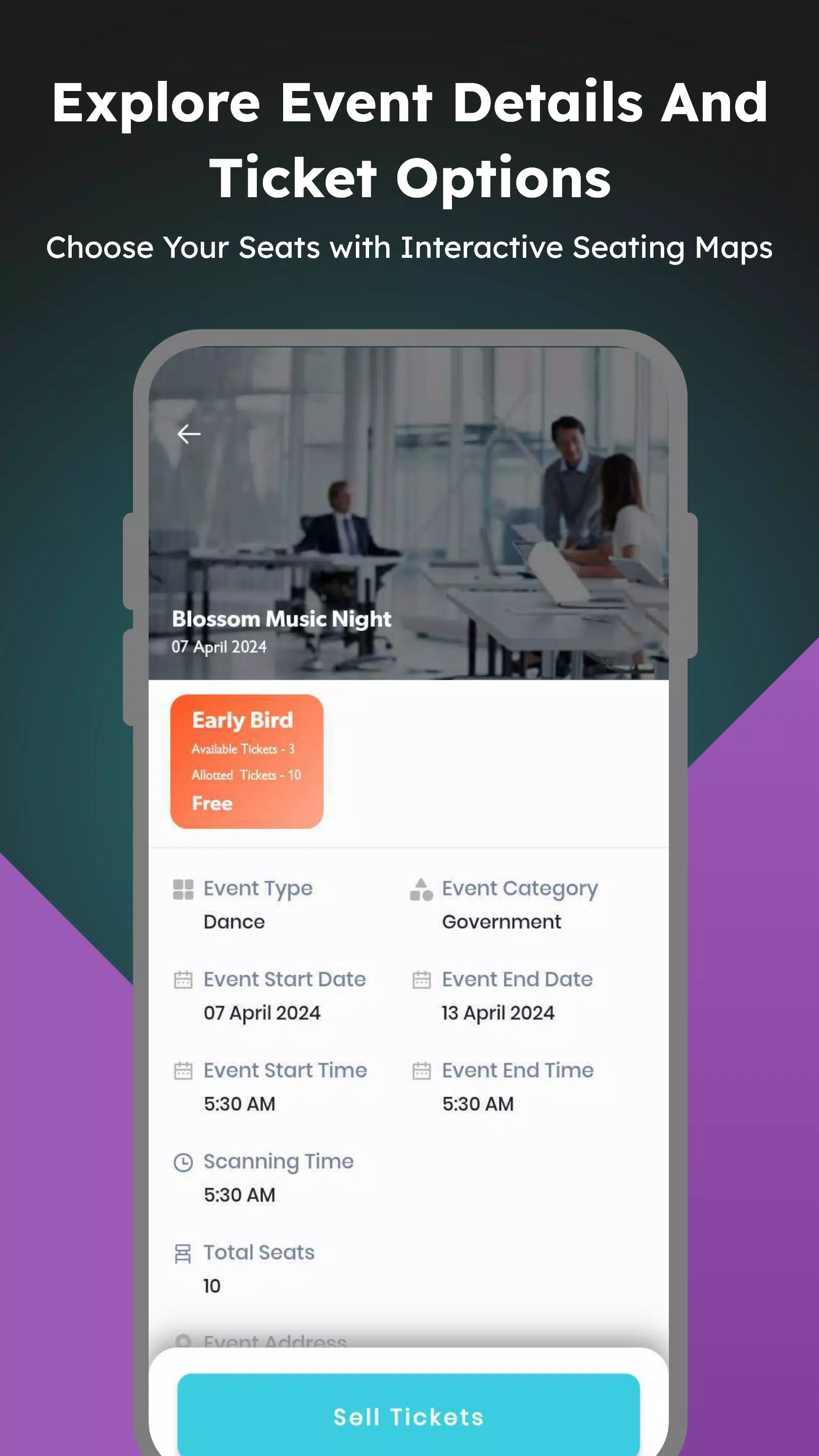
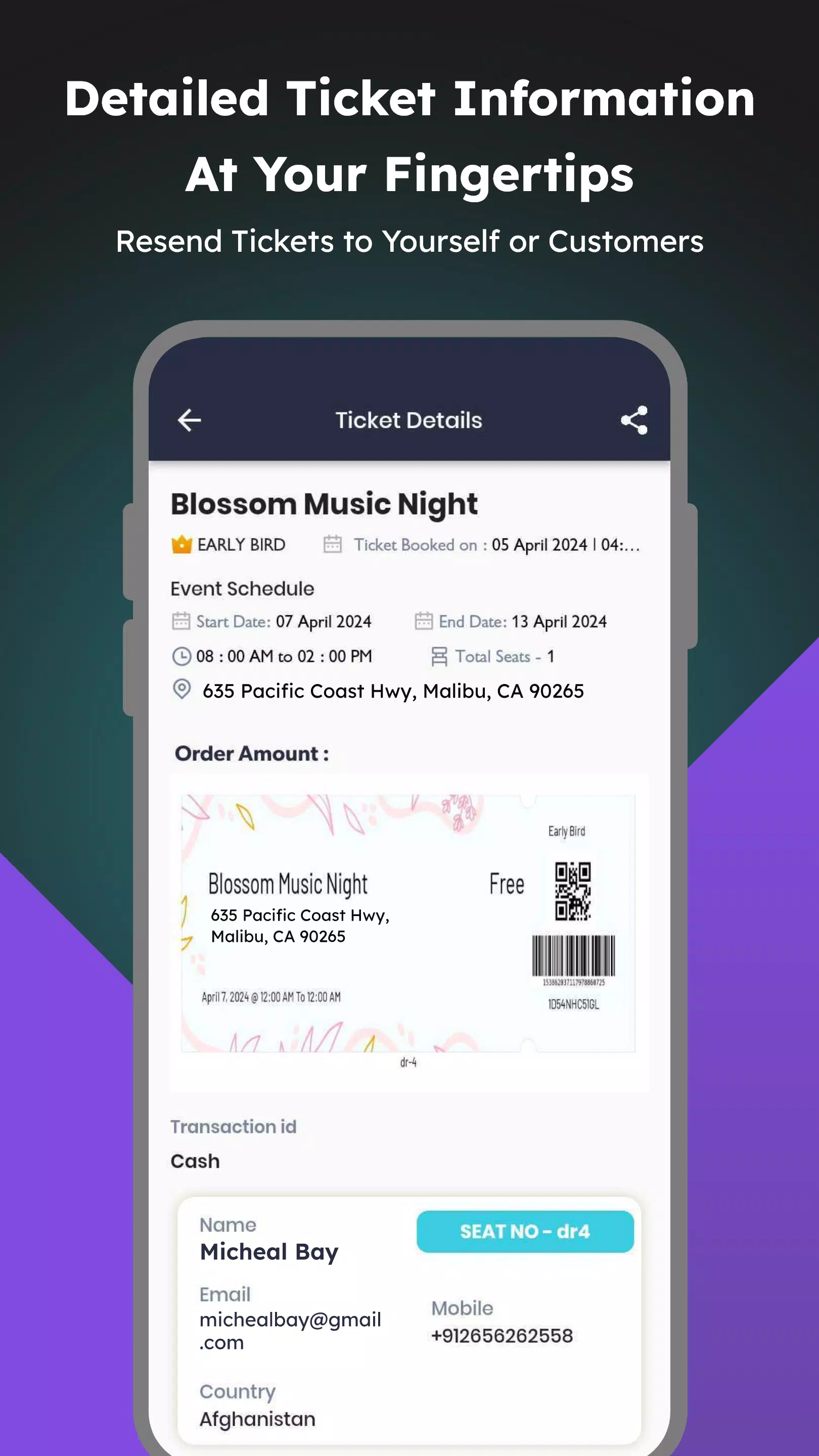
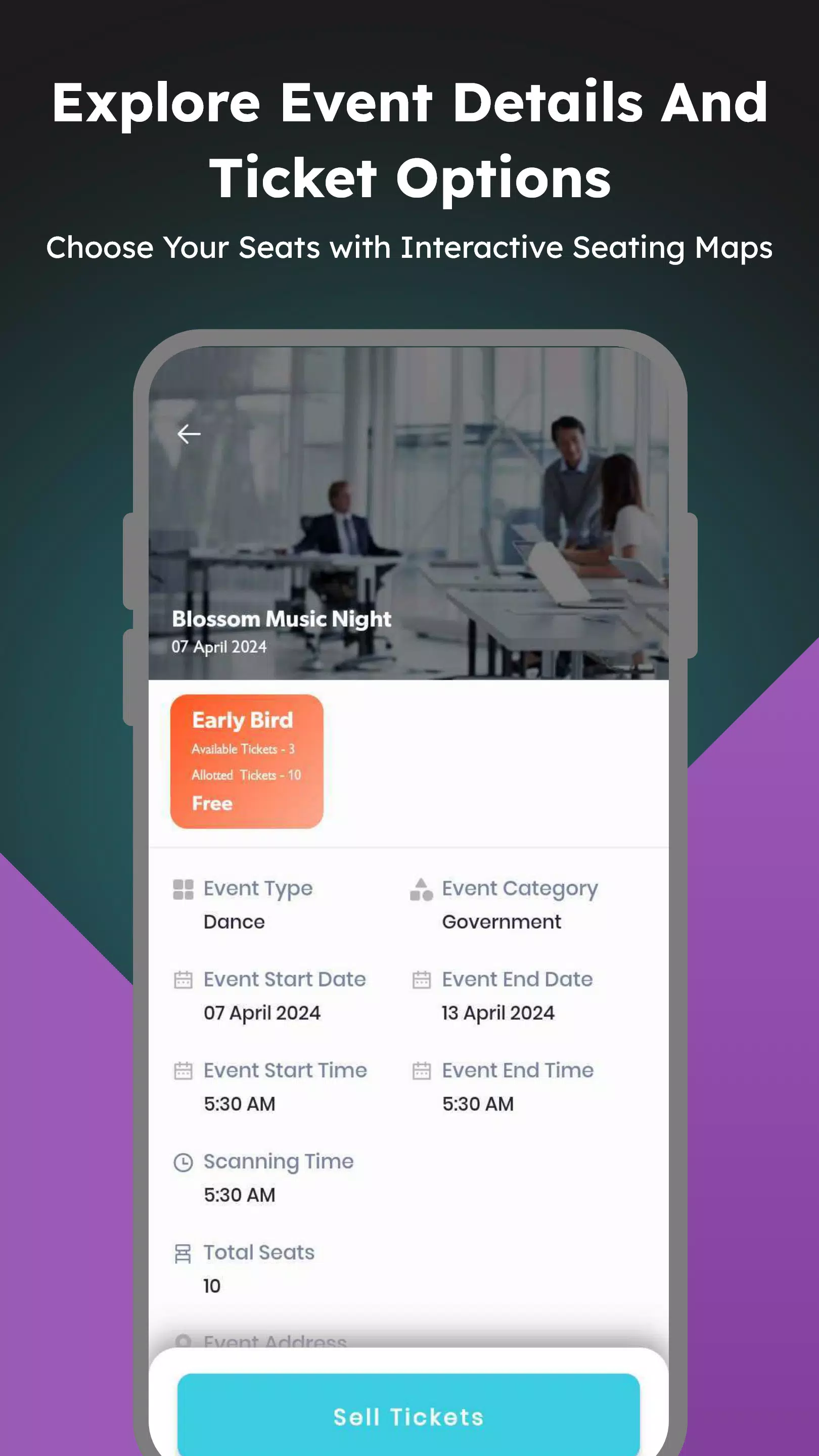
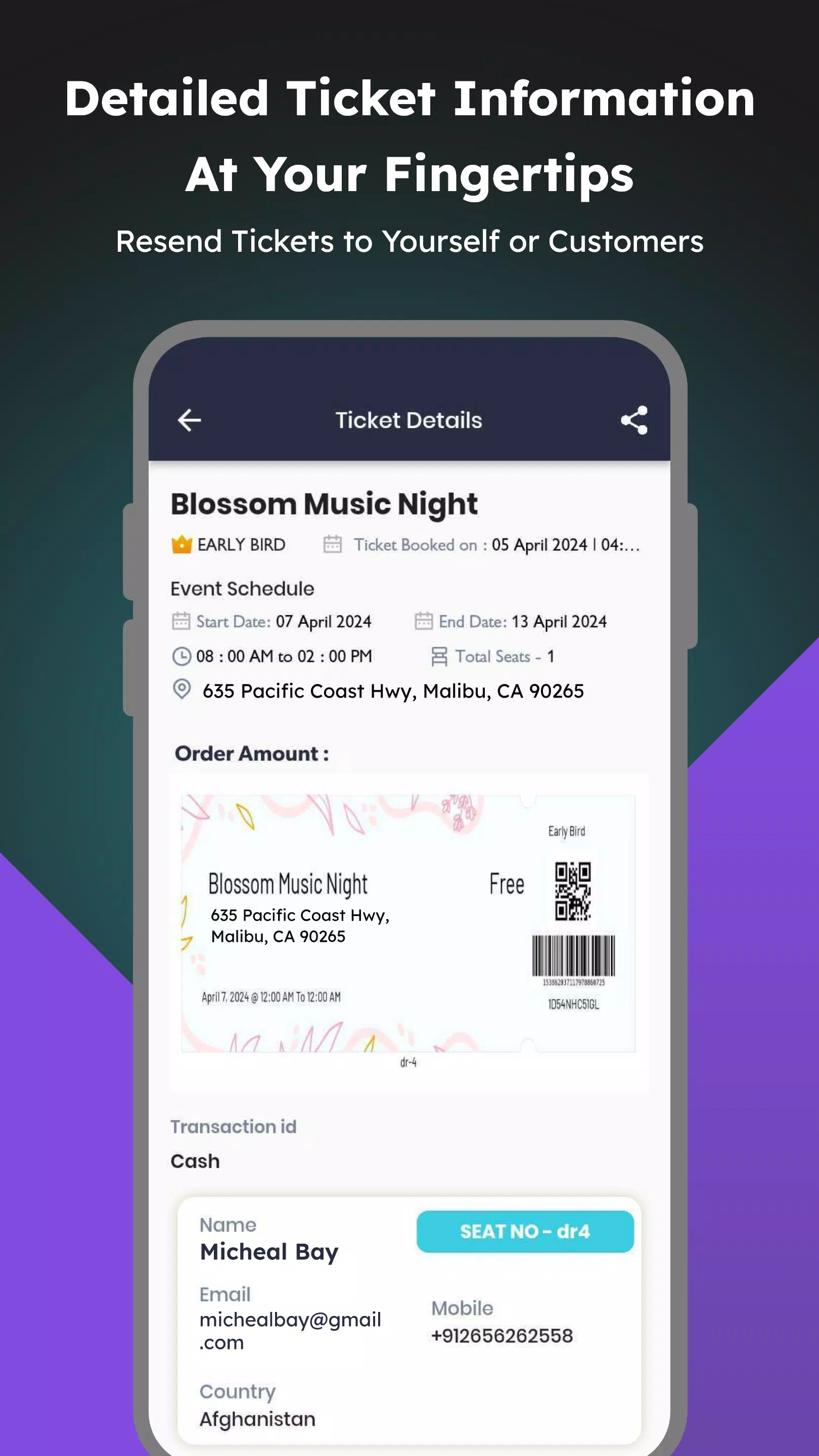
The app supports distribution of free and paid tickets, allows organizers to set booking limits for individual agents, and separates ticket types using permission-based controls so agents see and handle only what they are authorized to manage. Within each event, Ticket Agent provides an overview page that consolidates session details, ticket tiers, remaining inventory, and a clear audit trail. Agents can open an event to review assigned responsibilities, scan a concise order history, and use built-in resharing or update tools to follow up with attendees when needed.
Interaction is designed for rapid mobile use: controls are form-driven and tap-oriented, with search and filter tools to narrow orders by date, ticket type, or agent. Quick actions let an agent mark orders as confirmed, flag issues for an organizer, or resend ticket information to a buyer. Organizers use a simple assignment flow to allocate roles and set per-agent booking quotas, and permission settings are editable at any time so responsibilities can change as an event approaches. The result is a transparent sequence of steps from assignment through order handling that minimizes back-and-forth communication.
Rather than game-like progression, Ticket Agent uses role and quota progression to reflect evolving responsibilities across events. Organizers can expand an agent’s capabilities by increasing booking limits or granting access to additional ticket tiers, enabling gradual onboarding of new staff. Customization options include configurable ticket fields, per-event templates for messages and resharing, and color-coded ticket categories that help agents prioritize tasks quickly. These settings are reusable across future events, so common configurations speed up setup time.
The interface favors clarity: compact lists with readable typography, color accents for ticket types, and a tiered view that separates general admission, VIP, and session-specific tickets. Events are presented as discrete units—each event page acts like a level in a workflow, with clear status indicators, remaining capacity markers, and a timeline of recent actions. This structure helps both organizers and agents move through multiple events in a predictable way and reduces the chance of overlooking critical details.
Order history is strictly chronological and searchable, making it straightforward to trace buyer interactions or resharing attempts. Because configurations, templates, and agent assignments can be duplicated or applied to new events, Ticket Agent has strong replay value for organizers who run recurring shows or series. Reusing proven configurations reduces setup time and preserves institutional knowledge about how particular events were managed in the past.
Usability focuses on minimizing training time: contextual help appears where needed, labels are explicit, and common actions are surfaced prominently. Accessibility considerations include scalable text sizes, high-contrast display modes, and clear focus order to support screen readers and users with differing needs. The app keeps the interface consistent across small screens so agents can perform tasks quickly on phones without losing essential information.
Ticket Agent caches critical event details and recent order history for read-only access when a device is temporarily offline, allowing agents to reference information at entrances or remote locations. When connectivity is restored, any locally queued notes or flags synchronize back to the organizer’s dashboard so the event record remains up to date. This approach balances the need for on-the-ground access with the integrity of centralized order tracking.
While Ticket Agent centralizes ticket distribution duties and reduces the chance of unauthorized sales through clear booking limits and permissions, it does rely on organizers to configure assignments and quotas accurately. Complex multi-role events may require more upfront setup to map permissions correctly, and the effectiveness of resharing or follow-up depends on accurate order details being maintained. For organizers who plan ahead and keep clean records, Ticket Agent provides a practical, accountable way to delegate ticketing work and streamline day-of-event operations.
File size: 32.00 M Latest Version: 1.0.1
Requirements: Android Language: English
Votes: 500 Package ID: com.agent.eventlocal
Developer: GTS Infosoft

Top Events Free Apps for Android
Discover and share the hottest events around with our intuitive apps. Find local concerts, festivals, shows, and more based on your unique interests. Create customizable calendars of upcoming events to coordinate schedules with friends. Purchase tickets seamlessly from our integrated platforms. Check real-time transit schedules to plan your trip. Access maps, directions, and parking information for any venue.






LIVE A HERO
Retro Hero Mr Kim
Empire of Passion
Arcane Quest Legends
Magic Snap: Momotaro
AllStar Manga Heroes
Lunescape
ONE PIECE Thousand Storm JP
Tap Titans 2