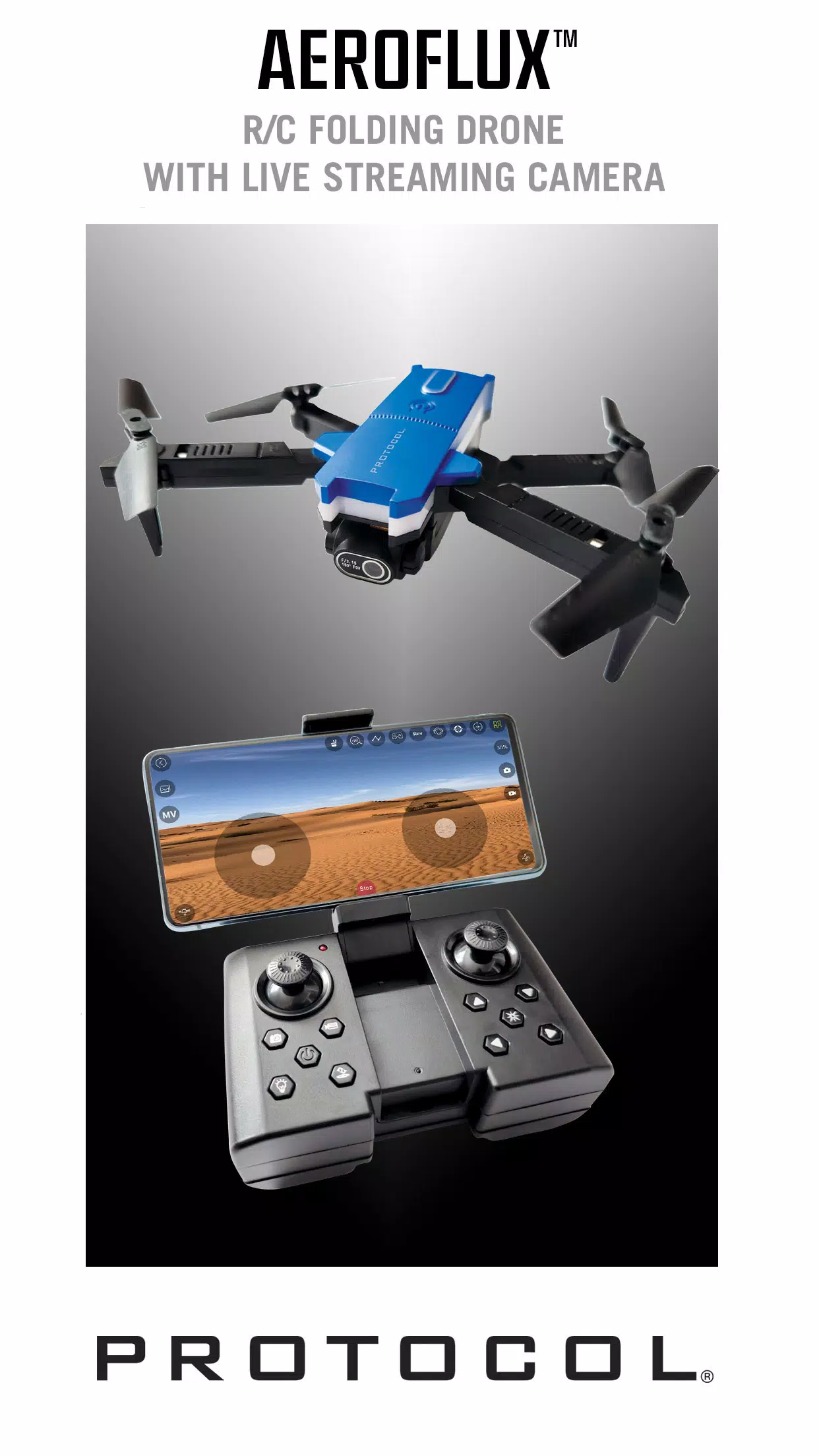
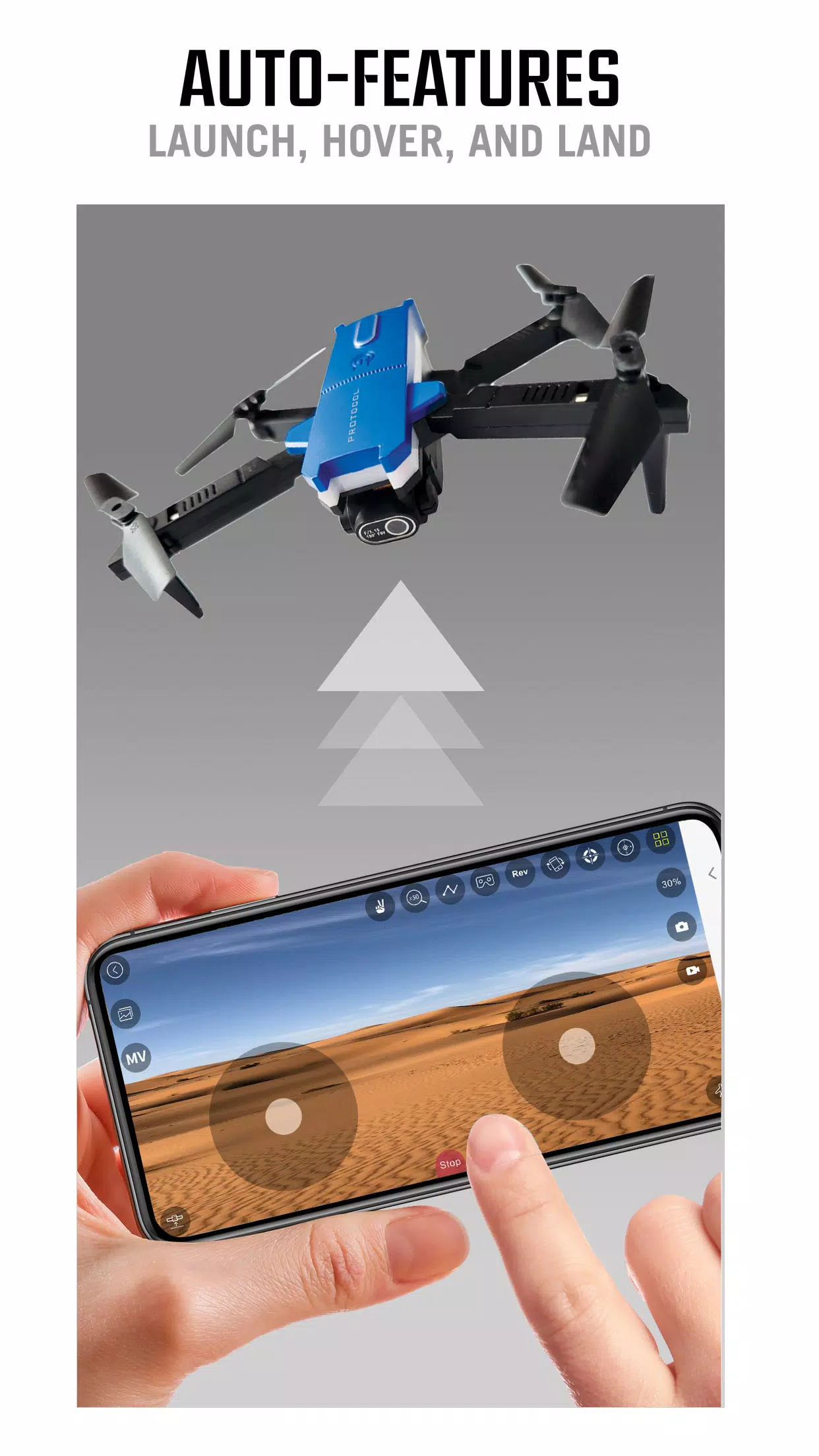
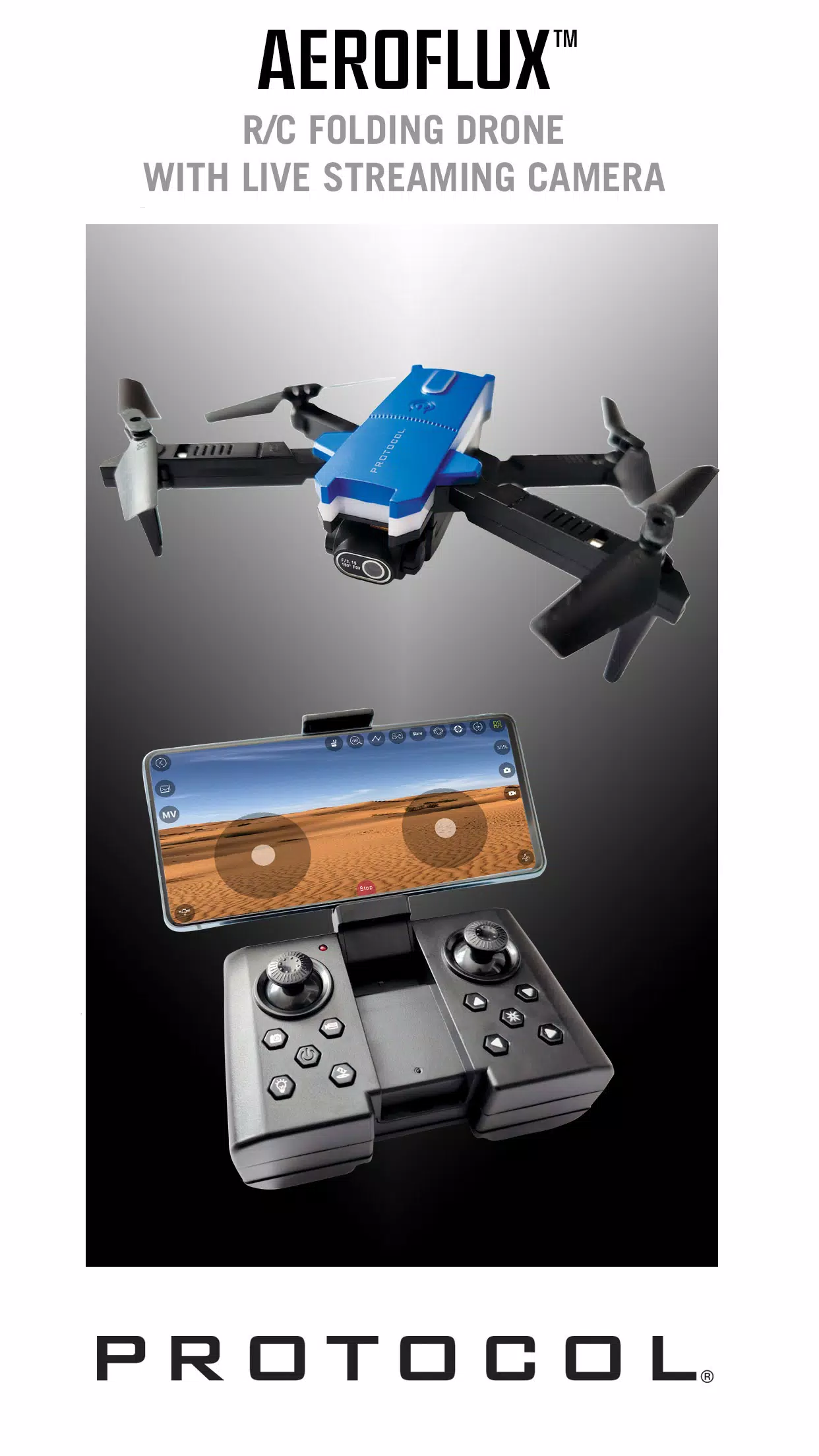
Protocol AeroFlux is a companion mobile app that links smartphones and tablets to the AeroFlux RC Drone using the drone's built-in Wi‑Fi, putting flight controls and live camera feeds in the palm of your hand. In the opening screens Protocol AeroFlux walks you through basic connection steps, shows signal strength and battery status, and provides an on-screen layout for the most important controls so you can get airborne quickly. Designed for hobby pilots and photographers alike, Protocol AeroFlux balances straightforward controls with adjustable settings so you can tailor responsiveness to your experience level.
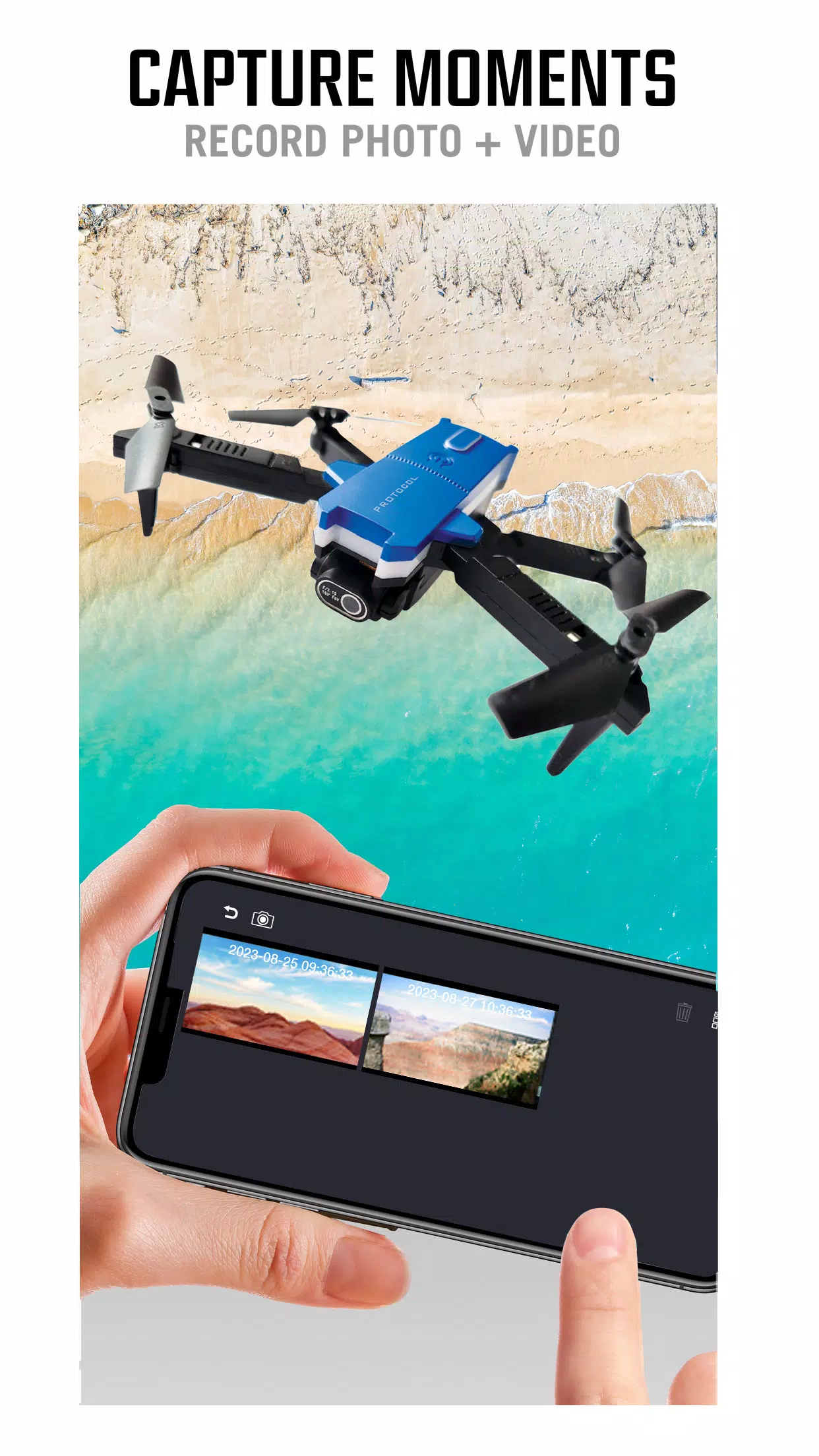
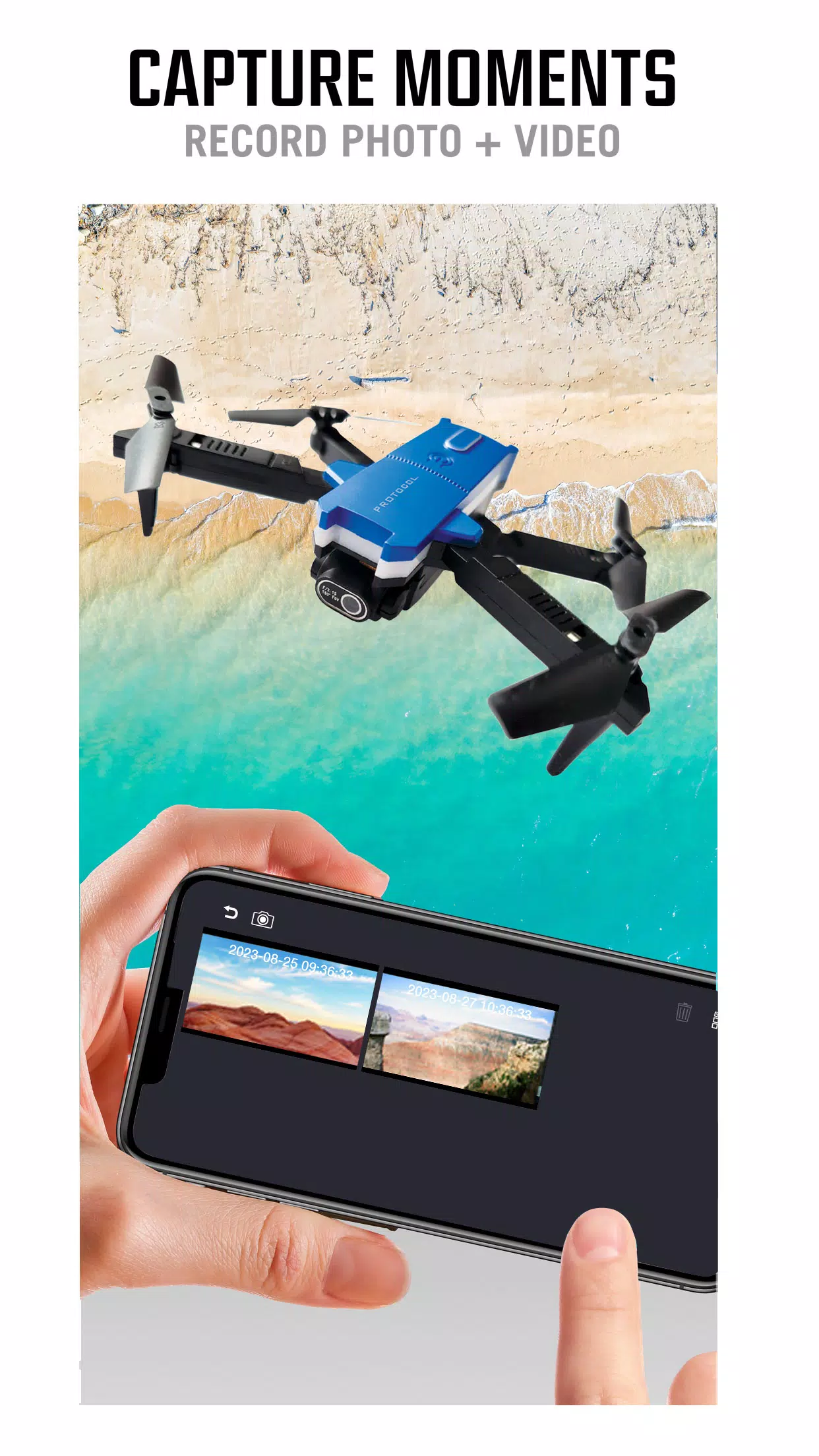
Protocol AeroFlux delivers live video streaming from the drone’s onboard camera and lets you capture high-definition video and still photos directly to your mobile device. The app displays a low-latency feed for piloting and framing shots, overlays key telemetry such as altitude and speed, and provides simple record and photo buttons that keep media capture one tap away. Built-in media management catalogs recordings and images for quick review; you can play back footage offline, check timestamps and GPS tags (when available from the drone), and export files to other apps or cloud storage from your device.
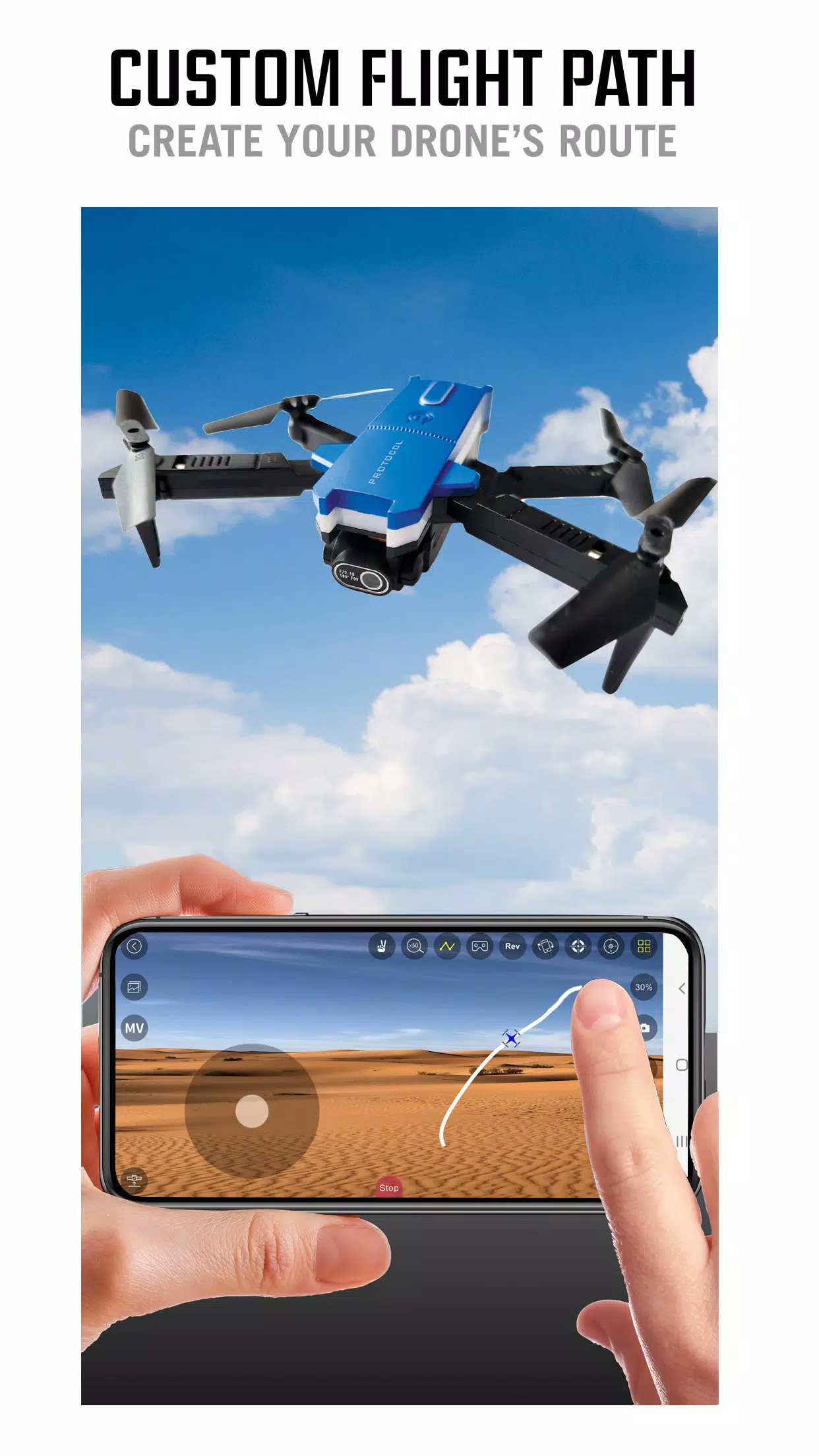
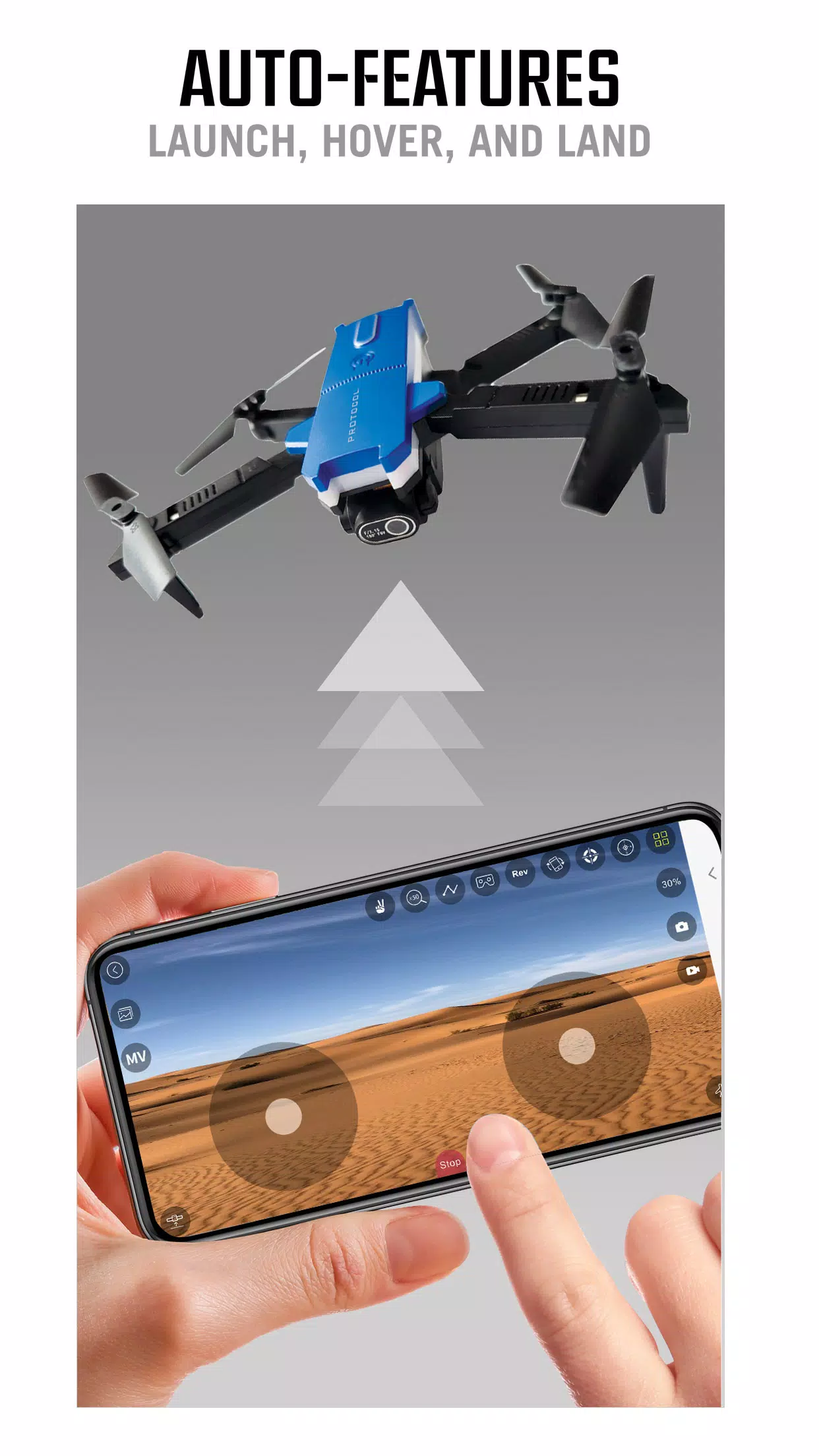
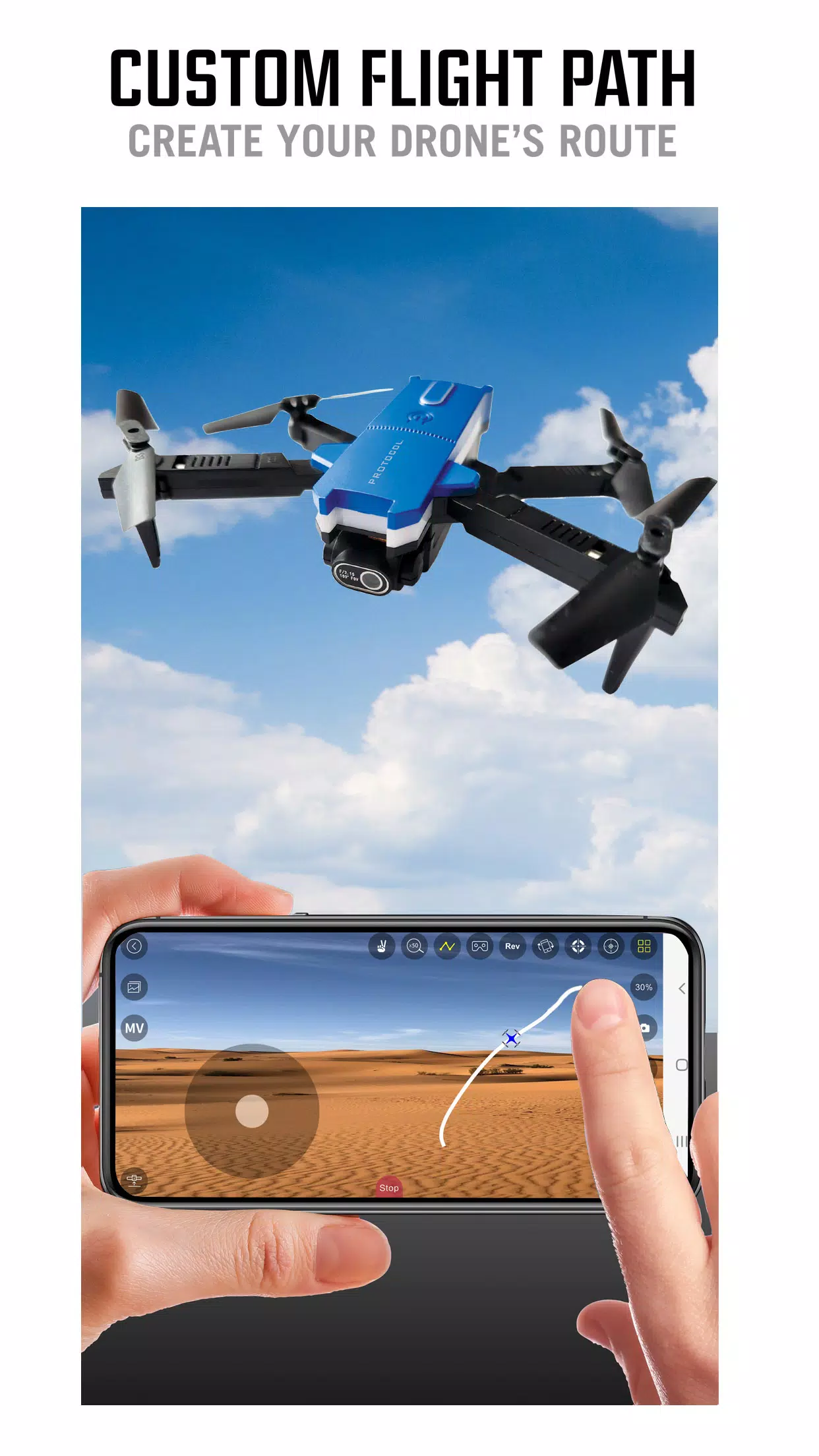
The control layout in Protocol AeroFlux is responsive and configurable. Default on-screen joysticks handle yaw, pitch, roll and throttle, and you can switch between touch-stick and tilt steering where supported by your device. Sensitivity sliders and preset profiles allow you to soften inputs for smooth cinematic shots or sharpen responsiveness for more agile flying. In-flight settings include adjustable stabilization parameters and an option to engage assisted hold features to keep altitude and heading steady while you focus on camera framing. The app also displays signal quality and an estimated control range so pilots can manage expectations during longer flights.
Protocol AeroFlux supports adjustable interface elements to suit different users and environments. You can resize controls, swap left/right stick positions for left‑handed pilots, and toggle a larger HUD for bright outdoor conditions. The settings menu stores named profiles so you can switch quickly between a beginner configuration and a tuned setup for experienced flying. Accessibility-minded choices—such as larger tap targets and high-contrast display options—help make essential controls easier to use in challenging light or for users with limited dexterity.
The app is designed to keep media workflows efficient without requiring continuous connectivity to the internet. Once video or photos are recorded, Protocol AeroFlux lets you review and organize files on the device even when the drone is offline. Thumbnails, basic metadata and simple sorting tools help you find the clips you need before transferring them to a computer for deeper editing. Because the app writes files directly to local storage, you can manage device space and avoid surprises mid-flight by checking remaining storage before long recording sessions.
Protocol AeroFlux includes in-app tips for safer flights and suggests pre-flight checks such as compass calibration, propeller inspection and GPS lock verification. The app’s stability assists and sensitivity presets make it easier for new pilots to practice foundational maneuvers without adopting riskier control inputs. That said, app operation depends on the range and stability of the drone's Wi‑Fi link: control distance may be limited compared with long-range radio systems, and environmental interference can affect video quality and responsiveness. The app does not provide full flight capability without the AeroFlux RC Drone hardware; it is a companion interface intended to centralize monitoring, recording and configuration tasks.
Regular use of Protocol AeroFlux can extend the enjoyment of your drone by simplifying how you capture and manage aerial footage. Replaying past flights, comparing settings between profiles and experimenting with control sensitivity offer a natural progression for pilots improving their skills. Because the app focuses on control, streaming and media management rather than replacing dedicated editing suites, it integrates into an efficient content pipeline: capture with Protocol AeroFlux, review and organize on-device, then export high-quality files for editing on desktop tools if you need advanced post-production. For most users the result is a more intentional workflow that encourages practice, better-framed shots and more satisfying flight sessions.
File size: 105.20 M Latest Version: 1.0.0
Requirements: Android Language: English
Votes: 426 Package ID: com.lcfld.protocolaeroflux
Developer: Protocol

Must Have Tools Apps for Android
Equip yourself with our all-in-one toolbox app for everyday tasks and projects. Instantly convert between units, calculate tips, scan documents, manage files, and more with handy productivity tools. Includes a level, compass, QR code reader, ruler, speedometer, decibel meter, and flashlight. Save frequently used tools to your customizable dashboard for one-tap access. Track billable hours, wages, budgets, and invoices. Annotate screenshots, magnify labels, and sign PDFs on the go.






LIVE A HERO
Retro Hero Mr Kim
Empire of Passion
Arcane Quest Legends
Magic Snap: Momotaro
AllStar Manga Heroes
Lunescape
ONE PIECE Thousand Storm JP
Tap Titans 2