
Scan to Download
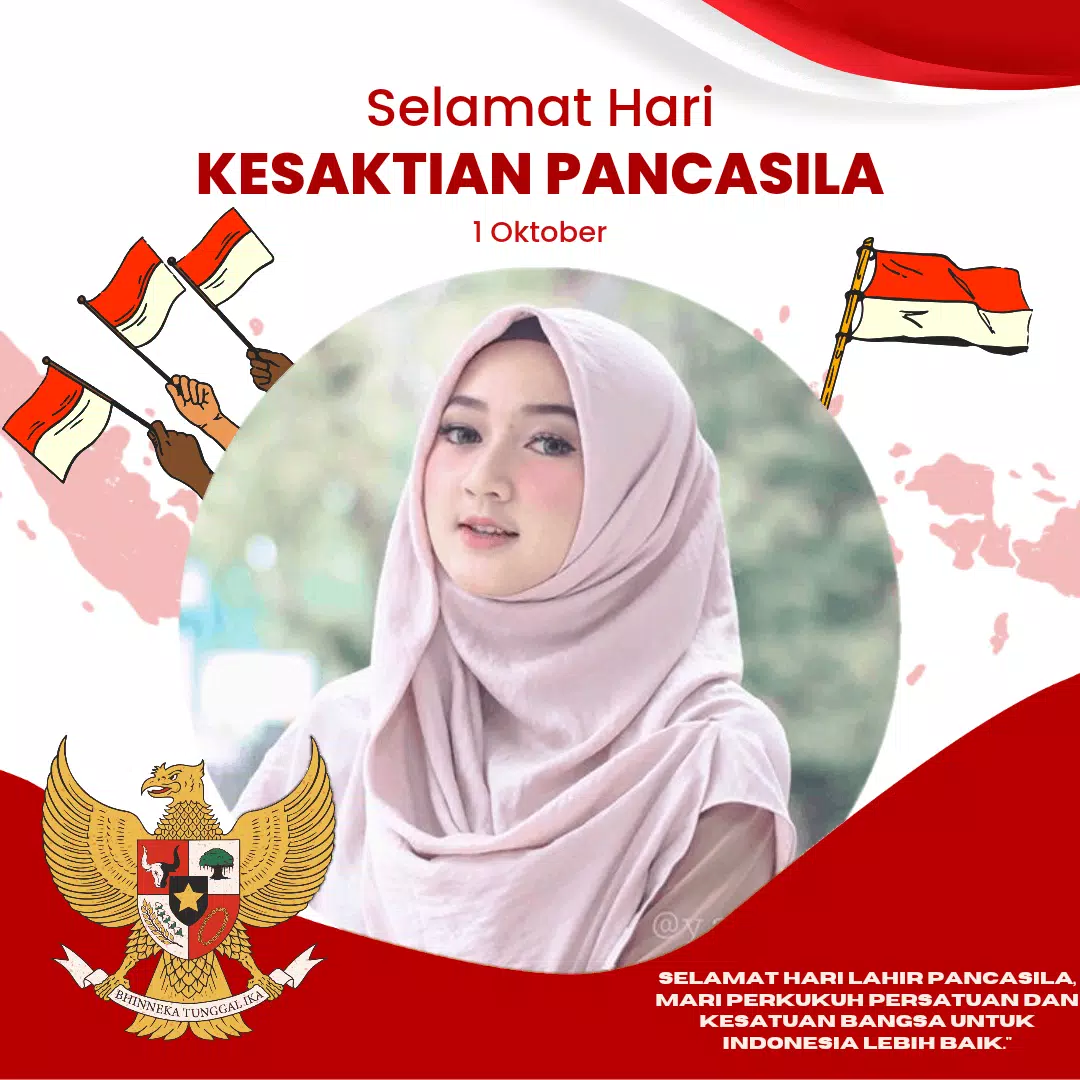
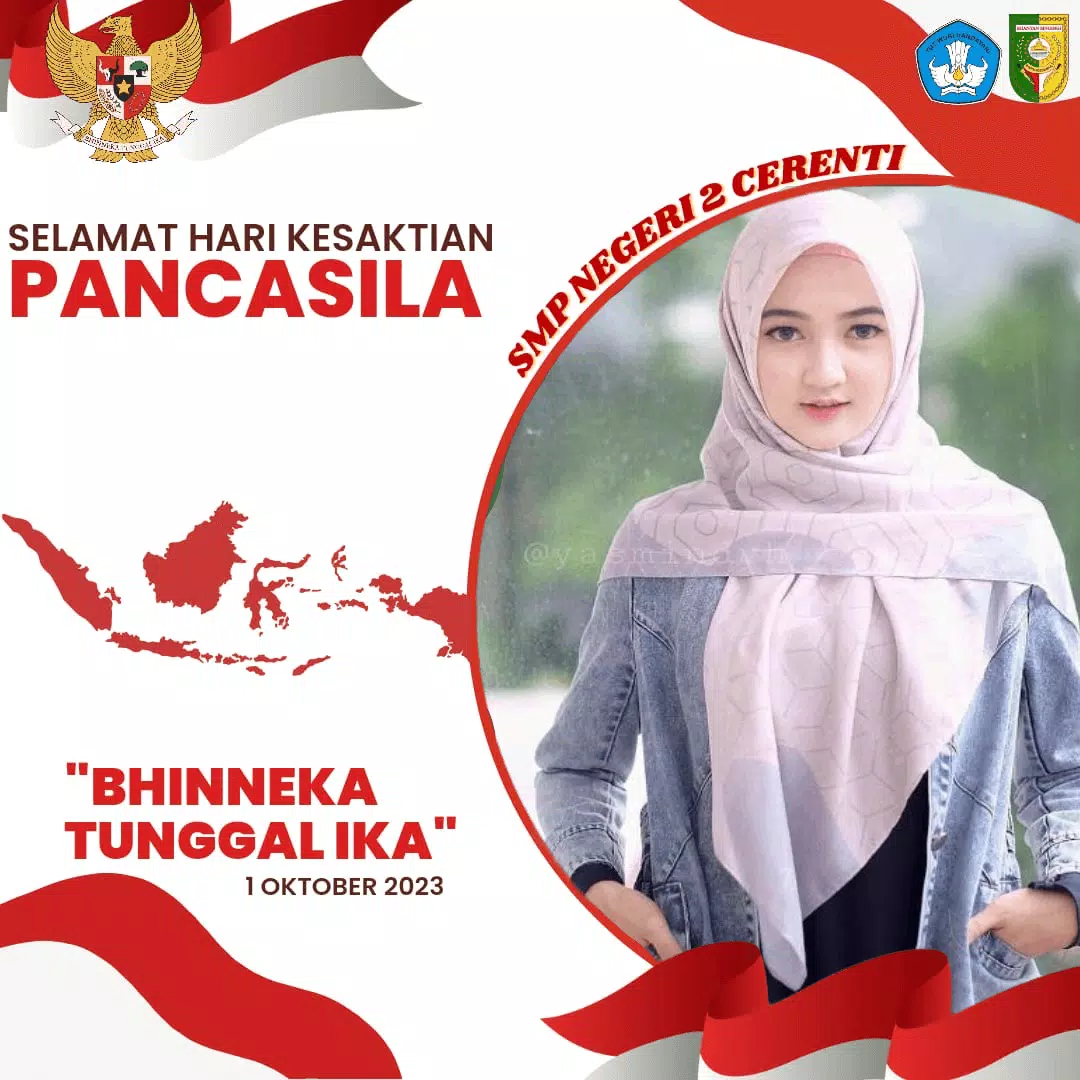
Twibbon Kesaktian Pancasila is a compact photo-frame editor designed to help users create respectful, shareable images to commemorate Pancasila Sanctity Day on October 1st. The app places the name of the observance and related artwork around a user photo using a simple, guided workflow so anyone can prepare an image for social networks or personal archives within minutes. With an emphasis on clarity and ease of use, Twibbon Kesaktian Pancasila focuses on frame placement, basic image adjustments, and one‑tap export so non‑technical users can contribute meaningful visuals to the national observance.
Twibbon Kesaktian Pancasila offers a curated collection of themed frames centered on Pancasila symbols and patriotic color palettes, allowing users to choose a style that fits the tone they want to convey. The editor supports quick photo import from the device gallery, camera capture, or recent images and provides straightforward controls to position a portrait inside the selected frame. Basic editing actions include drag-to-move, pinch-to-zoom for scaling, and two-finger rotation so images align neatly within complex frame shapes. A favorites function lets users bookmark preferred frames for fast access during recurring celebrations, and one-tap export saves final images to your device or opens the system share sheet for messaging and social apps.
The app guides you through three clear steps: choose a frame, add and arrange your photo, then export. Touch controls are intentionally simple — tap to select, drag to reposition, pinch to resize and rotate — so people unfamiliar with photo tools can still produce polished results. Alignment guides and snap-to-center behavior help place faces or focal points correctly inside decorative borders without manual pixel adjustments. Export settings are minimal by design to avoid confusion: choose a file size optimized for social sharing or a higher-resolution option for printing, then save or share directly from the app.
Customization focuses on practical options that enhance each framed image without adding complexity. Users can change frame overlays, adjust image opacity to balance photo and artwork, and crop photos to fit portrait or square layouts commonly used on social platforms. Progression in the app is non-competitive and user-centered: as you explore frames and mark favorites your personal collection grows, making it quicker to produce variation for family, friends, or organizational posts every year. Seasonal frame batches are added periodically so the available designs evolve over time while preserving core commemorative themes.
The visual design of the app emphasizes legibility and respectful symbolism. Frames use restrained typography and color contrasts appropriate for formal observances, with options that range from minimalist emblems to more decorative commemorative borders. Accessibility is considered in the interface layout: controls are large enough for comfortable tapping, icons are labeled, and visual hierarchy helps guide first-time users through the creation process. The clean layout reduces distractions so the subject photo and the Pancasila motif remain the focal points.
Twibbon Kesaktian Pancasila caches recently used frames so basic editing and exporting continue to work without an active internet connection once designs are downloaded. Automatic updates deliver new frame packs and minor interface improvements when your device is online, but all core editor functions remain available offline, making the app reliable for users with limited connectivity during the holiday period.
While the app excels at producing quick, respectful commemorative images, its scope is intentionally narrow. The editing toolset focuses on frame placement and simple transforms rather than advanced photo retouching or layered graphic composition. Content is seasonal and tied to a national observance, so users seeking a broad, year-round photo studio will find the library limited compared to general-purpose editors. These trade-offs keep the app lightweight and approachable for people who want a fast way to participate in the Pancasila Sanctity Day rather than a full-featured design suite.
The app receives periodic updates that add new themed frames and refine the interface based on user feedback. Automatic delivery of fresh designs ensures the Twibbon Kesaktian Pancasila experience stays current while keeping the installation footprint small and the workflow straightforward for recurring use.
File size: 18.20 M Latest Version: 1.2
Requirements: Android Language: English
Votes: 290 Package ID: arengkastudio.twibbonframe.harikesaktianpancasila
Developer: Arengka Studio






Best Free Books Apps for Your Android Phone
Discover your next great read with our innovative book apps. Access millions of ebooks, audiobooks, and comics on any device. Get personalized recommendations from our advanced algorithms so you always have your next great story lined up. Track your reading habits and browse curated lists for inspiration. Join online book clubs to connect with fellow bibliophiles. Listen to samples and download seamlessly with our integrated stores.






LIVE A HERO
Retro Hero Mr Kim
Empire of Passion
Arcane Quest Legends
Magic Snap: Momotaro
AllStar Manga Heroes
Lunescape
ONE PIECE Thousand Storm JP
Tap Titans 2