
Scan to Download
SBAD 2024 is the official event companion app designed to bring speakers, attendees and session material together in one practical mobile tool. SBAD 2024 focuses on improving in-session engagement by offering threaded Q&A, direct messaging, on-demand slide access and live polling in an interface attendees can learn quickly. Whether you are a first-time participant or a regular conference attendee, SBAD 2024 helps you stay organized, keep materials tied to each scheduled activity and capture feedback efficiently.
The interaction model centers on a few clear mechanics that make participation feel immediate and useful. Threaded Q&A lets attendees submit questions, follow up on replies and receive moderator updates; inline polls and single-tap votes give organizers a simple way to collect audience sentiment during a talk. Messaging and short announcements use chat-like interactions so conversations stay familiar and fast, while session pages aggregate questions, poll results and resource links so you see context at a glance. These engagement mechanics emphasize clarity and low friction, reducing distraction during busy sessions.
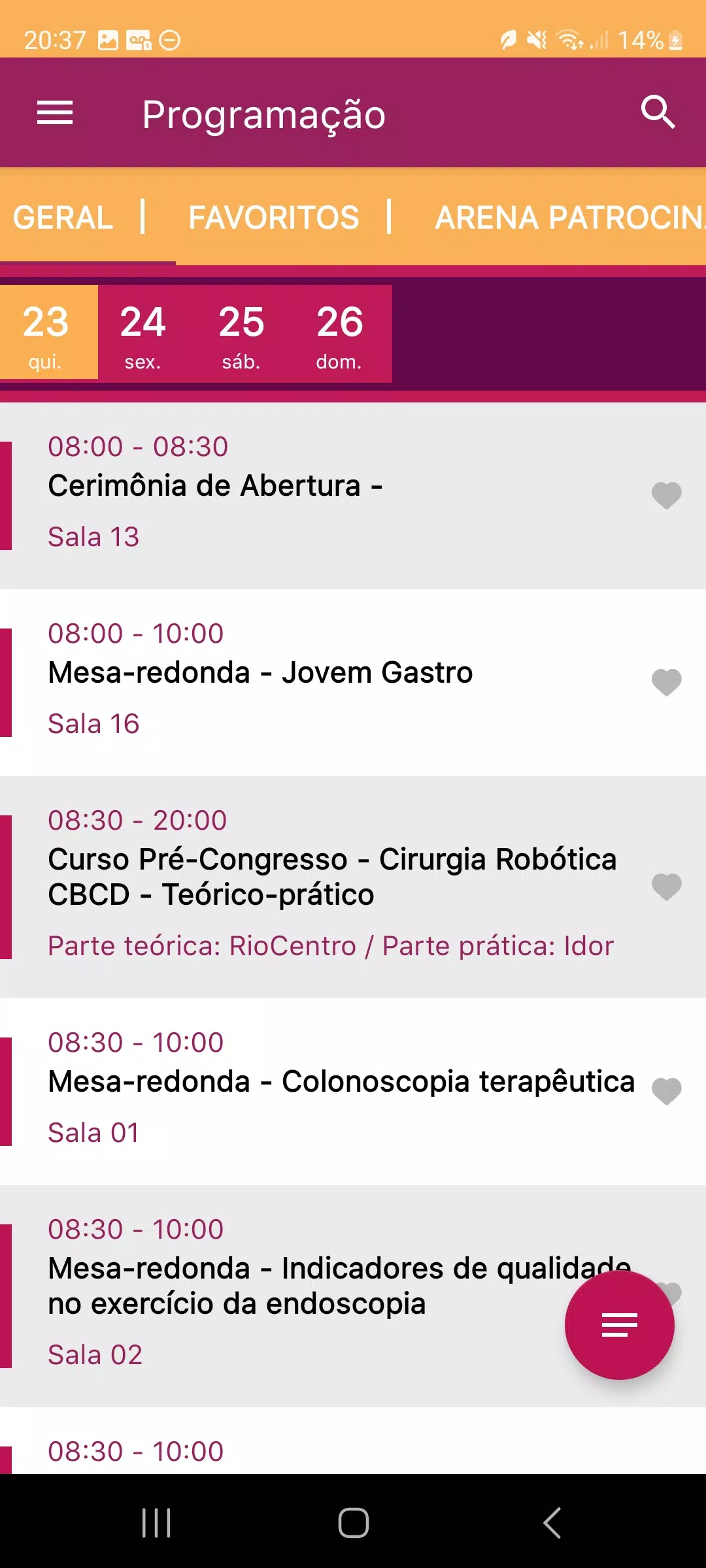
Navigation relies on familiar mobile gestures and straightforward on-screen controls so you can move quickly between agenda items. Open a session page to read abstracts and speaker bios, swipe through slide decks when speakers provide them, pinch to zoom on detailed slides and tap links to download supporting files. The agenda view supports quick jumps to the current time slot and offers bookmarks for sessions you plan to attend. Controls are intentionally minimal—taps to open, swipes to move, a single menu for settings and support—so the app performs predictably even in crowded venues.
SBAD 2024 helps you progress through an event by letting you mark sessions as planned, attended or reviewed. You can build a curated schedule across tracks and rooms, add personal notes to session records and receive optional reminders from organizers if notifications are enabled. After sessions, simple evaluation forms and rating options appear on the session page and the app tracks which evaluations remain outstanding so you can finish post-session tasks at your own pace. Personalization options let you set default agenda filters and preferred text size to match how you like to consume materials.
One of the app’s practical strengths is the way it handles presentations and archives. When speakers publish slide decks, you can download them to your device for offline review, open saved files in your preferred PDF viewer to annotate key pages and re-open materials after the event ends. Where organizers provide recorded summaries or session archives, links are stored with the session record so you can return to talks during post-event review. These features increase the app’s replay value by making it easy to revisit content and refresh notes long after a live session.
The visual design is clean and event-focused, prioritizing readability and quick access to core functions. Fonts and contrast are chosen to perform well under bright conference lighting, and session pages use a consistent layout so users know where to find speaker bios, resources and polls. Customization is deliberately lightweight: choose a preferred text size, set which agenda filters appear by default and pick notification preferences. Sessions are organized into tracks and time blocks so you can view the level structure of the conference at a glance and plan an efficient route through concurrent talks.
SBAD 2024 aims to be accessible to a broad audience by supporting larger text settings, generous touch targets and predictable focus order for assistive technologies. The app is built to perform reliably during busy events, with core features such as slide downloads and saved evaluations designed to minimize disruption if network connectivity becomes intermittent. For technical questions or setup help, event organizers supply dedicated support contact details inside the app so attendees can reach a team member by email or phone or other methods listed by the event.
Because SBAD 2024 is optimized for live event activity, some features are most valuable during the conference and depend on active content from organizers. Live polls, moderated Q&A and real-time messaging require an internet connection to synchronize; however, downloaded slides and saved notes remain available offline. Availability of recordings, slide decks and certain interactive elements depends on what speakers and event staff choose to publish through the platform, so the app’s full utility is greatest when organizers actively provide materials and enable engagement features.
File size: 59.50 M Latest Version: 1.1
Requirements: Android Language: English
Votes: 255 Package ID: br.com.makadu.makaduevento.sbad
Developer: Makadu


Top Events Free Apps for Android
Discover and share the hottest events around with our intuitive apps. Find local concerts, festivals, shows, and more based on your unique interests. Create customizable calendars of upcoming events to coordinate schedules with friends. Purchase tickets seamlessly from our integrated platforms. Check real-time transit schedules to plan your trip. Access maps, directions, and parking information for any venue.






LIVE A HERO
Retro Hero Mr Kim
Empire of Passion
Arcane Quest Legends
Magic Snap: Momotaro
AllStar Manga Heroes
Lunescape
ONE PIECE Thousand Storm JP
Tap Titans 2