
Scan to Download
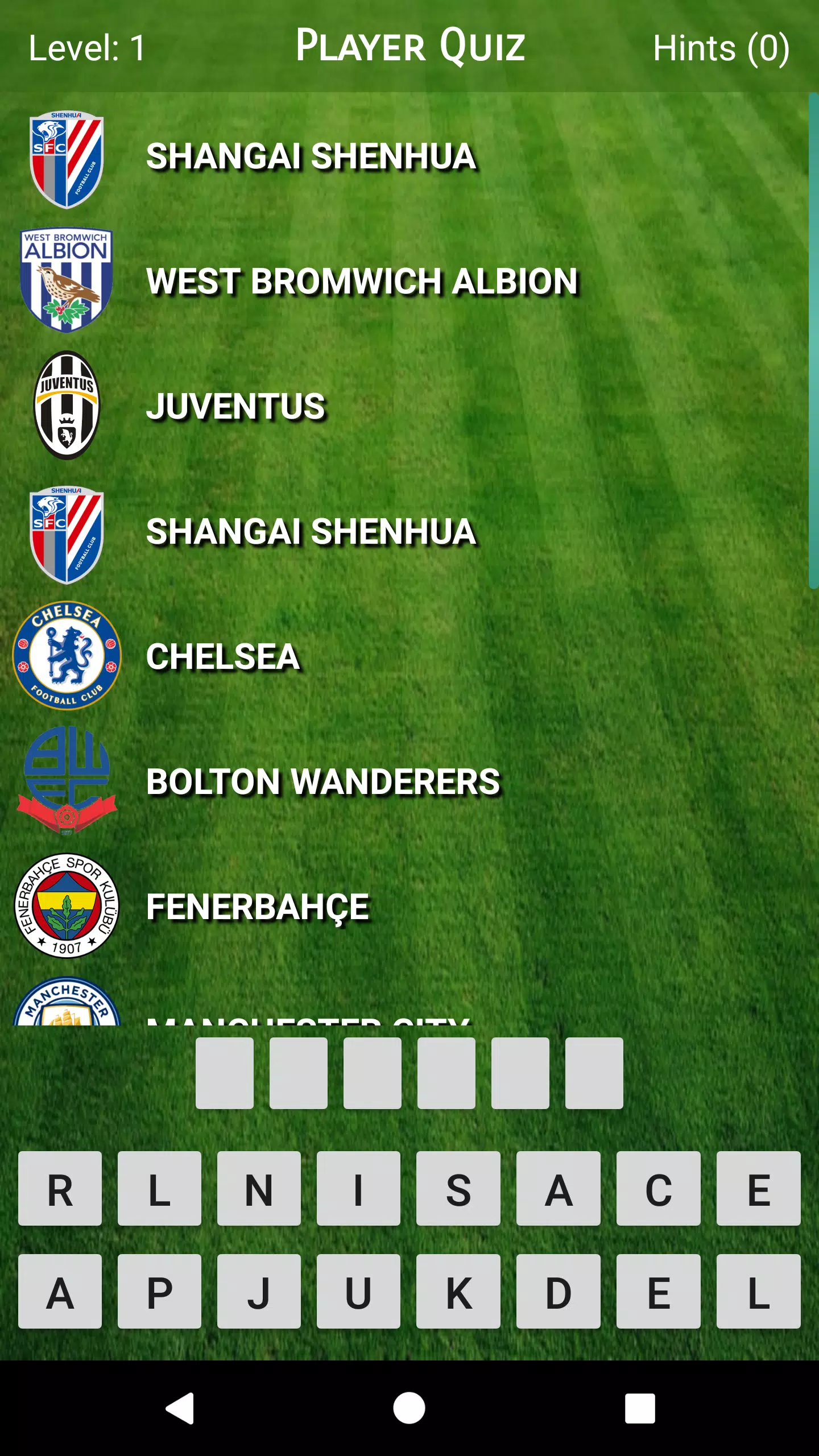
Player Quiz is a compact, fan-focused quiz app that tests football knowledge by asking you to identify players from the sequence of clubs they have represented during their careers. Player Quiz opens with a simple premise and builds into a focused trivia experience that works well for casual fans and more serious followers who enjoy tracing transfers and club histories. The opening screens place the club sequence front and center so players immediately understand the challenge and can jump into short practice sessions or longer runs to improve recall.
The core experience in Player Quiz revolves around rounds that display a career path as a sequence of clubs; your task is to select the player who matches that path from a small set of answers. Questions draw on players from different leagues, eras and nationalities to keep content varied. Rounds are intentionally concise to fit into brief breaks yet flexible enough to allow extended study sessions. The app uses clear text, club badges and compact timelines to present clues without overwhelming the screen.
Each round presents a club-by-club progression that reflects a player’s career moves. Difficulty increases naturally as the club sequences include more transfers, less familiar leagues or longer careers. Some rounds emphasize recent transfers and top-league names while other rounds focus on historical careers and lesser-known moves, so users can choose the style of challenge they prefer. The design encourages repeated exposure to club-player associations, which helps strengthen memory of transfers and team histories over time.
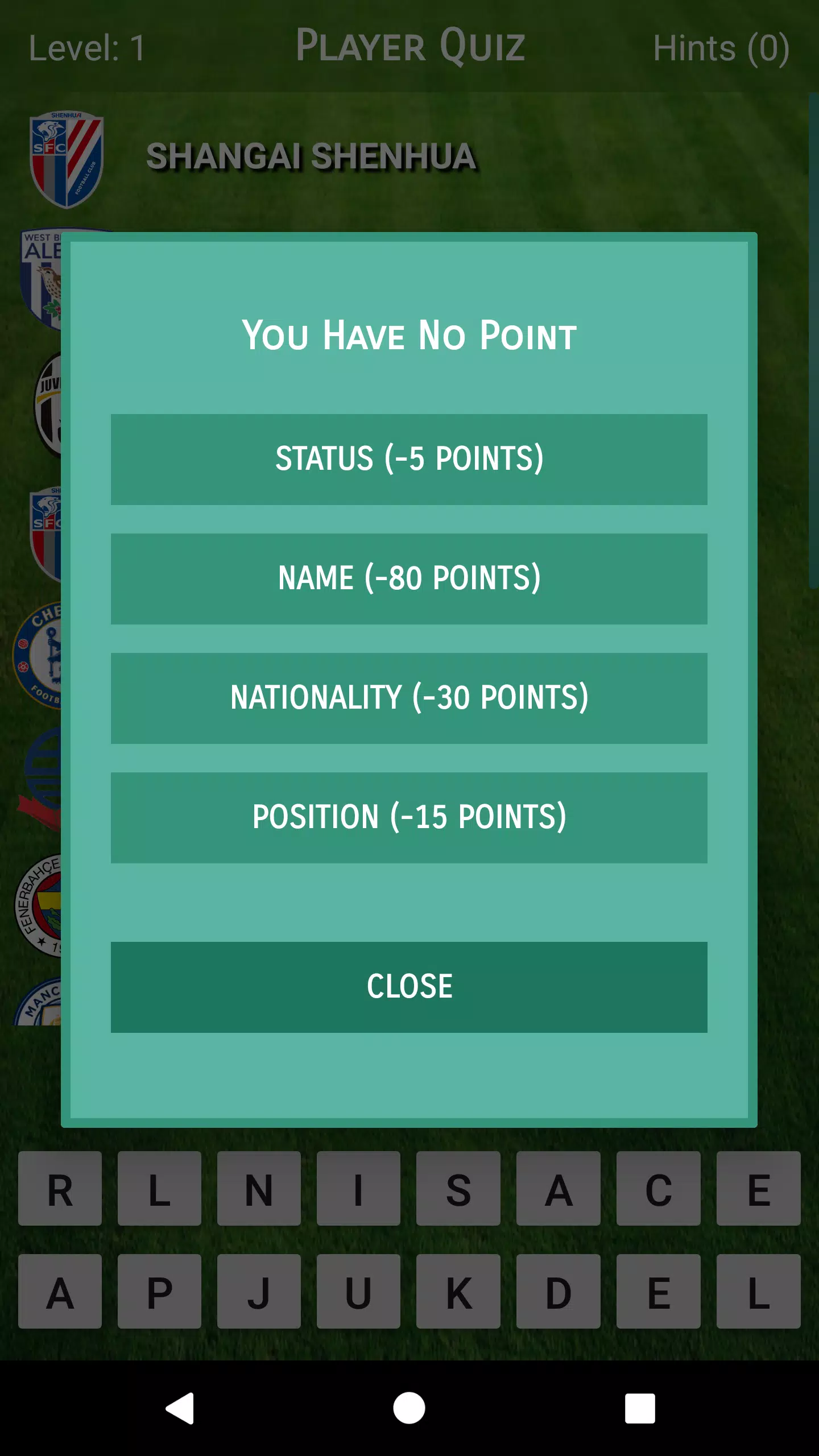
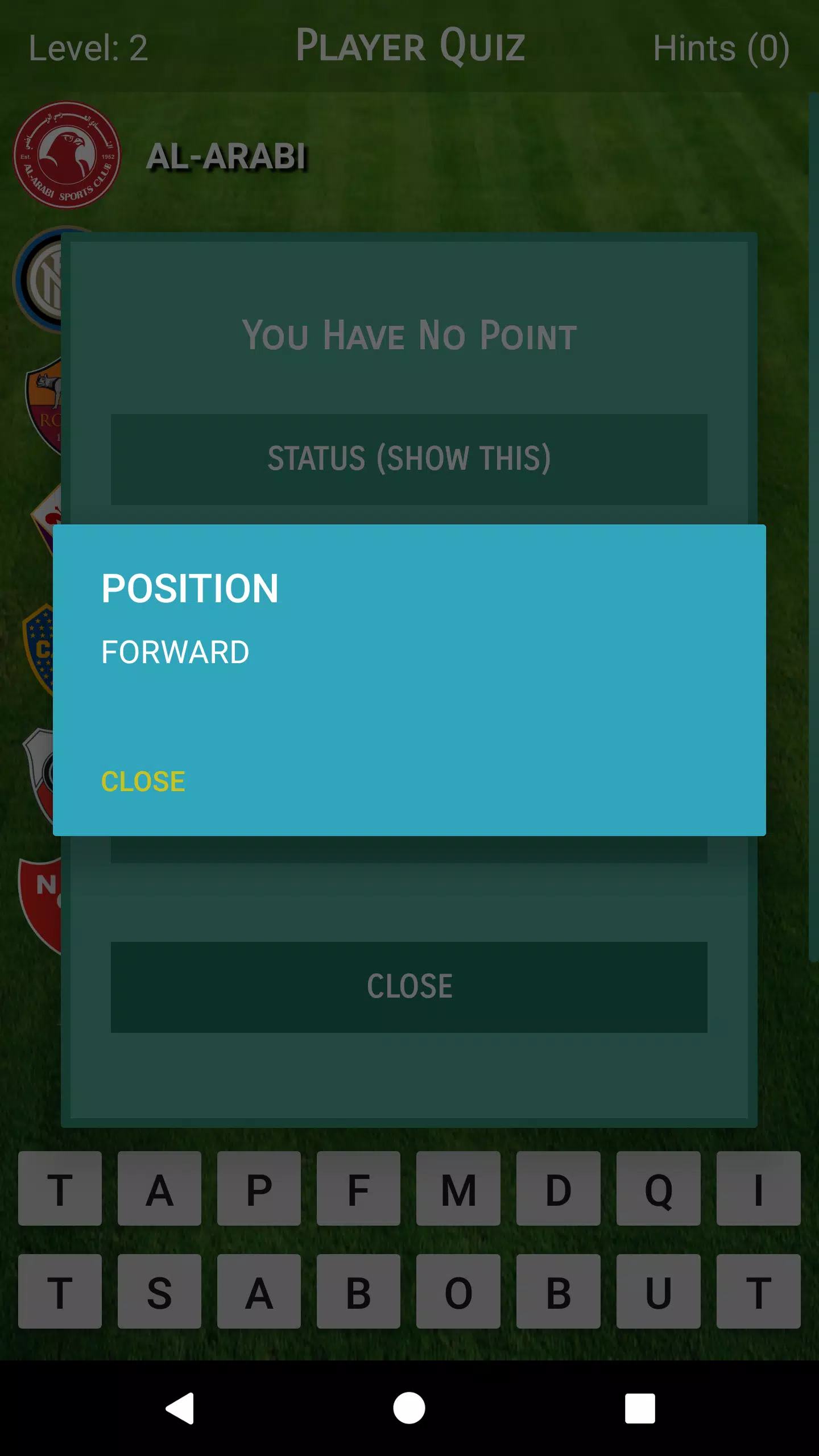
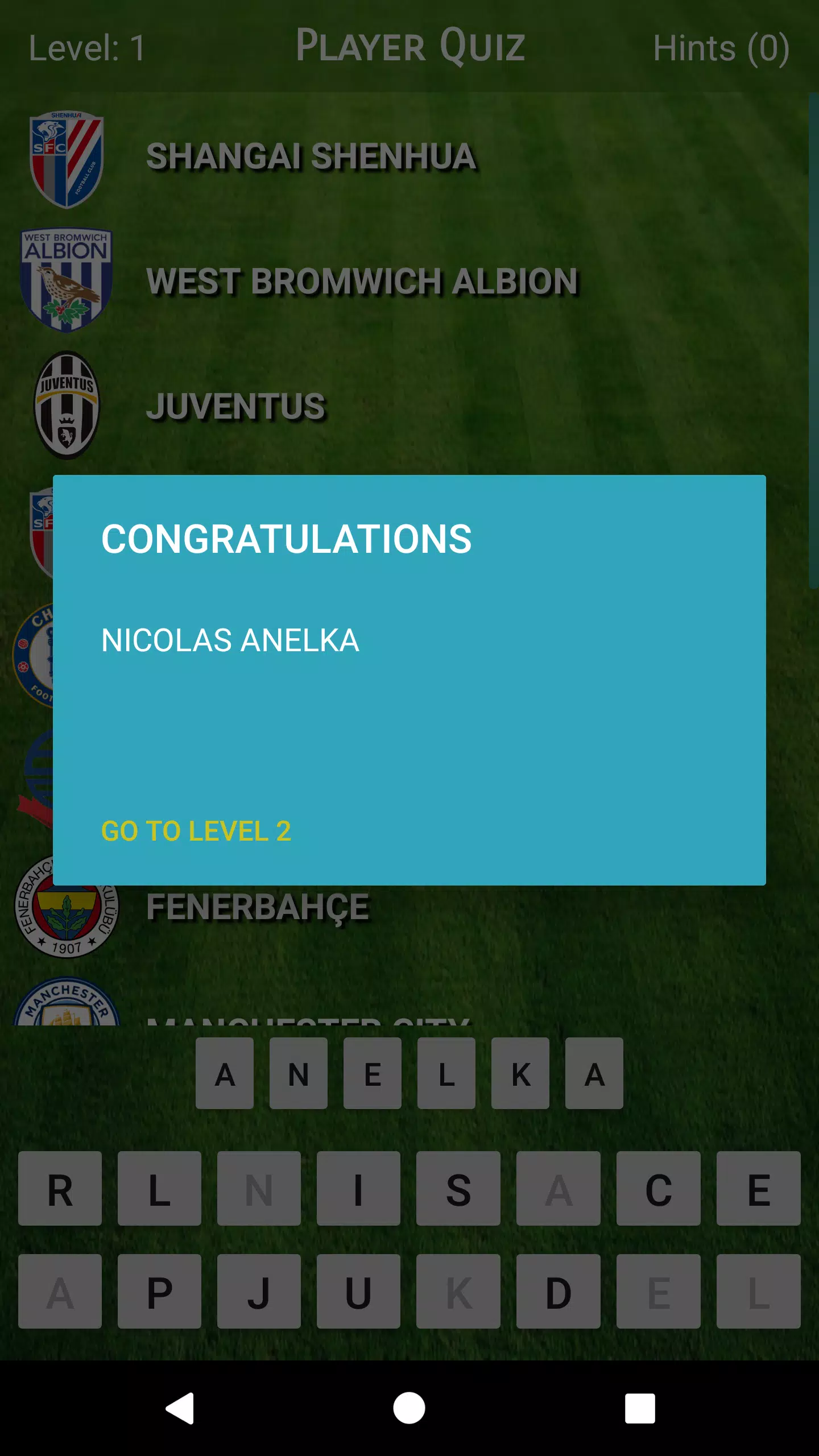
Controls are intentionally minimal: tap to choose an answer and tap to continue to the next question. The interface uses large, tappable answer areas and clear fonts to reduce selection errors and improve readability on smaller screens. Hints and feedback are concise and explanatory, helping users learn why an answer is correct without interrupting the flow. Visual cues such as club colors and badges are used where available to speed recognition without relying on complex gestures or menus.
Progression in Player Quiz is based on completing increasingly challenging rounds and revisiting topics you find difficult. Rather than a forced leveling system, players progress by facing more varied lineups of clubs and longer career sequences that require deeper recall. Sessions can be brief and randomized for casual practice or more structured for deliberate study of particular eras, leagues or transfer patterns. The pacing is calibrated so learning emerges from repetition and increasing variety instead of artificial gating.
The visual presentation is clean and purpose-driven: a simple background that keeps focus on club badges and names, readable typography and color accents that mirror common club palettes. Visual clarity helps quick recognition in short rounds and reduces cognitive load during longer sessions. Basic customization options such as adjustable text size and contrast-friendly color choices help tailor the display to individual preferences without complicating the core experience.
Designed to be lightweight and responsive, the app performs well on a wide range of devices and is optimized to work without a constant internet connection for most quiz functions. Accessible layout choices, scalable text and clear contrast support users with different visual needs. Because questions rely on simple club and player data, the app avoids heavy downloads and prioritizes quick startup times to make short practice convenient on the go.
Replay value comes from the breadth of players covered and the variety of challenges that can be presented from the same underlying career data. Randomized sequences, mixed-era question pools and increasing sequence complexity keep rounds fresh while encouraging repeated play. The learning-oriented feedback loop—answer, explanation, next question—supports steady improvement without requiring long commitments, so fans can return regularly to sharpen recall and discover interesting career arcs.
Player Quiz is aimed at football fans who enjoy trivia, journalists or students of the game who want a compact way to review transfers and career timelines, and casual users looking for a quick mental warm-up. It’s easy to pick up, forgiving for newer followers, and useful as a conversational starter when exploring how players moved between clubs over their careers. The app balances education and entertainment without relying on complex settings or online features, keeping the experience straightforward and focused on learning.
File size: 5.60 M Latest Version: 2.0
Requirements: Android Language: English
Votes: 96 Package ID: com.kilicu.playerquiz
Developer: Uğur Kılıç



Top Free Entertainment Necessary Apps for Android
Discover a world of entertainment with our immersive apps. Access movies, TV shows, music, books, and more from your favorite platforms. Get recommendations personalized to your tastes to find hidden gems. Learn fascinating trivia, go behind-the-scenes, and connect with other fans. Try augmented and virtual reality demos from the hottest studios.






LIVE A HERO
Retro Hero Mr Kim
Empire of Passion
Arcane Quest Legends
Magic Snap: Momotaro
AllStar Manga Heroes
Lunescape
ONE PIECE Thousand Storm JP
Tap Titans 2