
Scan to Download
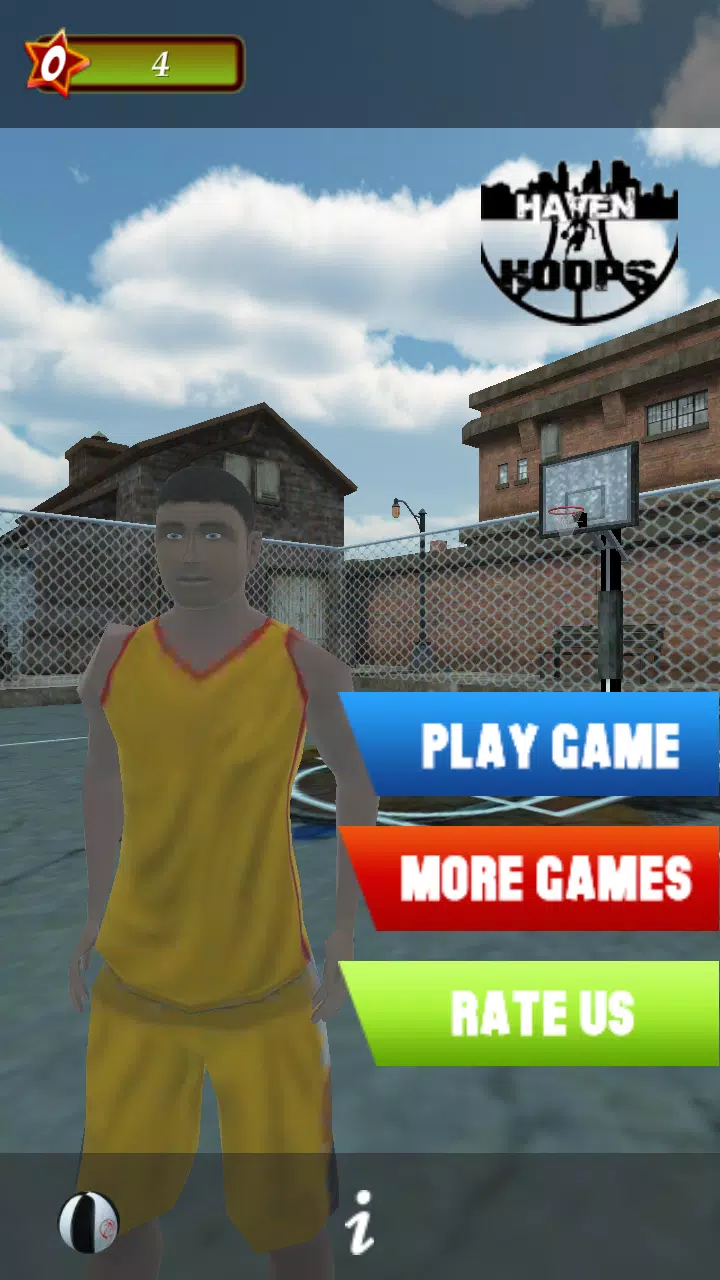
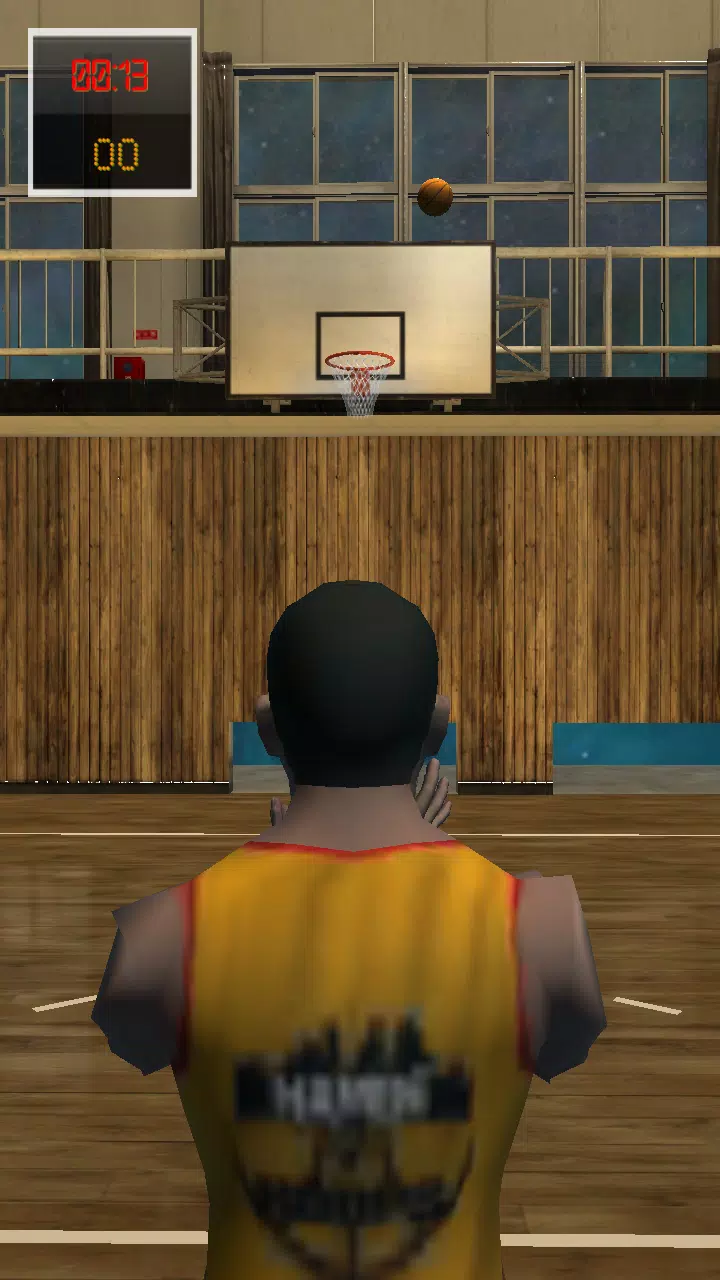
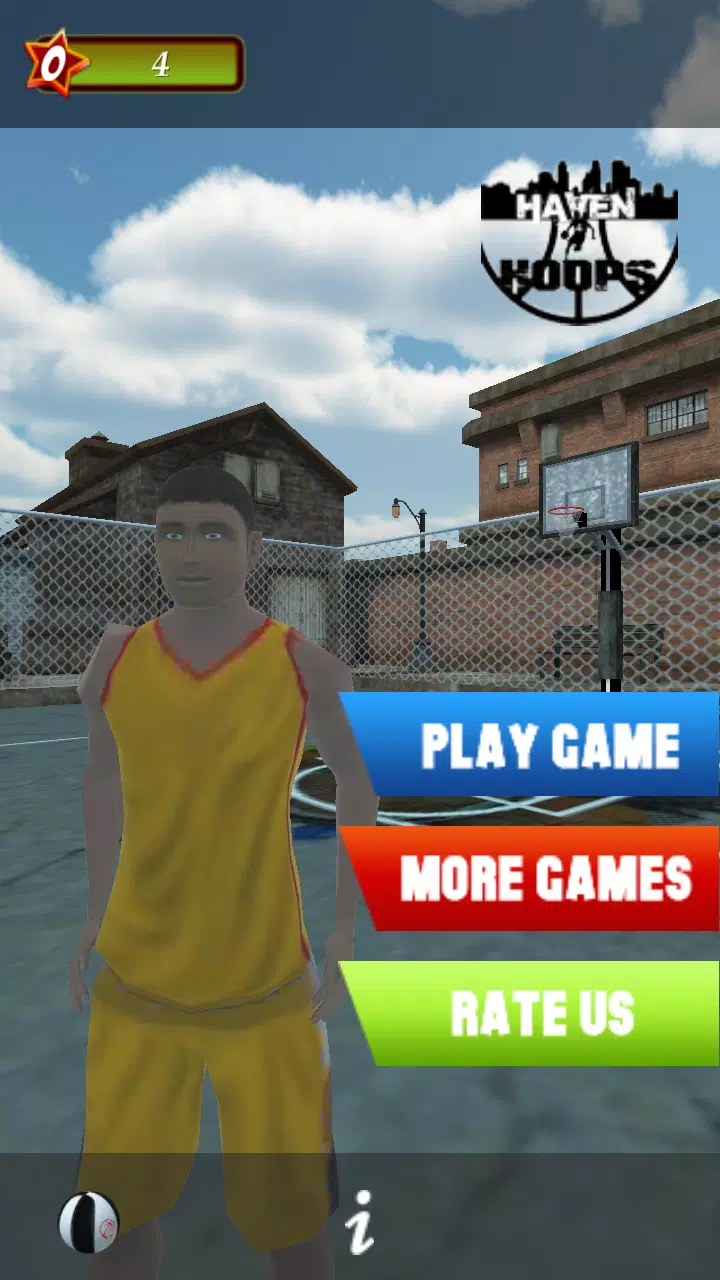
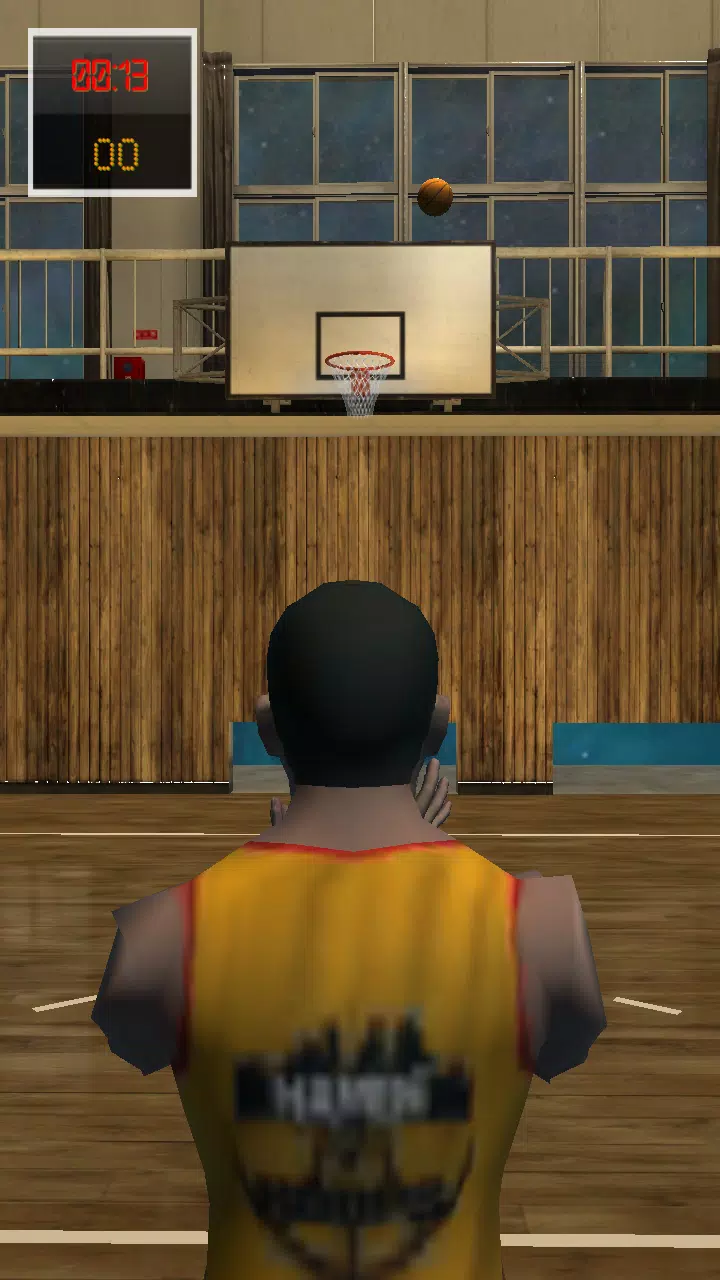
Haven 4 Hoops is a 3D basketball shooting simulator and training app designed to teach reliable shooting mechanics while offering realistic, repeatable practice environments for players at every level. The app pairs step-by-step tutorials from professional trainers with interactive drills and instant form feedback so users can focus on footwork, hand placement, release timing and follow-through in short sessions that translate to on-court practice. Haven 4 Hoops stores detailed session data so progress becomes visible and actionable over time, whether you are refining free throws or working on off-the-dribble range.
Core gameplay centers on focused shooting drills that emphasize transfer of skills to game-like situations. Mechanics include a calibrated shot meter and a touch-and-drag release that help you practice timing and arc control; an optional tilt control is available for players who prefer motion input. Drills cover free throws, catch-and-shoot scenarios, off-the-dribble shots and spot-up sequences, and each drill can be adjusted by distance, defender pressure and shot clock length to create a progressive learning curve. AI defenders introduce variable pressure in certain scenarios so you can work on composure and quick decision windows without needing extra players.
Training is organized into progressive levels and modular lesson plans that unlock as you demonstrate consistency. Short-term goals like streak targets, timed challenges and daily practice objectives encourage regular sessions while allowing you to focus on specific mechanics. An adaptive difficulty engine adjusts drill intensity based on recent performance, and trainer-led lesson plans break complex movements into focused repetitions. Completing modules grants access to new drill variations and cosmetic options, giving a clear sense of advancement while keeping the learning pathway structured and measurable.
The visual presentation emphasizes clarity and accurate ball physics in compact, low-distraction 3D courts. Lighting and camera settings allow you to switch between a broadcast-style camera, a player-follow view and a top-down analysis angle for studying shot arcs and release points. Courts range from simple practice gyms to stylized arena presets, and each level preserves visual feedback such as rim contact, backboard interactions and trajectory lines so you can correlate feel with measurable results in the analytics screen.
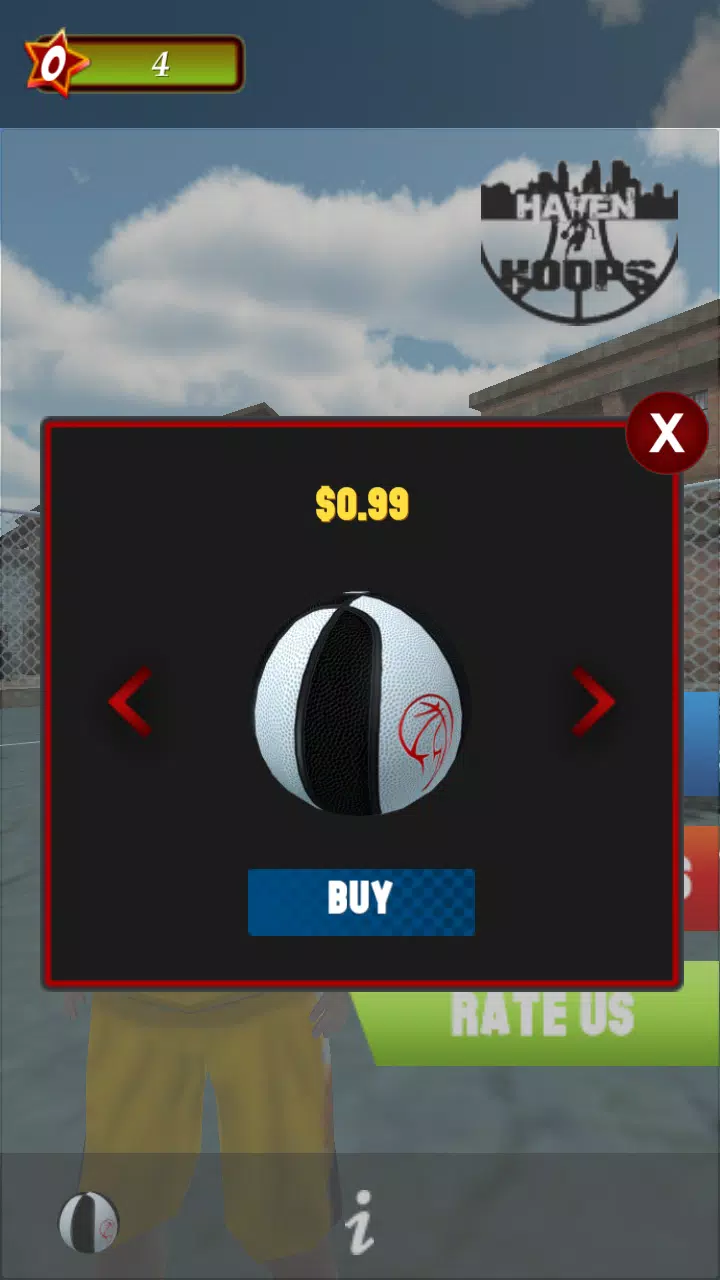
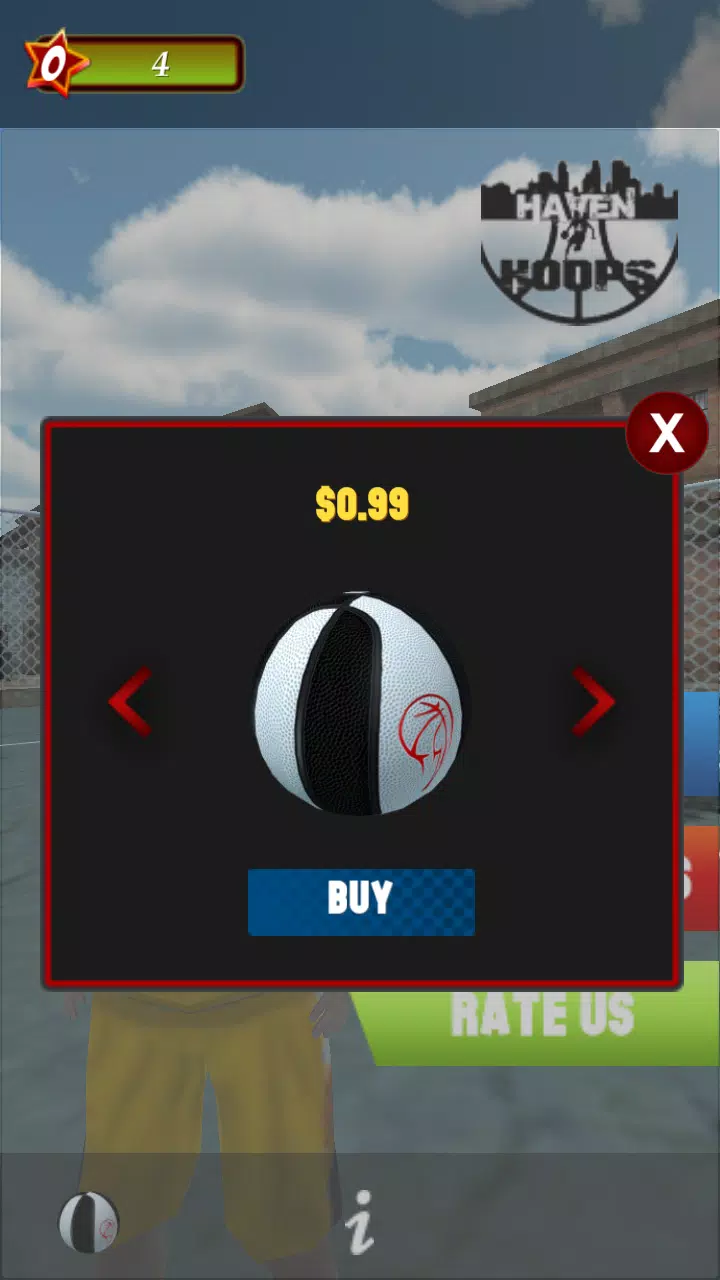
Customization is focused on training preferences and manageable personalization rather than unrelated progression systems. You can personalize avatars, uniforms and court skins to keep repetitive drills engaging, and create custom drill templates that combine specific shot types, distances and time limits for repeatable workouts. Built-in warm-ups, cooldowns and a scenario editor let you craft routines that match on-court practice plans. That structure, together with varied challenge modes and adaptive lessons, increases replay value as the app keeps sessions short, purposeful and easy to repeat over days and weeks.
The interface is designed for fast onboarding: guided tutorials walk new users through basic controls and a quick-form checklist so first sessions provide useful feedback. Accessibility features include adjustable text size, high-contrast UI themes, left-handed control presets and simplified input modes to lower the barrier for players with different needs. Performance settings allow the app to run smoothly across a wide range of devices, and the UI minimizes distractions so users can concentrate on repetition and technique rather than navigating menus.
Most practice modes and drills are fully available offline so you can train without a persistent internet connection; session progress and analytics are stored locally and presented in a clear dashboard after each session. The analytics summary includes shooting percentage by distance, average release time, arc consistency and session-to-session trends so you can identify what to practice next. Export or share options appear where supported by the device, but core training, progress tracking and the majority of drills in Haven 4 Hoops remain functional without online services.
Haven 4 Hoops is a focused training tool and not a complete substitute for live on-court experience: virtual simulation cannot fully replicate the physical feel and unpredictable interactions of real opponents. Noticeable improvement requires consistent, deliberate practice and attention to coach feedback; casual or infrequent use will produce smaller gains. AI defenders and simulated pressure situations approximate game-like decision windows but do not capture every psychological and tactical element found in competitive play, so use the app as a structured complement to real practice rather than a direct replacement.
File size: 94.10 M Latest Version: 1.0
Requirements: Android Language: English
Votes: 158 Package ID: com.kenya.basketballshoot
Developer: choz3n24

Top Personalization Free Apps for Android
Explore the real potential of personalization with our exceptional mobile software downloads! Set your imagination free and customize your smartphone to perfectly reflect your unique personality. Our amazing assortment of options caters to a diverse range of tastes. Choose from trendy themes, exclusive wallpapers, inventive widgets, and personalized ringtones to truly make your phone your own. Elevate your mobile experience and make a statement.






LIVE A HERO
Retro Hero Mr Kim
Empire of Passion
Arcane Quest Legends
Magic Snap: Momotaro
AllStar Manga Heroes
Lunescape
ONE PIECE Thousand Storm JP
Tap Titans 2










































