WordFinder is a mobile utility designed to help players of word and puzzle games find high-scoring plays, solve anagrams, and analyze board screenshots quickly and intuitively. WordFinder supports common formats used by popular titles such as Words With Friends, Scrabble GO, Wordle and Wordscapes, and brings together a fast anagram engine, a board-scanner workflow, and flexible filters so you can evaluate options, look up meanings, and save study lists without switching apps.
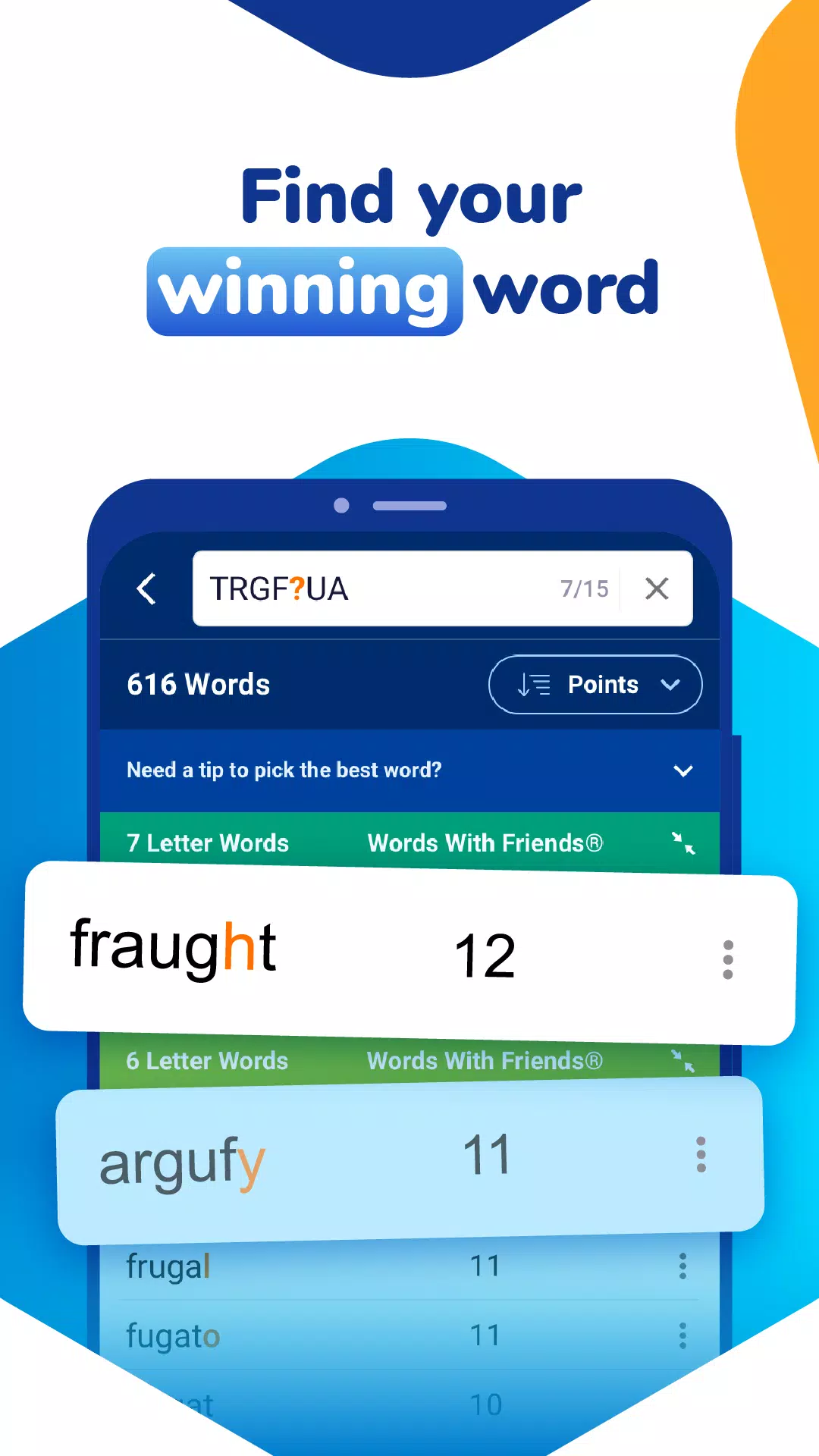
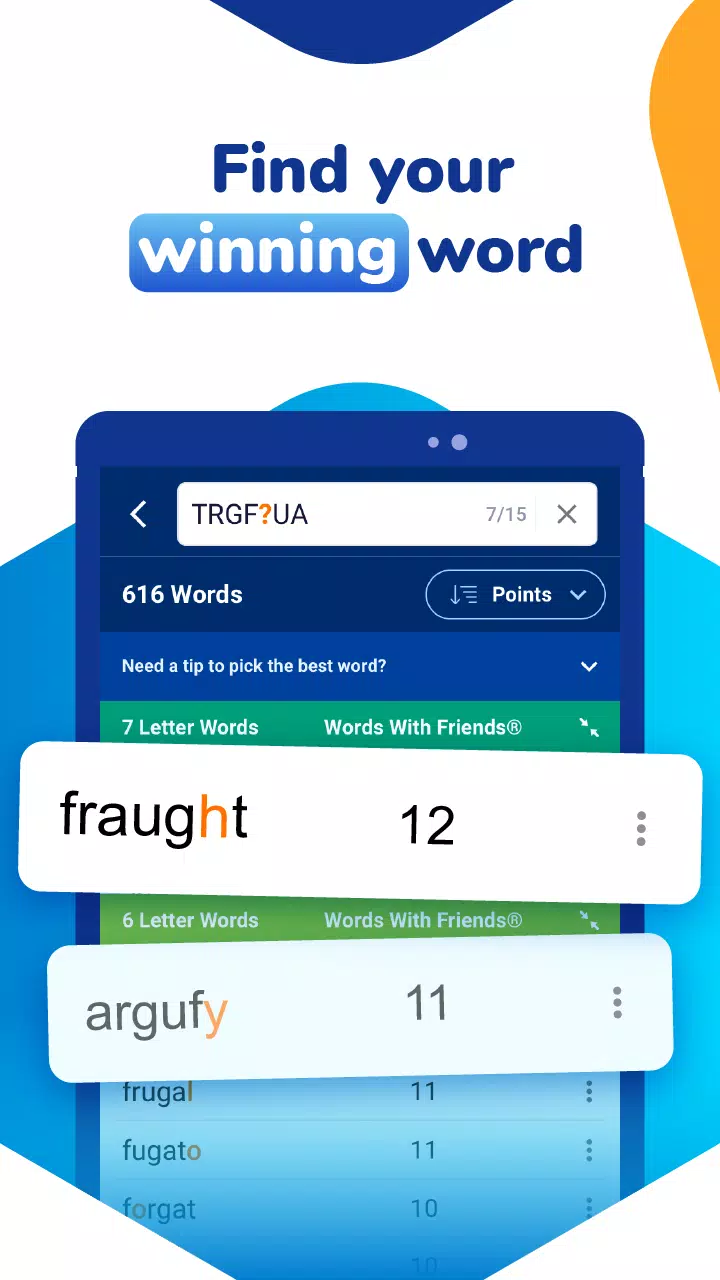
The app combines several practical tools in a single interface: a rapid anagram solver for scrambled letters and rack optimization, a Board Solver that scans screenshots to recognize tiles and board layout, pattern and wildcard searches for targeted results, and in-app definitions and synonyms to help you learn as you play. WordFinder adapts scoring rules to match different game lists so suggested moves reflect the rules and point values of each title. Tap any suggested word to see dictionary details or to copy it to the clipboard, and use the save function to collect favorites or study sets for later review.
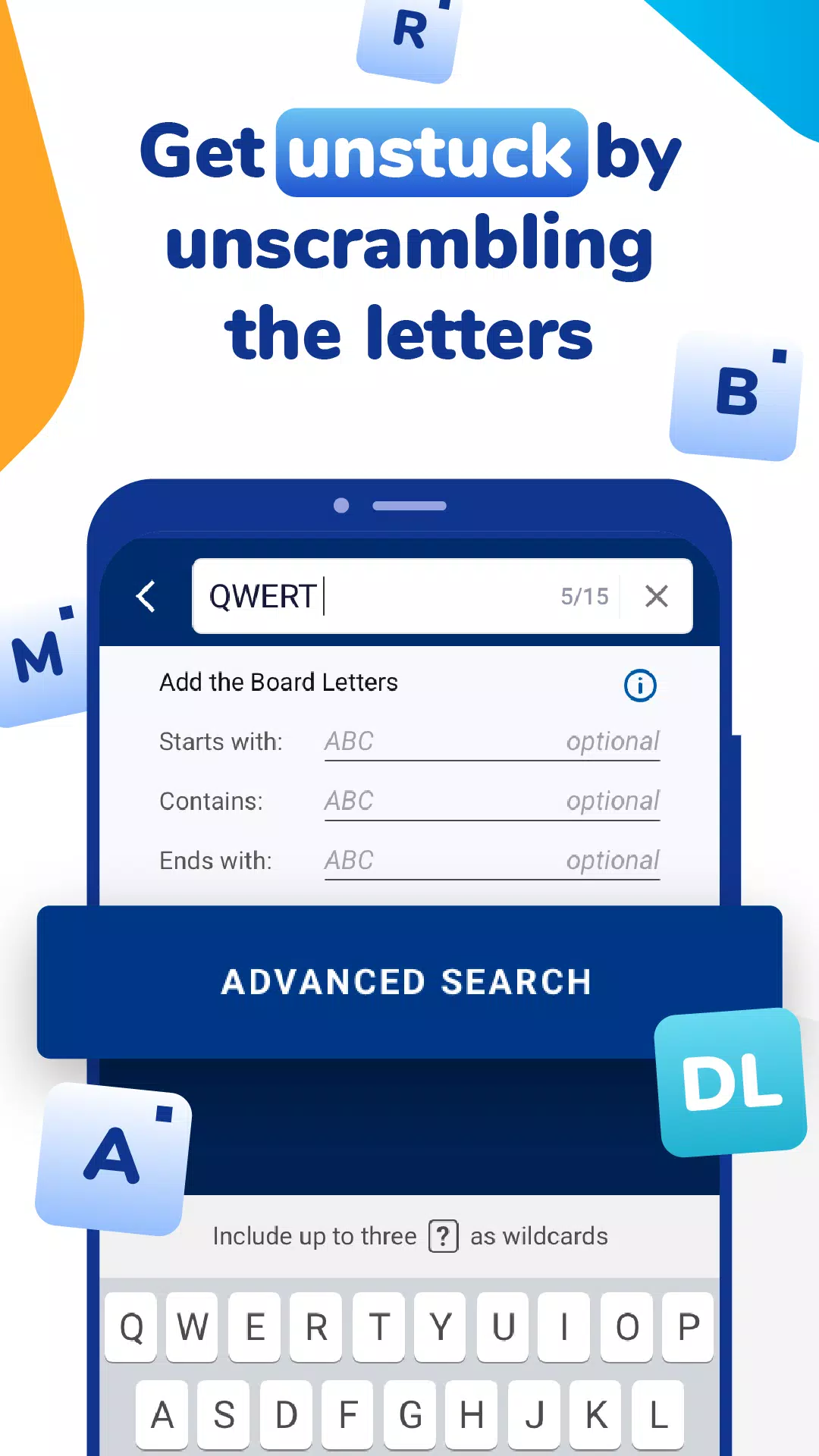
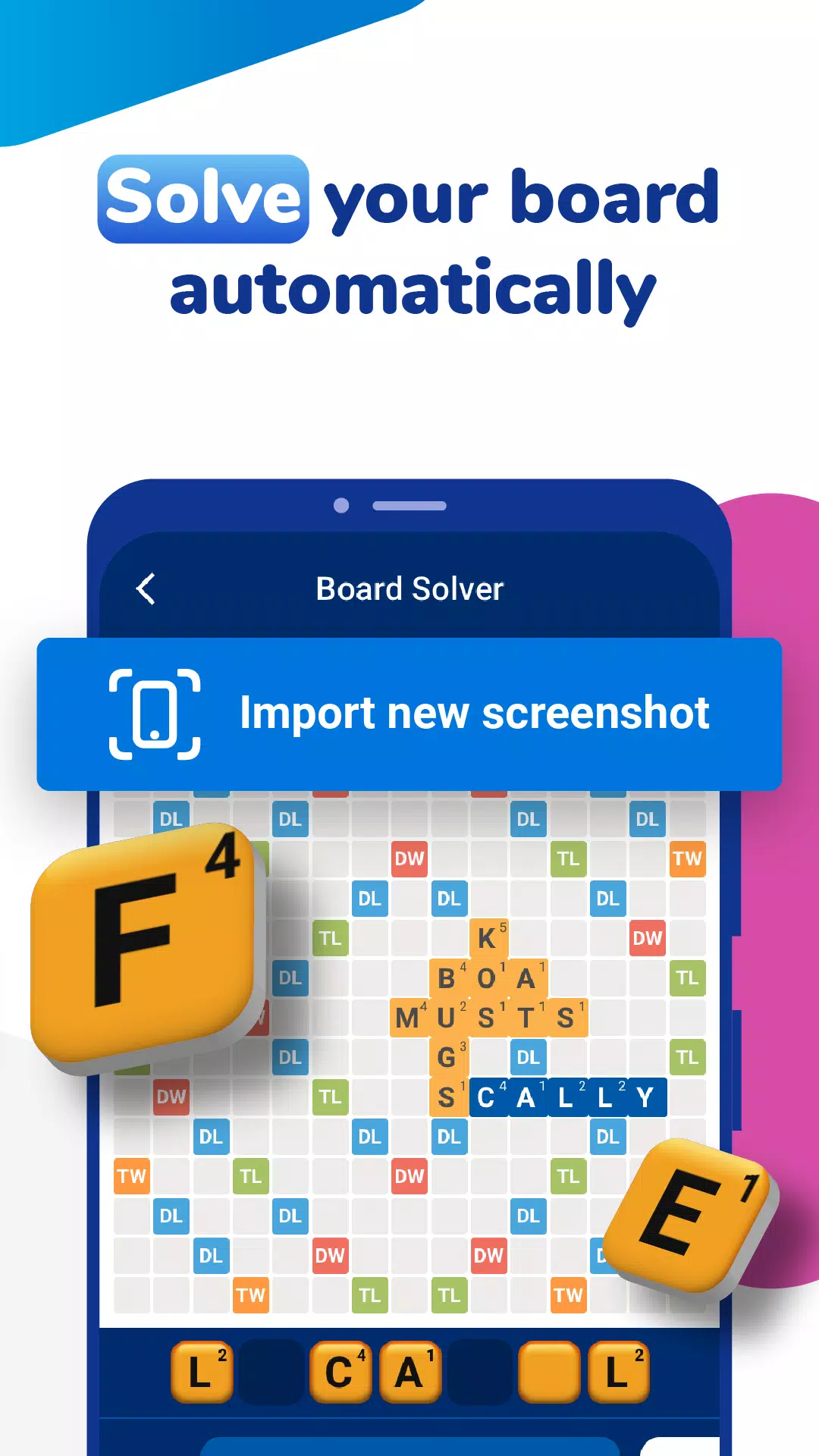
Using WordFinder is straightforward: type letter tiles into the solver or import a board screenshot from your device gallery; the scanner runs optical character recognition on the image and proposes candidate plays ranked by score. Controls are gesture-friendly and designed for quick interaction — tap to expand a result, swipe to dismiss suggestions, and use long-press to access save, copy, or share options. Filters let you constrain searches by starting or ending letters, include or exclude specific tiles, and specify board anchors so the results fit the exact space available.
While WordFinder is not a game, it offers progression-like benefits for players working to improve their skills: saved words form custom study lists, recent search history creates a review trail, and you can mark items to practice vocabulary or reinforce high-value plays. Custom dictionaries and scoring profiles allow you to match the app to the exact word lists used by your preferred titles, and adjustable settings control how aggressive suggestions should be (for example prioritizing maximum score versus shorter playability). These options make WordFinder a useful study companion as well as an in-the-moment solver.
The interface emphasizes clarity: large, legible tiles, contrast-aware coloring for bonus squares, and concise result cards that show the word, its placement, and a preview score. There is no level progression in the traditional sense, but the app’s replay value comes from repeated practice sessions, daily puzzles you can import and attempt to solve offline, and the ability to tailor challenges by limiting letters or timing yourself while you try alternate solutions. Over time players often use the app to track improvement in speed and vocabulary breadth.
WordFinder aims to be accessible: adjustable text size and bold tile options help visibility, and most core features work without an active internet connection so the anagram solver and saved dictionaries remain usable when offline. The simple layout supports screen readers and keyboard navigation on devices that offer those accessibility modes. Because heavy image processing can be done locally, board scans and quick lookups are fast and respectful of user privacy.
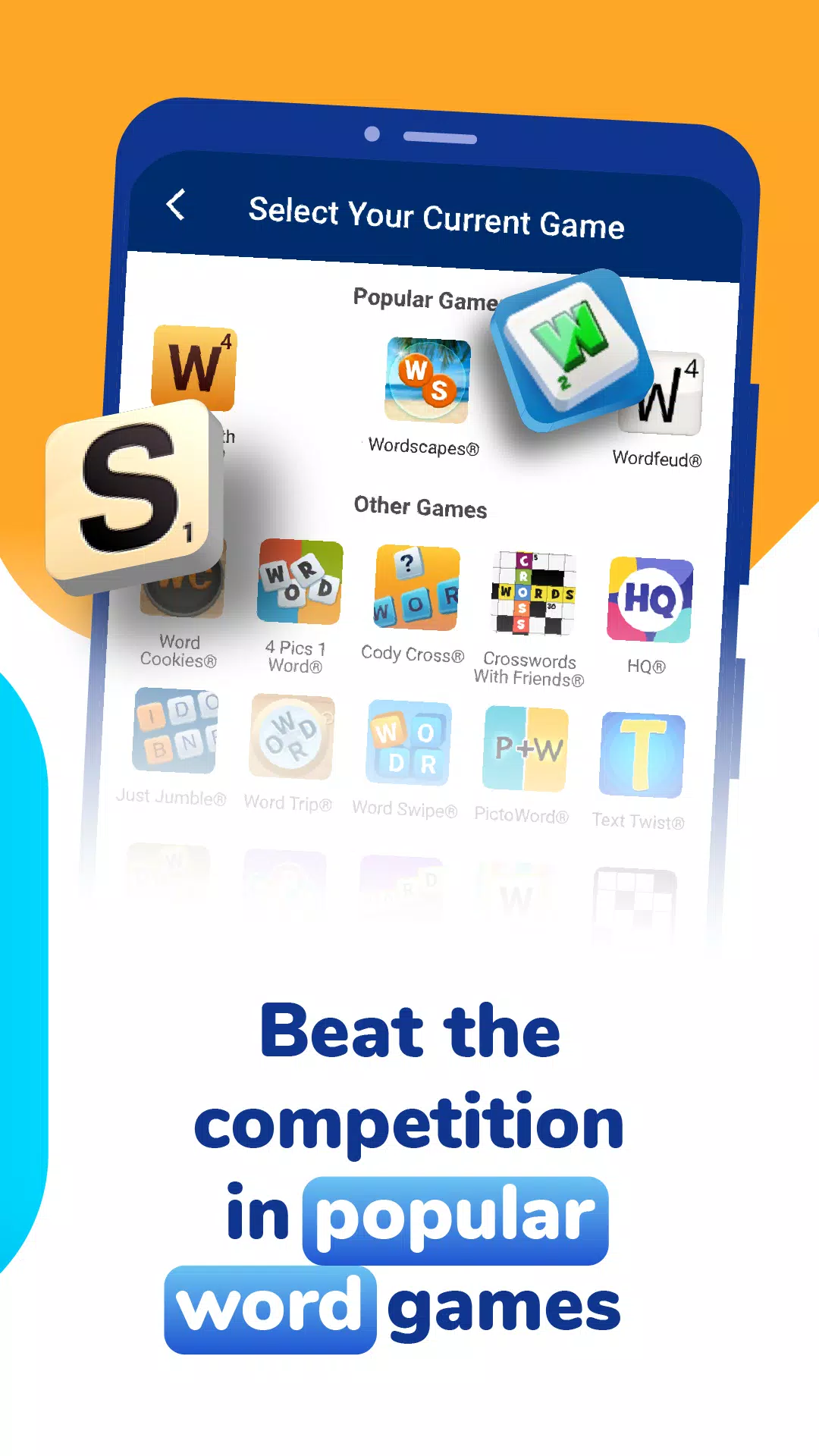
WordFinder is built to assist players of a wide variety of single-player and casual multiplayer word titles. It recognizes formats and scoring conventions commonly used by Words With Friends, Scrabble GO, Wordle, Wordscapes, NYT Spelling Bee, and similar puzzle apps. The Board Solver focuses on standard board images and may not handle heavily modified or stylized boards from every niche game, but its flexible filter options make it adaptable to many common layouts.
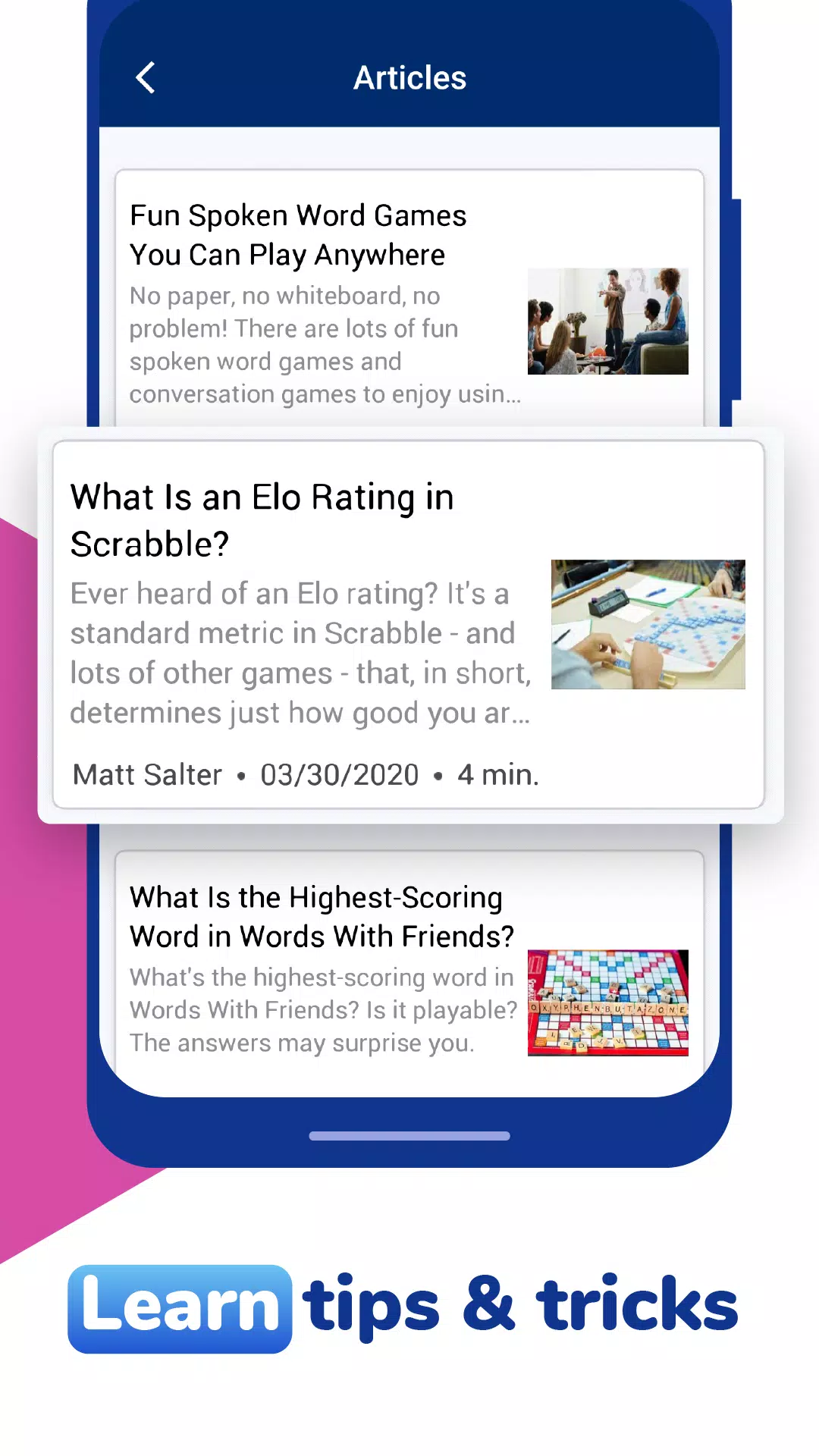
Use WordFinder as a learning and assistance tool rather than a substitute for practice: the app finds strong plays and offers definitions to build vocabulary, but mastery of strategy comes from repeated play. The most reliable results come from clear screenshots and accurate entry of existing board tiles; the scanner works best on well-lit images with readable text. Regular app updates maintain dictionary accuracy and scoring alignment, and the Save and Review features let you turn ad-hoc discoveries into structured study materials.
File size: 37.50 M Latest Version: 7.7.1
Requirements: Android Language: English
Votes: 140 Package ID: com.lovetoknow.wordfinder
Developer: LoveToKnow

Must Have Tools Apps for Android
Equip yourself with our all-in-one toolbox app for everyday tasks and projects. Instantly convert between units, calculate tips, scan documents, manage files, and more with handy productivity tools. Includes a level, compass, QR code reader, ruler, speedometer, decibel meter, and flashlight. Save frequently used tools to your customizable dashboard for one-tap access. Track billable hours, wages, budgets, and invoices. Annotate screenshots, magnify labels, and sign PDFs on the go.






LIVE A HERO
Retro Hero Mr Kim
Empire of Passion
Arcane Quest Legends
Magic Snap: Momotaro
AllStar Manga Heroes
Lunescape
ONE PIECE Thousand Storm JP
Tap Titans 2