Scan to Download
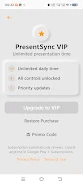
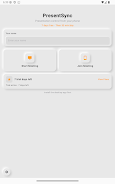
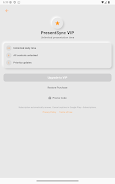
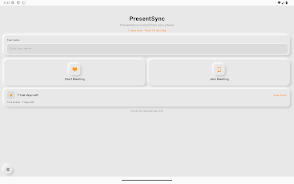
PresentSync synchronizes presentations across devices for smooth group presentations and remote viewership. PresentSync supports slide control, synchronized timers, and live pointer sharing so presenters and participants stay aligned during meetings or classes.
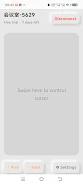
Use PresentSync to connect multiple devices over a local network or Bluetooth, import common slide formats (PPTX, PDF), and preview speaker notes. The app maintains a synced slide position for all viewers and keeps playback consistent when participants join late.
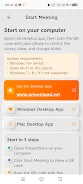
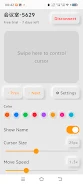
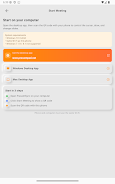
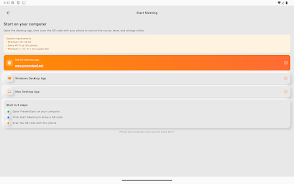
Install PresentSync on devices that will join a session, create or import a presentation, and invite attendees via a generated session code or QR. Follow on-screen instructions to adjust sync settings and permissions for a reliable presentation experience.
File size: 26.72 M Latest Version: 1.0.2
Requirements: Android Language: English
Votes: 221 Package ID: com.presentpad.android
Developer: Patdolitse

Must Have Tools Apps for Android
Equip yourself with our all-in-one toolbox app for everyday tasks and projects. Instantly convert between units, calculate tips, scan documents, manage files, and more with handy productivity tools. Includes a level, compass, QR code reader, ruler, speedometer, decibel meter, and flashlight. Save frequently used tools to your customizable dashboard for one-tap access. Track billable hours, wages, budgets, and invoices. Annotate screenshots, magnify labels, and sign PDFs on the go.






LIVE A HERO
Retro Hero Mr Kim
Empire of Passion
Arcane Quest Legends
Magic Snap: Momotaro
AllStar Manga Heroes
Lunescape
ONE PIECE Thousand Storm JP
Tap Titans 2