Scan to Download
Plan to Eat: Meal Planner helps you organize recipes, plan weekly menus, and produce a smart grocery list so cooking becomes simpler and less stressful. You can store family recipes or import them from the web, scale servings, plan for leftovers, and quickly turn a weekly plan into an organized shopping list. The app syncs across your devices so household members can access the same recipes and lists, and it offers a 14-day free trial with no payment required at sign-up; after the trial you can choose a monthly or annual subscription.
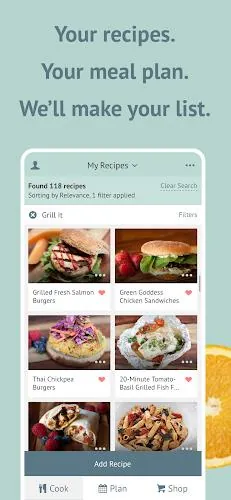
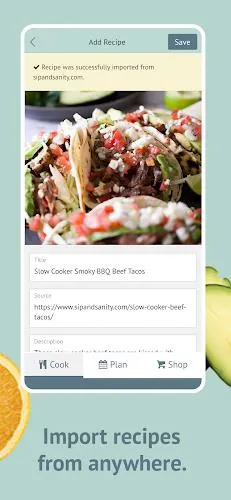
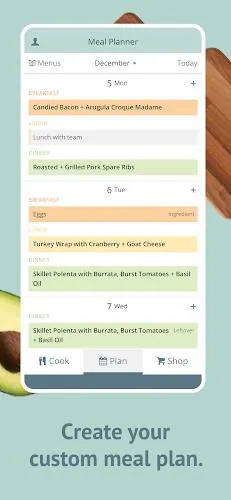
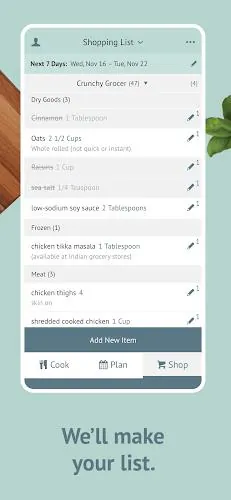
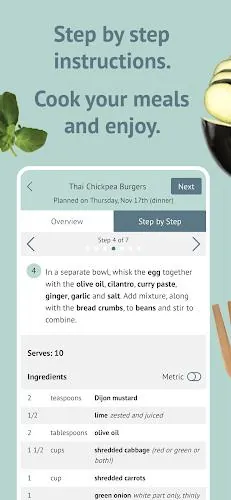
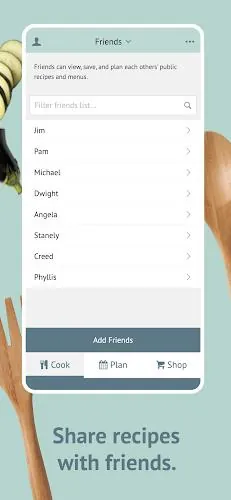
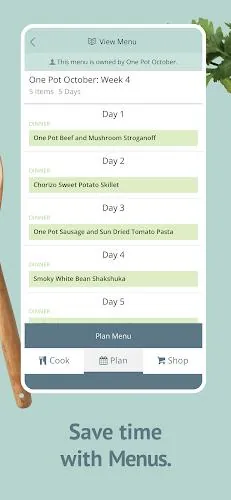
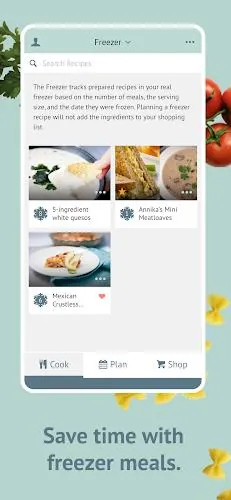
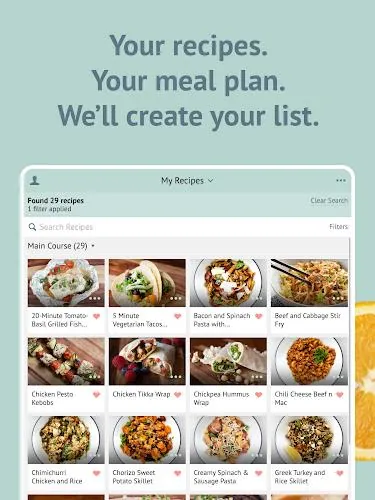
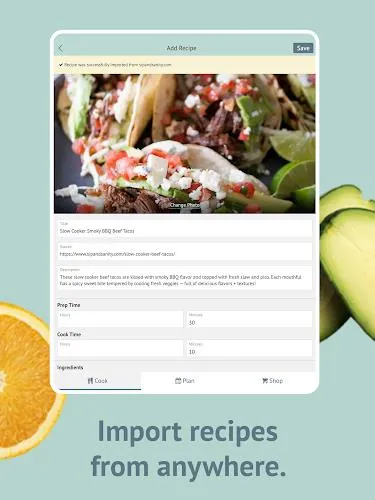
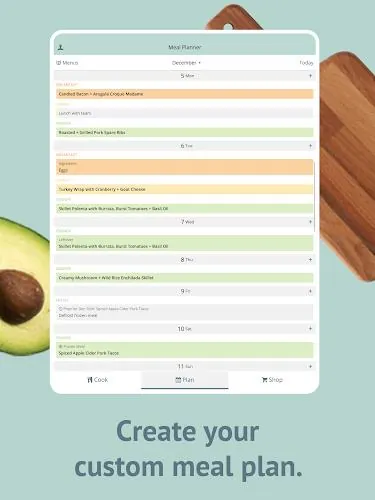
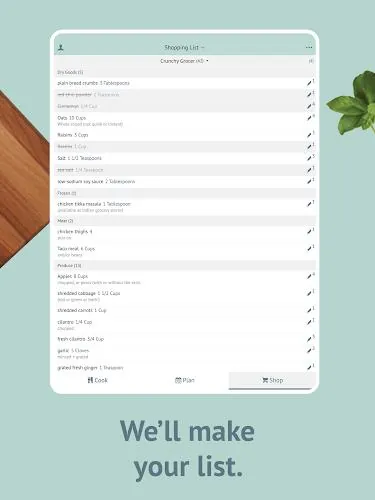
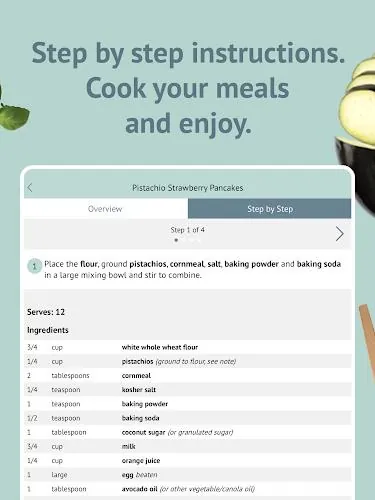
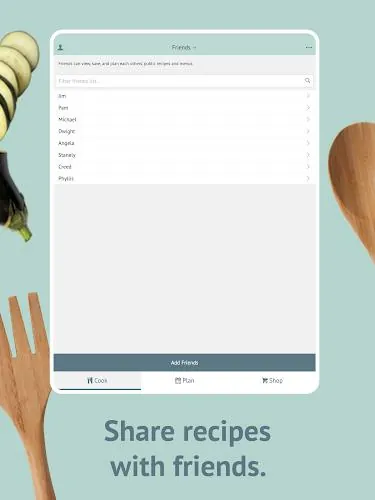
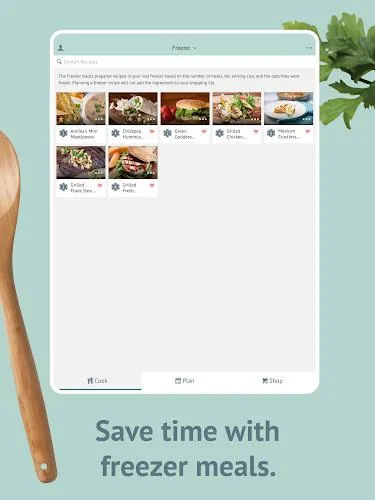
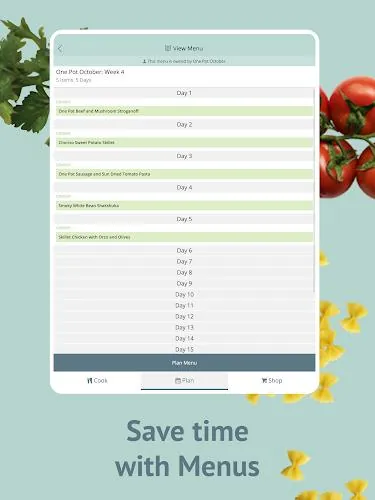
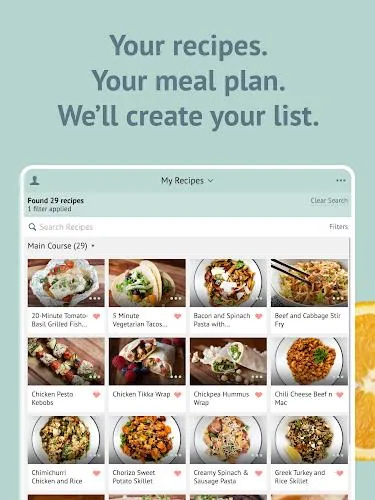
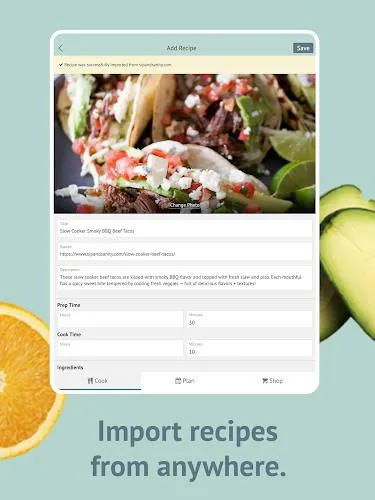
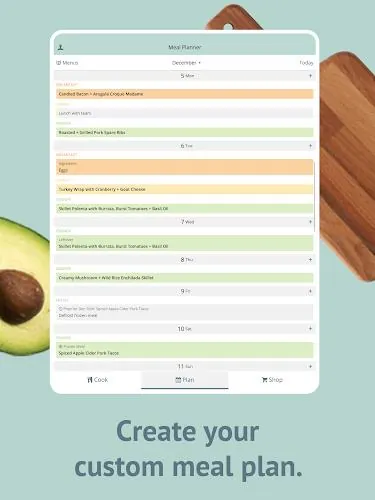
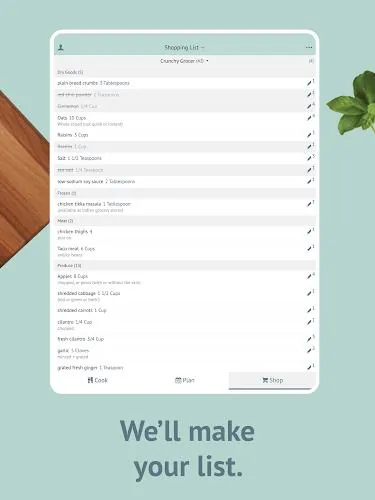
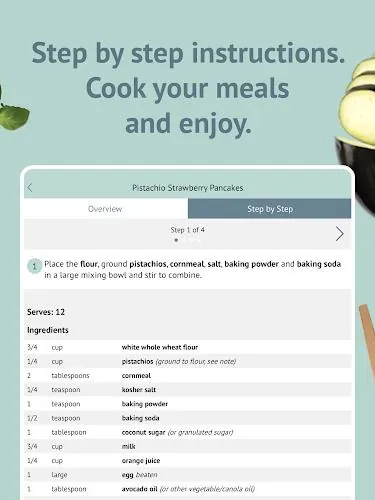
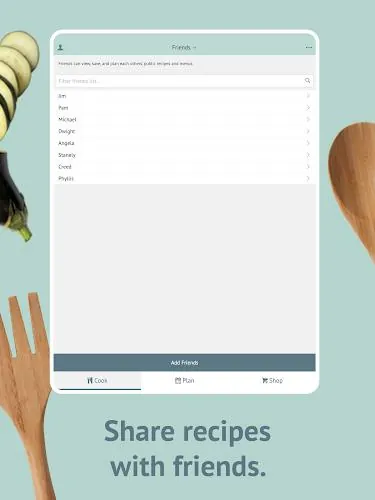
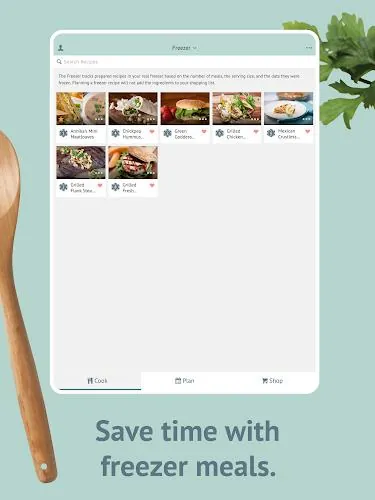
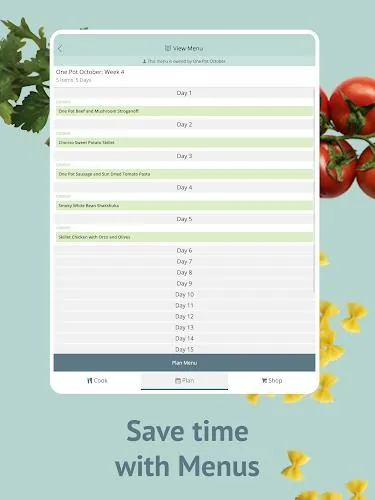
Plan to Eat: Meal Planner lets you import recipes from websites or enter family favorites manually to build a single, searchable cookbook. Create personalized meal plans that scale servings, allow rescheduling, mark leftovers, and track items you’ve frozen. The app auto-generates an organized shopping list from your meal plan, lets you add extra items or staples, customize categories, and create lists for specific stores. You can share recipes, saved menus, and shopping lists with friends and family or send a recipe by text or email, and use a step-by-step cooking mode to follow recipes while you cook. Search your recipe collection by title, ingredient, course, tag, rating, and more to quickly find what you want.
Plan to Eat: Meal Planner centralizes recipes and meal plans so you stop hunting through multiple sources and can access everything from any device. The app helps save time and reduce food waste by encouraging ahead-of-time planning and shopping for what you need, and many users report savings on grocery costs. An organized, customizable shopping list makes grocery trips quicker and more efficient, and sync and sharing features let household members collaborate on menus and lists. A 14-day free trial lets you try the app before choosing monthly or annual billing.
Continued use requires a paid subscription after the free 14-day trial period. Getting the most out of the app requires an initial time investment to import or enter existing recipes. An account is required to sync and share recipes and lists across devices, which some users may prefer to avoid.
File size: 79.76 M Latest Version: 3.2.1
Requirements: Android Language: English
Votes: 94 Package ID: com.plantoeat.mobile

Make your house a home with our selection of innovative apps. Discover programs to simplify cleaning, organize closets, and manage home maintenance. Take the hassle out of chores and keep your space running smoothly. Design, visualize, and renovate like a pro using our augmented reality and 3D modeling tools. Enhance security and monitor your property 24/7 with our connected home tech.





LIVE A HERO
Retro Hero Mr Kim
Empire of Passion
Arcane Quest Legends
Magic Snap: Momotaro
AllStar Manga Heroes
Lunescape
ONE PIECE Thousand Storm JP
Tap Titans 2