Scan to Download
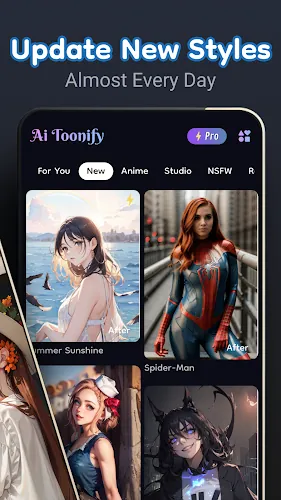
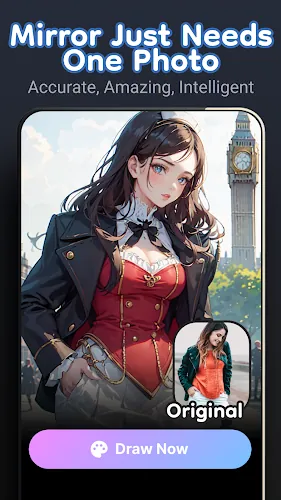
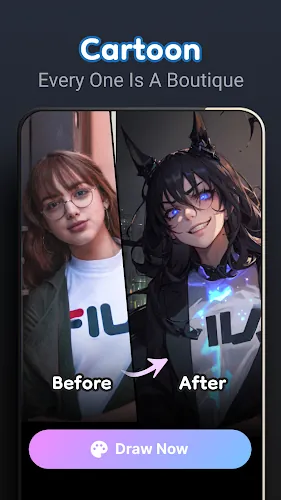
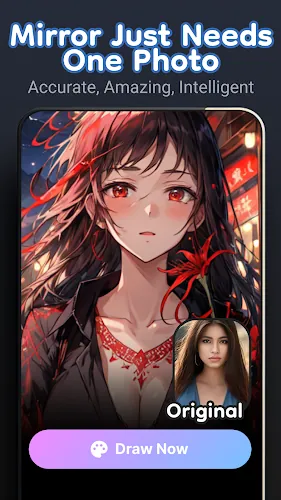
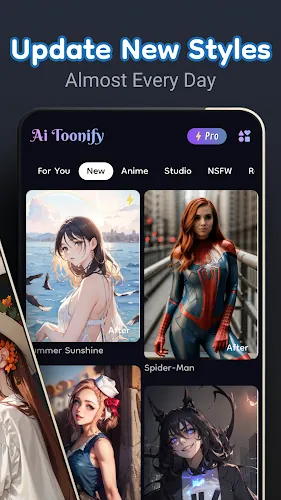
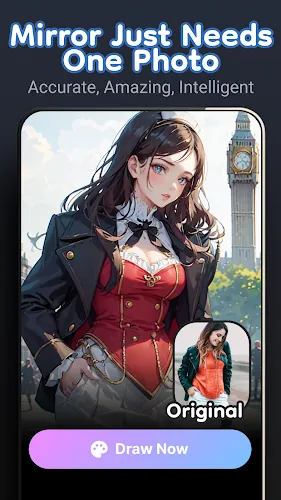
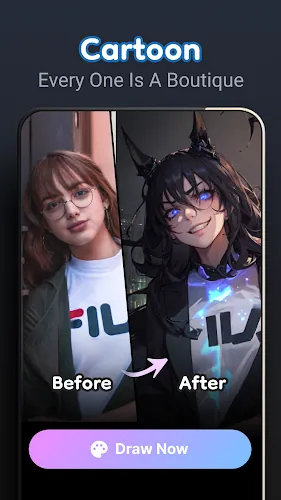
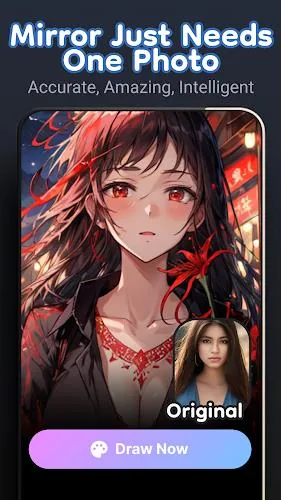
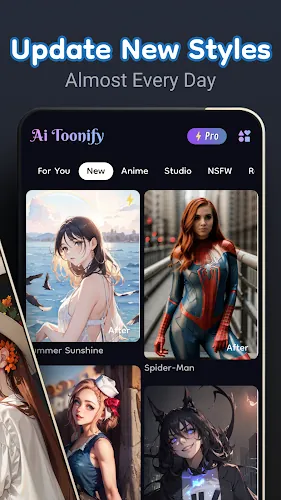
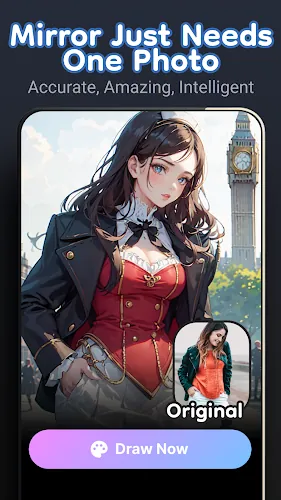
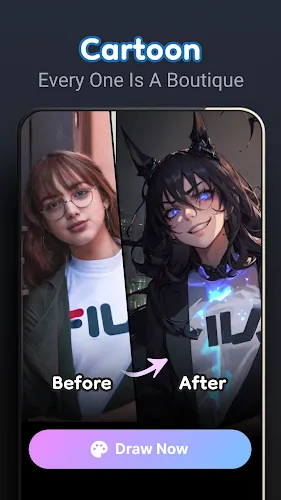
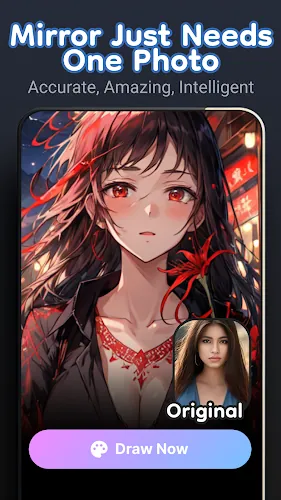
Ai Toonify transforms ordinary photos into anime-style portraits using artificial intelligence, giving users an easy way to create personalized avatars, characters, or artistic selfies. The app streamlines the process: upload a selfie or take a new picture, then apply AI-powered toonify effects and fine-tune details like eyes, hair, expression, and color palette. Whether you want a unique social profile image, a gift, or a creative starting point for digital art, Ai Toonify offers approachable tools and adjustable controls so both newcomers and experienced creators can produce polished, anime-inspired images quickly and with minimal effort.
⭐ AI-powered toonification: upload a selfie or take a photo to generate anime-style avatars instantly with Ai Toonify.
⭐ Deep customization: tweak eyes, hair, expressions and choose vibrant color palettes to personalize each image.
⭐ Beginner-friendly interface with guided tools and tutorials plus advanced settings for experienced creators.
⭐ Privacy and security compliance to protect your data while you create.
✅ Quick results that turn ordinary photos into polished anime-inspired images without complex software.
✅ Versatile output for avatars, gifts, or creative projects with Ai Toonify.
✅ Accessible controls for newcomers while offering depth for more detailed editing workflows.
✅ Mobile-friendly workflow so you can create on the go whenever inspiration strikes.
❎ Automated transformations may not match every user's specific artistic vision or manual illustration.
❎ Advanced settings can take some time to master for users who want fine-grained control.
❎ Final results can vary depending on the input photo and the chosen style, so some trial and error may be needed.
File size: 49.54 M Latest Version: 3.0.1
Requirements: Android Language: English
Votes: 436 Package ID: top.allinone7.dreamshaper
Developer: Ai Dream Artisan













Must Have Tools Apps for Android
Equip yourself with our all-in-one toolbox app for everyday tasks and projects. Instantly convert between units, calculate tips, scan documents, manage files, and more with handy productivity tools. Includes a level, compass, QR code reader, ruler, speedometer, decibel meter, and flashlight. Save frequently used tools to your customizable dashboard for one-tap access. Track billable hours, wages, budgets, and invoices. Annotate screenshots, magnify labels, and sign PDFs on the go.






LIVE A HERO
Retro Hero Mr Kim
Empire of Passion
Arcane Quest Legends
Magic Snap: Momotaro
AllStar Manga Heroes
Lunescape
ONE PIECE Thousand Storm JP
Tap Titans 2