Scan to Download
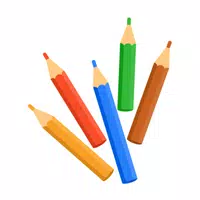
Paint is a compact digital canvas that aims to make creative drawing and painting accessible to anyone with an Android device. The app brings together a straightforward interface and a focused set of tools so you can sketch, color, and refine ideas without distraction. Whether you’re testing color combinations, practicing brushwork or finishing a small illustration, Paint promises a pleasant, low-friction experience that suits beginners and hobbyists as well as more practiced hands looking for a quick, portable studio.
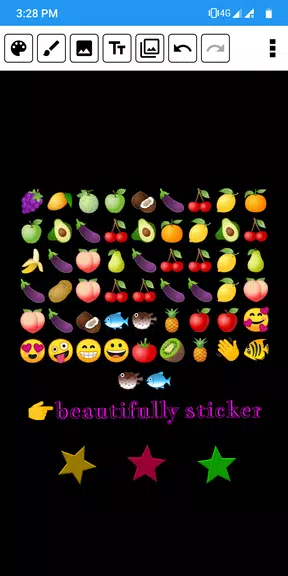
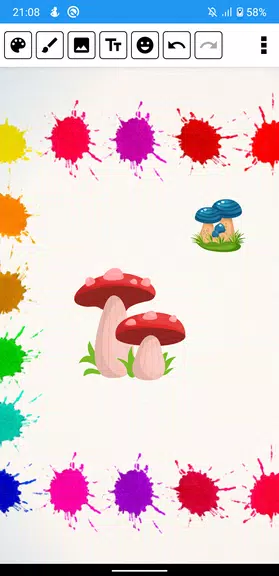
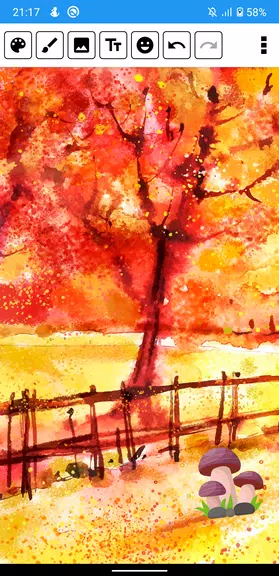
The core of the app centers on intuitive tool selection and a responsive color picker. A variety of brushes emulate different textures and techniques, while an expansive palette lets you mix shades and save favorites. A solid undo and redo system encourages experimentation by making it easy to revert changes, and simple export options let you share or save finished pieces from the device. These functions are presented so users can get started fast and focus on the image rather than navigating menus.
Key highlights include an easy-to-navigate user interface designed for touch, a limitless color palette to explore subtle hues, and a range of brush types covering sketching, watercolor-like strokes, and airbrush effects. The undo/redo feature supports iterative work, and export capabilities help you move artwork off the device for use elsewhere. The app keeps its feature set concentrated on painting essentials rather than overwhelming users with advanced settings.
The interface favors clarity over complexity: tool icons are recognizable, controls sit within thumb reach, and the learning curve is gentle. Beginners can start with default brushes and colors, while more confident users can adjust strokes and experiment freely thanks to the undo/redo buffer. Performance is tuned for responsive drawing, so strokes feel immediate and natural on most modern devices. Overall, the experience is built around quick access to creative tools with minimal setup.
Paint offers a tidy, approachable toolkit for casual creators and anyone who wants a portable painting space. It avoids a cluttered feature list in favor of core, well-executed tools that invite experimentation and quick production. If you’re looking for a no-fuss app to sketch ideas, explore color, or practice brushwork on the go, Paint provides an uncomplicated and enjoyable platform to do just that.
File size: 36.00 M Latest Version: 9.6
Requirements: Android Language: English
Votes: 333 Package ID: com.tieu.thien.paint
Developer: NVSTUDIO


Must Have Tools Apps for Android
Equip yourself with our all-in-one toolbox app for everyday tasks and projects. Instantly convert between units, calculate tips, scan documents, manage files, and more with handy productivity tools. Includes a level, compass, QR code reader, ruler, speedometer, decibel meter, and flashlight. Save frequently used tools to your customizable dashboard for one-tap access. Track billable hours, wages, budgets, and invoices. Annotate screenshots, magnify labels, and sign PDFs on the go.






LIVE A HERO
Retro Hero Mr Kim
Empire of Passion
Arcane Quest Legends
Magic Snap: Momotaro
AllStar Manga Heroes
Lunescape
ONE PIECE Thousand Storm JP
Tap Titans 2