Category: Productivity Date:2025-12-16 14:12:01
Rating: 4.4 Tags: Home
Scan to Download
Good Calendar – Schedule, Memo bust and seamless, ensuring that all your schedules and events are accurately reflected across both platforms. Can I customize the appearance of the widgets?A: Yes, the Pro Version offers customization options for the widgets, allowing you to personalize your home screen according to your preferences. What happens if I encounter bugs or have feedback?A: The developers are open and responsive to user feedback, so feel free to reach out if you encounter any issues or have suggestions for improvement. Your input is valued and will be taken into consideration for future updates.
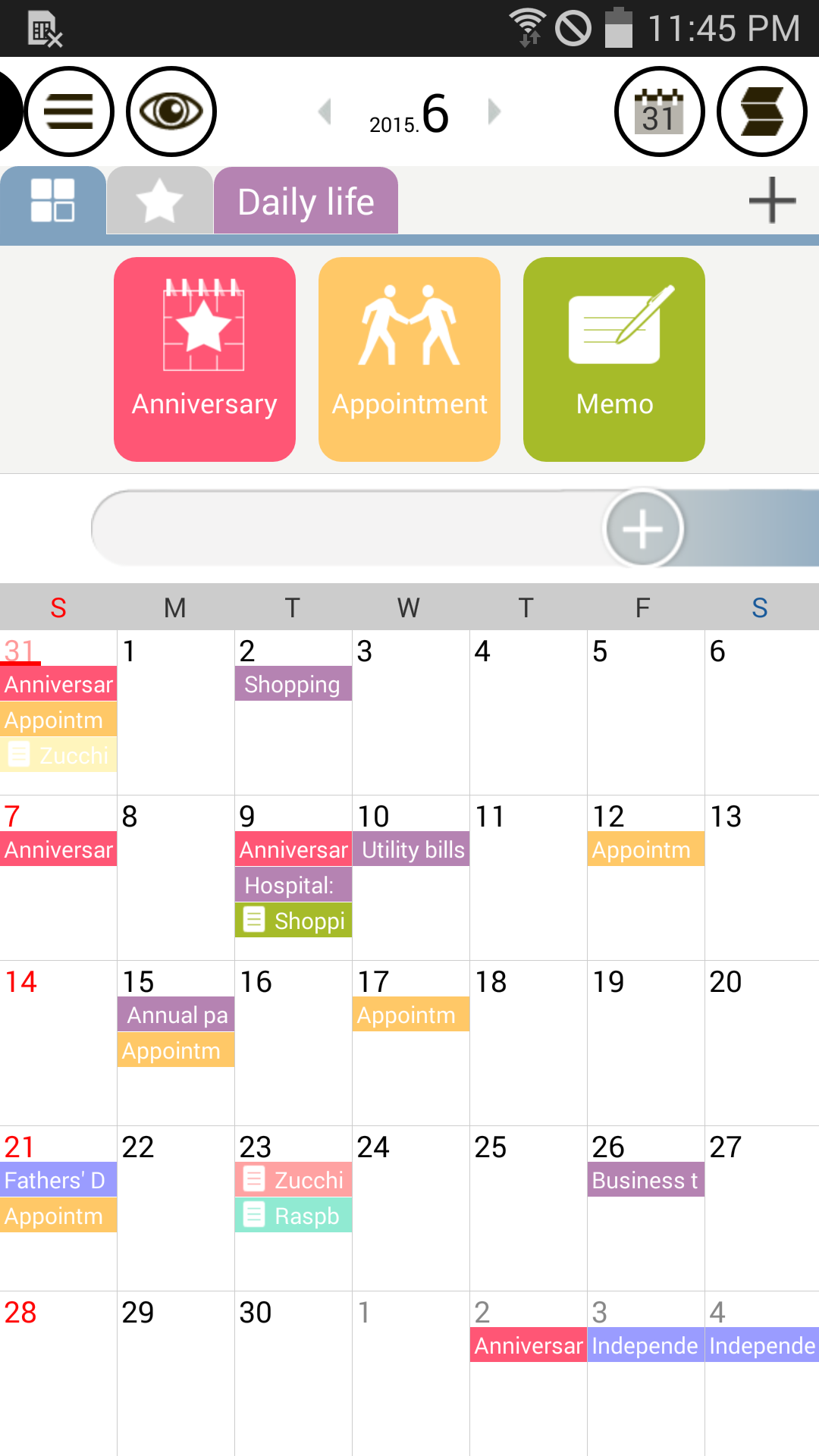
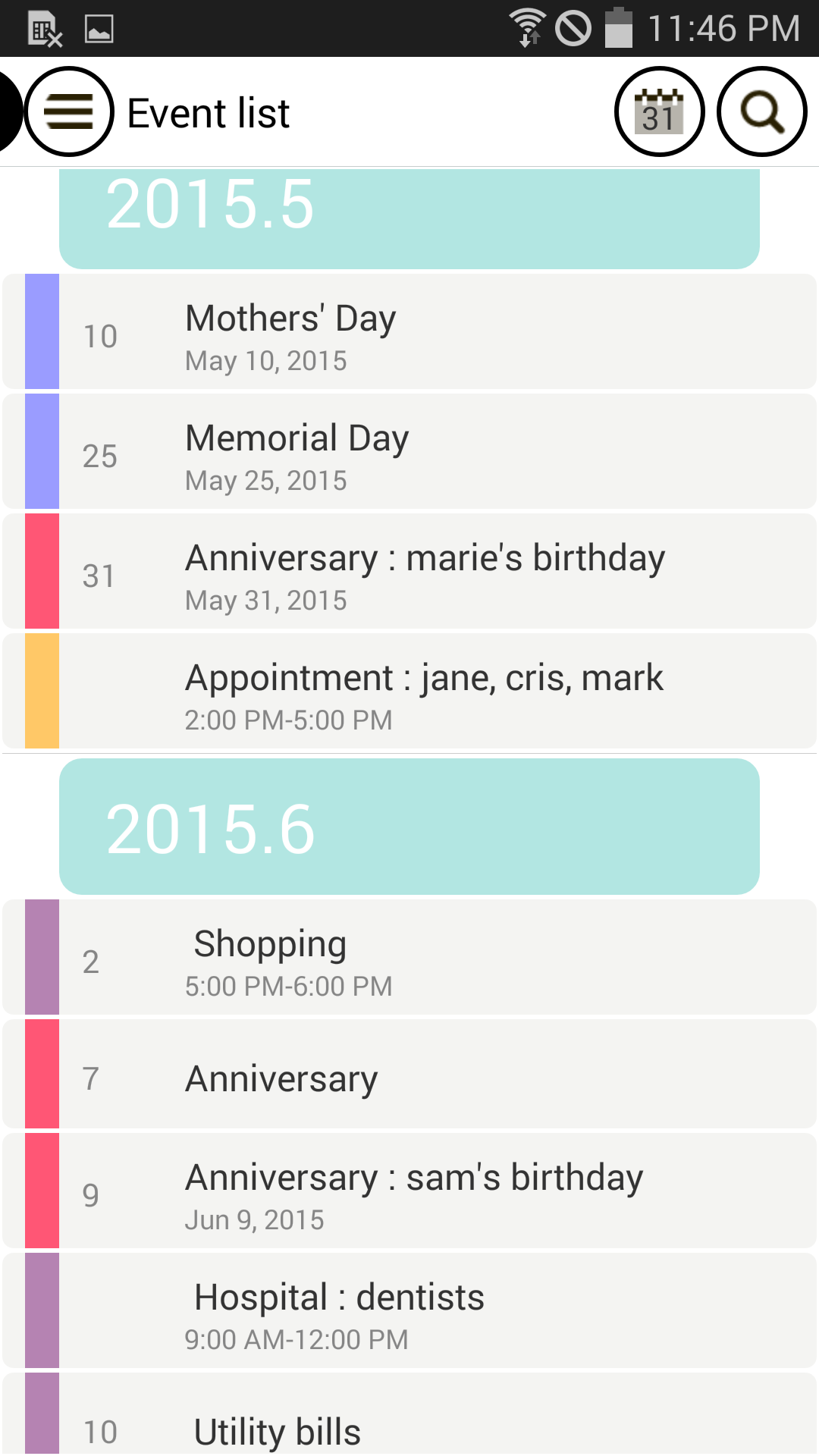
Effortless Schedule Organization: The drag-and-drop feature makes setting up schedules a breeze, eliminating the hassle of manual input.
Personalized Categories: Create customized categories for different areas of your life, keeping everything neatly organized and easily accessible.
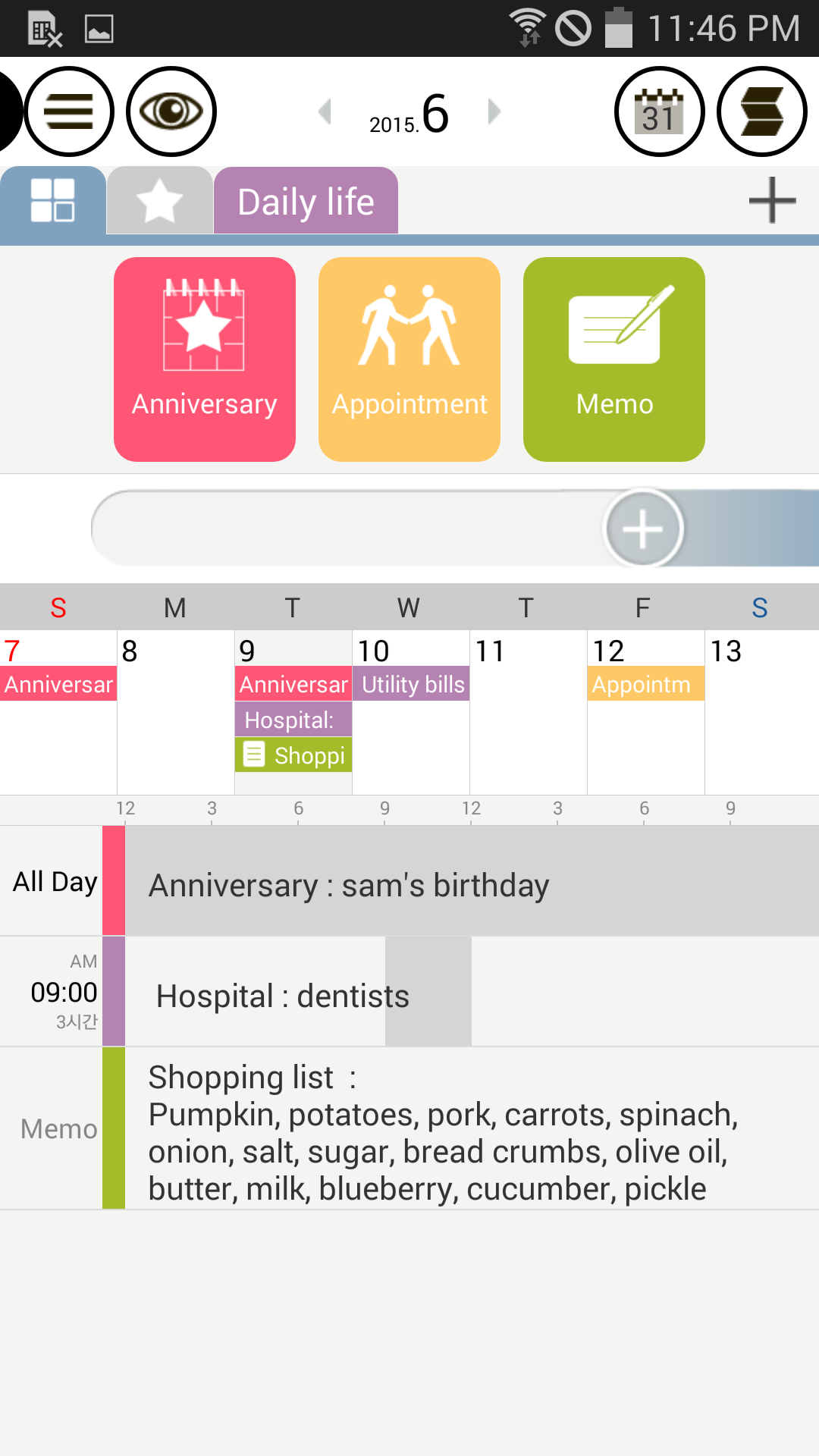
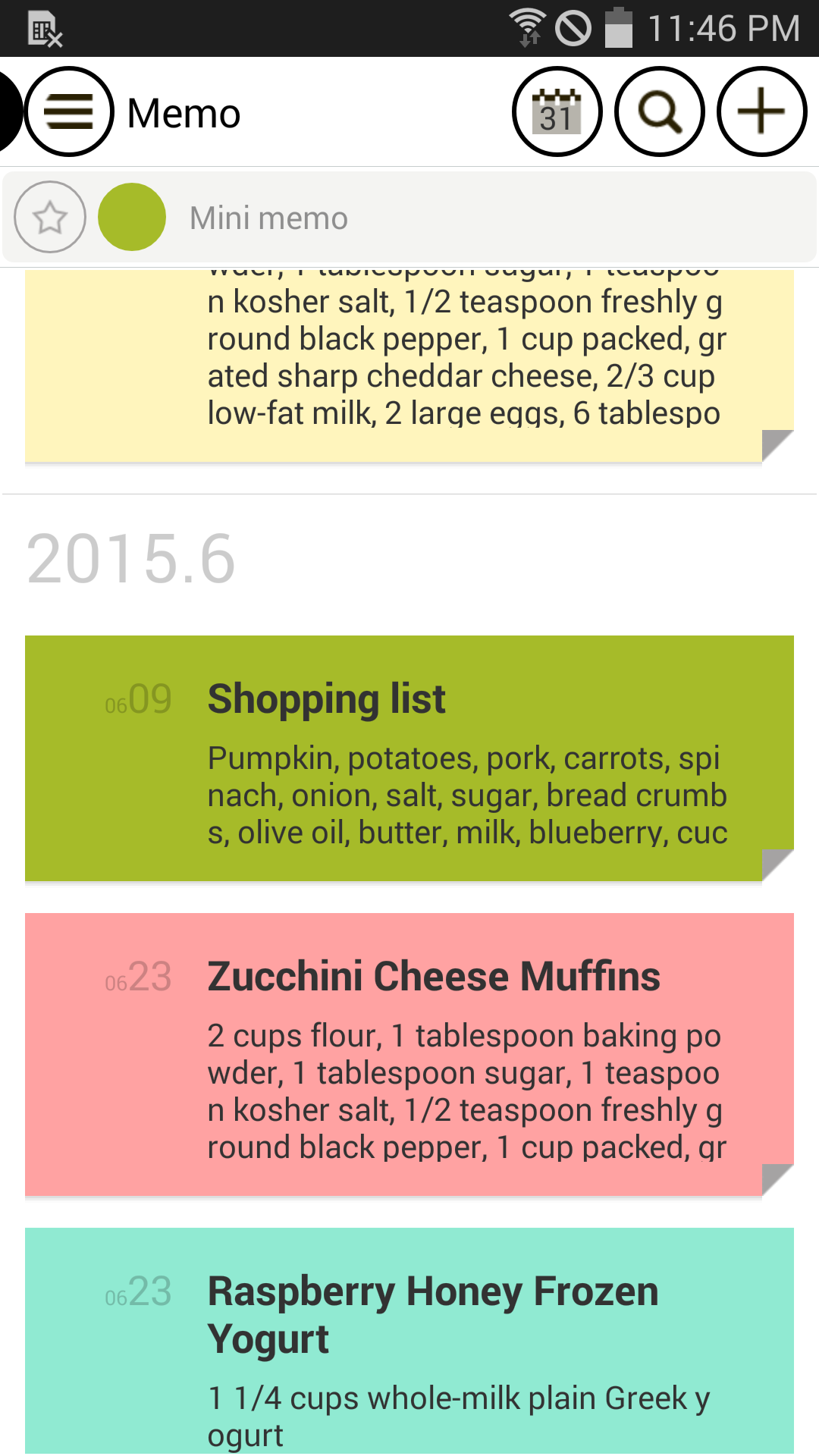
Integrated Diary Feature: Attach photos and notes to events, transforming your calendar into a visual and emotional journal.
Google Calendar Synchronization: Seamlessly connect with Google Calendar for streamlined scheduling across all your devices.
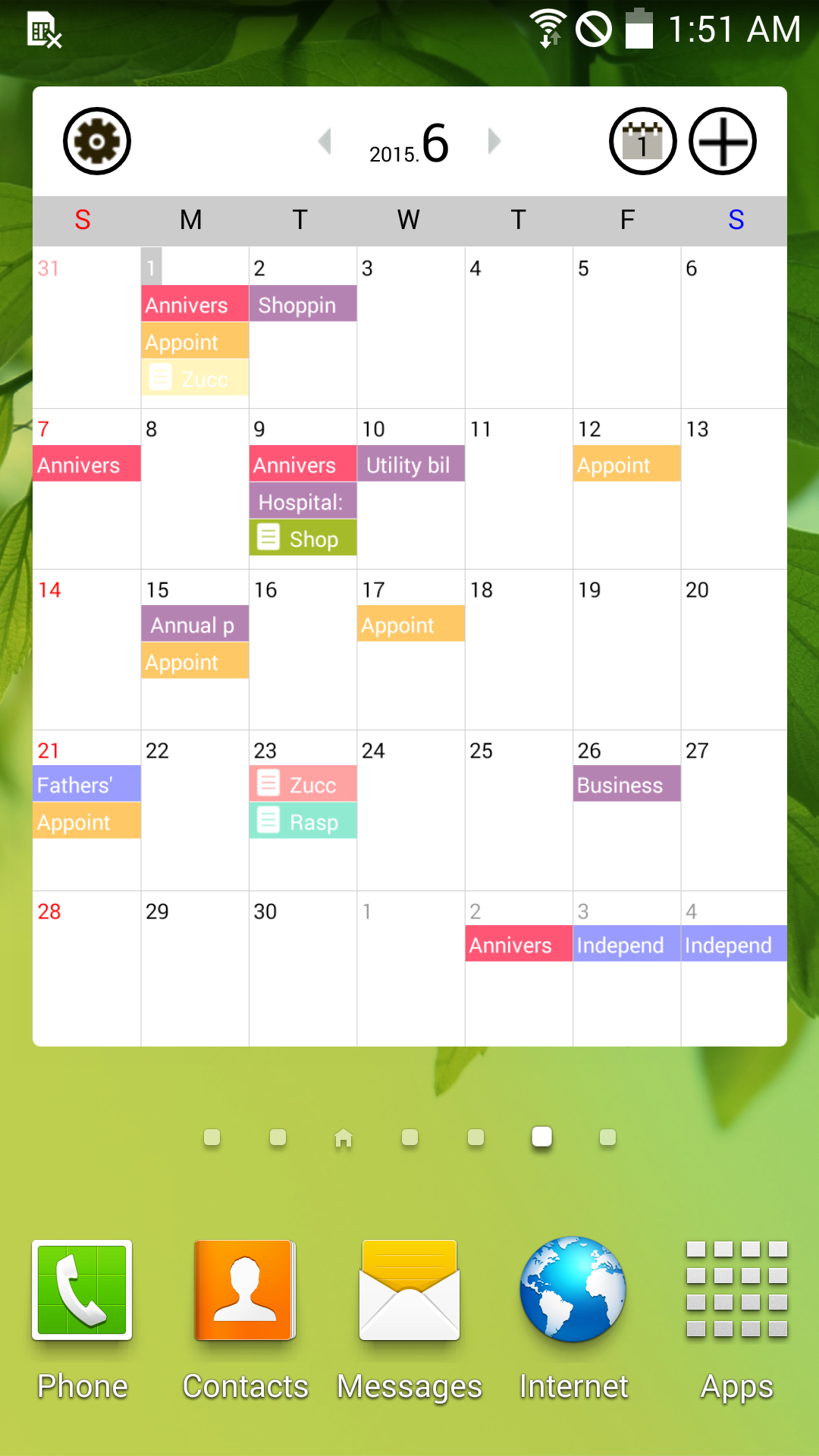
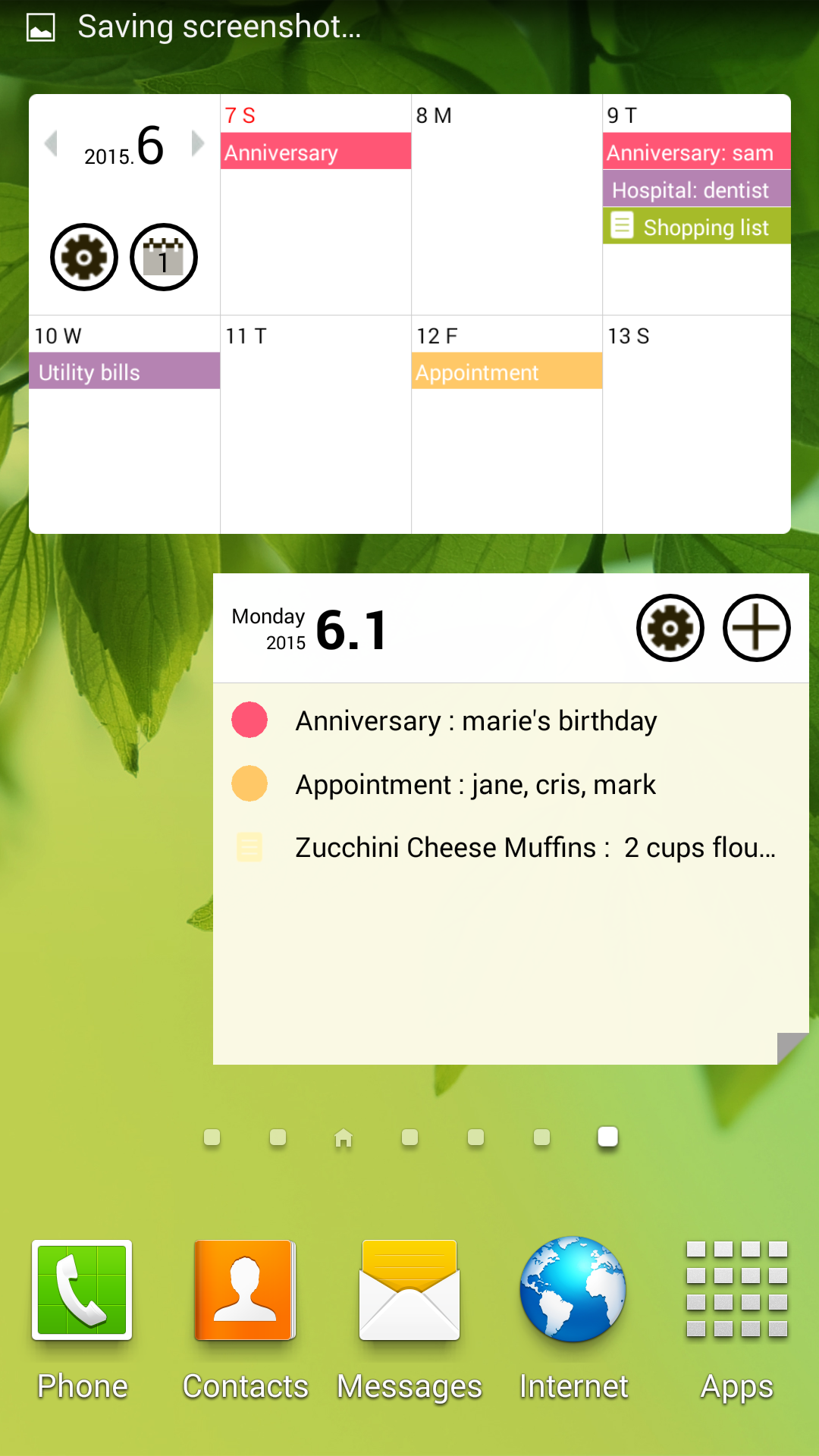
User-Friendly Widgets: Gain quick access to your schedule and memos with a variety of widgets for your home screen.
Can I sync my schedule with multiple Google Calendars? Yes, one category can be connected to Google Calendar, providing a flexible synchronization option.
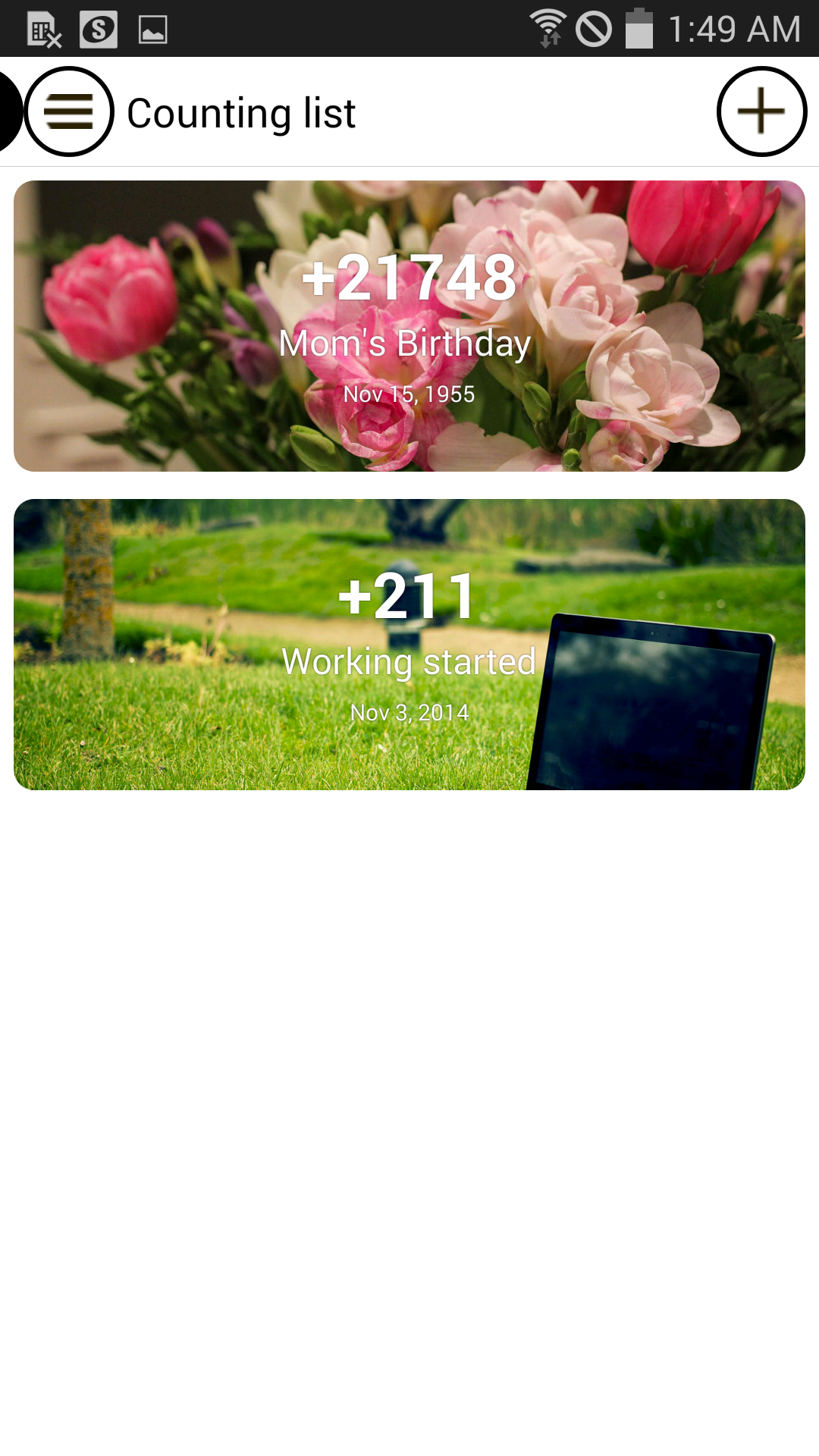
Are there any limitations on the number of categories or D-Days in the Pro Version? The Pro Version offers unlimited categories and no caps on D-Days, providing enhanced customization options.
How can I get a refund for in-app purchases? Refund requests must be made within 24 hours after purchase, following Google Play Store guidelines.
Good Calendar – Schedule, Memo offers a unique blend of intuitive scheduling, personalized organization, and meaningful journaling. With seamless synchronization, user-friendly widgets, and limitless customization options in the Pro Version, this app is a comprehensive life management tool that caters to both productivity and personal reflection. Experience a new level of organization and sentimentality with Good Calendar – Schedule, Memo, available now on the Google Play Store. Download today and start transforming your planning and journaling experience.
File size: 13.70 M Latest Version: 1.8.9
Requirements: Android Language: English
Votes: 93 Package ID: com.softseed.goodcalendar
Developer: SOFTSEED Inc.


Must Have Home Apps for Android
Make your house a home with our suite of helpful home apps. Discover clever tools to organize closets, streamline chores, and simplify cooking. Take the stress out of cleaning and maintenance with handy checklists and schedules. Enhance security and control appliances and lighting with our smart home integrations. Design, visualize, and renovate like a pro using our 3D planning software.






LIVE A HERO
Retro Hero Mr Kim
Empire of Passion
Arcane Quest Legends
Magic Snap: Momotaro
AllStar Manga Heroes
Lunescape
ONE PIECE Thousand Storm JP
Tap Titans 2