Scan to Download
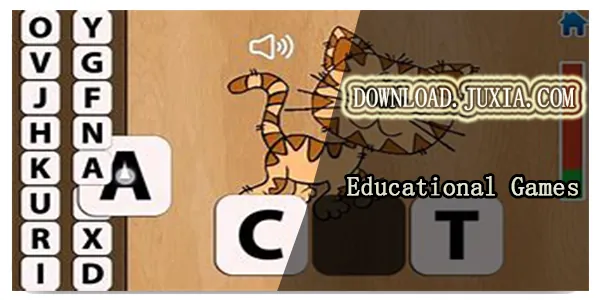
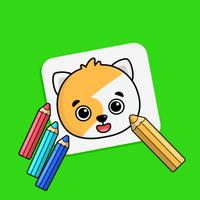
Drawing games for kids is a playful and educational app designed to inspire creativity in young children through easy-to-use drawing tools, themed activity packs, and guided tutorials. It combines colorful visuals, simple controls, and safety settings to make screen time productive and entertaining for preschool and early elementary users.
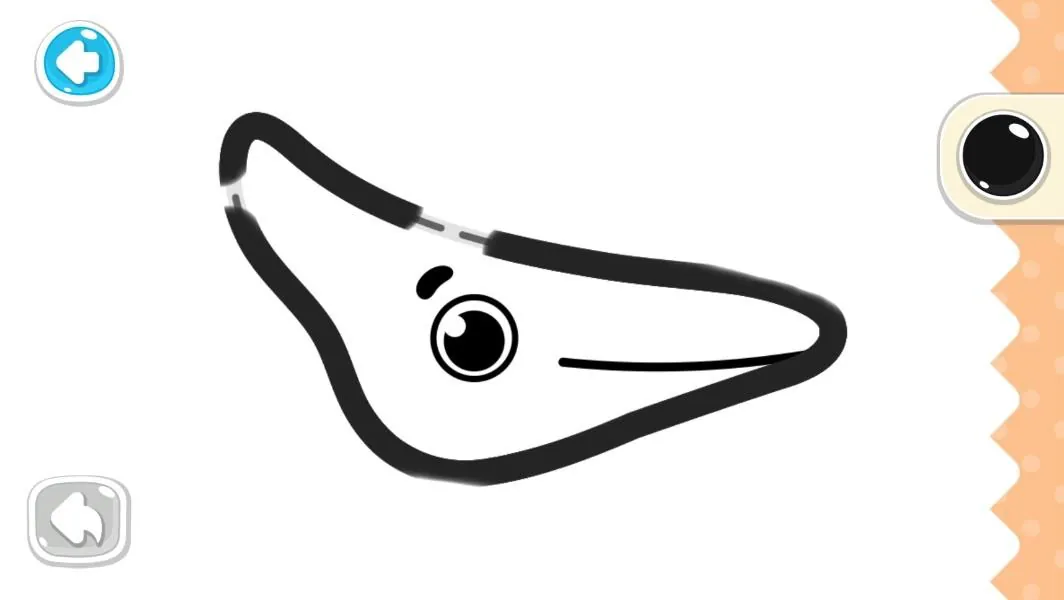
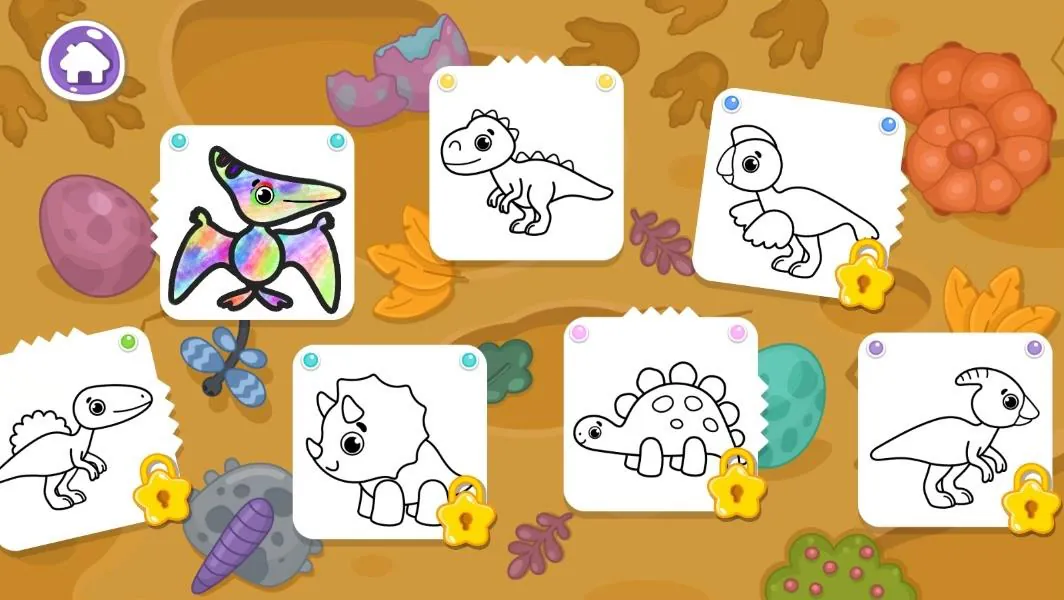
At its heart, Drawing games for kids offers a suite of tools tailored to small hands and curious minds. A simple brush selector, stamp library, shape tools, and an eraser are presented with large icons and immediate visual feedback. The app includes themed packs—animals, vehicles, holidays—that provide templates and step-by-step tracing to build confidence.
The interface prioritizes clarity and minimal distraction. Buttons are grouped by function, and each screen uses bold colors and readable labels so children can navigate independently. Sound cues and gentle animations confirm actions, while an optional tutorial guides first-time users through making their first drawing. Parents can toggle hints on or off.
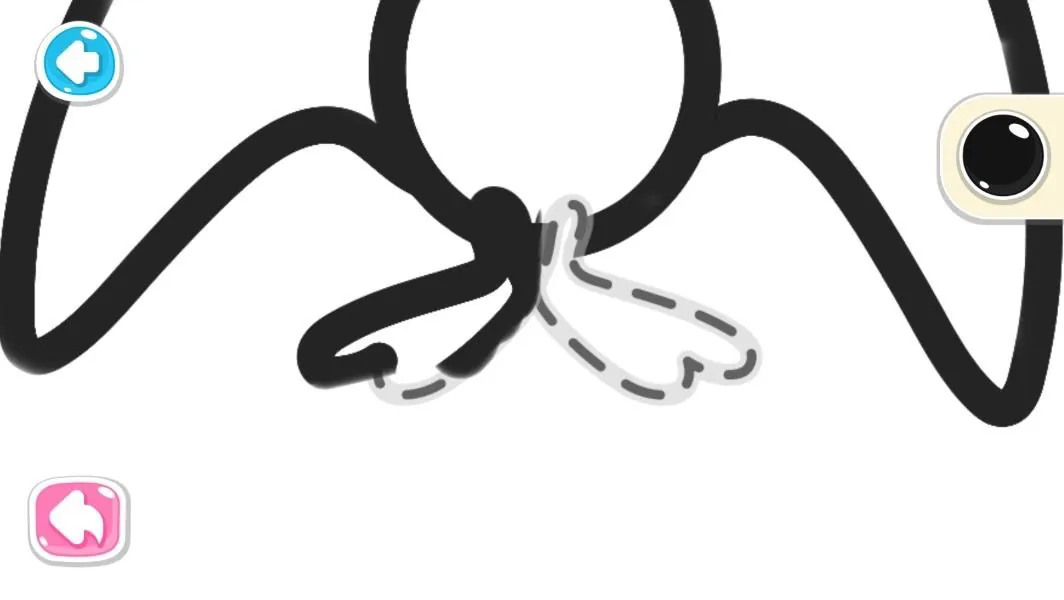
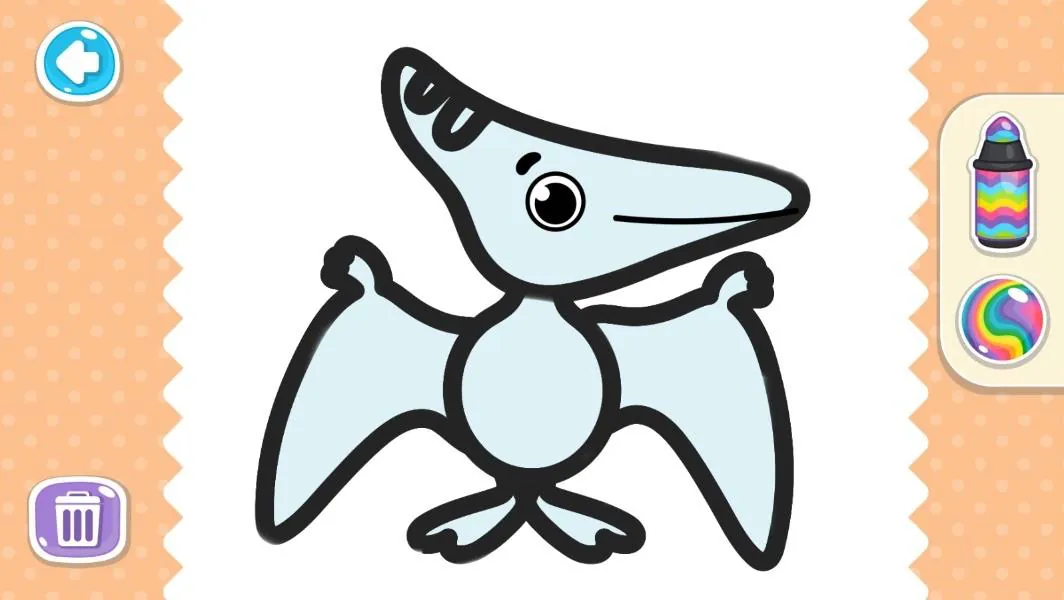
Drawing games for kids contains multiple activity modes designed for different skill levels. Free-draw mode gives limitless canvases and color choices. Tracing mode helps beginners learn shapes and letter formation. Activity challenges present simple prompts—"draw a sun" or "decorate a dinosaur"—that encourage problem solving without competitive pressure.
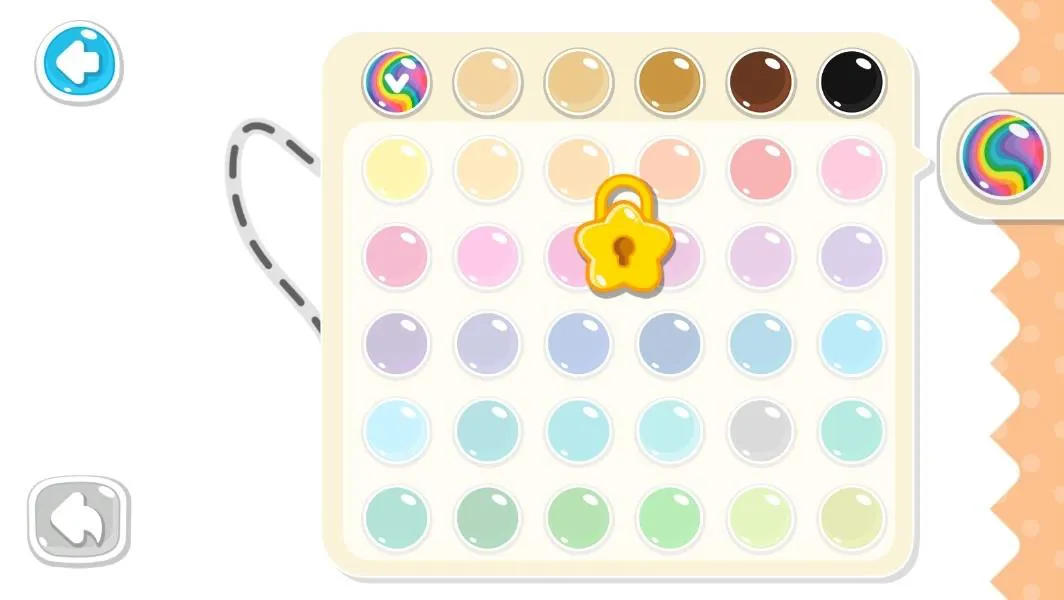
The app makes it easy to personalize each project. Children can pick backgrounds, mix colors using a basic color wheel, and layer stickers or stamps. Finished drawings can be saved in an in-app gallery where youngsters add titles or stickers. A safe export function allows parents to save images to the device with parental approval.
Safety features are central to the design. No ads appear in the child-facing areas; any store or external links are locked behind a parental gate that requires simple math or a long press to access. Data collection is minimized, with clear privacy settings and the option to work entirely offline. These built-in safeguards make Drawing games for kids suitable for classroom or home use.
The app is optimized to run smoothly on a wide range of Android devices, including older tablets. Lightweight graphics and efficient memory use prevent lag during painting sessions. Touch input is calibrated to reduce accidental marks, and the app supports stylus input when available. Regular updates improve stability and add new content without inflating storage needs.
Teachers and parents can use Drawing games for kids as a tool for lesson plans and fine motor skill development. Drawing prompts reinforce vocabulary and storytelling, while tracing and shape activities support early handwriting practice. Its offline functionality allows use in classrooms with limited connectivity, and saved galleries offer an easy way to track progress over time.
Launch the app, choose a mode, and hand the device to your child. Drawing games for kids walks them through first strokes and quickly becomes intuitive. Parents should review the settings menu to enable the appropriate safety and export options before sharing the device. Regular updates keep content fresh and add seasonal packs that sustain interest.
Drawing games for kids balances playful interaction with purposeful design, offering a safe, engaging space for young creators to practice drawing, explore colors, and build confidence through art.
File size: 36.83 M Latest Version: 1.11
Requirements: Android Language: English
Votes: 180 Package ID: com.bimiboo.kids.drawing
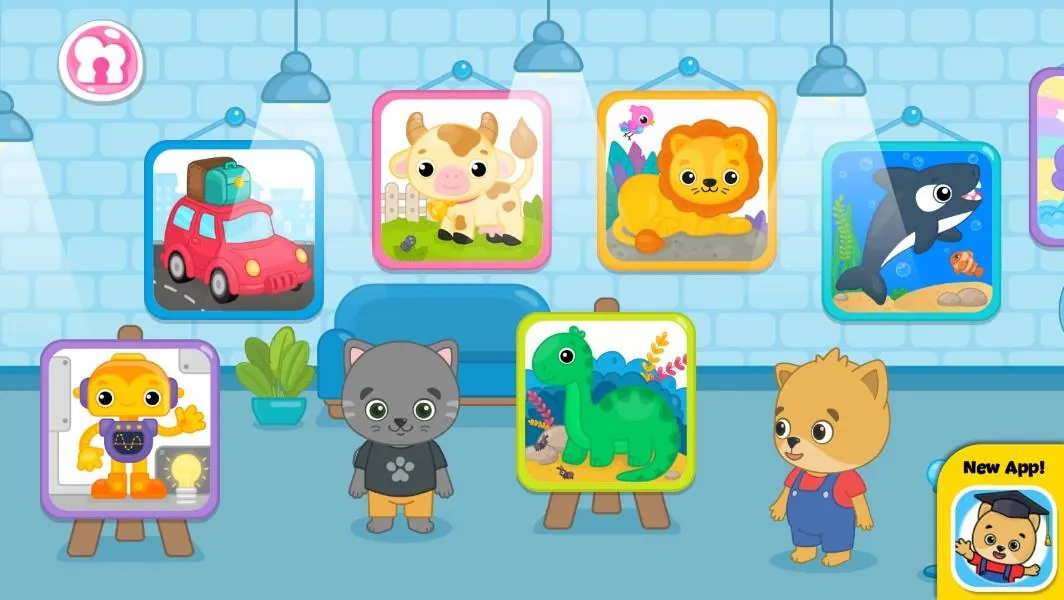
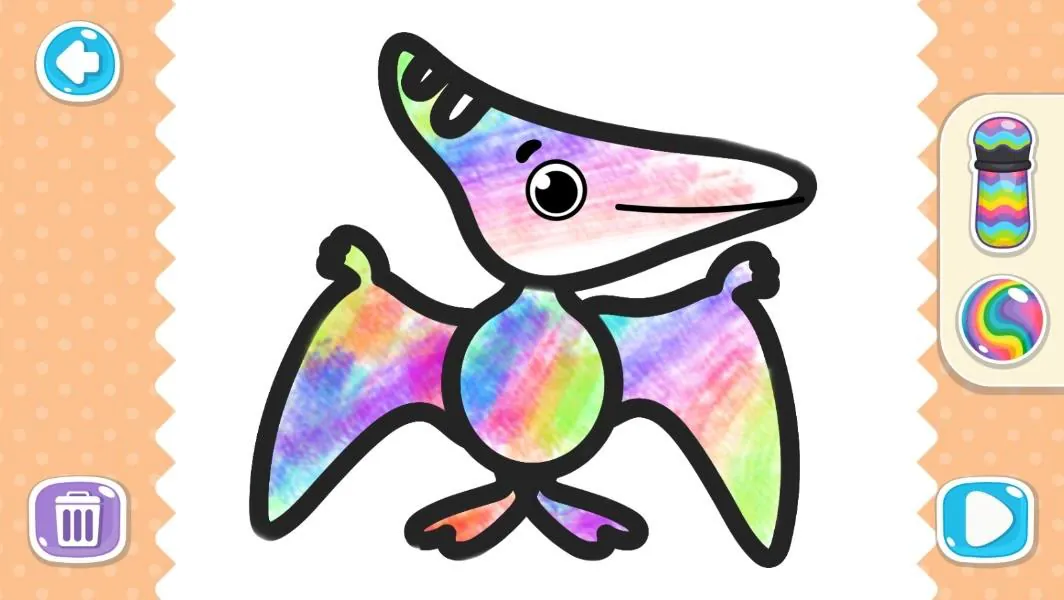
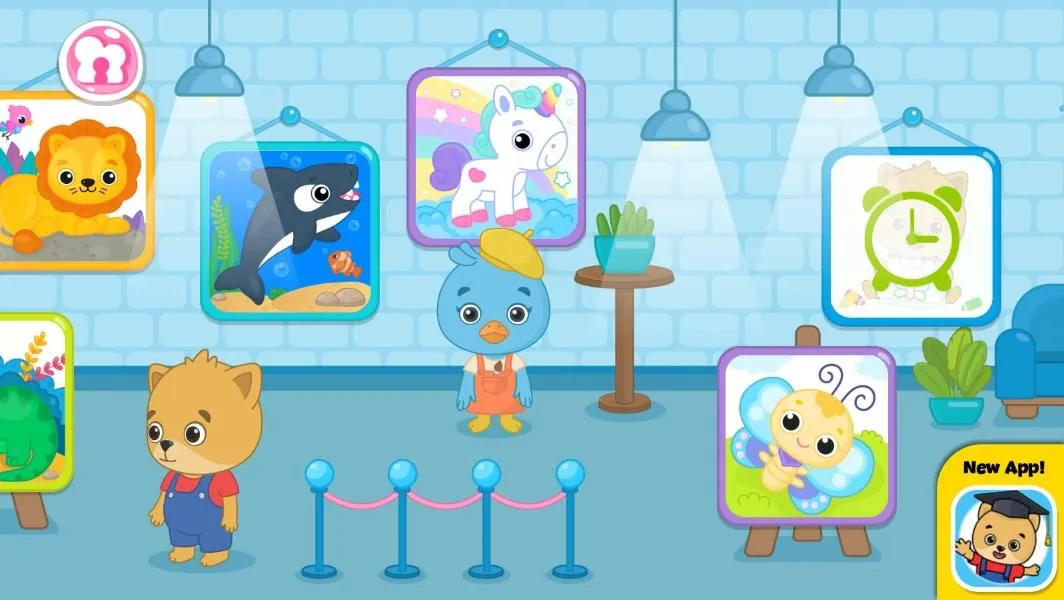
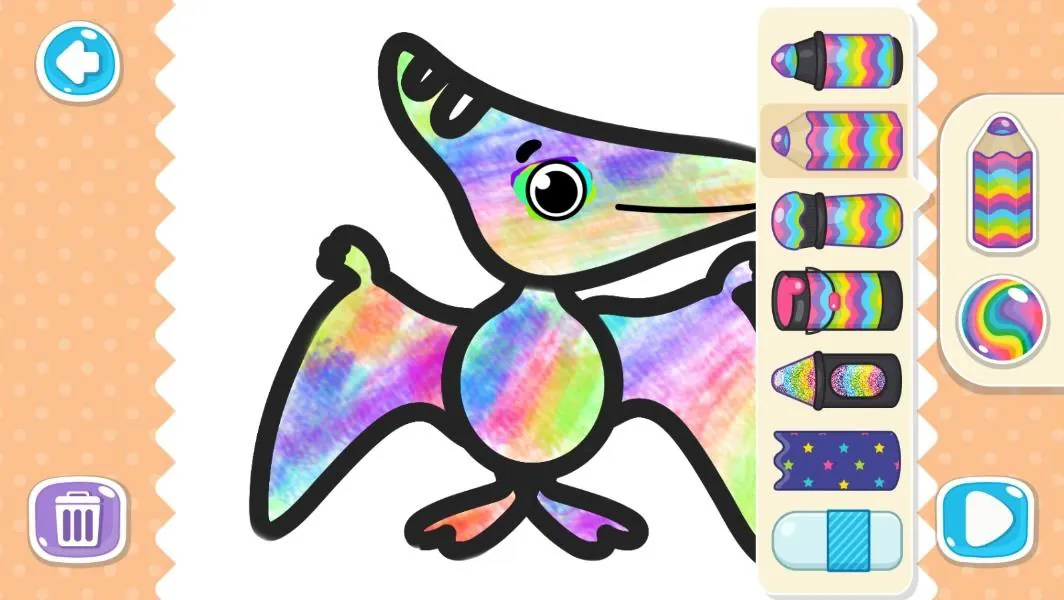
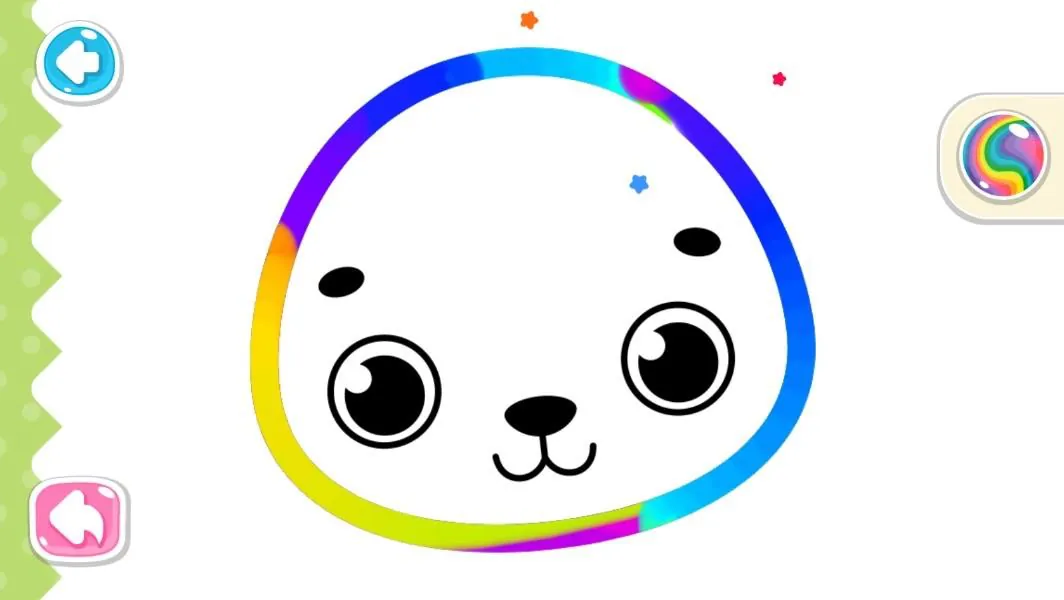
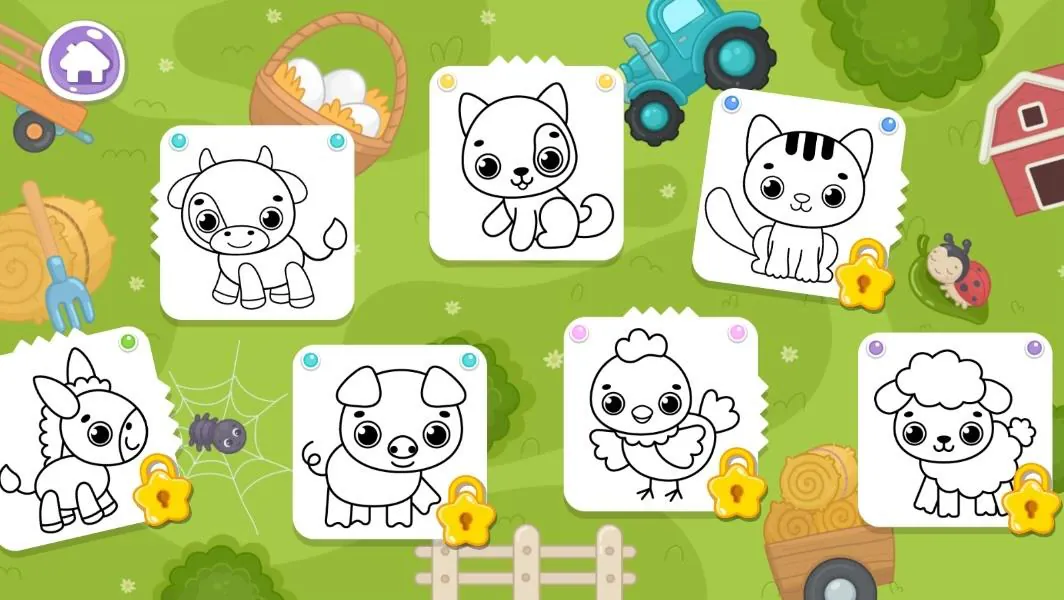
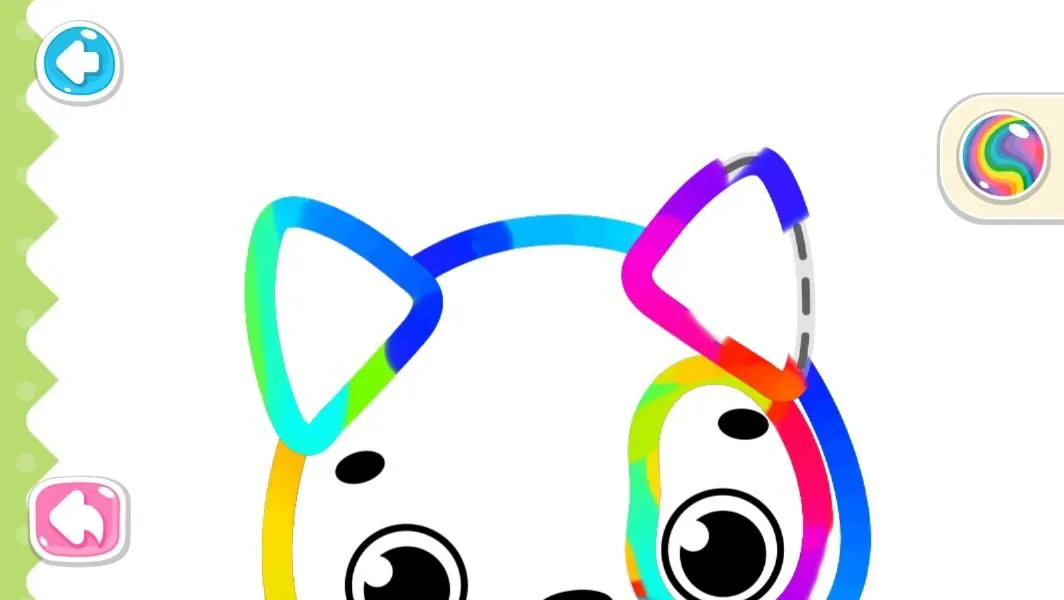
Let your child's creativity shine with our new game made just for kids! With cute graphics and fun challenges, this game will keep them entertained for hours. Children can build their own worlds, customize adorable characters, and let their imaginations run wild. With simple controls perfect for little hands and no ads or external links, you can feel at ease while they play independently.

LIVE A HERO
Retro Hero Mr Kim
Empire of Passion
Arcane Quest Legends
Magic Snap: Momotaro
AllStar Manga Heroes
Lunescape
ONE PIECE Thousand Storm JP
Tap Titans 2