Scan to Download
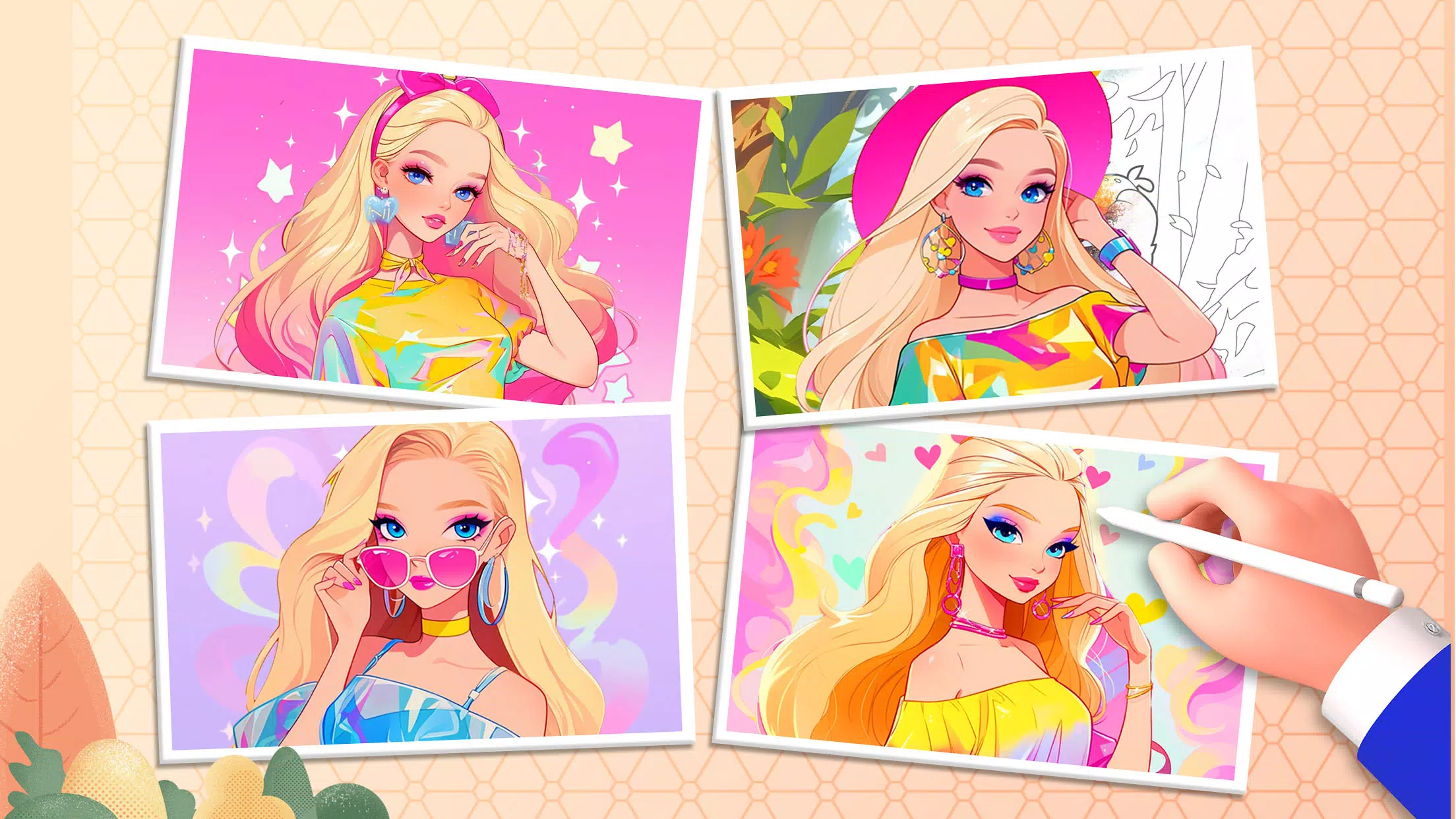
Doll Color is a playful, family-focused coloring app that brings more than 200 themed pages to young artists who enjoy princesses, anime-inspired characters and kawaii designs. Doll Color introduces simple painting mechanics, layered visual effects and a gentle progression system so children can experiment with color, texture and composition without feeling overwhelmed. The interface is designed for small hands and curious minds, offering multiple canvases, undo and clear controls, and built-in ways to save and revisit each finished or in-progress illustration.
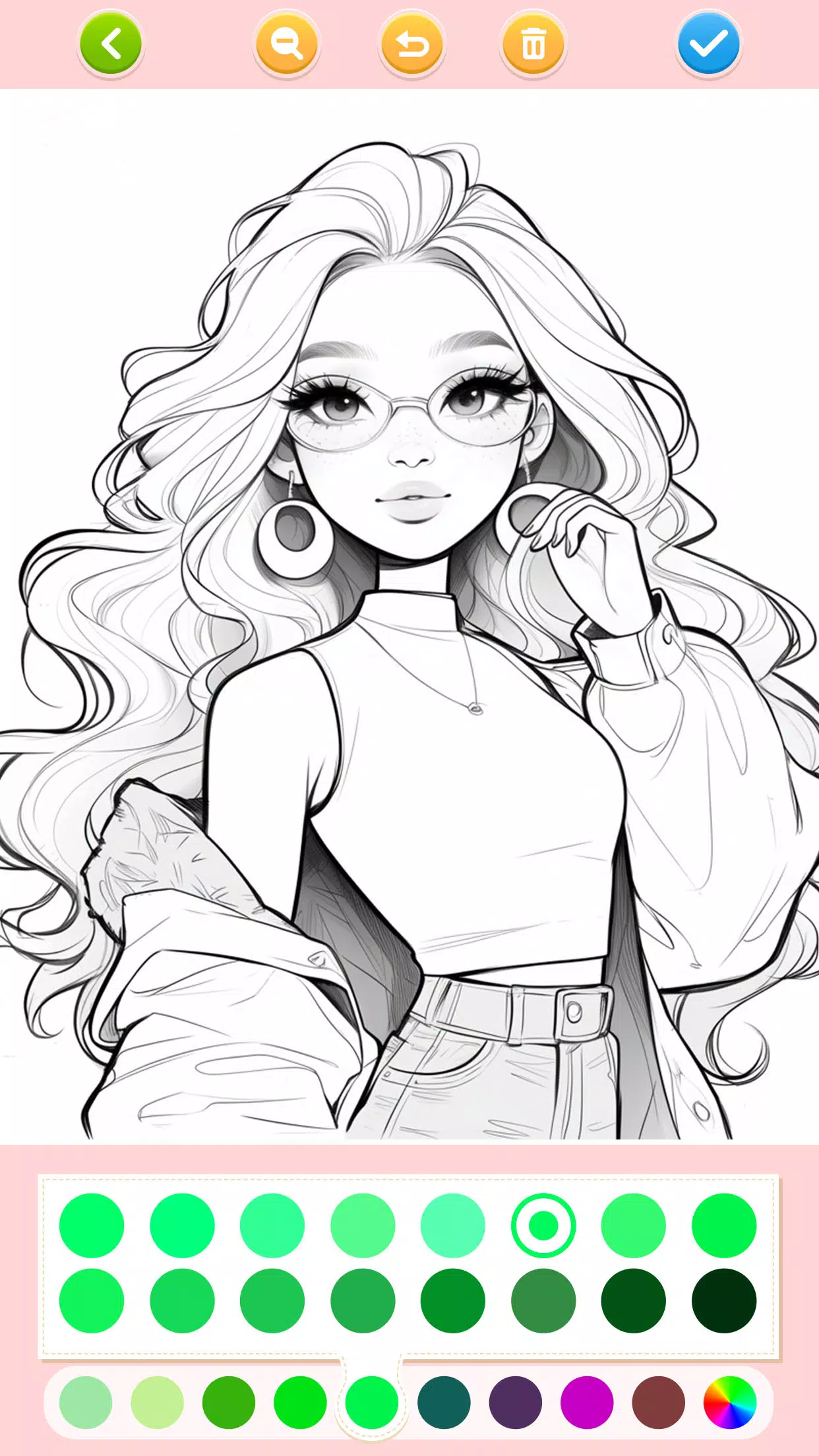
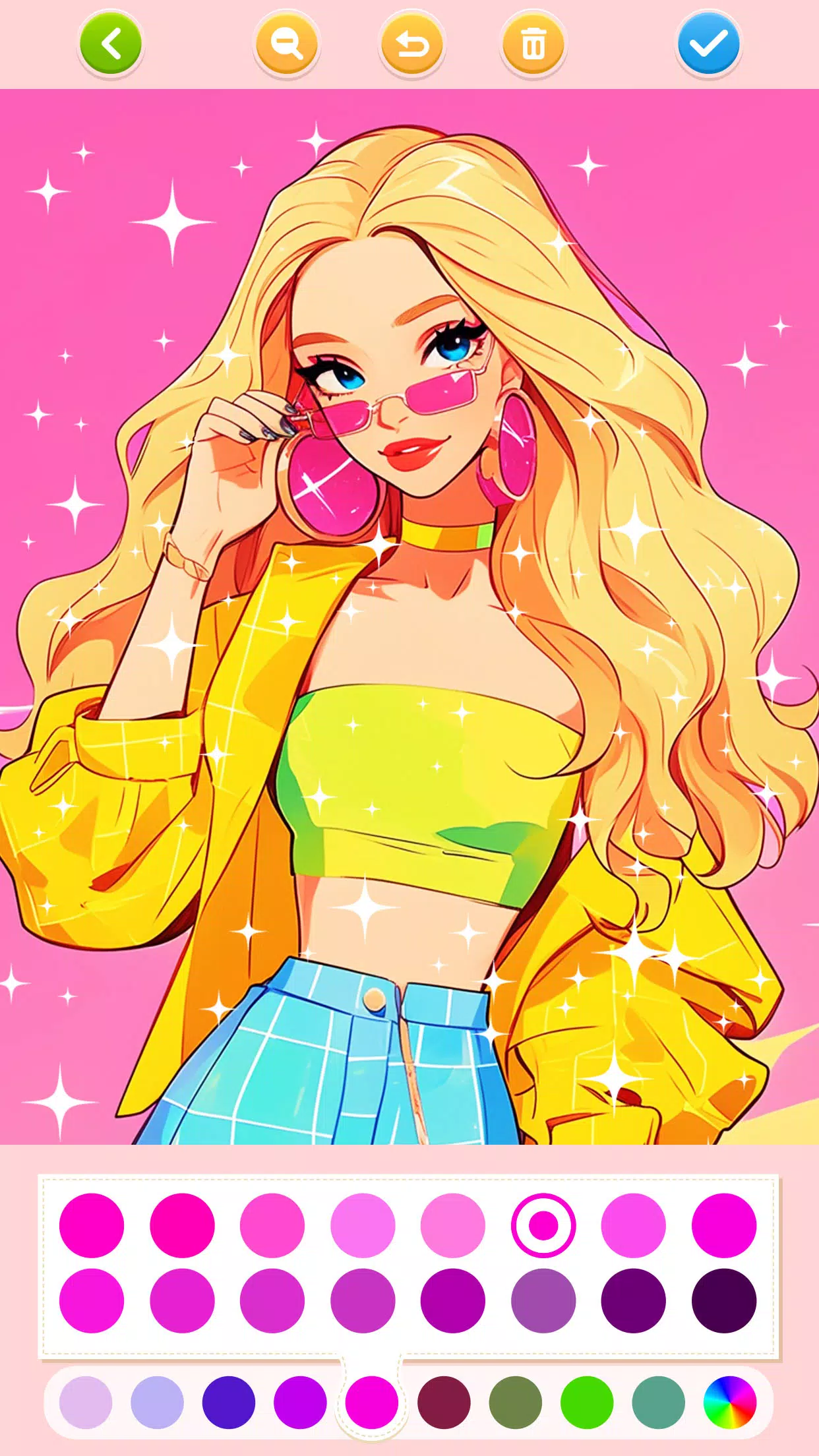
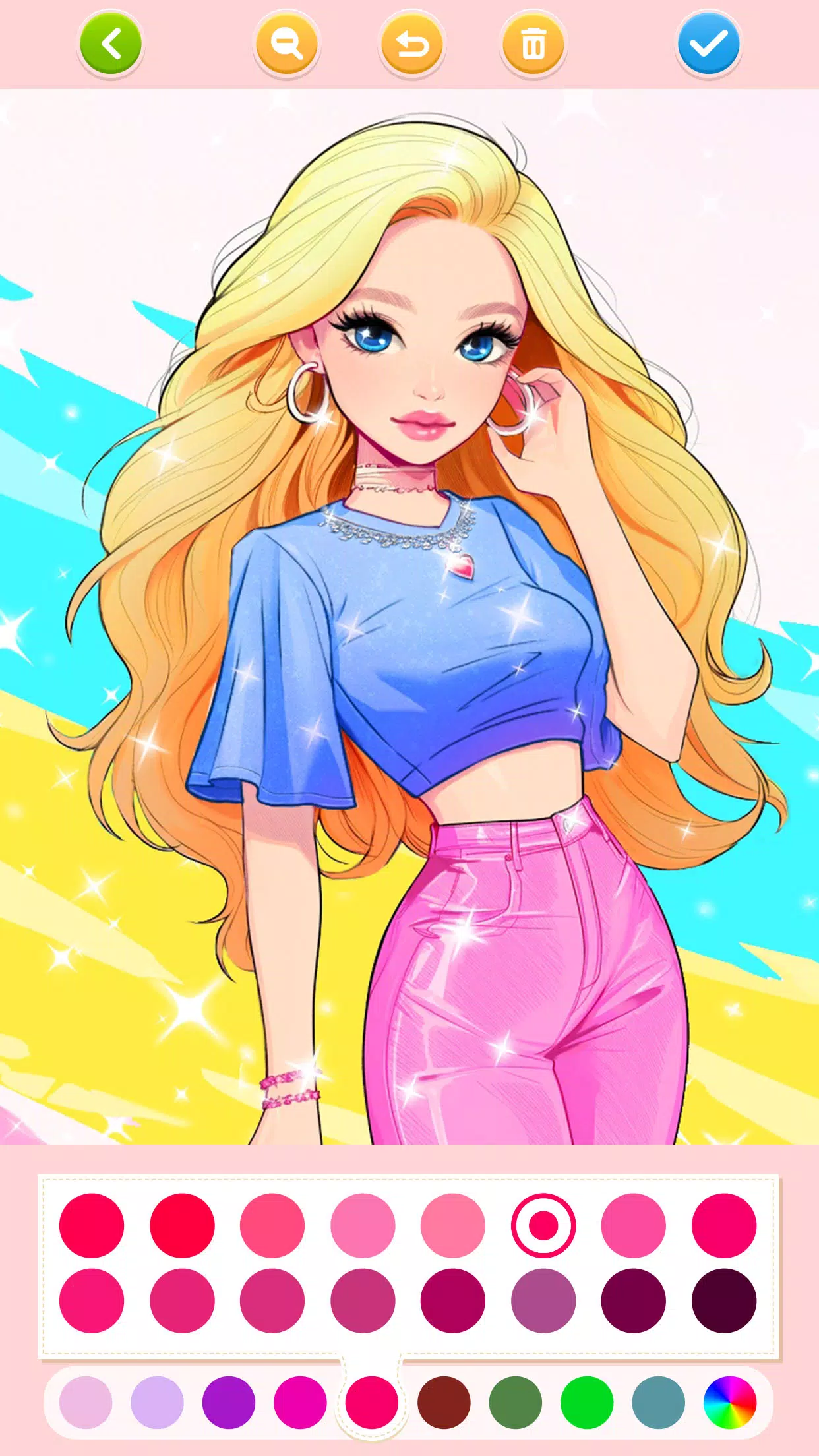
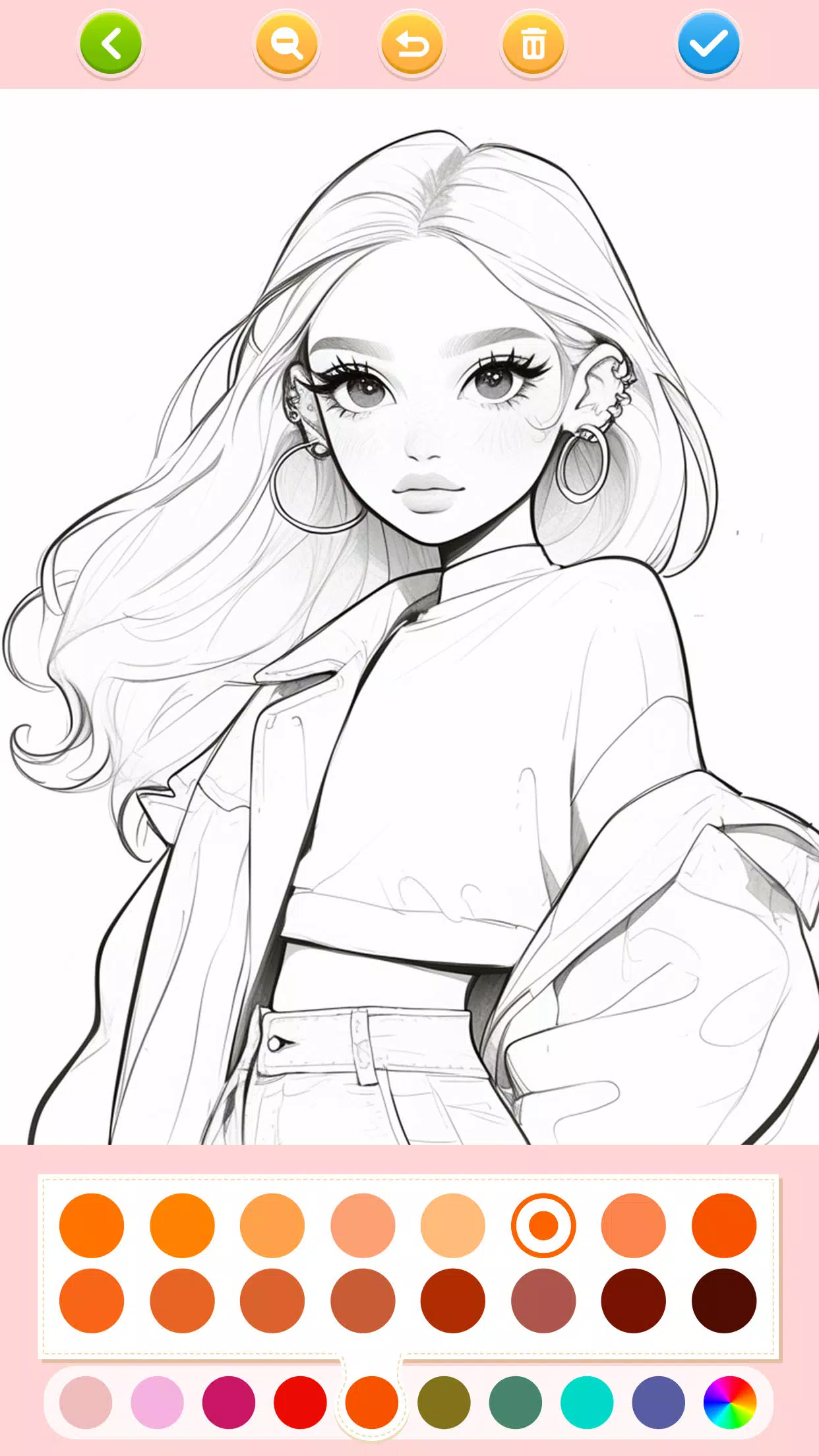
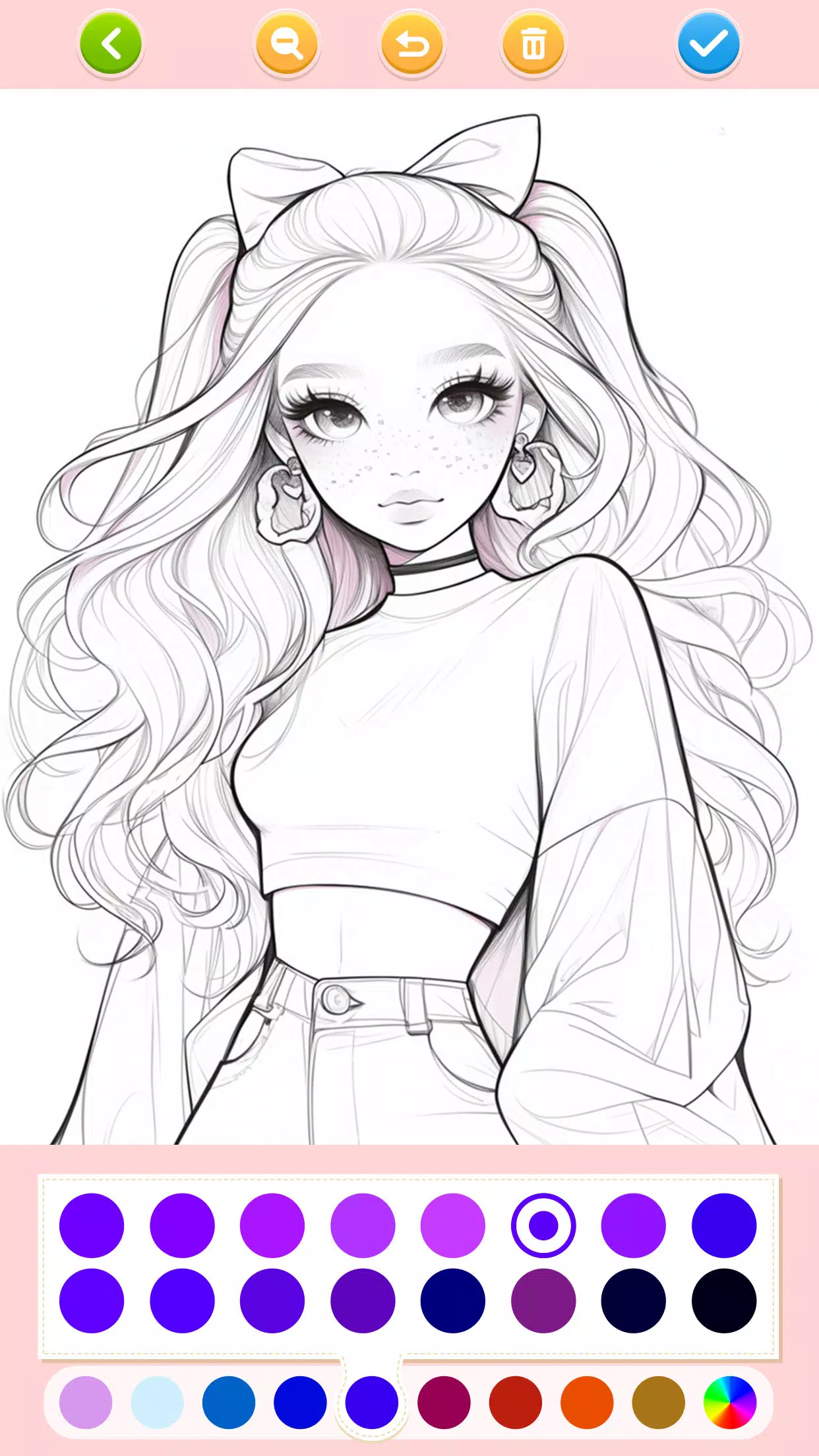
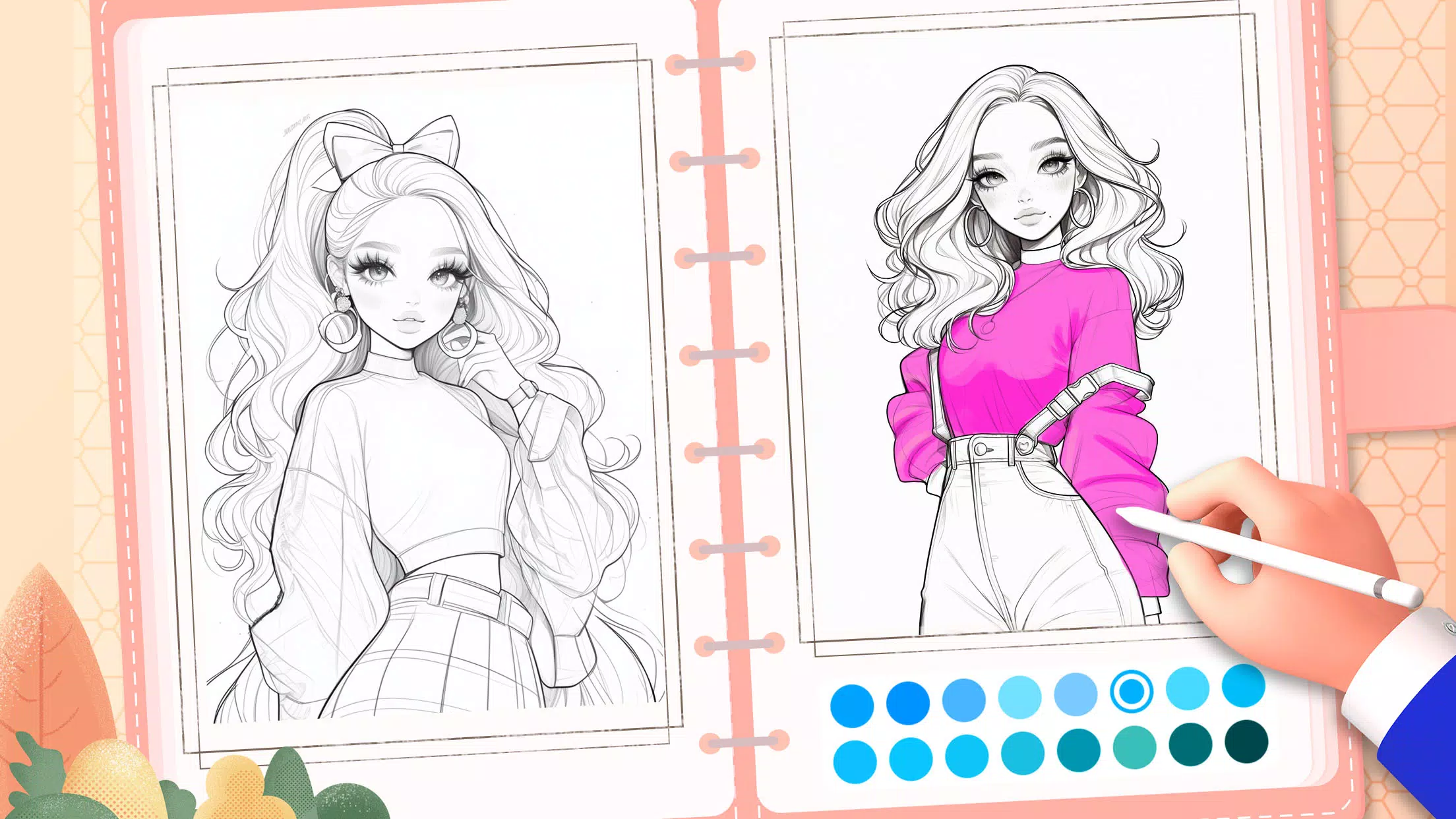
The core gameplay in Doll Color is deliberately straightforward: pick a coloring page, choose from palettes or gradients, then tap or drag to fill regions and add accents. Painting behaves predictably so beginners learn color placement and blending without accidental changes. Overlapping 3D-like highlights and optional sparkling effects give completed pages depth, and stickers or patterned fills allow children to decorate outfits and backgrounds in playful ways. The app supports multiple canvases per page so kids can try several color schemes and keep each variation as a separate save.
Controls are designed for touch-first devices and early readers. Buttons are large and clearly labeled, with immediate visual feedback for touches and strokes. Undo and Clear All are always available to encourage trial-and-error learning, and simple on-screen prompts guide players through basic operations. For parents and caregivers, the layout reduces accidental exits and keeps the creative area unobstructed. Doll Color emphasizes an uncluttered workspace so children focus on color choices and composition rather than complex menus.
Progression in the app is based on a gentle difficulty curve rather than timed challenges or competitive goals. The more detailed pages and intricate outfits are placed later in category lists, allowing young players to develop finer motor skills and color sense as they play. Difficulty tiers are organized by line complexity and element count—simple silhouettes for beginners, medium-detail scenes for developing skills, and denser compositions for older children who want a steadier hand. This structure encourages repeated play and a clear sense of accomplishment as players move through the themed sets.
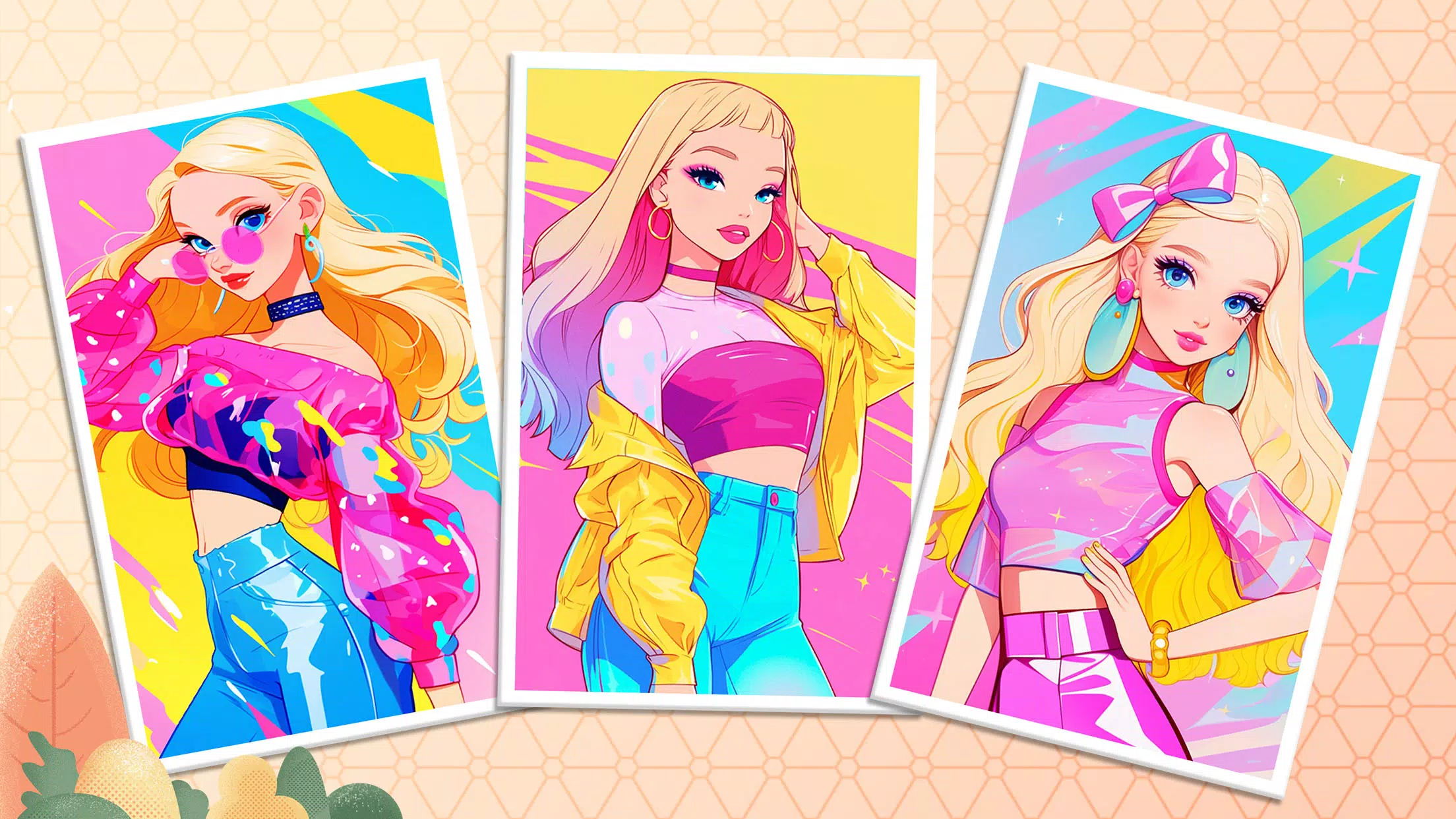
Visually, Doll Color leans into anime and kawaii aesthetics with soft lines, expressive faces and whimsical motifs like unicorns and castles. Customization focuses on color and texture: choose from more than 20 palettes, experiment with gradients, add shimmering accents or apply patterned stickers to clothing and backgrounds. The combination of palettes and effects creates a wide range of styles without requiring complex drawing tools. Saved versions let players compare different artistic choices and refine a single character or scene over multiple sessions.
Replay value comes from the breadth of themes, multiple canvases per page and progressive detail levels. Players can rework favorite pages, test alternate palettes or try subtle variations of effects to create distinct results from the same outline. Light challenge options—such as completing a series of themed pages or finishing a set of increasingly detailed drawings—provide motivation without pressure. Because the app emphasizes creativity over scoring, it suits both short casual sessions and longer, focused playtimes.
Doll Color was built with accessibility and child safety in mind. Large interactive targets, predictable touch responses and a simple navigation flow make the app approachable for toddlers and older children alike. The app works offline and stores saved drawings locally on the device, so illustrations remain accessible without a network connection. Text and iconography are kept clear to support early readers; audio cues are optional and can be muted to adapt the experience for different environments.
Saved drawings are organized into an in-app gallery where players and parents can open earlier versions for further edits. The app avoids complicated menus and extraneous features so children spend more time creating and less time learning controls. Doll Color performs smoothly on common Android devices and is intended as a safe, family-friendly creative outlet that encourages experimentation, visual learning and repeated play. Parents looking for a calm, imaginative activity will find an approachable balance between guided structure and open-ended creativity in this coloring app.
File size: 29.70 M Latest Version: 1.212
Requirements: Android Language: English
Votes: 409 Package ID: art.games.color.princess.coloring
Developer: JoyCraze
Let your child's creativity shine with our new game made just for kids! With cute graphics and fun challenges, this game will keep them entertained for hours. Children can build their own worlds, customize adorable characters, and let their imaginations run wild. With simple controls perfect for little hands and no ads or external links, you can feel at ease while they play independently.


LIVE A HERO
Retro Hero Mr Kim
Empire of Passion
Arcane Quest Legends
Magic Snap: Momotaro
AllStar Manga Heroes
Lunescape
ONE PIECE Thousand Storm JP
Tap Titans 2