
Scan to Download
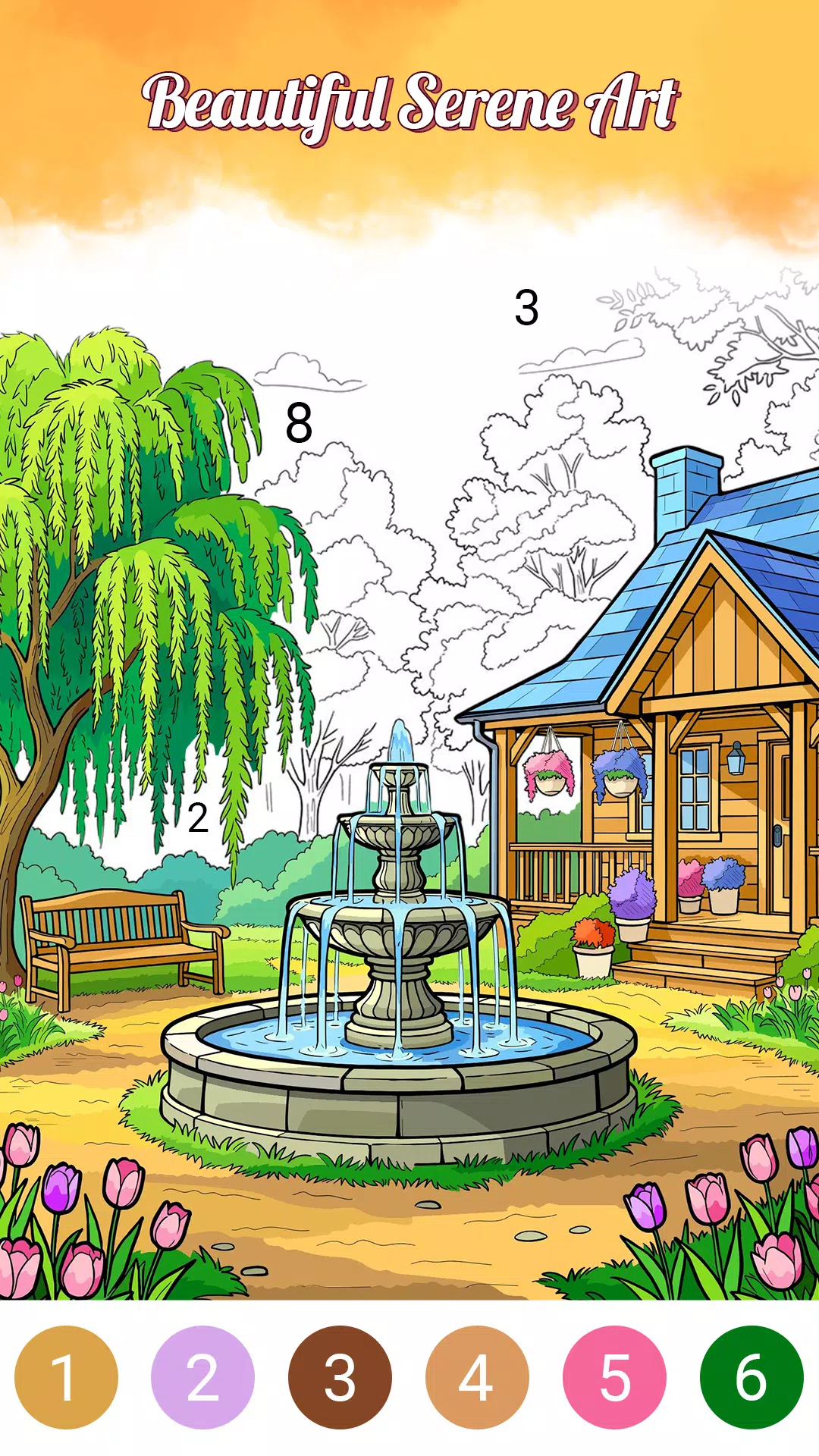
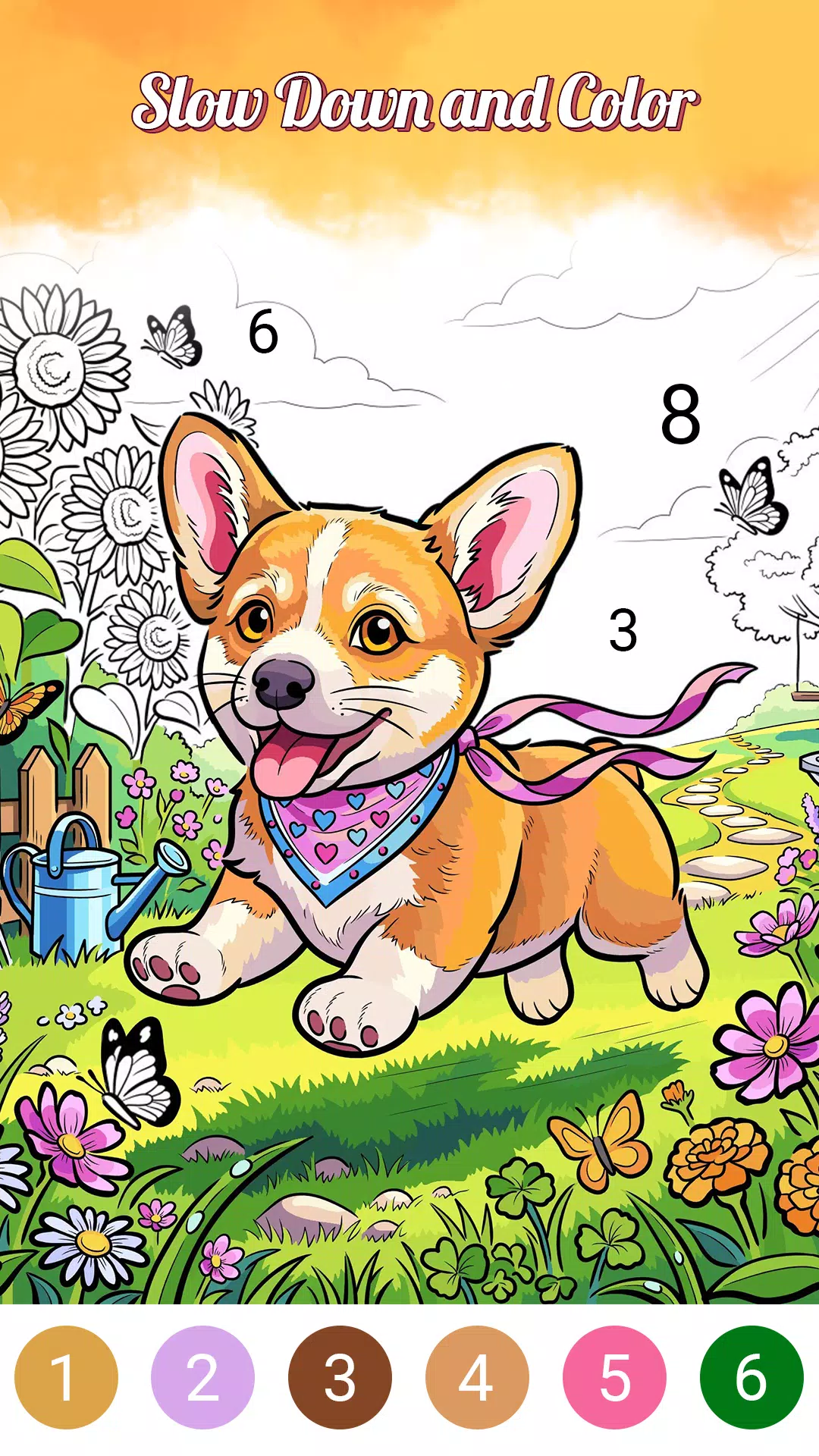
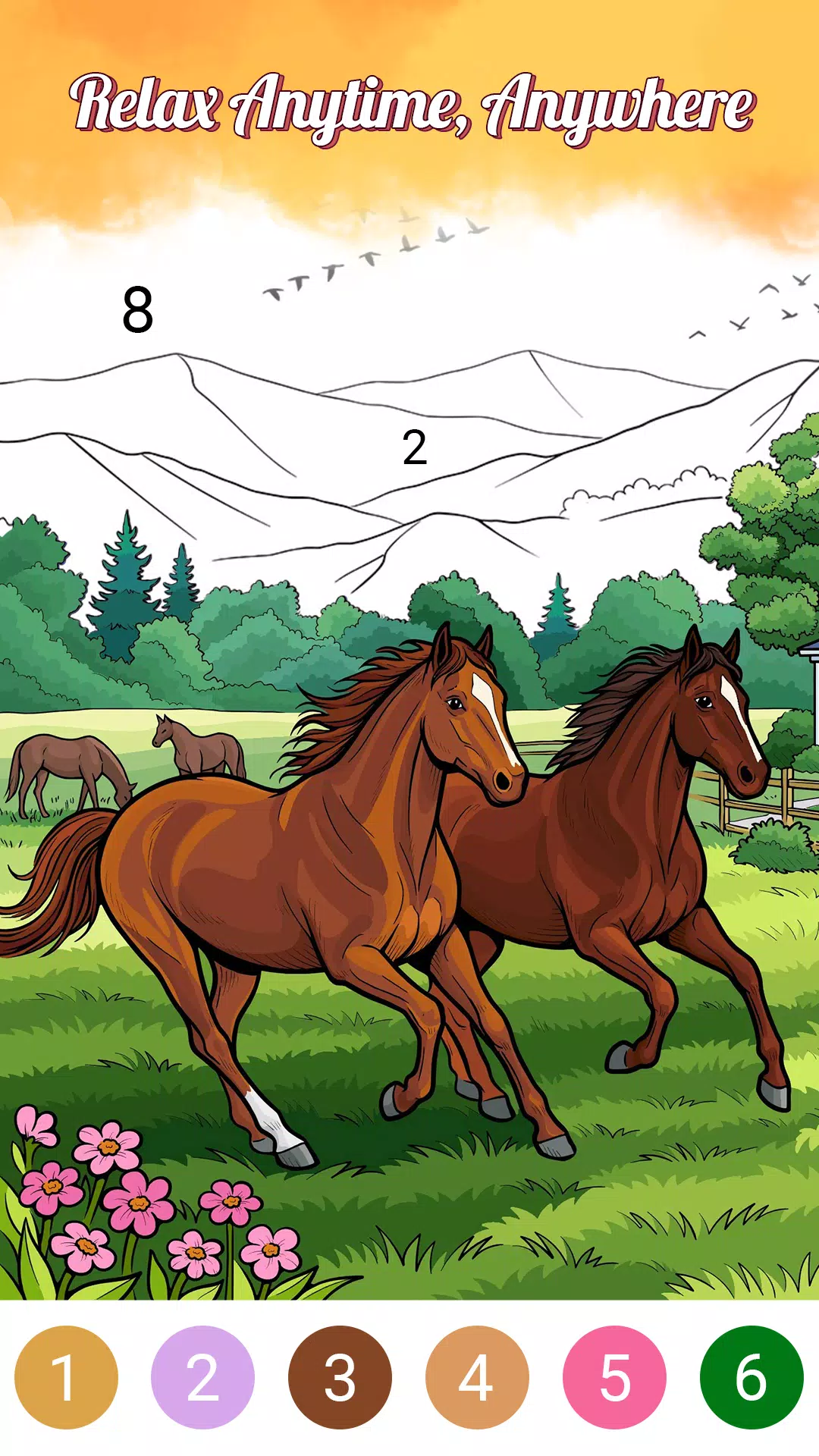
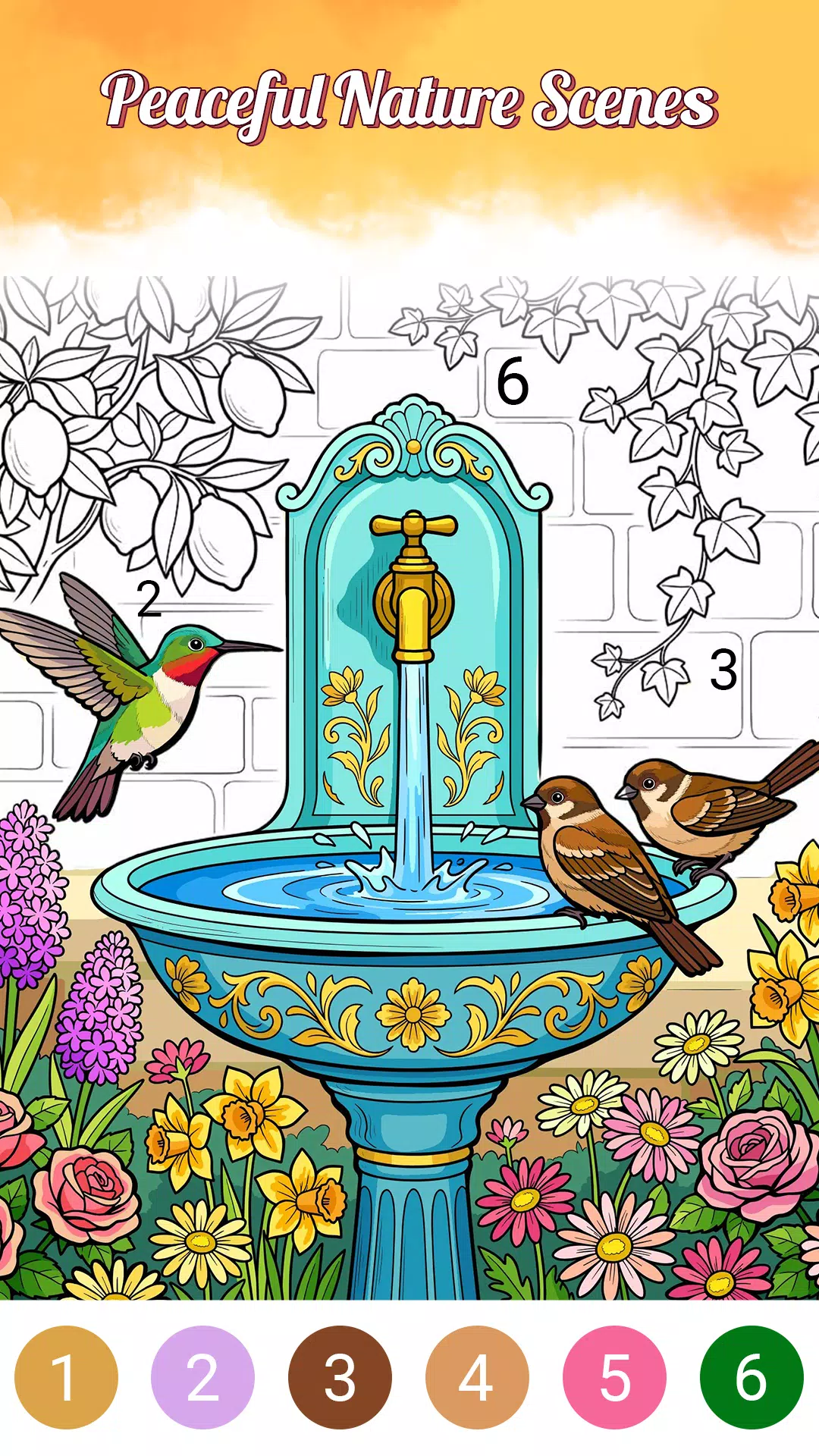
Serene Color is a calming coloring and palette design app that helps users create soothing color compositions and unwind through creative play. It blends simple painting tools with guided palettes, allowing quick mood-based designs or deep exploration of color relationships for projects, relaxation, or visual planning.
Serene Color provides a range of intuitive instruments that work for both leisurely doodling and deliberate design. The app includes brush and fill tools, a gradient editor, adjustable opacity, and a precision picker that captures colors from imported images. A palette manager stores custom swatches and offers export options for sharing or use in other software.
The interface is deliberately minimal to reduce distraction. A clean toolbar keeps essential controls within reach while large canvas modes let you focus on form and hue. Contextual hints appear only when first using a tool, and an undo history helps you experiment without worry. Serene Color balances freedom with gentle guidance so users can concentrate on color rather than complexity.
Whether you want to craft a mood board, develop a palette for a brand, or simply decompress after a long day, Serene Color adapts to the task. Import images to extract dominant tones, generate complementary suggestions, or create layered compositions for social graphics. Projects can be organized into folders, and quick-export formats include PNG and palette files compatible with popular design apps.
Presets accelerate the creative process. Serene Color ships with themed palettes—such as Sunset, Forest, Pastel, and Monochrome—that you can tweak or save as new templates. Advanced controls let you set color harmony rules (analogous, triadic, complementary) and lock certain swatches to preserve a consistent visual language across multiple artboards.
Optimized for mobile devices, Serene Color runs smoothly on a wide range of Android hardware. The app supports high-resolution canvases without lag, intelligently managing memory to maintain responsiveness on older devices. Exporting and importing palettes is fast, and cloud backup keeps your collections safe across device upgrades.
Serene Color emphasizes approachable controls: pinch-to-zoom, two-finger pan, and pressure-sensitive stroke support for compatible styluses. Font sizes and contrast options improve legibility, while a guided mode simplifies the interface for newcomers. Tooltips and a searchable help section minimize the learning curve.
For designers and hobbyists, Serene Color integrates neatly into existing workflows. Exported palette files work with major desktop editors, while image exports maintain color profiles for predictable reproduction. The app also offers an easy way to transfer swatches between projects, making it practical for iterative design work and client reviews.
Getting started is straightforward: tap the new canvas icon, choose a preset or create a blank canvas, and pick a base palette. Use the color wheel or eyedropper to select tones, layer brush strokes for texture, and save versions as you refine ideas. Serene Color encourages short creative sessions while enabling longer, more focused design work when needed.
Serene Color is designed to be both a practical design tool and a relaxing creative companion. With a focus on clarity, export-friendly features, and thoughtful performance optimizations, it supports a range of activities from casual sketching to professional palette development.
File size: 122.60 M Latest Version: 1.1.8
Requirements: Android Language: English
Votes: 397 Package ID: com.coloring.games.color.by.numbers.holiday
Developer: Joyarc Coloring Games
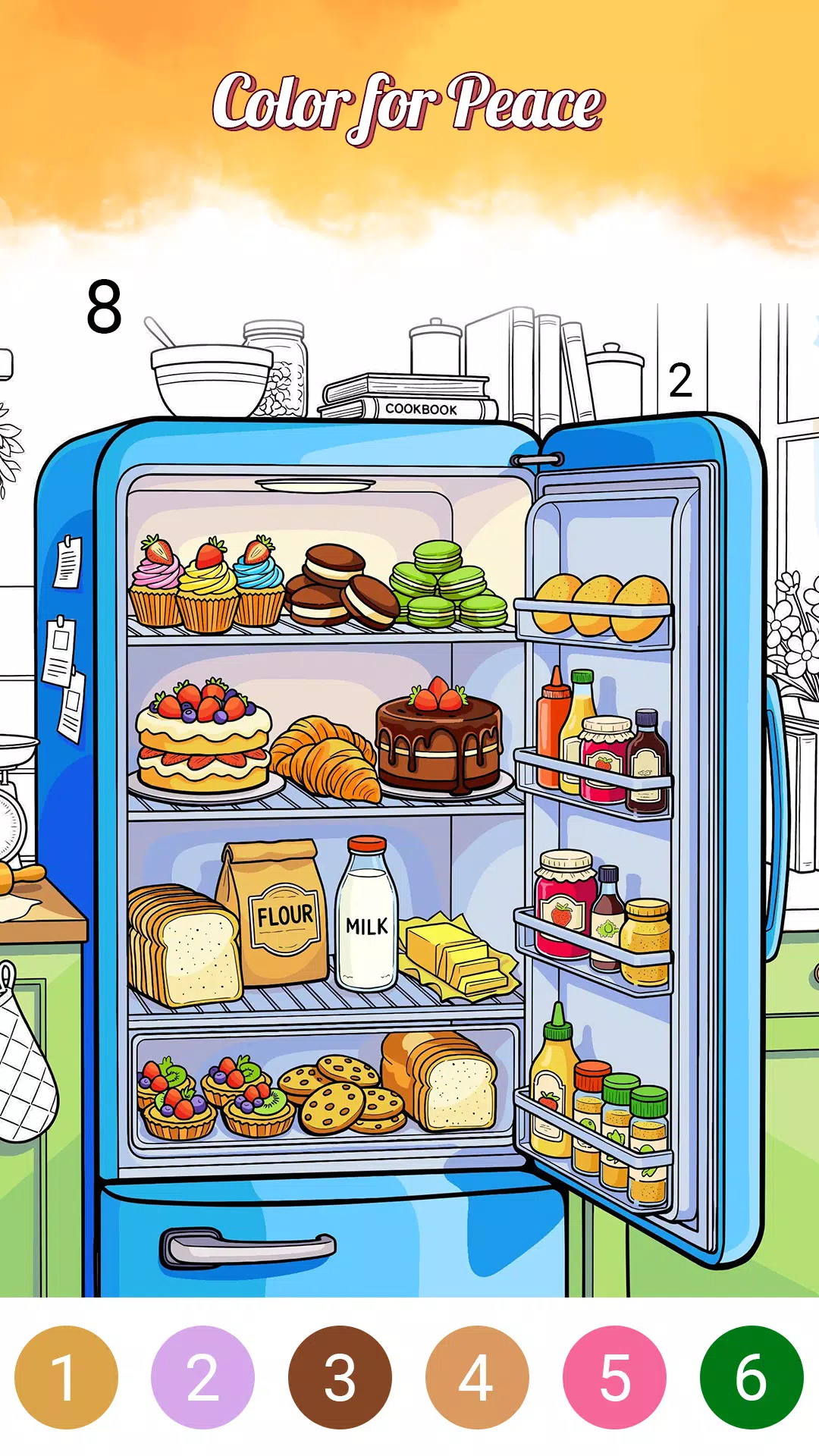
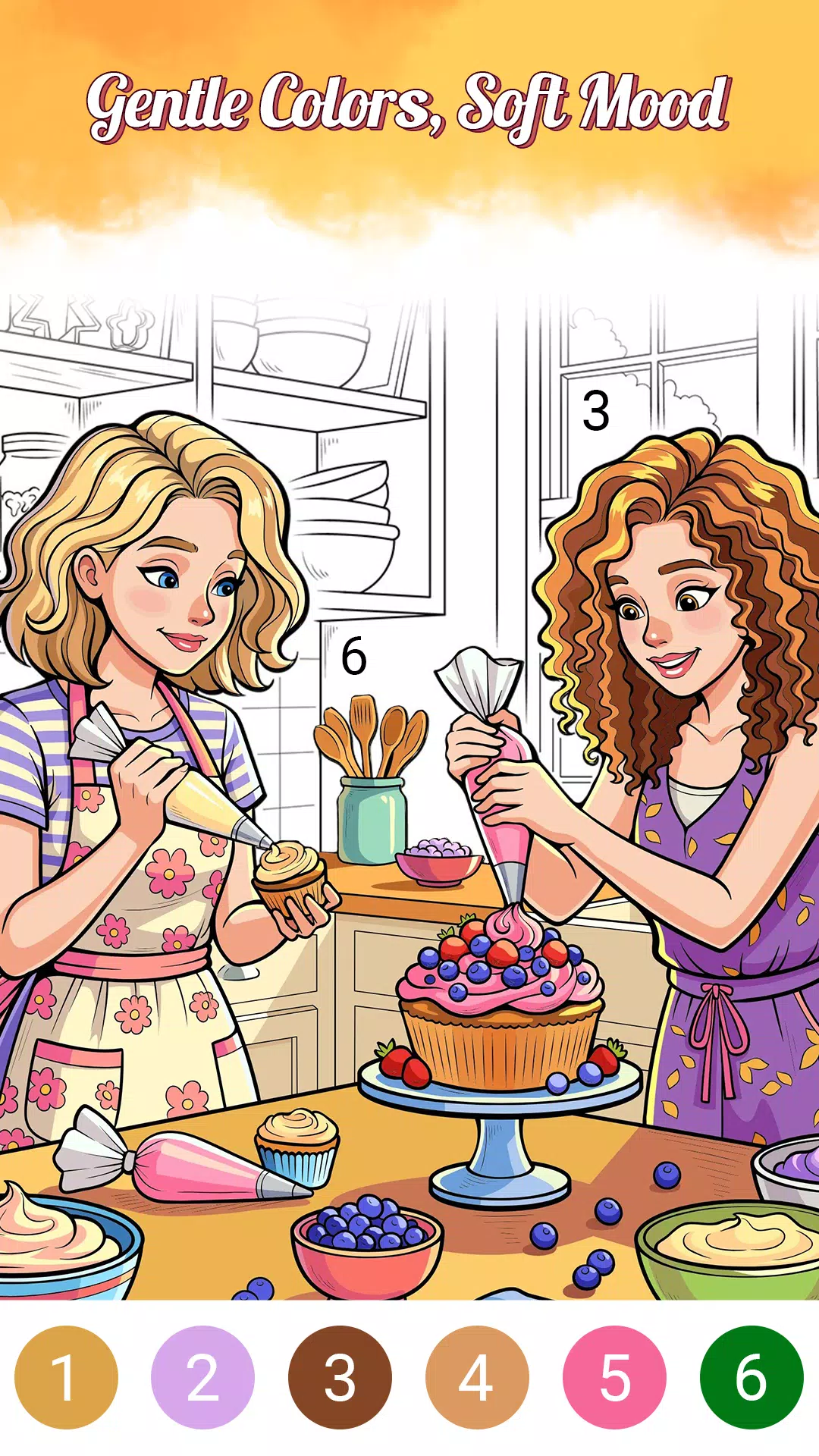
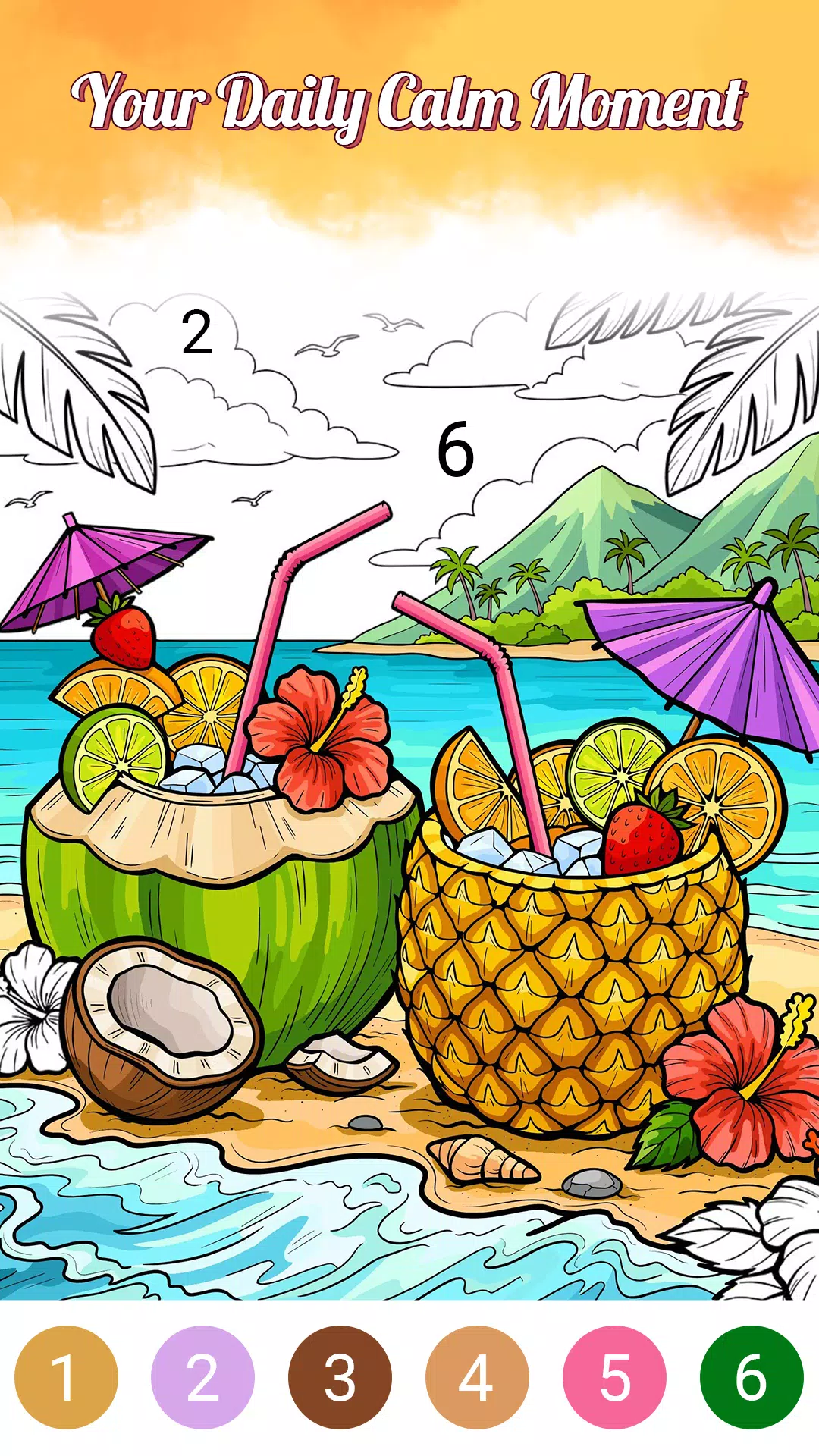
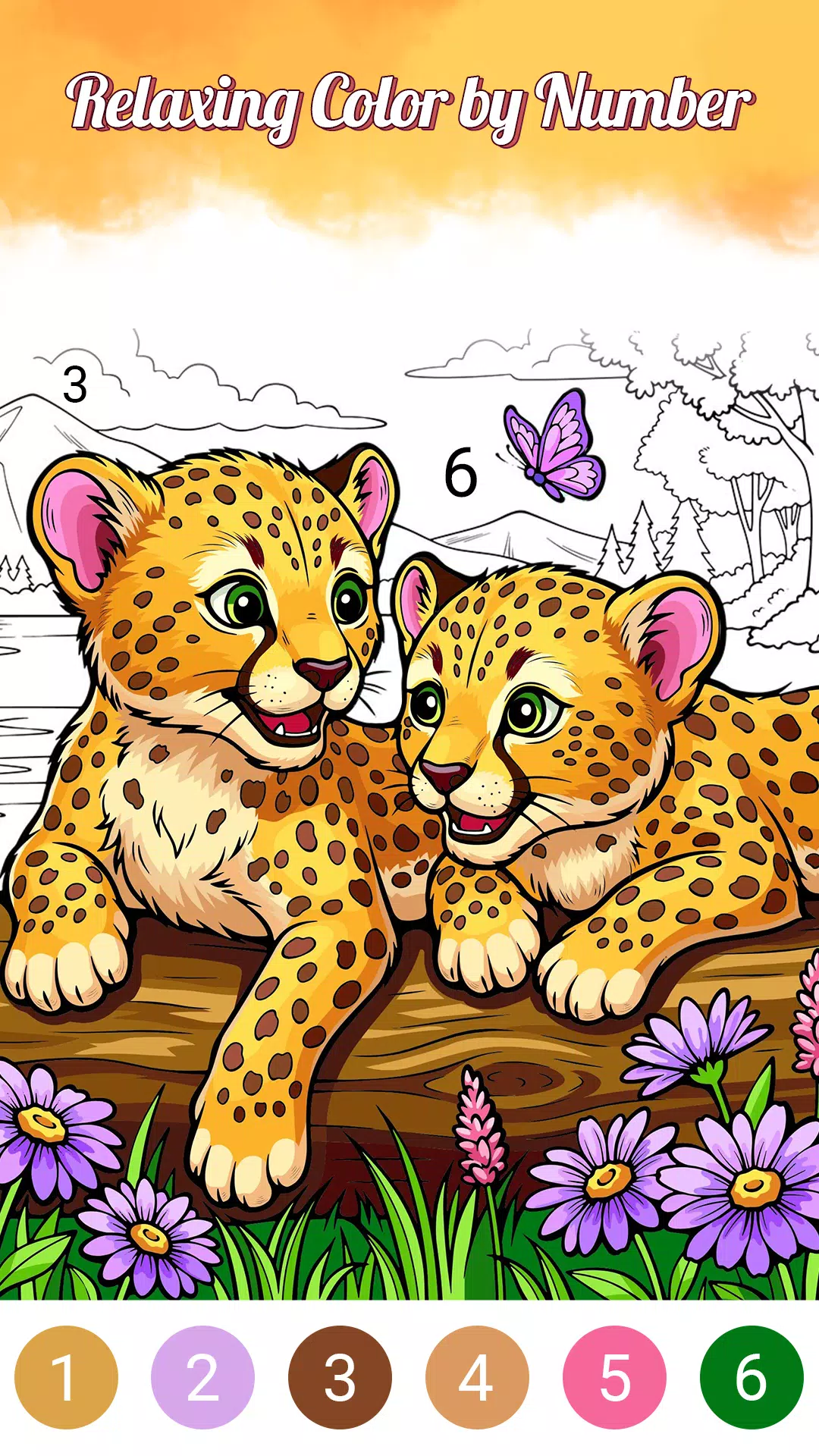

Top Free Casual Necessary Games for Android
Looking for some quick gaming fun? Our new super-casual game is perfect for entertaining bursts in your busy day. With simple, intuitive gameplay crossed with challenges that engage your brain, you'll keep coming back again and again. No complex controls or tutorials - just open and play anywhere, anytime. Vibrant art style and upbeat music create a lighthearted experience.






LIVE A HERO
Retro Hero Mr Kim
Empire of Passion
Arcane Quest Legends
Magic Snap: Momotaro
AllStar Manga Heroes
Lunescape
ONE PIECE Thousand Storm JP
Tap Titans 2