Real Piano Master delivers a realistic digital piano experience on Android, combining high-quality sounds, touch-responsive keys, and practical learning tools. This app is built for users who want to play, compose, or practice on the go with an interface that balances simplicity and professional features in a compact mobile package.
Real Piano Master includes a range of tools designed to satisfy both casual players and dedicated practice sessions. The app offers multi-touch key support, various instrument voices beyond the classic grand piano, metronome integration, and record/playback capabilities. A lightweight mixer allows quick adjustments to volume, reverb, and sustain so you can shape your sound without digging through menus.
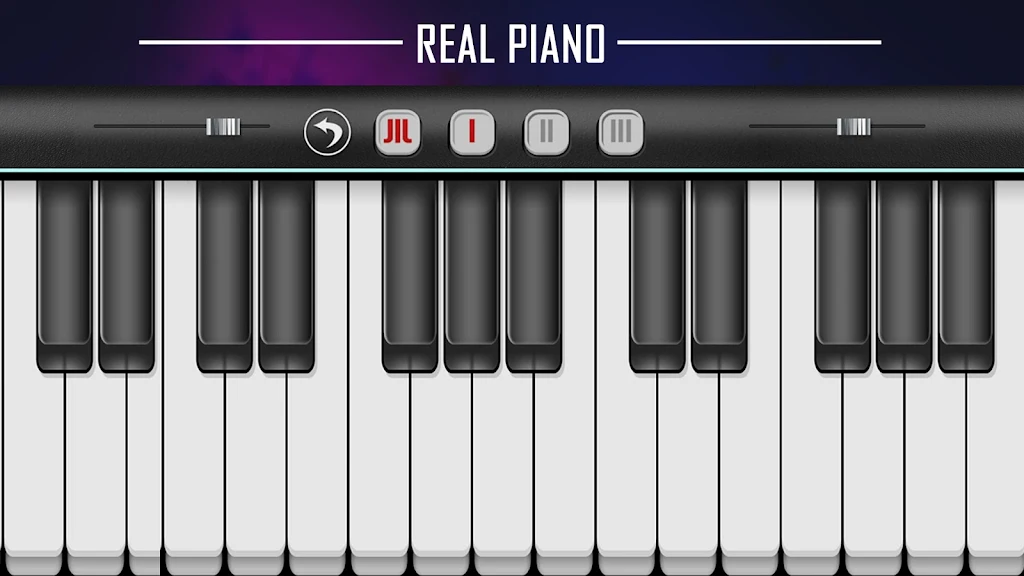
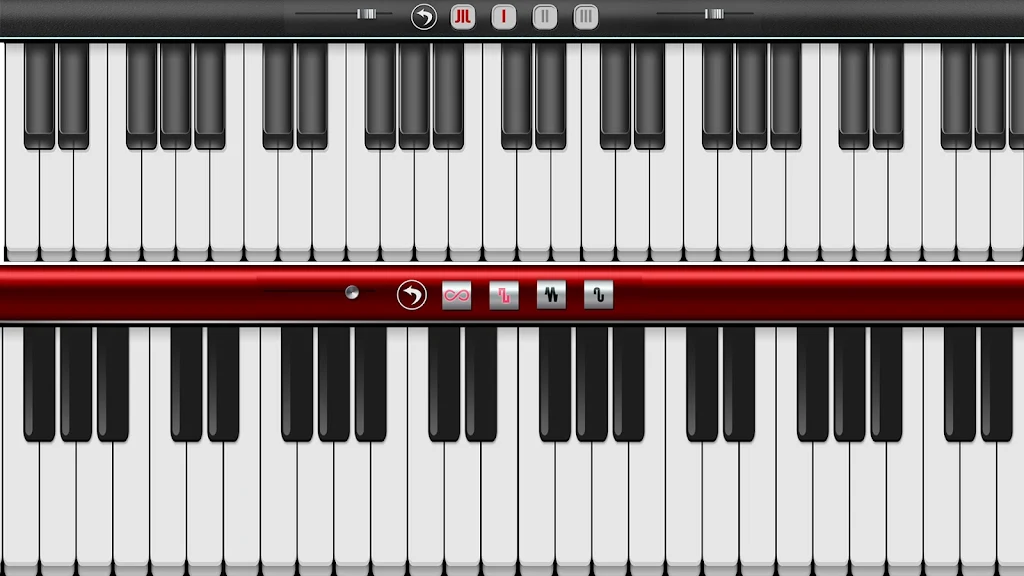
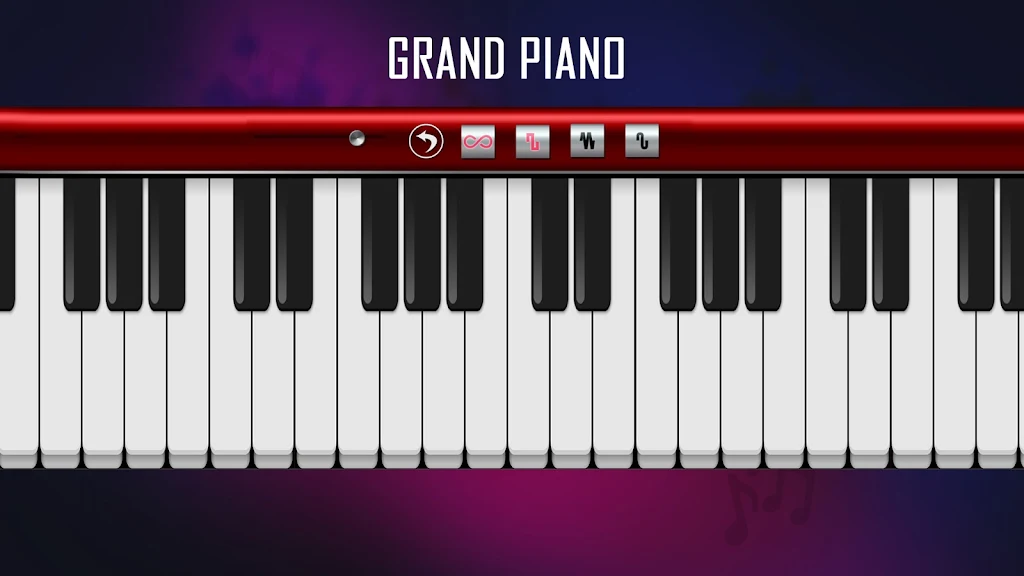
The interface prioritizes usability: keys are clearly labeled, and the layout adapts to screen size and orientation. Touch sensitivity can be fine-tuned to emulate soft or percussive attack, with options for velocity curves to suit different playing styles. On-screen controls remain unobtrusive during performance but expand when you need to change octaves, switch voices, or enable the sustain pedal.
Sampled piano tones are at the heart of Real Piano Master, sourced to provide warmth and clarity across the keyboard range. The app also includes electric pianos, organs, strings, and synth pads for layering or exploring different textures. Effects such as reverb and chorus are available to enhance ambience and create more immersive timbres, all processed efficiently to minimize latency.
Built-in practice aids make the app valuable for improving technique. A metronome supports custom beats and subdivisions while a tempo trainer gradually increases speed for challenging passages. The record feature captures performances for self-review or to export for sharing. Additionally, the app offers configurable visual guides and highlighting to assist with sight-reading and hand coordination.
Real Piano Master provides several customization layers so you can tailor the experience. Choose from keyboard sizes, key color themes, and snapping or sliding touch modes. Advanced users can map sustain and modulation controls to external MIDI devices, assign split points for dual-voice setups, and save custom instrument presets for quick recall during practice or performance.
Compatibility is a strong point: the app supports USB and Bluetooth MIDI controllers, enabling use with external keyboards and pedal units. It exports recordings as standard audio files for further editing in desktop DAWs, and integrates with other music apps via common Android audio routing solutions. Performance is optimized for a wide range of devices to reduce lag and avoid audio dropouts.
Real Piano Master balances fidelity and resource use to maintain smooth playability. Sample quality scales with device capacity so lower-end phones remain responsive while higher-end models can leverage richer samples. Background audio options help preserve session state, and battery-saving settings limit CPU-intensive processing when you need extended practice time away from a charger.
This app stands out by combining realistic piano feel with versatile practice tools and flexible connectivity. It suits users wanting quick sessions, composing on the move, or testing arrangements before taking them to a studio. The thoughtful interface reduces friction, letting you focus on music rather than technical setup.
Download and open Real Piano Master, grant audio permissions, and choose a keyboard layout. Start with an included preset voice, enable the metronome, and try the record function to capture a short take. If you own a MIDI controller, connect via USB or Bluetooth to expand tactile control and assign pedals for sustain. Explore presets and save any custom settings you prefer.
Regular updates add sounds, refine latency, and improve device support, so keeping the app current enhances stability and new features. With its balance of sound quality, practice aids, and customization, Real Piano Master is a practical mobile instrument for players who want an accessible yet capable piano experience.
File size: 36.14 M Latest Version: 2.3
Requirements: Android Language: English
Votes: 231 Package ID: com.real.piano.master

Top Free Casual Necessary Games for Android
Looking for some quick gaming fun? Our new super-casual game is perfect for entertaining bursts in your busy day. With simple, intuitive gameplay crossed with challenges that engage your brain, you'll keep coming back again and again. No complex controls or tutorials - just open and play anywhere, anytime. Vibrant art style and upbeat music create a lighthearted experience.






LIVE A HERO
Retro Hero Mr Kim
Empire of Passion
Arcane Quest Legends
Magic Snap: Momotaro
AllStar Manga Heroes
Lunescape
ONE PIECE Thousand Storm JP
Tap Titans 2