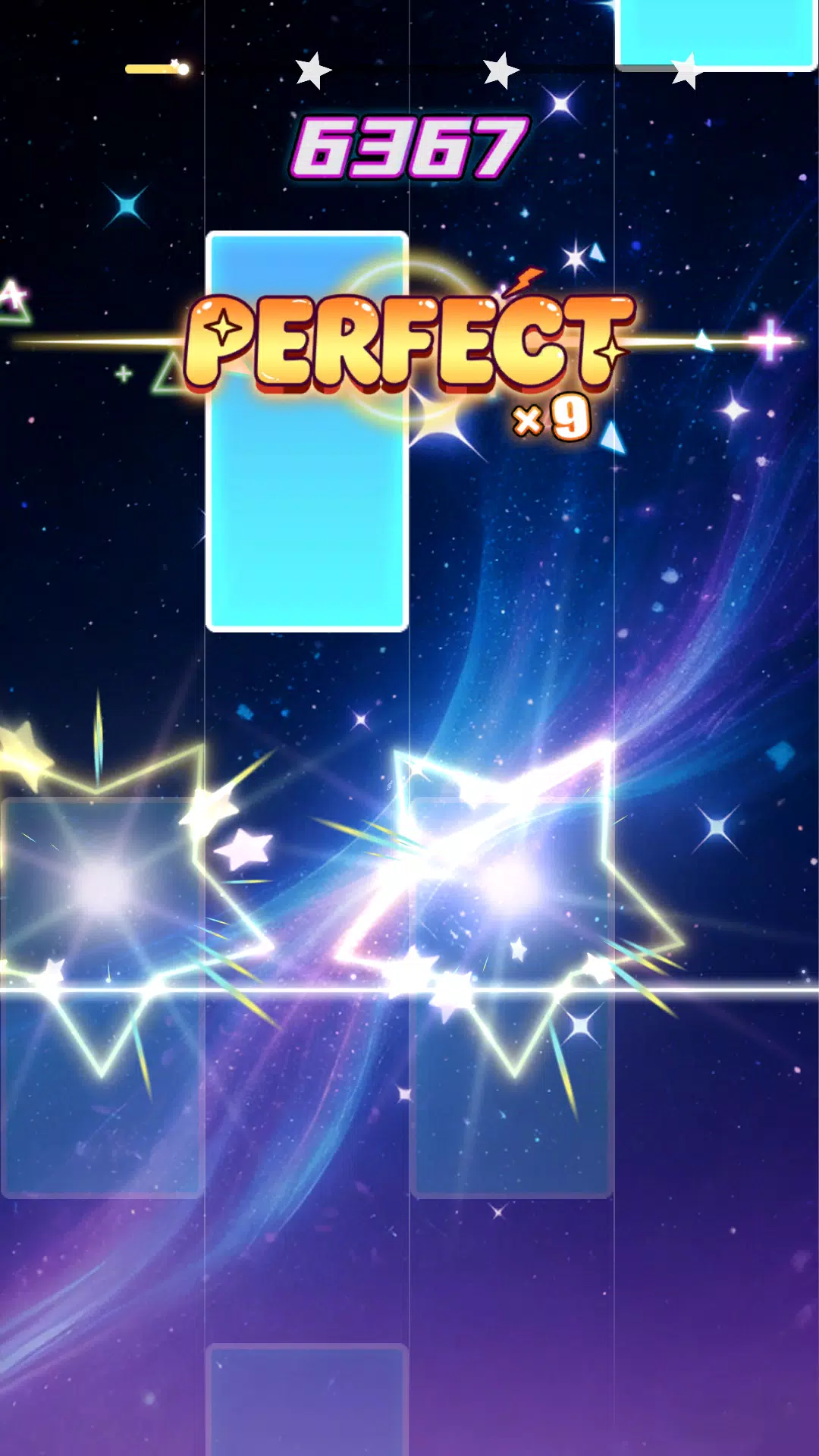
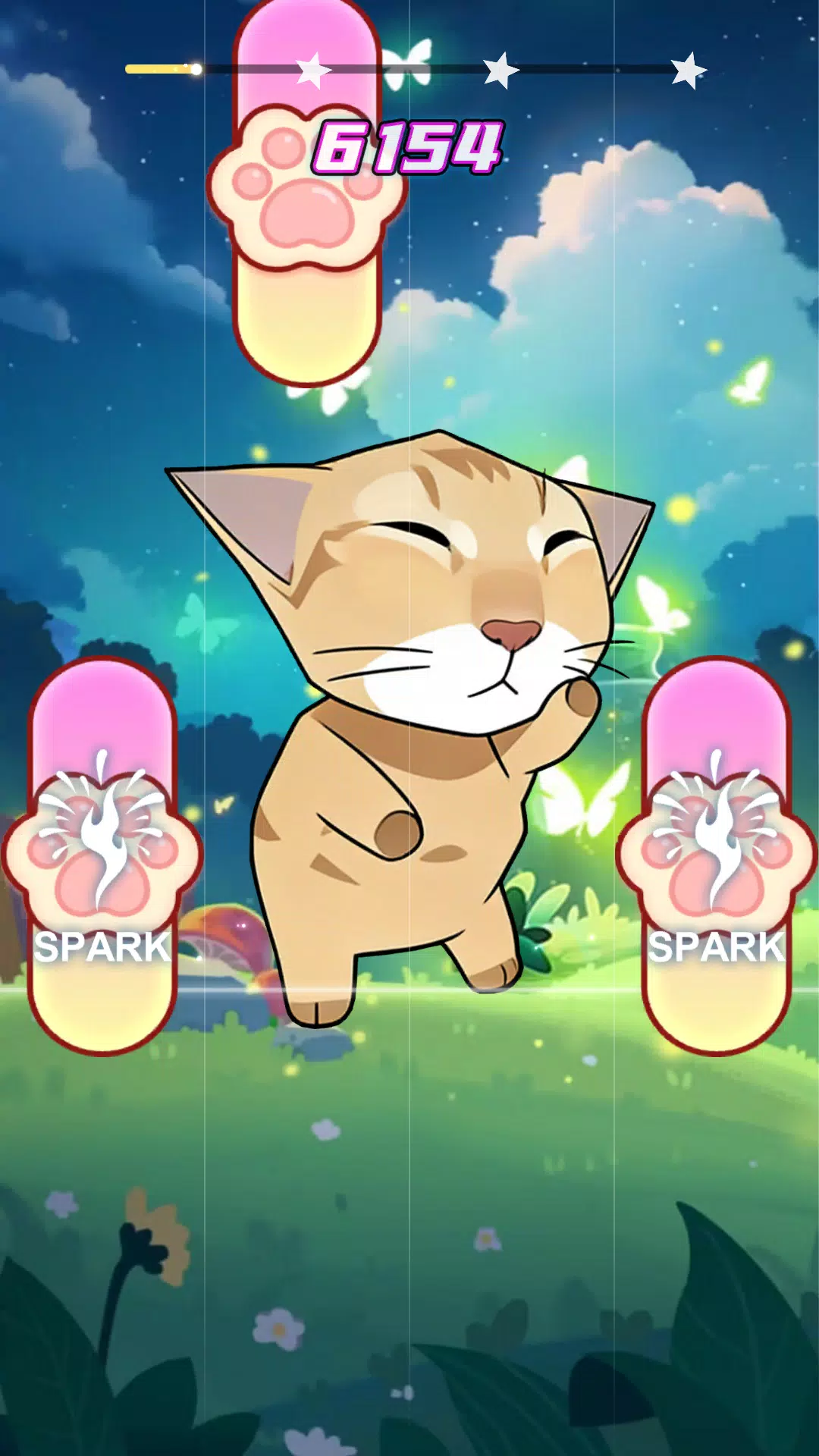
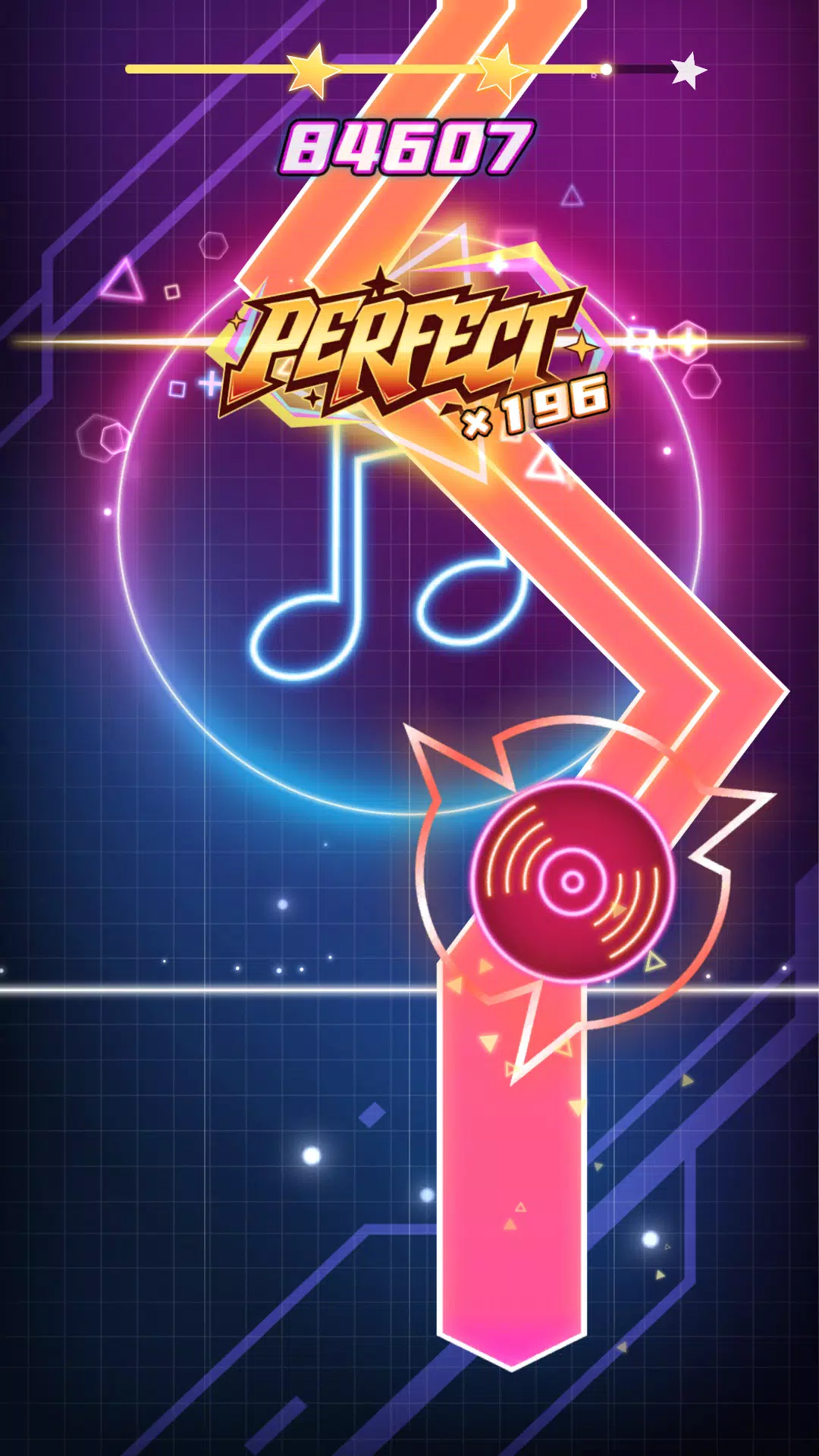
Neo Cyber Piano is a modern virtual piano designed for mobile creators and learners, blending realistic sound modeling with neon-styled visuals and tactile controls. Designed for practice, composition, and performance on Android devices, it focuses on expressive playing, customizable layouts, and low-latency audio for both beginners and experienced musicians.
Neo Cyber Piano turns a handheld device into a versatile keyboard studio. It combines sampled and synthesized piano tones, layered effects, and a responsive keybed simulation that reacts to velocity and sustain. The app targets mobile musicians who want a compact tool for sketching ideas, doing warm-ups, or performing light arrangements without external hardware.
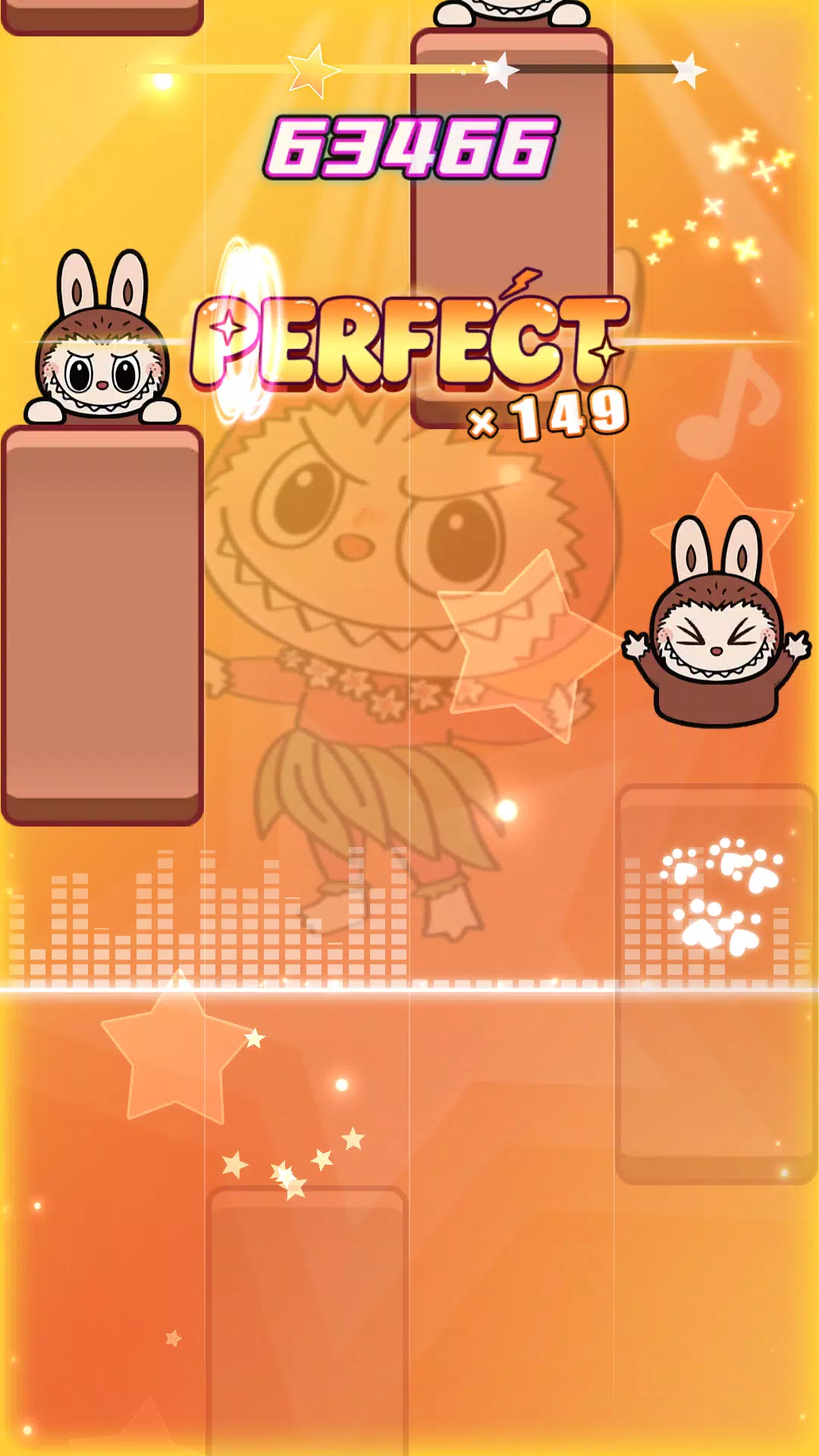
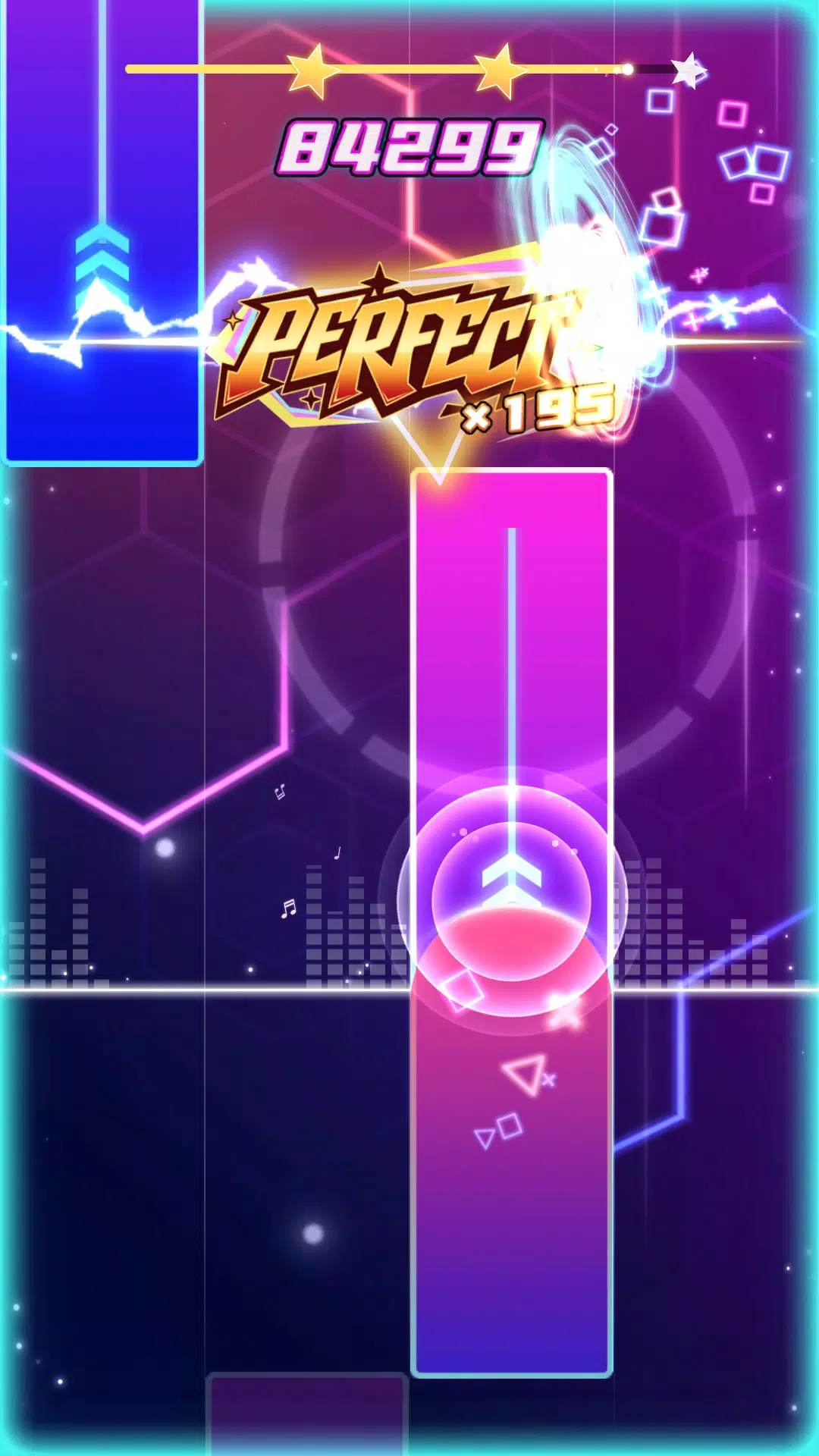
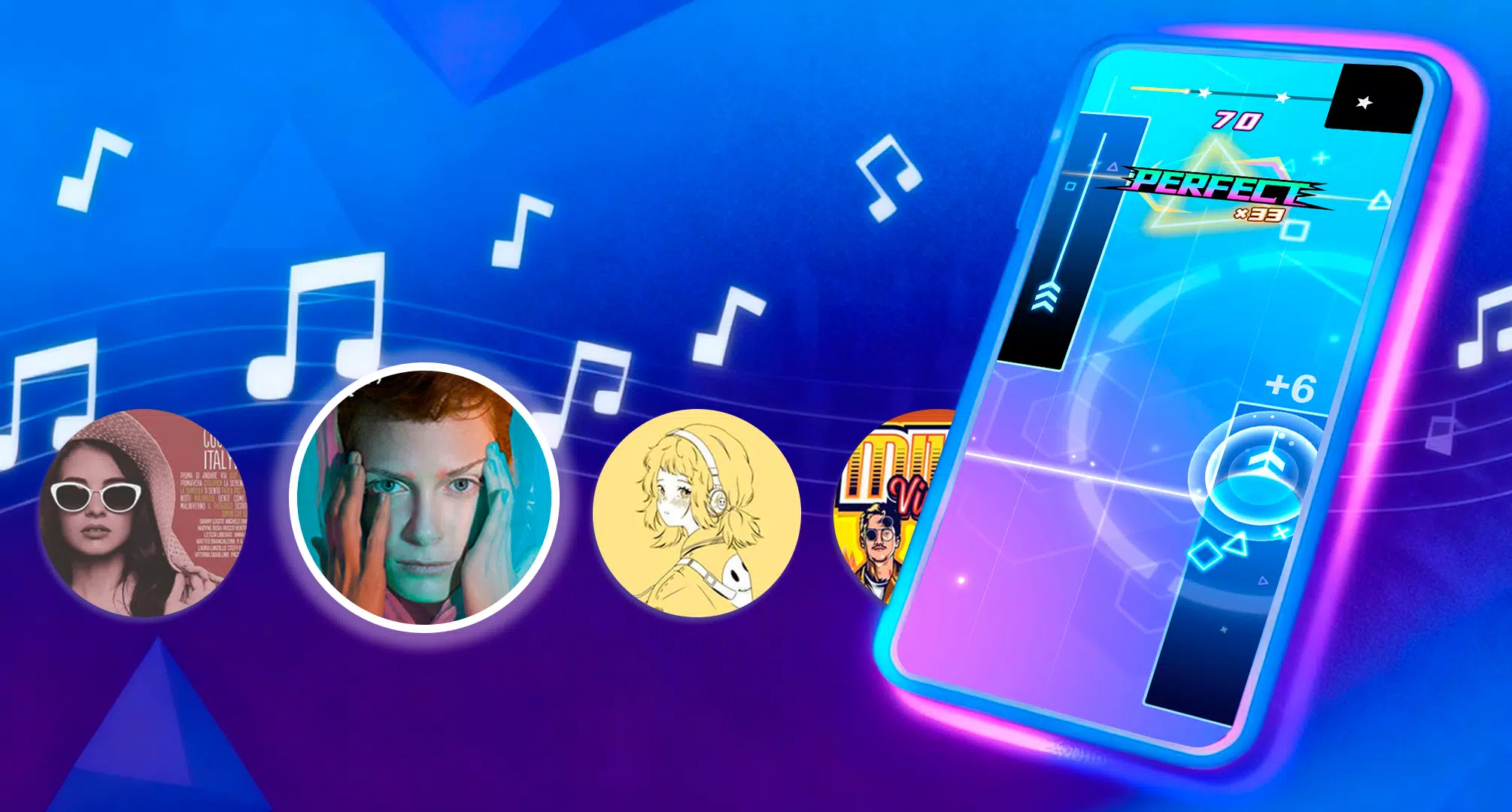
The interface favors clarity and speed. High-contrast neon-themed keys and a tidy control layout make settings accessible without interrupting play. Performance tuning options let you adjust buffer size and sample quality to balance CPU load and audio fidelity. On mid-range devices, the app remains responsive; on high-end hardware it can deliver richer samples with minimal dropout.
Neo Cyber Piano provides both full-keyboard and split modes. You can switch to a compact 4-octave view for portrait usage, or expand to a full 7-octave layout in landscape. Gesture controls allow pitch slides and quick octave shifts. Dedicated knobs on screen map to effects parameters for hands-on mixing while playing.
Connect headphones or a Bluetooth speaker to hear the detailed piano tones. The app processes touch velocity to shape attack and sustain. For creators who want to lay down a phrase, on-board multitrack recording captures individual takes; exports let you bring audio or MIDI into a DAW for further arrangement. Neo Cyber Piano supports external MIDI input and clock sync so it can fit into wider mobile or desktop workflows.
Start with a simple grand piano patch and lower the polyphony to gauge device performance. Enable metronome for timing practice and use the split keyboard to practice chord voicings with left hand patterns. When recording, monitor CPU usage; switching to a lower sample quality can stop glitches while preserving timing and feel.
To reduce delay, close background apps and set the buffer size to the lowest stable value your device allows. Wired headphones typically show less latency than Bluetooth, which helps when practicing fast passages or improvising live.
Neo Cyber Piano appeals because it balances approachable controls with meaningful depth. Casual players appreciate the presets and simplified recording, while more advanced users can tweak effects, route MIDI, and export stems. The visual identity helps it stand out when performing livestreams or videos.
Installing Neo Cyber Piano is straightforward: download from the app store, grant audio and storage permissions for recording, and run the quick tutorial. The welcome tour highlights basic gestures and shows how to save presets. Users can quickly build a template set for practice, live performance, or idea capture.
The app fits neatly into mobile-centric creative routines. Use it as a sketchpad for musical ideas, a warm-up tool before sessions, or a compact performance instrument. With its emphasis on responsiveness and adaptable sound design, Neo Cyber Piano provides a focused, mobile-first piano experience without steep learning curves.
File size: 112.90 M Latest Version: 1.1.5
Requirements: Android Language: English
Votes: 434 Package ID: com.piano.spark.maya
Developer: MayaGameStudio


Top Free Casual Necessary Games for Android
Looking for some quick gaming fun? Our new super-casual game is perfect for entertaining bursts in your busy day. With simple, intuitive gameplay crossed with challenges that engage your brain, you'll keep coming back again and again. No complex controls or tutorials - just open and play anywhere, anytime. Vibrant art style and upbeat music create a lighthearted experience.






LIVE A HERO
Retro Hero Mr Kim
Empire of Passion
Arcane Quest Legends
Magic Snap: Momotaro
AllStar Manga Heroes
Lunescape
ONE PIECE Thousand Storm JP
Tap Titans 2