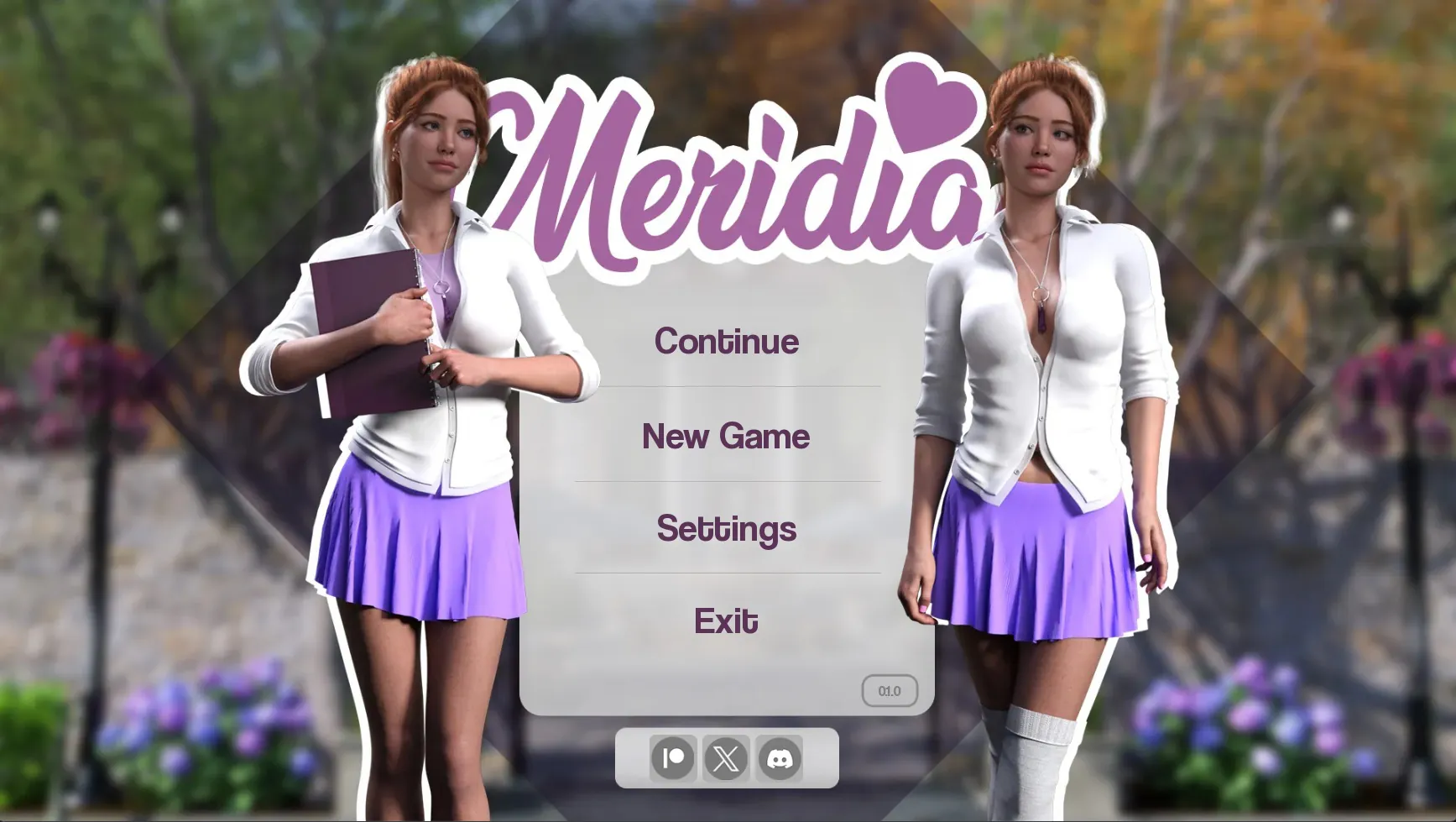
Self Portrait is a mobile app that streamlines creating professional-looking headshots and creative portraits using smart camera tools, retouching presets, and composition guides. It combines one-tap corrections with advanced manual controls so users can capture, edit, and export high-quality self-portraits quickly on Android devices.
Self Portrait focuses on simplifying portrait photography without sacrificing control. It merges guided capture features—like framing overlays and exposure assistants—with non-destructive editing so results stay natural. Whether you need a business headshot, a social media profile, or an artistic portrait, the app brings consistent workflows and reliable output across a range of phones and lighting situations.
The app presents a clean interface that keeps primary tools within reach. The capture screen emphasizes composition with minimal distractions: a central viewfinder, toggleable guides, and one-touch capture. An editing workspace organizes history steps so you can undo or tweak adjustments without losing earlier work. Common actions are reachable via a bottom toolbar while advanced options sit behind expandable panels for a low learning curve.
Self Portrait is designed for content creators, professionals who need polished headshots, and casual users aiming to improve their profile photos. It supports a wide range of Android devices and adapts processing intensity based on hardware to balance speed and quality. Older phones receive optimized, lightweight modes while newer devices benefit from multi-core processing and GPU-accelerated effects.
The app balances speed with quality by using adaptive algorithms that scale to device capability. On modern handsets, operations like noise reduction and background replacement complete in seconds. Edits remain non-destructive so originals are always preserved. Output settings let you choose high-resolution exports for printing or compressed sizes for faster sharing without sacrificing perceived sharpness.
Local-first processing ensures your photos are edited on-device by default, minimizing cloud transfers. When cloud sync is requested, you control what is uploaded and can manage permissions from the settings panel. The app also offers automatic backup to a specified folder and allows clearing caches to free storage space when needed.
Install the app, grant camera and storage permissions, and begin with the guided capture mode to familiarize yourself with framing and exposure tools. Explore the preset library and try exporting at different sizes to understand the trade-offs between file size and fidelity. With a brief learning curve, Self Portrait can become part of a regular content routine for producing reliable portraits in minutes.
Built for people who value both speed and control, the app supports diverse shooting scenarios and offers an approachable toolkit for refining faces and backgrounds. Resources and walkthroughs inside the app help users make the most of advanced controls while preserving image quality for professional or personal use.
File size: 299.00 M Latest Version: 0.1
Requirements: Android Language: English
Votes: 283 Package ID: com.game.self.portrait
Developer: The_Architect

Top Free Casual Necessary Games for Android
Looking for some quick gaming fun? Our new super-casual game is perfect for entertaining bursts in your busy day. With simple, intuitive gameplay crossed with challenges that engage your brain, you'll keep coming back again and again. No complex controls or tutorials - just open and play anywhere, anytime. Vibrant art style and upbeat music create a lighthearted experience.

LIVE A HERO
Retro Hero Mr Kim
Empire of Passion
Arcane Quest Legends
Magic Snap: Momotaro
AllStar Manga Heroes
Lunescape
ONE PIECE Thousand Storm JP
Tap Titans 2