Scan to Download
PSP emulator brings classic PlayStation Portable titles to Android devices, offering a user-friendly interface and high-performance playback for ISO/CSO game files. It delivers configurable controls, save states, and graphical enhancements to run vintage games reliably on phones and tablets.
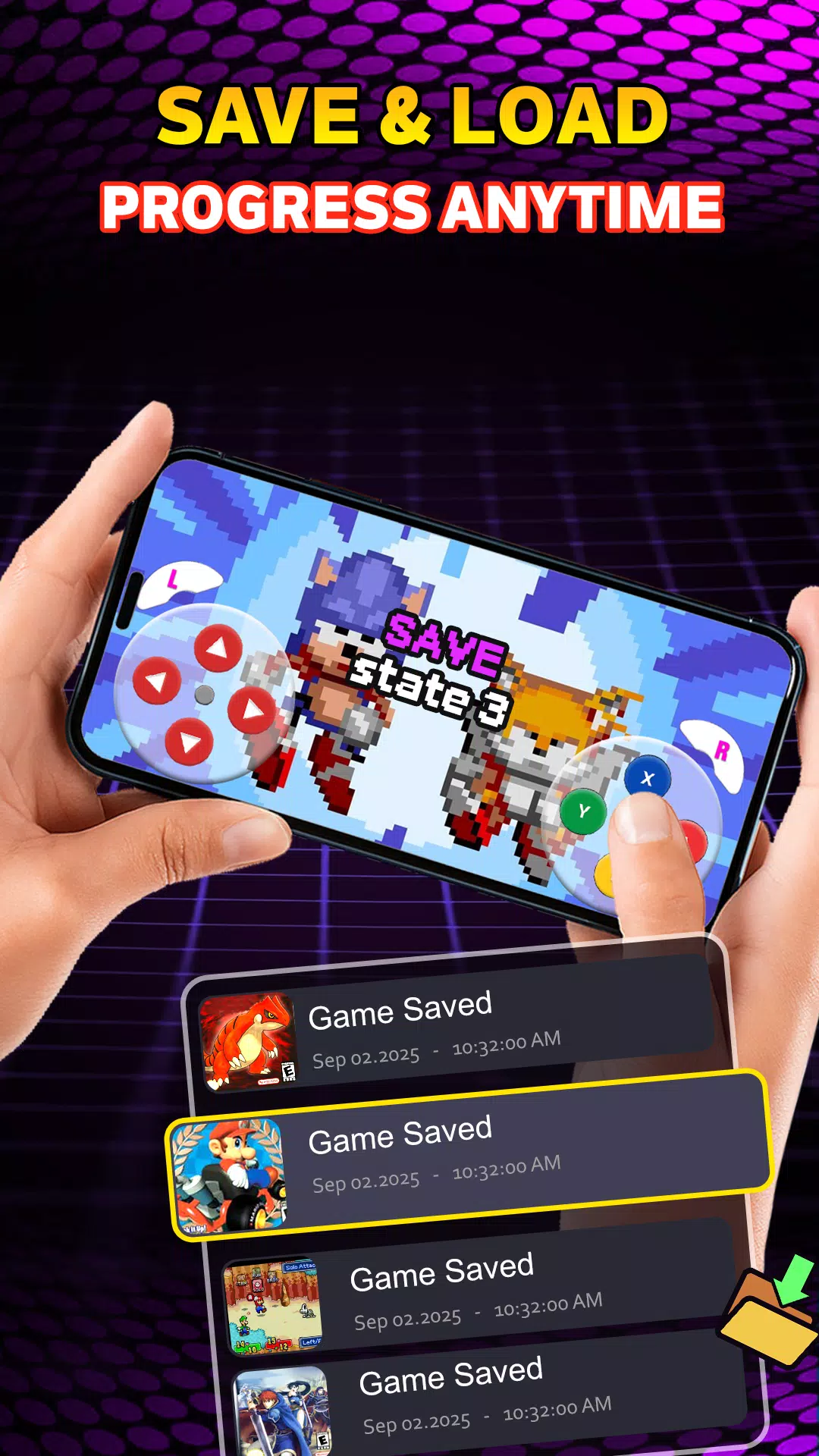
The PSP emulator lets you load legally owned PSP game images and play them with modern conveniences absent from the original hardware. It replicates the PSP software environment so that audio, input, and rendering behave closely to the source. Expect features like save/load states, frame rate control, and audio synchronization to make long sessions more practical.
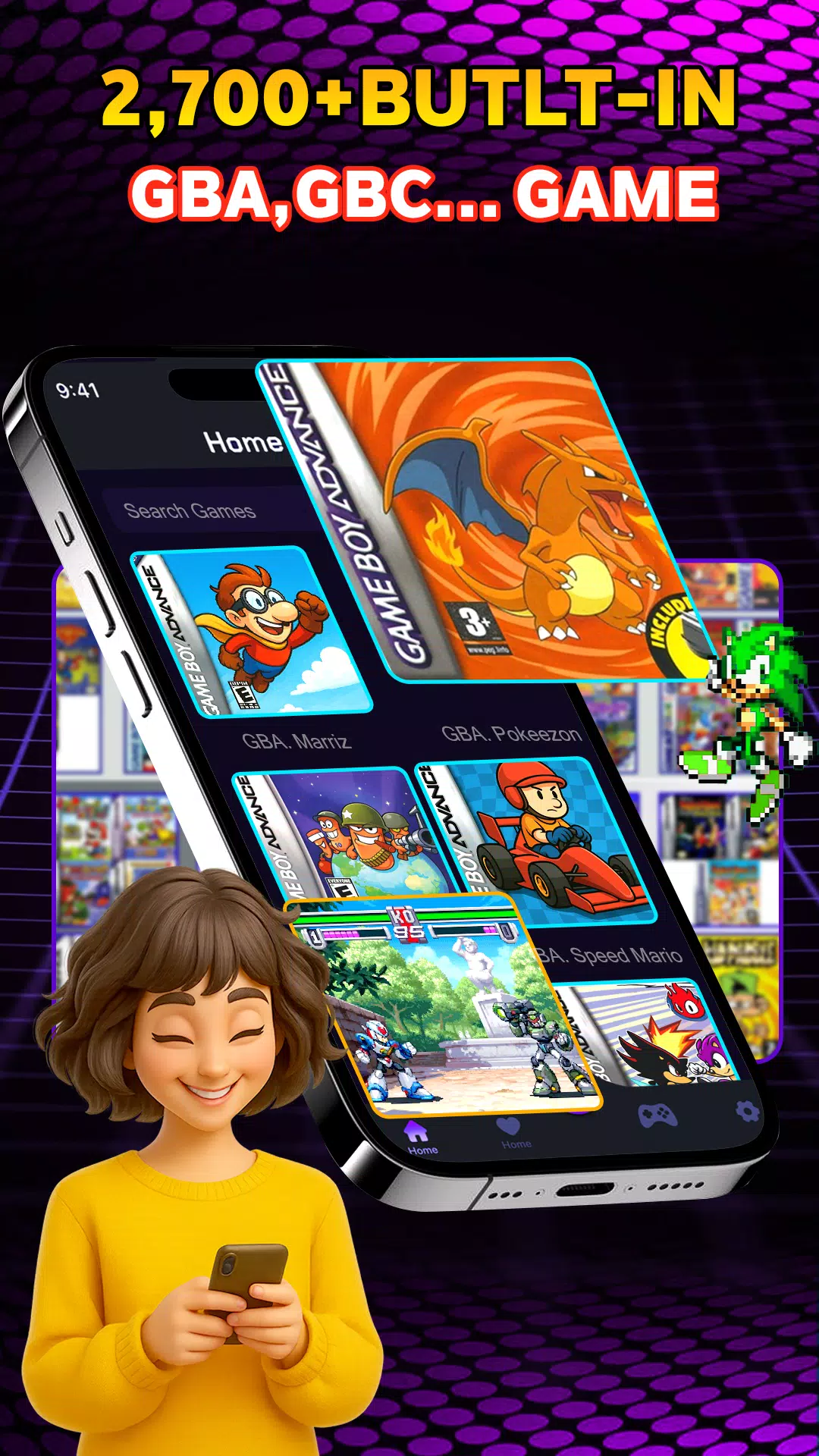
This emulator supports common image formats such as ISO and CSO, plus some compressed or extracted folders depending on how your files are stored. A built-in file browser detects compatible games automatically. Additional features include:
The interface emphasizes quick access to your library and per-game settings. Game tiles display metadata and cover art when available, and a simple long-press opens configuration for individual titles. Profiles let you store preferred settings for multiple games, so performance tweaks applied to one RPG won't affect a racing title. The layout scales for phones and tablets, keeping controls reachable on larger screens.
Performance depends on your device's CPU, GPU, and Android version. Modern mid-range and flagship phones handle many PSP titles at full speed, while older models may require lowered rendering resolution or enabled frame skipping. The emulator offers hardware acceleration when supported, and options to switch rendering backends to improve compatibility. Expect most 2D and early 3D PSP games to run smoothly; some advanced 3D effects or custom plugins may still push the limits.
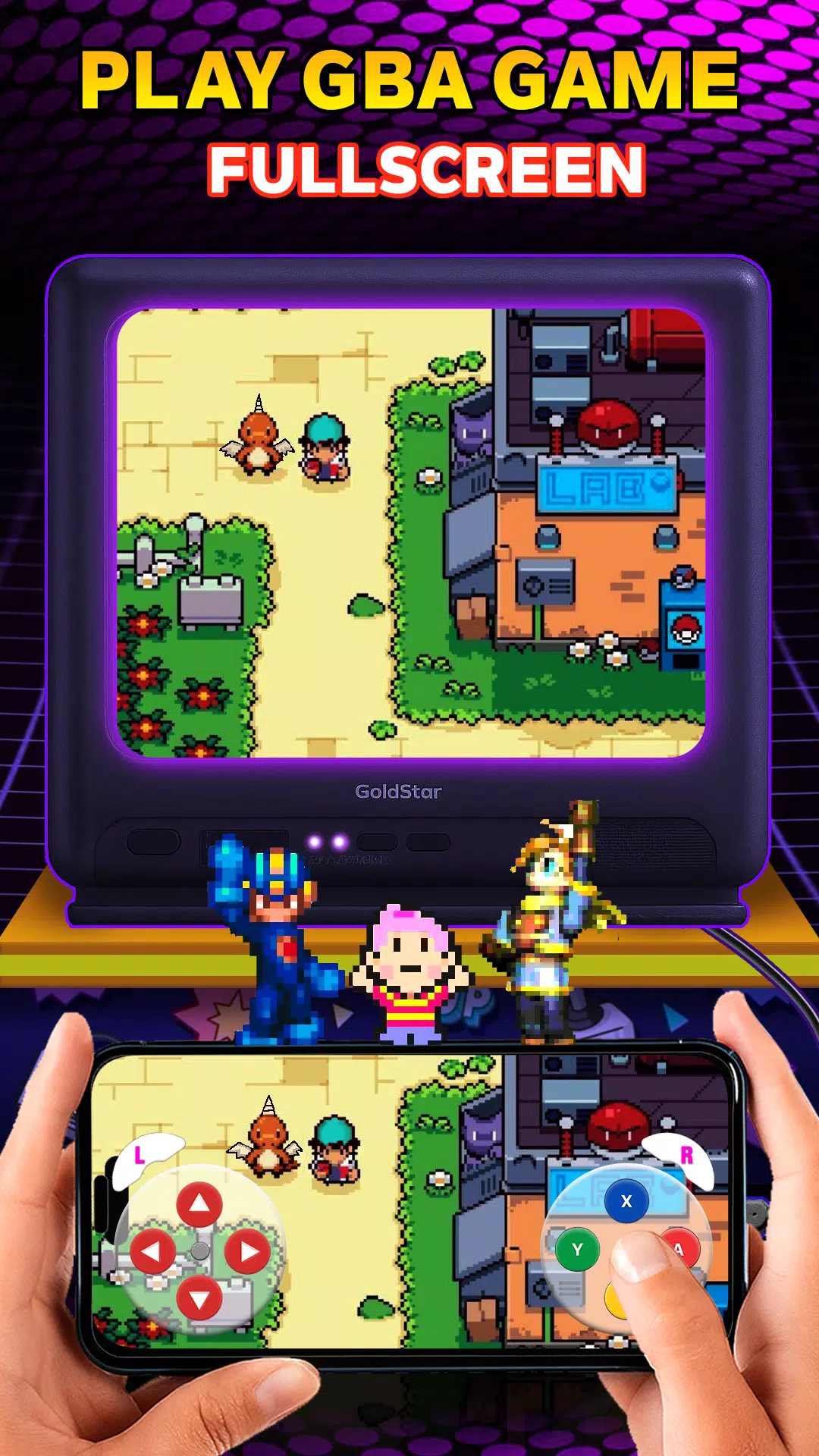
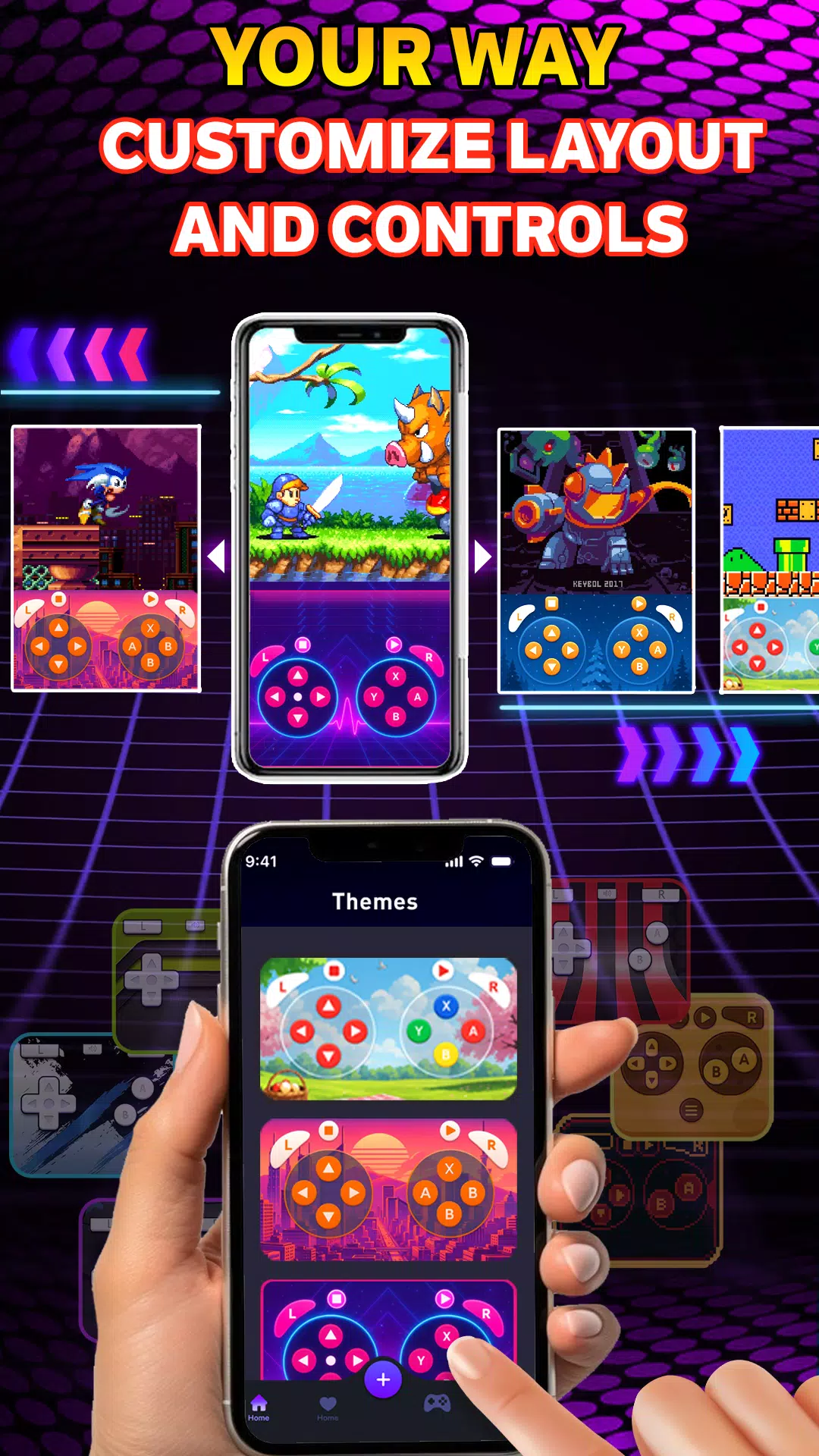
Touchscreen controls are customizable with movable buttons and transparent backgrounds. For more authentic play, the app supports popular Bluetooth controllers and mapping tools, letting you assign physical buttons, analog sticks, or triggers. Controller profiles can be saved and shared, simplifying setup across devices. Haptic feedback and vibration mapping help recreate tactile cues present on original hardware.
The emulator includes options to enhance visuals beyond original PSP output. These include texture filtering, anisotropic filtering, and internal resolution scaling to reduce pixelation on high-resolution screens. Shader support allows color correction or CRT-style filters. Use these features sparingly on lower-end devices to avoid performance drops; on powerful hardware they can significantly refresh older titles.
Some titles that originally used ad-hoc multiplayer may work using local network emulation or tunneling tools; availability varies by game and network setup. The app supports virtual memory cards and external storage for saves, and it can mount files from cloud storage solutions in supported configurations, easing the transition between devices.
To begin, place legally obtained PSP game files in an accessible folder and grant the app storage permission. The built-in scanner will index games and generate thumbnails. Tweak global settings like rendering resolution and audio latency first, then adjust per-game options as needed. If a game runs too slowly, reduce internal resolution and disable advanced filters before changing controller settings.
If you encounter stuttering, try enabling frame skip or switching rendering backend. Audio desync is often resolved by adjusting latency or toggling audio resampling. For graphical glitches, test different texture filtering modes and consult saved profiles for a similar title. Always keep a backup of your save files before experimenting with advanced settings.
The PSP emulator offers a practical way to revive portable classics on modern Android hardware, combining accessibility with deep configuration for enthusiasts who want control over performance and presentation. With careful setup and legal game files, it becomes a flexible tool for replaying the PSP library on the go.
File size: 109.90 M Latest Version: 0.6
Requirements: Android Language: English
Votes: 443 Package ID: com.linhvu.game.boy.advance
Developer: HiDo Studio

Top Free Racing Free Games for Android
Start your engines for the ultimate high-octane racing experience! Our new game pushes pedal-to-the-metal action to the limit. Choose from a garage of supercars, hypercars and classics then race across photorealistic tracks and exotic locales. Advanced physics and driving mechanics deliver an authentic sense of speed and control. Customize your ride then tear up the asphalt in single player or online multiplayer modes.






LIVE A HERO
Retro Hero Mr Kim
Empire of Passion
Arcane Quest Legends
Magic Snap: Momotaro
AllStar Manga Heroes
Lunescape
ONE PIECE Thousand Storm JP
Tap Titans 2