Scan to Download
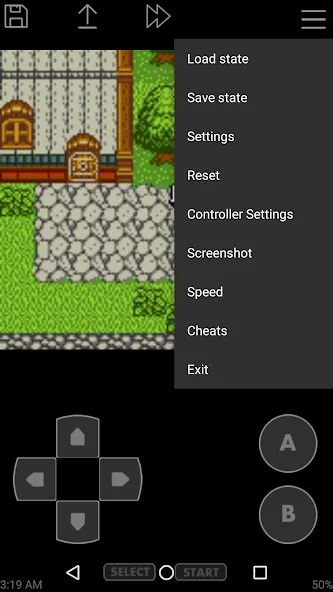
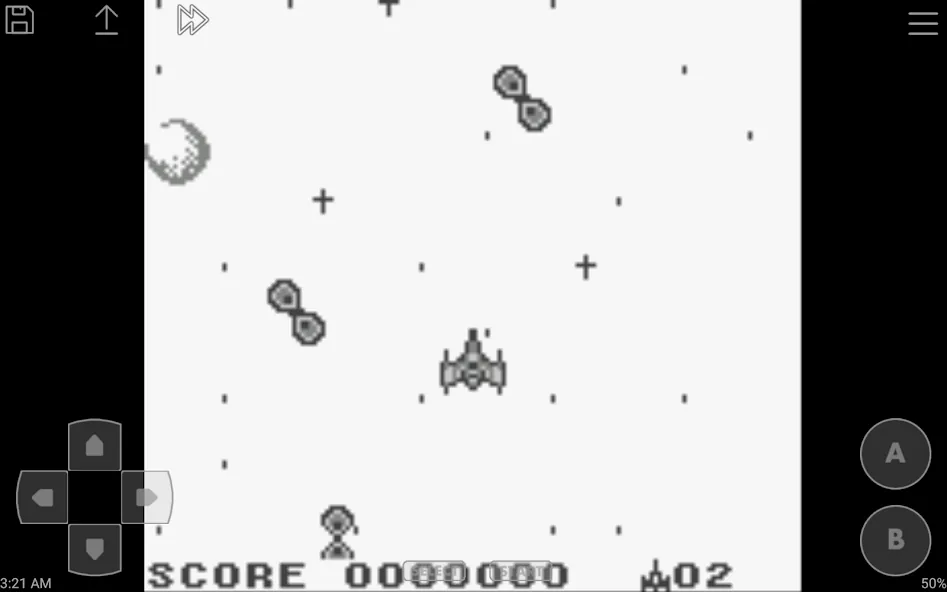
Players who miss the chunky pixels of old handhelds will find John GBC a handy way to replay Game Boy and Game Boy Color titles. This Android emulator recreates handheld classics on modern phones, letting you load your own game files, tweak visuals and performance, and control the experience with on-screen keys or a paired controller. It works offline, supports save states and screenshots, and includes cheat code options for experimentation. Below you'll find how the app organizes play, what it can do, and a quick look at strengths and trade-offs before you try it.
Cartridge-style Play: Run games exactly as they would on original hardware by loading ROM files stored on your device or SD card; the app lists detected titles so you can pick one and start quickly.
Save-State Slots: Use multiple save slots to freeze a moment in a game and return to it later; each slot shows a preview image so you can identify your saves at a glance.
Speed Adjustment: Slow down tricky sections or accelerate grinding by changing playback speed on the fly—useful for practicing boss fights or skipping long cutscenes.
Controller Mode: Pair a Bluetooth or compatible gamepad and map buttons for a more comfortable session; the app recognizes common controllers and lets you customize their layout.
Accurate Emulation: The core engine aims to match the original Game Boy and Game Boy Color behaviour so games run with authentic timing and sound.
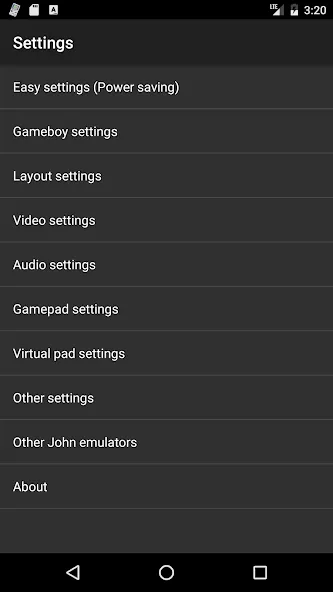
Visual Enhancements: Apply crisp scaling and filtering options to improve screen clarity on modern displays while keeping the retro aesthetic intact.
Flexible Input: Configure on-screen keys, enable turbo buttons for repeated inputs, or assign controls to an external pad to suit your preferred play style.
Cheat Support and File Handling: Load common cheat formats like Game Genie or Game Shark and let the app scan both internal storage and SD cards for archives so zipped files can be opened directly.
John GBC gives you a compact, user-focused emulator for revisiting handheld favorites with control over visuals, speed, saves, and cheats. If you want a private, ad-free way to play your backed-up cartridges and experiment with gameplay tweaks, give John GBC a try and see how it fits your device and habits.
File size: 19.90 M Latest Version: v4.11
Requirements: Android Language: English
Votes: 430 Package ID: com.johnemulators.johngbclite
Developer: John emulators
Must Have Emulators Games for Your Android Phone
Relive classic gaming experiences with our extensive selection of emulators! Play all your favorite retro games on modern devices by mimicking proprietary hardware and operating systems. Our emulators are optimized for accuracy and performance, offering authentic gameplay of platforms like Super Nintendo, Game Boy, arcade cabinets and more. Easy to setup and configure, just download and add your game ROMs to be transported back in time.






LIVE A HERO
Retro Hero Mr Kim
Empire of Passion
Arcane Quest Legends
Magic Snap: Momotaro
AllStar Manga Heroes
Lunescape
ONE PIECE Thousand Storm JP
Tap Titans 2