Scan to Download
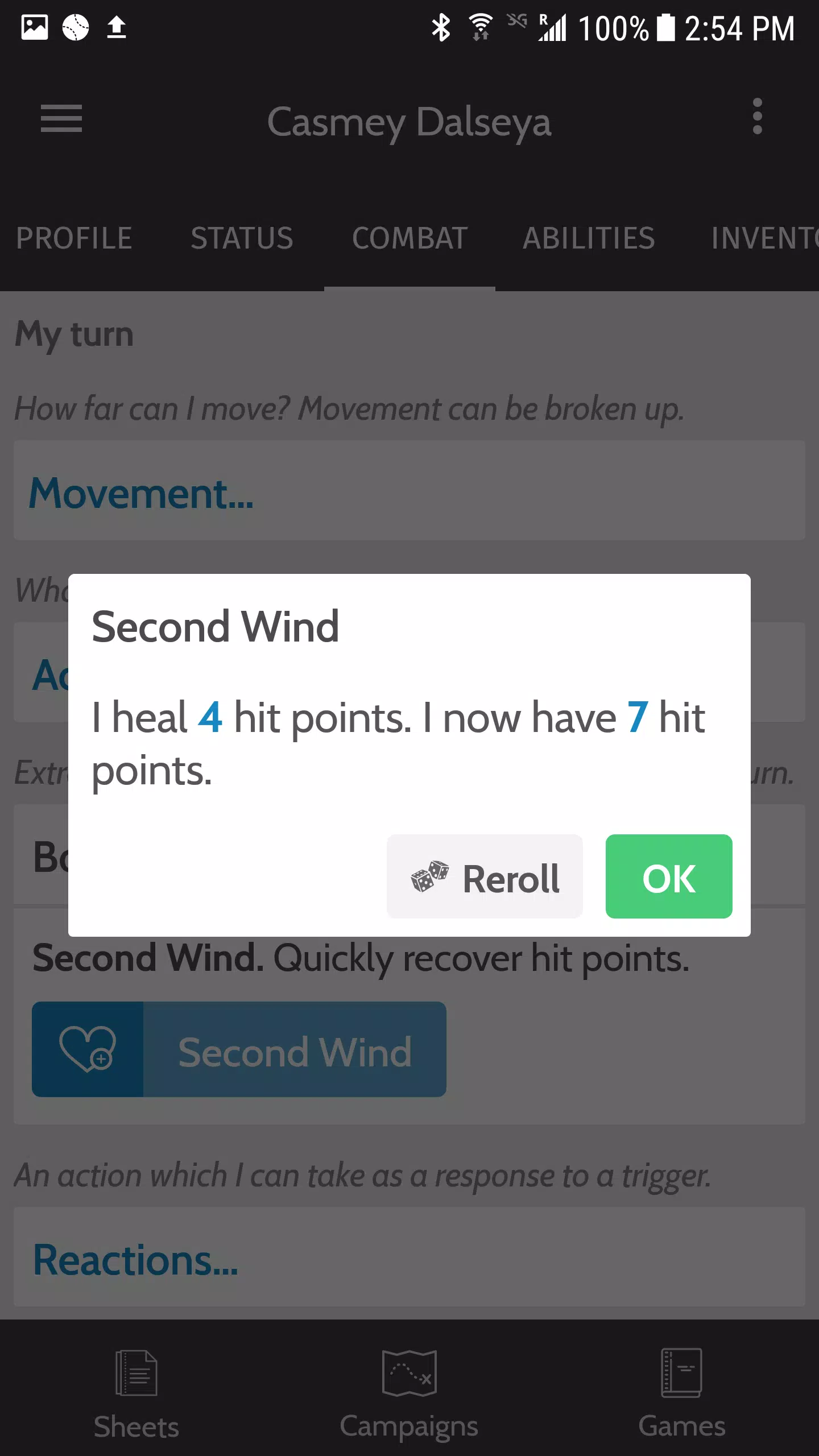
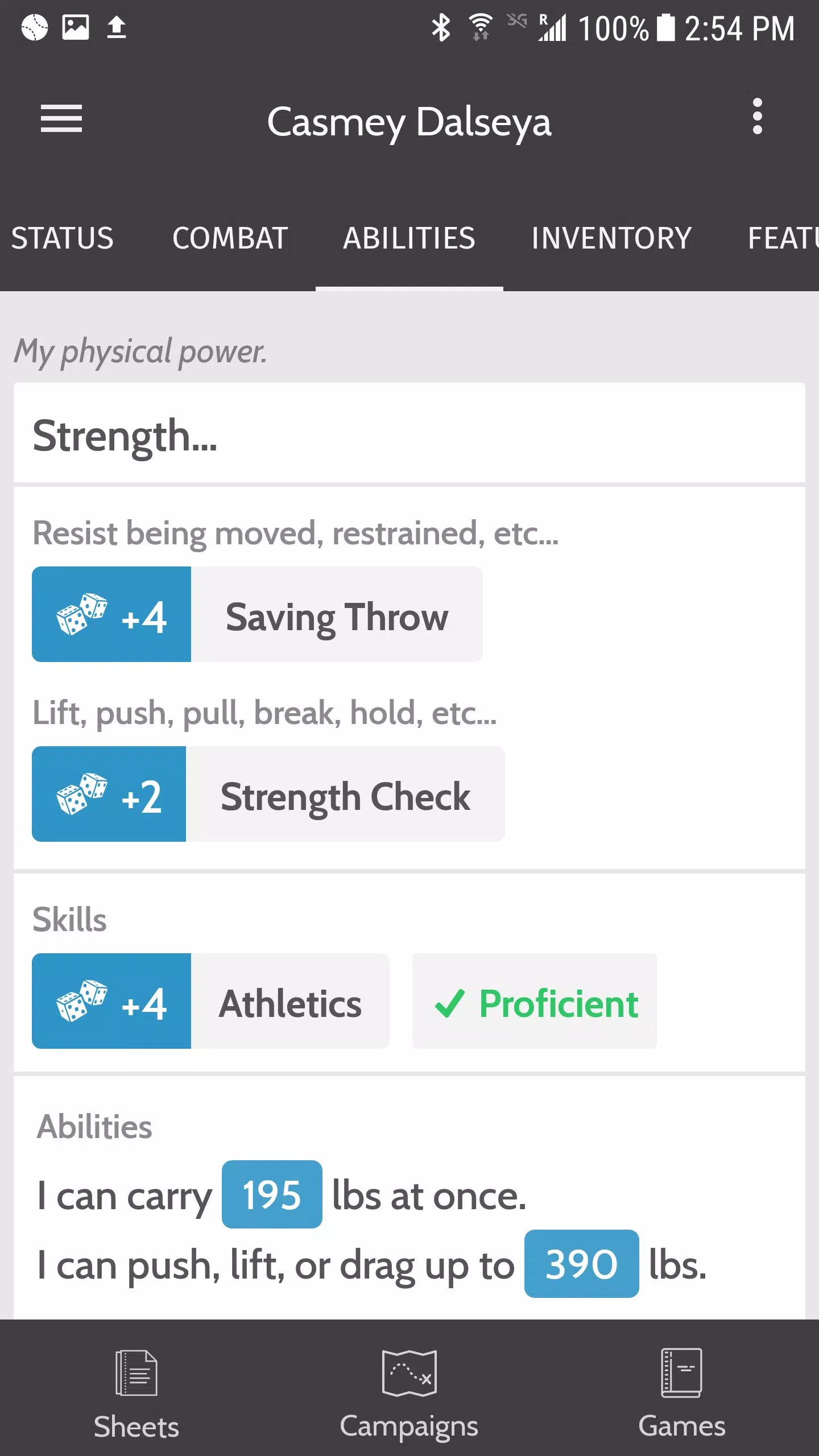
Tome is a versatile mobile app designed to help users create, organize, and present visual stories and ideas quickly. It blends simple design tools with structured templates so individuals and teams can build narrative slides, pitch decks, or concept maps without a steep learning curve, producing polished results fast.
Tome provides a compact yet powerful toolkit for storytelling and presentation creation on Android devices. The app focuses on assembling visual sequences from text, images, and media, enabling users to move from concept to shareable output in a few steps. Templates and smart layout options reduce the need for manual formatting while keeping designs consistent.
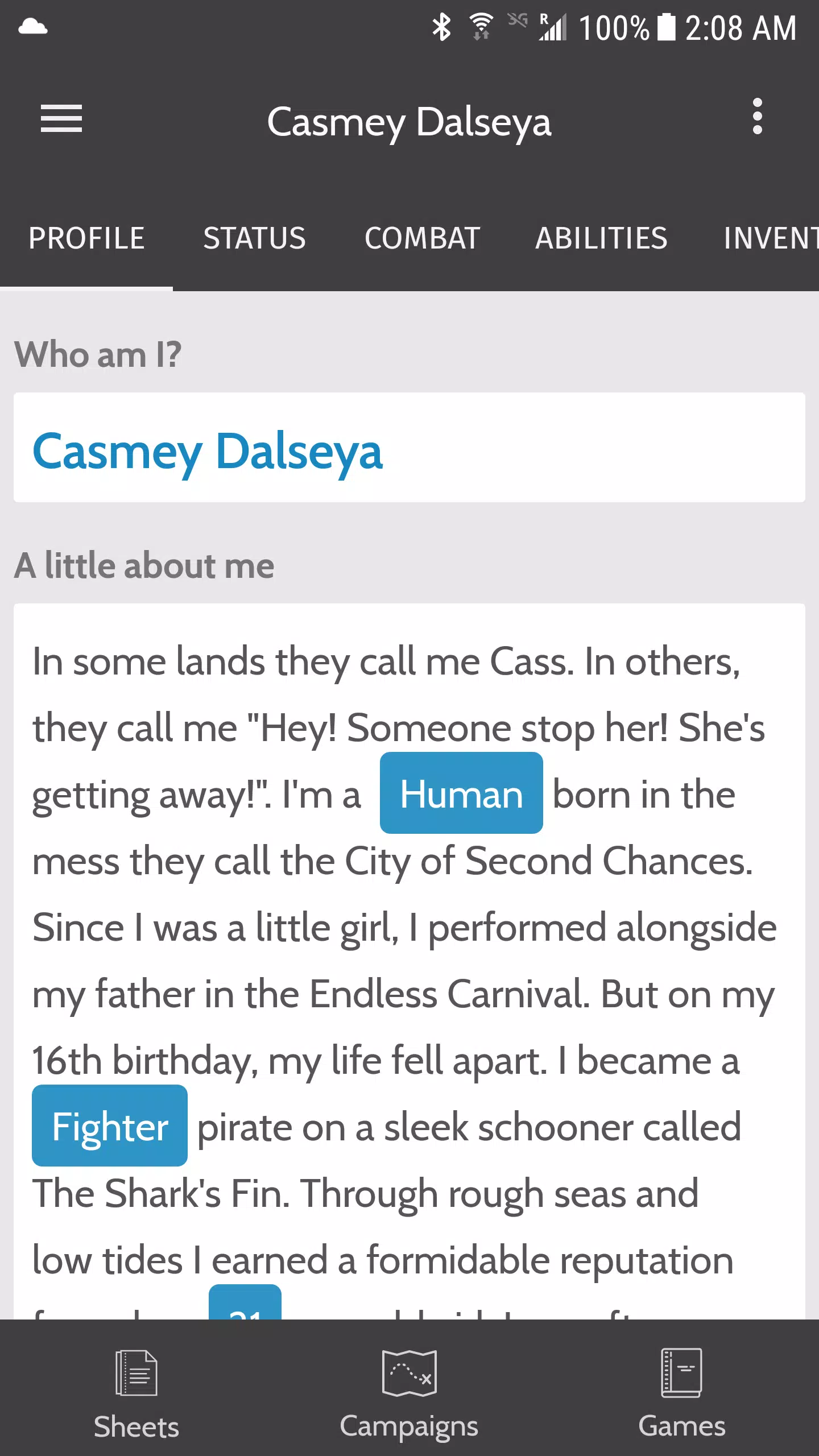
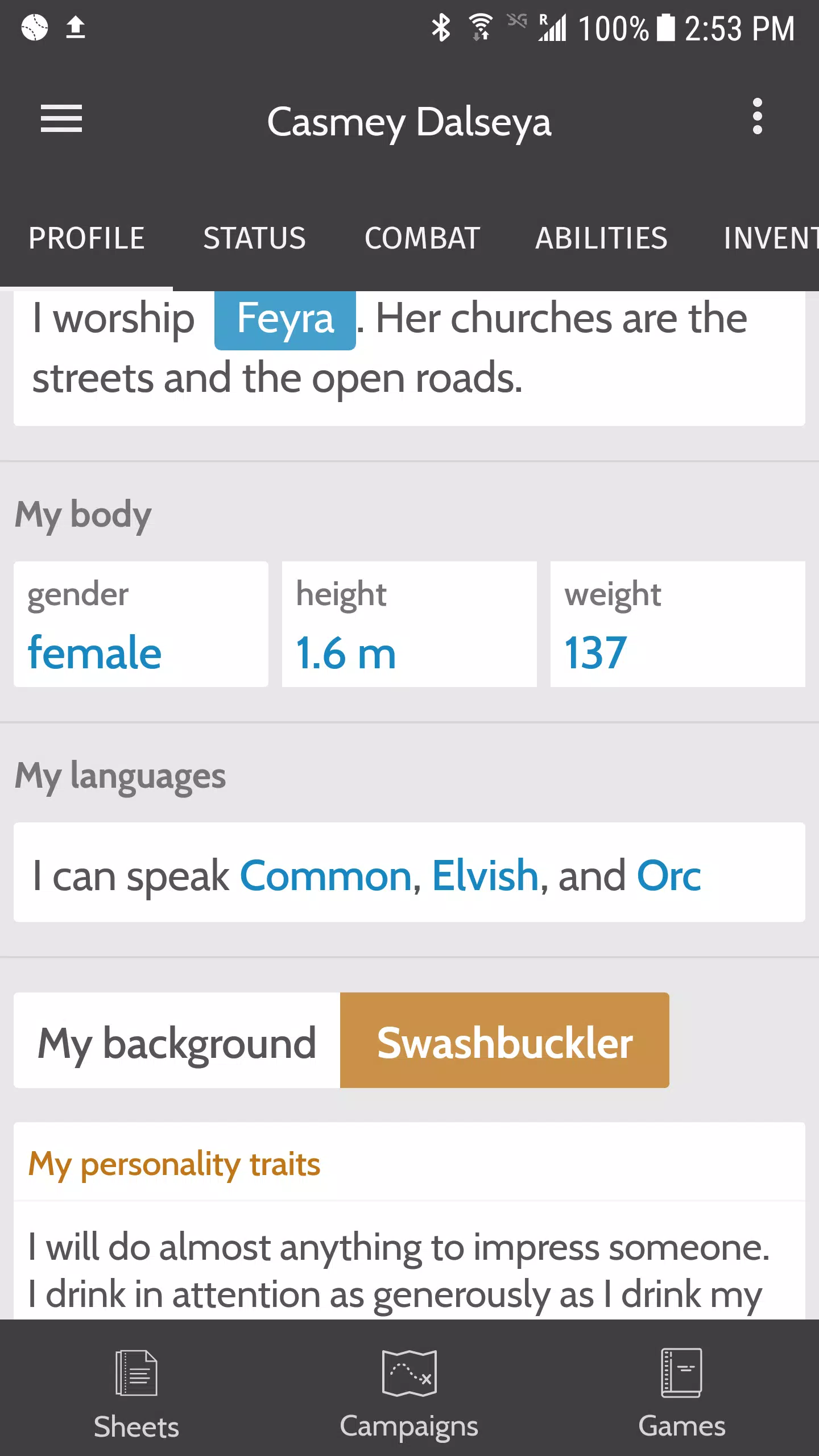
The interface prioritizes clarity: a left-hand storyboard view gives an overview of slide order, while the main canvas offers precise placement controls. Typography and color palettes are presented as quick presets to maintain visual harmony. Copy-and-paste and multi-select gestures speed up repetitive edits, and built-in alignment guides help maintain professional layouts.
Collaboration features allow multiple contributors to comment on or suggest edits to a project. While advanced real-time coediting may be limited, the app supports exporting editable files to other platforms and common formats so teams can continue work in desktop tools when needed. Compatibility with cloud storage services simplifies asset management across devices.
The app is optimized for mobile performance, balancing responsive editing with media handling. Lightweight caching reduces load times when switching slides, and background tasks handle exports so you can keep working while files generate. Battery use is minimized through sensible rendering strategies, and automatic backups protect work against unexpected closures.
Branding options let you apply custom colors, fonts, and logos across templates to ensure every presentation matches your visual identity. Custom component creation enables repeated use of frequently needed layouts, turning a complex slide into a reusable module for future projects.
Projects are stored locally by default and can be encrypted when synced with supported cloud services. Permission controls clarify access for shared projects, and export options give you full control over what gets published versus what stays private. The app follows common privacy practices to minimize data collection and protect user content.
Download Tome, pick a template that matches your goal, and import any images or assets you want to include. Use the storyboard to arrange your sequence, customize styles with the palette tools, and preview the flow before exporting. A short guided tour inside the app helps orient new users to key controls and shortcuts.
Marketers, product managers, educators, and creative professionals will find the app especially useful for converting ideas into concise visual narratives. It also fits solo creators who need a fast way to prototype presentations without investing in complex desktop software.
The app strikes a practical balance between simplicity and capability, making it a convenient choice when you need to craft clear visual stories on the go. Regular updates add templates and performance improvements, helping keep the tool aligned with evolving presentation trends and mobile workflows.
File size: 9.00 M Latest Version: 0.8.0
Requirements: Android Language: English
Votes: 234 Package ID: com.kispoko.tome
Developer: Jeff Wise

Best Guides Games to Play on Android
Conquer games faster and unlock their full potential with our comprehensive guides and walkthroughs. Created by expert gamers, they contain tips, strategies and secrets for mastering both new releases and all-time classics across platforms. Packed with detailed maps, collectible locations, boss tactics, hidden areas and more, you'll have everything needed to finish games 100%.





LIVE A HERO
Retro Hero Mr Kim
Empire of Passion
Arcane Quest Legends
Magic Snap: Momotaro
AllStar Manga Heroes
Lunescape
ONE PIECE Thousand Storm JP
Tap Titans 2