
Scan to Download
Chess - Offline 2 Player is a compact, fast-playing mobile chess app designed for two people to enjoy classic chess on a single device. It supports local passes, clear move annotations, and adjustable board styles, making it ideal for casual matches or focused training sessions.
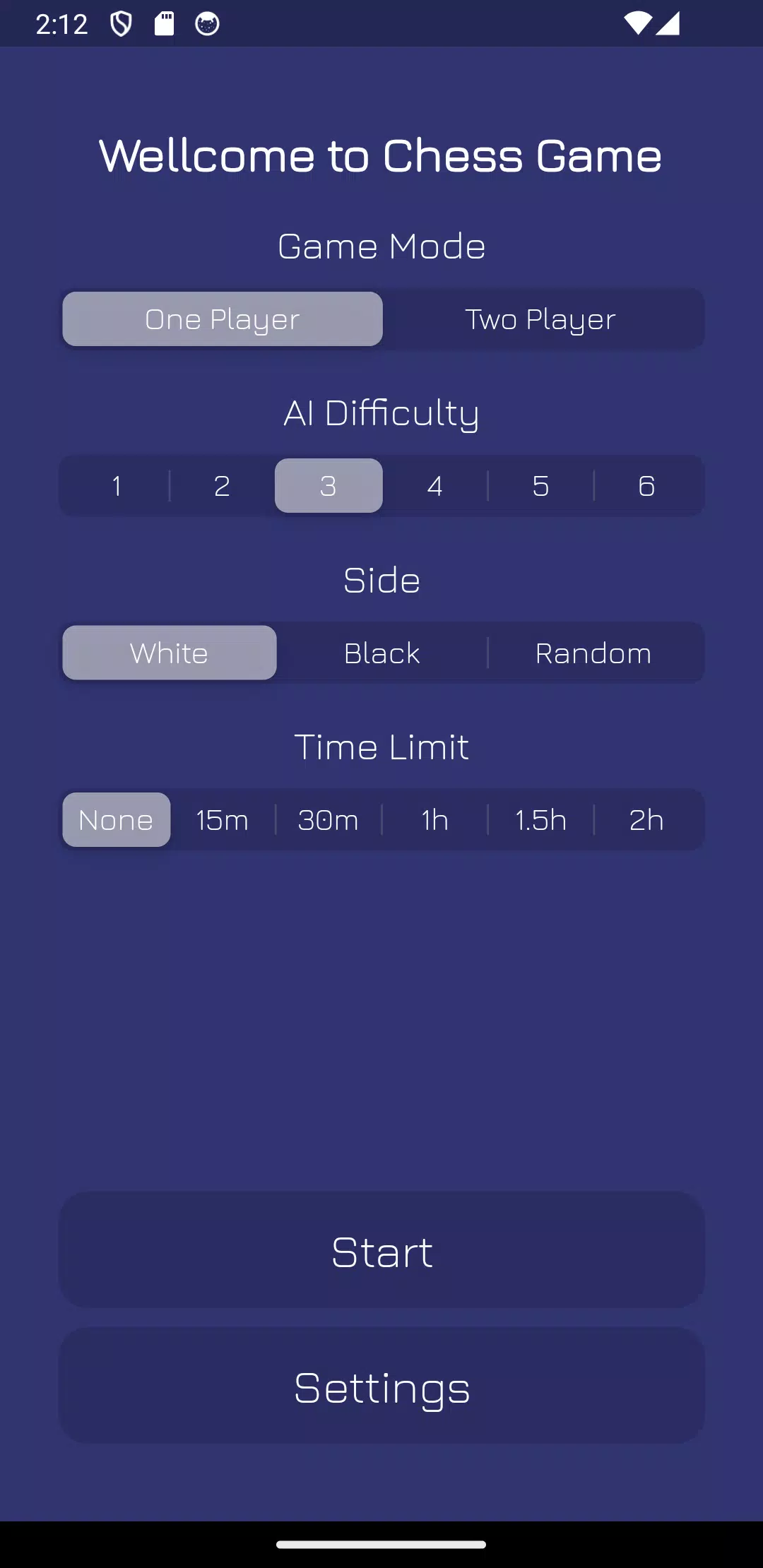
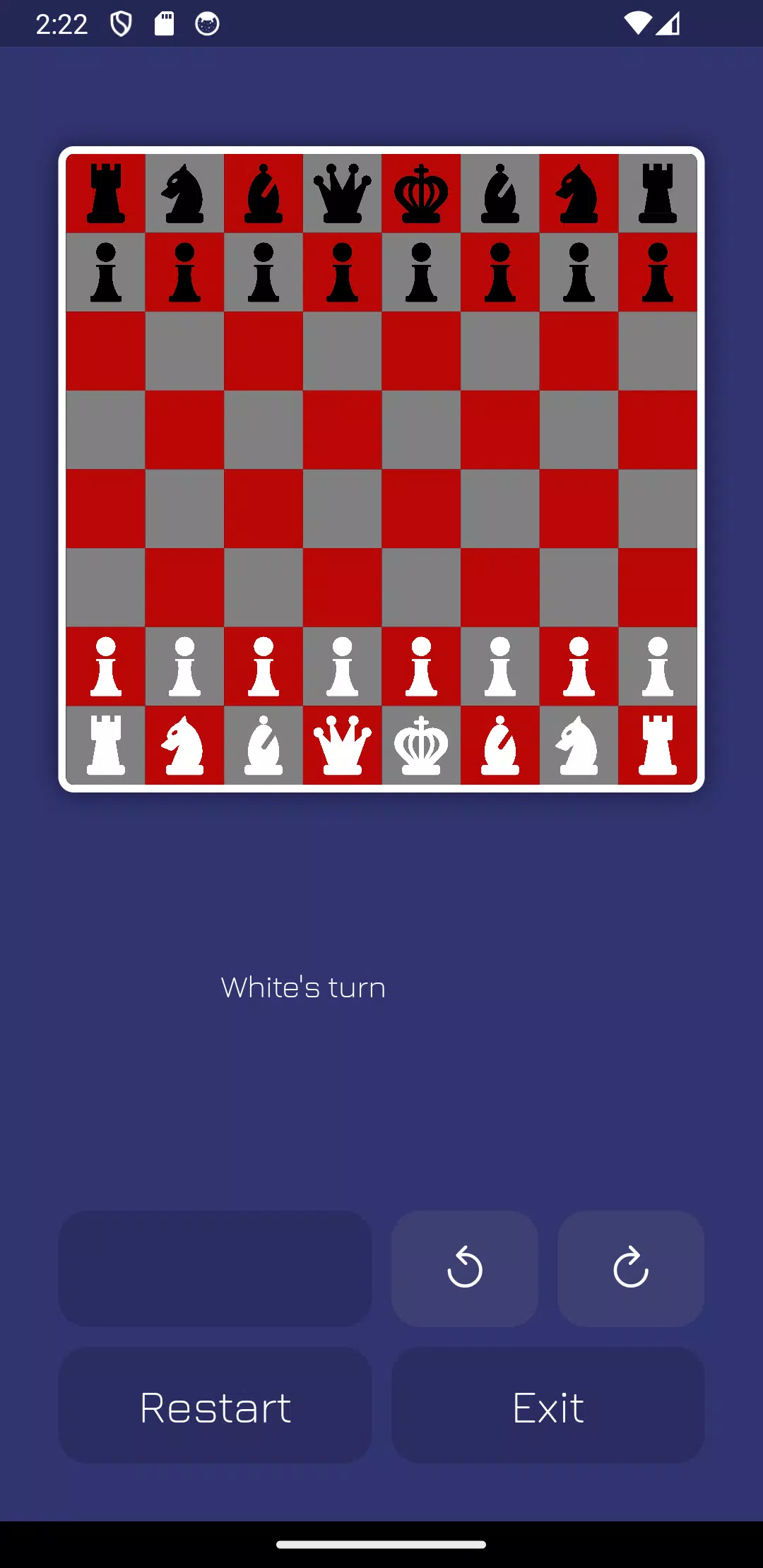
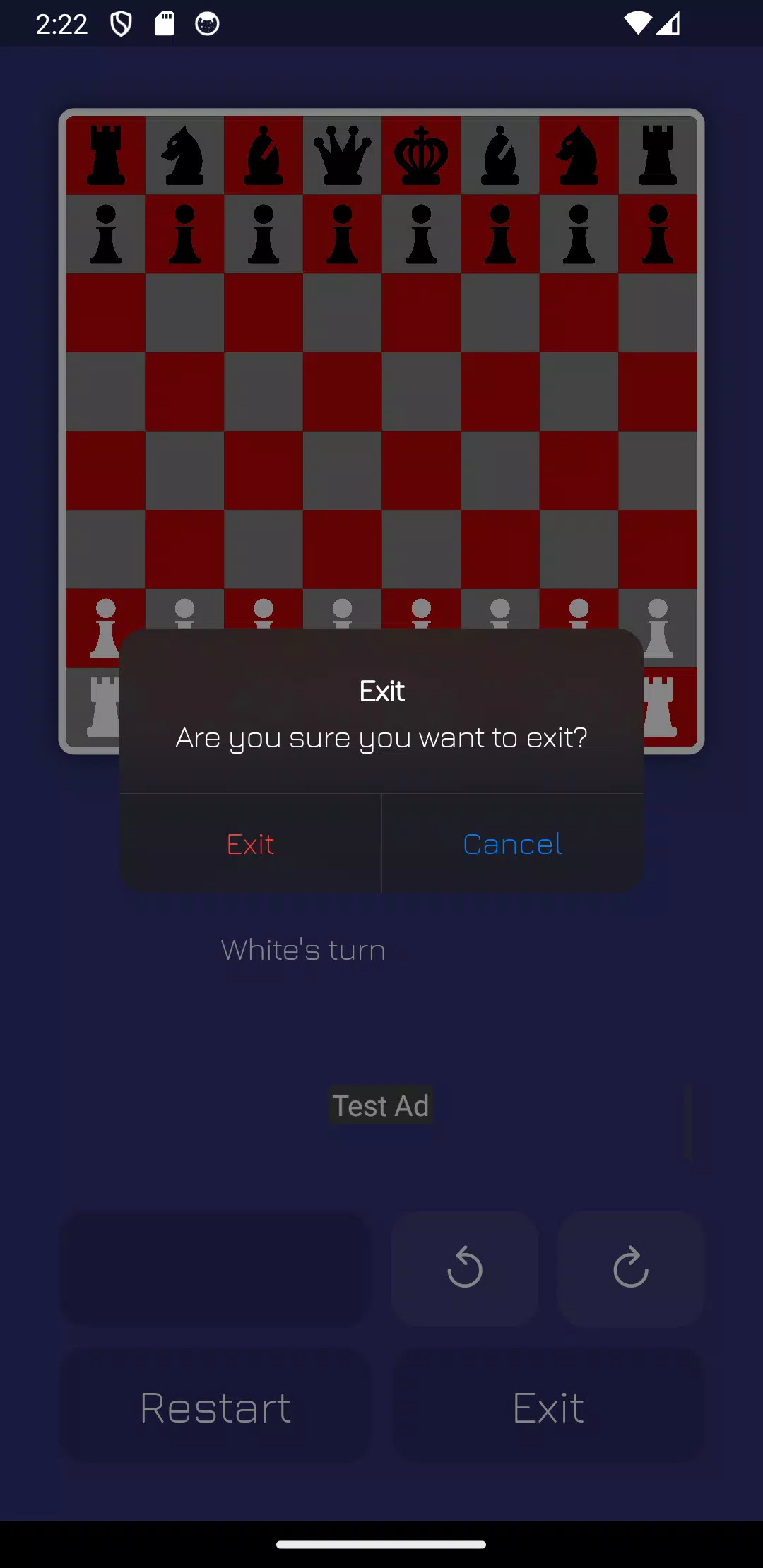
This title focuses on core chess gameplay without online matchmaking or distracting extras. The interface is intentionally minimal: an 8x8 board, standard piece sets, and timers you can toggle on or off. Players alternate moves on one screen, which keeps the experience social and immediate.
Basic rules follow standard FIDE conventions, with clear legal move highlights for selected pieces. When a piece is selected, possible squares light up and captures are indicated. The app handles pawn promotion choices, en passant, and castling automatically, so you can focus on strategy instead of rule memorization.
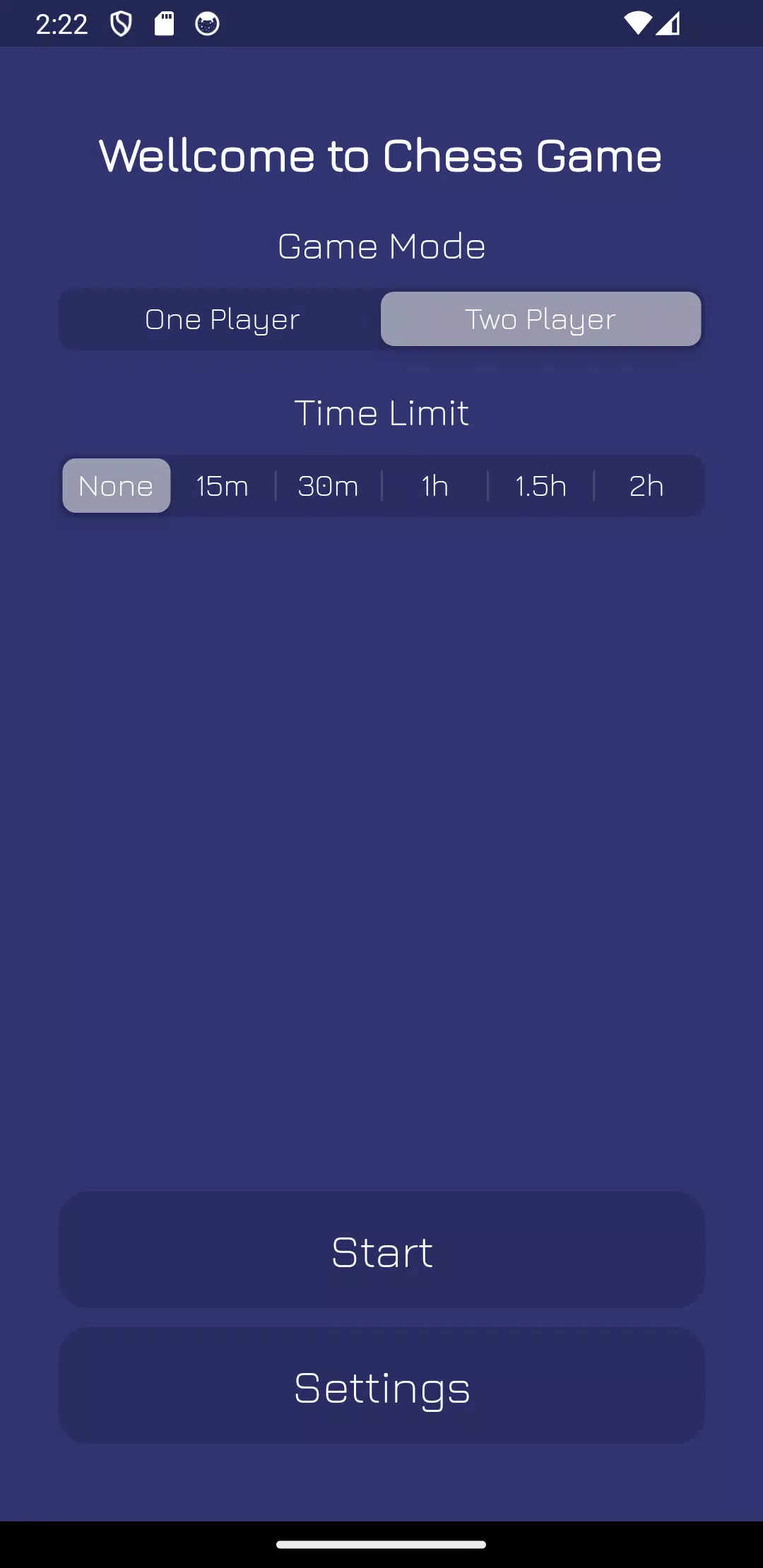
Because both players share the screen, interaction is direct and conversational. This format is great for teaching: one player can explain moves while demonstrating tactics. Timing controls let you shape the pacing — turn-based casual games or fast-paced blitz sessions.
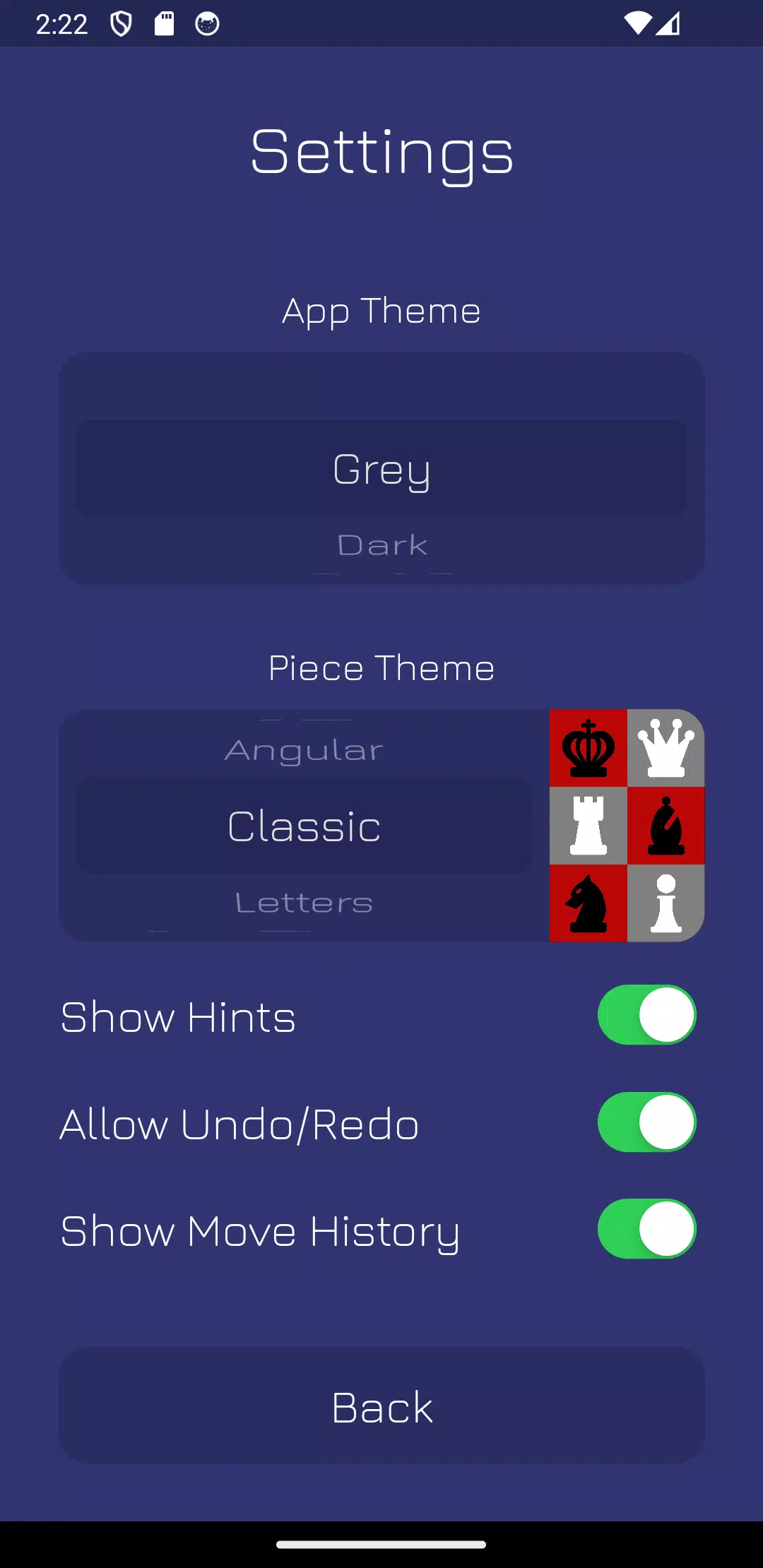
Visual clarity is prioritized over flashy graphics. Piece contrast and board grid lines are adjustable to help players with different eyesight levels. Touch controls respond quickly; drag-and-drop or tap-to-move are both supported depending on your preference. Animations are modest to keep the experience snappy.
Many users pick this app for its simplicity. Without online features or ads interrupting play, matches feel pure and uninterrupted. It's especially well-suited for coaches, parents, and friends who want to practice endgames, tactics, or familiar openings together on a single device.
Set up specific positions to work on openings or middlegame tactics. The ability to undo moves makes this app useful for studying variations: propose a line, play it out, then reset and try alternate continuations. Many users employ the app as a companion during offline study sessions.
The app runs smoothly on a wide range of Android devices and demands very little battery or storage. Because it’s offline, you won’t face latency issues or server outages. Load times are instantaneous, and the simple UI helps maintain consistent frame performance even on older hardware.
Download the app and open it to a ready-to-play board. Select player colors, set a timer if desired, and tap to move. Newcomers can enable hints or move highlights while learning. No sign-in or setup is necessary, which makes it easy to start playing within seconds.
Chess - Offline 2 Player is a focused tool for local two-person chess that emphasizes convenience, clarity, and practical training utility. Its straightforward approach keeps the spotlight on strategy, making it an effective choice for casual matches, coaching sessions, and focused tactical practice without online distractions.
File size: 17.00 M Latest Version: 2.0.2
Requirements: Android Language: English
Votes: 364 Package ID: com.chess.santoshadhikari

Top Free Casual Necessary Games for Android
Looking for some quick gaming fun? Our new super-casual game is perfect for entertaining bursts in your busy day. With simple, intuitive gameplay crossed with challenges that engage your brain, you'll keep coming back again and again. No complex controls or tutorials - just open and play anywhere, anytime. Vibrant art style and upbeat music create a lighthearted experience.






LIVE A HERO
Retro Hero Mr Kim
Empire of Passion
Arcane Quest Legends
Magic Snap: Momotaro
AllStar Manga Heroes
Lunescape
ONE PIECE Thousand Storm JP
Tap Titans 2