Curious Reader is an interactive reading app designed to guide young learners through letters, spelling and early reading with playful challenges and short, story-driven activities. Curious Reader blends simple books with mini-games so children can practice at their own pace, build confidence and develop school-ready skills without pressure. The app is completely free and ad-free, with offline options for families who want reliable practice away from the internet.
The app groups learning into short, focused sessions that combine listening, letter play and decoding exercises. Each session pairs a mini-game with a short story so children see skills applied in context. Gameplay favors guided discovery over rote repetition, using scaffolded prompts that nudge learners toward correct answers while still allowing independent problem solving. The content library includes refreshable books and activities so caregivers can add new material without changing the core experience.
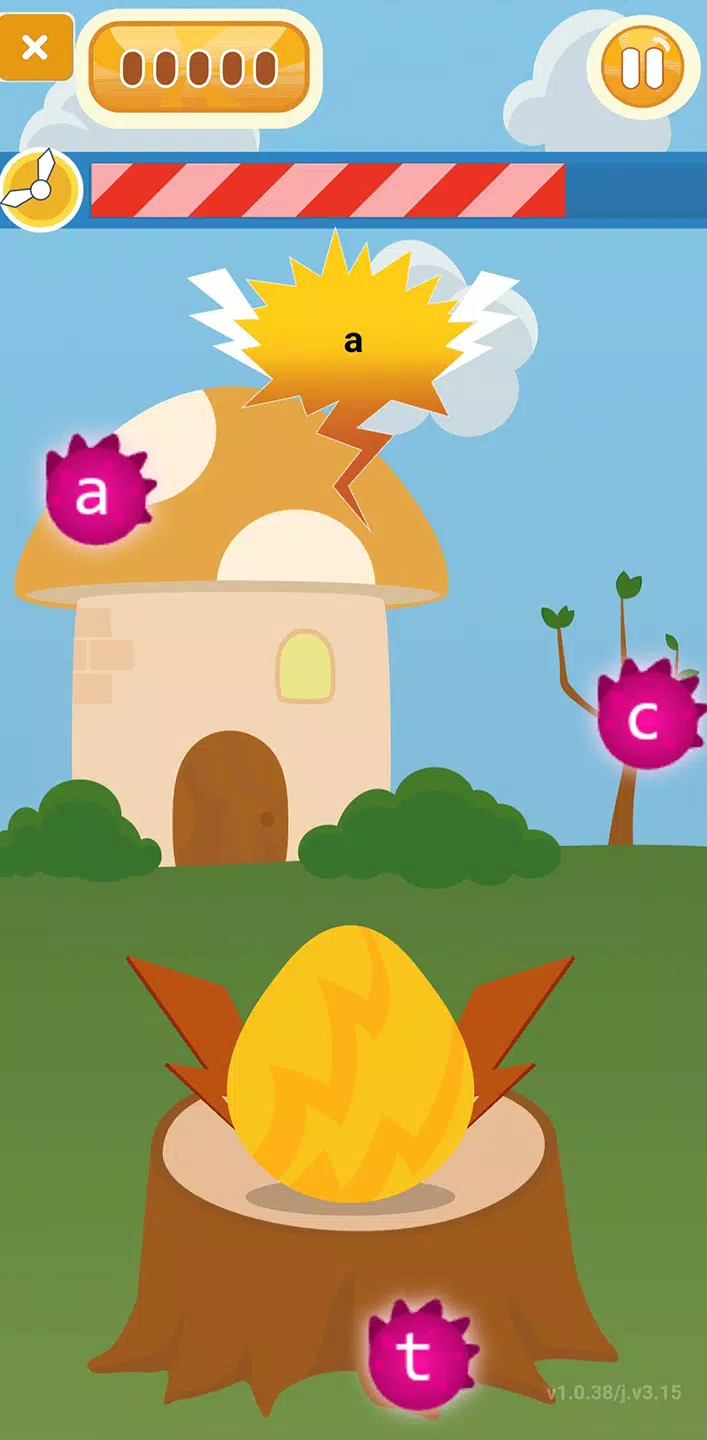
Controls are simplified for young hands: touch to select letters, drag to match sounds to symbols, and tap to hear words read aloud. Mini-games include letter recognition activities where children tap highlighted characters, spelling exercises that use drag-and-drop to build simple words, and story interactions that let kids tap illustrations to reveal vocabulary and pronunciation. Audio narration, clear voice prompts and brief visual feedback keep players oriented so they can focus on learning rather than complex controls.
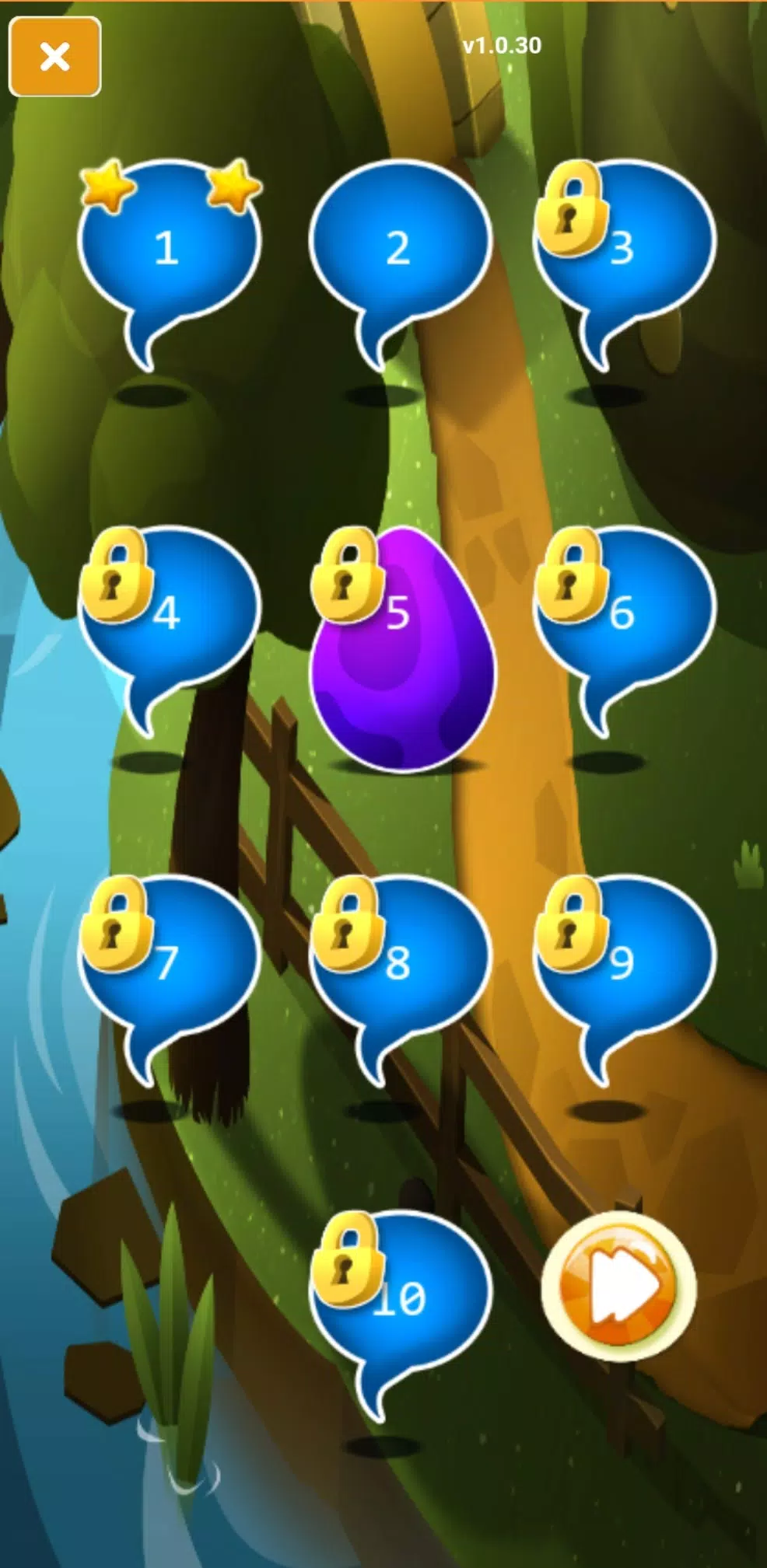
Curious Reader structures learning into progressive levels that introduce letters, move on to letter combinations and then to simple word reading. Each level contains several short activities and a companion story that reinforces the target skill. Progression is adaptive: the app gently increases challenge when a child succeeds and offers repeat practice when concepts are still new. Players unlock new stories and slightly harder exercises as they demonstrate readiness, creating a steady but low-pressure path from letter recognition to independent reading of simple texts.
Families can create separate profiles so siblings or different learners can progress independently. Profile settings let caregivers adjust narration speed, enable or disable hints and choose larger text sizes for early readers or children with visual needs. These options help tailor difficulty and presentation without requiring external accounts or cloud syncing; all settings and progress are stored locally on the device for privacy and ease of use.
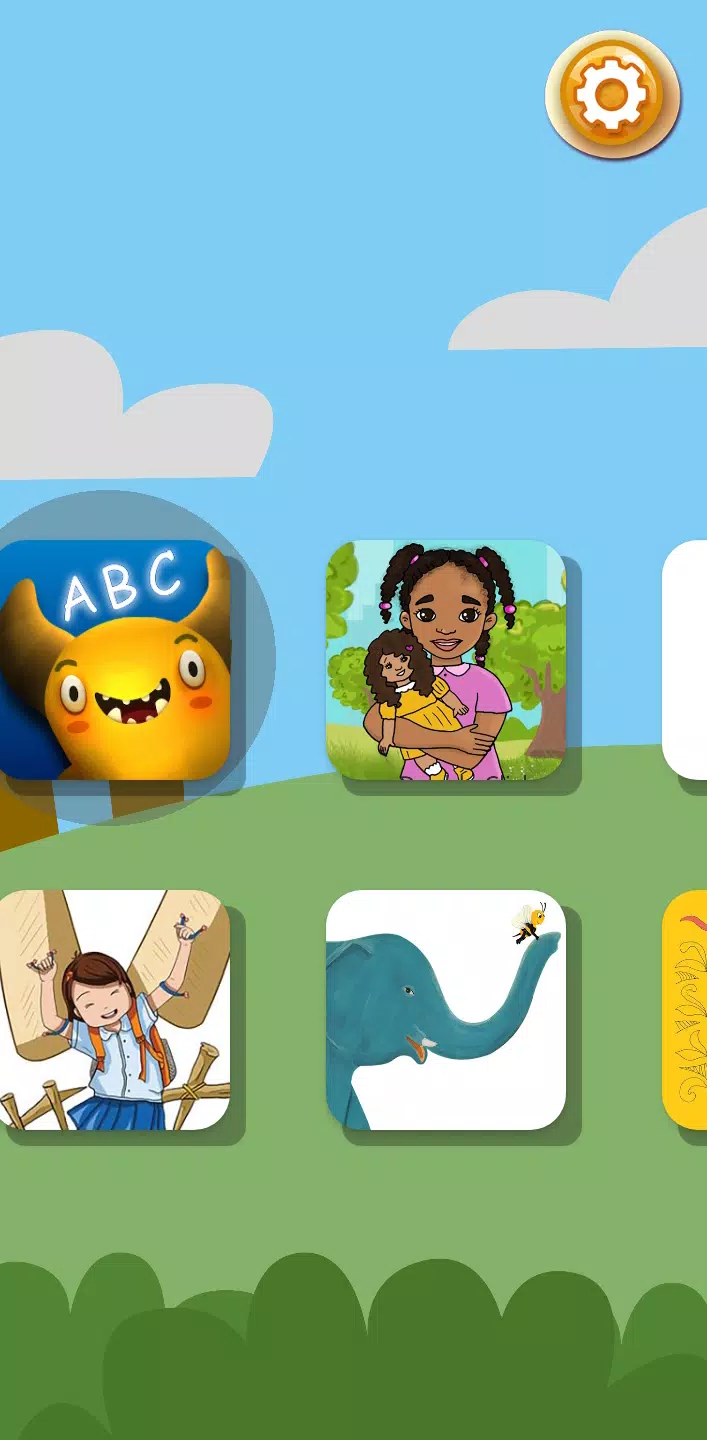
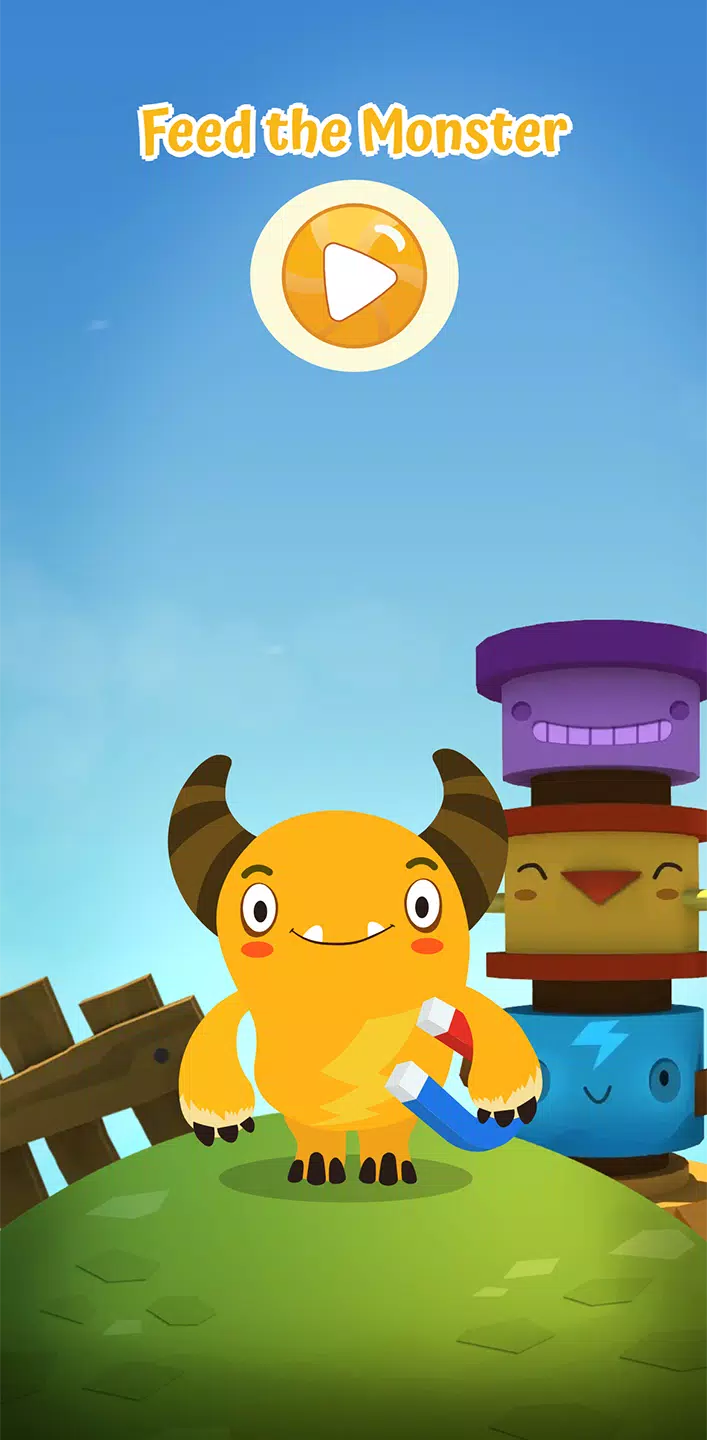
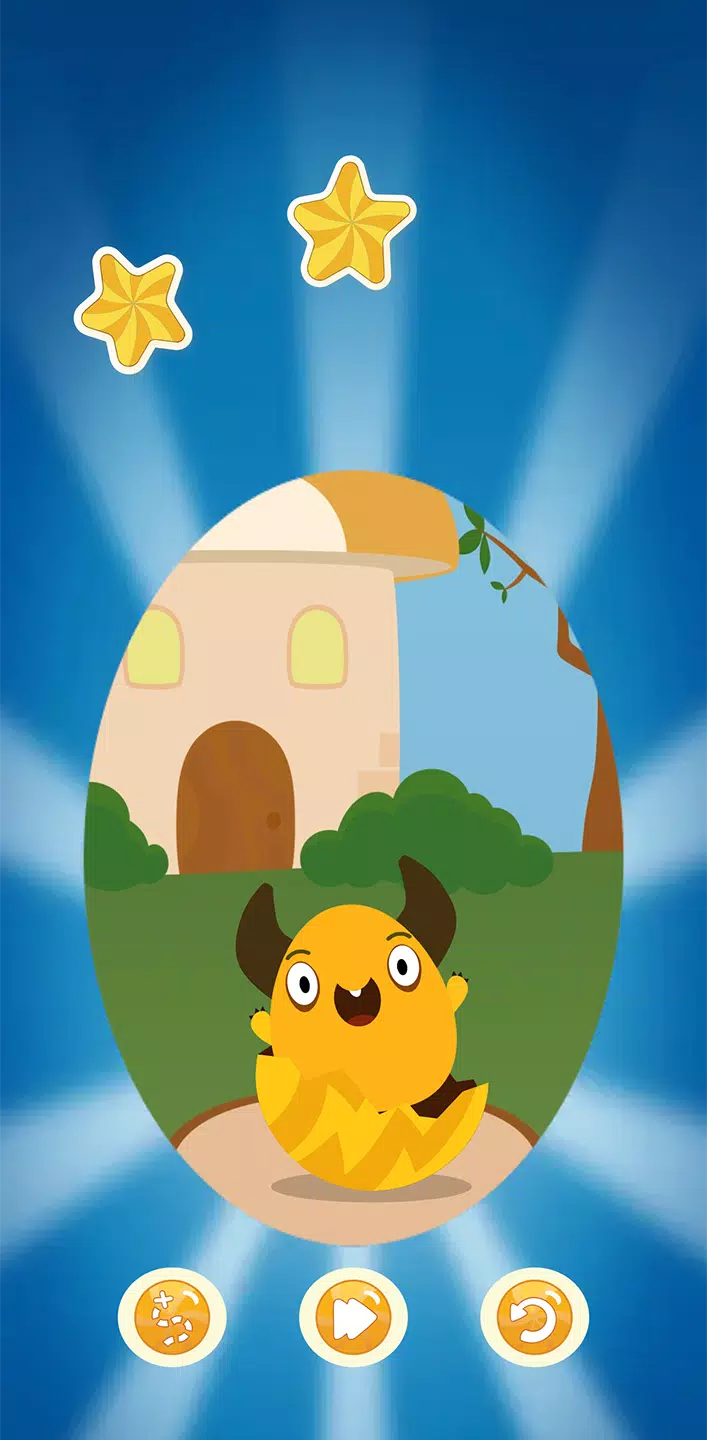
The app uses bright, child-friendly illustrations with high-contrast text to make letters and words easy to see. Visual feedback is clear and immediate, with gentle animations that celebrate success and subtle cues to focus attention when a child is uncertain. Menus are minimal and child-safe, reducing distractions so learners spend more time reading and less time navigating. The overall pace and tone are calm to support low-anxiety practice sessions.
Accessibility is built into core features: narrated text, adjustable text size, simple language, and a high-contrast mode help a wider range of learners engage with the material. Sound and animation can be muted without losing instructional content, and the app provides visual alternatives to audio prompts so children with hearing or auditory processing differences can still follow lessons. These options are intended to make independent learning possible for more children.
Curious Reader supports downloading lessons and books for offline use so families can pre-load content while connected and then continue practice without an internet connection. Downloads are managed at the profile level to conserve storage and allow caregivers to choose which books to keep on-device. The developers release regular content updates that add new stories and activity variations, and these updates are optional so existing offline libraries remain usable until new content is downloaded.
Replay value comes from varied storylines, multiple activity formats and an adaptive challenge system that tailors repetition and progression to each learner. Short, achievable goals encourage returning play and give a sense of accomplishment without overstaying a child s attention span. Because activities are quick and scaffolded, kids can revisit the same lesson for mastery or explore new books to encounter fresh vocabulary and contexts.
Curious Reader focuses on early literacy and is not intended as a complete curriculum for advanced readers or older students. The app requires an initial internet connection to download content for offline play, and the self-guided format may not replace one-on-one instruction for children who need intensive, adult-led support. Caregivers should view the app as a supplementary tool for building reading confidence and routine practice.
Curious Reader was developed by literacy-focused organizations combining research-driven pedagogy with child-centered design. Regular updates refine usability and add books while keeping the experience free and ad-free. The app aims to provide an approachable, privacy-conscious reading platform that supports early readers as they move from letters to simple texts.
File size: 9.20 M Latest Version: 2.27
Requirements: Android Language: English
Votes: 378 Package ID: org.curiouslearning.container
Developer: Curious Learning Org

Let your child's creativity shine with our new game made just for kids! With cute graphics and fun challenges, this game will keep them entertained for hours. Children can build their own worlds, customize adorable characters, and let their imaginations run wild. With simple controls perfect for little hands and no ads or external links, you can feel at ease while they play independently.



LIVE A HERO
Retro Hero Mr Kim
Empire of Passion
Arcane Quest Legends
Magic Snap: Momotaro
AllStar Manga Heroes
Lunescape
ONE PIECE Thousand Storm JP
Tap Titans 2