Scan to Download
GBA Emulator MAX turns your Android phone or tablet into a compact retro console, letting you play Game Boy Advance titles with accurate speed and responsive controls. GBA Emulator MAX is designed to preserve the look and feel of originals while introducing mobile-friendly conveniences such as save/load states, customizable touch layouts, and controller compatibility. This introduction outlines how the emulator handles gameplay mechanics, control options, visual presentation, progression, and privacy so you know what to expect before installing.
High-performance emulation and careful timing make GBA Emulator MAX run a wide variety of games smoothly on modern devices. The app focuses on stable frame pacing, low input latency, and consistent audio to keep platformers, RPGs, action titles, and strategy games feeling authentic. Built-in fast-forward and slow-motion controls let you accelerate through repetitive sections or slow down tricky sequences for practice and careful timing.
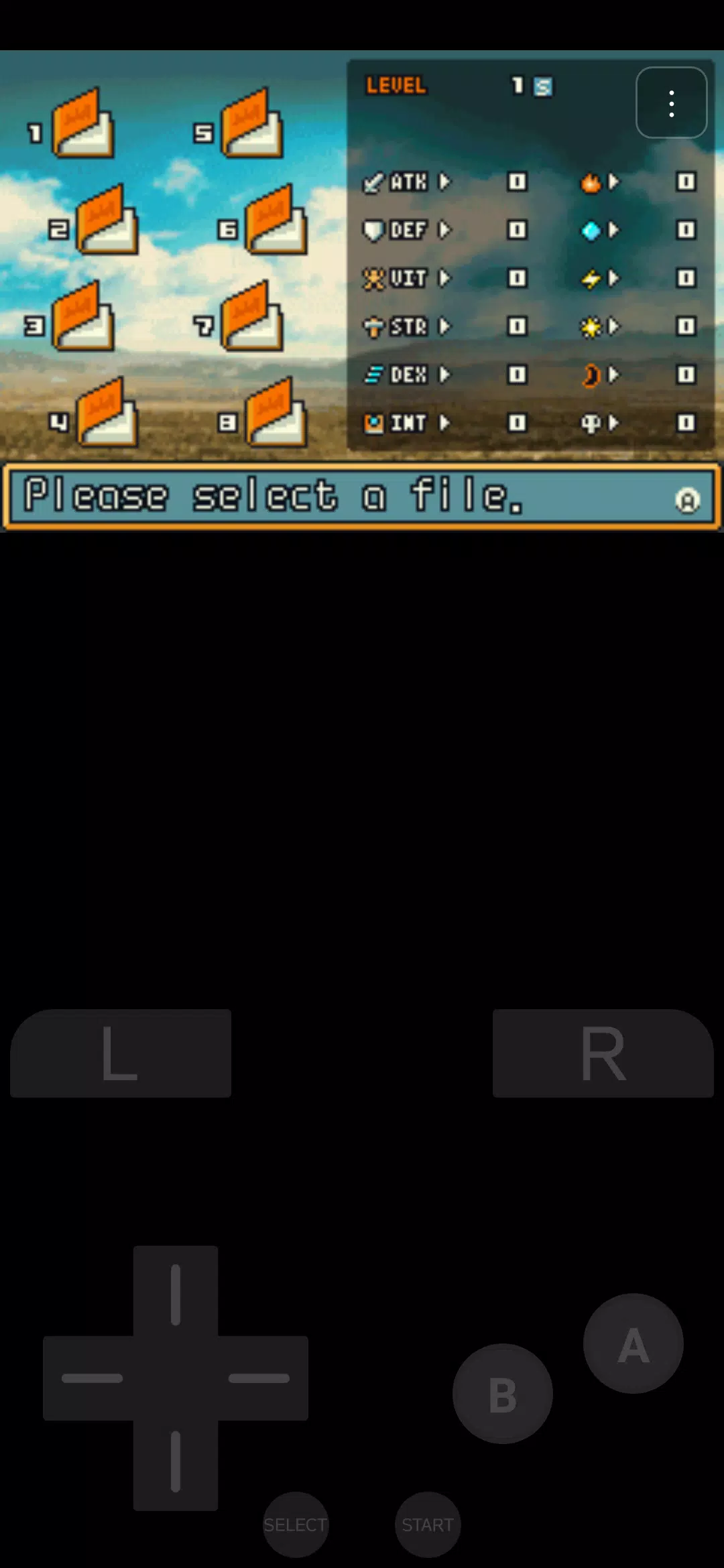
On-screen touch controls are fully adjustable: move, resize and reassign buttons to match your preferred layout and device orientation. For players using external hardware, Bluetooth controller support maps standard controller buttons to GBA inputs for a more traditional experience. Touch sensitivity and dead-zone settings reduce accidental presses, and configurable vibration feedback can be enabled for tactile confirmation. Together these options allow precise input whether you prefer touch or a physical gamepad.
GBA Emulator MAX supports multiple save slots and instant save/load states so you can pause at any moment and resume exactly where you left off. Save states make it easy to practice tough boss fights or experiment with different approaches without replaying entire levels. Slot management and quick-save shortcuts help organize progress across several games or for different playthrough styles, and the fast-forward feature accelerates grinding or backtracking when needed.
The emulator includes visual adjustments to tailor the display to your screen and aesthetic preferences. Options commonly include aspect-ratio control, scaling filters and scanline or pixel smoothing effects so you can choose a sharper modern look or a more authentic handheld appearance. Performance presets let you balance image quality and battery consumption, and graphics improvements maintain consistent rendering across phones with different resolutions.
Sound preservation is a priority: audio playback aims to reproduce original tones and effects while avoiding distortion on contemporary hardware. Performance settings such as frame skip and background audio behavior can be tuned for older or lower-powered devices to sustain playable frame rates. The app is intended to work offline and does not require an internet connection to run games, which keeps performance local and predictable.
Beyond control layout and visual options, GBA Emulator MAX offers adjustable UI scale and button opacity to improve accessibility for different hand sizes and vision needs. The interface focuses on quick access to important functions—load/save state, rewind shortcuts where supported, and core settings—so you spend less time navigating menus and more time playing. Clear labels and straightforward menus make it approachable for experienced players and newcomers alike.
The app is designed with privacy in mind: game files are stored locally on your device and the emulator does not collect personal gameplay data. GBA Emulator MAX does not include any copyrighted games or ROMs; users must supply legally obtained game files and comply with local copyright laws. Offline play is fully supported, allowing you to enjoy your collection without an internet connection.
Strengths include authentic audio/visual emulation, flexible control options, and a variety of settings to match different phones and playstyles. Limitations are straightforward: the emulator requires users to provide their own legally owned game files, and some controller features require compatible Bluetooth hardware. Regular updates aim to improve compatibility and performance over time, but specific experience can vary by device and the titles being played.
Replayability comes from revisiting classic titles with fresh presentation choices, experimenting with save states for alternative strategies, and using fast-forward to breeze through slower sections. Whether you want to relive a favorite RPG, speedrun a platformer, or explore obscure GBA releases, GBA Emulator MAX gives you the tools to tailor play sessions to your goals while keeping the experience local, private, and easy to manage.
File size: 10.90 M Latest Version: 2.0
Requirements: Android Language: English
Votes: 436 Package ID: com.garvin.gba.ds
Developer: Garvin SW


Best Free Strategy Necessary Games for Android
Become the leader of your own thriving settlement in this addictive new strategy game. Build and customize homes, shops, farms and more to expand your village. Manage resources carefully to keep your people happy and productive. Send explorers on missions to find valuable loot and artifacts. Defend against raider attacks with walls, traps and an army of your own. With randomly generated maps and emergent gameplay, no two games are the same.





LIVE A HERO
Retro Hero Mr Kim
Empire of Passion
Arcane Quest Legends
Magic Snap: Momotaro
AllStar Manga Heroes
Lunescape
ONE PIECE Thousand Storm JP
Tap Titans 2