
Scan to Download
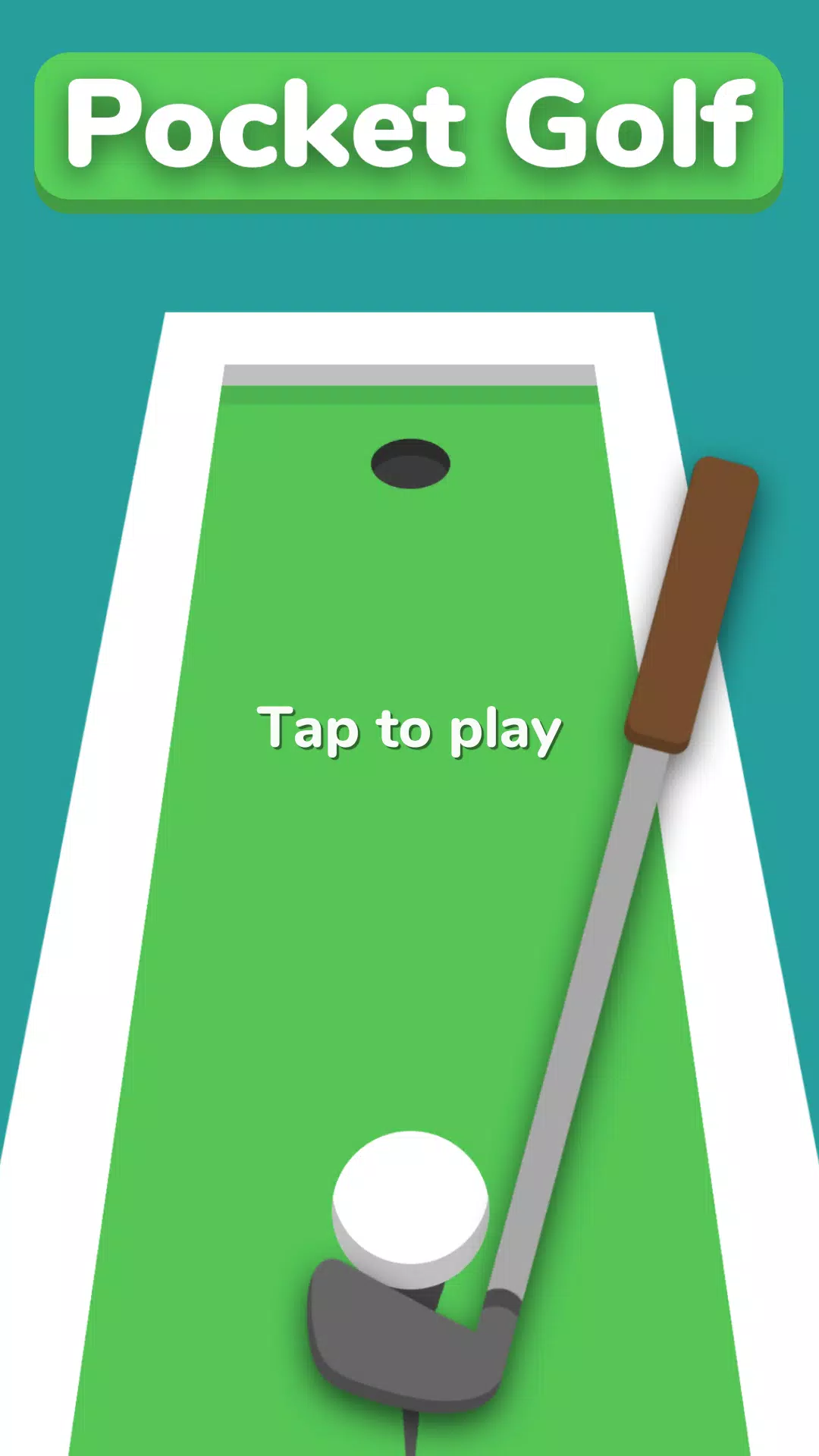
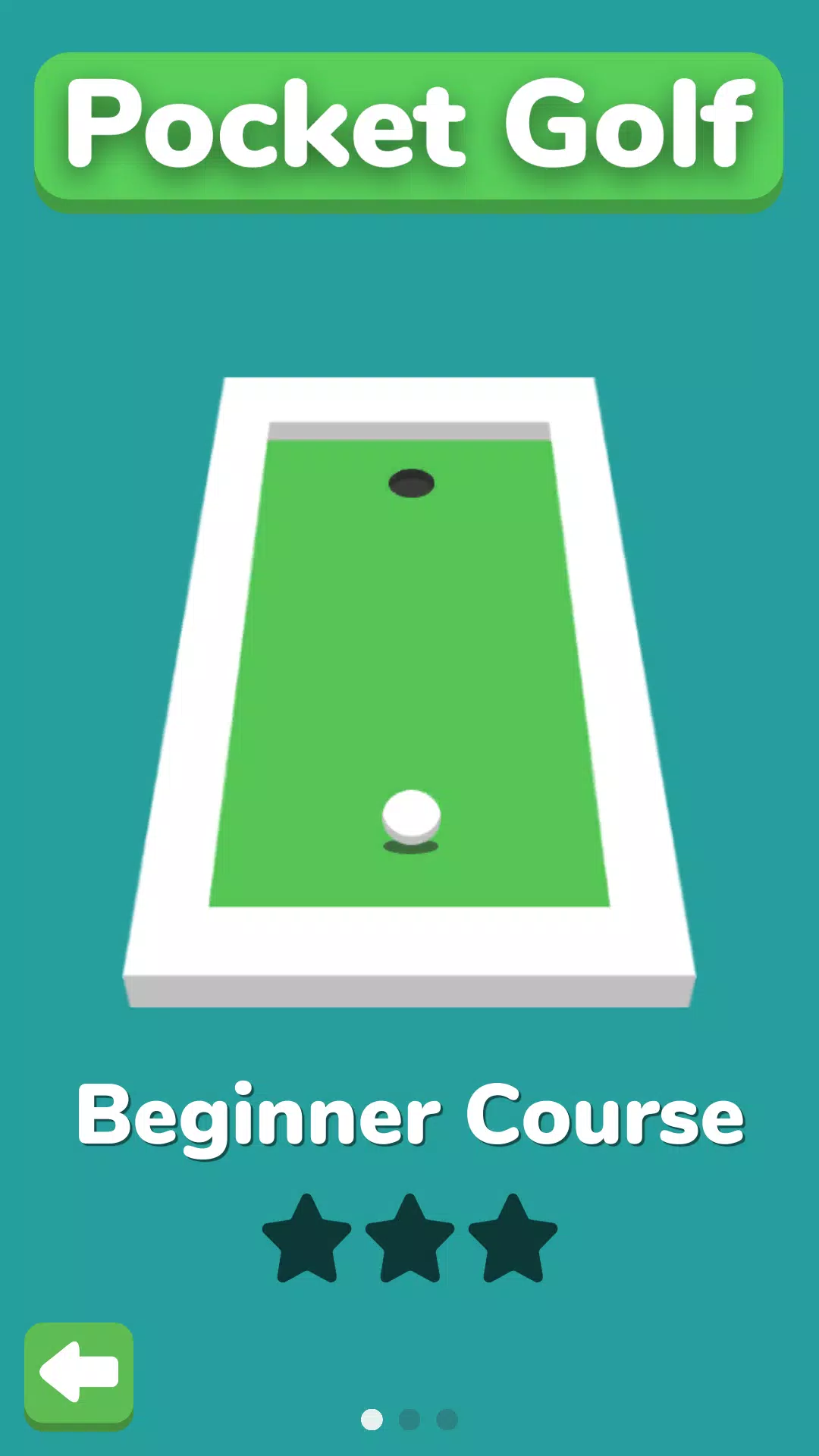
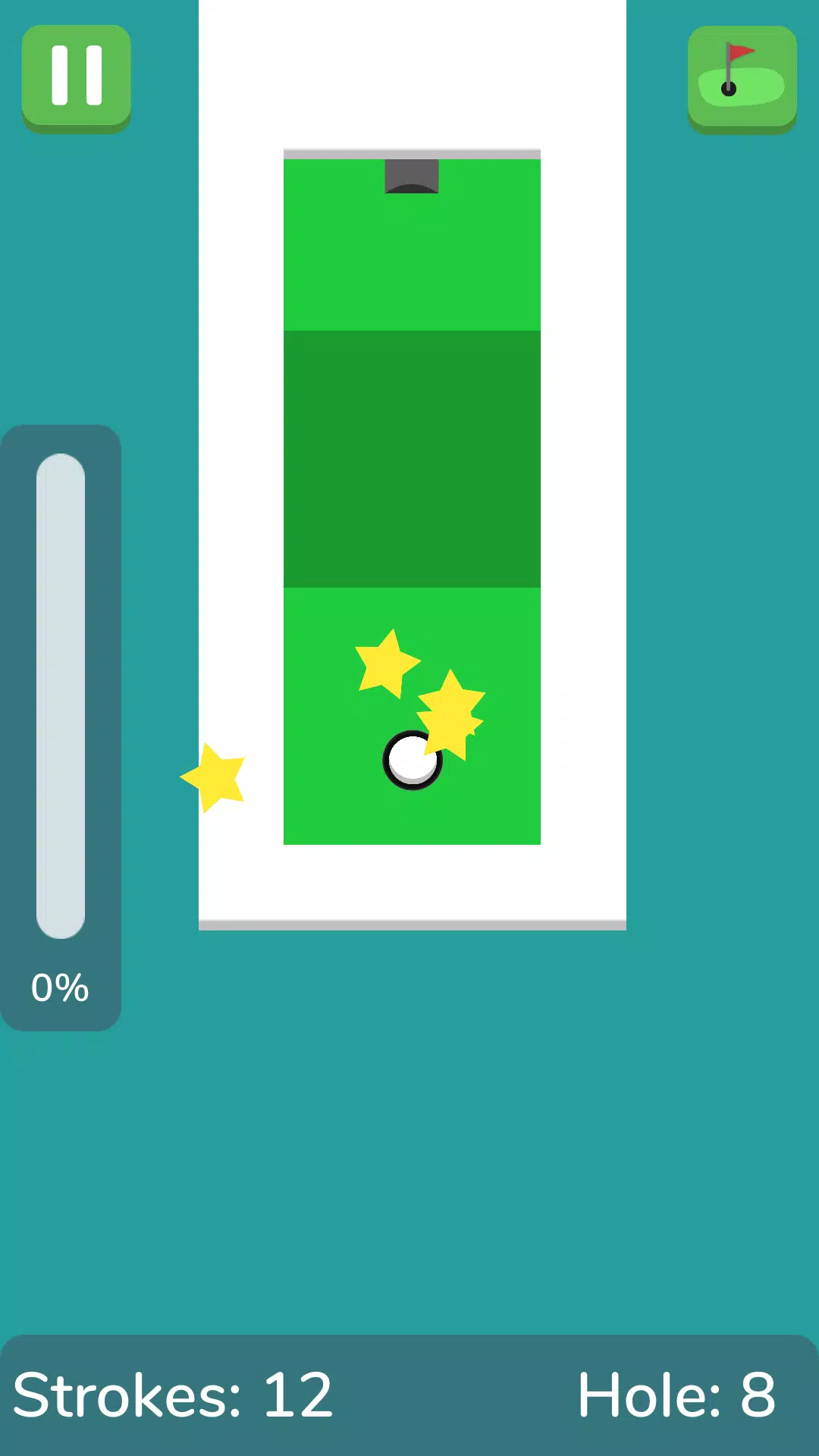
Pocket Golf is a compact mini golf experience built for short, pick-up-and-play sessions on your phone. Pocket Golf keeps controls simple with touch-and-drag input so players of almost any age can aim and stroke with a low learning curve, and the objective remains straightforward: sink the ball in as few strokes as possible. The current release ships with two distinct nine-hole courses, a variety of obstacles such as sloped hills and one-way pipes, adjustable camera modes, and a star-based scoring system that rewards efficient play.
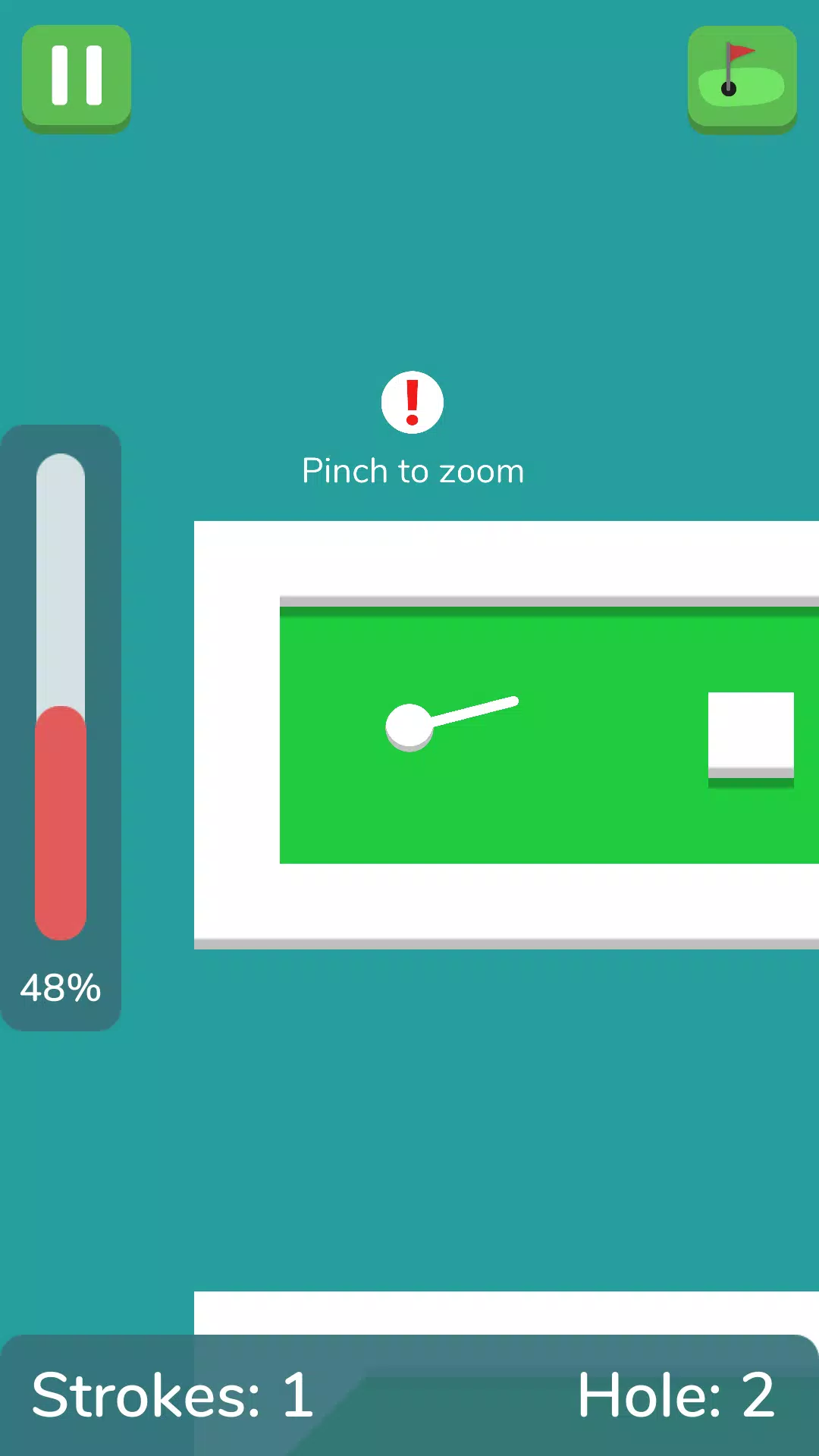
Intuitive touch controls are central to the design: tap the ball, drag to set direction and power, and release to take each putt. Camera options let you zoom, pan, or switch perspective so you can scout lines and judge slopes before committing to a shot. Course geometry mixes classic mini golf elements with inventive hazards, including elevation changes, directional pipes and bank-friendly surfaces that encourage creative approaches. The star scoring system gives immediate feedback on performance per hole, while the absence of timers and forced mid-hole ads helps keep sessions calm and focused.
The game relies on simple physics where ball speed, surface angle and obstacle interactions determine outcomes, so players learn to adapt shot strength and angle across different greens. Control sensitivity can be adjusted in settings to suit different hand sizes and device types, and the input is forgiving enough for casual play while still precise for players chasing perfect scores. Camera modes act as an in-game planning tool, letting you check potential bank shots and slope reads from multiple viewpoints before taking a stroke. Haptics and sound provide optional feedback that reinforces contact and power.
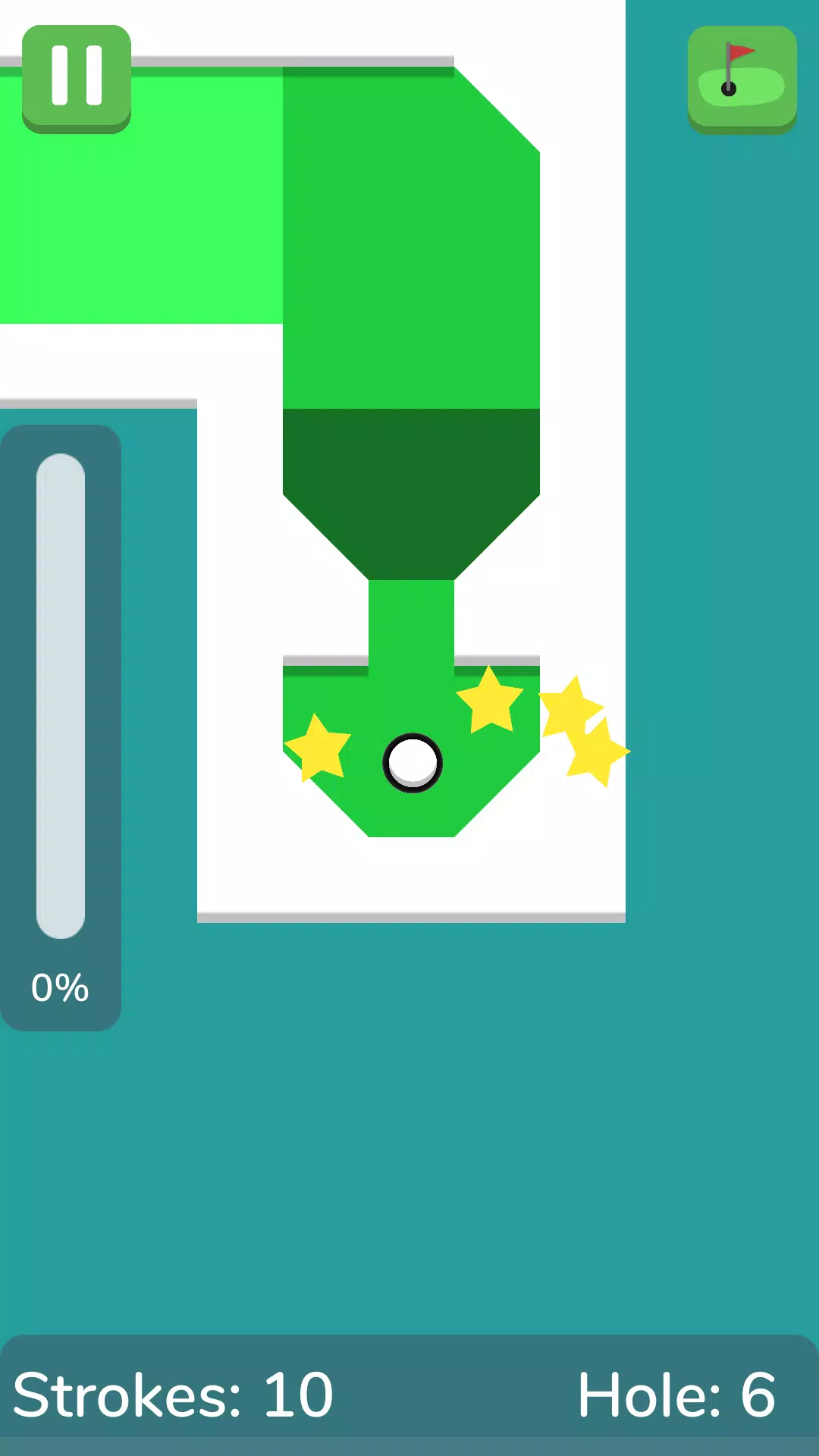
Progression in Pocket Golf is driven by hole-by-hole improvement rather than layered meta systems. Each hole includes a par or efficiency target that determines whether you earn one, two or three stars, encouraging replay to refine technique and reduce strokes. The compact two-course setup delivers a range of short puzzles that require judgment on power and angle, and mastering those challenges provides a solid learning curve. The developer has indicated that additional courses and hole designs are planned for future updates to expand variety and difficulty.
The presentation favors clarity over visual clutter: greens, hazards and interactive elements use simple color cues so lines and slopes are easy to read on small screens. Interface elements are large and touch-friendly to reduce accidental taps and make the game accessible for players with limited dexterity. Sound and vibration are provided for immersive feedback but can be disabled in settings for quieter play or to conserve battery. The overall layout and contrast choices aim to make shot planning and obstacle recognition straightforward, even in bright or low-light conditions.
Pocket Golf works without a persistent internet connection, so it is well suited for commutes, short breaks, or places where connectivity is limited. Replay value comes from the compact level designs and the goal of improving star ratings; holes reward experimentation with bank shots, slope reads and subtle power adjustments. Because each course is short, sessions can be completed quickly while still offering nuance for players who enjoy chasing tighter scores over repeated runs.
The current build focuses on the fundamentals of mini golf physics and short-session play, offering two nine-hole courses and a small set of obstacle types that together showcase strategic shot planning. This makes the game great for quick practice and relaxed pick-up sessions, although players looking for very large single-session campaigns may prefer to wait for later updates. The existing design gives a solid foundation for improving putting skill and enjoying portable, tactile mini golf gameplay, and the developer plans to expand the course list and introduce new challenges in upcoming updates.
File size: 23.30 M Latest Version: 1.1
Requirements: Android Language: English
Votes: 346 Package ID: com.VipyDevelopment.PocketGolf
Developer: VipyDevelopment

Best Free Media Apps for Your Android Phone
Explore an immersive world of entertainment with our media software. Watch, listen, and engage with your favorite shows, music, movies, and more. Access exclusive content, personalized recommendations, and innovative formats. Enhance your experience with our suite of cutting-edge applications. Discover hidden gems tailored to your unique tastes. Create, share, and connect over personalized playlists, reviews, and forums.






LIVE A HERO
Retro Hero Mr Kim
Empire of Passion
Arcane Quest Legends
Magic Snap: Momotaro
AllStar Manga Heroes
Lunescape
ONE PIECE Thousand Storm JP
Tap Titans 2



































