Scan to Download
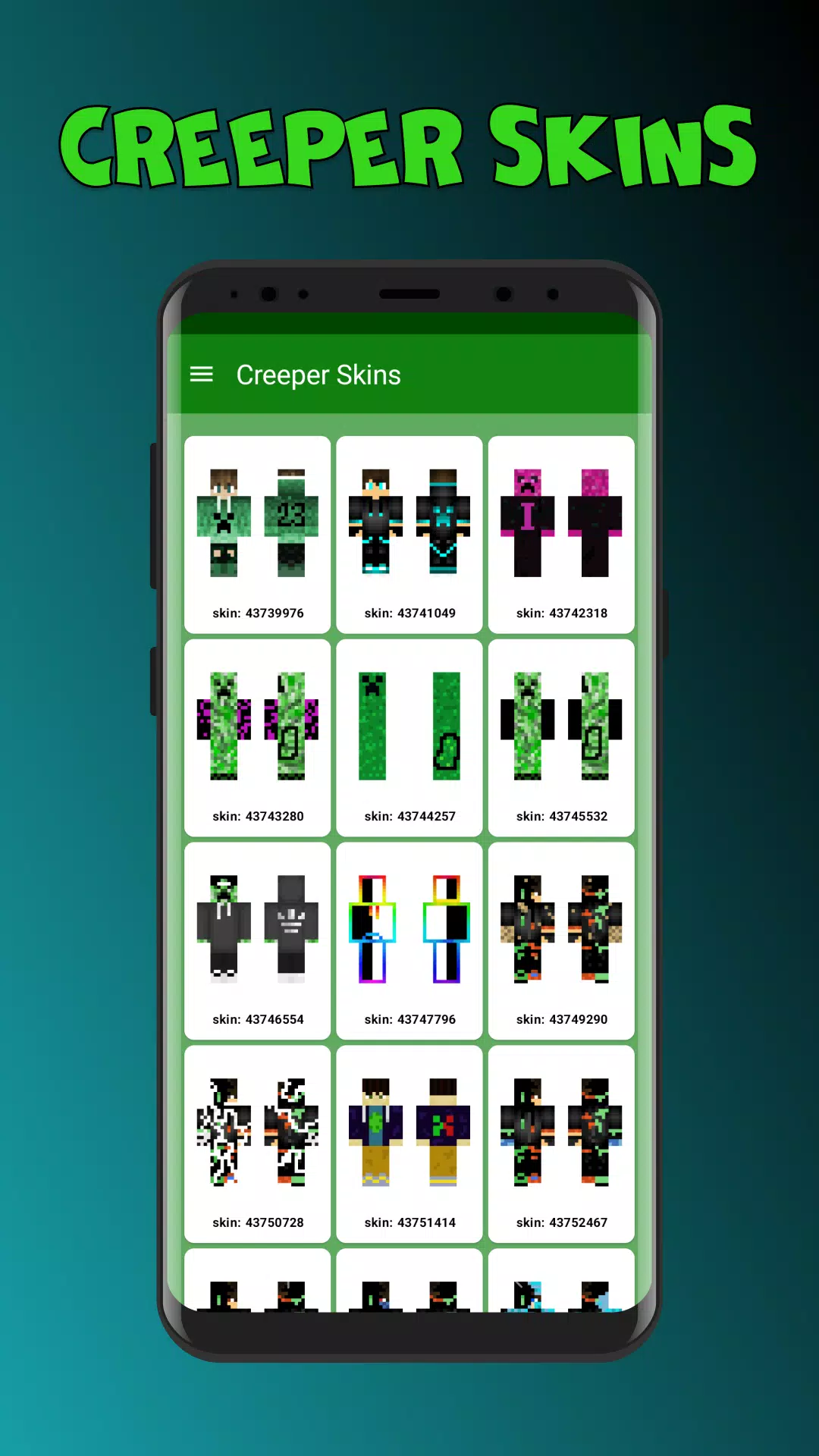
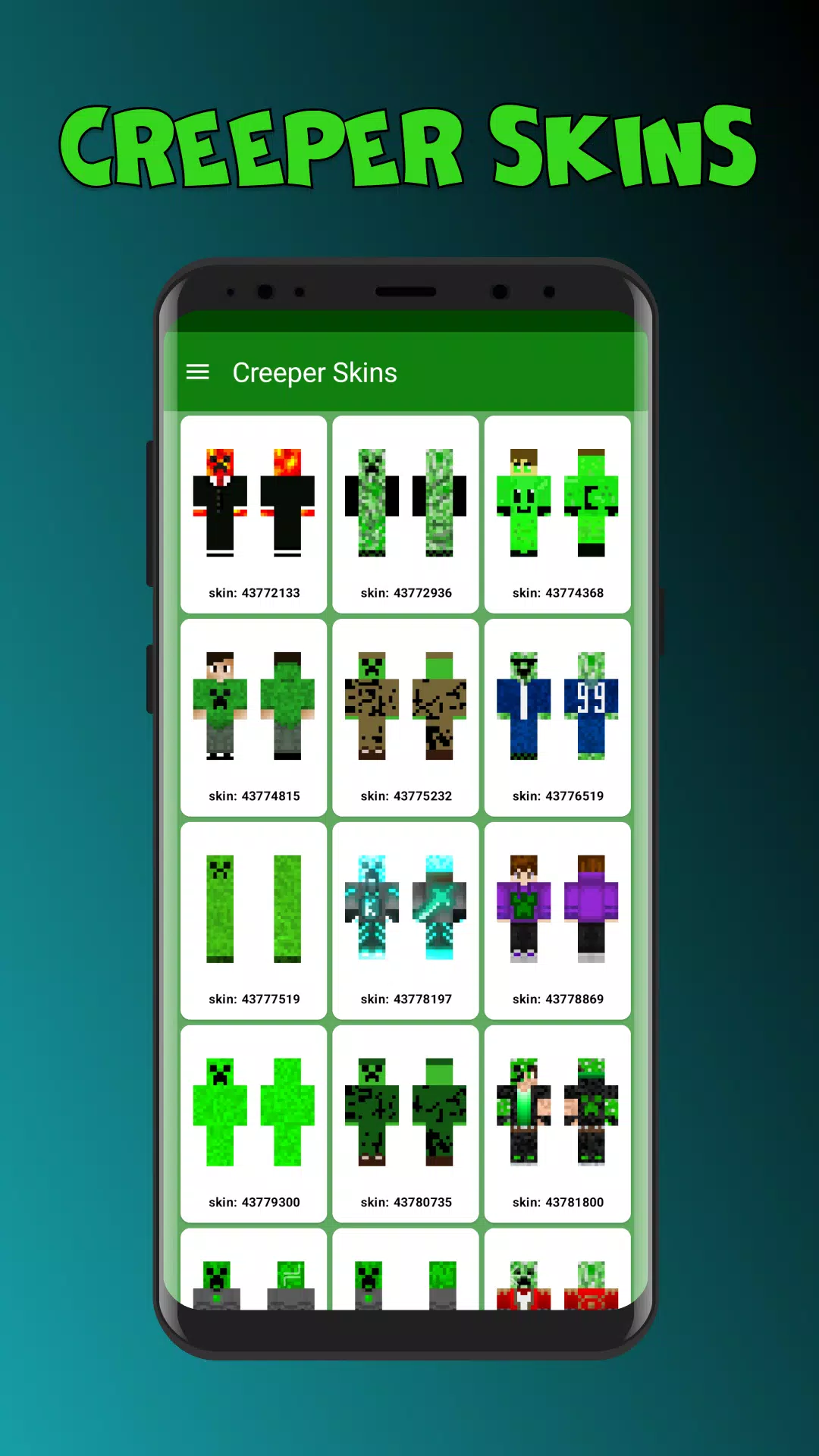
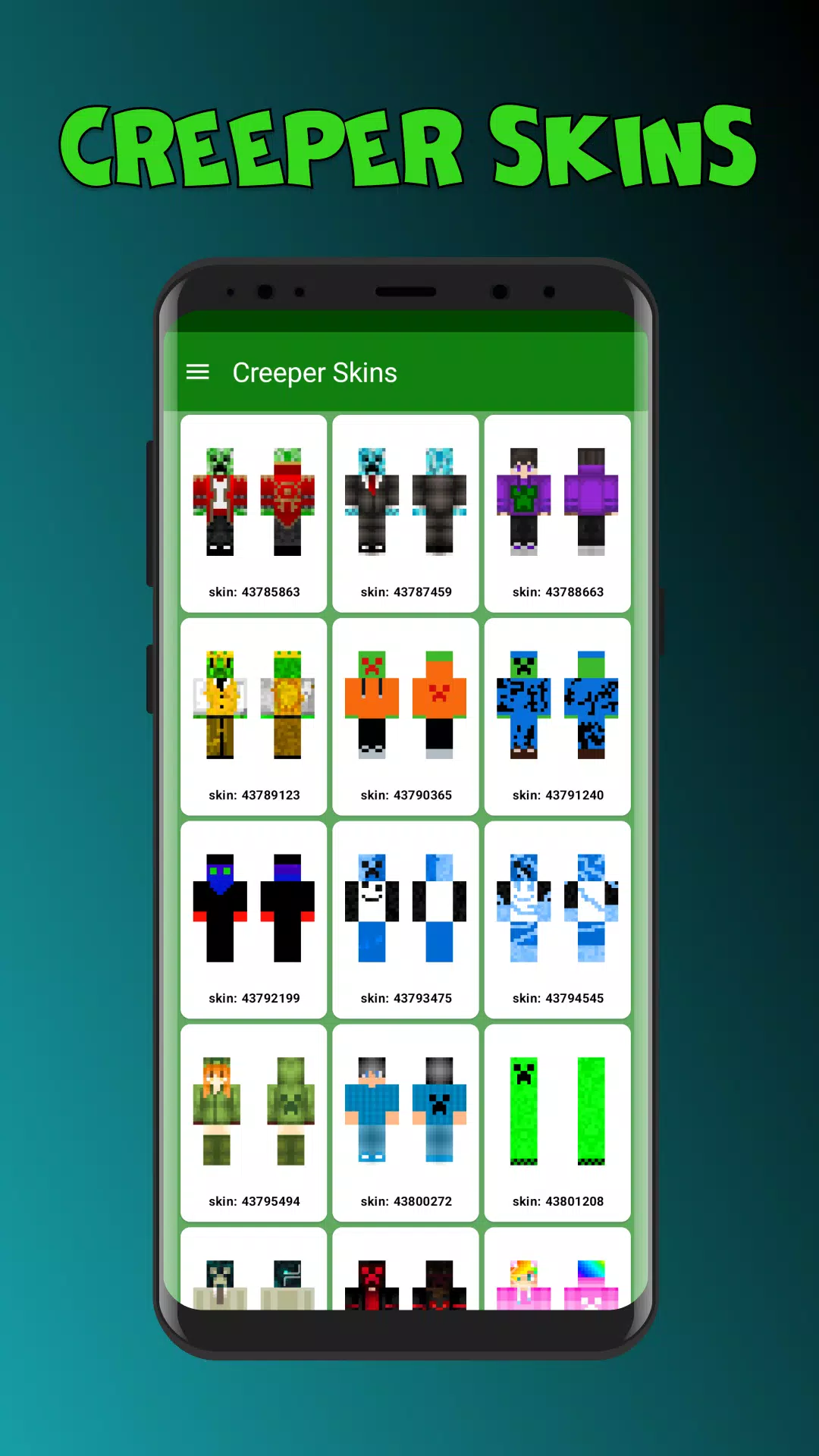
Creeper Skins for MCPE is a compact companion app that helps Minecraft Pocket Edition players find, preview, and install Creeper-themed skins quickly. Designed for convenience, it brings curated designs, search filters, and one-tap installs so players can update their avatar and stand out on any server in seconds.
Creeper Skins for MCPE acts as a focused catalog of player skins inspired by the iconic Creeper aesthetic. Rather than replacing your game, it supplies downloadable PNG skins and integration steps so users can apply new appearances inside MCPE or save favorites for later use.
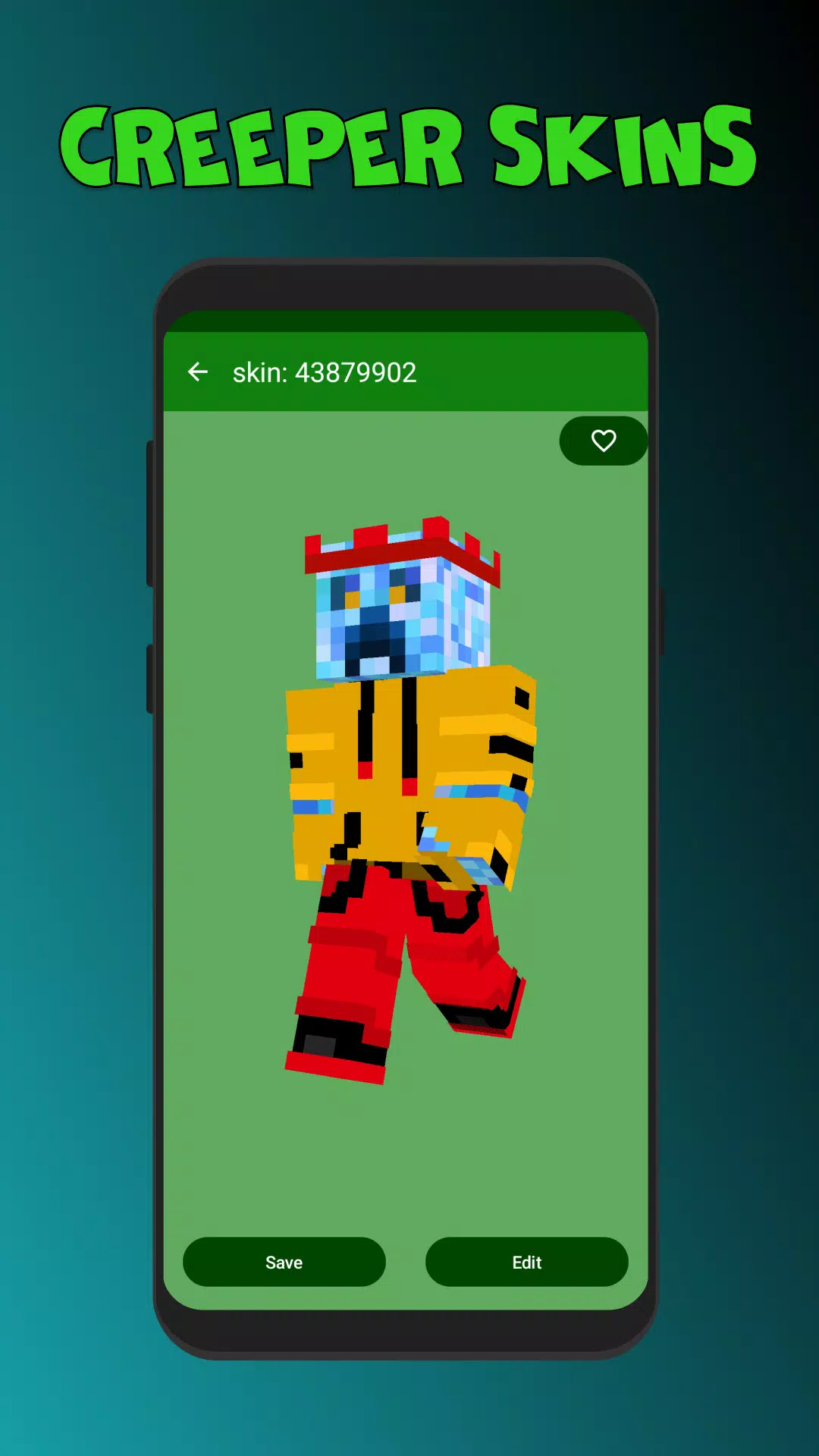
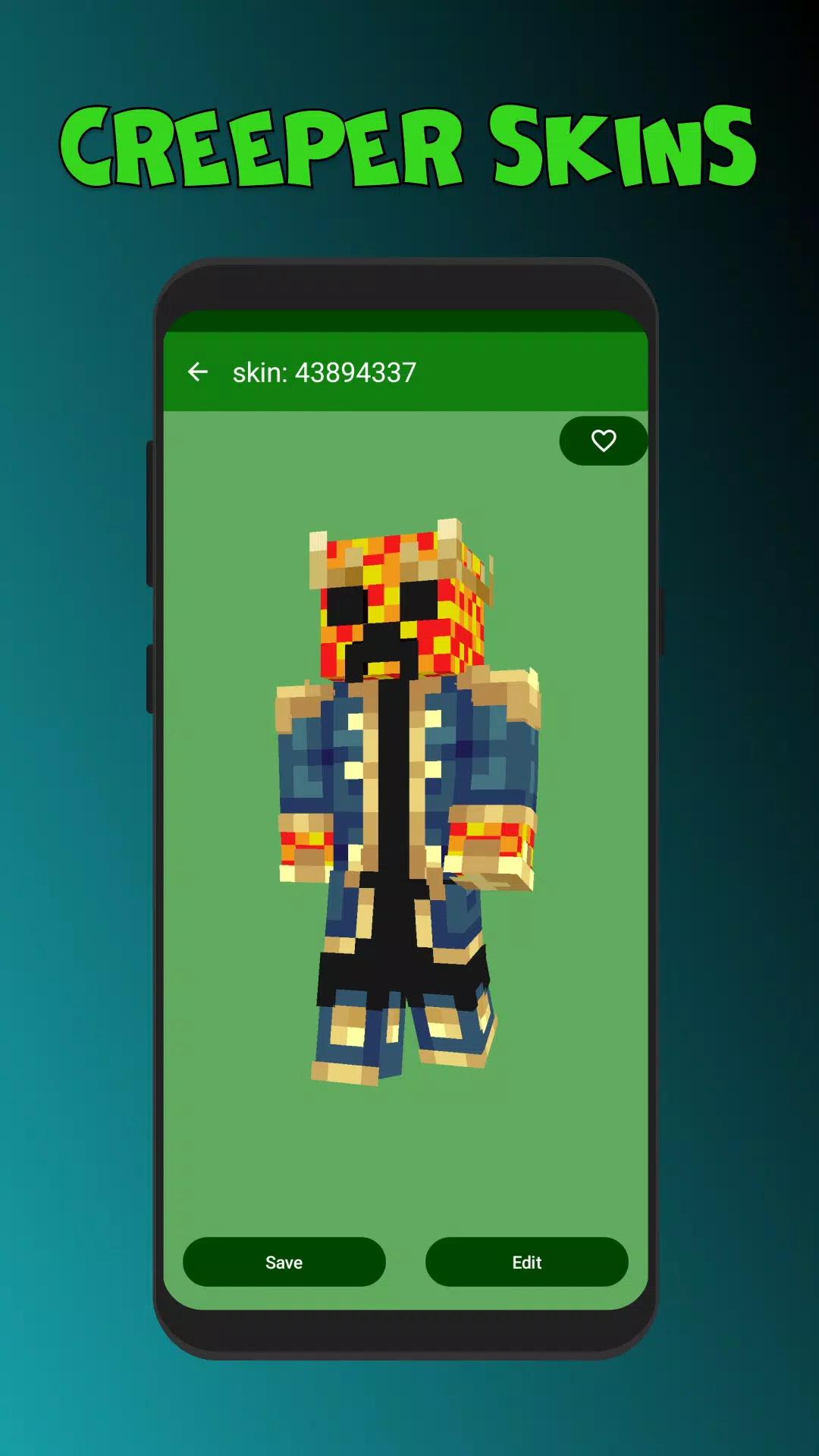
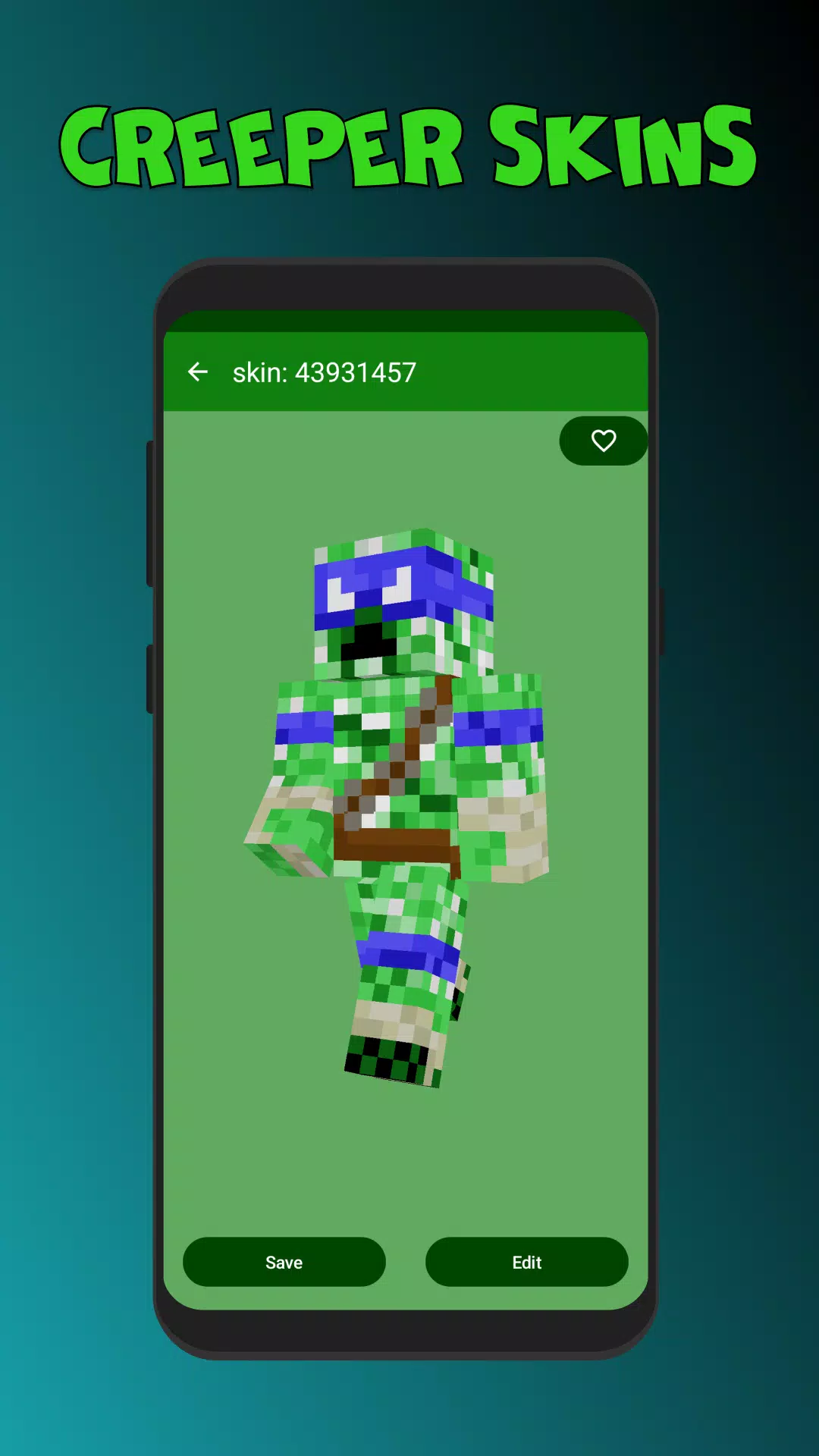
After launching the app, users can browse categories or search for specific designs. Selecting a skin opens a preview viewer that supports rotation and lighting adjustments so you can see how the pattern sits on the model. From there, the app offers a download button and simple instructions to import the file into Minecraft Pocket Edition.
Files provided by Creeper Skins for MCPE are standard Minecraft skin PNGs. The app highlights compatibility with multiple MCPE versions and explains how to upload skins whether you use the in-game profile manager or a file manager app. There is also guidance for players who run modified clients or texture packs.
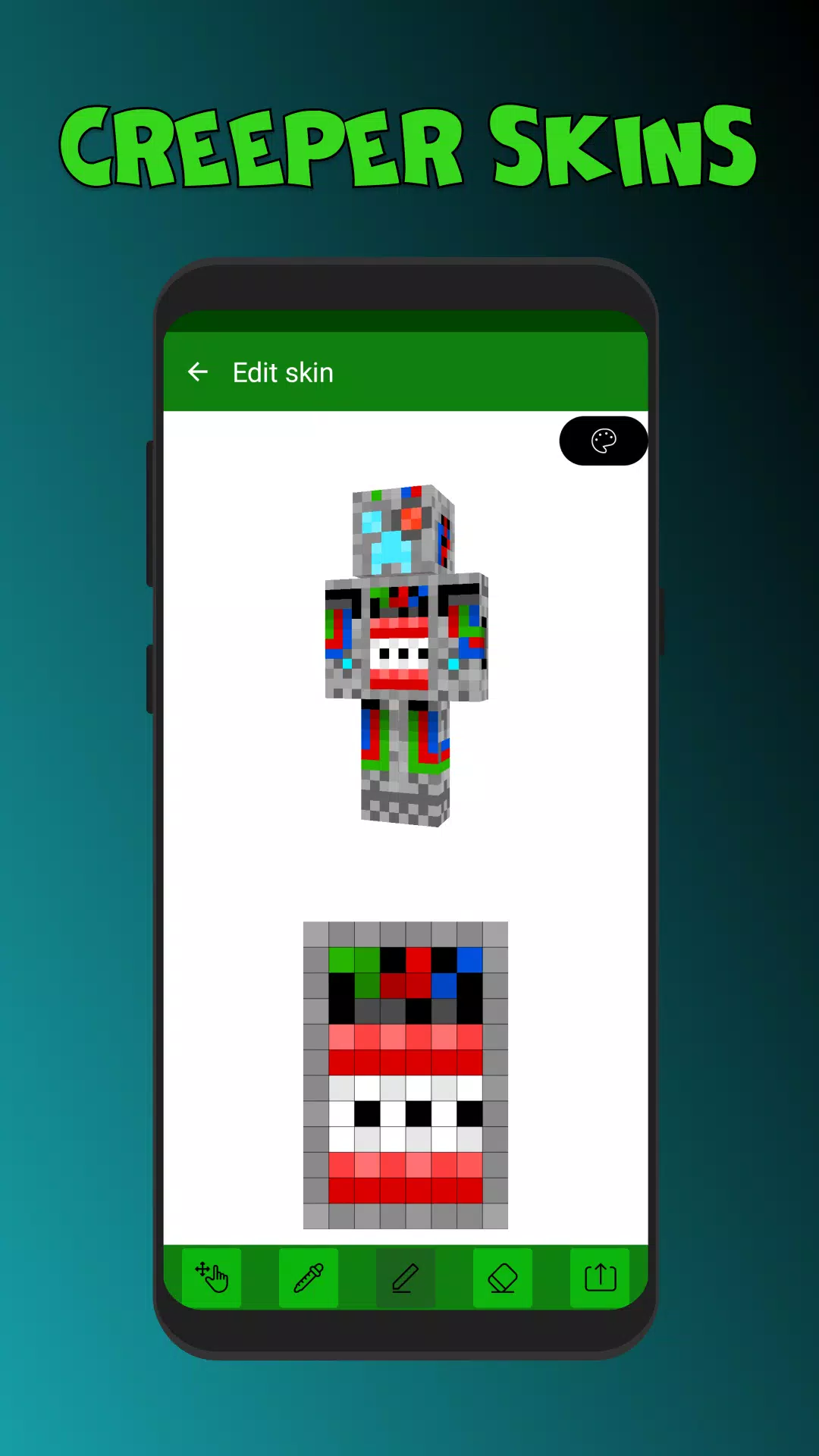
Beyond ready-made skins, the app supplies light editing tools to tweak color accents and layer visibility. You can apply simple recolors, swap helmet layers, or combine elements from different templates. For deeper edits, the app integrates export options to move the PNG into a preferred skin editor.
The user interface favors clarity: large thumbnails, readable labels, and minimal taps to reach downloads. Creeper Skins for MCPE keeps performance light by caching thumbnails and only loading full previews on request. This reduces data usage and keeps navigation responsive on older phones.
The app balances free access with optional ad displays; most core features remain usable offline after initial caching. Users who prefer an uninterrupted experience can export their favorite skins to local storage and manage them outside the app.
If a skin fails to appear in Minecraft after export, verify the file path and ensure MCPE is allowed to access storage. Re-importing through the in-game profile manager often resolves placement issues.
Users favor Creeper Skins for MCPE because it narrows the search to a popular theme while keeping the process straightforward. Gamers who want a themed look without hunting through massive archives appreciate the curated approach and easy installation steps.
For the best results, test skins on different lighting settings within Minecraft and maintain a small personal library of favorites. Whether you want a subtle green pattern or a full Creeper cosplay, the app streamlines the path from discovery to gameplay-ready skin.
File size: 12.50 M Latest Version: 1.0.1
Requirements: Android Language: English
Votes: 366 Package ID: com.mcpe.skins.creeper
Developer: IhorBilDev

Must Have Tools Apps for Android
Equip yourself with our all-in-one toolbox app for everyday tasks and projects. Instantly convert between units, calculate tips, scan documents, manage files, and more with handy productivity tools. Includes a level, compass, QR code reader, ruler, speedometer, decibel meter, and flashlight. Save frequently used tools to your customizable dashboard for one-tap access. Track billable hours, wages, budgets, and invoices. Annotate screenshots, magnify labels, and sign PDFs on the go.






LIVE A HERO
Retro Hero Mr Kim
Empire of Passion
Arcane Quest Legends
Magic Snap: Momotaro
AllStar Manga Heroes
Lunescape
ONE PIECE Thousand Storm JP
Tap Titans 2