
Scan to Download
Piano Companion is a versatile music reference and practice tool designed for pianists and music students, offering chord libraries, scale charts and an interactive keyboard to visualize harmony. It helps users explore chords, build progressions, and study scales with customizable displays and playback features.
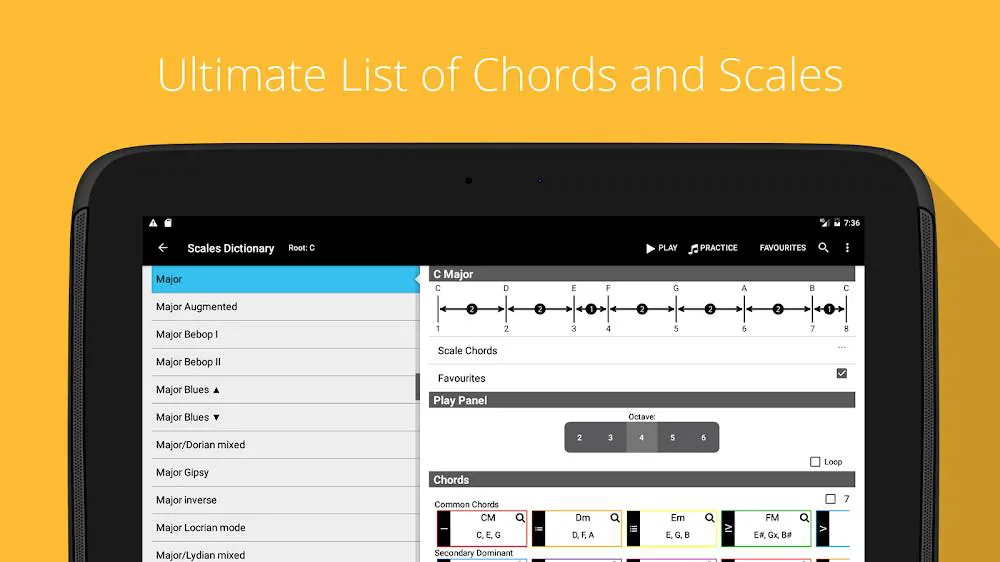
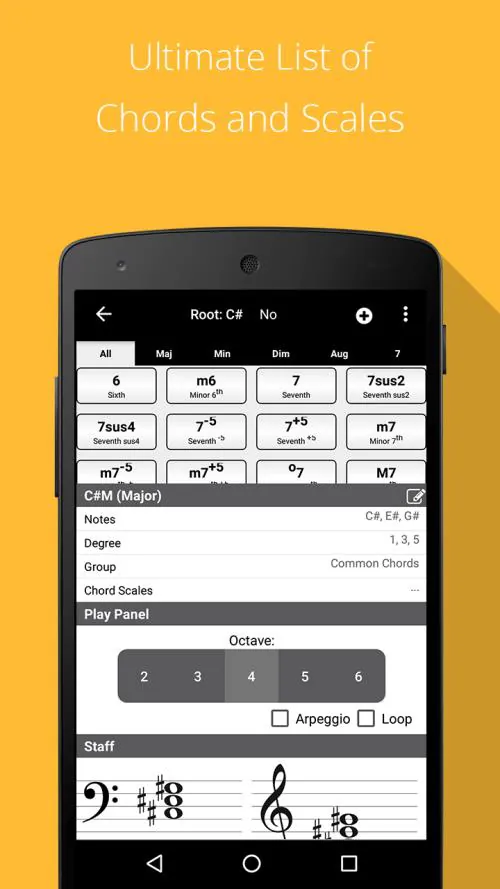
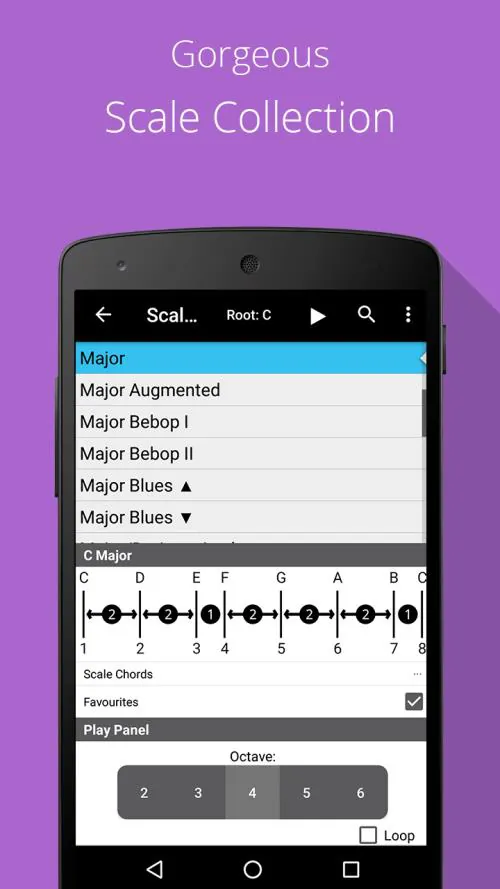
Piano Companion consolidates common music-theory resources into a single mobile interface. The app includes an extensive chord dictionary, a searchable scale database, interval references, and a flexible chord progression builder. Playback of chords and scales helps connect visual patterns to sound, accelerating practical understanding.
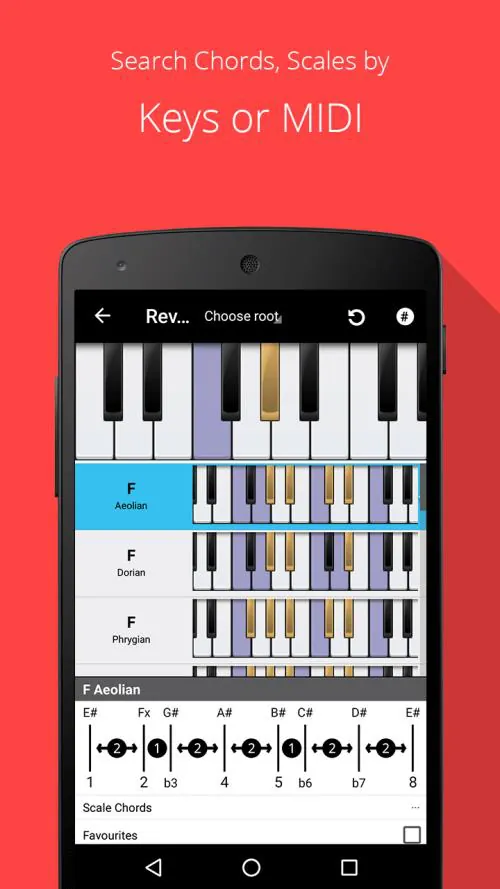
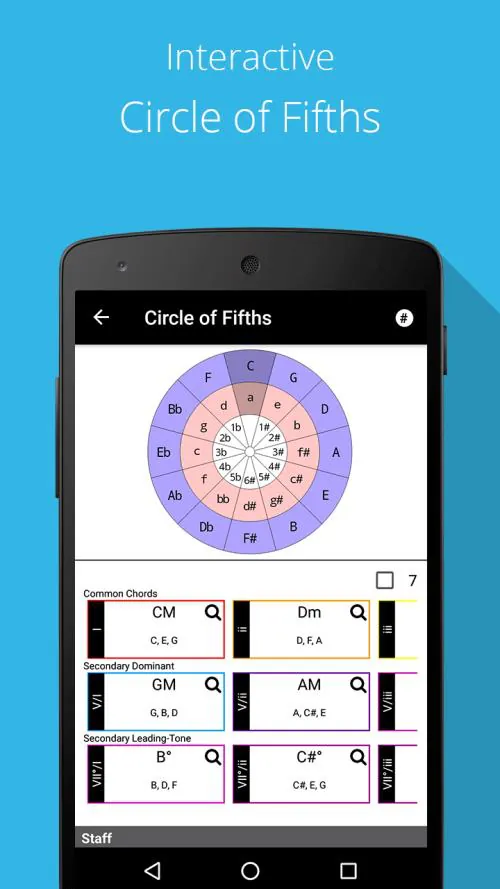
Piano Companion’s layout prioritizes clarity. The main screen shows an interactive keyboard with an overlay of chord tones or scale degrees. Context menus provide quick access to related chords and suggested progressions so lessons remain uninterrupted. Visual cues help identify intervals, triads and seventh chords without navigating through multiple menus.
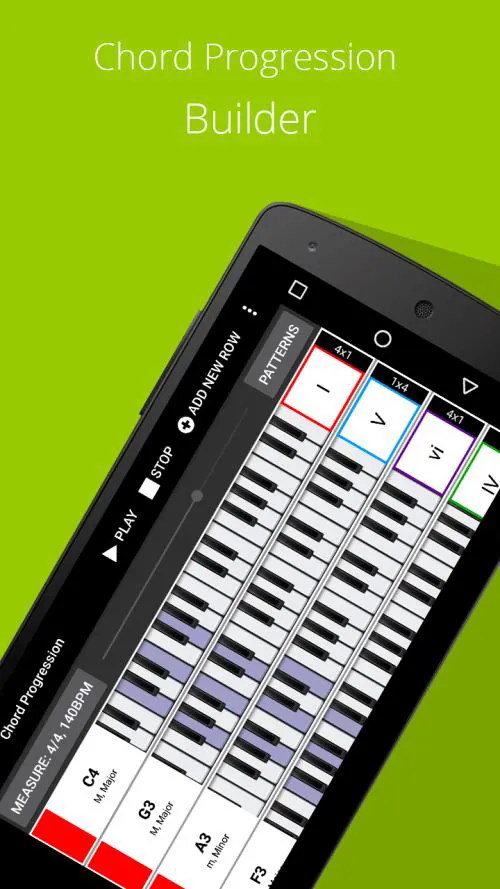
Use Piano Companion to design efficient practice sessions: pick a scale, reveal compatible chords, then create a short progression to loop while working on rhythm and voicing. The app’s playback controls allow slow practice with pitch accuracy, while the visual mode reinforces pattern recognition across octaves.
Customize display preferences such as note names (letter vs. solfège), accidental style (sharps/flats), and keyboard size. Advanced users can tweak voicing rules for generated chords and save custom chord definitions. These options tailor the app for classroom use, composing on the go, or polishing repertoire.
Piano Companion is optimized to run smoothly on a wide range of Android devices. Sound generation is lightweight to minimize latency during playback. MIDI integration and Bluetooth keyboard support extend functionality for studio and live rehearsal settings. Battery-friendly operation ensures extended practice sessions without draining resources.
The app is useful for quick harmonic checks while arranging, for improvisers creating new progressions, and for teachers demonstrating relationships between scales and chords. Songwriters can audition chord sequences in different keys instantly, and students can practice ear training by matching what they hear to the on-screen diagrams.
Open the app, select a key or scale, and the keyboard populates with the relevant tones. Tap suggested chords to add them to a progression, adjust tempo, and begin looping playback. Save commonly used progressions into playlists for future sessions and sync settings across devices when supported.
Piano Companion blends reference material with hands-on tools that make theoretical concepts practical. Clear visual feedback, a rich chord lexicon and flexible customization make it a go-to aid for identifying voicings, testing modulations, and speeding up learning. Regular updates keep the content current and add refinements requested by users.
Piano Companion stands out as a compact, focused resource that reduces friction between theory and practice, letting musicians spend more time playing and composing with confidence.
File size: 16.66 M Latest Version: 6.54.823
Requirements: Android Language: English
Votes: 255 Package ID: com.binitex.pianochords

Top Free Board Games for Android
Gather around for game night anytime, anywhere with our new mobile board game. Play digital versions of classics like chess, checkers, backgammon and more against friends or AI opponents. With smooth online multiplayer, you can challenge players worldwide or create private games. Customizable boards, pieces, and house rules allow you to tailor the experience. Compete in daily tournaments or just play for fun.






LIVE A HERO
Retro Hero Mr Kim
Empire of Passion
Arcane Quest Legends
Magic Snap: Momotaro
AllStar Manga Heroes
Lunescape
ONE PIECE Thousand Storm JP
Tap Titans 2