
Scan to Download
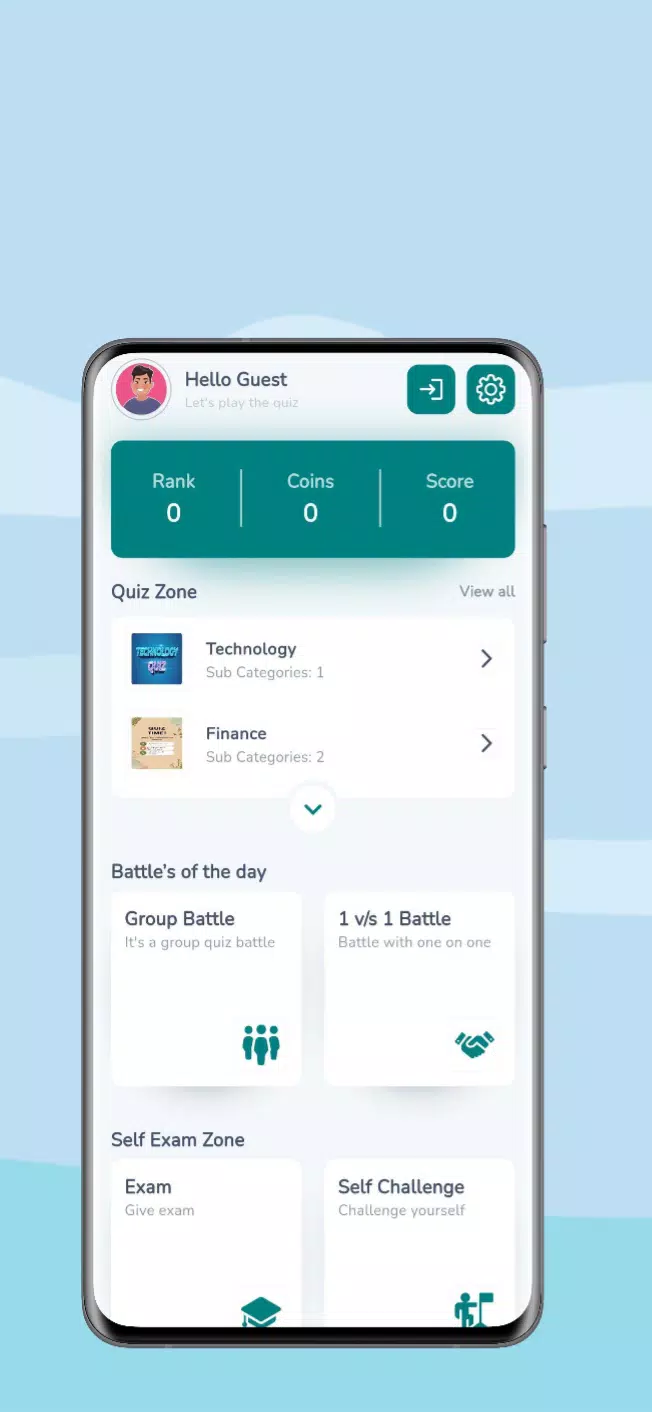
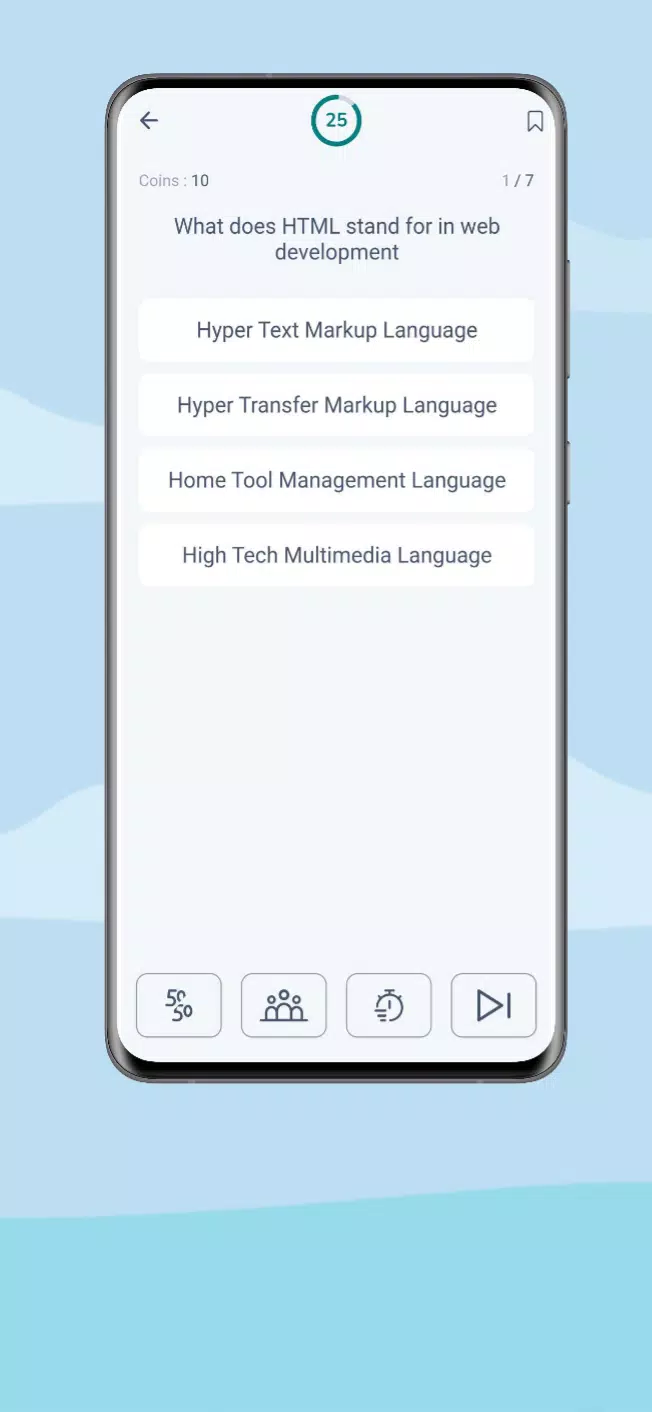
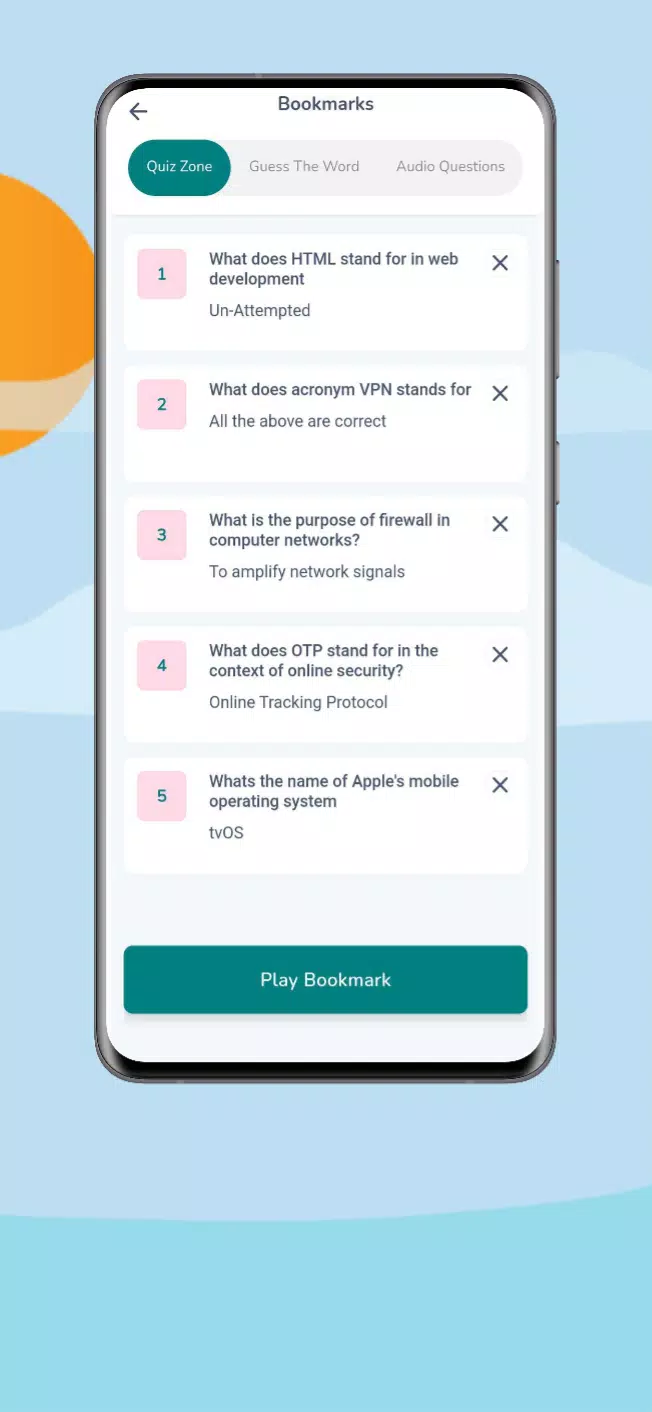
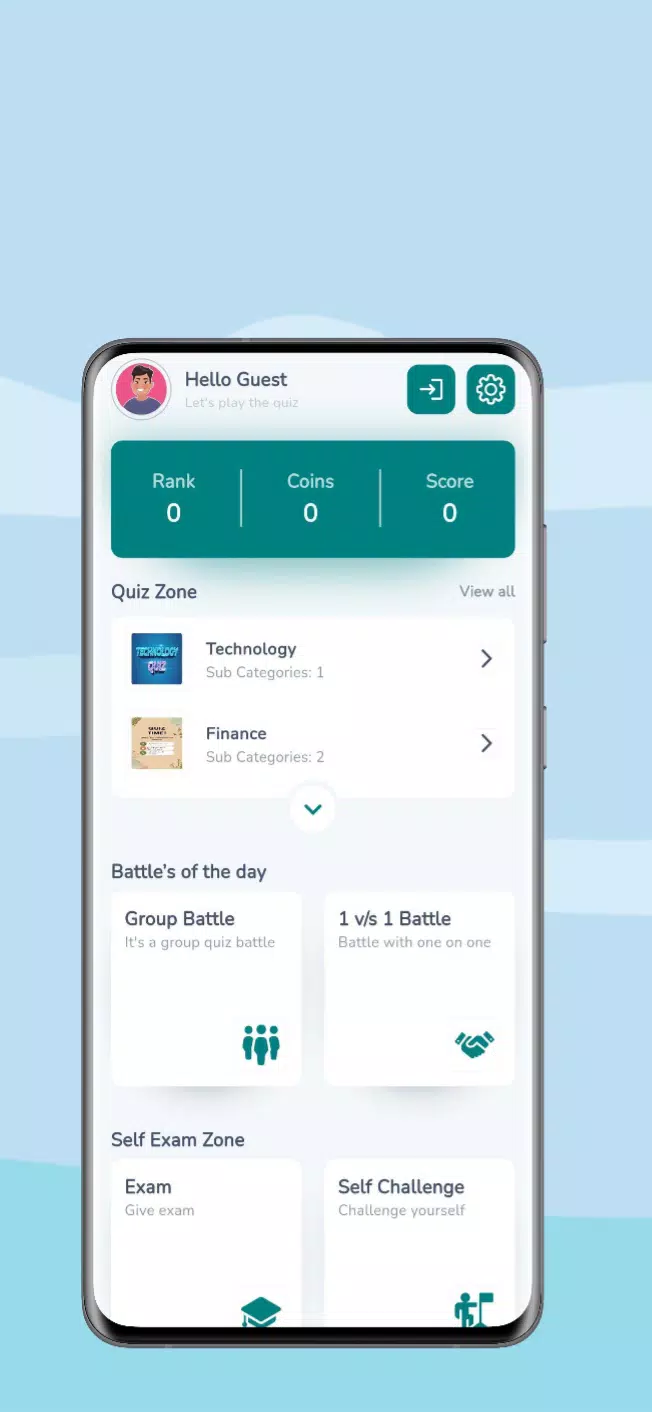
eQuiz is a versatile quiz creation and testing tool designed for educators, trainers, and learners who need fast, customizable assessments. It combines an intuitive editor, multiple question formats, and real-time feedback so users can build, distribute, and analyze tests with minimal setup and reliable performance.
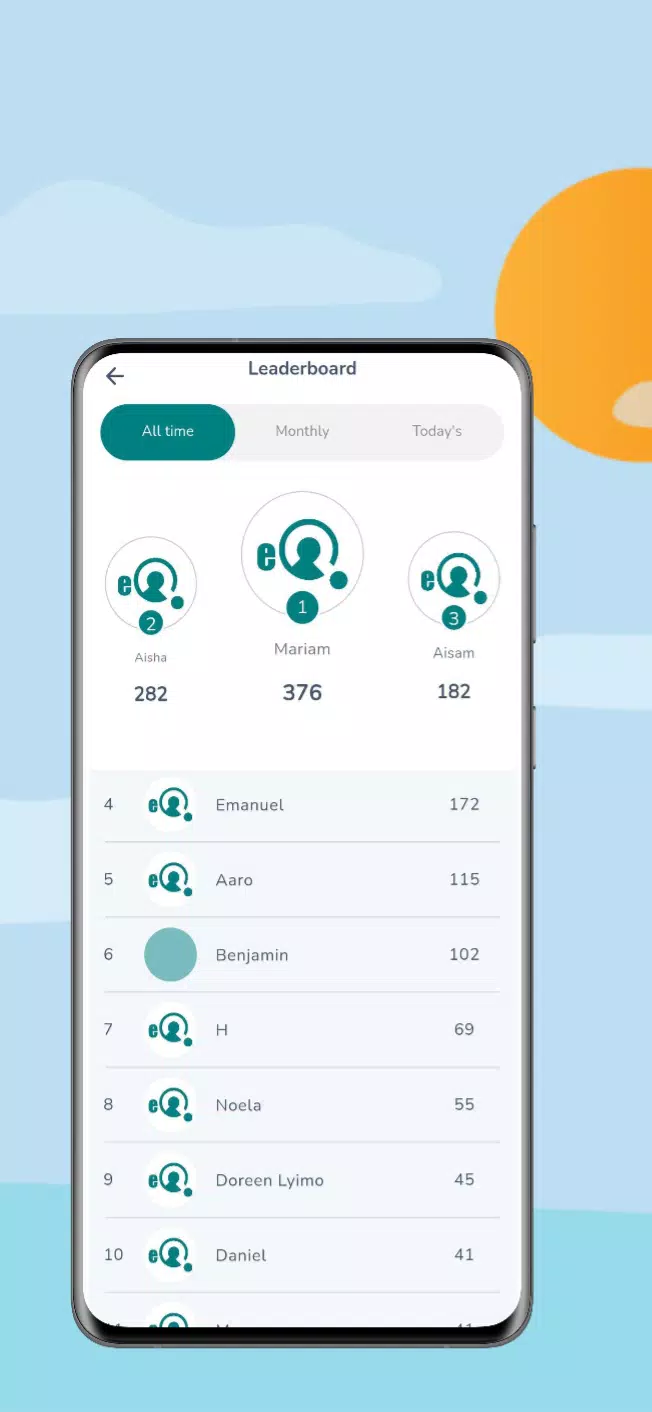
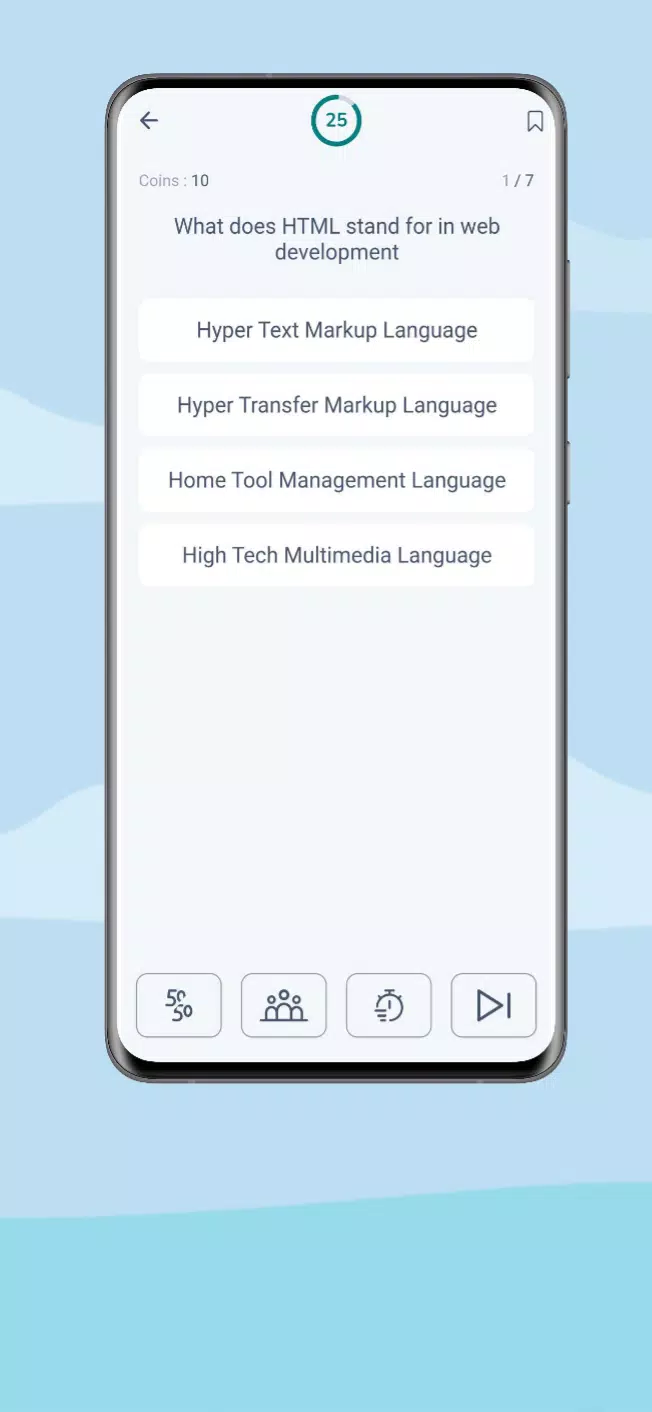
At the heart of eQuiz lies a powerful question engine that supports multiple choice, true/false, short answer, matching, and multimedia items. The app provides timed assessments, randomized question pools, and conditional branching to create adaptive testing paths. Scores, completion times, and attempt histories are tracked automatically, making it simple to evaluate proficiency across topics.
Designing tests in eQuiz is guided by a clear workflow: create a quiz container, add sections, populate questions, and set delivery options. Templates and question libraries speed up repeatable tasks, while bulk import/export functions allow migration from spreadsheets or other authoring tools. Administrators can clone, archive, and version quizzes to maintain consistent assessment standards.
Customize the look and feel of each quiz to match institutional branding or course themes. Choose fonts, colors, header images, and custom messages that appear before and after an assessment. Advanced settings include time limits, attempt caps, and feedback visibility, letting instructors tailor the experience to formative or summative goals.
eQuiz generates detailed reports suitable for classroom use and institutional review. Explore item-level statistics such as difficulty, discrimination index, and response distributions. Exportable dashboards display cohort progress, question-level performance, and comparative trends over time. These insights support targeted remediation and curriculum adjustments.
The app supports multiple delivery modes: live proctored sessions, self-paced release, and scheduled windows. Offline mode lets learners continue assessments without an internet connection, syncing results when connectivity returns. Accessibility features include screen reader compatibility, adjustable text sizes, and alternative text for images, ensuring broader usability.
eQuiz integrates with common learning management systems and cloud storage providers, streamlining rostering, gradebook updates, and resource sharing. API endpoints enable single sign-on and third-party reporting tools to ingest data. These integrations reduce manual tasks and keep assessment records synchronized across platforms.
Preventing academic dishonesty is a priority: the app offers randomized question orders, answer shuffling, and time-limited access. For higher-stakes exams, optional proctoring plugins monitor activity and record session logs. Data is encrypted in transit and at rest, and role-based permissions control who can author, publish, or view results.
Built for scalability, eQuiz performs reliably on a range of devices and network conditions. Mobile-friendly layouts adapt to phones, tablets, and desktop browsers. Resource-efficient design reduces load times, while server-side caching and CDN delivery keep latency low for distributed users.
New users can begin with guided setup wizards that walk through creating the first quiz, importing participants, and launching a pilot. Sample quizzes and best-practice templates demonstrate common assessment models. Support resources include step-by-step documentation, video walkthroughs, and community forums to answer practical questions.
Design clear, measurable learning objectives before authoring questions. Use varied item types to assess knowledge depth and apply analytics to remove confusing or ineffective items. Schedule pilot runs to validate timing and accessibility settings. Regular review of report data helps iterate on question quality and overall assessment design.
eQuiz blends functionality, ease of use, and robust reporting to support a wide range of testing scenarios. Its modular approach and broad compatibility make it a practical choice for institutions and organizations that need scalable, data-driven assessment tools.
File size: 34.20 M Latest Version: 1.0.1
Requirements: Android Language: English
Votes: 197 Package ID: com.eTechquiz.quiz
Developer: Elita Simon Moye



Top Free Board Games for Android
Gather around for game night anytime, anywhere with our new mobile board game. Play digital versions of classics like chess, checkers, backgammon and more against friends or AI opponents. With smooth online multiplayer, you can challenge players worldwide or create private games. Customizable boards, pieces, and house rules allow you to tailor the experience. Compete in daily tournaments or just play for fun.






LIVE A HERO
Retro Hero Mr Kim
Empire of Passion
Arcane Quest Legends
Magic Snap: Momotaro
AllStar Manga Heroes
Lunescape
ONE PIECE Thousand Storm JP
Tap Titans 2