
Scan to Download
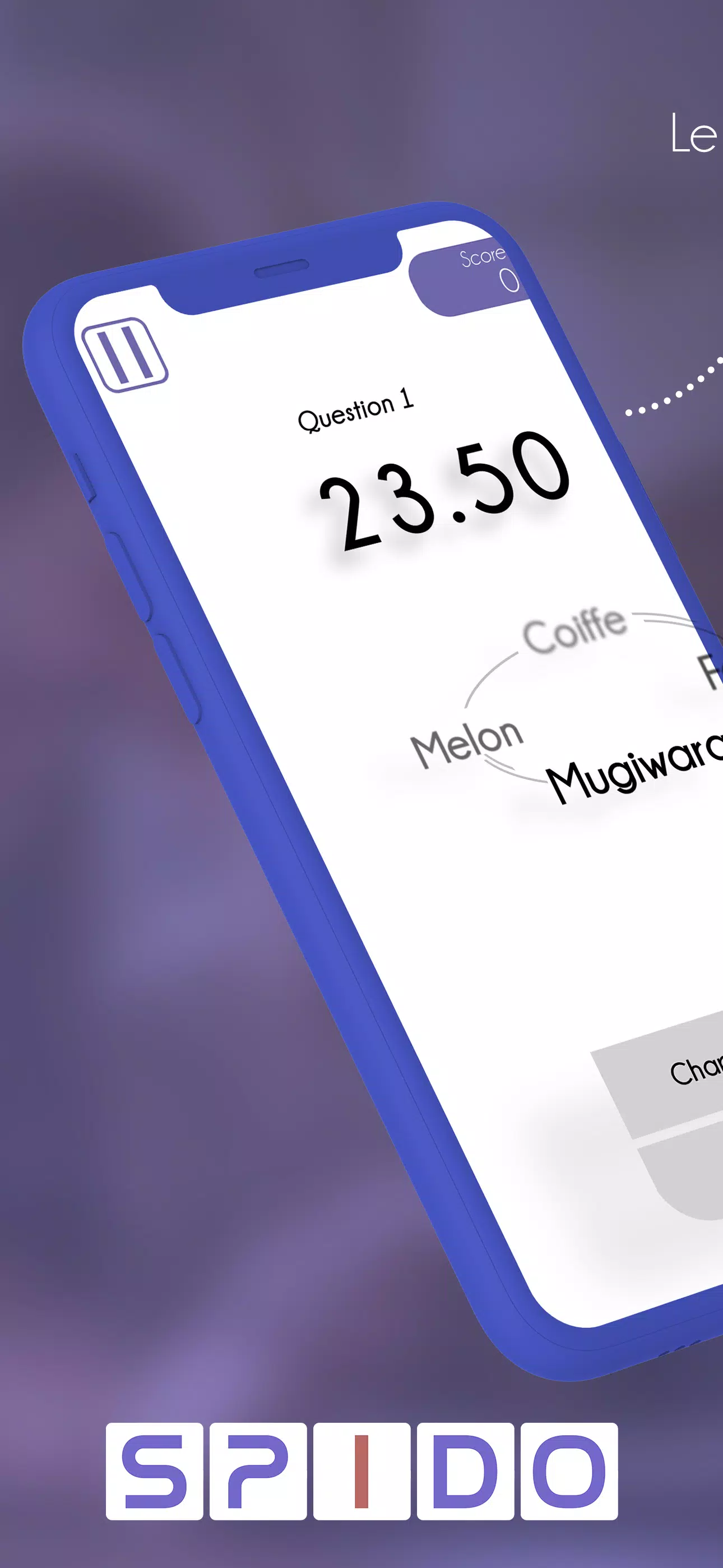
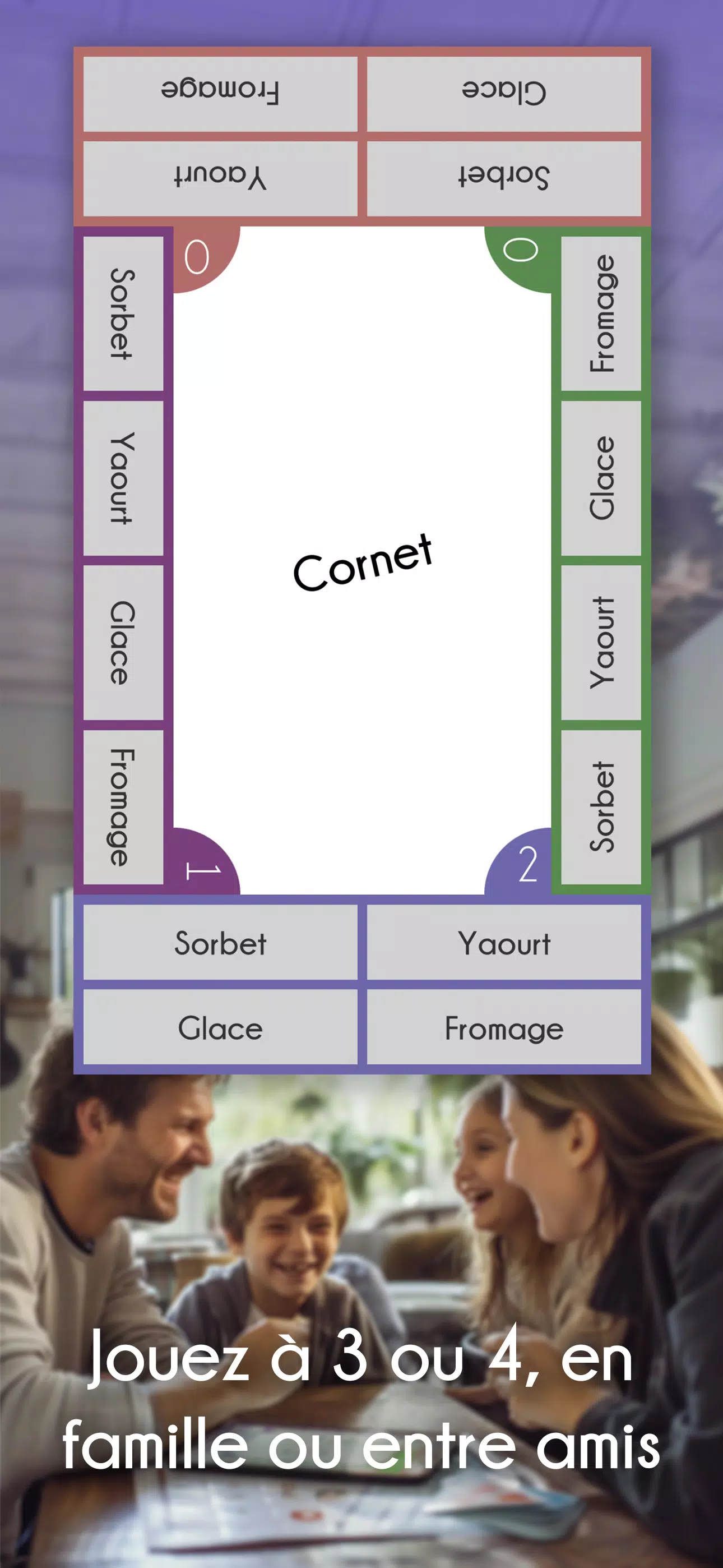
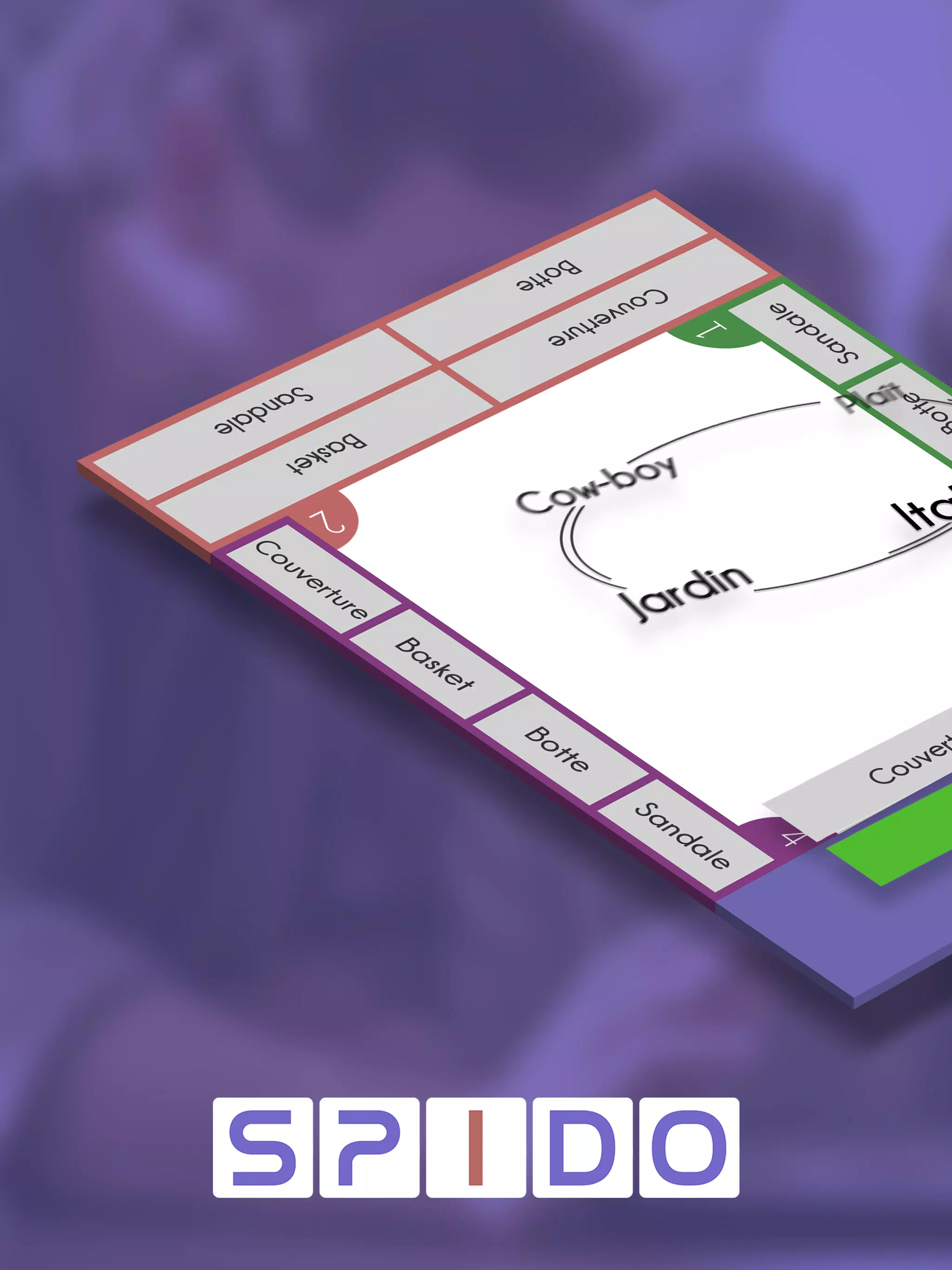
Spido is a streamlined Android utility designed to accelerate everyday tasks and simplify workflows with a clean interface and powerful automation tools. The app combines quick-launch actions, customizable shortcuts and background optimization to help users save time and reduce friction across common mobile routines.
Spido focuses on practical features that speed up repetitive operations without overwhelming the user. At its core are configurable shortcuts, gesture-based triggers and a compact dashboard that surfaces the most-used tools. The app supports scheduling, contextual actions based on location or time, and integrates with Android intents so it plays well with other apps.
The design emphasizes clarity: large icons, concise labels and a minimal settings hierarchy make it easy to find and change options. Spido’s home panel gives one-tap access to pinned tasks and displays suggested actions based on recent activity. For users who prefer customization, nested menus allow creation of multi-step macros that run with a single touch or swipe.
Spido reduces context switching by centralizing frequently used actions. Morning routines, commute preparation and work-mode toggles can be executed with a single gesture. The scheduling features mean you can prepare your phone for meetings or bedtime automatically, and the location-aware rules prevent repetitive manual changes when you arrive at known places.
Built with efficiency in mind, Spido runs lightweight background services to avoid battery drain. It supports a wide range of Android versions and adapts to various device resolutions and orientations. Permission requests are transparent, with clear explanations for background access and accessibility permissions where needed for gesture recognition and deeper automation.
Privacy is handled with straightforward controls. Data used to suggest actions remains on-device unless you opt into cloud sync. Permissions are compartmentalized so you can enable only the capabilities you need. Where sensitive actions are configured, Spido prompts for confirmation to avoid accidental triggers.
For power users, Spido offers advanced options like conditional branching in macros, variable storage and delayed actions. Themes and icon packs let you match the app to your launcher aesthetic. The settings panel includes CPU-friendly toggles and a compact mode for minimal-screen real estate.
Begin by installing and granting the minimal permissions prompted during setup. Pin a handful of actions to the main panel, then try creating a simple macro such as a commute routine that mutes notifications, launches maps and starts a playlist. Explore gesture assignments next to replace repetitive taps with quicker swipes.
Spido brings practical automation and a focused interface to Android users who want to shave minutes from routine tasks. With flexible shortcuts, robust macro tools and sensible privacy defaults, the app is a solid choice for anyone looking to streamline their mobile workflow while keeping control over permissions and performance.
File size: 30.90 M Latest Version: 1.53
Requirements: Android Language: English
Votes: 404 Package ID: com.dnf.spido
Developer: Digital Nomad Family






Top Free Board Games for Android
Gather around for game night anytime, anywhere with our new mobile board game. Play digital versions of classics like chess, checkers, backgammon and more against friends or AI opponents. With smooth online multiplayer, you can challenge players worldwide or create private games. Customizable boards, pieces, and house rules allow you to tailor the experience. Compete in daily tournaments or just play for fun.






LIVE A HERO
Retro Hero Mr Kim
Empire of Passion
Arcane Quest Legends
Magic Snap: Momotaro
AllStar Manga Heroes
Lunescape
ONE PIECE Thousand Storm JP
Tap Titans 2