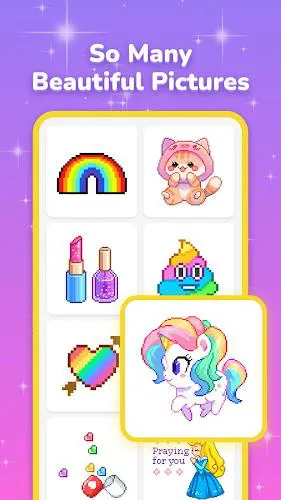
Pixel Coloring is a color-by-number puzzle game that turns simple taps into detailed pixel art. It combines calming mechanics with a vast library of images, letting players restore pictures one cell at a time while enjoying a low-pressure creative experience that fits short sessions and longer relaxation periods.
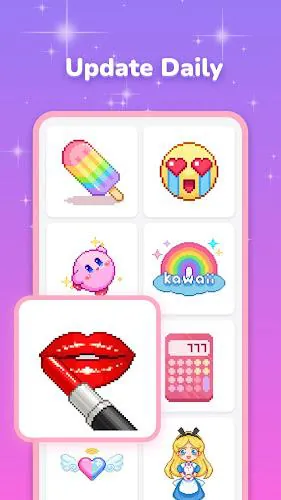
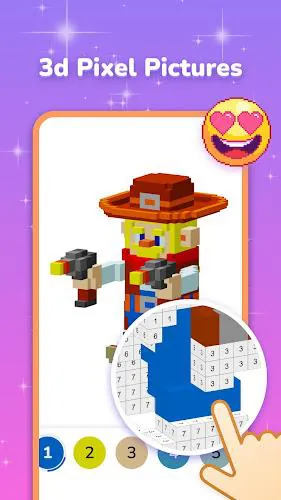
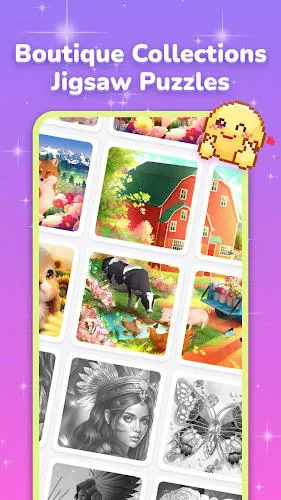
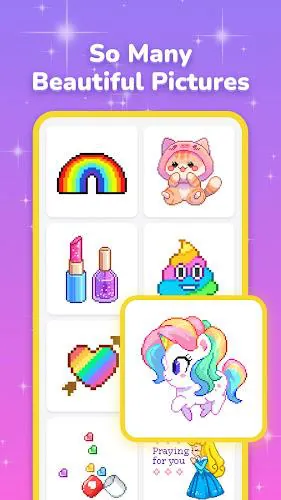
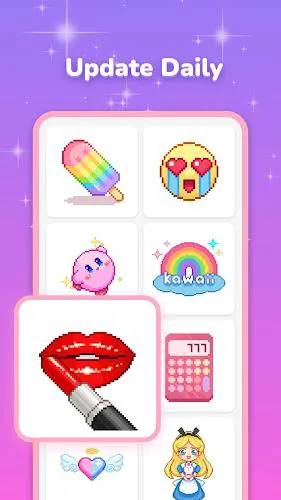
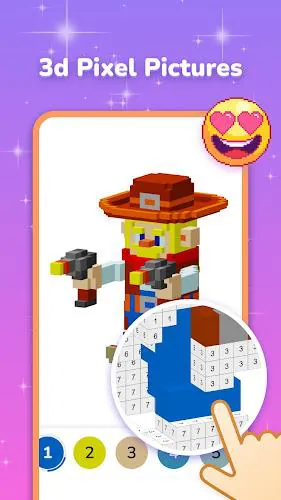
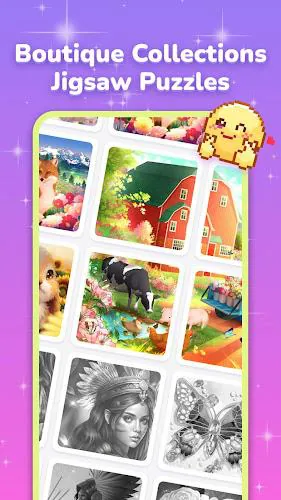
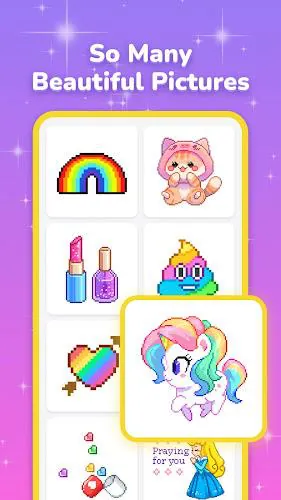
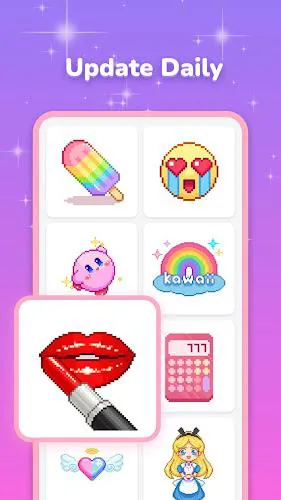
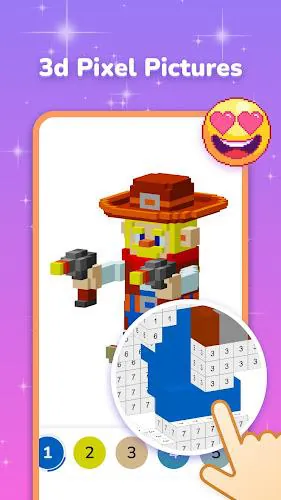
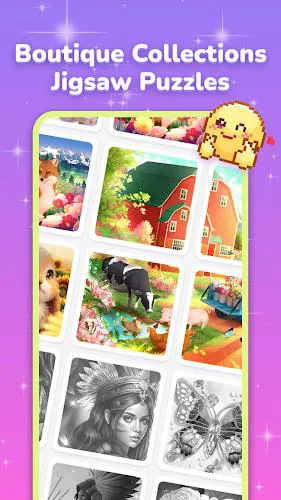
At its core, Pixel Coloring is designed for players who like methodical, tactile activities. The interface focuses on filling grid cells, tracking progress by palette and number, and offering thousands of templates ranging from icons and animals to landscapes and pop culture references.
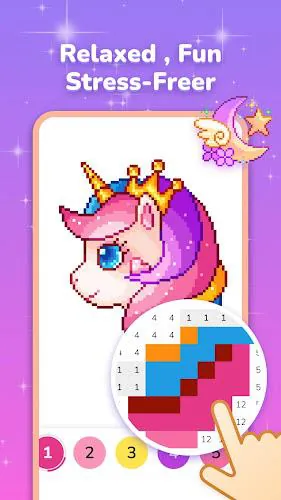
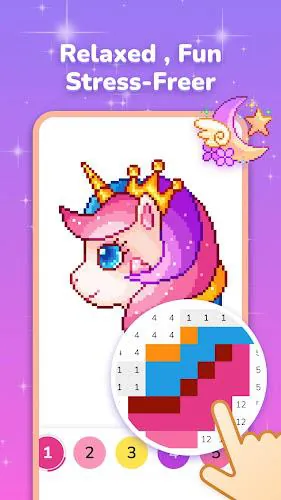
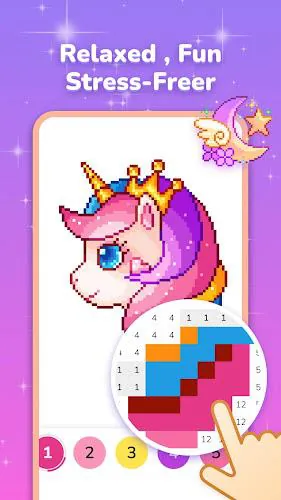
The gameplay loop in Pixel Coloring is straightforward but satisfying: select a number, tap matching cells, and watch the image come to life. Levels are grouped by theme and complexity, enabling a gentle curve from tiny 16x16 pieces to large 1000+ cell canvases. Progress unlocks increasingly detailed art and seasonal packs.
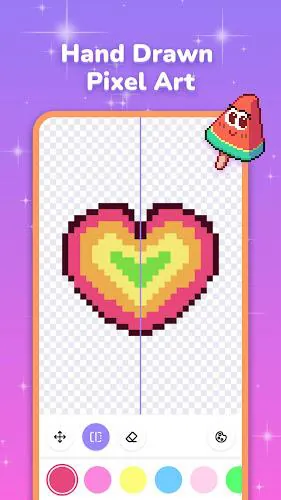
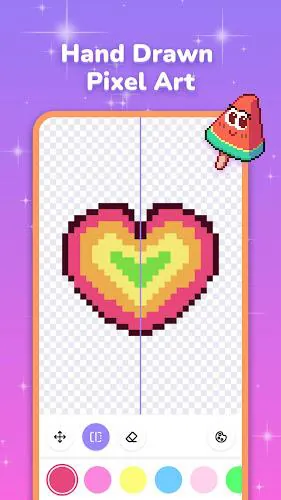
Pixel Coloring keeps controls minimal: a palette bar or numeric selector, zoom and pan gestures, and a thumbnail preview. Tools include a fill mode that paints contiguous areas, a selection lock for fine work, and a hint system that reveals a small set of correct cells when you’re stuck.
The interface emphasizes readability and ease of access. Buttons are large enough for one-handed play, and the color palette contrasts clearly against cell outlines. Subtle animations and sound cues provide feedback when you complete sections or finish an image, making each completed piece feel rewarding without overwhelming the user.
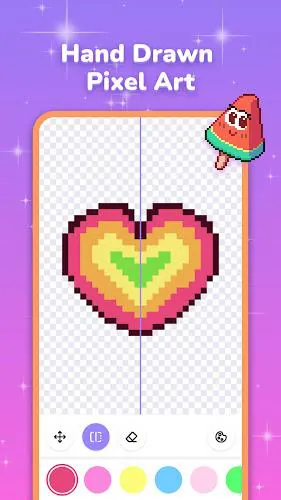
Although the activity is fundamentally static art, Pixel Coloring enhances the experience with soft background music and gentle completion chimes. The pixel art output varies from charming low-res icons to surprisingly detailed mosaics, depending on canvas size and complexity.
Players return to Pixel Coloring because it offers a predictable, calming activity that produces visible results. The mix of short puzzles and complex pieces suits different moods: a quick five-minute fill or a longer focus session. Social features like sharing finished images or entering themed contests add mild competition and community interaction.
Installing Pixel Coloring is straightforward. After download, the onboarding introduces controls via a guided tutorial and unlocks a small pack of starter images. An in-app store and seasonal tabs make it easy to expand your gallery, but the basic experience is fully playable without purchases.
Large canvases require more memory, so older devices may automatically limit resolution. The app offers options to reduce frame detail or disable background effects to maintain smooth interaction. Battery usage is modest, especially when played without sound or with the screen brightness lowered.
For players who appreciate deliberate, artistic play, Pixel Coloring blends accessibility with a surprising depth of content. It’s a reliable pick for casual gamers, commuters, and anyone looking for a low-stress creative outlet that rewards patience and attention to detail.
File size: 34.20 M Latest Version: 1.33.5
Requirements: Android Language: English
Votes: 106 Package ID: puzzle.pixel.art.coloring.drawing.sandbox.free.pai
Developer: Coloring Game Studio@RabiGame

Must Have Puzzle Games for Android
Are you searching for an enjoyable method to strengthen your intellect? Our hottest logical puzzle is tailor-made to offer a stress-free pastime experience. With beautiful graphics and chill background music, you can immerse yourself in an engaging world of logic and critical thinking. Solve increasingly tricky levels at your own pace, with no time pressure or lives system.






LIVE A HERO
Retro Hero Mr Kim
Empire of Passion
Arcane Quest Legends
Magic Snap: Momotaro
AllStar Manga Heroes
Lunescape
ONE PIECE Thousand Storm JP
Tap Titans 2