Scan to Download
CrossCraze is a focused single-player word-puzzle app built for players who prefer a polished offline experience. CrossCraze places you on a variety of letter grids and challenges your tactical vocabulary, spatial reasoning and pattern recognition without any online distractions or account requirements. This editor introduction explains the core systems, controls, customization options and accessibility choices you can expect when you download the app.
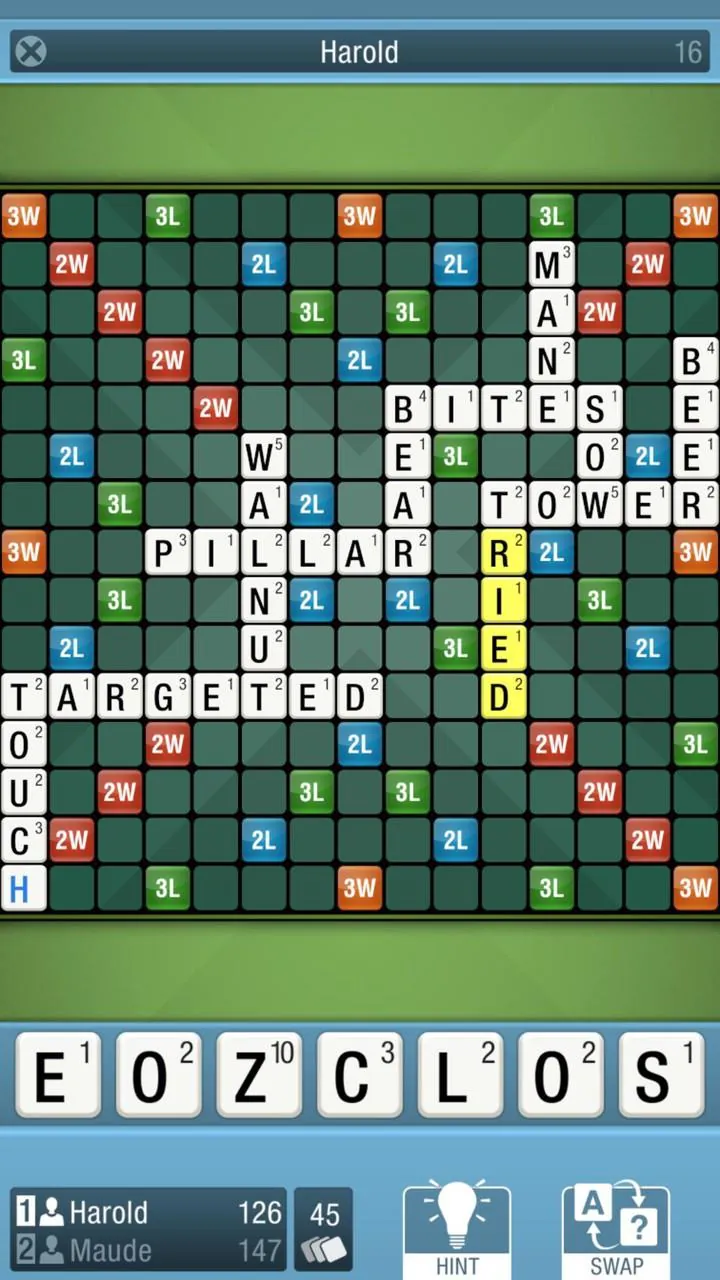
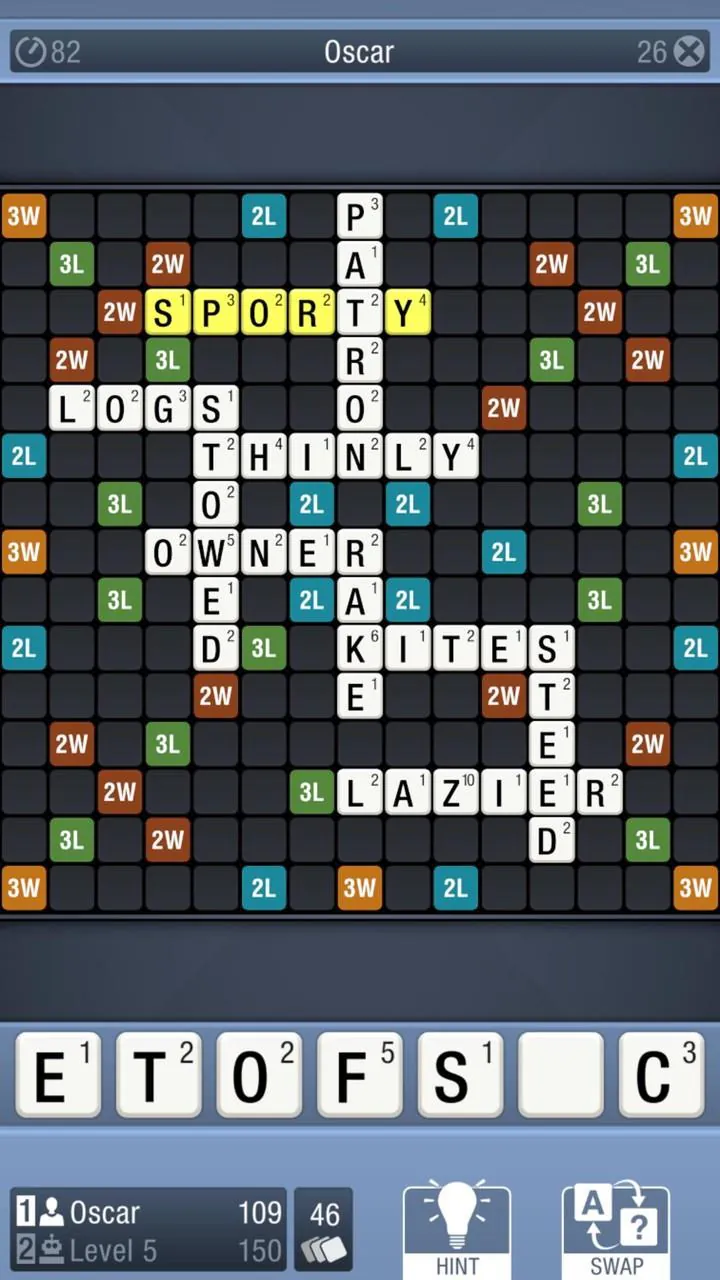
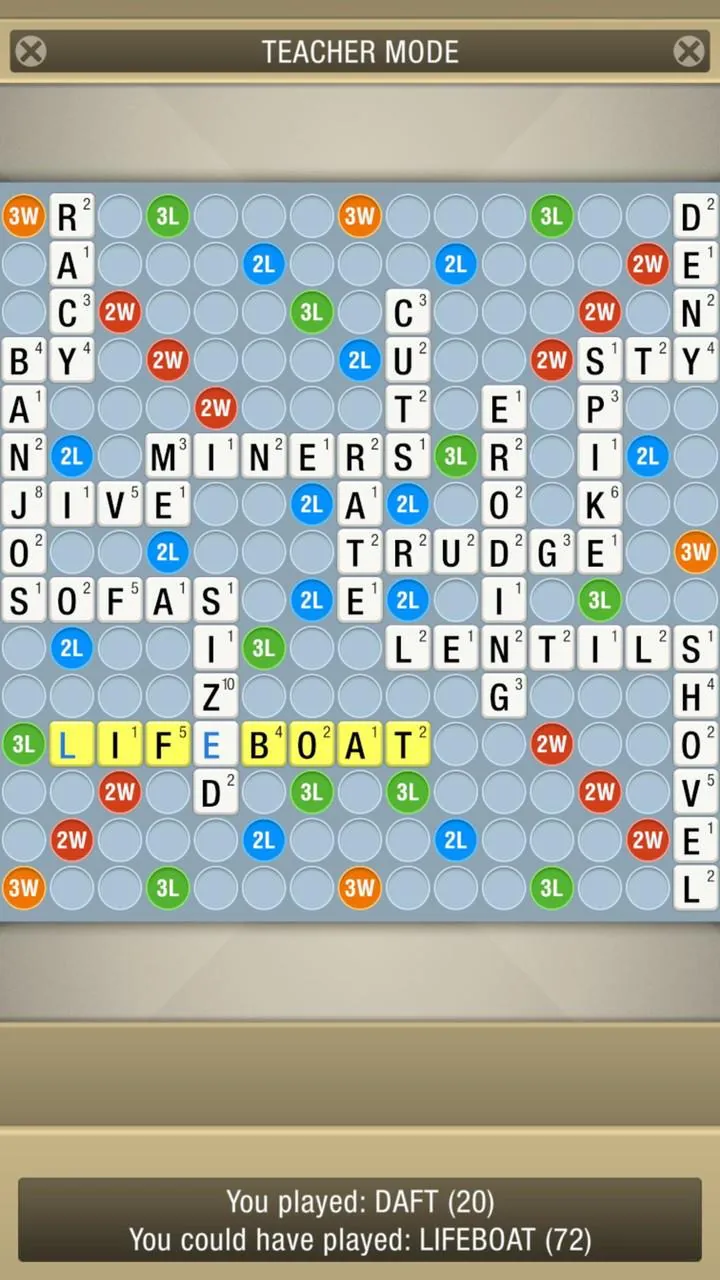
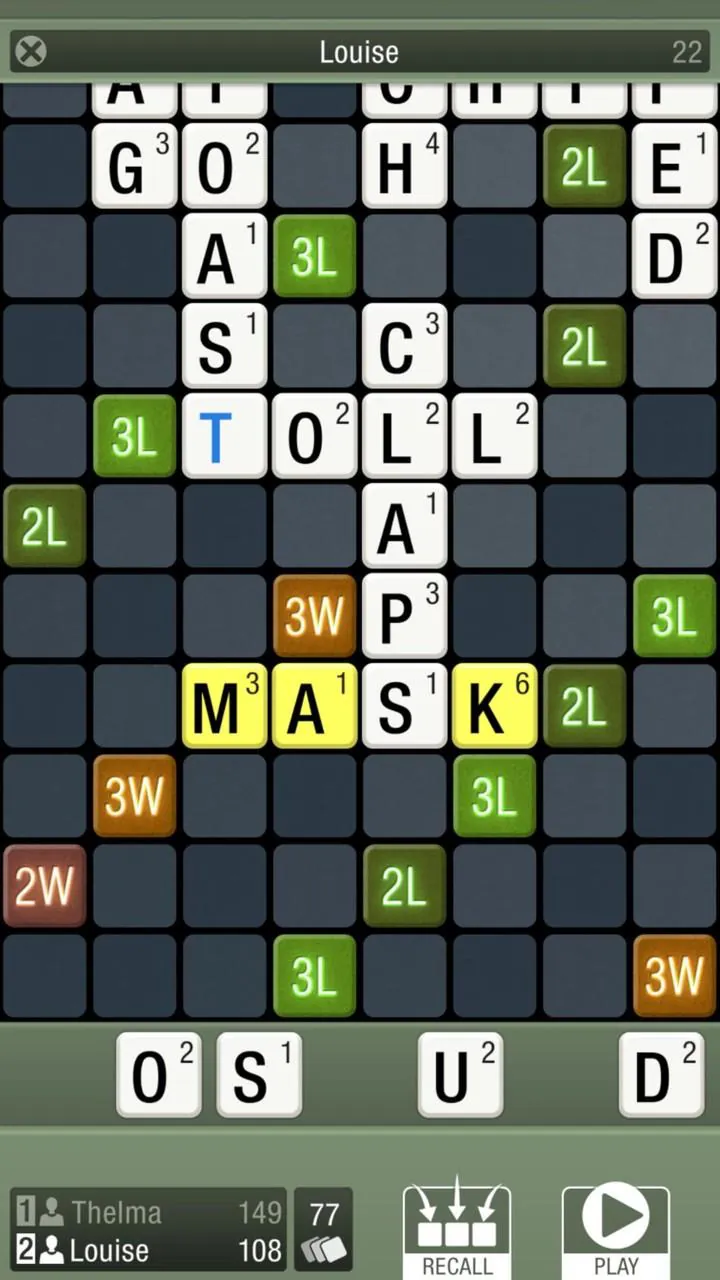
The core gameplay centers on classic letter placement and connected-word rules with an alternative Tile Stacking mode that changes how you approach the board. In the standard Classic mode each move must touch or extend existing words, which encourages planning ahead, building hooks and thinking about cross-word interactions. Tile Stacking mode lets you drop tiles that can overlap or layer plays, shifting emphasis from linear word-building to three-dimensional spatial puzzles. Each play is validated instantly and scored on the spot so you can learn from the result and refine strategy turn by turn.
CrossCraze is optimized for touch devices with intuitive drag-and-drop tile placement, tap controls to select or rotate candidate tiles, and swipe gestures to reveal quick definitions where available. The tile rack supports manual reordering, an automatic shuffle option and a lock mechanism to keep preferred letters in place. Subtle animations and a restrained use of overlays keep attention on the board while contextual tooltips guide new players through common actions. The interface adjusts between compact phone layouts and expanded tablet views to make input comfortable on any screen size.
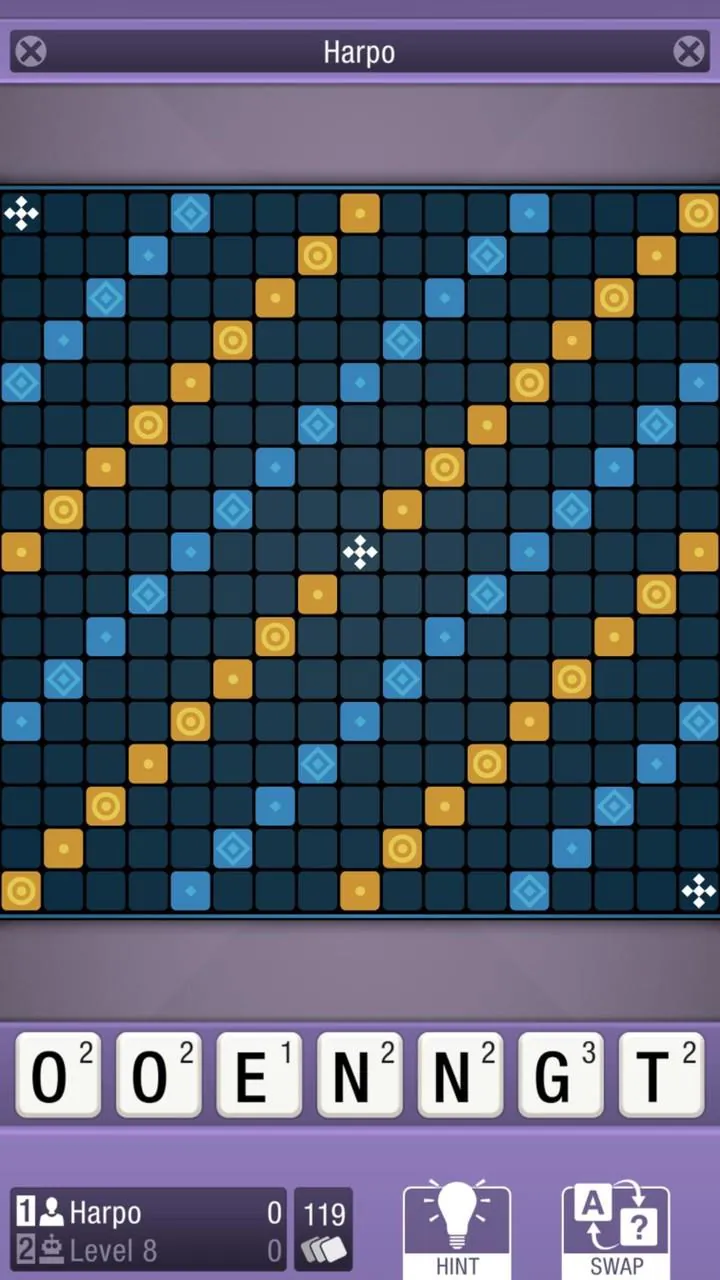
The app ships with 28 board layouts that range from the familiar 15x15 grid to larger 21x21 configurations for extended tactical play. Visual customization includes a dozen board themes and a broad palette of colors to reduce eye strain and match individual taste. Font size and contrast settings help readability, and a compact mode increases information density on small screens while a relaxed layout makes long sessions more comfortable on tablets. Theme presets and manual color controls let you create a consistent look that supports focused play.
Ten distinct AI skill levels let you scale the challenge to your current ability and track improvement over time. Early levels use more forgiving tile distributions and simpler heuristics so newcomers can learn common word patterns; higher tiers present tighter tile mixes and vocabulary strategies that simulate competitive resistance. You can choose specific board sizes and modes to practice targeted skills, replay particular layouts to refine long-term planning, and use session statistics to measure progress across difficulty tiers. The progression is player-directed, emphasizing repeatable practice rather than linear unlocks.
Replay value comes from combining board layouts, difficulty settings and mode choices so each match feels different. A configurable hint system provides a tiered approach—subtle nudges, highlighted candidate tiles or full best-word suggestions—so you can balance learning against maintaining challenge. Randomized tile distributions, alternate start positions and the Tile Stacking variant ensure variety while keeping core rules familiar, encouraging experimentation and steady improvement.
The app supports nine curated language vocabularies with millions of word entries optimized for offline use. English and French dictionaries include quick-access definitions you can view with a gesture, helping you learn meanings and word families during play. The offline dictionaries are designed to be compact yet comprehensive enough for training and casual study, and they avoid requiring an internet connection for lookups or validation.
Accessibility features include adjustable font sizes, high-contrast color themes and streamlined gestures so players with diverse vision and dexterity needs can enjoy the game. Onboarding tips explain rules and controls in plain language and can be skipped after the first session. The app minimizes intrusive pop-ups and keeps feedback consistent and predictable, creating a calm, focused environment suitable for study, travel or brief breaks.
Because CrossCraze is designed for offline solo play, no sign-in is required and personal data is not sent to remote servers during normal use. The free edition provides core gameplay, multiple boards and basic customization with minimal, nonintrusive advertising. A paid PRO option removes ads and unlocks the full feature set for users who want expanded visuals and advanced controls. Note that the app intentionally focuses on single-player experiences: there is no built-in online multiplayer, live matchmaking or global leaderboards, and language support is limited to the nine supplied vocabularies.
Overall, CrossCraze aims to provide a reliable, configurable environment for word practice and puzzle-style thinking, combining thoughtful mechanics, clear controls and meaningful customization so you can practice, relax or prepare for competitive play without online distractions.
File size: 21.24 M Latest Version: 3.57
Requirements: Android Language: English
Votes: 158 Package ID: com.ortsoftware.crosscrazeFree
Must Have Puzzle Games for Android
Are you searching for an enjoyable method to strengthen your intellect? Our hottest logical puzzle is tailor-made to offer a stress-free pastime experience. With beautiful graphics and chill background music, you can immerse yourself in an engaging world of logic and critical thinking. Solve increasingly tricky levels at your own pace, with no time pressure or lives system.






LIVE A HERO
Retro Hero Mr Kim
Empire of Passion
Arcane Quest Legends
Magic Snap: Momotaro
AllStar Manga Heroes
Lunescape
ONE PIECE Thousand Storm JP
Tap Titans 2