
Scan to Download
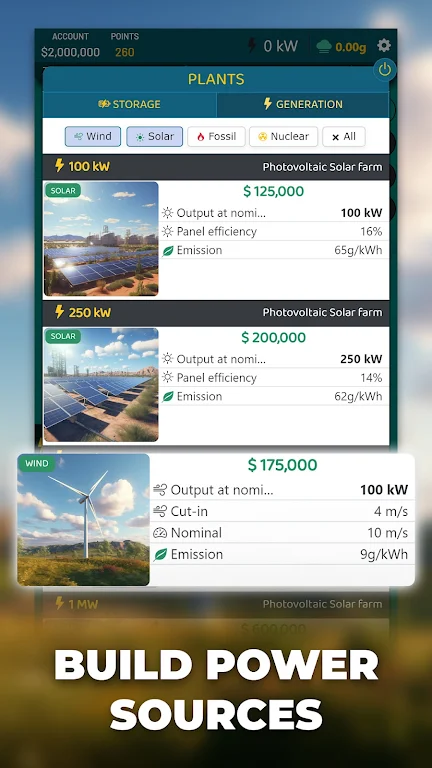
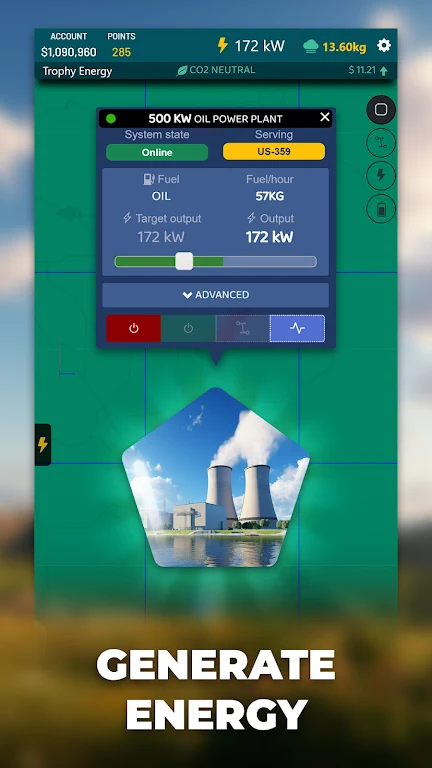
Energy Manager puts detailed battery and power controls into a single clean interface, helping users monitor consumption, extend runtime, and automate power profiles. The app aggregates usage stats, recommends optimizations, and offers simple toggles to reduce drain without complicated settings.
Designed for Android devices, Energy Manager provides a suite of utilities for tracking battery health, understanding which apps consume the most power, and applying tailored profiles for different situations. It targets users who want practical ways to improve uptime without sacrificing core functionality like notifications or connectivity.
Energy Manager collects data from system APIs and aggregates it into actionable insights. The monitoring module identifies which apps run aggressively in the background and suggests steps such as restricting background permissions or enabling low-power sync intervals. When you configure a profile, the app applies multiple tweaks at once, like dimming the display, disabling vibration, or limiting background data for selected apps.
Automation rules can be simple or layered. For example, you can set a power-saver profile to activate when battery drops below 20% or when you leave Wi-Fi range. The platform supports exceptions so essential apps keep working while noncritical processes are paused. These rules save time and reduce manual adjustments during busy days.
The interface favors clarity: an overview dashboard, a detailed usage screen, and a rules editor. Charts are designed to be readable at a glance, with color-coded segments that indicate screen, CPU, and radio usage. Energy Manager runs efficiently itself, with minimal overhead and a focus on low-memory footprints to avoid becoming part of the problem.
Beyond automated profiles, you can customize thresholds and actions. Choose preferred brightness ranges, set background activity schedules, and select connectivity rules for mobile data versus Wi-Fi. Advanced users can toggle finer options such as CPU governor hints or adaptive refresh settings where supported by the device.
Users appreciate Energy Manager for its balance of automation and transparency. It doesn’t hide what it changes, and suggestions come with clear explanations so you can decide whether to accept them. Many find the app helpful during travel, long workdays, or in areas with unreliable charging options.
Installing Energy Manager is straightforward. Grant the necessary permissions for usage access and battery stats so the app can collect accurate data. Walk through the onboarding checklist to set a baseline, then review suggested profiles. The app also includes a help section that explains each setting and the impact it has on battery and performance.
For anyone who wants more predictable battery life without deep technical knowledge, Energy Manager is a practical and approachable utility. It blends monitoring, automation, and clear recommendations to help extend device uptime and reduce the time you spend managing power settings manually.
File size: 68.14 M Latest Version: 1.4.2
Requirements: Android Language: English
Votes: 127 Package ID: com.trophygames.energymanager
Developer: Xombat Development - Airline manager games



Top Free Board Games for Android
Gather around for game night anytime, anywhere with our new mobile board game. Play digital versions of classics like chess, checkers, backgammon and more against friends or AI opponents. With smooth online multiplayer, you can challenge players worldwide or create private games. Customizable boards, pieces, and house rules allow you to tailor the experience. Compete in daily tournaments or just play for fun.






LIVE A HERO
Retro Hero Mr Kim
Empire of Passion
Arcane Quest Legends
Magic Snap: Momotaro
AllStar Manga Heroes
Lunescape
ONE PIECE Thousand Storm JP
Tap Titans 2