Scan to Download
Glitch+ is a compact mobile tool that brings professional glitch and VHS-style effects to photos and short videos. It lets creators distort colors, add analog noise, and animate RGB splits with precise controls, making quick visual remixes without a steep learning curve or heavy desktop software.
Glitch+ focuses on delivering stylized digital artifacts and retro analog looks in a few taps. The app combines layer-based effects with timeline controls so you can keyframe intensity, speed, and direction of disturbances. Typical results include pixel sorting, chromatic aberration, scanlines, and jitter — all adjustable to suit subtle corrections or full-on experimental art.
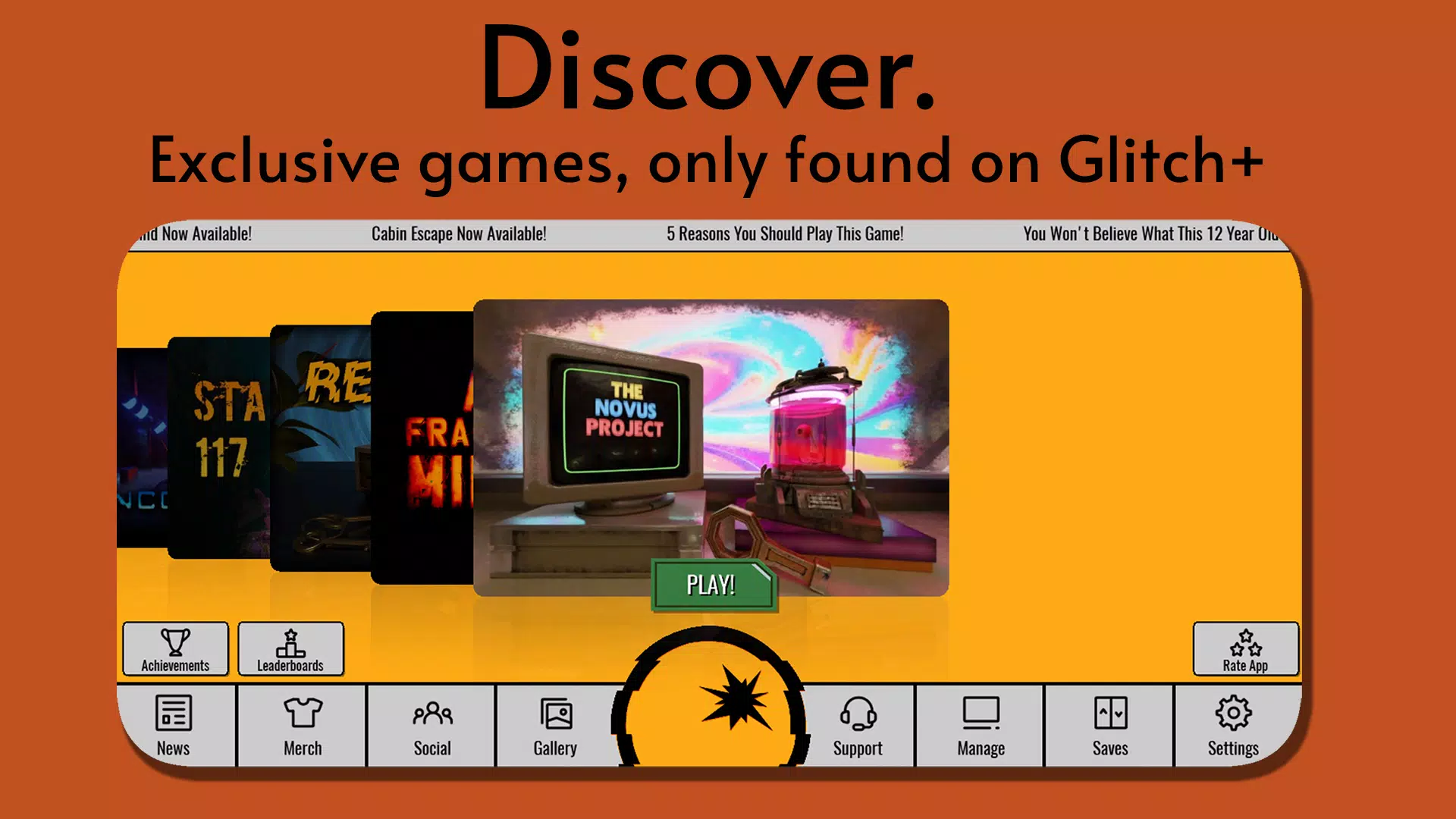
The interface keeps tools accessible while exposing enough depth for serious tweaks. A scrub-friendly timeline sits beneath a preview window that supports playhead scrubbing and pinch-to-zoom. Sliders, toggles, and color wheels appear contextually so the workspace remains uncluttered. Glitch+ is designed for quick loops: import, apply a preset, fine-tune, and export in under a minute for short clips.
Glitch+ breaks effects into modular components: noise engine, displacement maps, color transforms, and frame samplers. Each module can be routed through masks or animated via keyframes. This structure allows both accidental artifacts and precise, repeatable results. The displacement map, for example, can originate from a built-in noise generator or from an imported texture to match a unique aesthetic.
Performance is prioritized for mid-range devices: effects are GPU-accelerated where possible to keep previews real-time. When working with longer clips or high-resolution exports, Glitch+ offers proxy rendering and background export so you can keep editing while the final file renders. Supported file formats include common image and video types, and export presets cater to social platforms and mobile feeds.
Beyond presets, Glitch+ encourages customization. Builders can create and save custom effect chains, adjust randomization seeds, and lock parameters to maintain consistency across multiple clips. Color grading tools accompany the glitch modules to help integrate the effect into the broader color story of your piece rather than feeling pasted on.
Users appreciate Glitch+ for its approachable toolset and the balance between instant gratification and deeper control. Filmmakers, content creators, and graphic designers use it to add character to promos, music videos, and social posts without opening a desktop editor. Regular updates expand the effect library and improve stability based on user feedback.
Installation is straightforward from your device’s app store. After opening Glitch+, the app offers a brief guided tour and sample files to practice with. The onboarding sequence highlights essential controls so new users can produce a finished clip quickly.
If your workflow demands rapid stylistic experiments or a polished retro finish for short-form content, Glitch+ provides a focused, mobile-first solution that bridges casual edits and intentional design.
File size: 48.30 M Latest Version: 1.1.7
Requirements: Android Language: English
Votes: 494 Package ID: com.glitchgames.glitchplus
Developer: Glitch Games
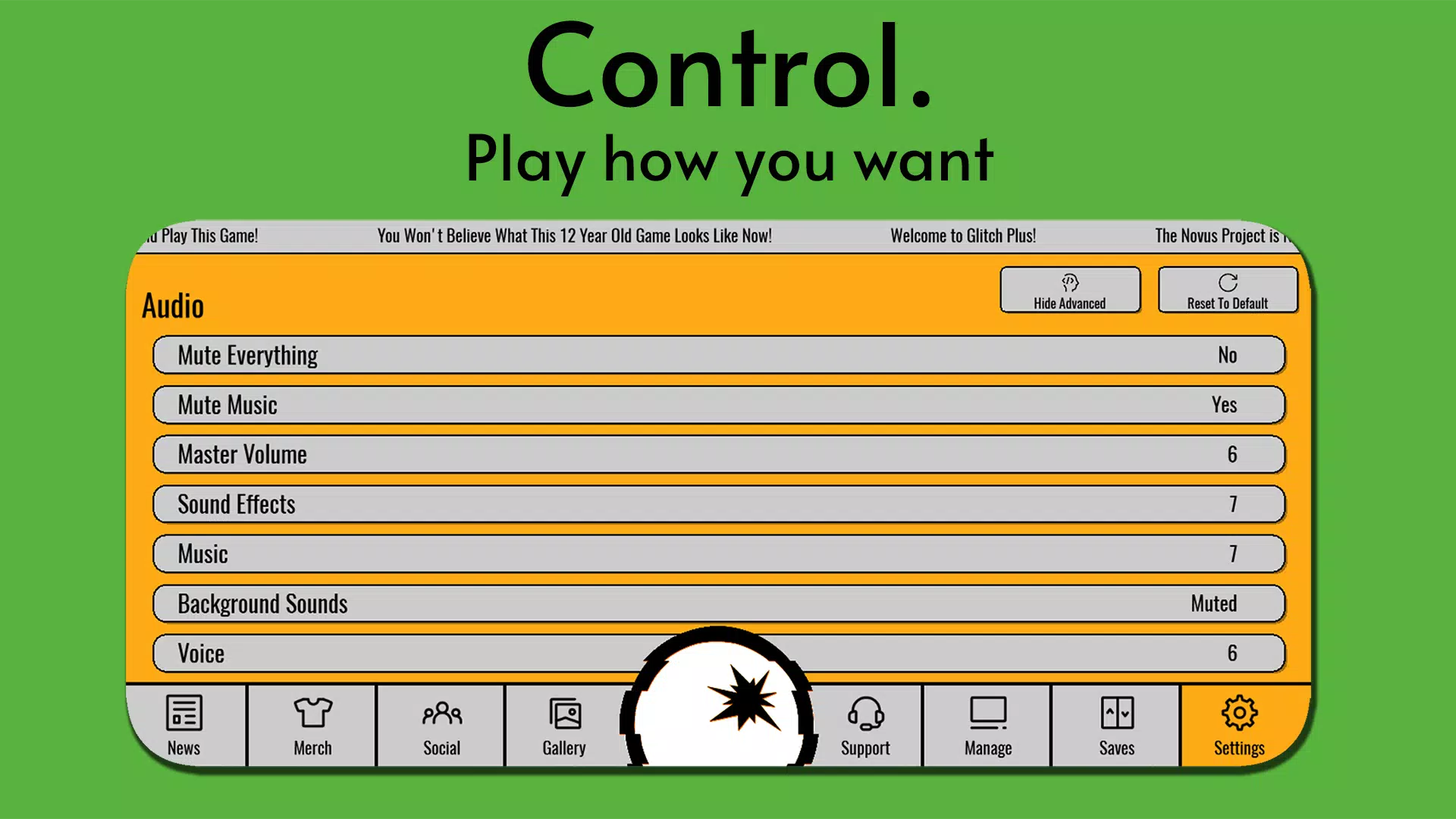


Top Free Casual Necessary Games for Android
Looking for some quick gaming fun? Our new super-casual game is perfect for entertaining bursts in your busy day. With simple, intuitive gameplay crossed with challenges that engage your brain, you'll keep coming back again and again. No complex controls or tutorials - just open and play anywhere, anytime. Vibrant art style and upbeat music create a lighthearted experience.




LIVE A HERO
Retro Hero Mr Kim
Empire of Passion
Arcane Quest Legends
Magic Snap: Momotaro
AllStar Manga Heroes
Lunescape
ONE PIECE Thousand Storm JP
Tap Titans 2