
Scan to Download
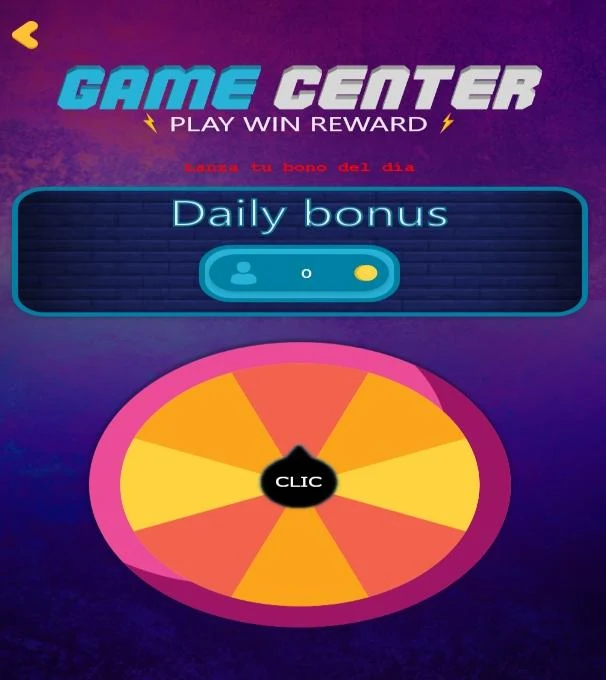
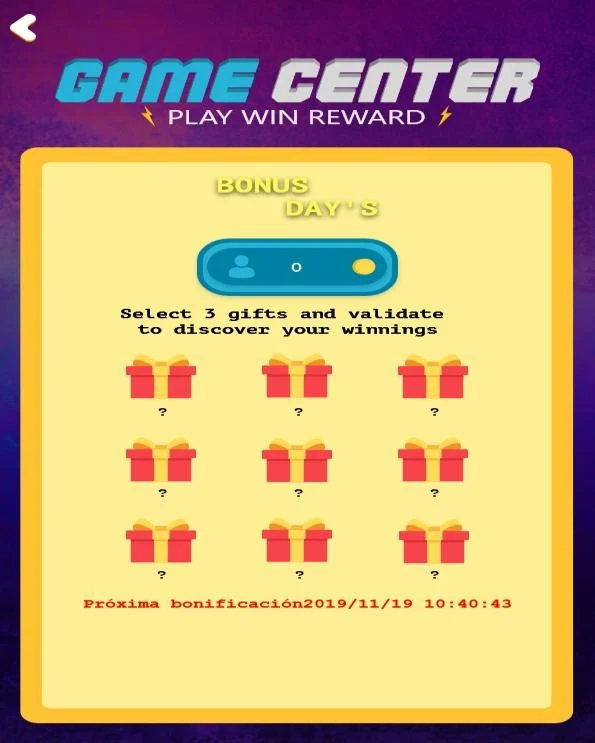
Game Center is a streamlined Android hub that organizes games, manages updates, and tracks playtime across your installed titles. It combines performance monitoring, download management, and personalized recommendations to help users discover and optimize mobile gaming on one convenient interface.
Game Center centralizes game-related tools so players spend less time switching apps and more time playing. The app scans your device for installed titles, schedules updates when you choose, and shows resource usage while a game runs. A lightweight overlay provides quick shortcuts without interrupting gameplay.
Game Center favors a minimal, dark-themed layout that keeps critical information visible without overwhelming the player. Menus are organized into clear sections with quick-access icons. Animations are subtle, ensuring the app remains responsive even on mid-range devices.
An optional in-game overlay delivers essential controls while a title is running. Use it to toggle Do Not Disturb, adjust brightness, or switch performance modes. The overlay is designed to be unobtrusive and dismissible, so it won’t interfere with competitive sessions.
Users can tailor Game Center to match their habits. Profiles let you define per-game settings such as high-performance mode, frame-rate caps, or battery-saving profiles. Theme colors and shortcut arrangements are also editable to suit personal preferences.
For players who manage many games, the app’s batch actions are particularly useful. Update several titles at once, move them between storage locations, or apply the same performance profile across multiple games in a single operation. Notifications are consolidated to reduce interruptions.
Game Center also includes parental controls and usage timers, allowing guardians to set play windows and review time spent per title. Those features are easy to configure and appear in a dedicated section of the settings panel.
The app is optimized to run with minimal background overhead. Developers have prioritized memory efficiency to prevent the manager from becoming a drag on device resources. Compatibility spans a wide range of Android versions and device classes, though some advanced overlay capabilities may require newer APIs.
Players appreciate Game Center for reducing friction: one place to update, monitor, and share. The discovery engine helps gamers find titles that match their tastes without wading through generic storefront lists. Streamlining common tasks saves time and keeps the device organized.
Installation takes only a few minutes. After granting a small set of permissions for storage and overlay access, run the library scan and review suggested profiles. The onboarding walkthrough highlights key controls so you can begin optimizing games immediately.
Whether you juggle dozens of titles or want simple tools to enhance play sessions, Game Center brings management and performance tools together into a cohesive package. Its balance of automation and manual controls makes it suitable for casual players and power users alike.
File size: 28.00 M Latest Version: 1
Requirements: Android Language: English
Votes: 134 Package ID: com.gamecenter.stationreward
Developer: REWARD STATION


Top Free Casual Necessary Games for Android
Looking for some quick gaming fun? Our new super-casual game is perfect for entertaining bursts in your busy day. With simple, intuitive gameplay crossed with challenges that engage your brain, you'll keep coming back again and again. No complex controls or tutorials - just open and play anywhere, anytime. Vibrant art style and upbeat music create a lighthearted experience.






LIVE A HERO
Retro Hero Mr Kim
Empire of Passion
Arcane Quest Legends
Magic Snap: Momotaro
AllStar Manga Heroes
Lunescape
ONE PIECE Thousand Storm JP
Tap Titans 2