Scan to Download
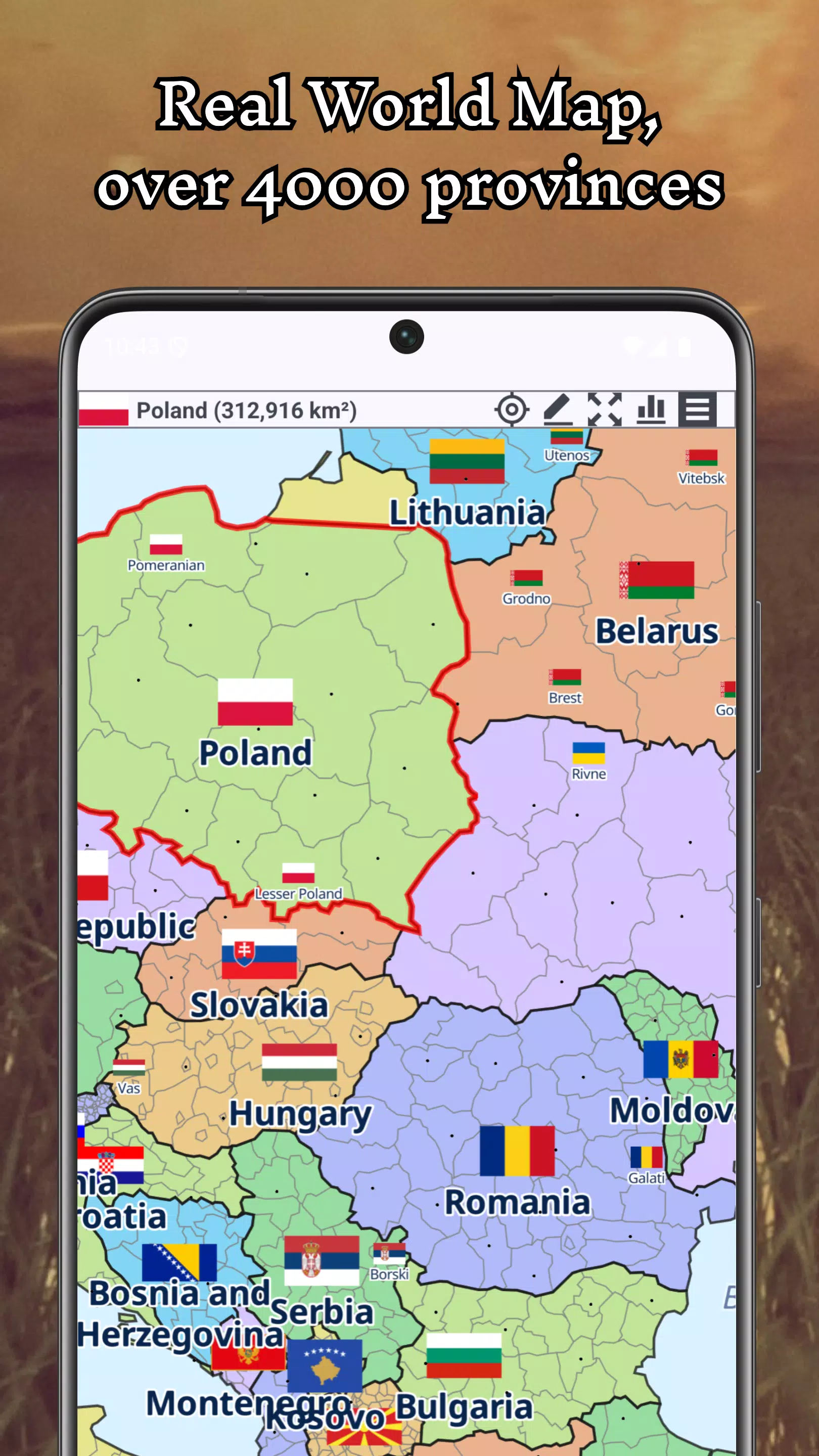
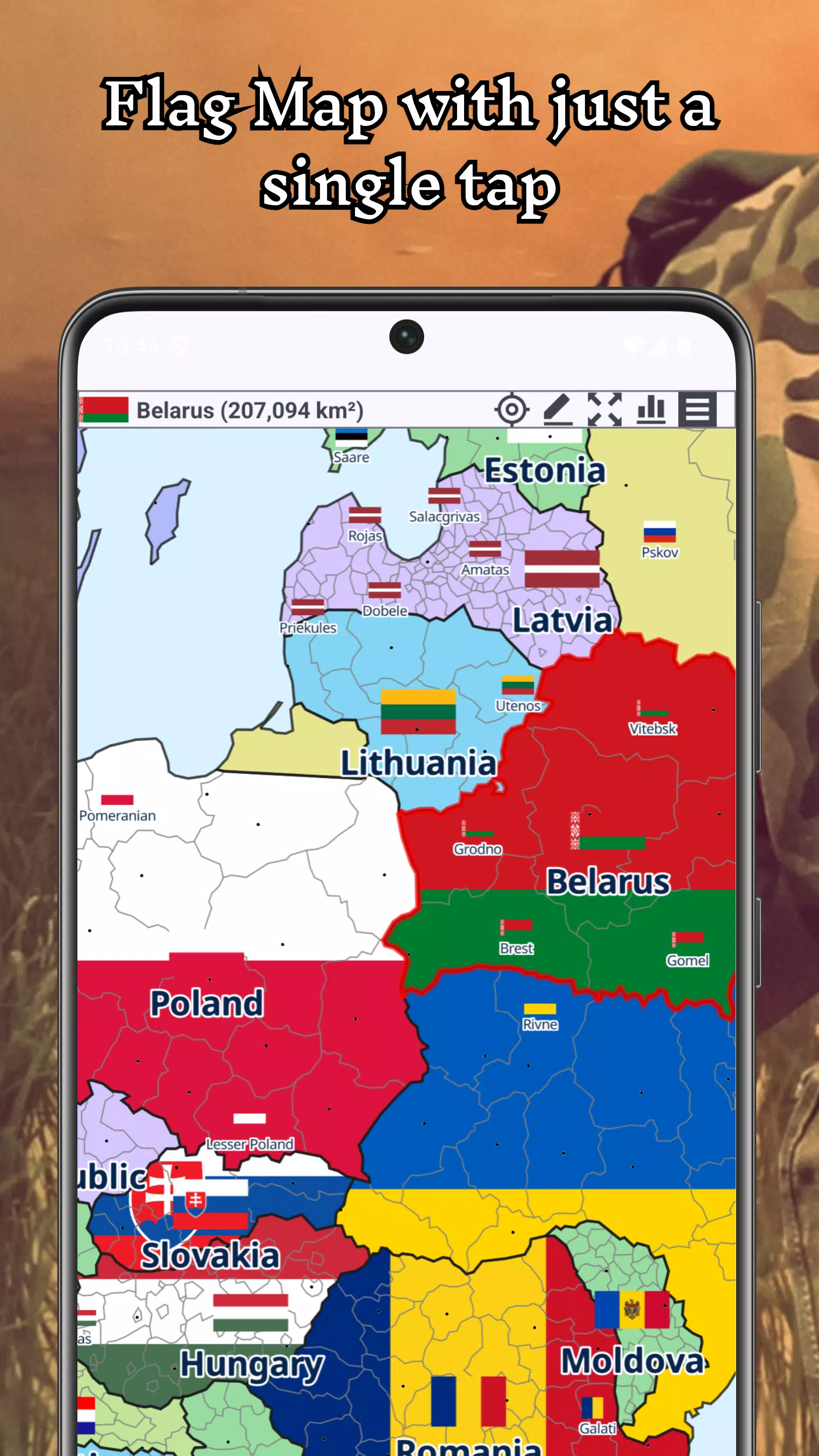
A+ World Map Editor Sandbox is a flexible map-building experience that puts terrain sculpting, object placement, and simulation tools in your hands. Designed for creative players and level designers, it blends sandbox freedom with practical editing features so you can prototype maps, run scenarios, and experiment with physics-driven elements.
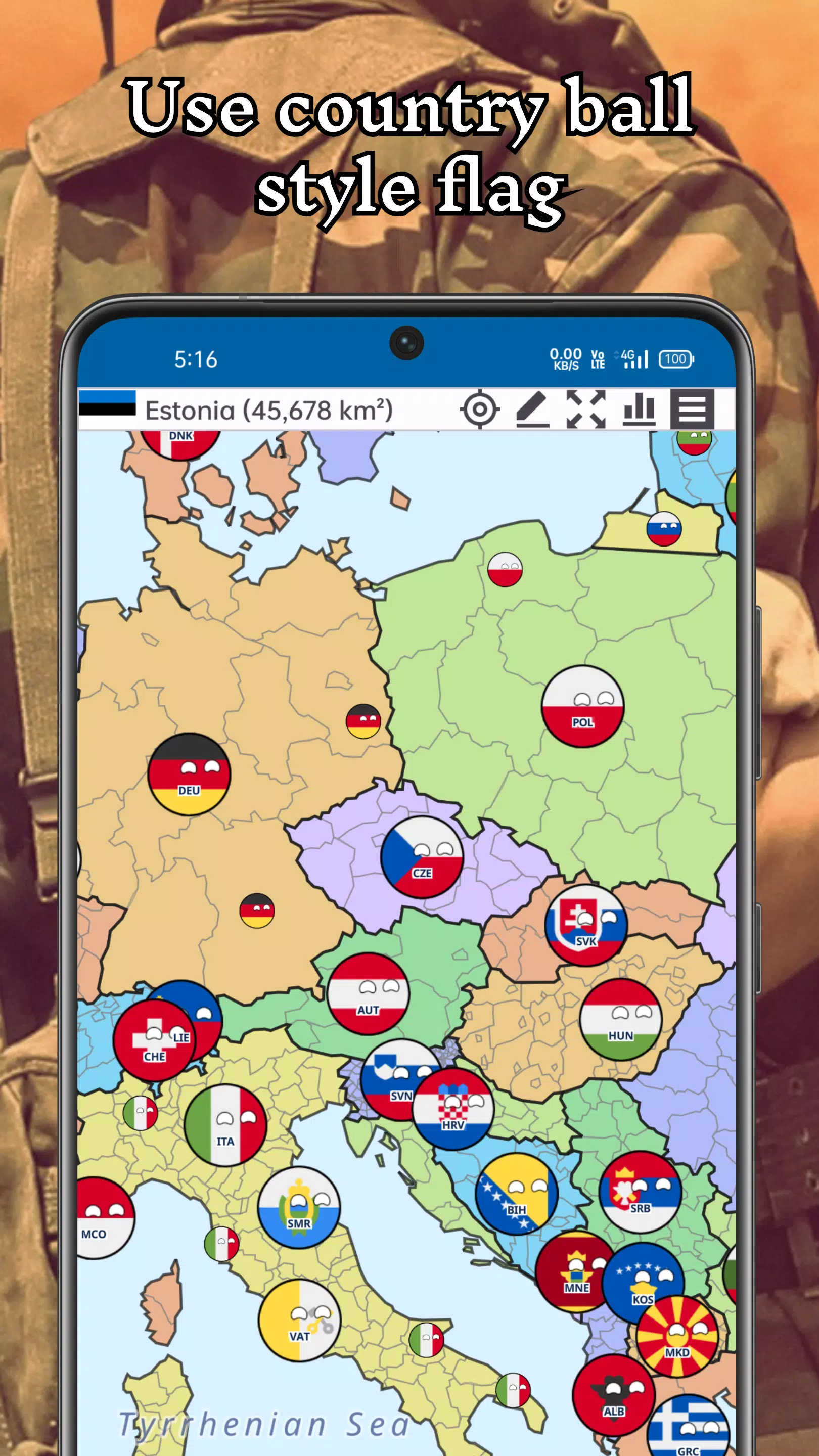
A+ World Map Editor Sandbox focuses on giving users a compact but powerful toolkit to design custom maps and test them in real time. You can craft landmasses, add roads and structures, populate environments with dynamic entities, and preview interactions without leaving the editor. The interface balances precision controls with an accessible learning curve.
The app combines a freeform sandbox with game-like preview modes. While editing, you switch between build and test states: one lets you refine visual and structural details, the other runs simulations so you can observe AI pathfinding, vehicle dynamics, and environmental effects. This cycle helps iterate maps quickly and catch balance or collision issues before finalizing a design.
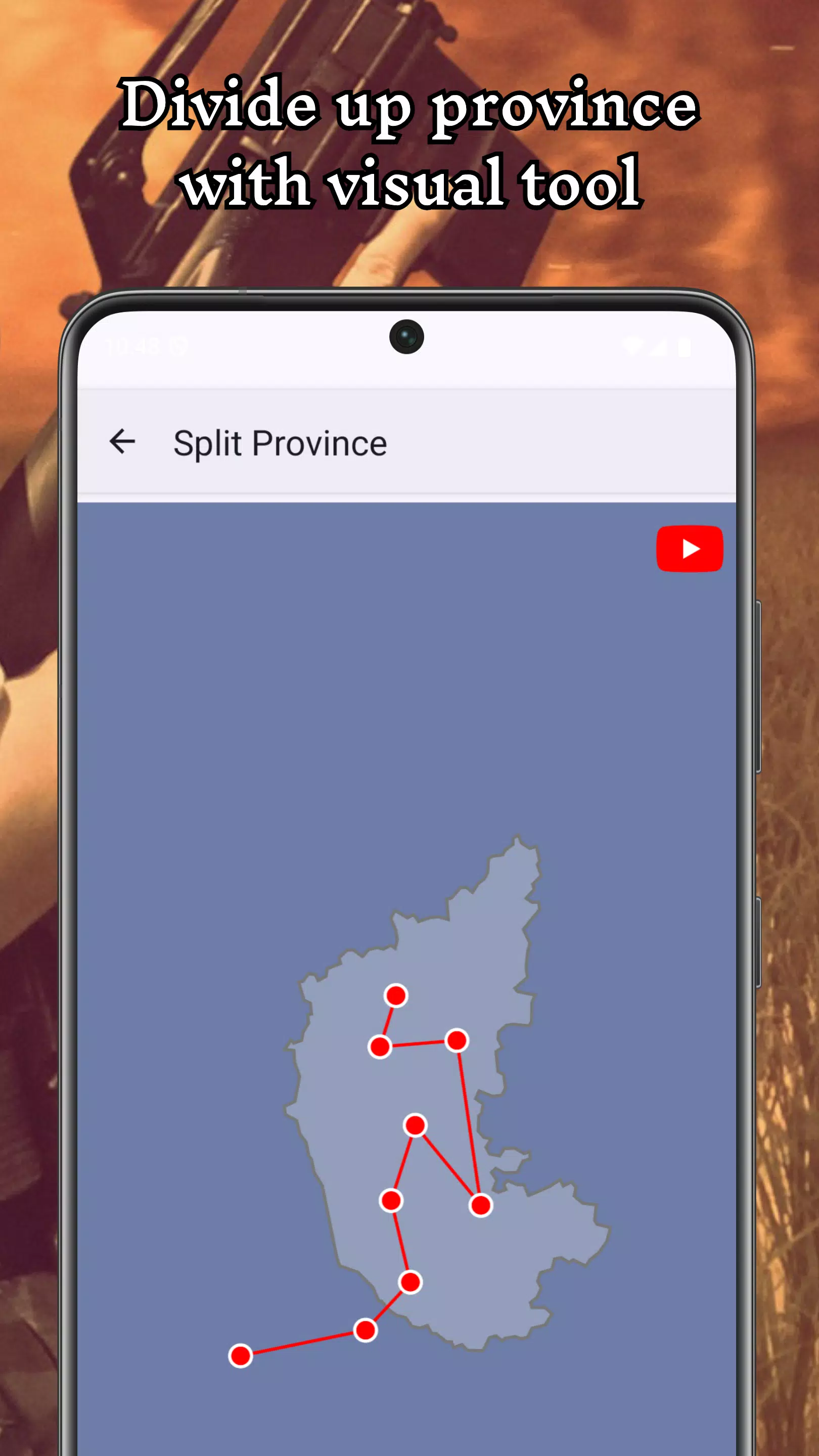
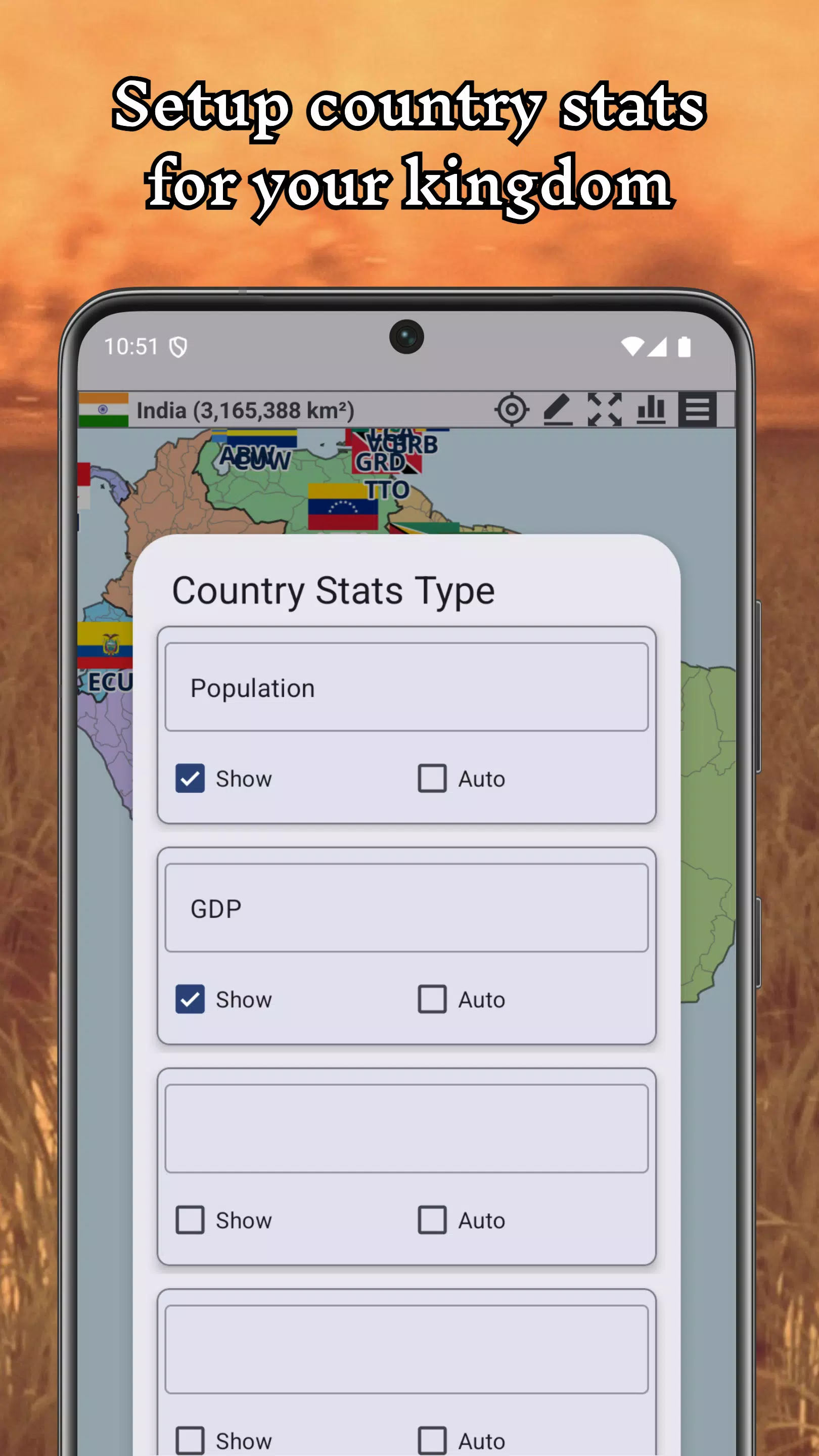
Key systems include a customizable brush set for terrain, snap-to-grid and magnet tools for precise placement, and a property inspector to tweak object behaviors. A+ World Map Editor Sandbox includes a simple scripting interface to trigger events, spawn entities, or tie object states to conditions—useful for designers building scenarios that respond to player actions or time-based events.
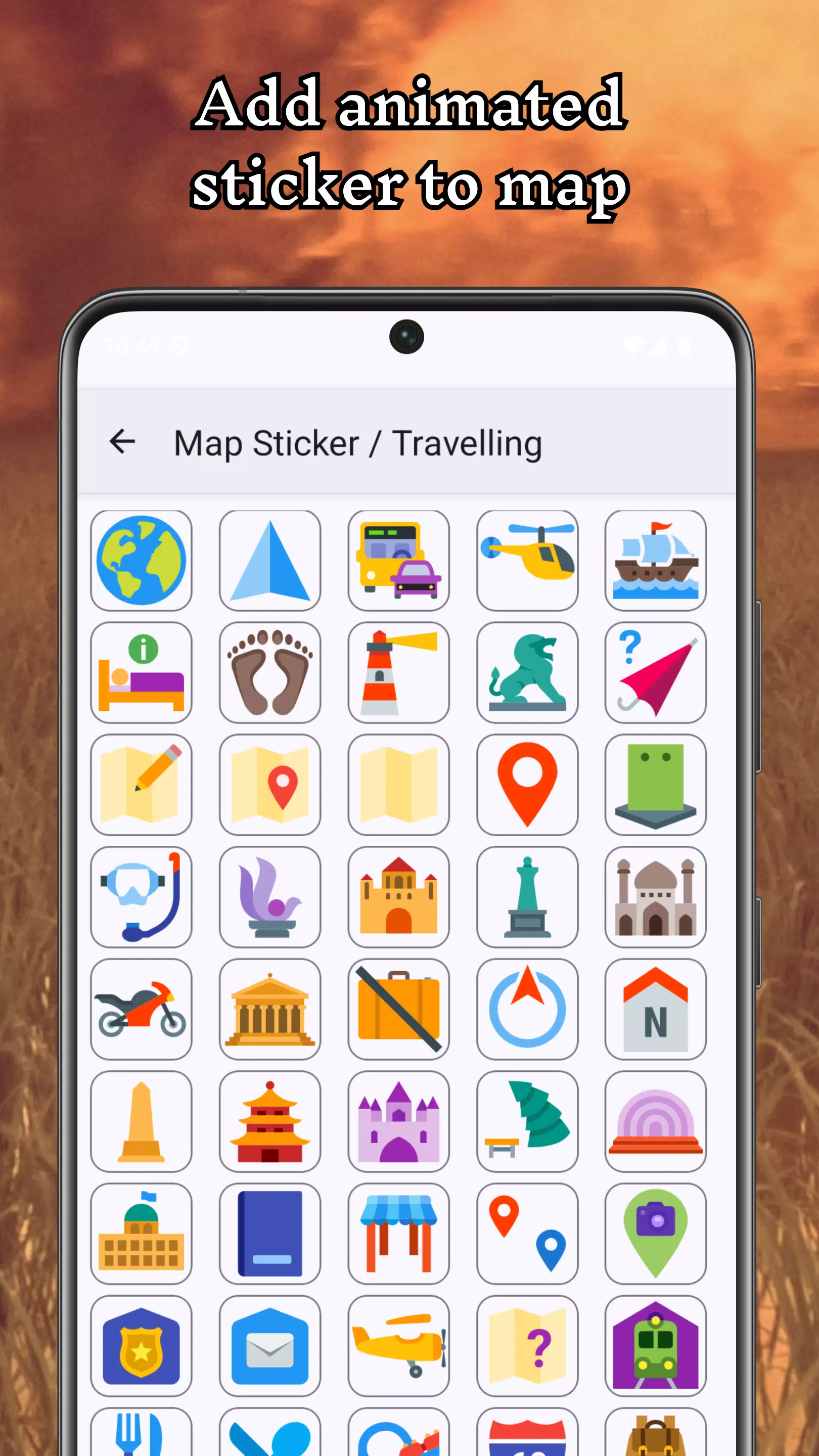
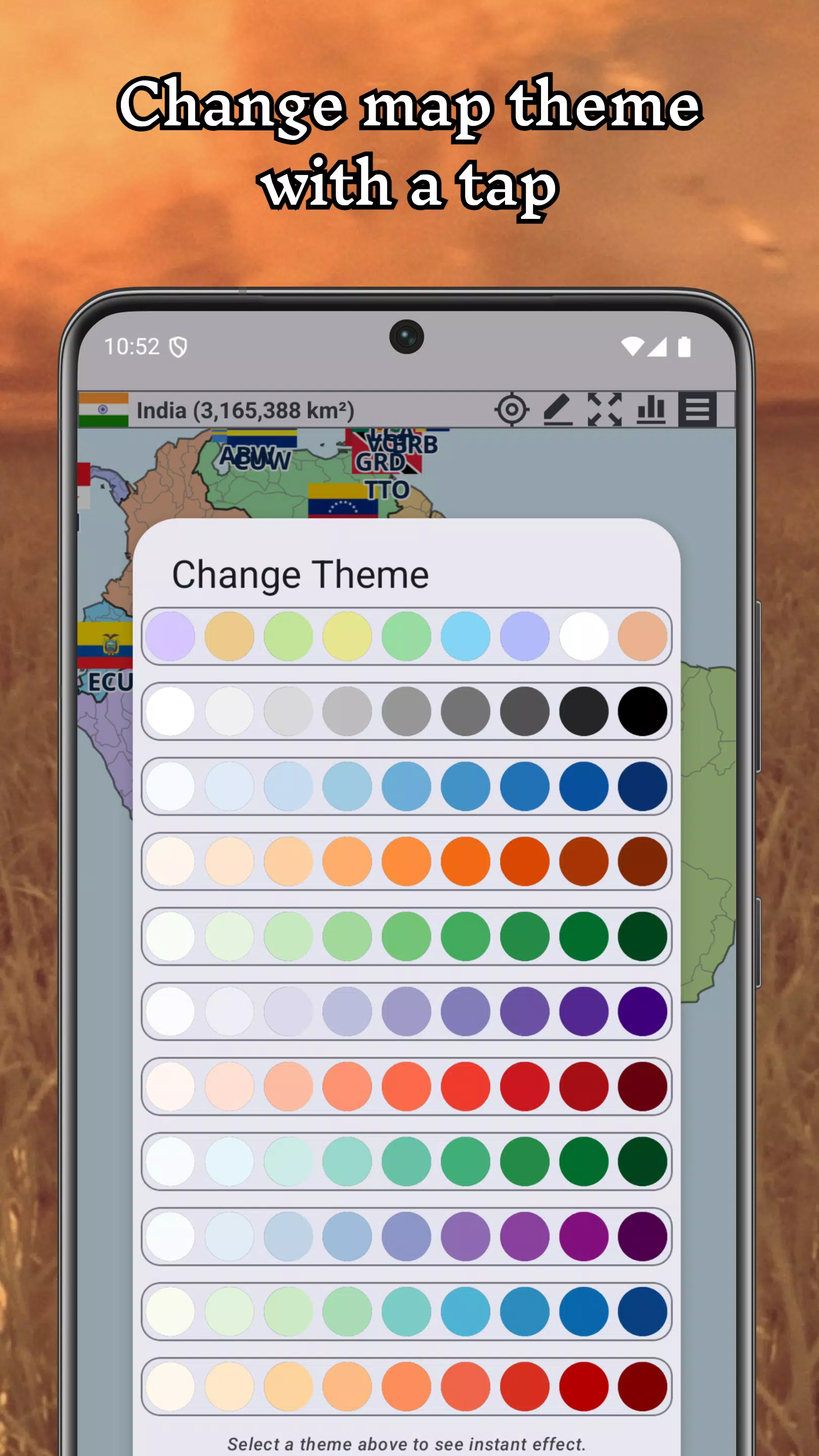
Texture painting and lighting controls let you set a specific mood for each map. The editor supports multiple biomes and tilesets so you can switch from urban layouts to rural or fantasy settings. Asset scaling, rotation, and prefab grouping streamline the creation of larger scenes. Themes and presets accelerate production by providing ready-made building blocks and environment templates.
Responsiveness is a priority: the app is optimized to handle mid-sized maps with many objects while maintaining smooth camera and tool interactions. The UI presents a toolbar with context-sensitive icons, an undo stack, and panels for properties, assets, and layers. Touch and gesture controls are supported for mobile devices, while mouse-and-keyboard workflows remain available on larger screens.
Many appreciate how A+ World Map Editor Sandbox turns map design into a quick, creative loop. It’s approachable enough for hobbyists yet feature-rich for designers testing mechanics. The live simulation feedback and modular toolset make it straightforward to move from concept to playable layout, which is especially valuable for level prototyping or for creators who like to iterate rapidly.
Download and explore the sample maps included with the app to understand common workflows. Spend time with the tooltips and sample scenarios; they demonstrate best practices for setting up events and optimizing navigation. As you become more comfortable, experiment with exports and sharing to gather feedback from other players or collaborators.
A+ World Map Editor Sandbox provides a compact studio for building, testing, and refining custom maps. Whether you’re sketching gameplay arenas or crafting detailed environments, the editor supports a flexible process that grows with your skills.
File size: 31.50 M Latest Version: 1.96-build-20260514.
Requirements: Android Language: English
Votes: 485 Package ID: com.app4joy.mapmaker
Developer: App4Joy

Top Free Board Games for Android
Gather around for game night anytime, anywhere with our new mobile board game. Play digital versions of classics like chess, checkers, backgammon and more against friends or AI opponents. With smooth online multiplayer, you can challenge players worldwide or create private games. Customizable boards, pieces, and house rules allow you to tailor the experience. Compete in daily tournaments or just play for fun.





LIVE A HERO
Retro Hero Mr Kim
Empire of Passion
Arcane Quest Legends
Magic Snap: Momotaro
AllStar Manga Heroes
Lunescape
ONE PIECE Thousand Storm JP
Tap Titans 2