
Scan to Download
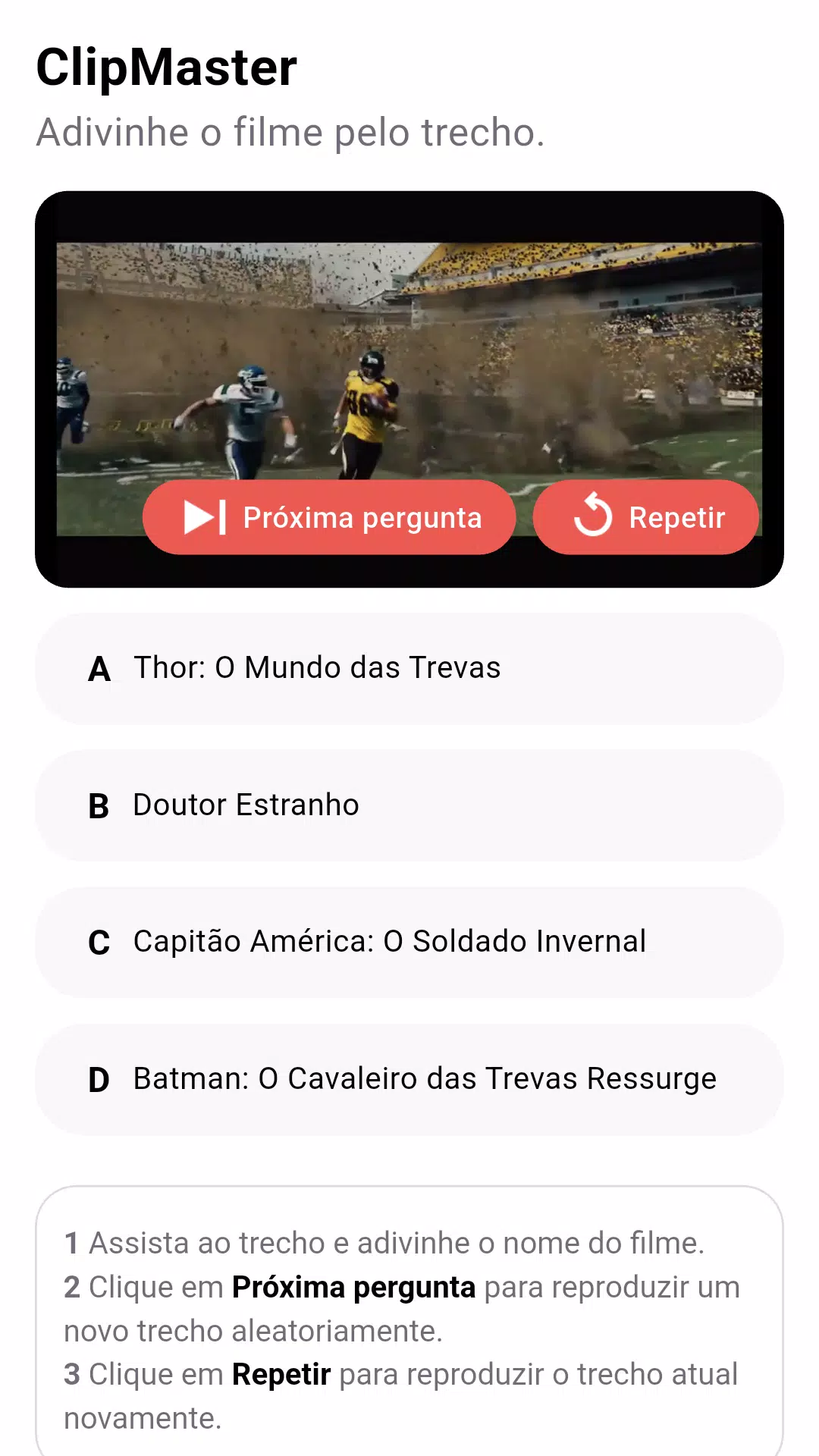
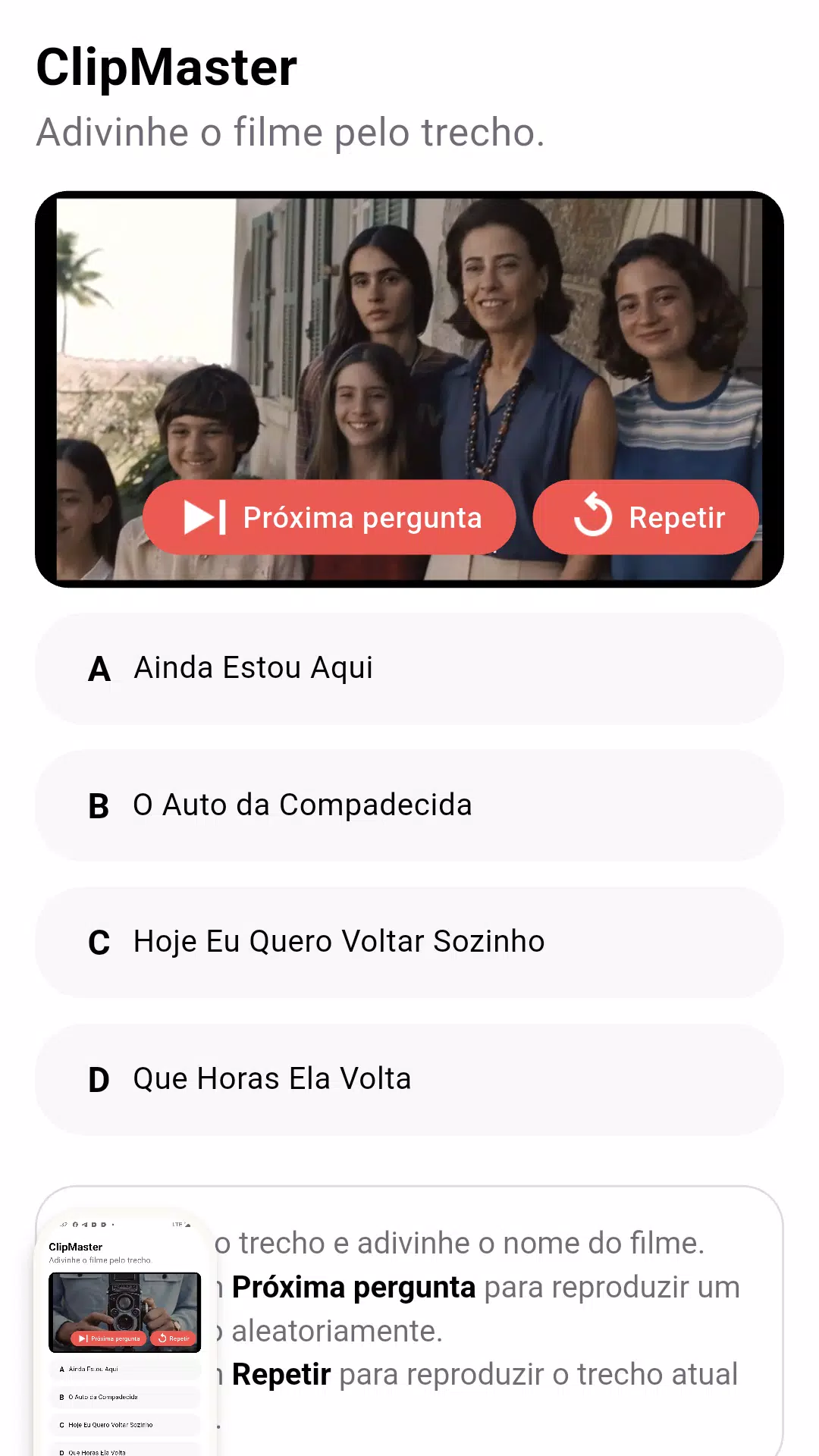
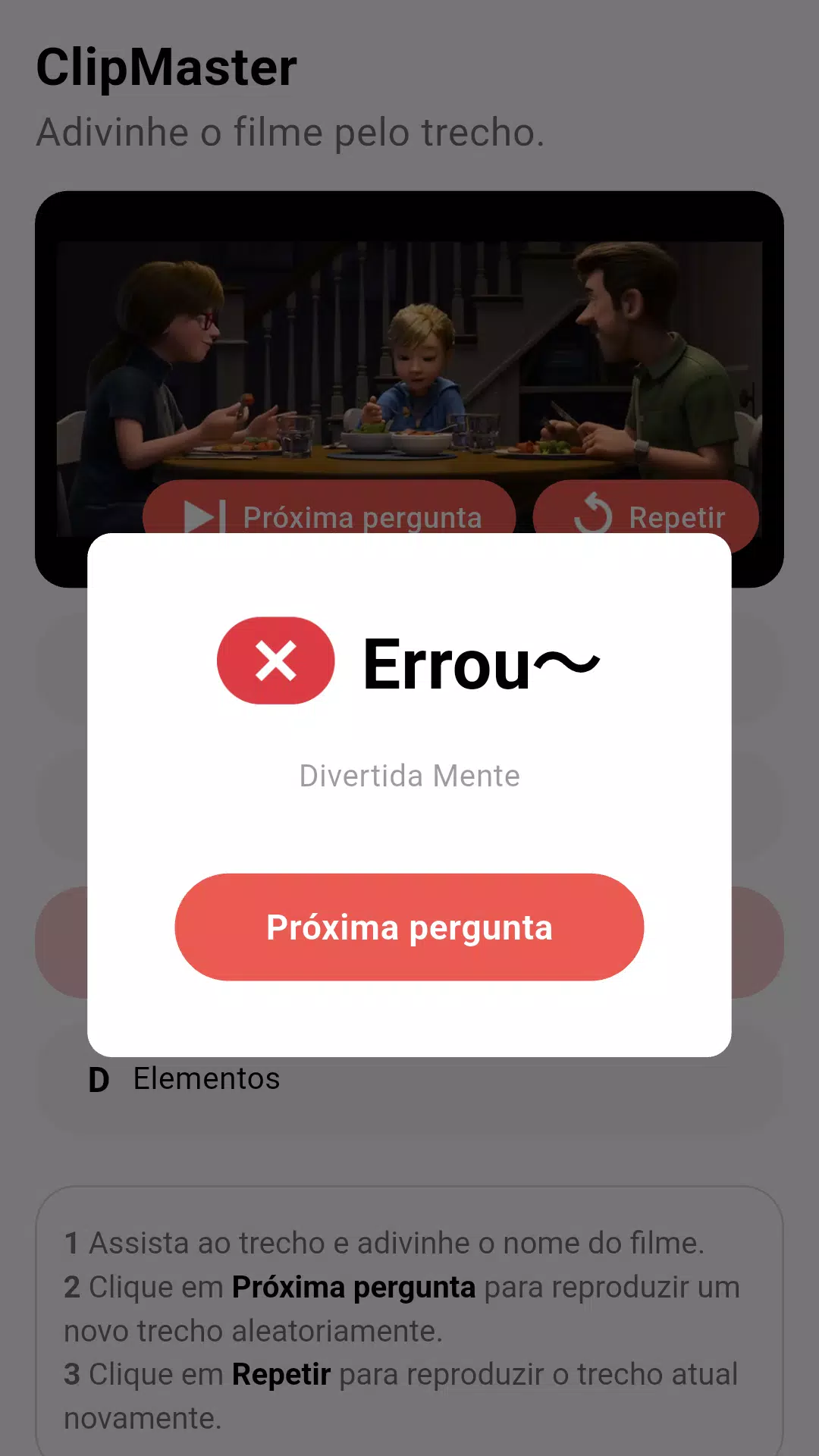
ClipMaster is a lightweight, feature-rich mobile editor designed for quick video trimming, clipping and sharing. It combines intuitive controls with precision tools so users can cut, merge and export clips fast. The app targets creators who need rapid edits without complex timelines or heavy resource use.
ClipMaster delivers a focused toolset built around speed and simplicity. Key capabilities include frame-accurate trimming, non-destructive clip stacking, one-tap merging, and several export presets optimized for social platforms. Users also get simple transitions, text overlays, and a basic audio mixer to balance dialogue and background tracks.
The interface is uncluttered: a timeline-like strip at the bottom, a preview window on top, and a contextual toolbar that adapts to the selected clip. Drag-and-drop gestures make ordering clips effortless, while pinch-to-zoom refines the cut points. This workflow reduces friction so common tasks can be completed in seconds rather than minutes.
ClipMaster focuses on the essentials that matter for short-form content. Use precise trim handles to snap to keyframes, apply fade-in/out effects for smoother audio transitions, and add captions with adjustable fonts and positions. A smart split tool detects motion or scene changes to suggest logical cut points, speeding up bulk edits.
Export options include MP4 and high-efficiency codecs with adjustable bitrate and resolution settings. Built-in presets cover Instagram Reels, TikTok, and YouTube Shorts to simplify delivery. Sharing is integrated with installed social apps and cloud services, allowing direct uploads or saving to device storage with a single tap.
Performance is a priority: ClipMaster is optimized to run smoothly on mid-range devices. Hardware acceleration reduces rendering time, and a background export feature lets you continue using your phone while files are processed. App updates add codec support and improve stability across Android versions.
While it remains compact, the app offers customization options for creators who like control. You can save custom presets for resolution and bitrate, create reusable caption templates, and set default transitions. Additional packs—available via in-app downloads—expand the set of stickers, fonts, and royalty-free music tracks.
Start by importing only the clips you plan to use to reduce timeline clutter. Use the smart split tool to pre-cut long takes, then apply presets to batch-export multiple formats. For consistent branding, create a caption template that includes your logo position and preferred font settings.
Download ClipMaster, grant the minimal permissions for storage and microphone access, and import your first clip. Tap a clip to reveal edit controls and try trimming with pinch-to-zoom. Save a custom export preset after your first successful upload to make future exports instantaneous.
ClipMaster requests only the permissions needed for editing and export. Media files remain on your device unless you choose to share them. The app supports local backups and optional cloud sync for those who prefer cross-device access.
ClipMaster is tailored for people who want a fast, dependable way to produce short videos on the go. It balances essential editing power with an approachable interface and delivers consistent performance across a wide range of Android phones.
File size: 109.10 M Latest Version: 1.0.9
Requirements: Android Language: English
Votes: 181 Package ID: com.ccmmvc.clipmaster
Developer: Kingdom Ambassadors Christian Center



LIVE A HERO
Retro Hero Mr Kim
Empire of Passion
Arcane Quest Legends
Magic Snap: Momotaro
AllStar Manga Heroes
Lunescape
ONE PIECE Thousand Storm JP
Tap Titans 2




























