
Scan to Download
Crapsee is a compact productivity app designed to simplify note capture and quick media clipping across Android devices, blending fast camera-based input with tag-driven organization and secure sharing options. It syncs with cloud services, supports offline edits, and offers customizable shortcuts for one-handed operation.
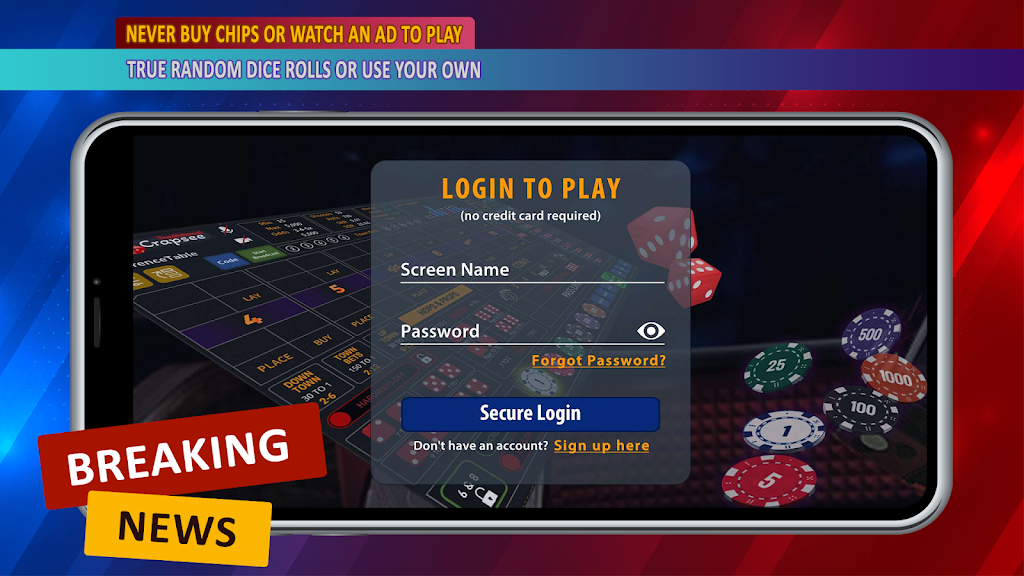
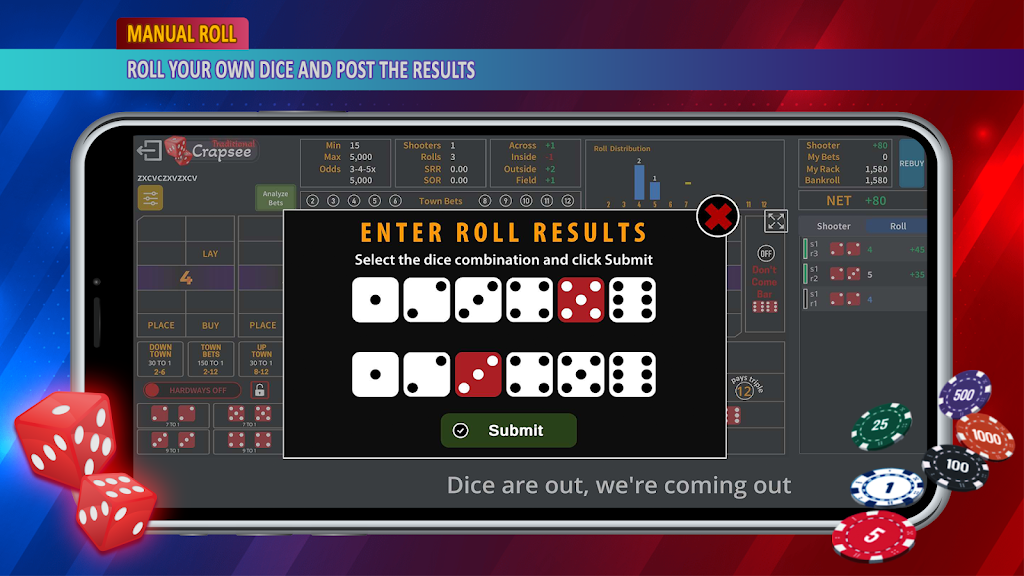
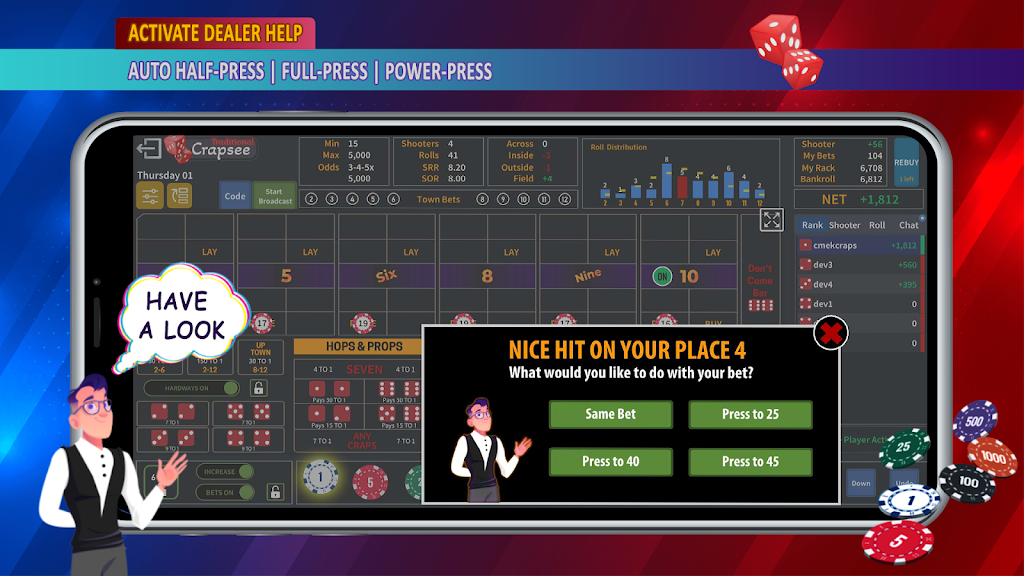
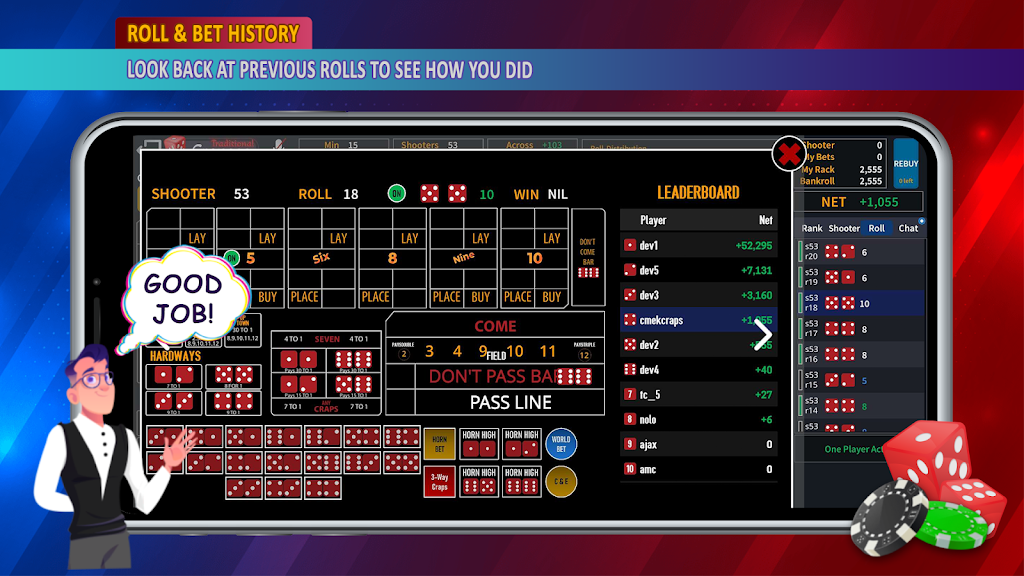
Crapsee converts moments into manageable digital items: photos, voice notes, text snippets and short video clips. The interface is tuned for speed so you can save content with minimal taps, categorize it using tags or folders, and retrieve items through a powerful search. Built-in privacy controls let you lock sensitive entries and choose which items get synced.
The layout prioritizes clarity and one-handed use. A minimized capture bar sits at the bottom of the screen for easy access, while the main list aggregates your latest clips and notes. Swipe gestures let you archive or pin entries quickly; a long press launches bulk operations. Filters and a date slider help narrow results without navigating deep menus.
Items in Crapsee can be organized via tags, folders or a combination of both. Tags are lightweight and ideal for cross-referencing, while folders create clear buckets for projects or subjects. The app supports nested folders and tag filters so you can build a workflow that matches personal or professional needs. A recent activity view surfaces items you accessed most often.
Crapsee is optimized for modern Android devices and runs smoothly even on mid-range phones. Background sync is designed to be battery-conscious and respects Doze mode. Memory usage is modest due to an intelligent cache that retains thumbnails and releases resources when priorities change. Compatibility extends to a wide Android API range and the app adapts its layout for tablets and large-screen phones.
Privacy is configurable: local-only mode prevents any cloud transfer, while encrypted sync keeps data protected in transit and at rest. The Secure Vault uses device-backed encryption and optional biometric unlock. Permission requests are scoped — Crapsee asks only for camera, microphone, storage and optional location, and explains why each is needed before activating features.
Crapsee supports customizable capture presets, letting you define default tags, image quality and whether location data is attached. Home-screen shortcuts and a notification quick-action tile provide one-tap entry points for common tasks. Theme options include light, dark and an adaptive mode that follows system settings.
Begin by granting the minimal permissions to capture media and set up a backup destination if desired. Create a few tags or folders that match your daily workflows — such as Work, Personal, Receipts — and try the single-tap capture to experience how fast clips populate the home view. Use the search bar and filters to refine results and experiment with the Secure Vault to protect sensitive files.
Crapsee provides a focused toolset for capturing and organizing fleeting information without friction, making it a practical choice for anyone who needs to collect and secure multimedia notes on the go.
File size: 41.30 M Latest Version: 1.3.15
Requirements: Android Language: English
Votes: 498 Package ID: com.orangeblack.crapsee
Developer: Crapsee Corp

Top Free Board Games for Android
Gather around for game night anytime, anywhere with our new mobile board game. Play digital versions of classics like chess, checkers, backgammon and more against friends or AI opponents. With smooth online multiplayer, you can challenge players worldwide or create private games. Customizable boards, pieces, and house rules allow you to tailor the experience. Compete in daily tournaments or just play for fun.






LIVE A HERO
Retro Hero Mr Kim
Empire of Passion
Arcane Quest Legends
Magic Snap: Momotaro
AllStar Manga Heroes
Lunescape
ONE PIECE Thousand Storm JP
Tap Titans 2