
Scan to Download
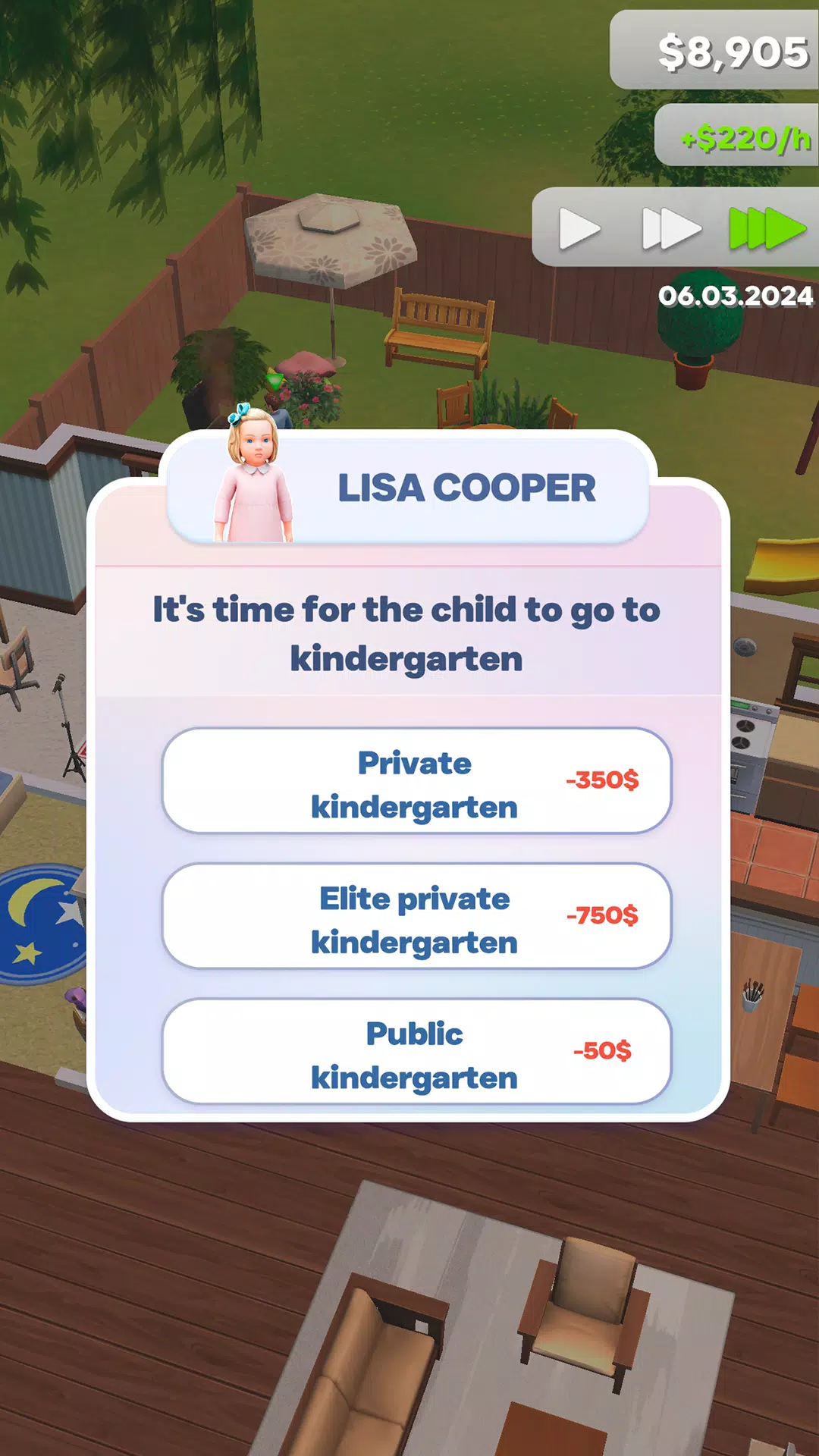
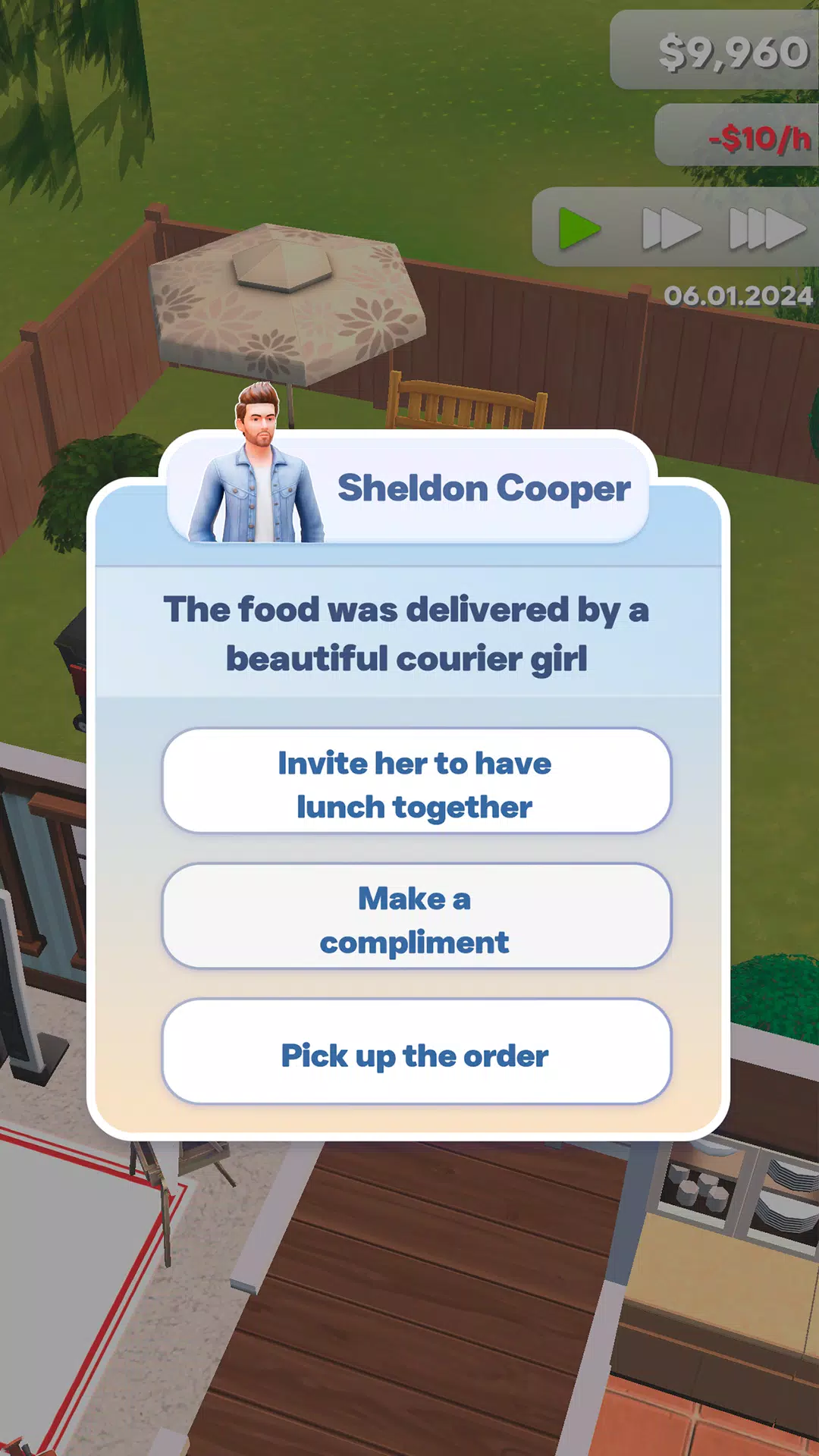
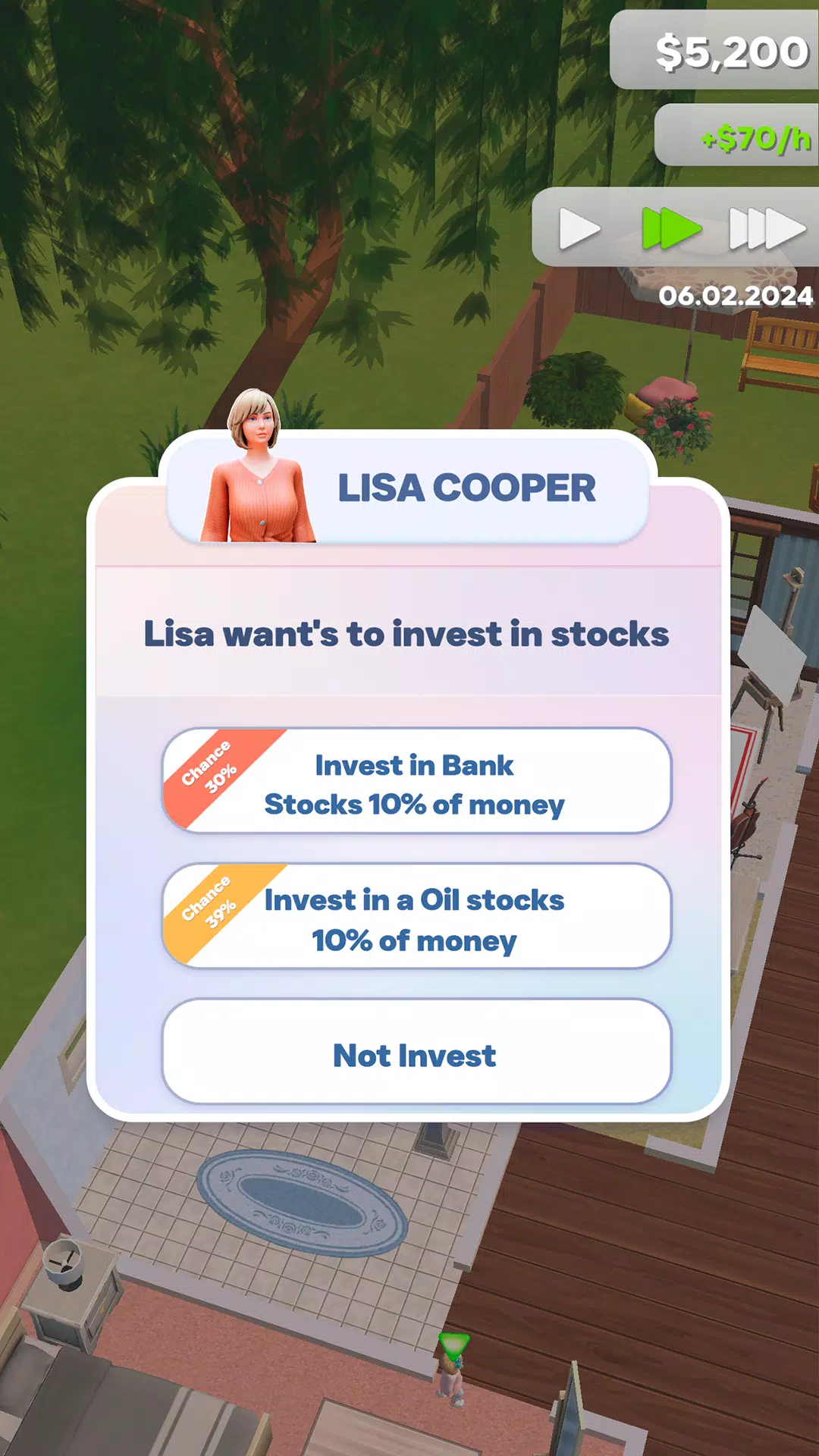
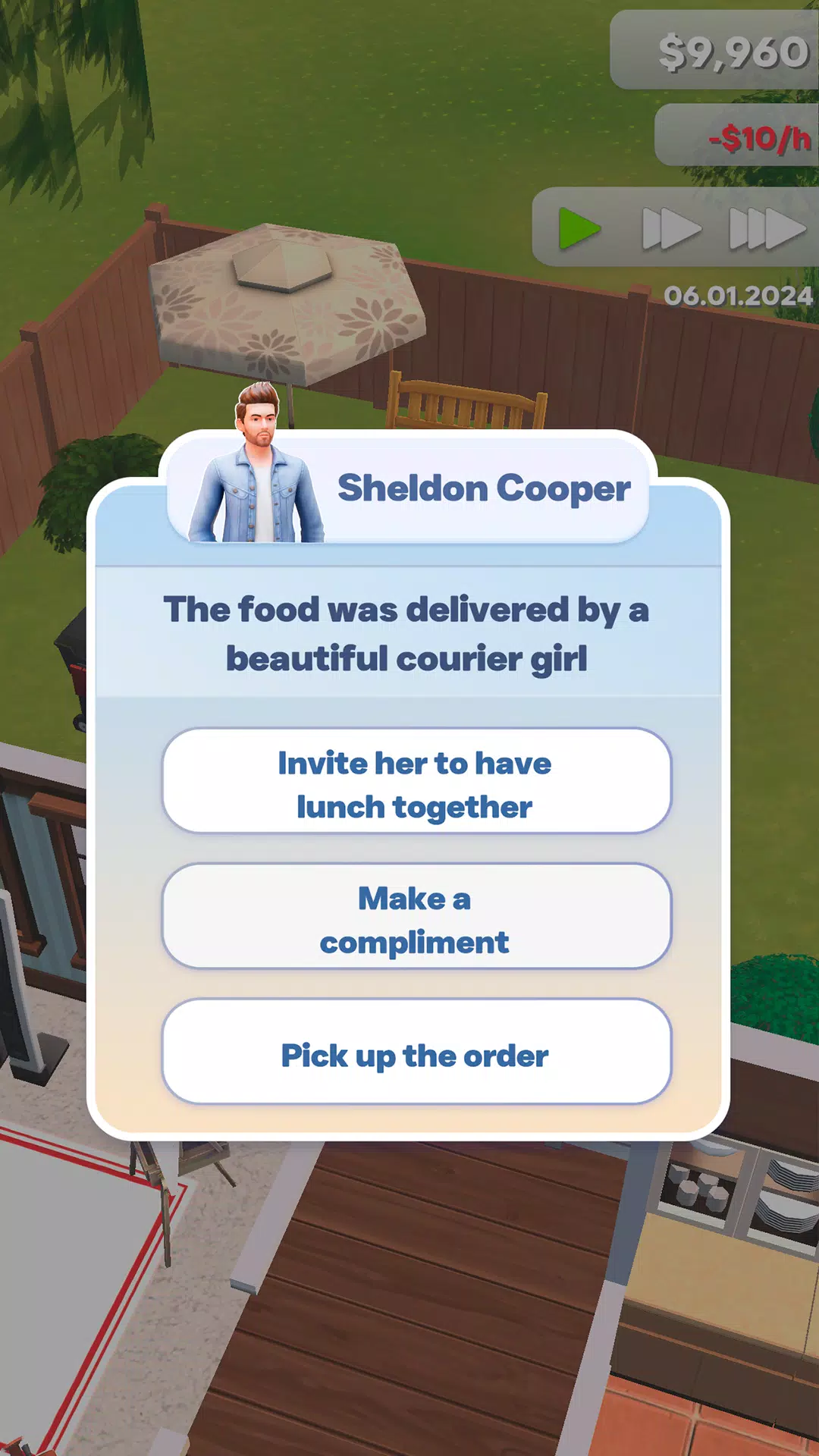
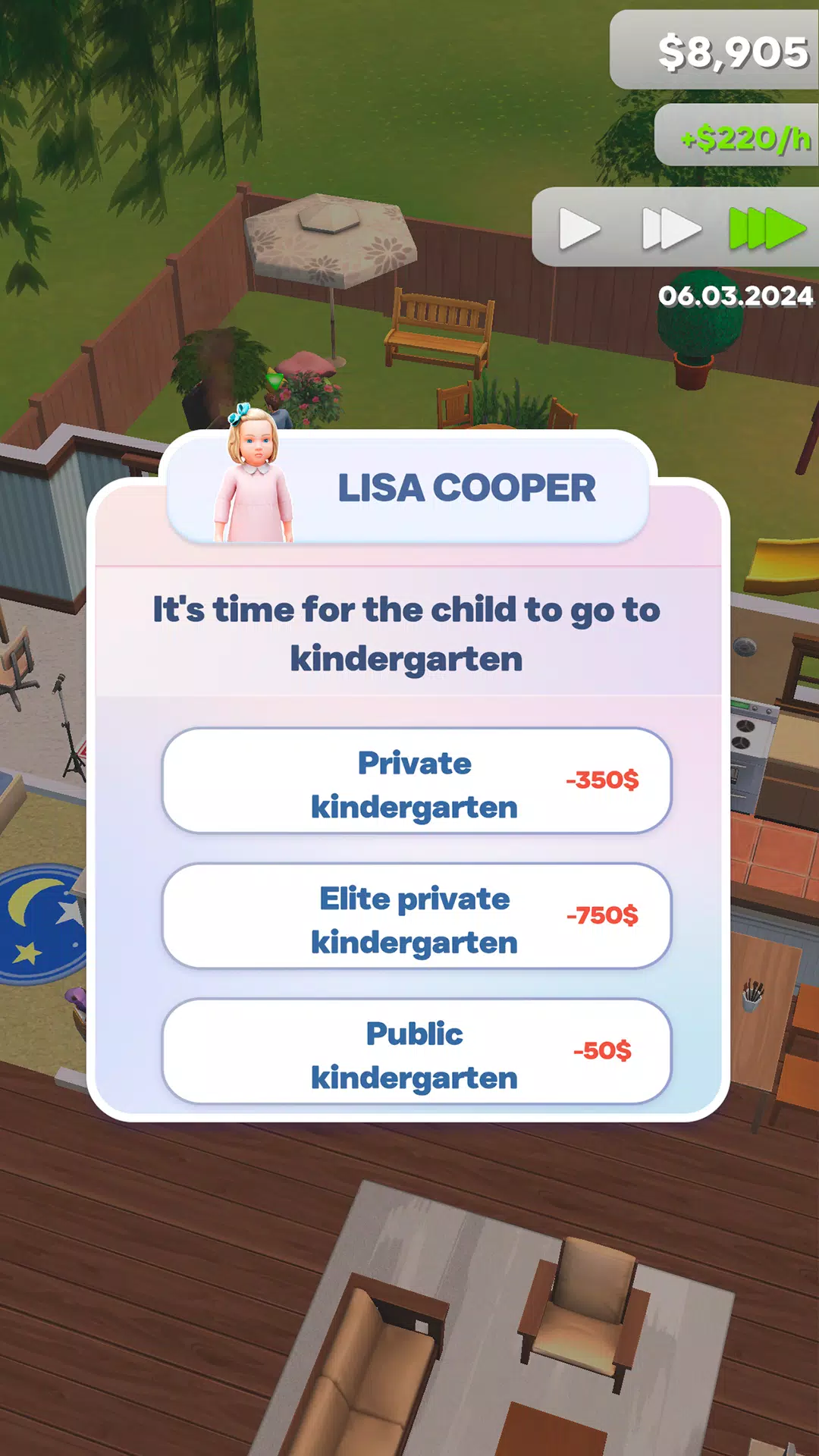
Perfect Living is a versatile lifestyle app designed to help users organize daily routines, manage wellness goals and streamline household tasks in a single, polished interface. It combines scheduling, habit tracking and smart reminders to create a personalized system that adapts to busy lives and evolving priorities.
Perfect Living positions itself as a digital assistant for day-to-day wellbeing. The interface balances visual clarity with functional depth, letting users build plans, track progress and make small adjustments that produce measurable results. The app’s structure encourages steady habits rather than one-off fixes.
At its core, Perfect Living focuses on three pillars: planning, tracking and suggestions. Planning tools let you sequence tasks and assign time blocks. The tracker records completion streaks and displays trends. Suggestion prompts adapt to user behavior, nudging toward healthier or more efficient routines without being intrusive.
The app divides activities into routines, one-off tasks and projects. Routines repeat automatically according to rules you set, while projects break down into subtasks with deadlines. A lightweight tagging system connects related items across categories so you can filter and review focused areas like fitness, chores or study.
Perfect Living offers layered customization. You can tune notification frequency, color-code categories and pick from several dashboard layouts. The onboarding walkthrough asks about priorities and daily rhythms, using answers to suggest starter templates. Over time, the app learns which reminders are ignored and adjusts intensity to avoid alert fatigue.
The interface favors speed and minimal friction. Transitions are subtle; animations help indicate state changes without slowing navigation. The app is responsive on mid-range devices and shows efficient battery usage by limiting background polling for location and time checks. Offline mode caches key data so you can still view plans without a network.
Using Perfect Living feels like building a personal operating system for daily life. Start with a single routine and add one habit per week to avoid overwhelm. The timeline view makes it simple to spot gaps in your day, while the focus mode temporarily silences nonessential alerts to protect concentrated work blocks.
Many users praise Perfect Living for its unobtrusive reminders and practical analytics. The app’s combination of simplicity and depth makes it useful for both habit beginners and productivity enthusiasts. Its social features also help transform solitary tasks into collaborative routines that stick.
Download and grant basic permissions like notifications and calendar access to unlock the full feature set. Initial setup walks you through creating a routine and a goal, which is enough to experience the core mechanics. If you prefer manual control, skip suggestions and build a custom plan from scratch.
Perfect Living is best suited for people seeking a flexible, habit-focused planner that integrates task management with lifestyle tracking. Whether you aim to improve sleep, manage household duties or structure work blocks, the app offers a practical toolkit to shape healthier daily habits.
File size: 164.30 M Latest Version: 1.0
Requirements: Android Language: English
Votes: 448 Package ID: com.GG.PerfectLiving
Developer: Ollie Games


Top Free Board Games for Android
Gather around for game night anytime, anywhere with our new mobile board game. Play digital versions of classics like chess, checkers, backgammon and more against friends or AI opponents. With smooth online multiplayer, you can challenge players worldwide or create private games. Customizable boards, pieces, and house rules allow you to tailor the experience. Compete in daily tournaments or just play for fun.






LIVE A HERO
Retro Hero Mr Kim
Empire of Passion
Arcane Quest Legends
Magic Snap: Momotaro
AllStar Manga Heroes
Lunescape
ONE PIECE Thousand Storm JP
Tap Titans 2