
Scan to Download
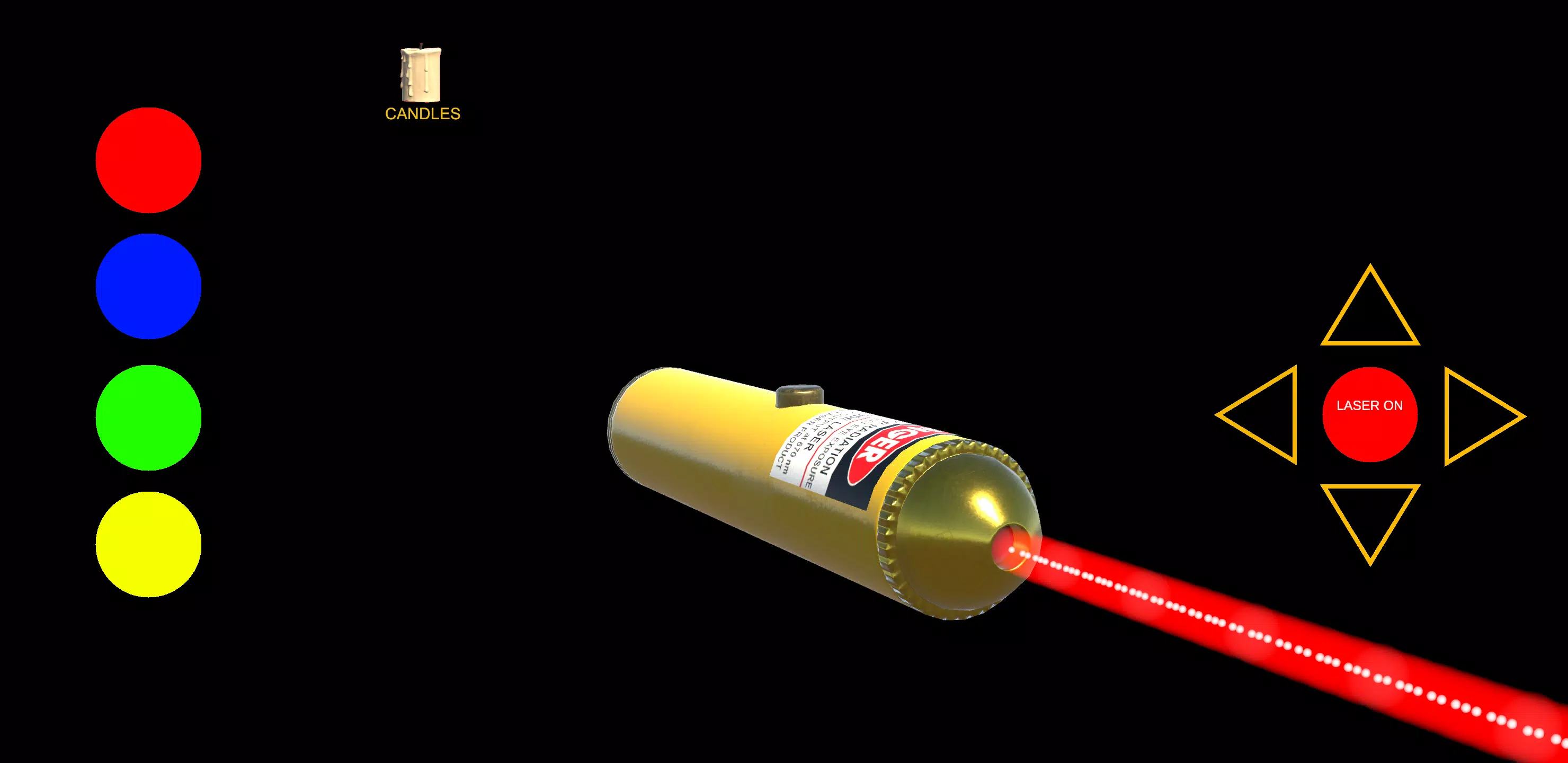
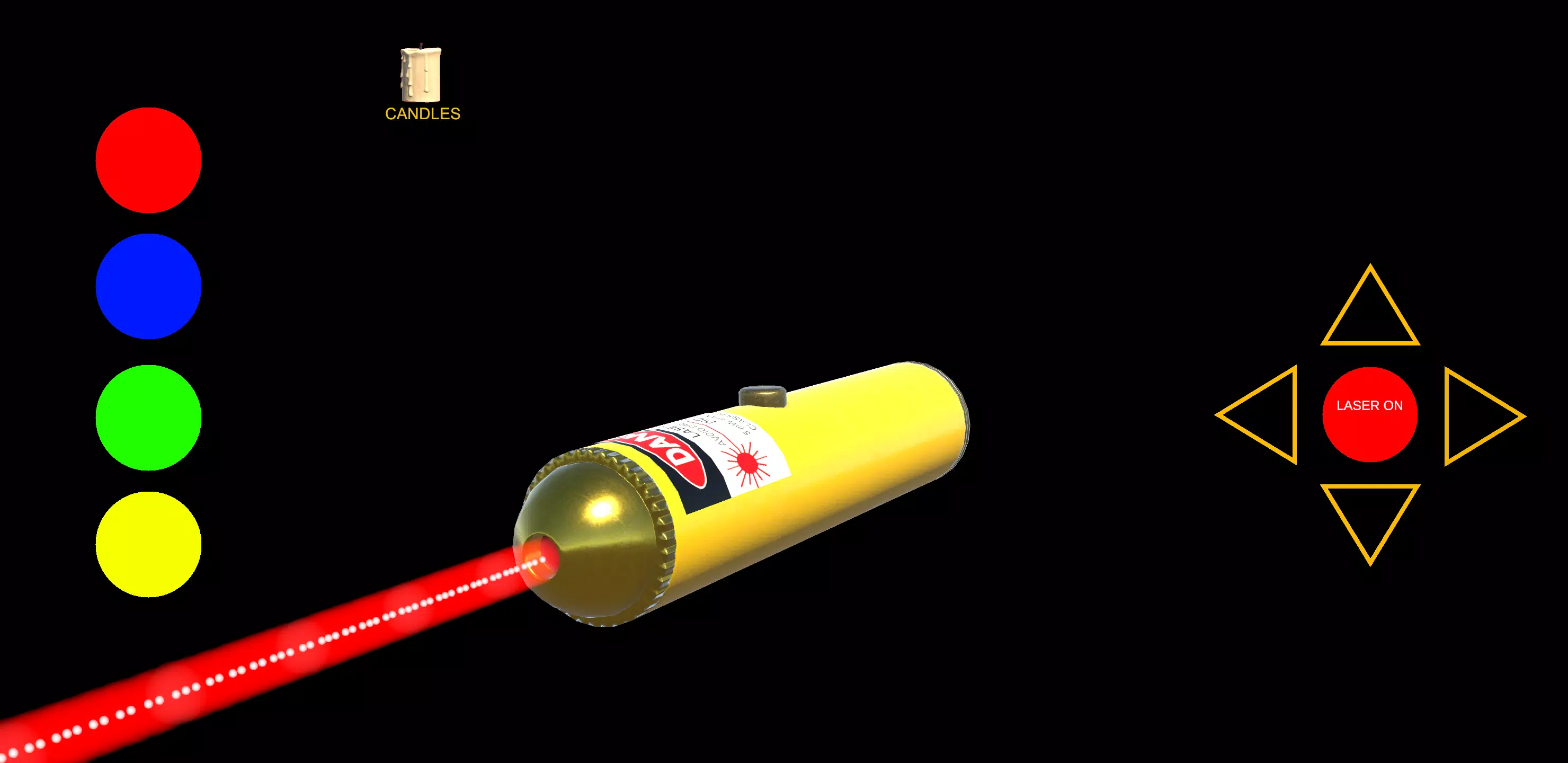
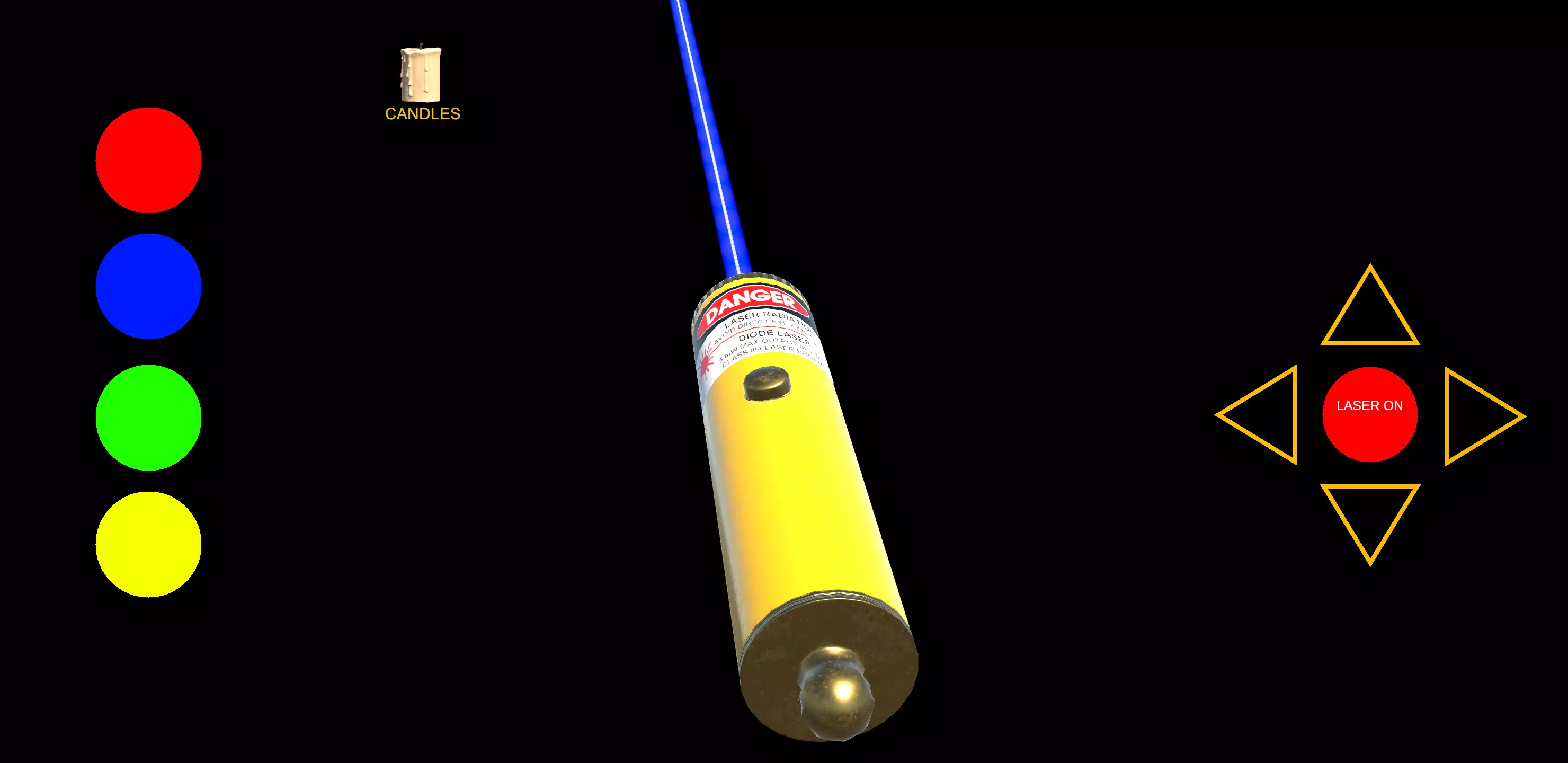
Laser Pointer Simulator 3D puts a compact, tactile simulation of a laser dot chase onto your Android device, combining straightforward touch control with realistic light behavior and short-session friendly level design. The app recreates the satisfying feel of guiding a single bright dot across surfaces that reflect, refract, or absorb light and presents layered challenges that reward timing and observation. Whether you want a few minutes of casual play or a focused practice session on precision and route planning, Laser Pointer Simulator 3D adapts to both playstyles with clear feedback and adjustable settings.
At its foundation the game emphasizes precise motion and predictable physics: tap to place the beam, drag to steer the dot, and let in-game materials interact with the light. Surfaces have distinct properties that influence the beam—matte planes soften movement and reduce bounce, mirrors send predictable reflections, and transparent panes allow you to route the dot through layered geometry. These behaviors are consistent so players can learn how different materials affect trajectory and build reliable strategies for chaining hits, timing obstacle avoidance, and maximizing combo streaks.
Levels are organized into short, focused arenas that introduce one or two new mechanics at a time before combining them into compound challenges. Early stages teach the basics of motion and how walls and corners change the dot’s path; later designs layer moving platforms, timed hazards, and puzzles that require planning mirror angles or using environmental features to reach hidden targets. Progression unlocks both new arenas and cosmetic choices, while daily and limited-time challenges provide rotating objectives that encourage replay without extending individual session length.
Controls are intentionally lightweight and designed for a wide range of devices: single-finger drag steering, double-tap for quick repositioning, and pinch-to-zoom in certain camera views to inspect complex routes. Sensitivity and camera presets are available to accommodate different hands and screen sizes, and haptic or audio feedback can be toggled for clearer input confirmation. These accessibility options make the gameplay approachable for newcomers while allowing more experienced users to tighten input responsiveness for high-score runs.
Visual polish centers on clarity: the dot, its trail, and impact effects are distinct so players can quickly assess motion and outcomes. Environments range from domestic interiors and sunlit rooms to neon-saturated arena stages, each crafted to change how the laser behaves. Textures either absorb or reflect light in visually consistent ways, and transparent materials enable creative routing. Subtle camera cues and particle effects highlight successful combos and trajectory corrections without overwhelming the play area.
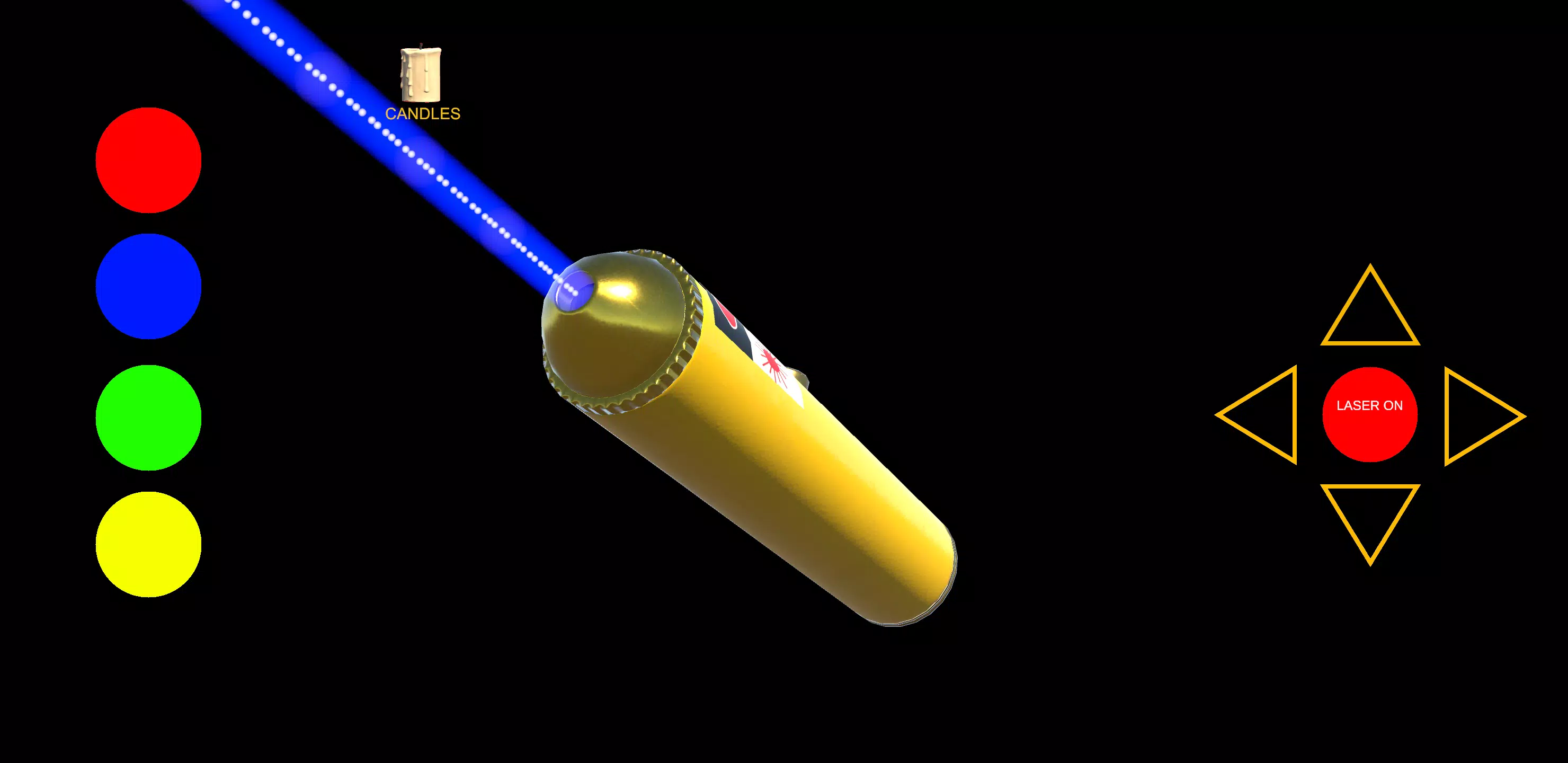
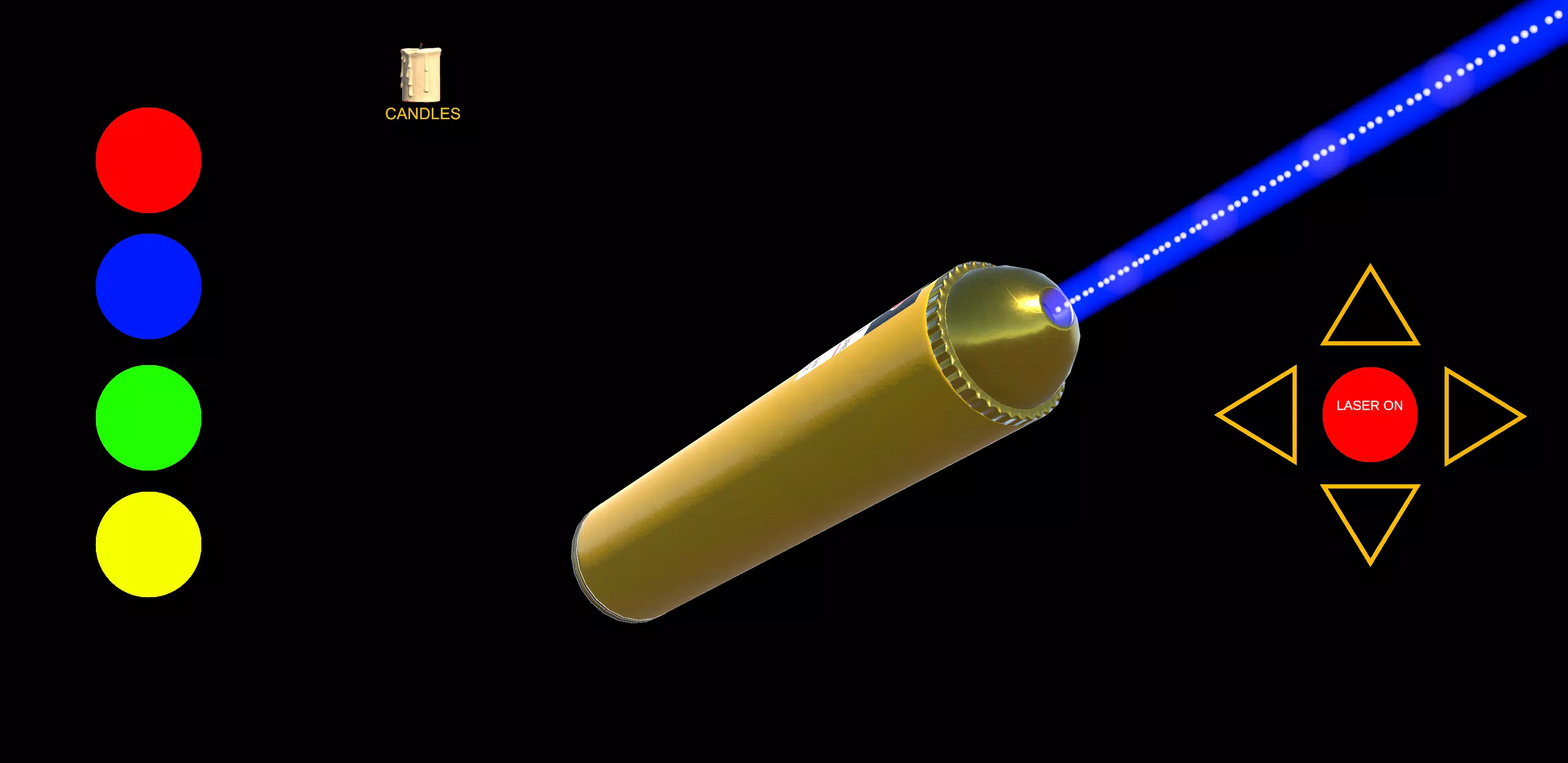
Customization focuses on non-intrusive personalization: beam colors, trail styles, and basic laser shapes let players tailor the visual identity of their pointer without altering core balance. Power-ups appear in select levels as temporary modifiers—speed boosts, decoys that attract or distract certain targets, and adhesive modes that make the dot stick briefly to specific surfaces—offering strategic windows to reach otherwise tricky objectives. Cosmetic unlocks are earned through progression, so appearance choices reflect time spent mastering the stages.
Replay value comes from layered objectives and tightly scoped challenges that encourage refinement. Time trials, accuracy-based tasks, and score-oriented modes reward precision, while daily variants and rotating events add short-term goals that change pacing. Local leaderboards and replay exports let players track improvement and share short clips of favorite runs using the device’s share features, supporting friendly competition without requiring persistent online play.
The game is built to run smoothly across a wide range of Android hardware with adjustable graphics and performance settings to balance visual detail and battery life. Low-latency input, minimal loading times, and a compact install footprint support quick play sessions and offline accessibility; most core features are available without an active network connection, making it easy to play on the go or in short bursts.
Install Laser Pointer Simulator 3D on any compatible Android device, walk through a short interactive tutorial to learn taps, drags, and camera controls, and begin with the introductory arenas to get a feel for surface behaviors. Gradually take on higher-difficulty maps and timed challenges, experiment with beam customizations to improve visibility, and use the sensitivity and accessibility options to fine-tune controls for your comfort. With clear progression, varied level design, and predictable physics, Laser Pointer Simulator 3D is a polished little simulator that rewards observation and steady practice while remaining approachable for casual play.
File size: 43.60 M Latest Version: 32.0
Requirements: Android Language: English
Votes: 443 Package ID: com.markus.motorcyclebrakes
Developer: Mobile Software Development

Must Have Puzzle Games for Android
Are you searching for an enjoyable method to strengthen your intellect? Our hottest logical puzzle is tailor-made to offer a stress-free pastime experience. With beautiful graphics and chill background music, you can immerse yourself in an engaging world of logic and critical thinking. Solve increasingly tricky levels at your own pace, with no time pressure or lives system.






LIVE A HERO
Retro Hero Mr Kim
Empire of Passion
Arcane Quest Legends
Magic Snap: Momotaro
AllStar Manga Heroes
Lunescape
ONE PIECE Thousand Storm JP
Tap Titans 2