Scan to Download
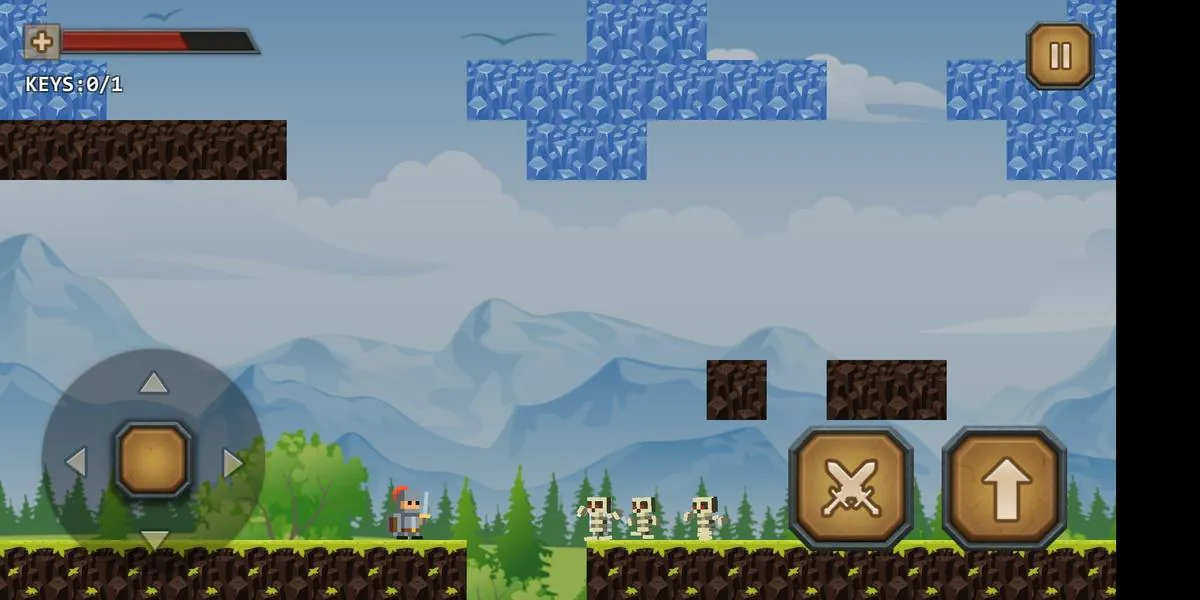
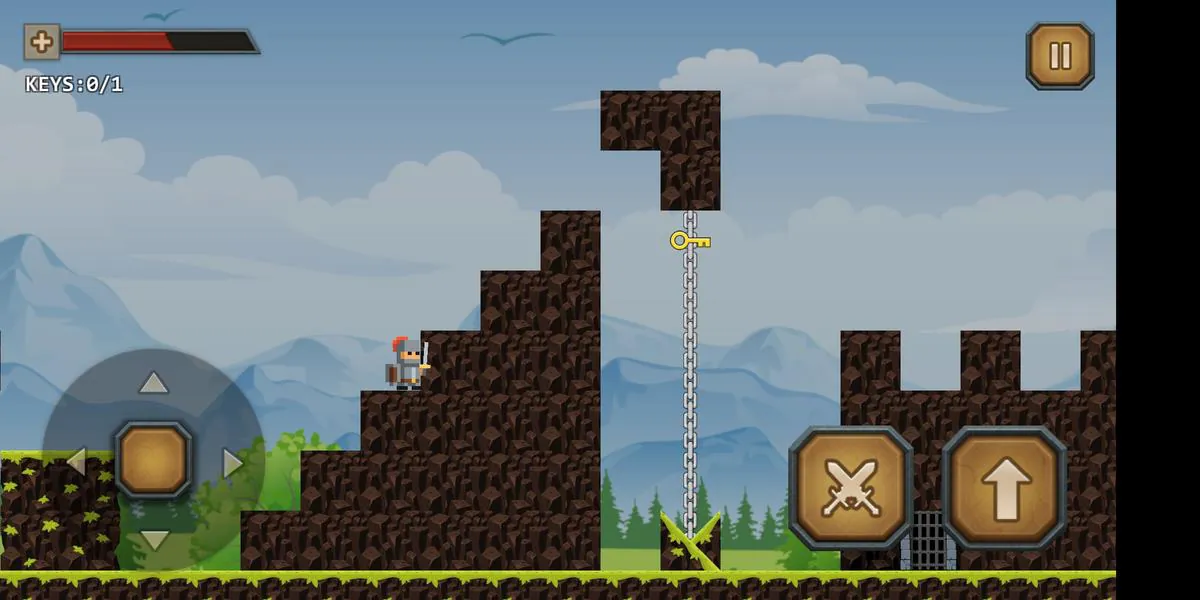
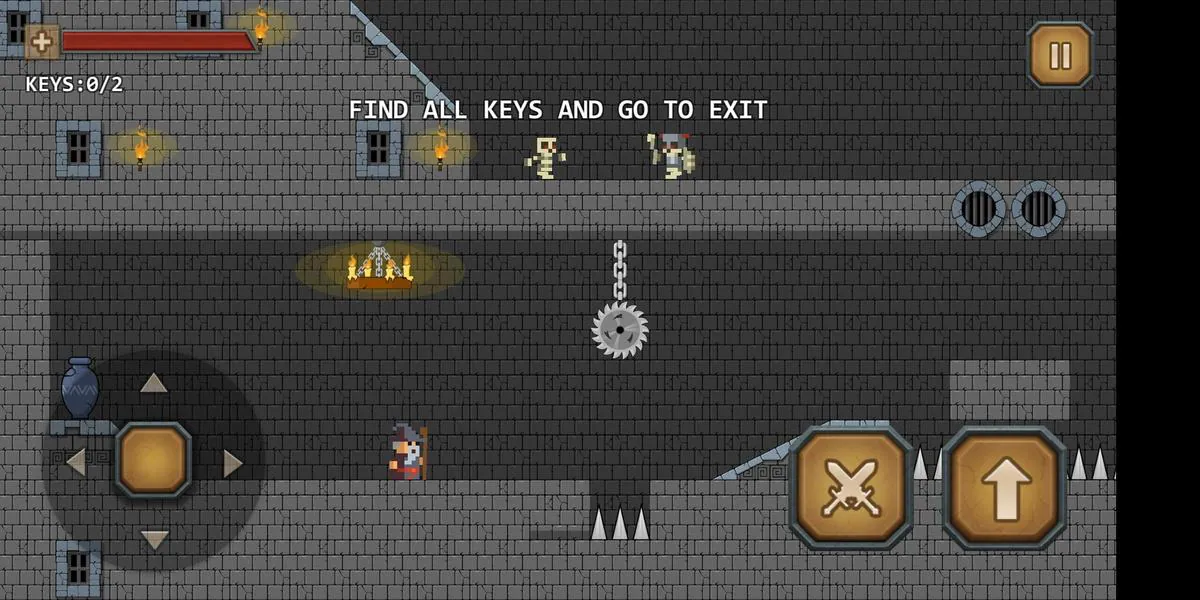
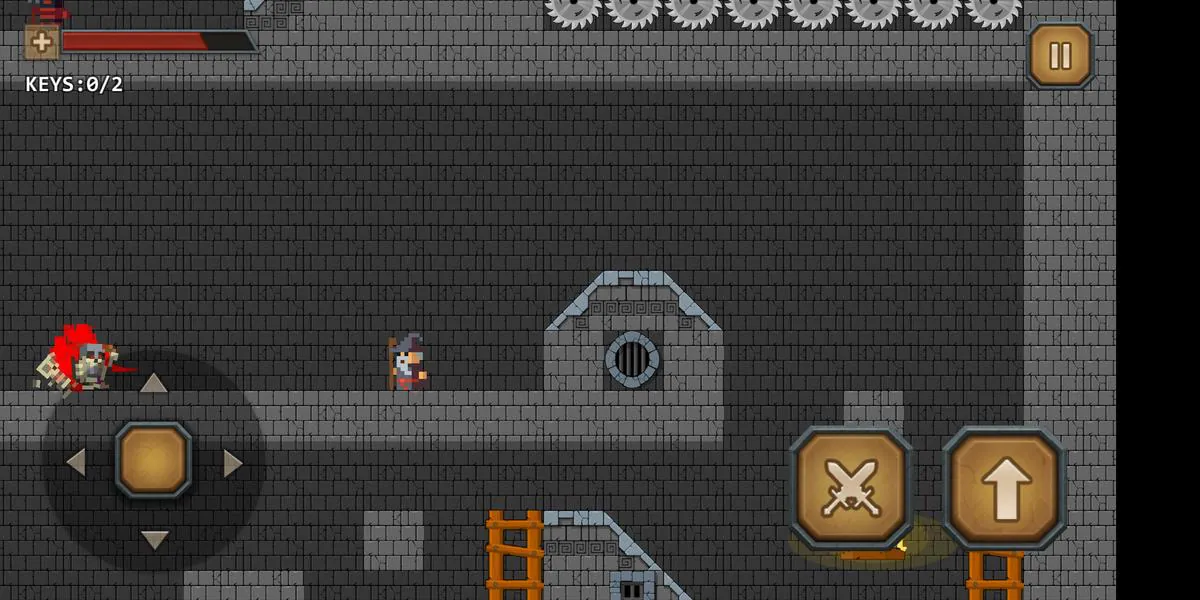
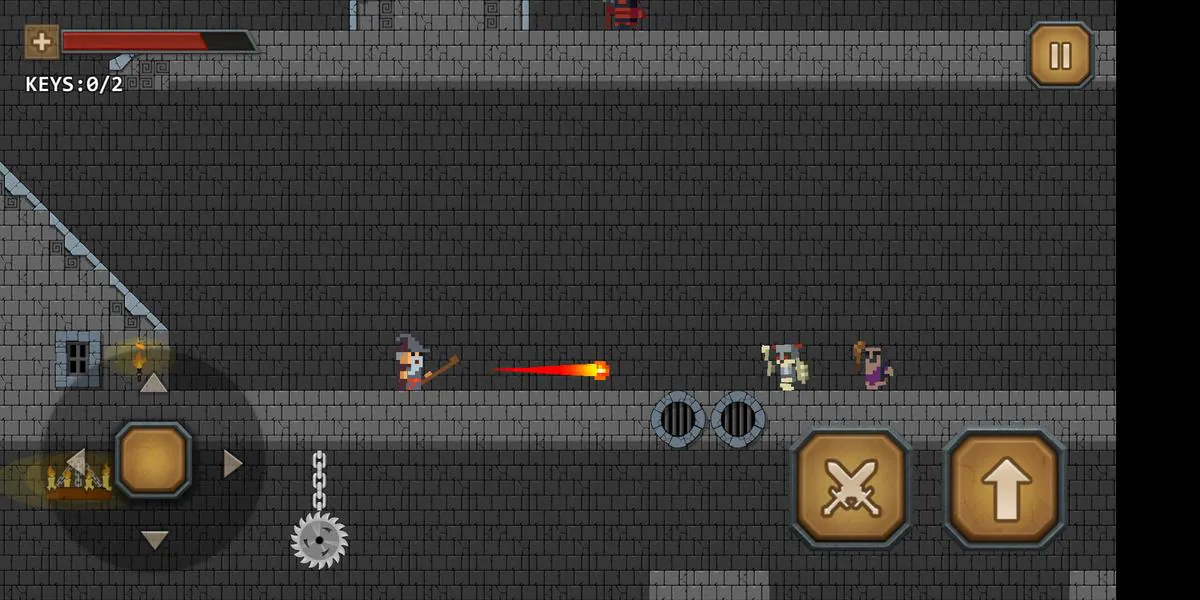
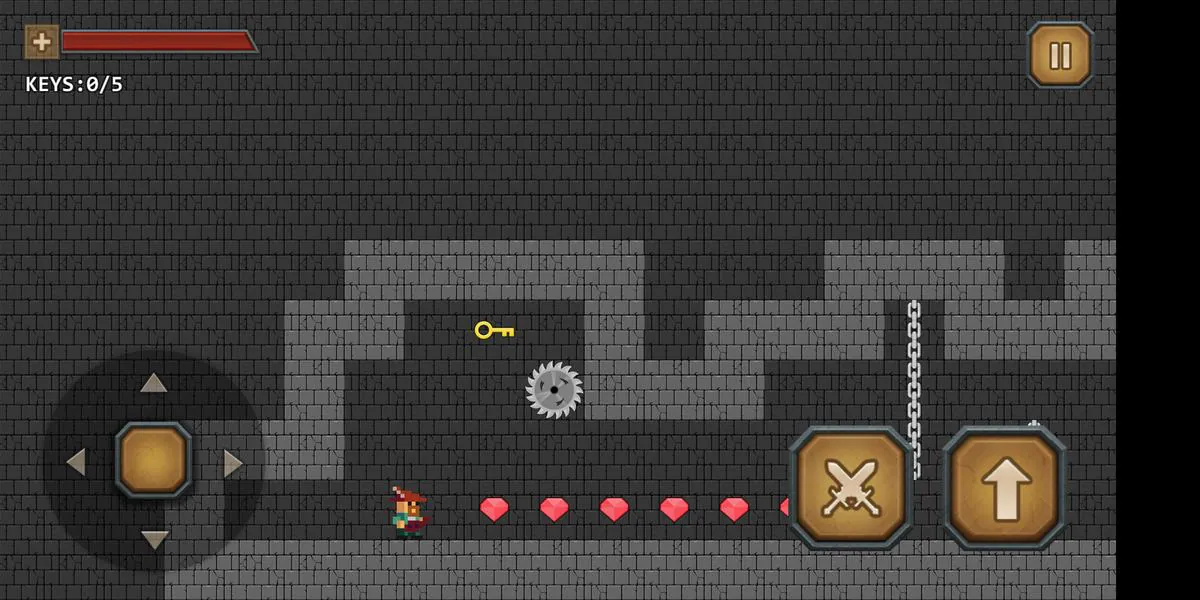
Epic Game Maker is a mobile development studio app that puts visual game creation tools on Android devices. It combines a drag-and-drop scene editor, behavior scripting, and built-in asset management so beginners and hobbyists can prototype levels, characters, and logic quickly without writing extensive code.
Designed for creators who want to build interactive experiences on the go, Epic Game Maker brings modular tools into a single interface. The app balances simplicity with depth: newcomers can assemble scenes from prebuilt blocks, while more experienced users can extend behavior through an event-driven scripting system. It targets rapid prototyping and small-scale productions rather than full AAA pipelines.
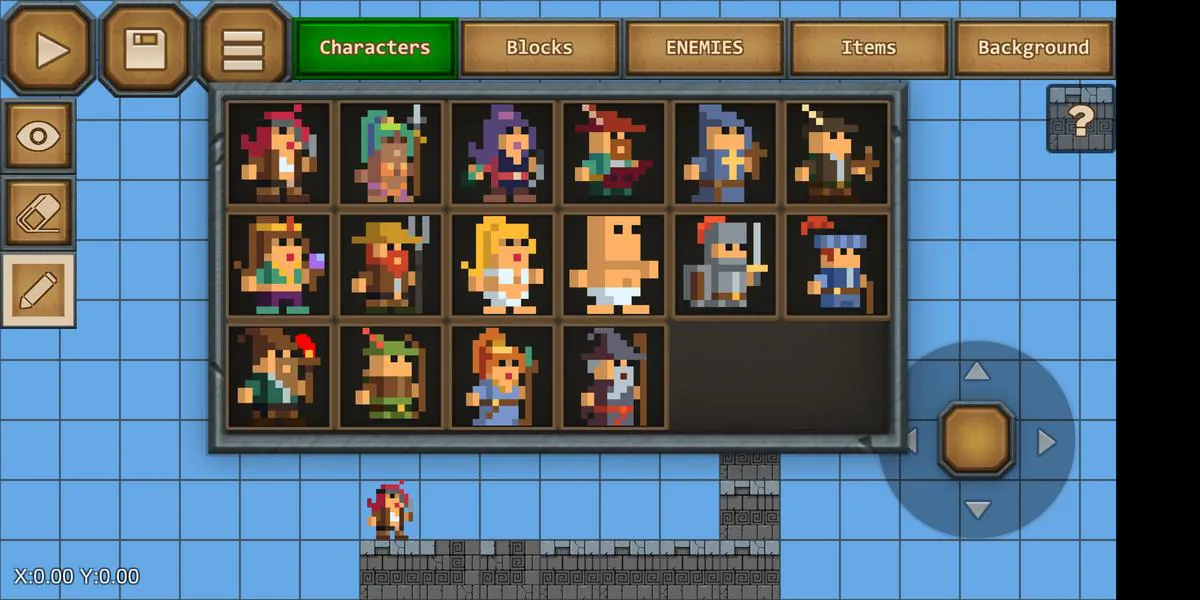
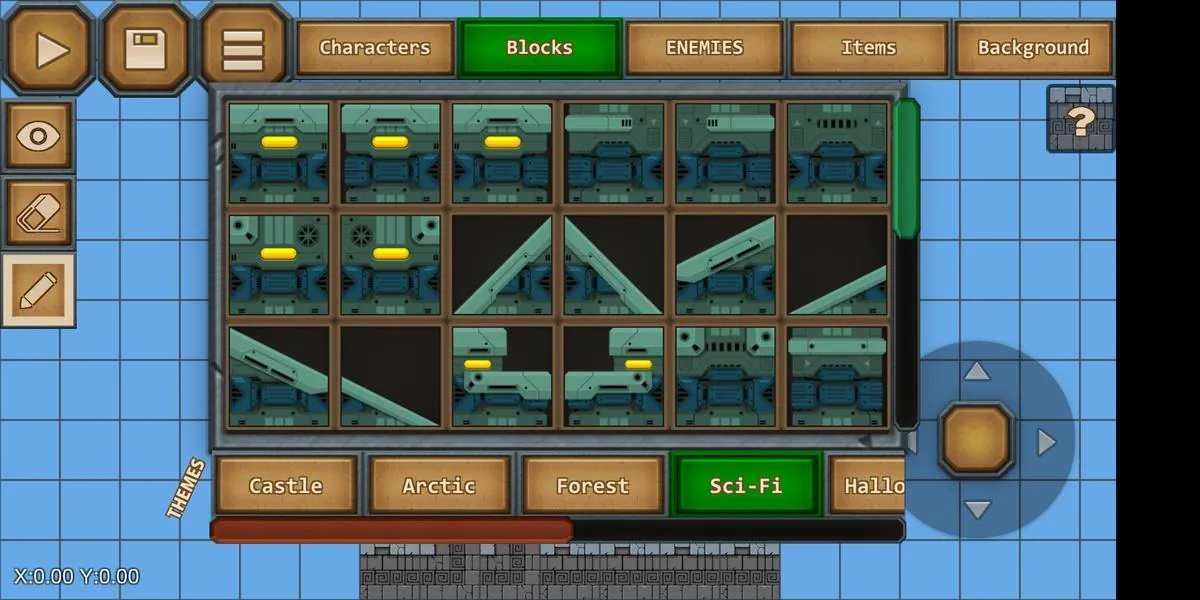
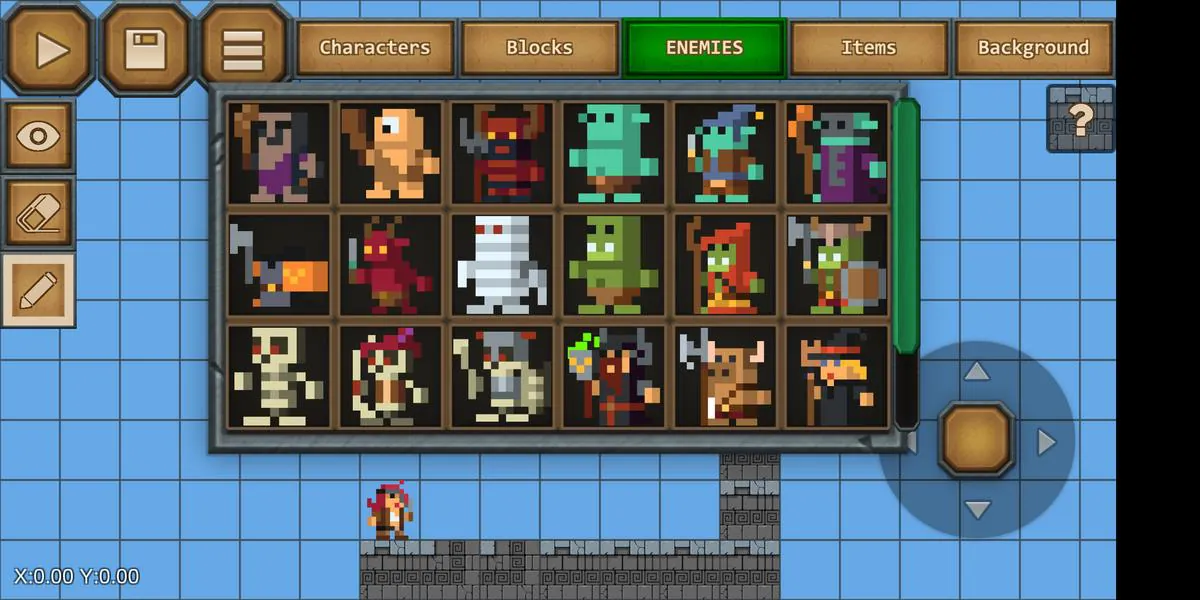
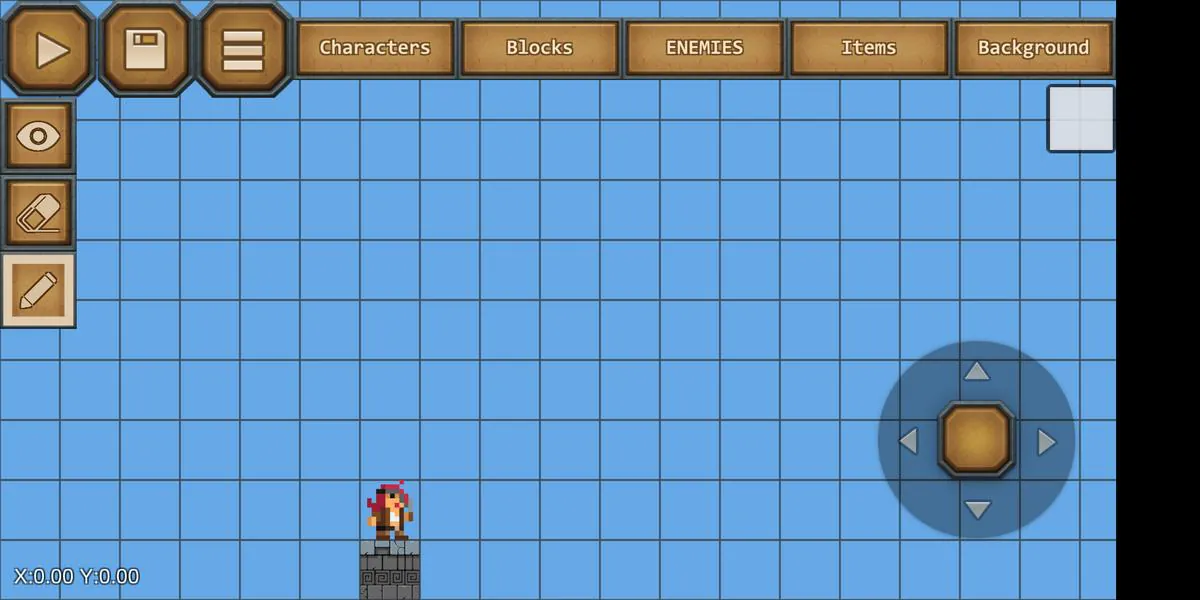
The workflow centers on visual clarity. Scene composition, collision zones, and UI layouts appear in a centralized canvas. A timeline and inspector panel let creators tweak properties and chain actions. Resource import supports common image and audio formats, and a compact packager exports playable APKs or sample builds for testing.
Epic Game Maker’s interface focuses on a few core panes: the canvas, an object hierarchy, and an inspector panel. The layout adapts to phones and tablets; on larger screens, the inspector remains docked while the canvas expands. Usability choices such as multi-select, undo history, and contextual menus speed up repetitive tasks. Tooltips and inline help are available for each component, reducing the need to consult external documentation.
Customization options let creators tailor behavior and visuals. The event editor supports variables, timers, and simple mathematics, letting users implement scoring, power-ups, and enemy patterns without deep coding knowledge. For those who want more control, the app includes a lightweight script editor that accepts JavaScript-like syntax to extend built-in actions and integrate custom routines.
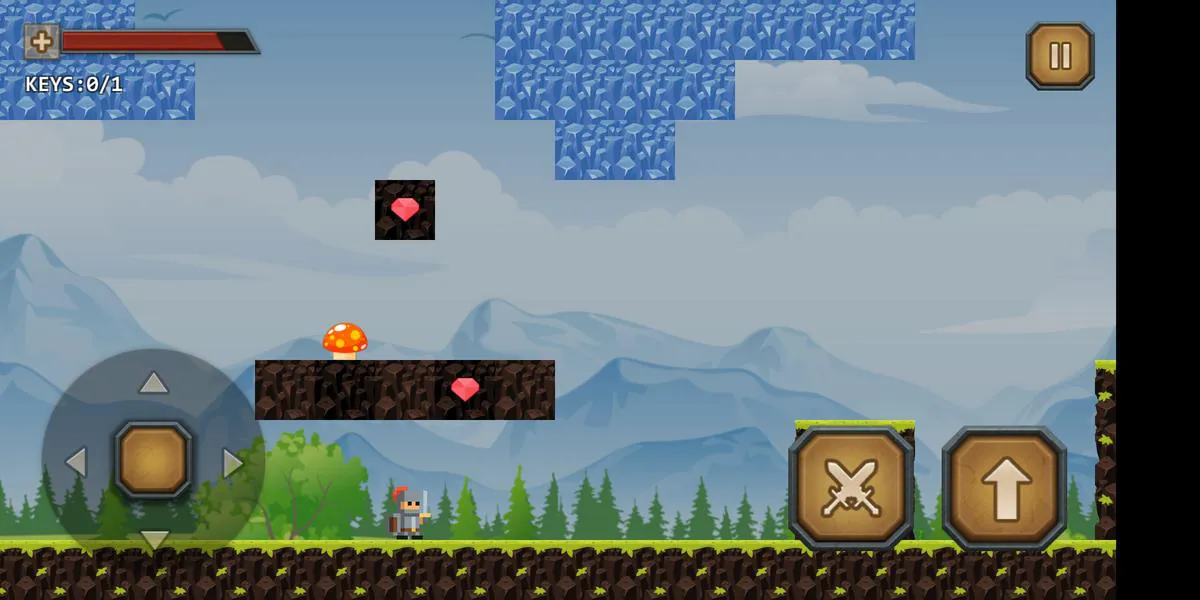
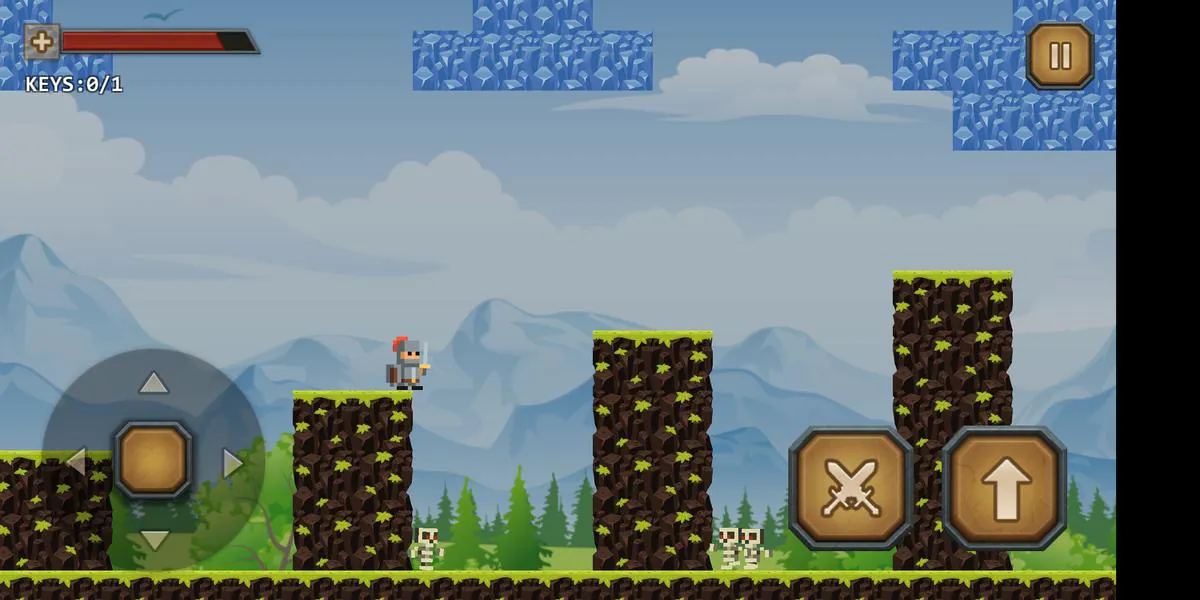
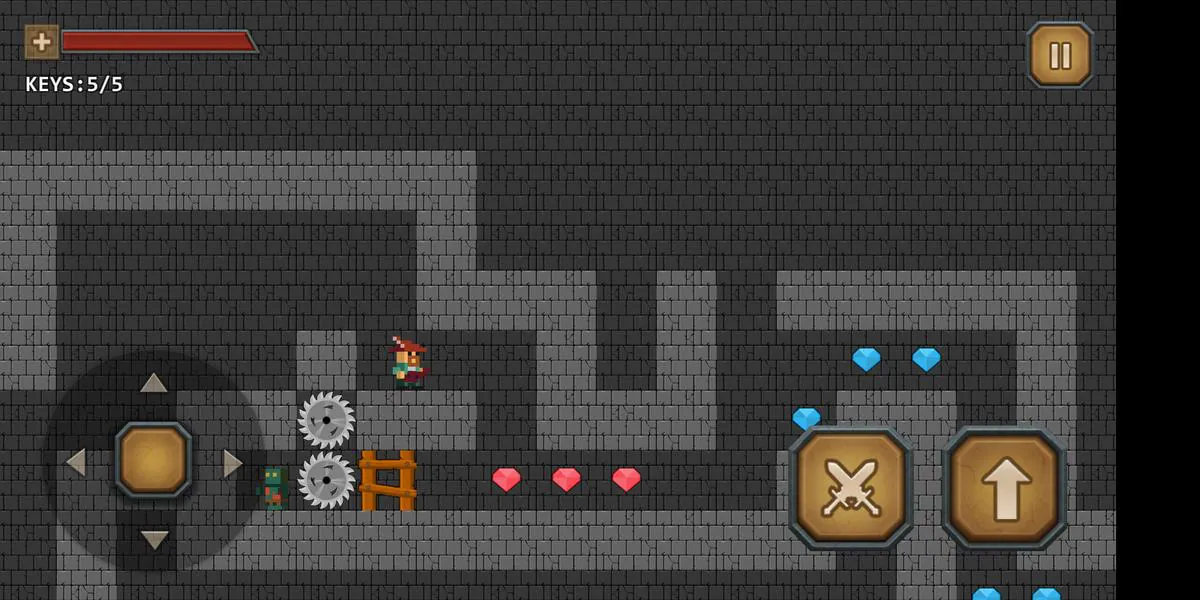
While Epic Game Maker is not a full art suite, it accepts PNG, SVG, and WAV files, and provides basic image trimming and sprite-sheet slicing. The app also supports tilemaps and grid-based level construction, enabling quick assembly of platforming stages or maze-like layouts.
Performance is tuned for mobile hardware. Projects run smoothly on mid-range devices when assets are optimized and physics usage is moderate. The app offers performance profiling tools to identify heavy draw calls and logic bottlenecks. Exported builds are packaged with an engine runtime optimized for Android, but creators should test across devices to ensure consistent frame rates.
Epic Game Maker works well for hobbyists, educators, and small teams prototyping ideas. Teachers can use it to demonstrate programming concepts through events and variables. Indie creators can craft playable demos quickly, though larger teams may find it limited for complex, asset-heavy productions.
Installation is straightforward via the APK; allow permissions for storage to import assets and export builds. The first-time tutorial walks through scene placement, event linking, and a simple export. With a handful of practice sessions you can move from idea to a testable build in a few hours.
Epic Game Maker is a compact, approachable toolkit for mobile game creation that emphasizes speed and clarity. It offers enough extensibility for ambitious prototypes while keeping the learning curve gentle for newcomers.
File size: 83.66 M Latest Version: 2.13
Requirements: Android Language: English
Votes: 224 Package ID: com.electricpunch.epicgamemaker

Must Have Puzzle Games for Android
Are you searching for an enjoyable method to strengthen your intellect? Our hottest logical puzzle is tailor-made to offer a stress-free pastime experience. With beautiful graphics and chill background music, you can immerse yourself in an engaging world of logic and critical thinking. Solve increasingly tricky levels at your own pace, with no time pressure or lives system.






LIVE A HERO
Retro Hero Mr Kim
Empire of Passion
Arcane Quest Legends
Magic Snap: Momotaro
AllStar Manga Heroes
Lunescape
ONE PIECE Thousand Storm JP
Tap Titans 2