Scan to Download
Spelling & Phonics: Kids Games is a child-centered literacy app that teaches reading, spelling, and phonics through short, playful activities designed for preschool and early-elementary learners. The app combines interactive mini-games, clear audio prompts, and progressive lessons to help children decode words, build vocabulary, and practice letter-sound relationships while staying engaged with colorful art and gentle guidance.
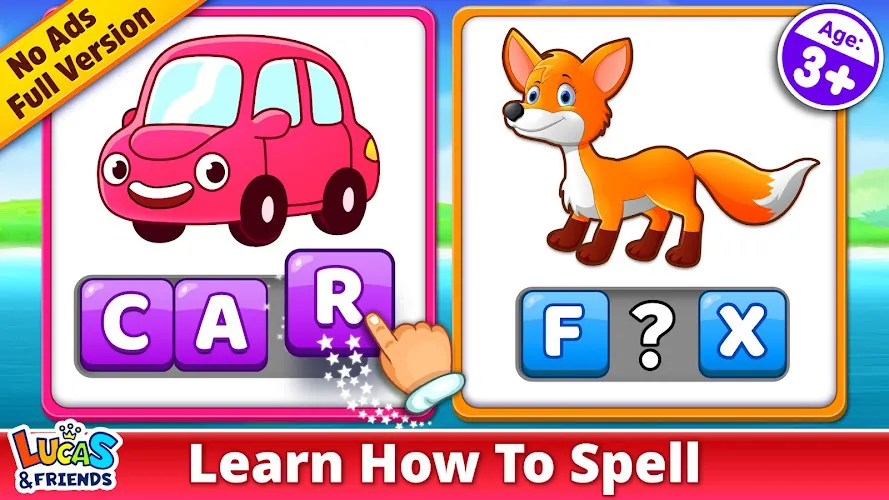
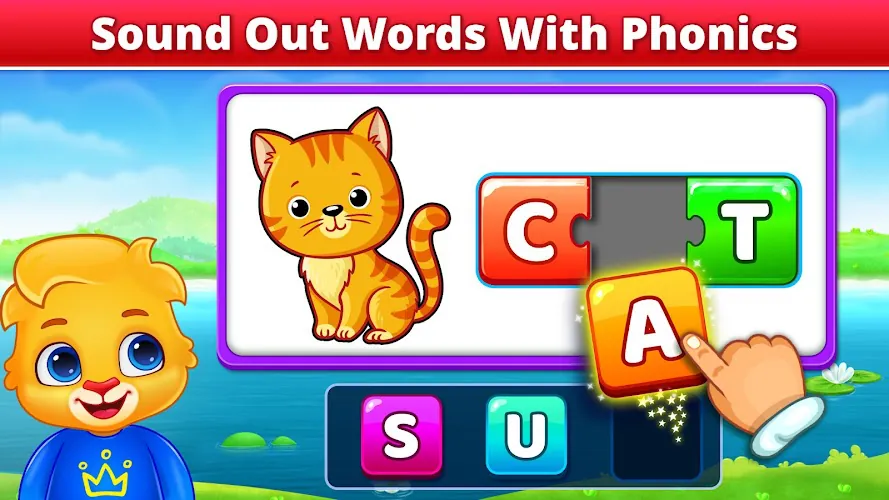
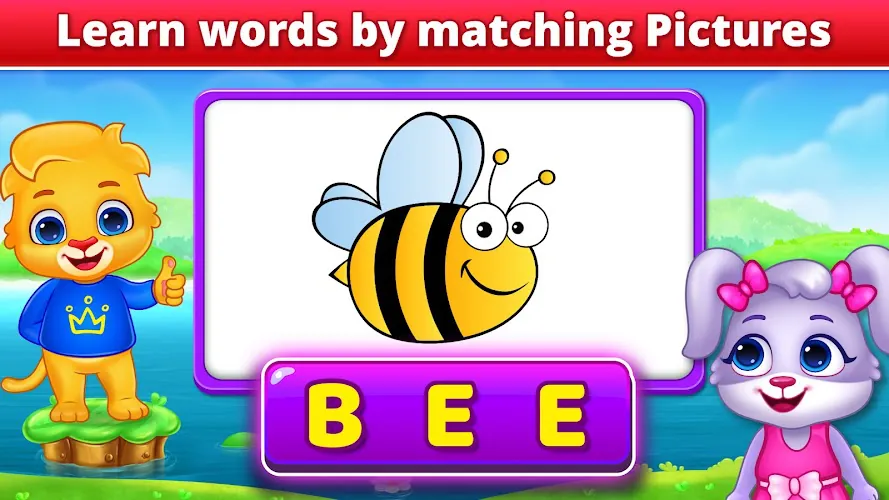
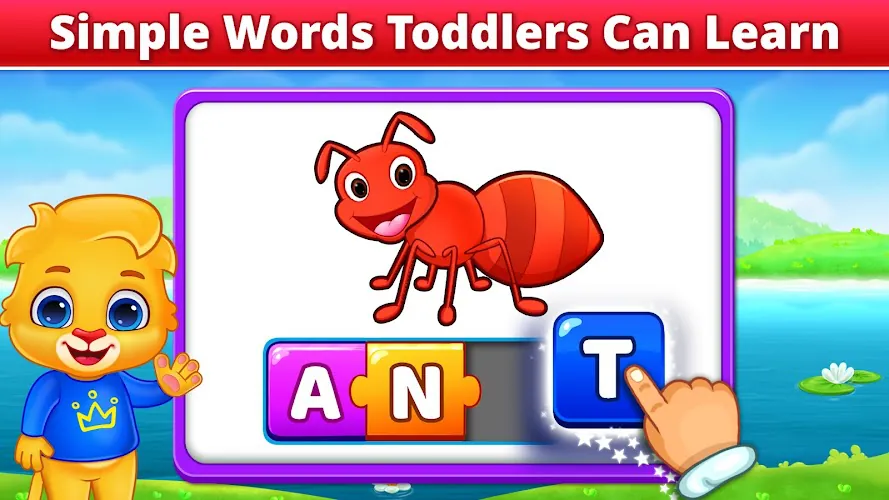
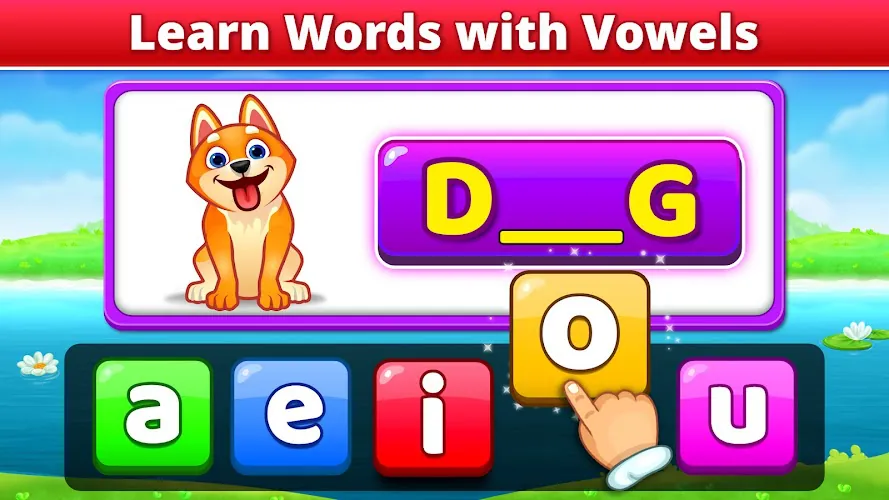
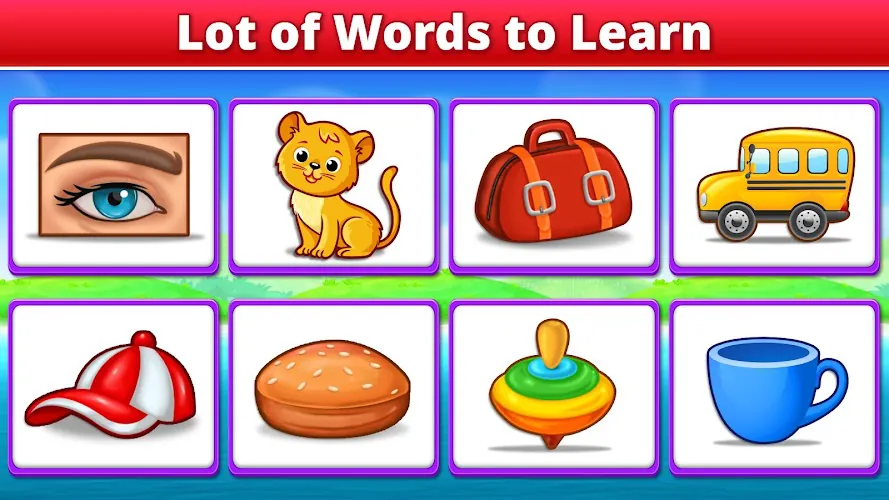
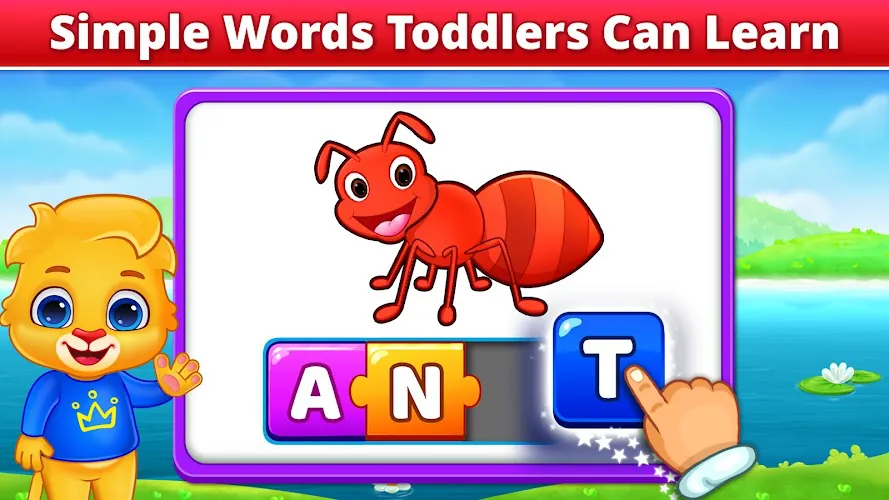
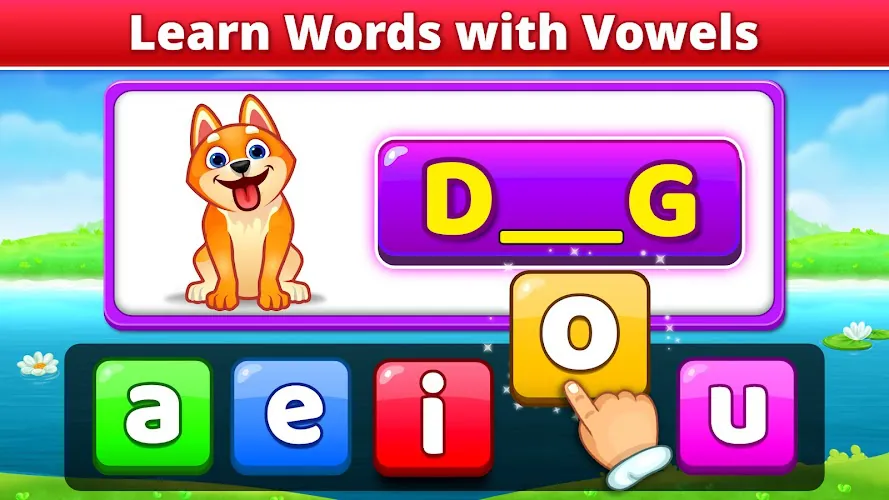
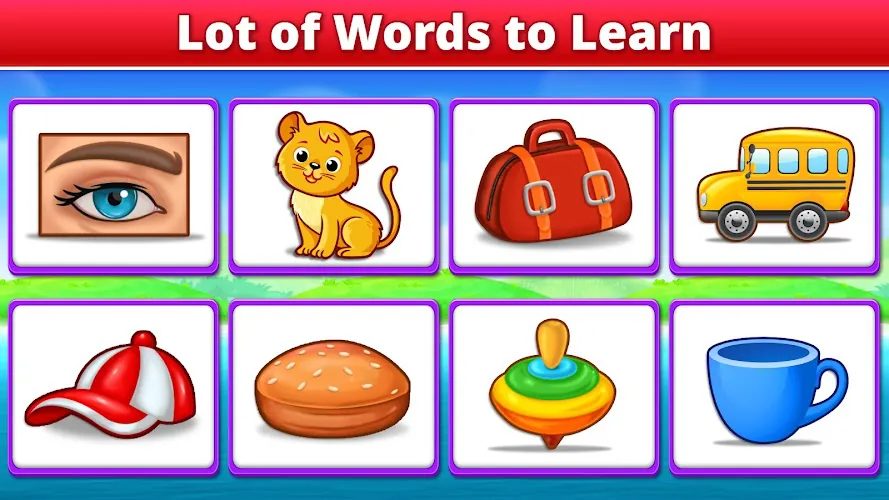
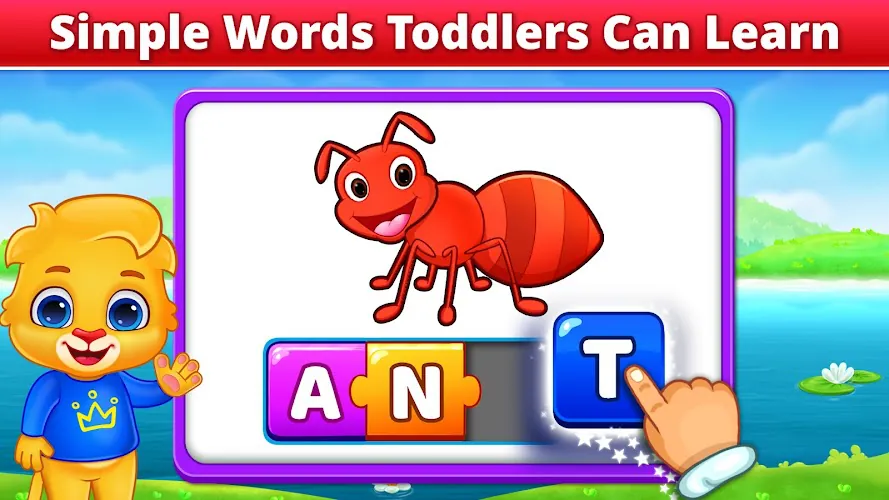
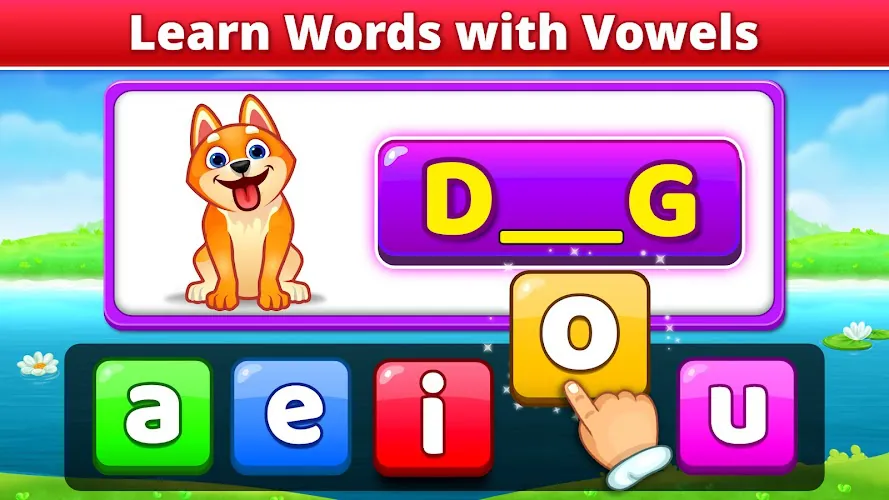
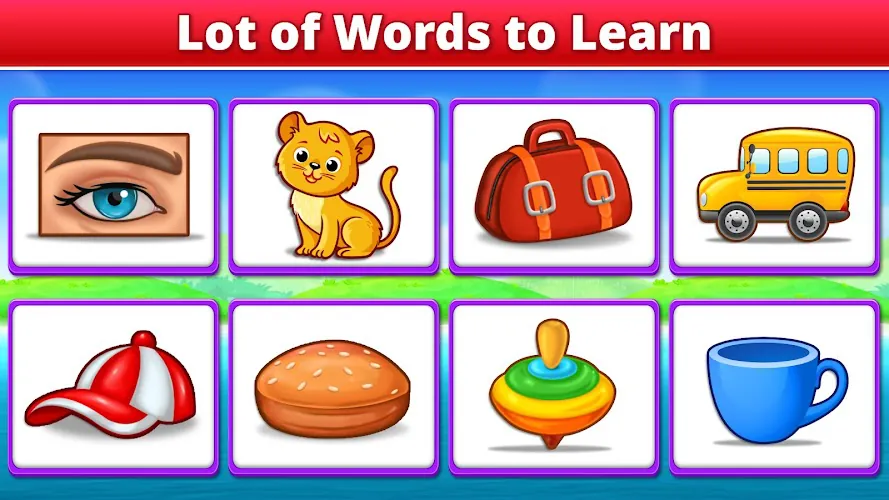
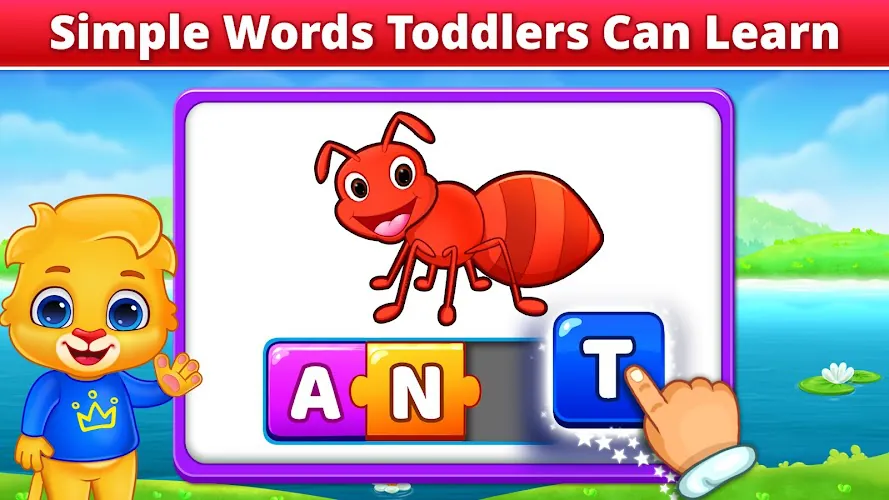
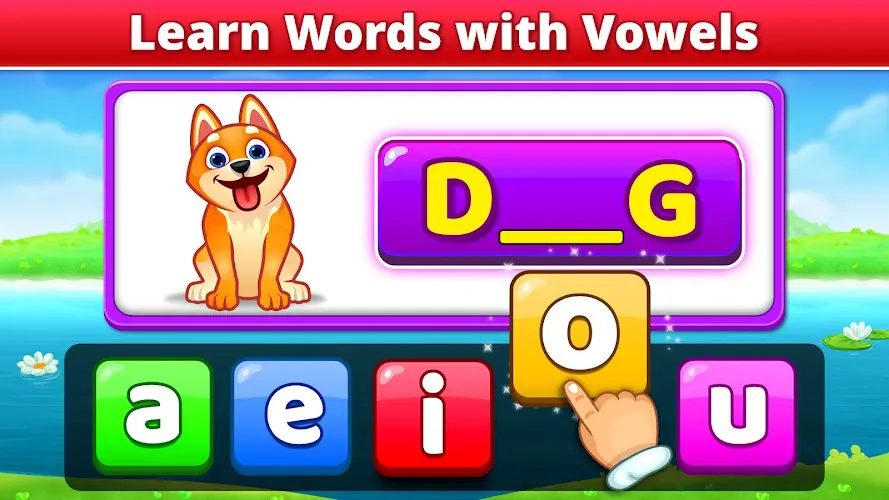
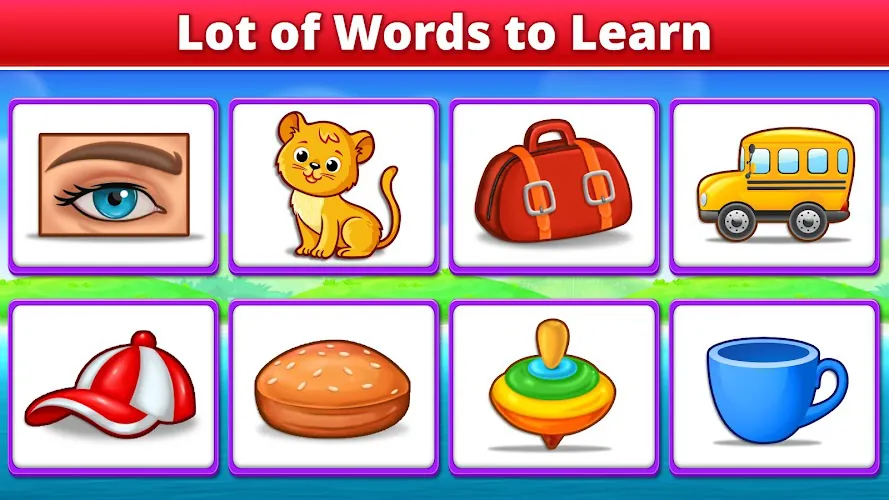
Spelling & Phonics: Kids Games includes a variety of activity types that reinforce different aspects of early literacy. Letter-sound drills focus on single letters and common letter combinations, word-building puzzles ask learners to assemble words from tiles, and matching games strengthen sight-word recognition. Each activity offers simple rules so children can play independently, but the mechanics are varied enough to support repeated play without becoming monotonous.
Lessons are intentionally short and focused so young learners can complete them in one sitting. A typical lesson begins with a brief warm-up that reviews previously learned sounds, then introduces a new phonics pattern with audio examples and animated visual cues. After guided practice, reinforcement rounds use light challenge mechanics such as timed responses, gentle obstacles, and story-based prompts to consolidate learning. Lessons are grouped into progressive units that move from single letters to CVC words, consonant blends, vowel teams, and simple multisyllabic patterns.
The interface is built for little hands and simple interactions. Core controls include tap-to-hear pronunciation, drag-and-drop letter placement, and large multiple-choice tiles for quick selection. Visuals use bold shapes, high-contrast colors, and friendly characters that communicate success and provide corrective feedback without shaming. Animations are kept short and informative to maintain focus, while sound cues and spoken instructions support pre-readers and children with different learning preferences.
The app offers a straightforward progress dashboard that summarizes accuracy, time on task, and recently mastered sound patterns so caregivers and teachers can see where a child is improving. Parents can set session length, mute background music, and switch off in-app purchases for an uninterrupted learning environment. Multiple profiles allow each child to follow a separate progression, and simple export options help educators integrate app results into lesson planning and progress reports.
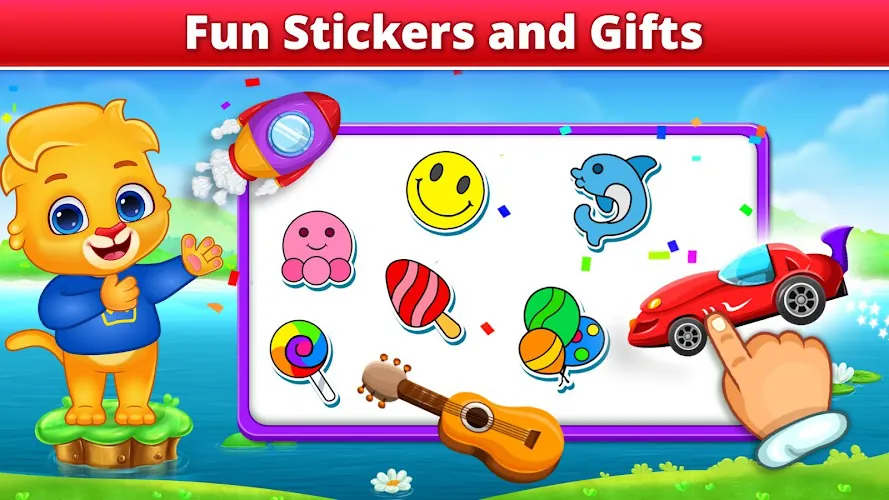
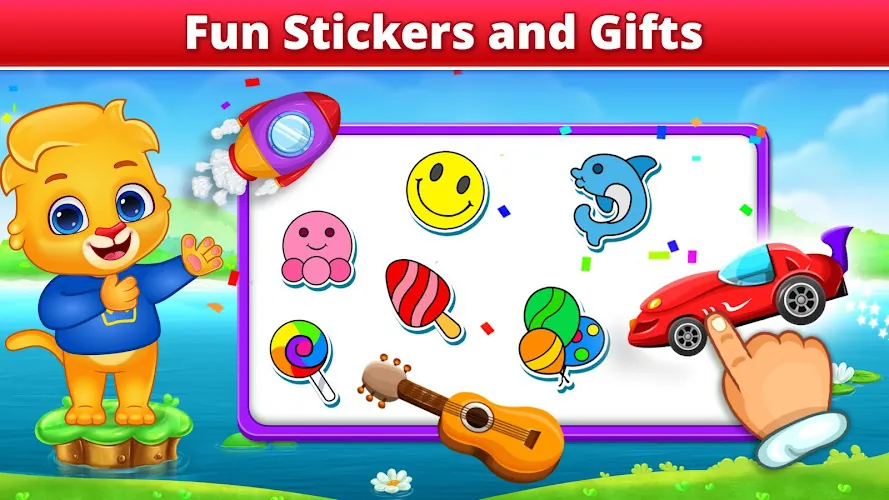
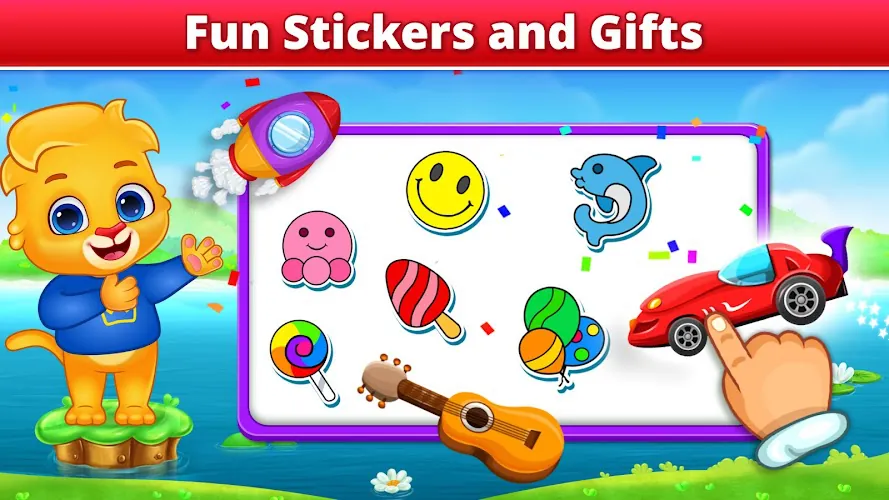
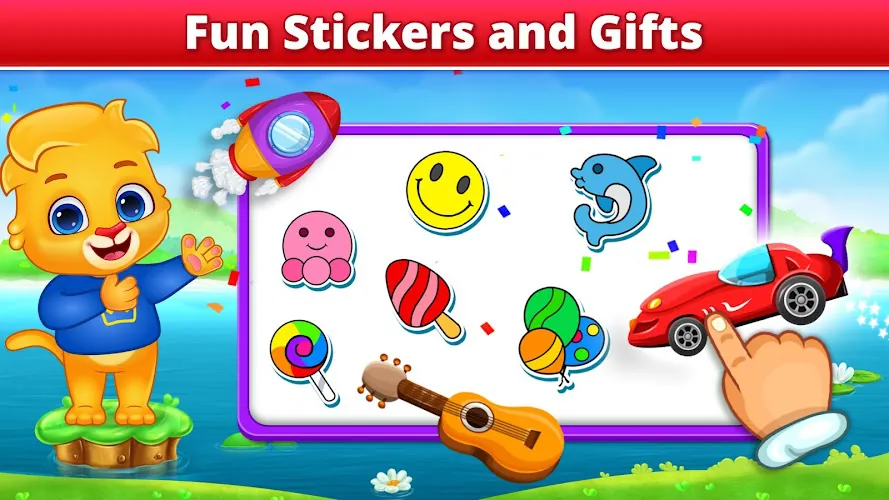
An adaptive progression system adjusts activity difficulty based on a childs responses, providing more practice on sounds that cause errors and advancing when mastery is demonstrated. Motivation is maintained through a modest reward loop: stars and virtual stickers acknowledge milestones, and small collectible characters unlock short celebratory mini-games. Randomized word lists and varied prompts increase replay value, while spaced repetition of challenging items helps internalize phonics patterns over repeated sessions.
The app includes settings to make activities more accessible. Audio speed and volume are adjustable, and text size and contrast options help visually sensitive users. A beginner mode reduces time pressure and simplifies choices for early learners, while an accelerated mode shortens hints for children who are ready for faster progression. These customization options help teachers and parents tailor the learning experience to individual needs.
Designed to work well on a wide range of Android phones and tablets, the app is lightweight and functions offline after the initial download. Sound files are compressed for quick loading and animations are optimized to limit lag on older devices. Regular updates keep the app compatible with current Android releases and include stability improvements without requiring large storage changes.
At home, the app fits easily into a daily 10 to 15 minute literacy routine and pairs naturally with read-aloud time to connect phonics patterns to printed text. In classrooms it serves as a rotation station or an individualized intervention tool, where short lessons can be assigned to small groups or to students needing extra practice. The combination of structured lessons, adaptive practice, and simple reporting makes it useful for both informal practice and targeted instruction.
For steady progress, set short, consistent sessions and repeat lessons on sounds that present errors. Use the app alongside real books to reinforce connections between spoken sounds and printed words. Customize profiles and accessibility settings to match a childs needs, and encourage replay of unlocked mini-games as a reward for focused practice.
This editor description highlights how Spelling & Phonics: Kids Games balances structured learning with playful interaction, making it a practical resource for parents and educators who want a clear, supportive tool to strengthen the foundations of early reading.
File size: 22.53 M Latest Version: 1.5
Requirements: Android Language: English
Votes: 154 Package ID: com.rvappstudios.abc.spelling.toddler.spell.phonic
Developer: RV AppStudios
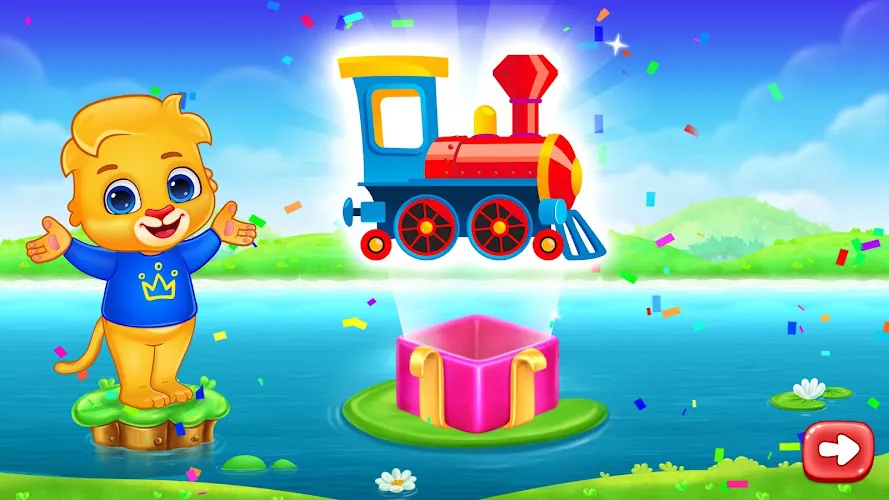
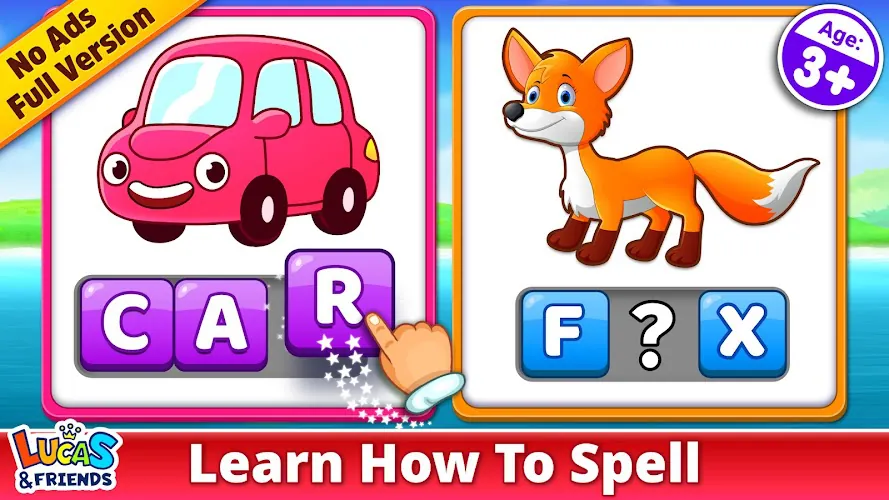
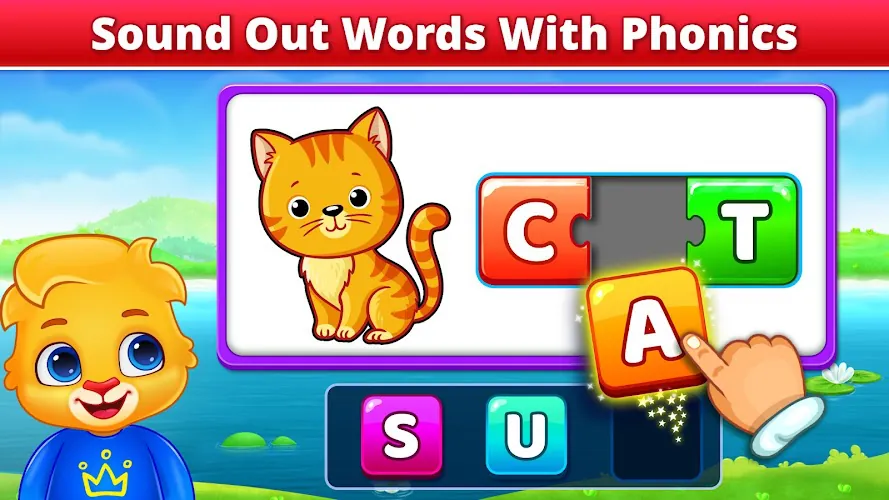
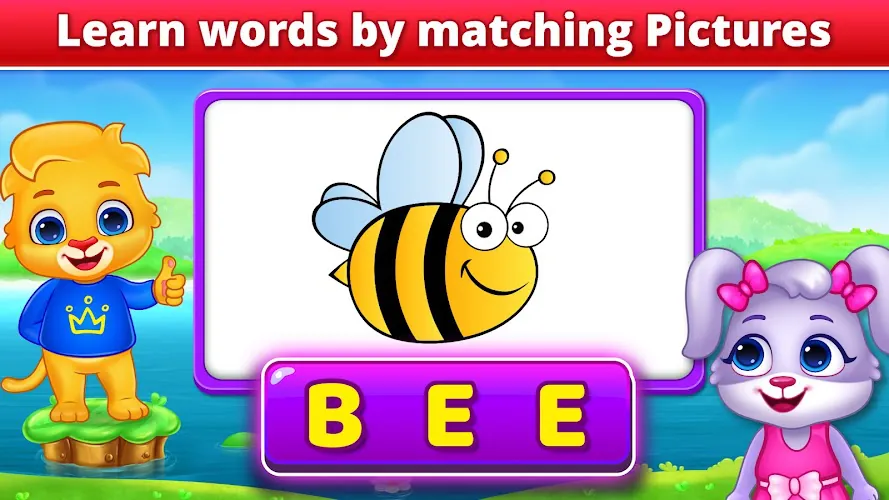
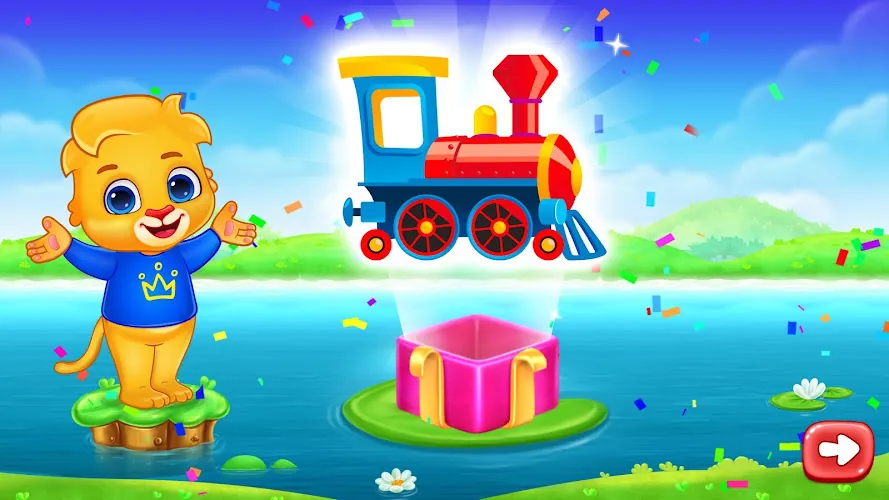
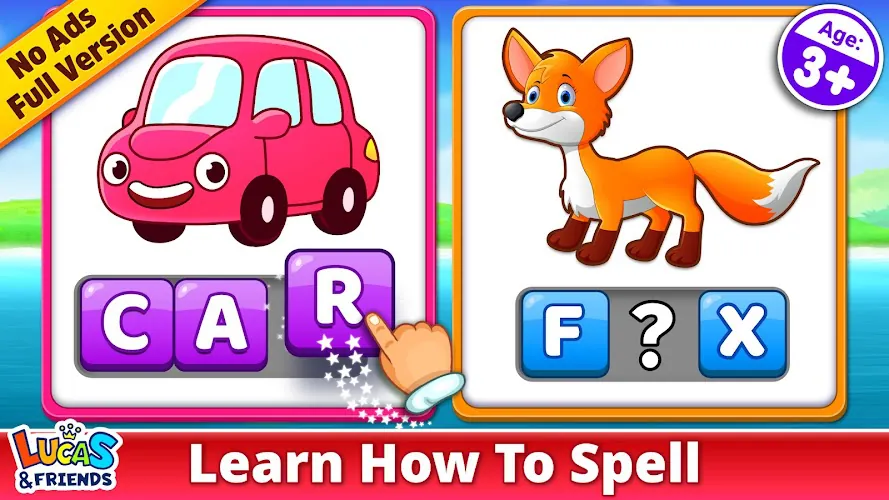
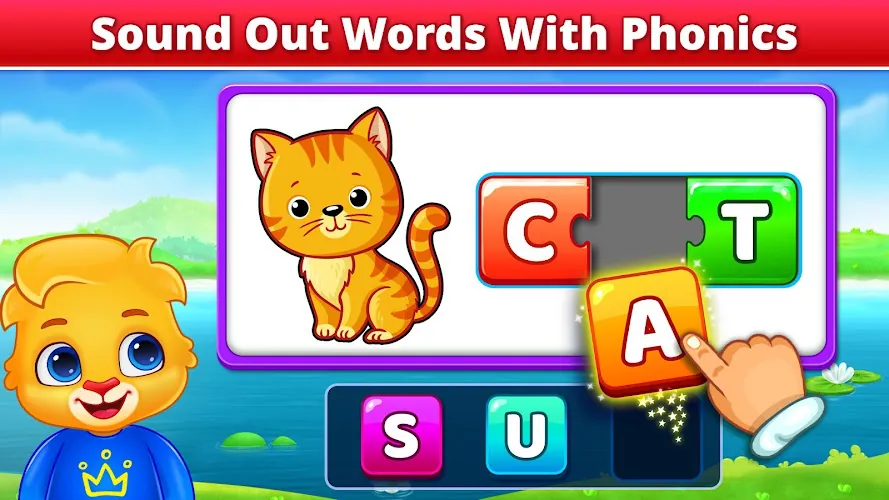
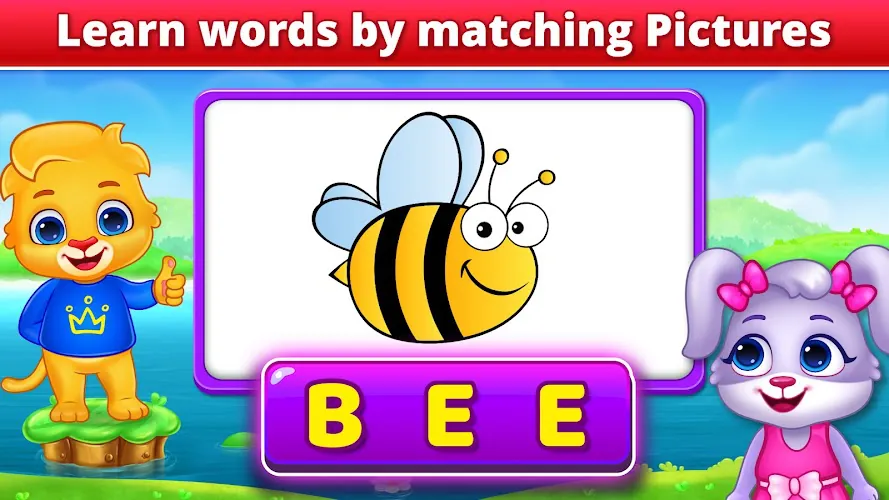
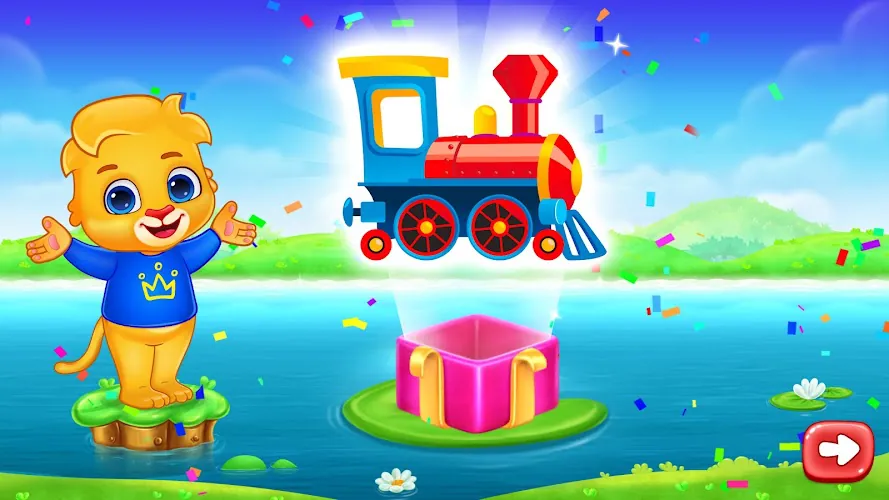
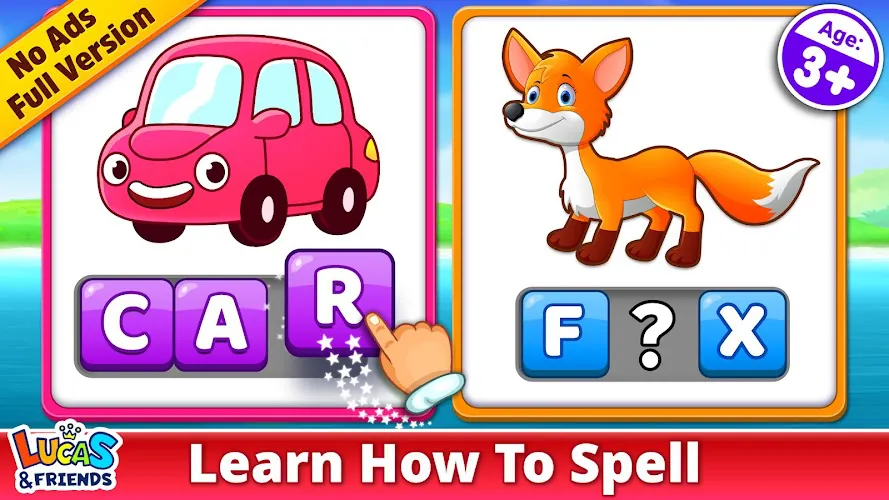
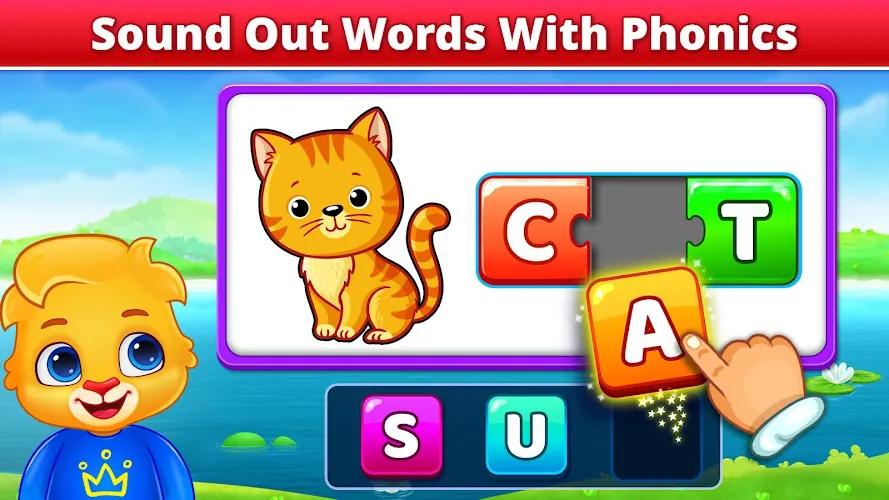
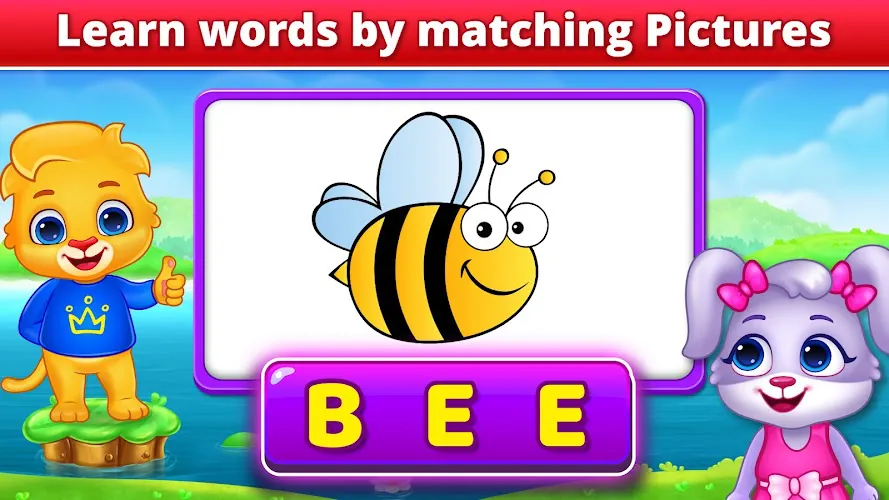
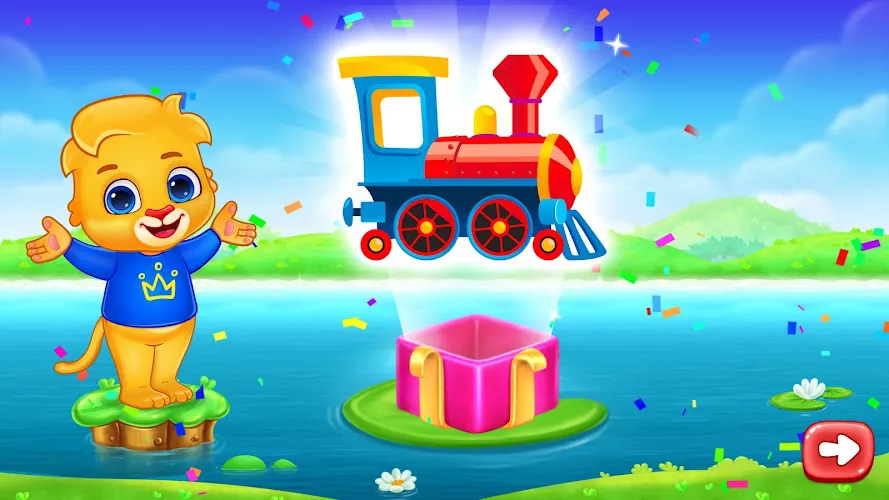

Let your child's creativity shine with our new game made just for kids! With cute graphics and fun challenges, this game will keep them entertained for hours. Children can build their own worlds, customize adorable characters, and let their imaginations run wild. With simple controls perfect for little hands and no ads or external links, you can feel at ease while they play independently.



LIVE A HERO
Retro Hero Mr Kim
Empire of Passion
Arcane Quest Legends
Magic Snap: Momotaro
AllStar Manga Heroes
Lunescape
ONE PIECE Thousand Storm JP
Tap Titans 2