Scan to Download
Jalwa Logo is a streamlined logo maker designed to help entrepreneurs, designers and creatives turn ideas into polished brand marks quickly and with minimal effort. The app balances a clean, easy-to-navigate interface with templates, curated fonts, color palettes and a symbol library so you can customize a design or build a logo from scratch without a steep learning curve. Jalwa Logo focuses on vector-quality outputs and practical editing tools so results remain sharp for both screen and print applications while keeping the workflow efficient for everyday use.
Jalwa Logo provides ready-to-edit templates grouped by style and industry to jumpstart projects, plus one-tap customization options that apply color, font and layout changes across a design. Smart suggestions analyze your choices and propose alternative palettes, symbol pairings and typography combinations to speed iteration. The editor supports export of high-resolution vector formats suitable for print and digital use, and produces multiple variations quickly so you can compare directions without rebuilding from scratch.
The editor is built around intuitive touch and pointer controls: tap to select elements, drag to reposition, pinch to scale, and on-screen sliders for rotation and spacing. Text editing supports inline type tweaks, font selection and letter-spacing adjustments, while color tools include eyedropper sampling and saved palettes. Undo/redo and autosave keep edits safe as you iterate, and a clear, minimalist workspace reduces clutter so you can focus on composition rather than tool management.
Customization in Jalwa Logo emphasizes flexibility without complexity: choose from curated font pairings, mix symbol shapes with adjustable stroke and fill, and apply color harmony rules to keep palettes professional. Templates are starting points rather than fixed outcomes, and each element is editable so you can refine spacing, alignment and scale. The app generates vector-friendly artwork that maintains crisp edges and consistent color profiles for both on-screen presentations and printed materials.
Projects are organized into folders and template collections so you can build a personal library of brand experiments and finished marks. Progression is experiential rather than linear: beginners can rely on guided templates and smart suggestions, while more confident users can refine details and export high-quality assets. The ability to generate multiple logo variations and revisit old drafts promotes replay value—reworking concepts with new palettes or symbol sets often produces fresh directions without starting over.
Export choices are geared toward real-world use: vector outputs suitable for professional print (such as SVG and PDF) alongside high-resolution raster exports for web and social media. Exports preserve color consistency and ensure typography scales correctly when applied across business cards, signage or digital headers. Naming and folder conventions in the export dialog help you keep versions organized for handoff to printers or collaborators.
Jalwa Logo aims to be accessible across skill levels and devices: a simplified mode reduces visible controls for new users, adjustable interface text sizes help readability, and high-contrast UI options improve visibility in varied lighting. The core editing experience is performance-optimized to run smoothly on a wide range of phones and tablets, and many features are available offline so you can design without a constant internet connection; downloading new template packs or updates naturally requires network access.
Beyond simple templates, Jalwa Logo includes contextual design prompts and suggestion cards that encourage exploration—try a color-shift challenge, swap icon families, or test alternative typography to push a concept further. These built-in prompts work as lightweight creative challenges that help you break through designer’s block and increase the number of meaningful iterations you can produce in a single session.
Regular updates deliver new templates, fresh icons and incremental improvements to performance and stability. The app keeps its asset library current while responding to user feedback, and it emphasizes secure handling of user projects and export files. If you need help, in-app documentation and streamlined support channels provide guidance on controls, export settings and best practices for preparing logos for print or digital use. Jalwa Logo aims to be a practical, reliable tool for people building brands on mobile devices.
File size: 5.50 M Latest Version: 1.0
Requirements: Android Language: English
Votes: 449 Package ID: com.game.org290
Developer: Pooya Cheraghi

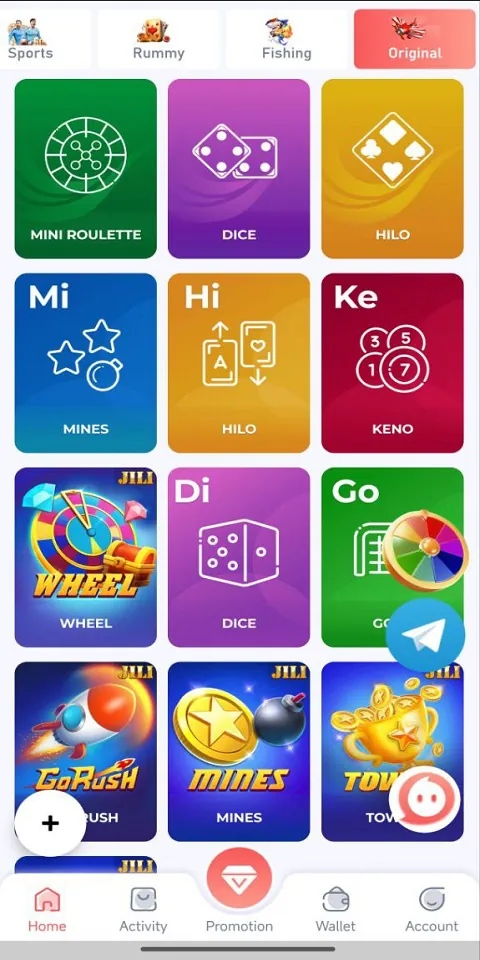
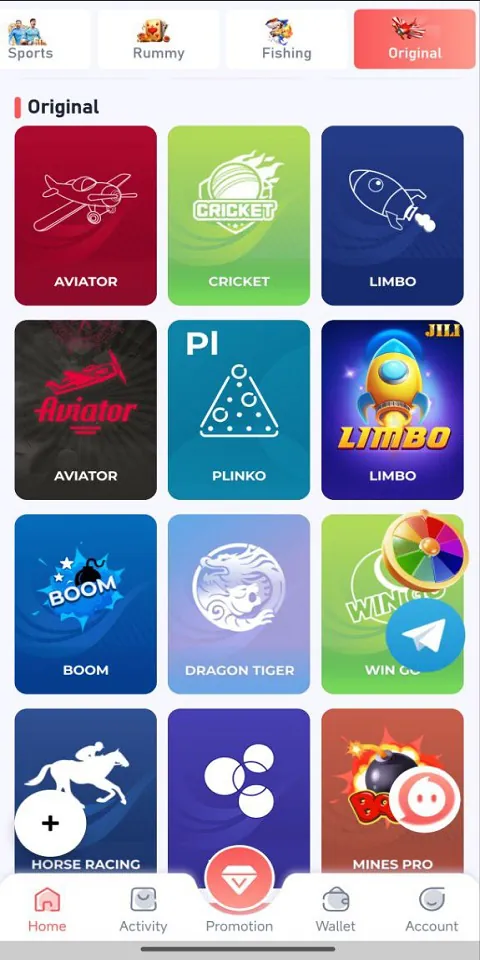
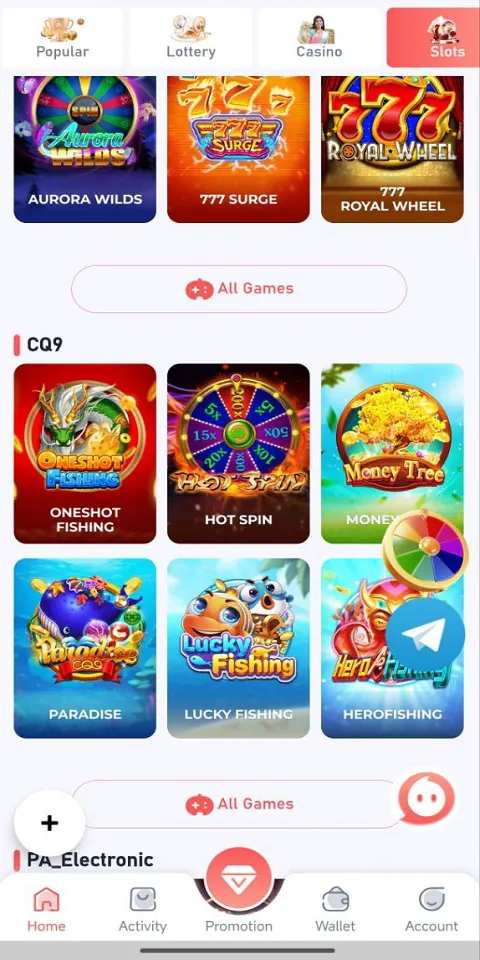

Gather your friends and get ready for endless hours of card-playing fun with our new multiplayer card game! With a wide variety of game modes, you can play classics like poker, blackjack, gin rummy and more. Test your skills in tournament mode or just casually play while chatting. Customize avatars, unlock new decks and track stats and leaderboards. Smooth online multiplayer lets you challenge players worldwide or create private games with friends.




LIVE A HERO
Retro Hero Mr Kim
Empire of Passion
Arcane Quest Legends
Magic Snap: Momotaro
AllStar Manga Heroes
Lunescape
ONE PIECE Thousand Storm JP
Tap Titans 2