Scan to Download
Alan Walker Piano Game brings the artist's melodies into a tile-based rhythm challenge that welcomes both newcomers and experienced players. In this version of Alan Walker Piano Game you tap dark tiles and avoid light ones to the timing of mapped arrangements, with familiar tracks arranged for piano and layered instrumentation. The presentation is built for short sessions and focused practice, so you can jump in for a few minutes or work toward higher scores over multiple plays.
The core mechanic is simple: tap black tiles as they scroll toward the strike line while avoiding white tiles that must be left alone. Timing windows translate into live feedback labels such as perfect, great and cool, so every tap feels informative rather than binary. Controls are optimized for touch devices and responsive even at higher speeds; the interface keeps critical elements near the lower screen edge so fast tapping sessions are comfortable on phones and tablets alike.
Mapped arrangements include a selection of Alan Walker songs such as Alone, Pt. II, Return, PLAY, Destination and Memories presented in versions tailored for the tile format. Beyond solo piano maps the app offers guitar and drum layers plus a band mode that stacks instruments for richer textures. Each song can be experienced in a stripped-down piano form or with layered parts enabled, letting you focus on melody or try full-band arrangements for a denser challenge.
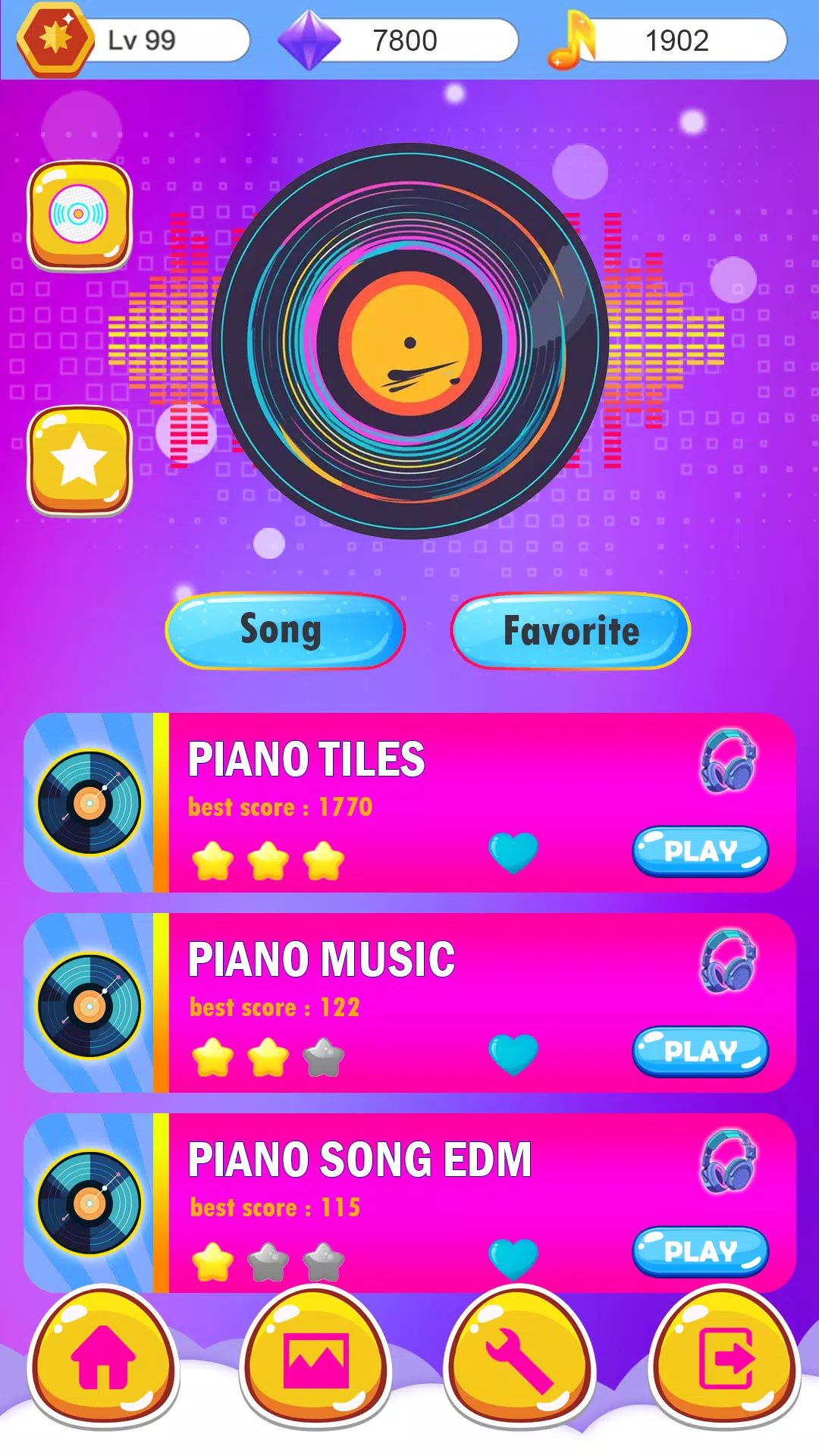
Progression relies on increasingly demanding maps and a tiered level structure rather than paywalls: songs are available in multiple difficulties and stages increase tempo, note density and syncopation to push timing skills. Opportunity mode provides guided practice segments so you can isolate difficult passages and work them repeatedly. Performance-based rewards and unlocks encourage continued improvement, while optional accuracy goals give concrete milestones for players chasing cleaner runs.
The app supports direct competitive play through an online battle mode and score-driven leaderboards for players who want to compare runs. Matches and rankings are focused on fairness, with accuracy tracking used to seed opponents and display comparative stats after each session. These competitive options are optional, so you can enjoy single-player practice without connecting if you prefer.
Visually the game favors clear, uncluttered presentation: contrasting tiles, subtle motion cues, and a readable strike line that highlights timing windows. Level design favors short, song-length stages optimized for mobile play, with each map carefully paced so a single track becomes a meaningful interval of play rather than a long endurance test. Dynamic difficulty settings and tempo ramps are used to create a steady sense of progression through single songs.
Players can switch instruments, adjust difficulty, and choose how feedback is shown to suit their learning style. Audio-visual tweaks let you mute background layers, emphasize the melody line, or slow problematic sections for practice. These options help newcomers build confidence while allowing rhythm veterans to remove assists for a more demanding experience. The layout and control sizing take accessibility into account with options for larger touch targets and adjustable scroll speed.
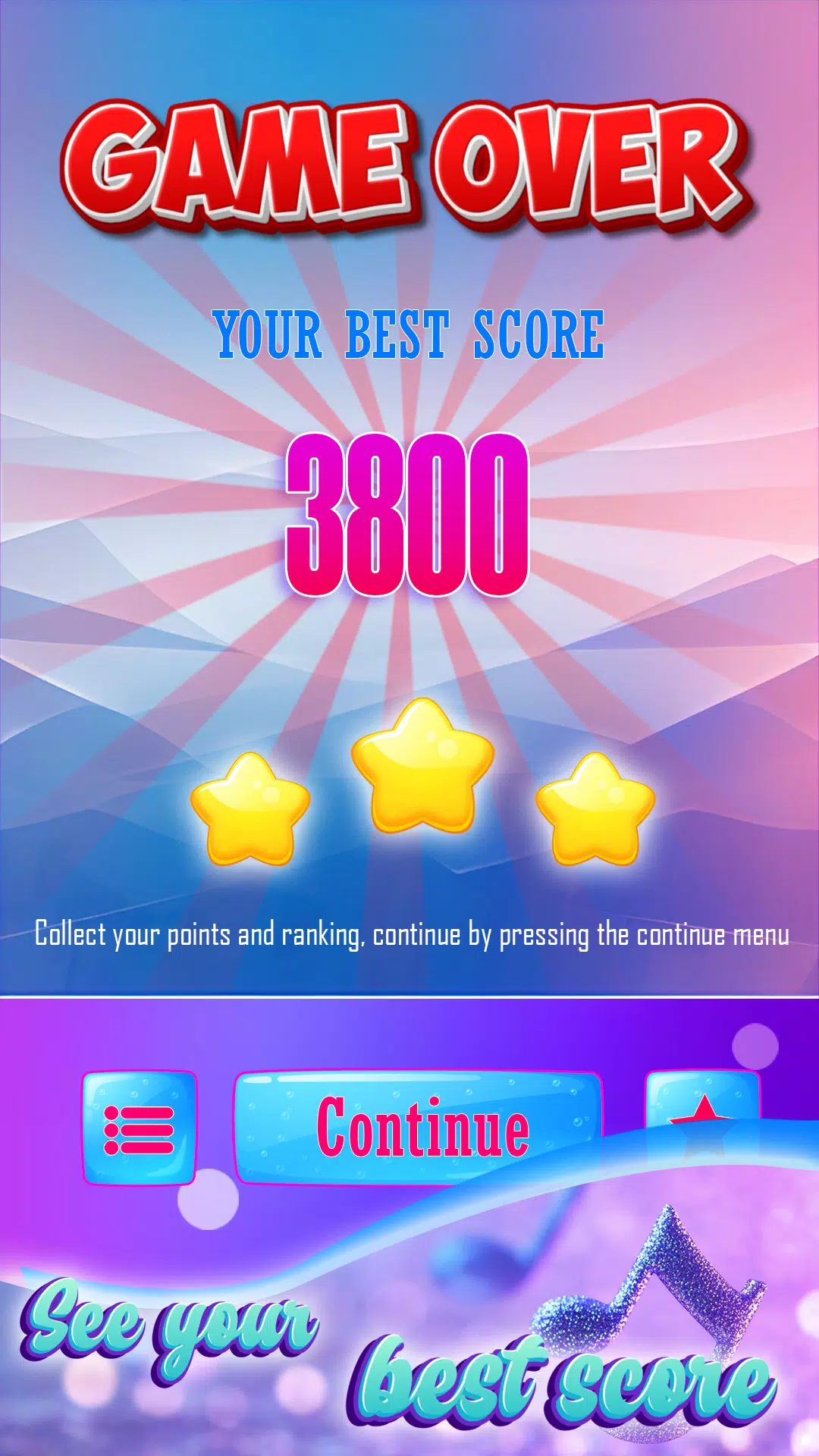
Single-player practice and most mapped songs are usable without a persistent connection, making the app convenient for commutes or places with limited signal. The UI emphasizes immediate results: instant accuracy readouts, concise score summaries, and a replay option that highlights missed notes for quick review. Audio quality is maintained across instruments to preserve the feel of the original melodies while keeping file sizes appropriate for mobile devices.
Replay value comes from mastering higher difficulty tiers, refining accuracy, and experimenting with instrument combinations in band mode. The app tracks performance trends so you can see concrete improvement over time, and challenge playlists let you attempt consecutive maps with escalating difficulty. Whether you prefer casual pick-up rounds or focused runs to chase perfection, Alan Walker Piano Game offers multiple ways to return and keep improving.
File size: 75.00 M Latest Version: 7.2
Requirements: Android Language: English
Votes: 180 Package ID: com.pianotors.alanpianogame
Developer: Game-dev




Top Free Casual Necessary Games for Android
Looking for some quick gaming fun? Our new super-casual game is perfect for entertaining bursts in your busy day. With simple, intuitive gameplay crossed with challenges that engage your brain, you'll keep coming back again and again. No complex controls or tutorials - just open and play anywhere, anytime. Vibrant art style and upbeat music create a lighthearted experience.






LIVE A HERO
Retro Hero Mr Kim
Empire of Passion
Arcane Quest Legends
Magic Snap: Momotaro
AllStar Manga Heroes
Lunescape
ONE PIECE Thousand Storm JP
Tap Titans 2