Scan to Download
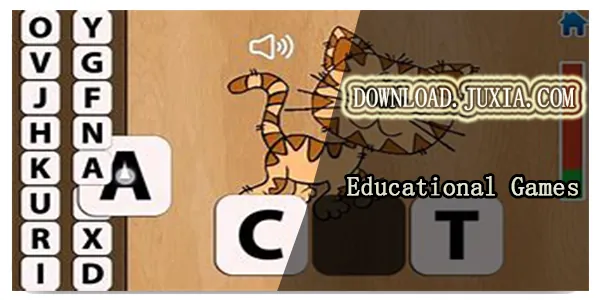
Alphabet is a colorful educational app aimed at preschoolers that teaches letters, their sounds and early writing skills through a sequence of short, playful mini-games. The Alphabet experience balances tracing, pronunciation and simple logic puzzles so young learners can move at their own pace while practicing recognition, spelling and fine motor control. Designed for parents and educators who want a structured yet flexible introduction to letters, the app presents each letter as a small learning module with activities that reinforce auditory, visual and tactile connections.
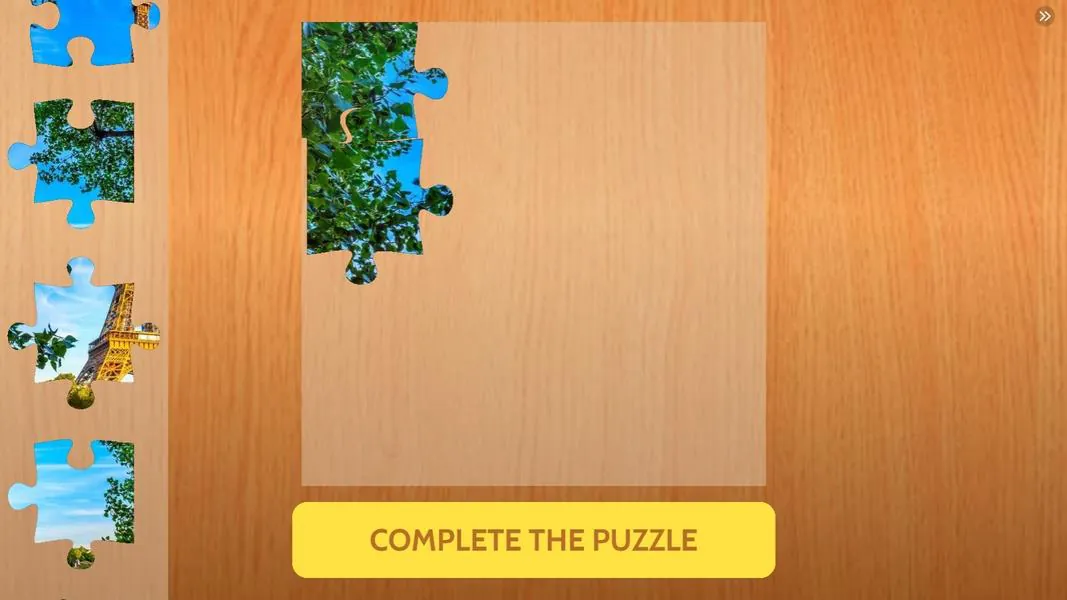
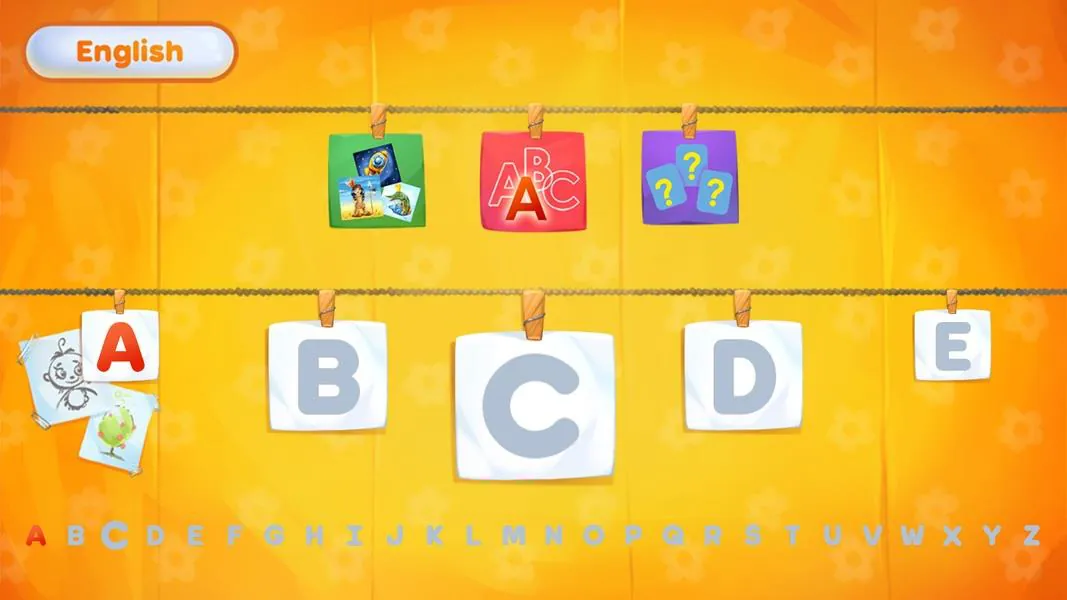
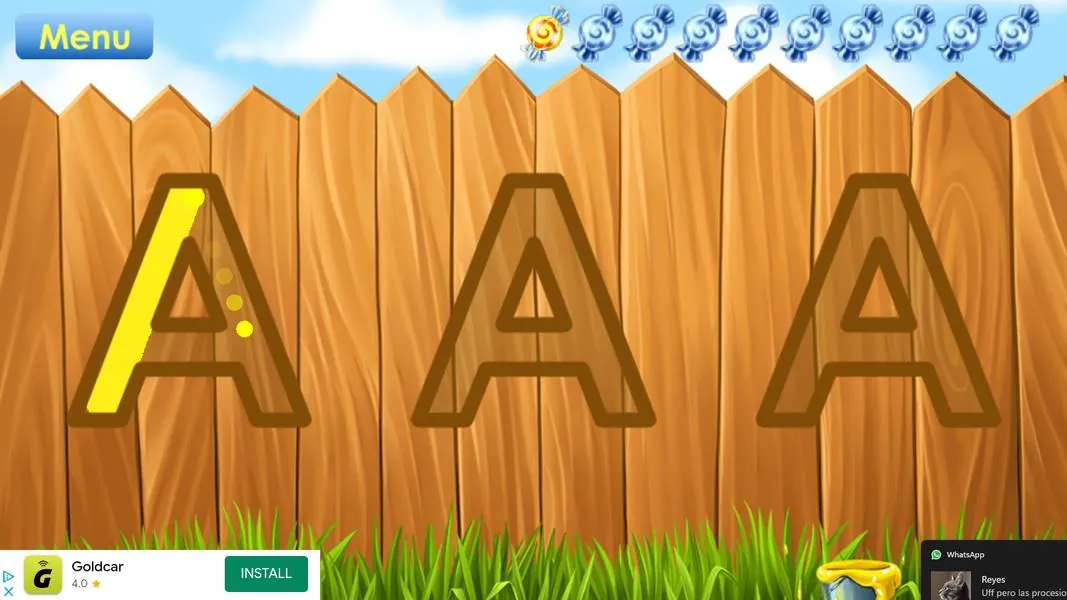
Each letter in the app has its own set of activities that include tracing and freehand drawing, sound exercises, image matching and short logic puzzles that reinforce meaning and sequence. Tracing activities use large, forgiving touch targets and smooth stroke guidance so children can practice letter shapes with swipe gestures; drawing segments encourage early handwriting by letting kids complete partial shapes. Pronunciation exercises pair each letter with clear spoken examples and simple words to connect the sound to everyday vocabulary. Logic mini-games are intentionally brief and focused on pattern recognition or matching to keep sessions engaging without overwhelming young users. Multiple language options are available from the startup menu so families can choose the spoken language or switch between languages as part of bilingual learning.
Gameplay emphasizes short, repeatable sessions that fit preschool attention spans: activities typically take one to three minutes and can be replayed for reinforcement. Controls are optimized for small hands—tap, drag and swipe are used consistently across activities and visual prompts guide each interaction. Tracing uses pressure-insensitive input so the child only needs to follow the motion, while matching and puzzle activities rely on simple drag-and-drop or tapping. The interface focuses on clear visuals and intuitive feedback: success is acknowledged by brief animations and friendly audio cues, while gentle prompts help guide mistakes into learning opportunities rather than frustration.
Progress in the app follows a letter-by-letter structure so children and caregivers can track familiarity with individual letters before moving on. Modules are deliberately modular and repeatable, allowing repeated practice without the experience feeling identical each time; small variations in image pairs and puzzle shapes increase replay value and support retention. The app encourages gradual mastery by presenting slightly different combinations of exercises for a letter on subsequent plays, reinforcing skills through spaced repetition rather than a single-pass sequence.
The visual design is bright but uncluttered, using high-contrast shapes, large icons and friendly characters to hold attention without distracting from learning goals. Each letter module is presented as a compact level with three to five micro-activities that introduce the letter, reinforce its sound and offer a short challenge that practices recognition or sequencing. Levels are short by design so children can complete a module in one sitting and feel a sense of completion before moving to the next letter.
Alphabet includes simple customization options that are suitable for young users and their caregivers: you can select uppercase or lowercase focus, choose the spoken language and adjust audio volume. Accessibility has been considered by using clear audio narration for all instructions, large touch targets, and visual contrast to support early readers and children with varying levels of fine motor control. Caregivers can guide pacing by allowing unlimited repeats of activities or by encouraging a sequence of letters tailored to a child’s learning needs.
The app is designed to work offline so families can use it on-the-go without a network connection. Because all lessons and sounds are stored locally, sessions remain consistent and private; no online accounts or multiplayer features are required. The user experience centers on low friction: a simple startup menu, brief onboarding for first-time users and immediate access to the next letter module make it easy to integrate short learning moments into daily routines.
Challenge is scaled to preschool-level skills and intentionally gentle: puzzles introduce basic logic and matching without timers or pressure, and tracing exercises scaffold handwriting with progressive guidance. The app is ideal for toddlers and preschoolers beginning to learn letters, while older children looking for advanced reading or spelling practice may find the activities limited by design. Overall, Alphabet offers a calm, structured environment for early literacy practice that blends visual, auditory and kinesthetic learning in bite-sized sessions suitable for home and classroom use.
File size: 78.27 M Latest Version: 4.1.0
Requirements: Android Language: English
Votes: 162 Package ID: com.oki.alphabetnew
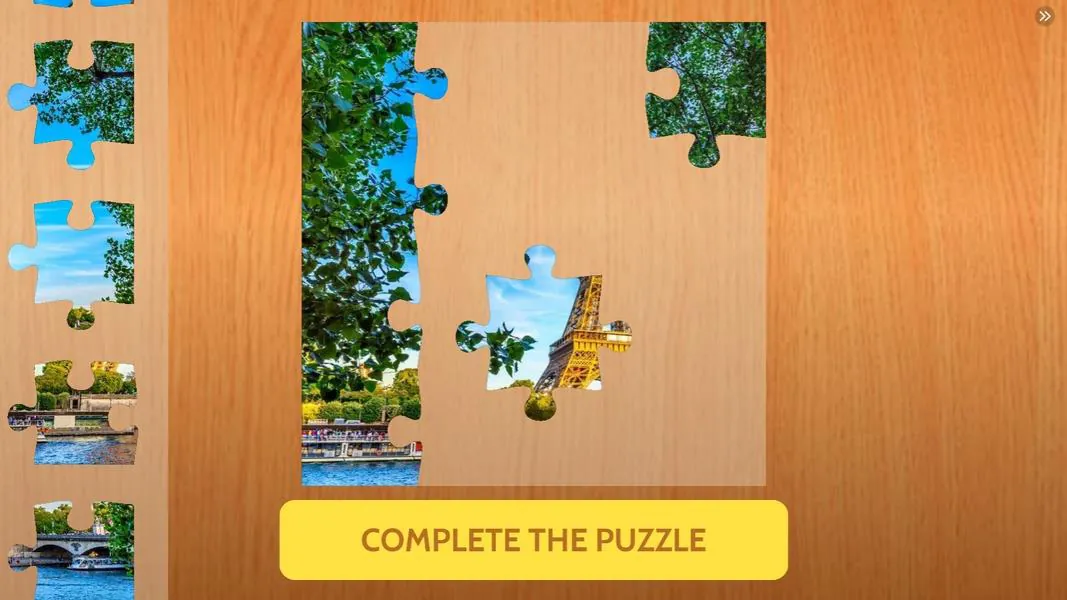

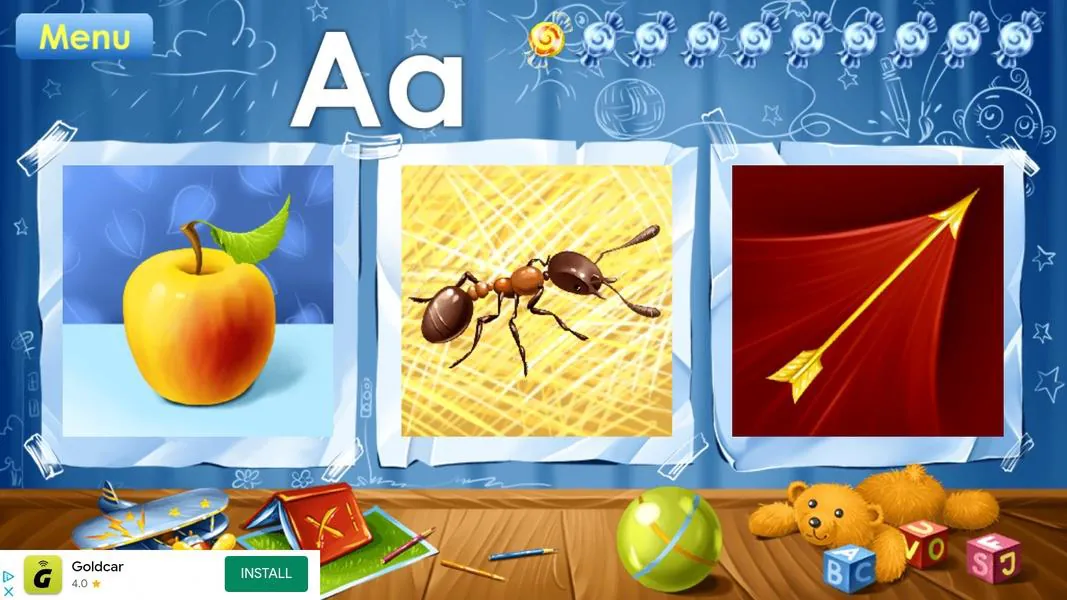
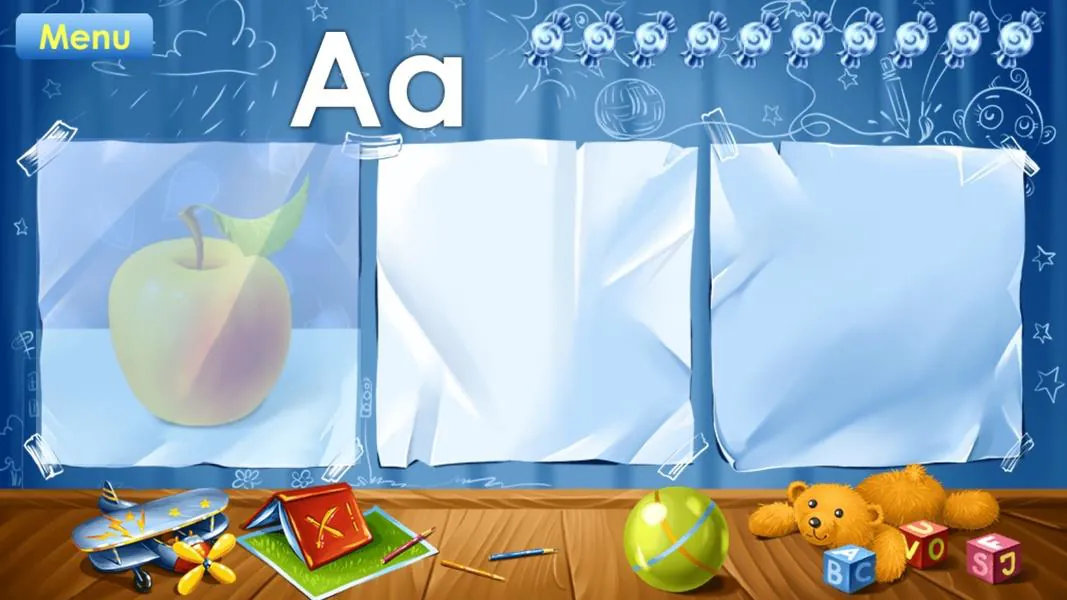
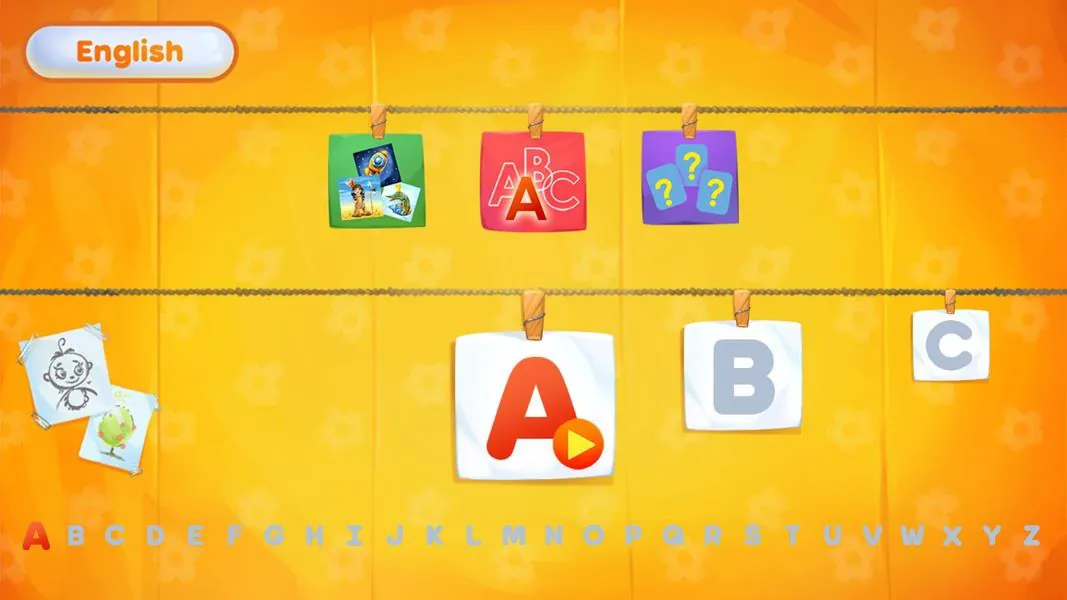

Let your child's creativity shine with our new game made just for kids! With cute graphics and fun challenges, this game will keep them entertained for hours. Children can build their own worlds, customize adorable characters, and let their imaginations run wild. With simple controls perfect for little hands and no ads or external links, you can feel at ease while they play independently.




LIVE A HERO
Retro Hero Mr Kim
Empire of Passion
Arcane Quest Legends
Magic Snap: Momotaro
AllStar Manga Heroes
Lunescape
ONE PIECE Thousand Storm JP
Tap Titans 2