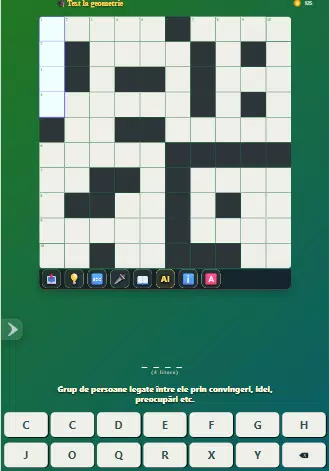
Crossword for all is a thoughtfully designed crossword puzzle app that serves both beginners and experienced solvers by offering a calm, readable interface and flexible puzzle choices. The application places clear clues and responsive controls up front so filling a short grid during a quick break or settling in for an extended session feels natural and focused. Puzzle layouts range from compact, three-minute boards to expansive grids that reward careful inference, and the app balances traditional across-and-down solving with interactive tools to suit different solving styles.
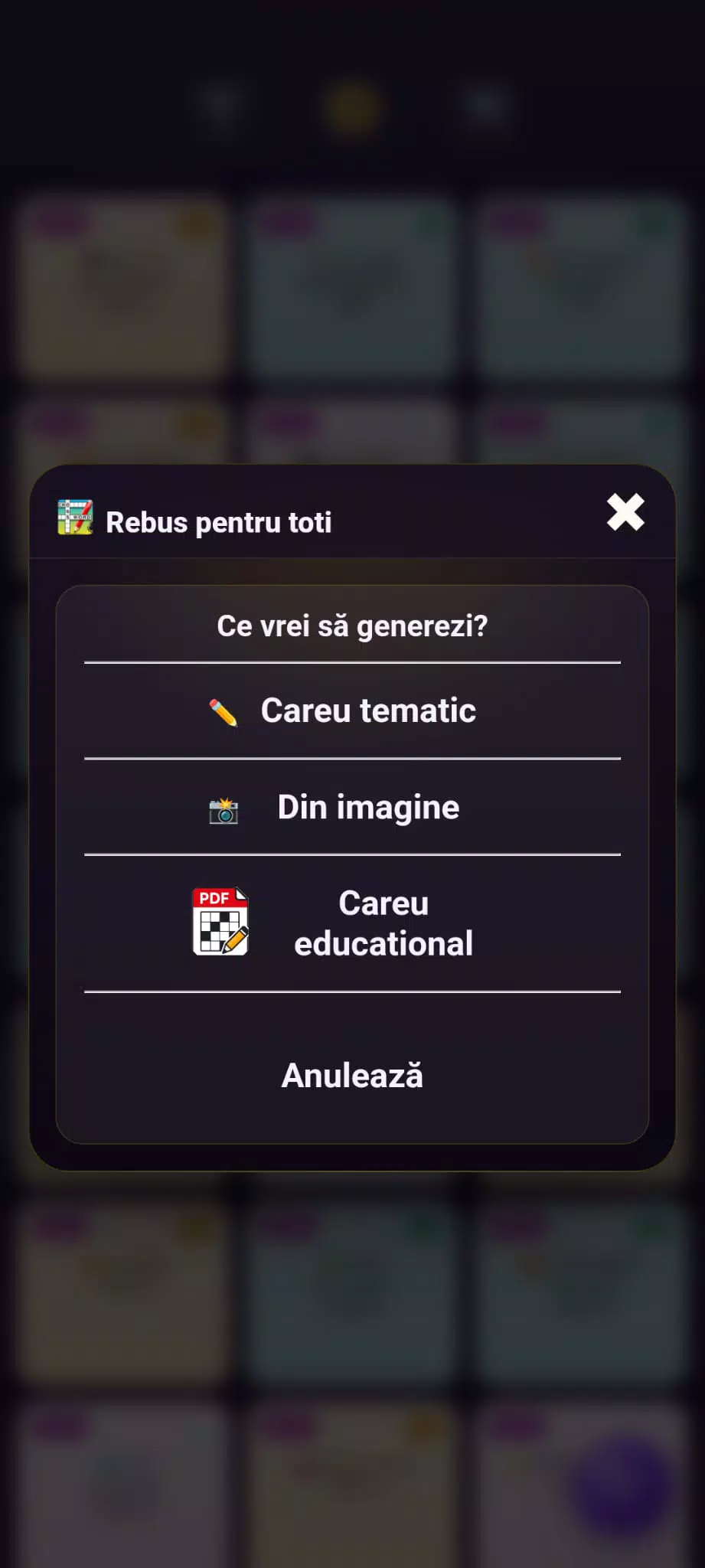
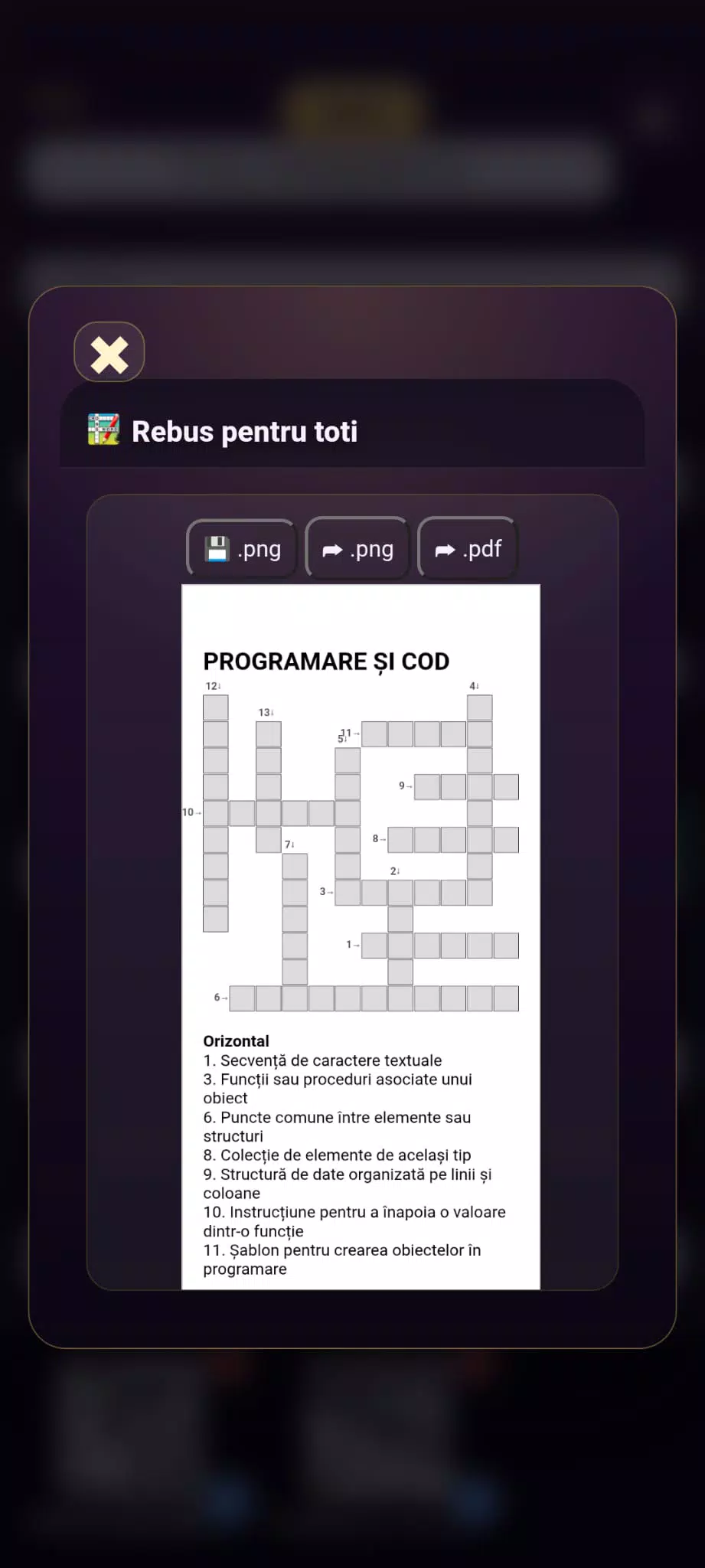
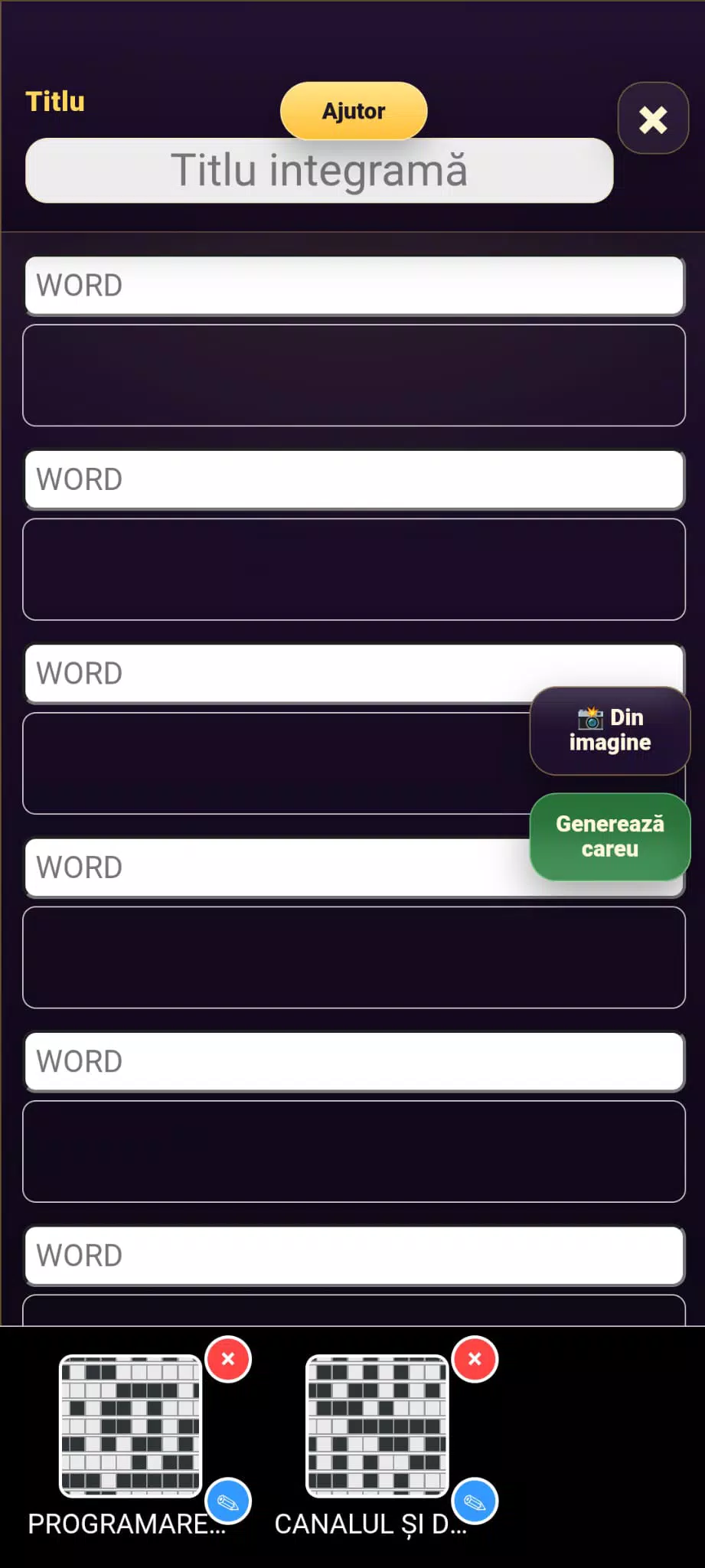
Crossword for all includes a broad and regularly refreshed puzzle library organized by difficulty and theme, an anagram mode introduced in recent updates, and automatic puzzle generation that produces new content on demand. Assistance options are integrated without interrupting play: step-by-step hints, the ability to reveal full solutions when needed, and a simple share function for asking friends to weigh in. Voice dictation is supported for entries that match the app dictionary, and an undo/redo history helps recover from entry mistakes. The feature set focuses on utility rather than gimmicks to keep solving straightforward and accessible.
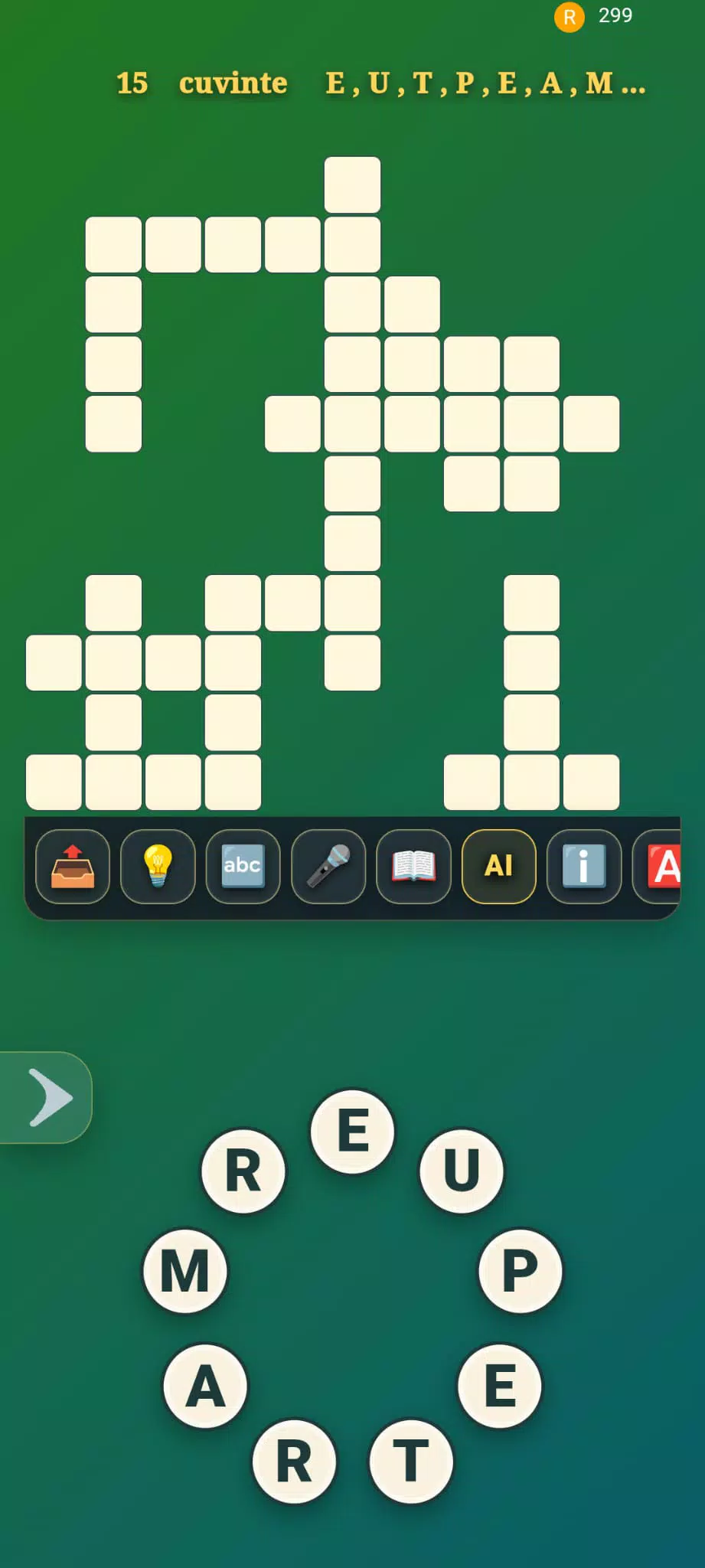
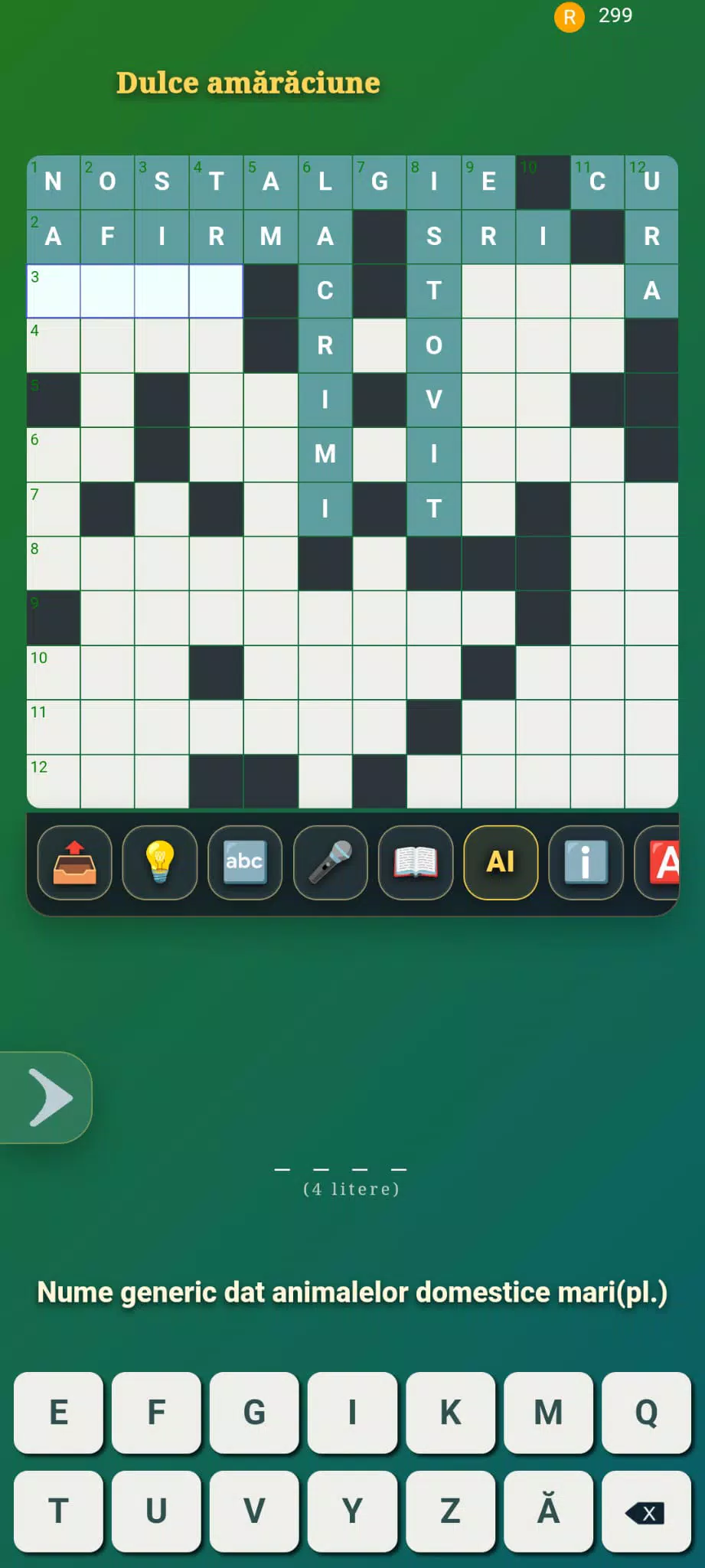
Gameplay relies on familiar gestures and predictable input behavior: tap a cell to select a word, double-tap to move quickly between across and down entries, and type or dictate letters for immediate entry. The keyboard input is tuned for accuracy and speed, making common actions like changing direction, erasing letters, or advancing to the next clue feel efficient. In anagram mode, letters can be dragged or rearranged to form candidate words, providing a tactile, puzzle-like alternative to standard entry. Hints explain reasoning without handing answers immediately, helping players learn solving techniques through practice.
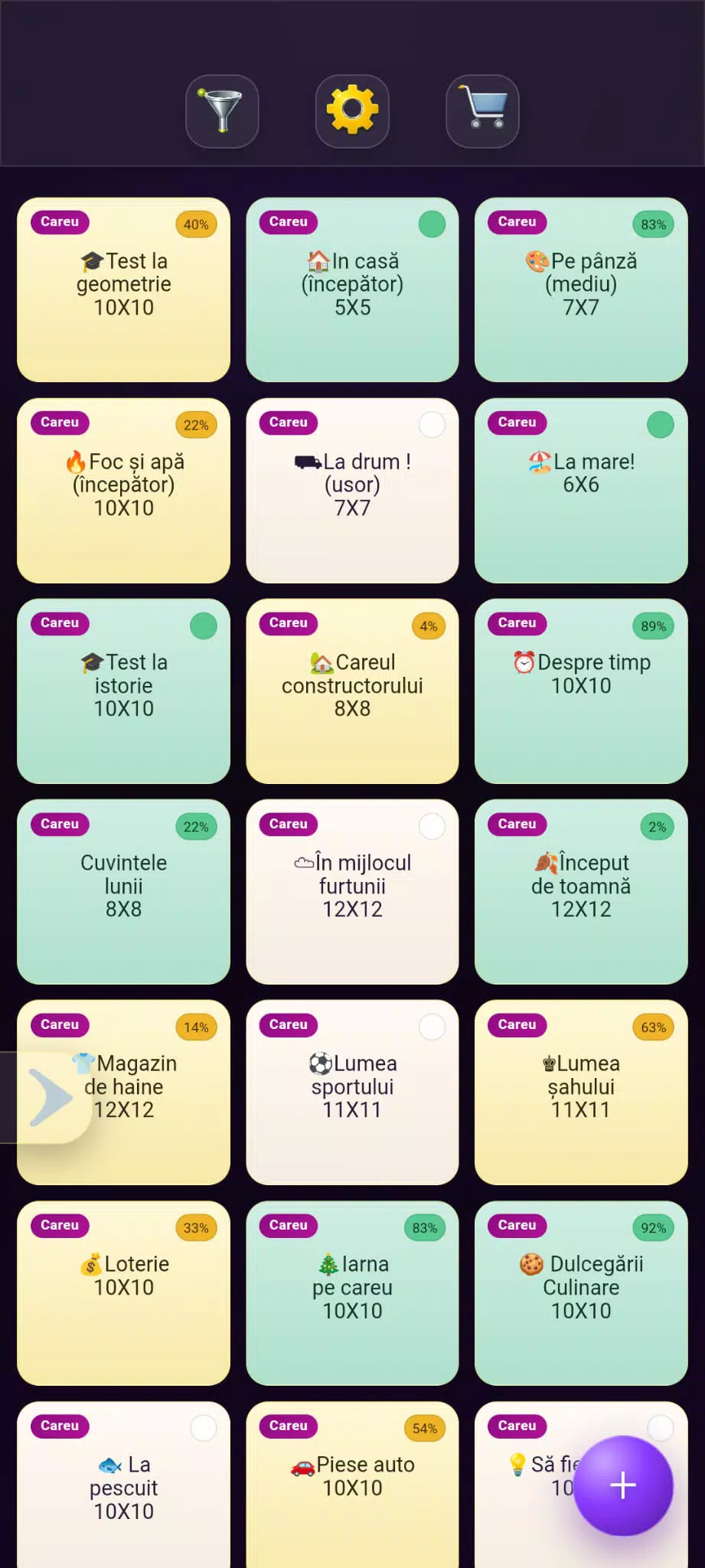
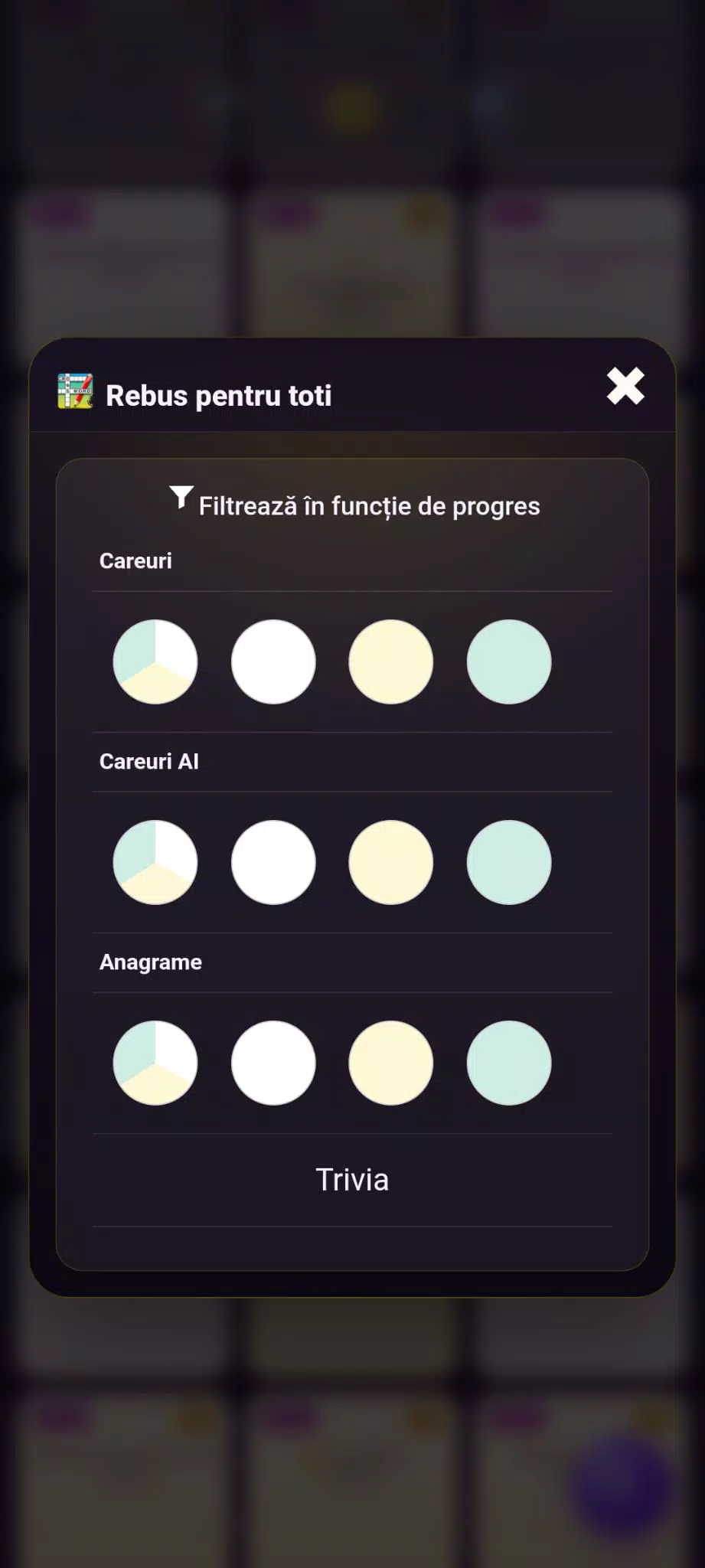
Puzzles are grouped into tiers and themed collections so players can select the level that matches their current skill and interest; progress comes from choosing tougher puzzles or branching into new themes rather than moving through a rigid ladder. Grid sizes and clue density vary between tiers, so moving up a difficulty typically introduces larger boards, less explicit clues, and greater reliance on pattern recognition. The app’s generator adds subtle variety to clue phrasing and symmetry, so repeated play sharpens vocabulary and inference skills instead of repeating identical layouts.
The visual design emphasizes readability: clear typefaces, high contrast between letters and cells, and restrained animations that reduce distraction. A set of customization options lets you adjust text size, color accents, and cell spacing to suit different lighting or vision needs, and the interface adapts cleanly to phones and tablets so grids remain legible across screen sizes. Sound and animation settings are individually adjustable, allowing a quieter environment for focused solving or modest audio cues when preferred.
Replay value comes from a steady mix of curated puzzles, theme packs, and the continuous introduction of auto-generated grids that avoid repetition. Optional constraints—such as completing puzzles without hints or finishing a sequence of higher-difficulty grids—create self-directed challenges for more experienced players. Daily practice with varying clue styles and the anagram mode encourages incremental improvement in pattern recognition and word-building without imposing a rigid or competitive progression model.
The app is built for approachable, discoverable play with controls positioned for one-handed use and contextual help when users first encounter a mode or control. Accessibility features include adjustable font sizes, compatibility with common screen magnification tools, and voice dictation as an alternate input pathway. Visual contrast and spacing choices support users with sensitivity to clutter, while undo/redo and hint tuning let players tailor assistance to their comfort level.
Once a puzzle is loaded, it can typically be completed offline, which makes Crossword for all practical for travel or spotty connections; new puzzles and updates are fetched when a connection is available. Sharing uses the device’s standard share sheet so you can request help from friends or save interesting puzzles without creating accounts or engaging in online multiplayer activity. The sharing workflow keeps collaboration informal and device-centered.
Version 3 introduced the dedicated anagram mode and improved automatic puzzle generation, expanding the variety of available layouts and refining clue quality. Ongoing updates continue to focus on stability, expanding the puzzle library, and subtle polish to controls and hints so regular solving sessions remain predictable and rewarding.
File size: 21.80 M Latest Version: 16.80.0
Requirements: Android Language: English
Votes: 111 Package ID: com.integrame.tavifom
Developer: Octavian Fometescu
Must Have Puzzle Games for Android
Are you searching for an enjoyable method to strengthen your intellect? Our hottest logical puzzle is tailor-made to offer a stress-free pastime experience. With beautiful graphics and chill background music, you can immerse yourself in an engaging world of logic and critical thinking. Solve increasingly tricky levels at your own pace, with no time pressure or lives system.






LIVE A HERO
Retro Hero Mr Kim
Empire of Passion
Arcane Quest Legends
Magic Snap: Momotaro
AllStar Manga Heroes
Lunescape
ONE PIECE Thousand Storm JP
Tap Titans 2