Scan to Download
Pocket Game Developer is a lightweight, on-device game creation app that helps aspiring creators design playable projects without leaving their phone or tablet. Pocket Game Developer provides a compact suite of tools for building frame-by-frame animations, crafting simple sound effects, composing reusable game objects and arranging levels, so hobbyists and educators can prototype gameplay ideas quickly and iterate on mechanics in a portable environment.
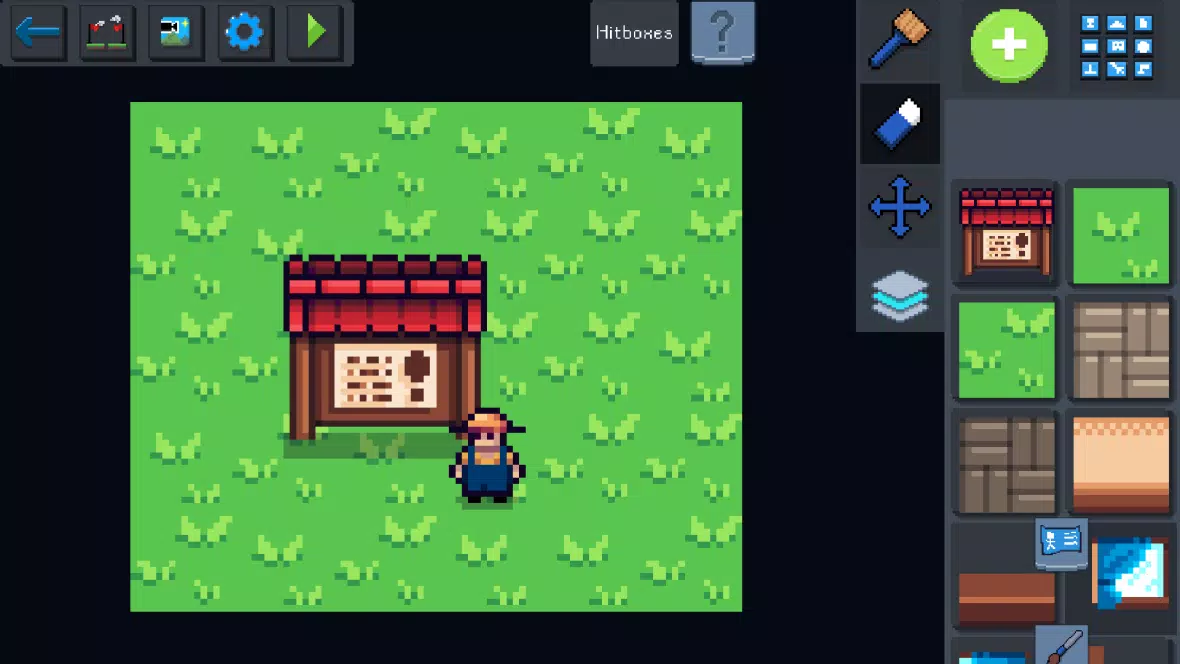
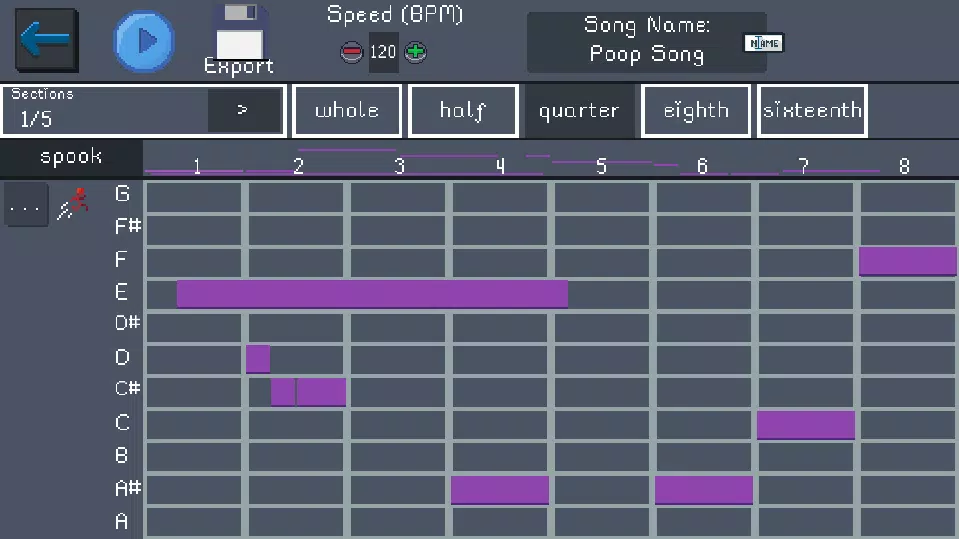
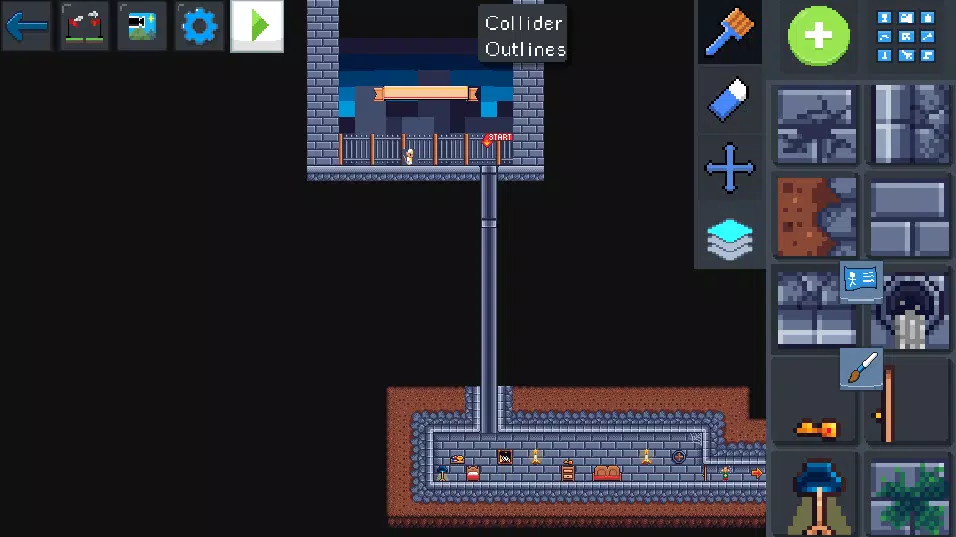
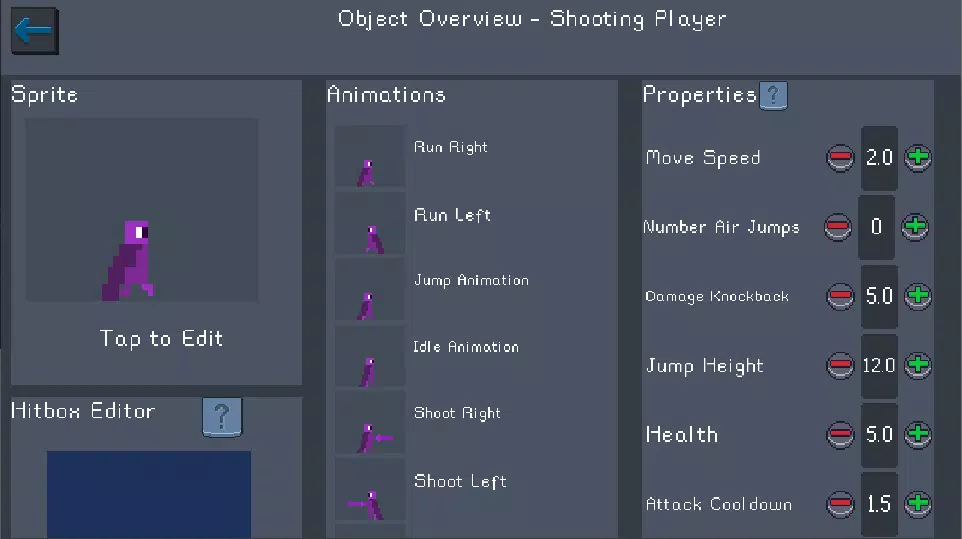
The app centers on a visual workflow that combines animation, audio and object composition. Animations can be produced with a frame editor that supports onion-skinning and adjustable timing, while a built-in sound editor lets you sculpt short SFX and ambient cues. Objects are defined by visual assets and behavior properties, then placed into level layouts where collision bounds, triggers and simple physics can be tuned. Projects are assembled by linking animations, sounds and objects into scenes that can be played back immediately for rapid testing.
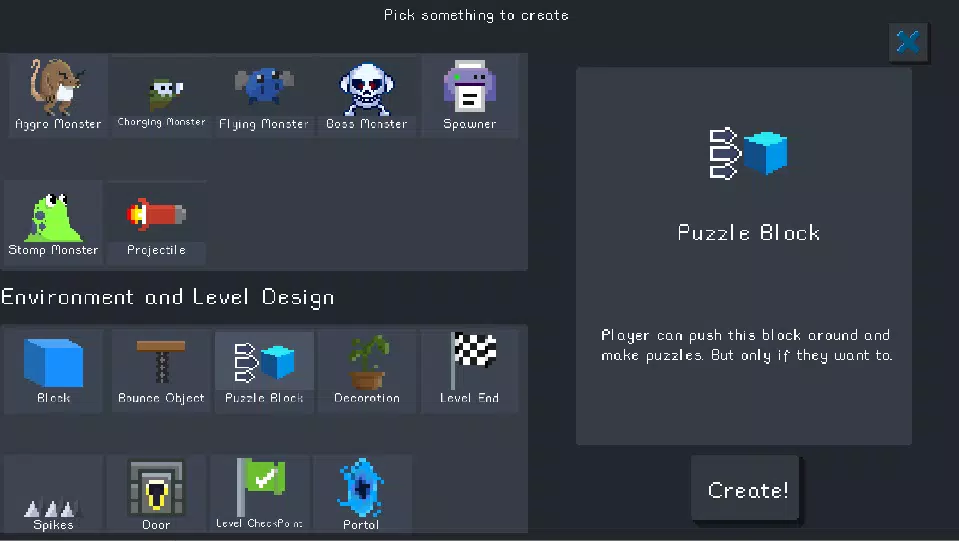
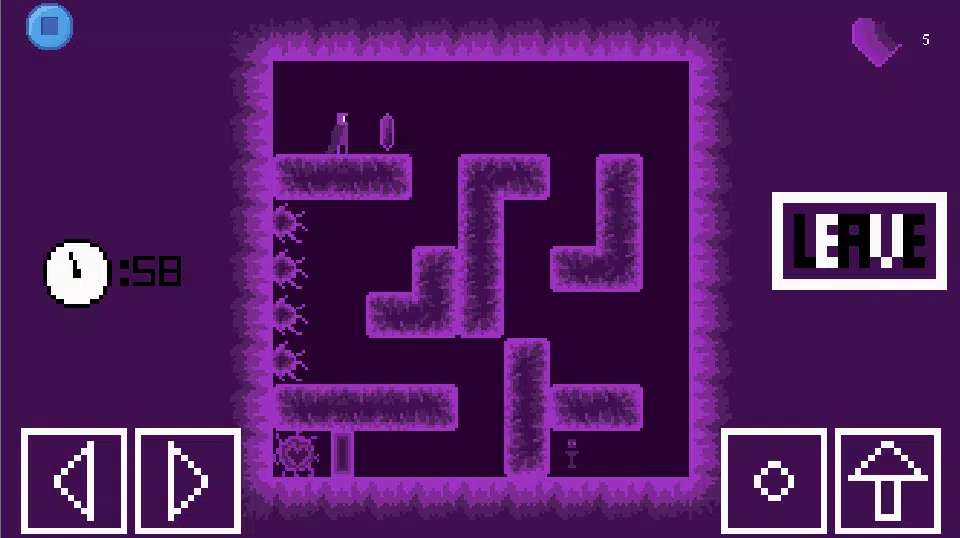
Gameplay in Pocket Game Developer is driven by modular object behaviors and event-based triggers rather than hard-coded scripts, which makes it approachable for creators who prefer visual logic. Controls are touch-optimized: drag-and-drop placement, pinch-to-zoom on the level canvas, and gesture-based timeline scrubbing for animation frames. Players can prototype typical mechanics such as platforming movement, basic enemy AI patterns, collectible items and simple puzzle interactions using property toggles and collision rules.
The app supports an organic progression where users start with single-scene experiments and gradually expand to multi-level prototypes. As you become comfortable with the editor, you can introduce layered backgrounds, parallax scrolling and more complex object interactions. The interface emphasizes iterative testing, encouraging quick playtests to validate mechanics before investing time in polish. Educators will find this structure useful for guided lessons that move students from basic motion and collision to level design and balancing.
Pocket Game Developer is intentionally neutral on visual style so creators can pursue pixel art, minimalist vector shapes or hand-drawn sprites. The level editor organizes content into reusable tilesets and scenes, and supports multiple layers for foreground, gameplay and background elements. This layered approach helps maintain clear separation between aesthetic detail and gameplay-critical collision geometry, making it easier to prototype varied level structures from tight platforming arenas to exploratory puzzle rooms.
Customization focuses on reusability: sprites, animations, sounds and object templates can be saved and reused across projects. The asset browser keeps items organized and allows renaming and simple tagging for quick retrieval. While the app does not include a full scripting environment, the combination of object properties, event triggers and variable-like parameters enables nuanced behavior without writing code, which lowers the barrier for learners and rapid prototypers.
Replay value comes from iterating on level design and experimenting with alternative mechanics. Challenge systems are user-defined through adjustable enemy patterns, timed events and collectible placement rather than fixed difficulty presets. Creators can test multiple configurations to compare pacing and player experience, using the app's quick-play capability to refine balance, discover emergent interactions and tune challenge progression across scenes.
The interface prioritizes clarity and responsive touch controls, with large handles for object editing and undo/redo to support risk-free experimentation. Color-contrast options and simplified controls make the editor accessible to a wider range of users, and visual feedback on collisions and event triggers helps learners understand cause and effect. Tooltips and contextual hints reduce friction for first-time creators while allowing more advanced users to work quickly once familiar with the layout.
Pocket Game Developer is designed to work offline so creators can build and test projects without an internet connection, which is convenient for classroom settings or travel. The app is still evolving toward a fuller engine: advanced optimization tools, native shader support and large-scale performance profiling may be limited compared to desktop engines. For experienced developers seeking deep engine control or complex optimization, this app serves best as a rapid prototyping and learning environment rather than a final production tool.
Begin by creating a new scene, sketching a few animation frames, and defining a simple player object with movement and collision properties. Combine these elements into a short level and playtest immediately to refine timing and interactions. With Pocket Game Developer you can iterate quickly, teach core design concepts, and explore gameplay ideas on the go before moving to more advanced development platforms if needed.
File size: 32.50 M Latest Version: 23.01.38
Requirements: Android Language: English
Votes: 288 Package ID: com.pocketgamedev
Developer: Stray Pixel Games Inc

Must Have Puzzle Games for Android
Are you searching for an enjoyable method to strengthen your intellect? Our hottest logical puzzle is tailor-made to offer a stress-free pastime experience. With beautiful graphics and chill background music, you can immerse yourself in an engaging world of logic and critical thinking. Solve increasingly tricky levels at your own pace, with no time pressure or lives system.





LIVE A HERO
Retro Hero Mr Kim
Empire of Passion
Arcane Quest Legends
Magic Snap: Momotaro
AllStar Manga Heroes
Lunescape
ONE PIECE Thousand Storm JP
Tap Titans 2