Scan to Download
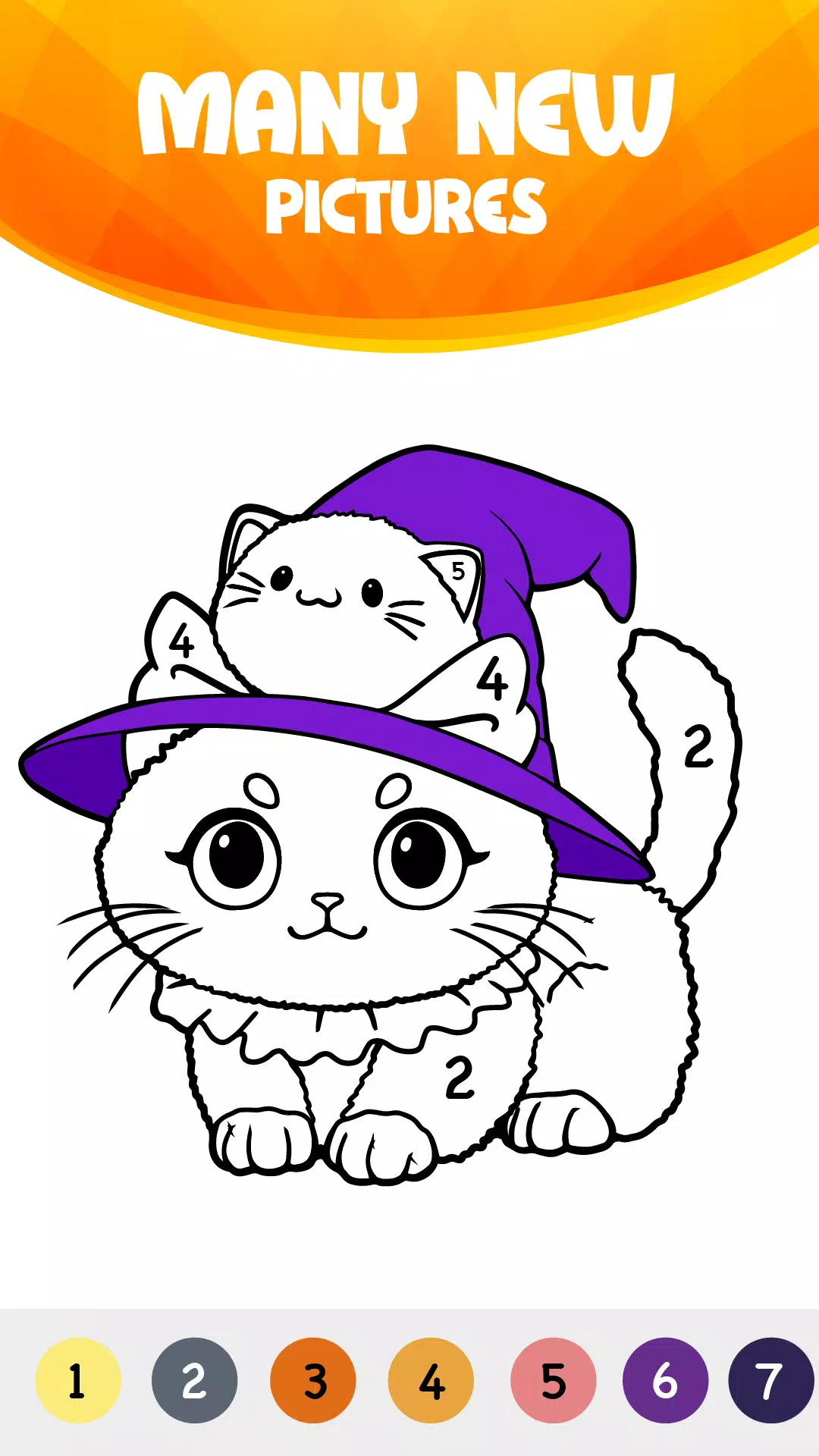
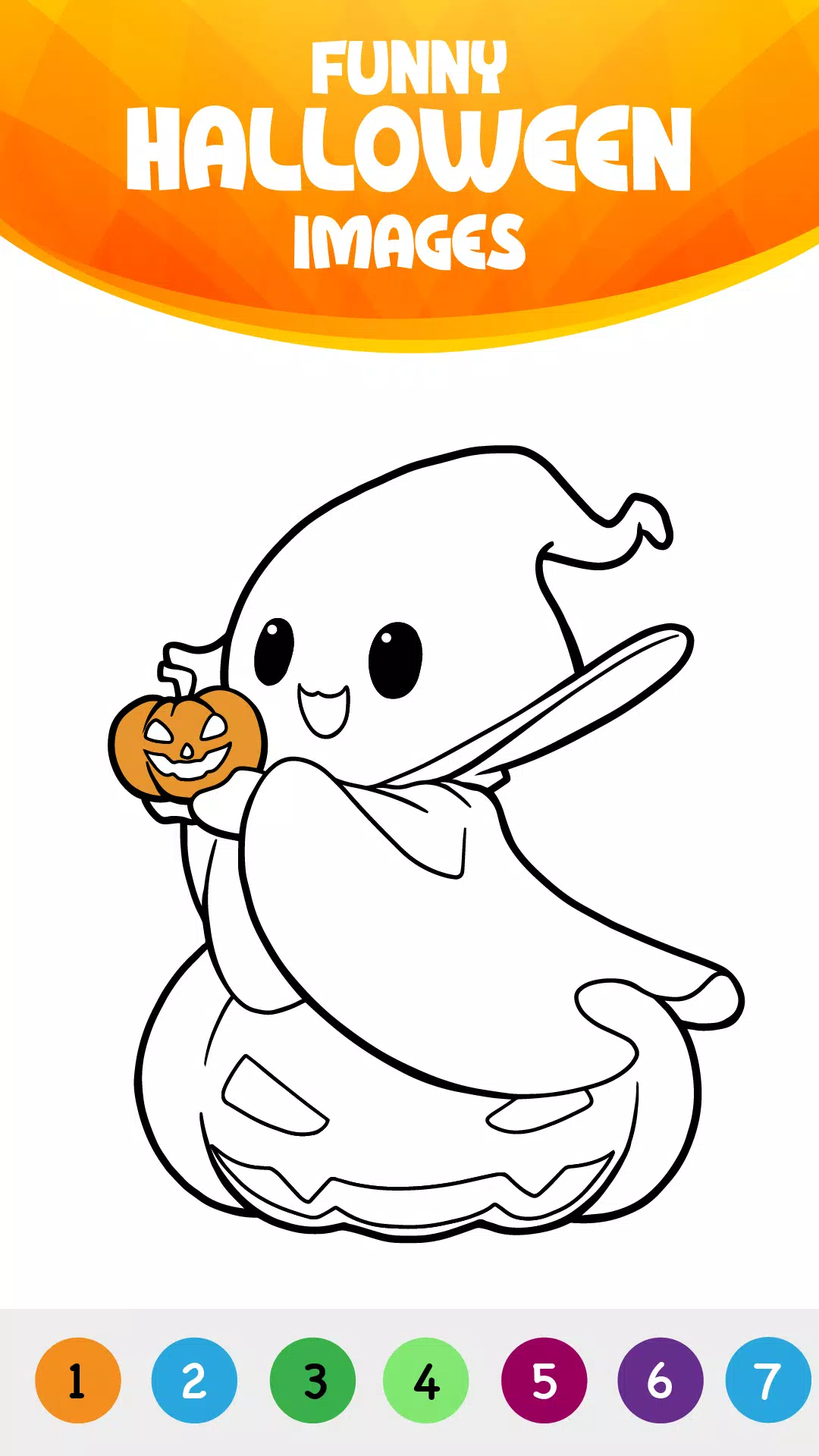
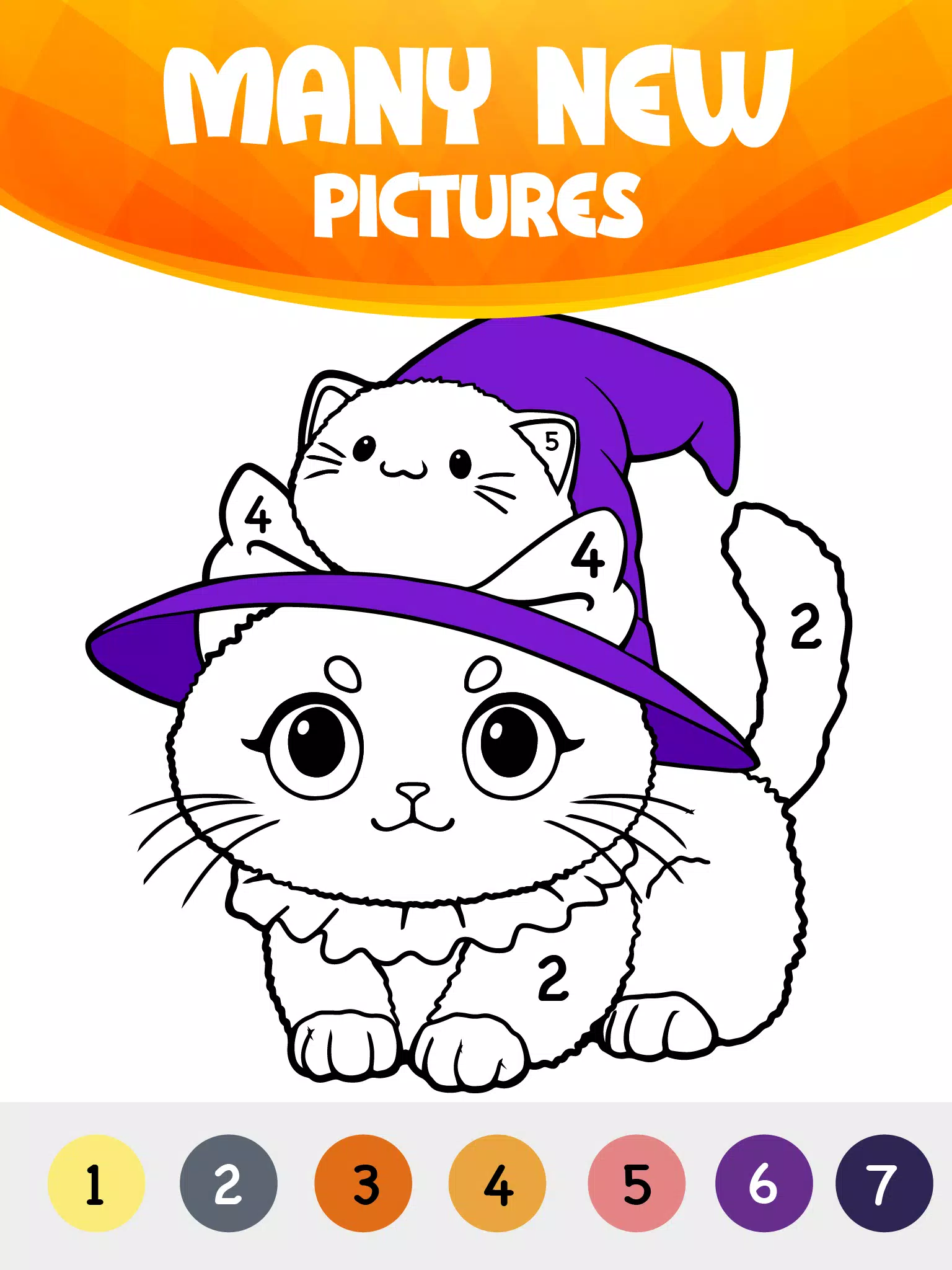
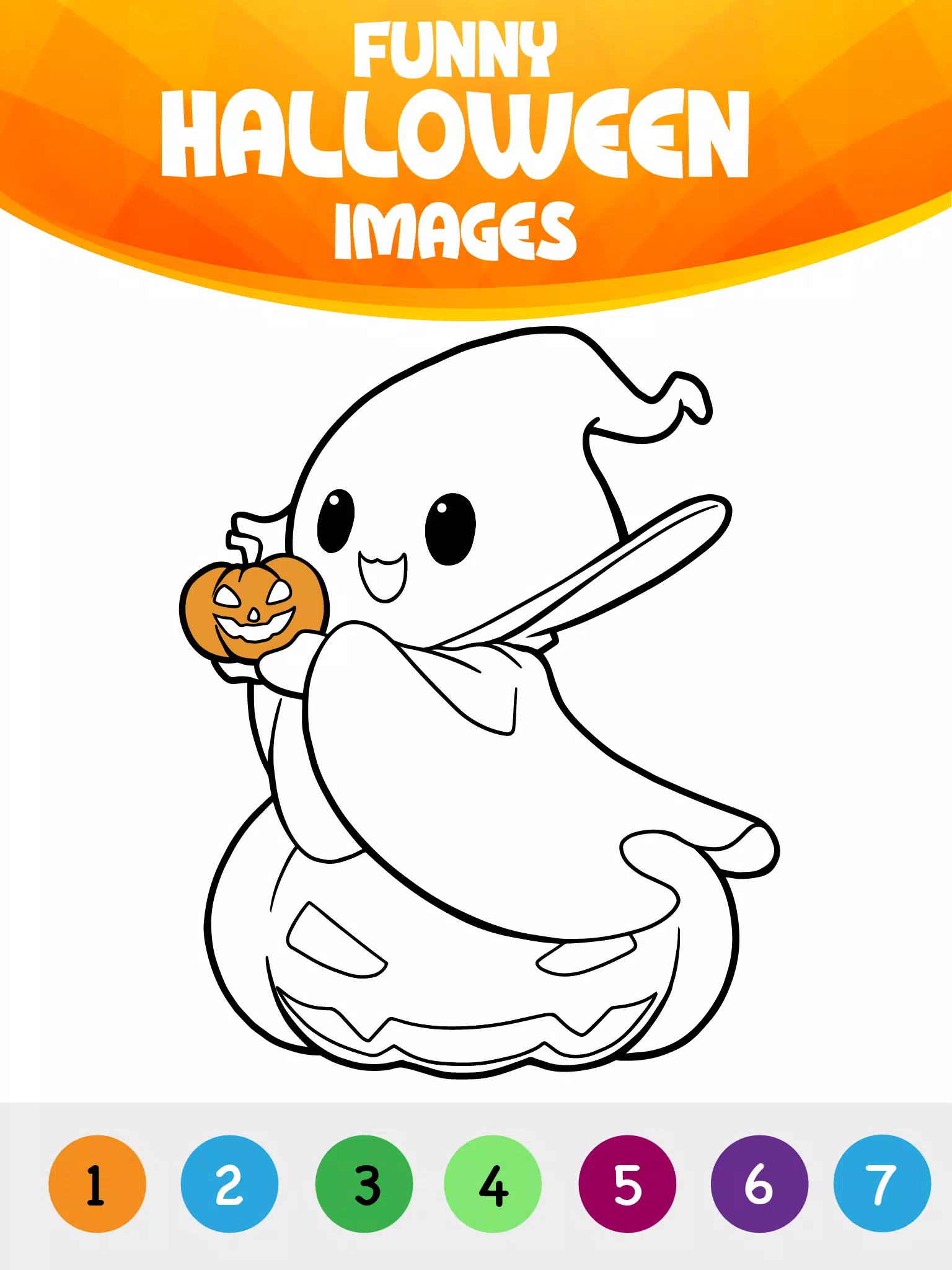
Coloring by Number: Halloween brings a gentle, family-friendly coloring experience focused on seasonal art that’s easy for toddlers and young children to enjoy. The app centers on simple paint-by-number mechanics, large fill areas, an inviting palette of Halloween-themed illustrations such as pumpkins, witches, haunted houses, ghosts and playful monsters, and offline access so coloring can happen anywhere without an internet connection. The interface keeps controls minimal — tap to fill, pinch to zoom and swipe to browse galleries — which helps children focus on creative play while parents appreciate straightforward settings for sound and sharing.
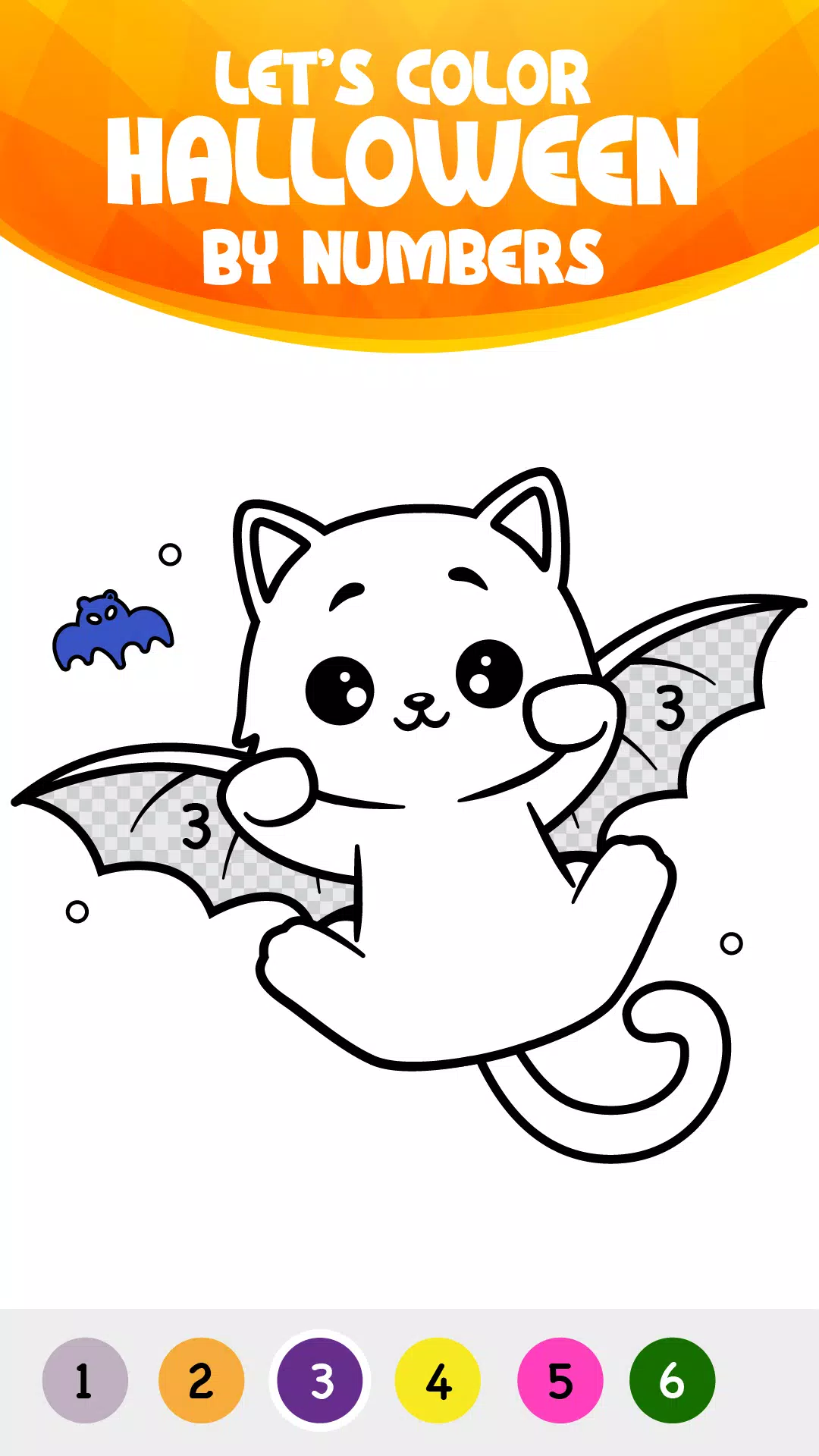
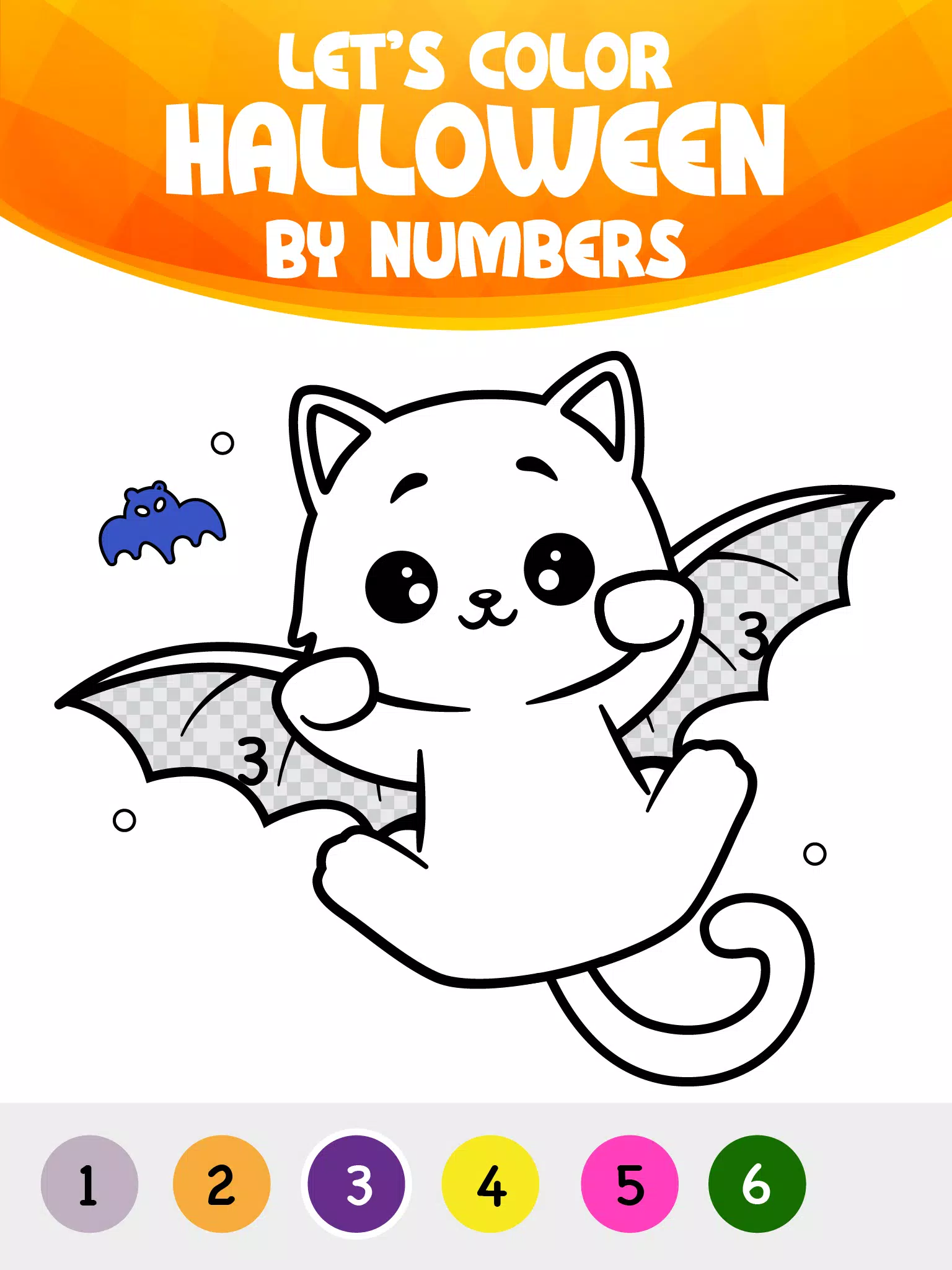
The core gameplay uses a number-to-color system: each area shows a small number and a matching color swatch appears in a palette. Players tap a swatch and then tap areas to fill them, or they can tap an area directly to auto-select the correct color. Pinch-to-zoom and a simple pan gesture make it easy to work on fine details, while an undo function removes the last fill if a mistake happens. A basic doodle brush lets kids add freehand decorations or signatures on top of numbered pages, and color palettes can be switched to explore different moods for the same picture.
Progress in Coloring by Number: Halloween is designed to be gentle and rewarding rather than competitive. Completing pages unlocks new images grouped by theme and complexity, so beginners start with large-area designs and can move to more detailed scenes as confidence grows. The app organizes content into categories like Pumpkins, Spooky Houses and Friendly Monsters, and a simple reward system (stickers and new palette options) encourages replay without pressure. Each page can be revisited to try alternative palettes or to practice finer control with the zoom tools.
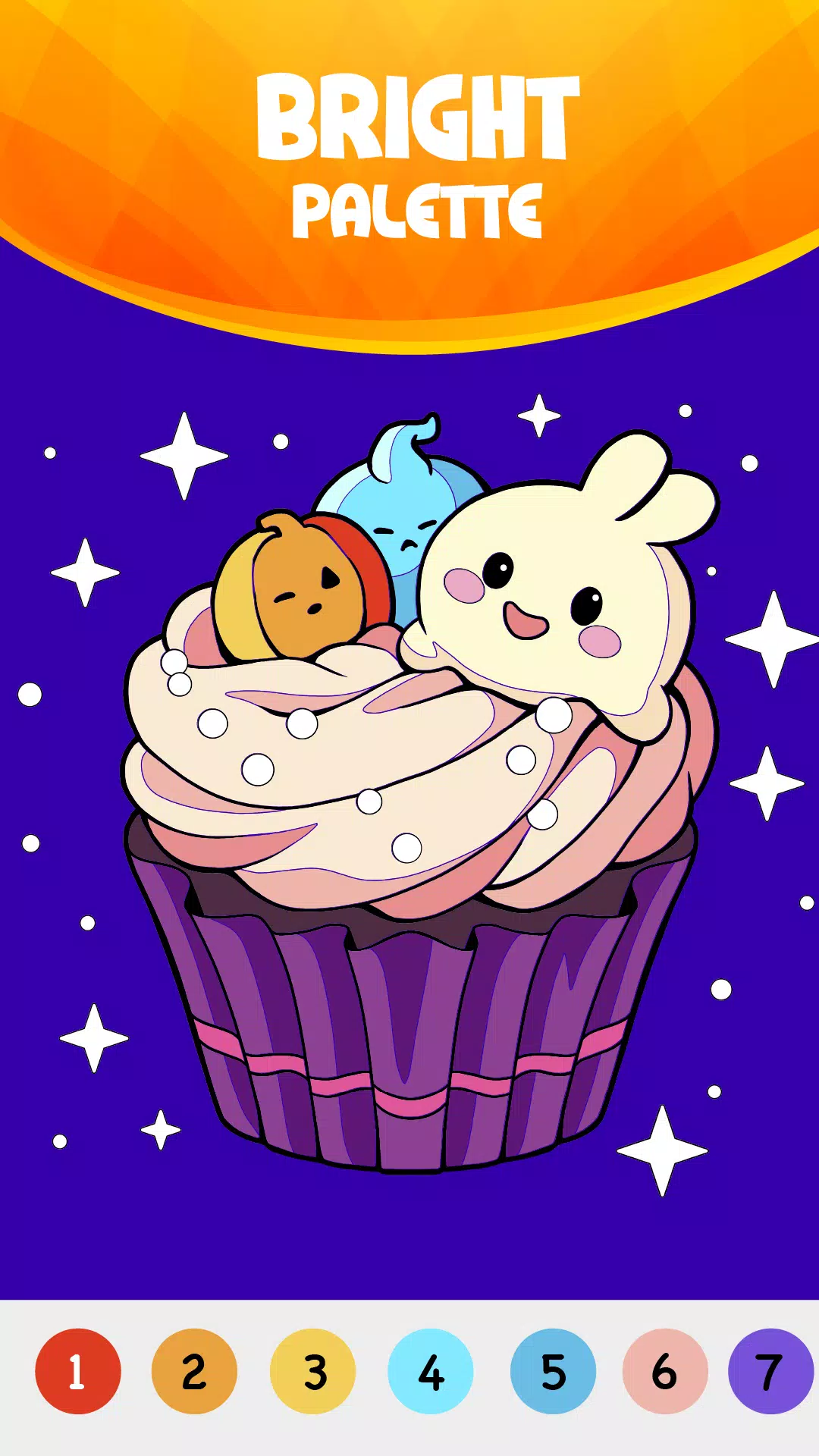
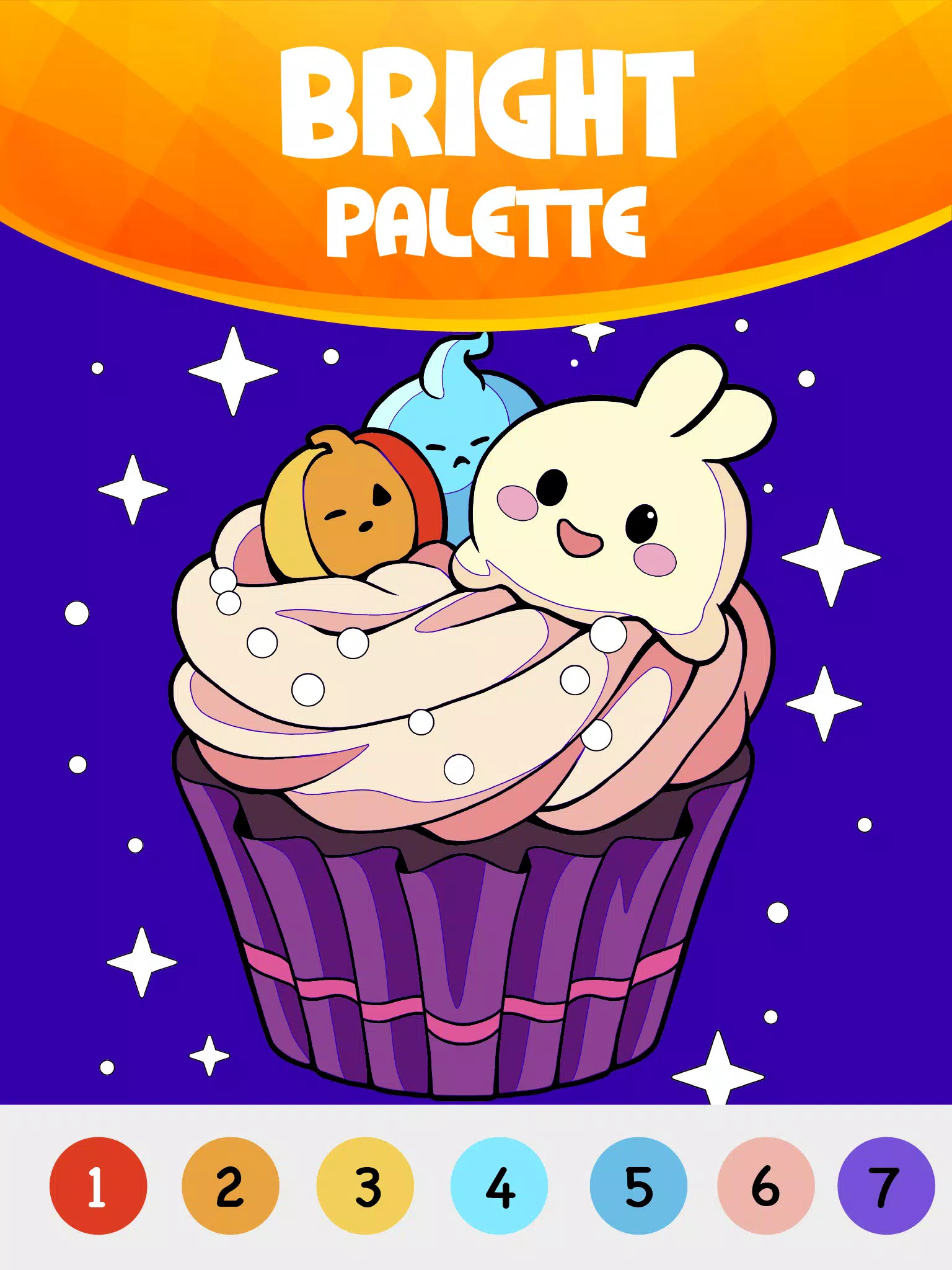
In Coloring by Number: Halloween the artwork favors bold outlines and clear shapes so young users can achieve satisfying results quickly. Illustrations use a playful, non-frightening Halloween aesthetic that emphasizes fun over scares, suitable for family playtime and nursery settings. Customization extends to several preset color palettes, a doodle layer for personal touches, and finishing effects such as gentle grain or paper textures that make saved pictures feel like real crafts. Finished images can be saved to the device photo library and shared through family-approved apps when parents enable sharing in settings.
The app encourages replay by offering multiple ways to revisit each picture: try different palettes, add new doodles, or tackle more intricate versions of the same scene as skills improve. Optional challenge modes gradually increase the number of color regions or introduce smaller fill areas to build precision, but these are presented as optional goals rather than timed tests. This design keeps the experience calm and creative while giving children a sense of progression and accomplishment.
Coloring by Number: Halloween is built with accessibility in mind: large touch targets, clear visual cues, adjustable sound and music toggles, and a simple navigation flow that minimizes accidental exits. The family-friendly environment avoids ads during active coloring and provides parental controls for sharing and sound, so caregivers can tailor the experience to each child’s needs. Visual contrast and palette choices also support users who prefer high-contrast options for easier visibility.
One of the practical strengths of the app is its offline capability: once images are downloaded, all coloring features work without a network connection, making the app suitable for travel, car rides and quiet moments away from Wi-Fi. The app is optimized to run smoothly on both phones and tablets, with low memory and battery use so coloring sessions remain long and uninterrupted.
To begin, open Coloring by Number: Halloween, choose a category, and tap a picture to load it. Use the tap-to-fill control for quick results, pinch to zoom for small details, switch palettes to experiment with color, then save or share the finished artwork when ready. The app’s straightforward setup makes it easy for children to start creating independently while parents can adjust settings or browse unlocked galleries alongside them.
File size: 54.70 M Latest Version: 3.4
Requirements: Android Language: English
Votes: 491 Package ID: com.anhjaseka.coloring.numbers.halloween
Developer: GOBEEZ YAZILIM TİCARET

Let your child's creativity shine with our new game made just for kids! With cute graphics and fun challenges, this game will keep them entertained for hours. Children can build their own worlds, customize adorable characters, and let their imaginations run wild. With simple controls perfect for little hands and no ads or external links, you can feel at ease while they play independently.



LIVE A HERO
Retro Hero Mr Kim
Empire of Passion
Arcane Quest Legends
Magic Snap: Momotaro
AllStar Manga Heroes
Lunescape
ONE PIECE Thousand Storm JP
Tap Titans 2