Scan to Download
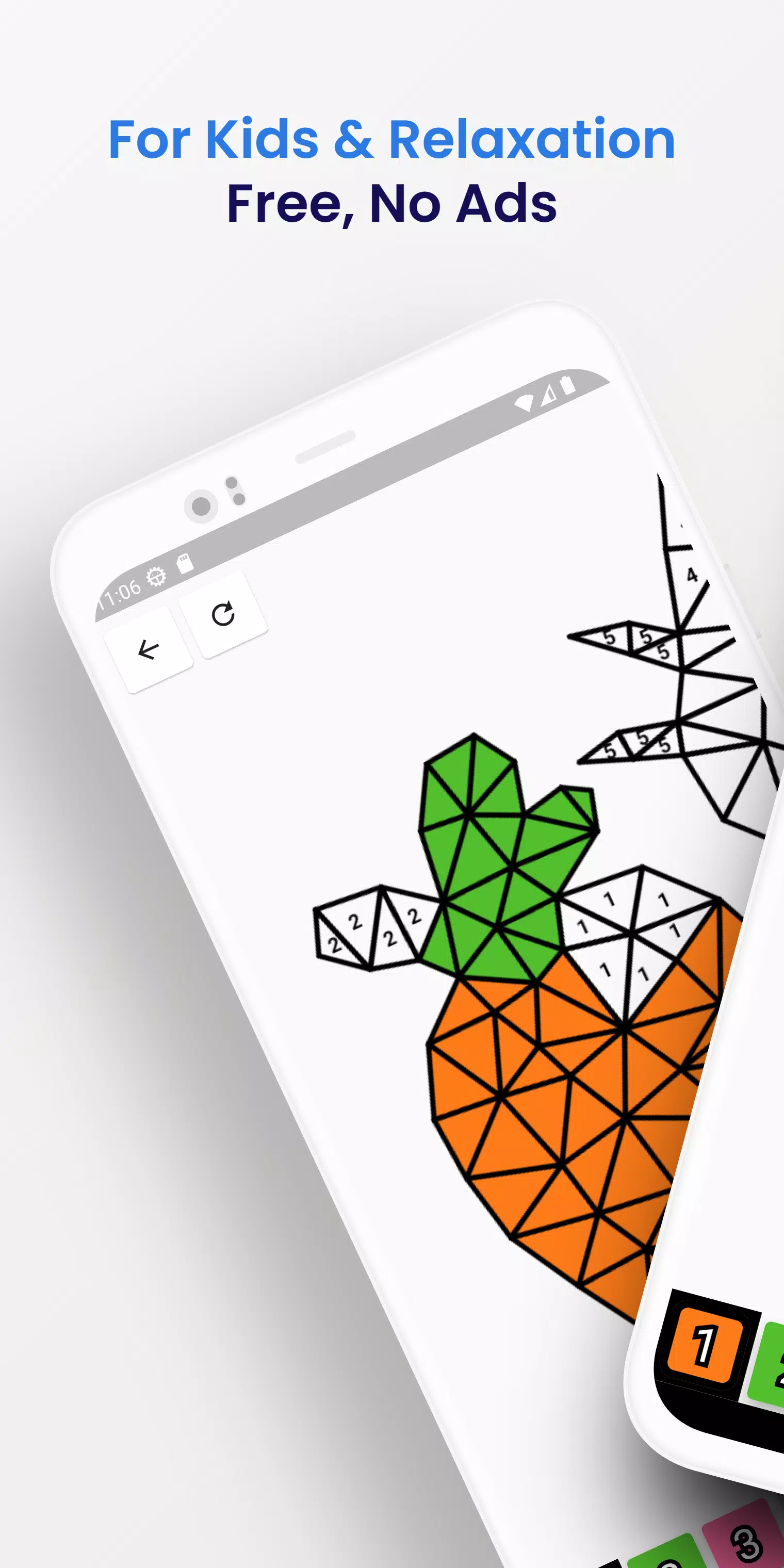
Triangle Colouring turns simple triangle-shaped templates into a relaxed, creative experience where you fill geometric patterns with color, explore curated palettes and apply subtle effects to craft original designs. Triangle Colouring emphasizes calm, intuitive play rather than competition, making it suitable for adults looking for a mindful activity or for parents seeking a gentle creative app for children. The interface is designed for quick sessions or longer, focused coloring time, and finished pieces can be saved to your device or shared through standard Android sharing tools.
Explore a broad range of triangle templates and pattern collections that vary in complexity, from single-triangle mosaics to multi-segment designs; try dozens of color palettes that include themed sets, gradient options and custom palette creation; use a set of coloring tools including a precision fill, adjustable brush, gradient fill, symmetry locking and an undo/redo history so edits are safe and reversible; access simple export and sharing options to save images to the gallery or send them to other apps; enjoy a gentle learning curve with on-screen hints that explain each tool as you try it.
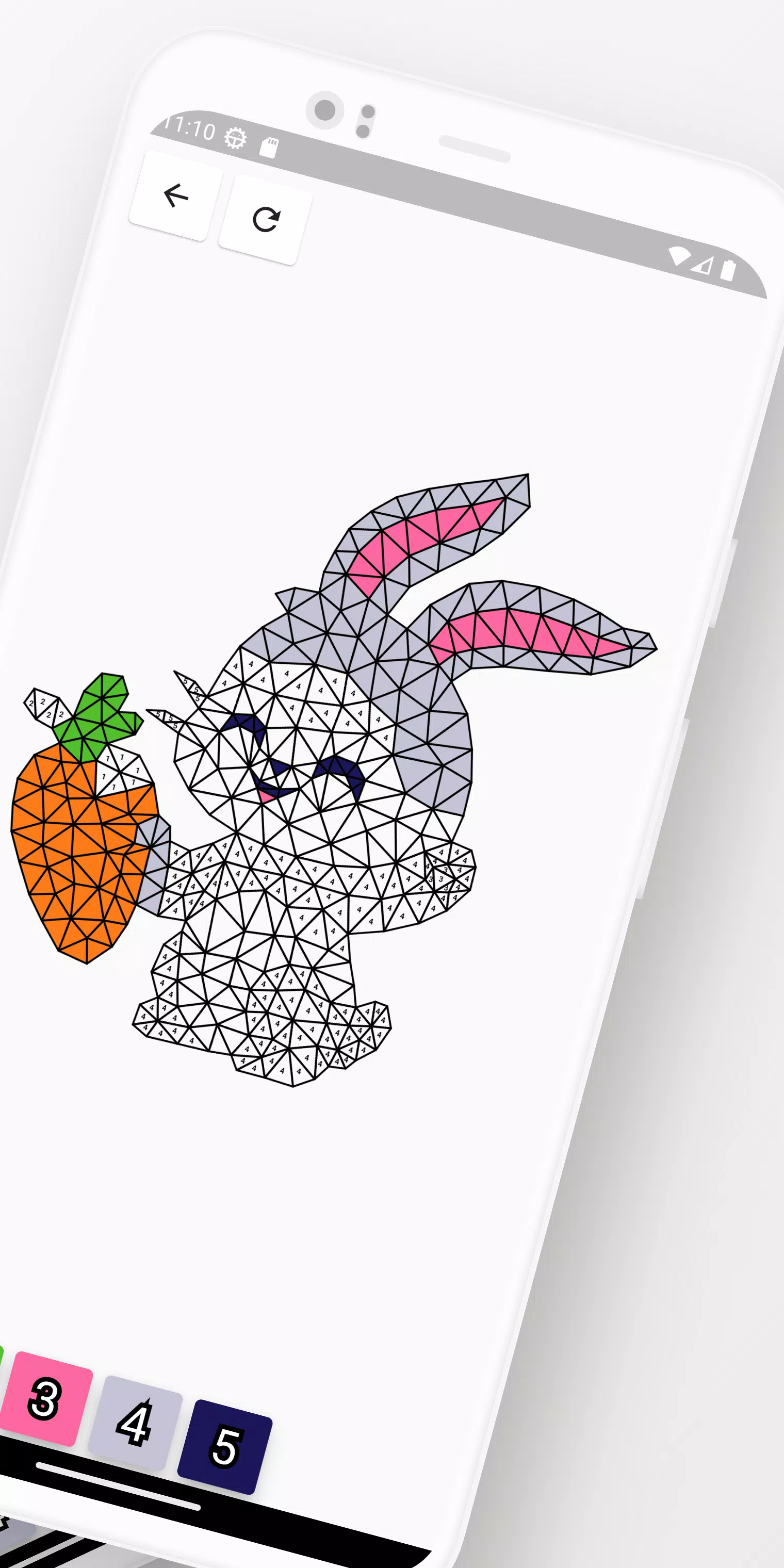
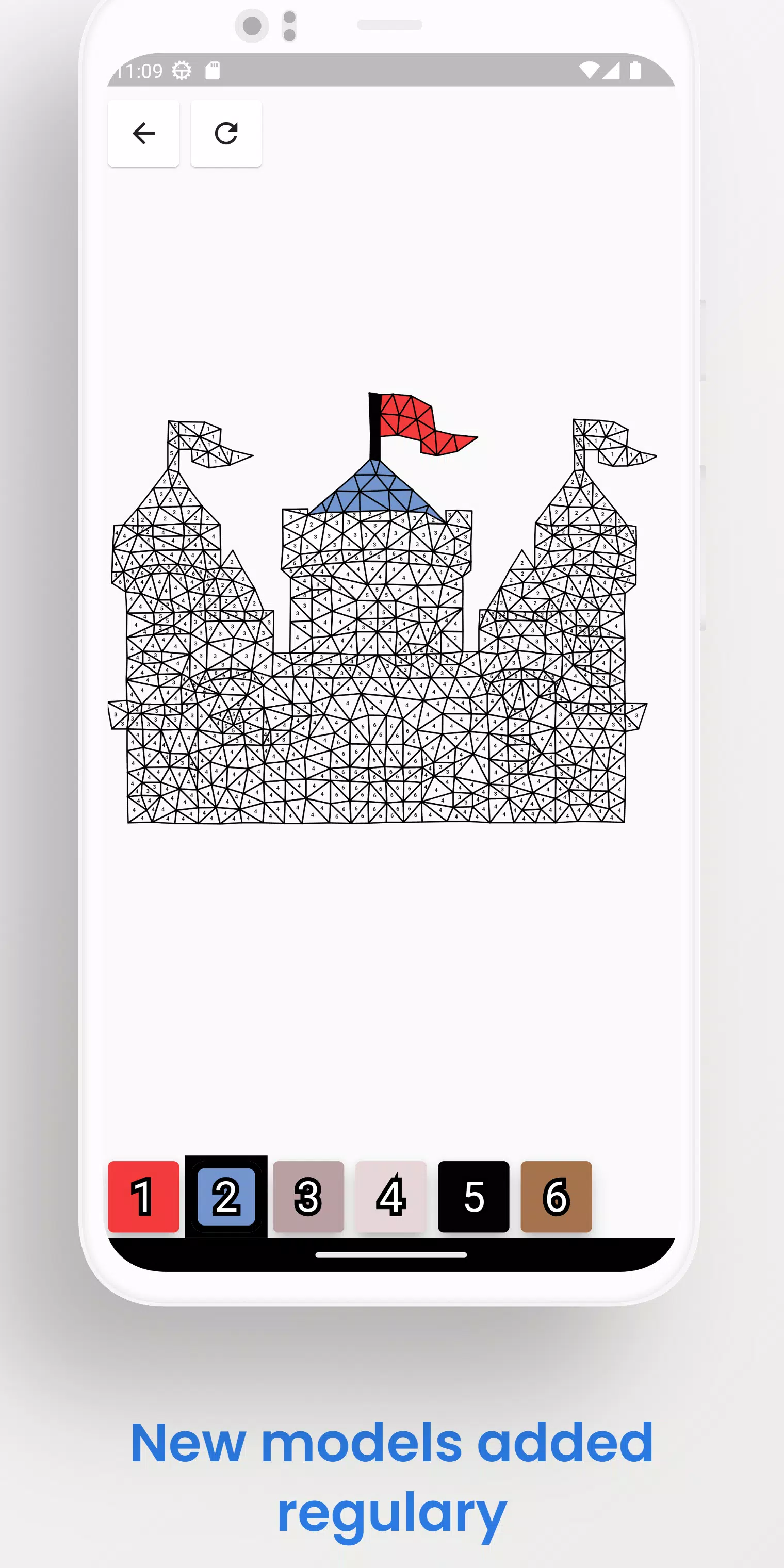
Gameplay in Triangle Colouring centers on choosing a template and applying colors to individual triangle sections or groups of shapes. Tap to fill a single area, drag to paint with the brush, and use multi-touch pinch gestures to zoom in on detailed zones. A lock feature preserves symmetry across mirrored sections when you want balanced results, and an eyedropper tool helps sample existing colors so you can maintain consistent palettes. The design process is intentionally unhurried: there are no timers or forced objectives, which encourages experimentation with shading, overlay effects and palette mixing.
Controls are optimized for touch: single-tap fills, drag-to-paint, pinch-to-zoom and simple gesture-based undo. Toolbars are context-aware and can be hidden for a distraction-free canvas; icons are large and labeled for clarity. Tutorials appear the first time you open a tool to demonstrate the most important gestures, and tooltips can be turned off once you are comfortable. The app responds smoothly to common screen sizes and supports both portrait and landscape orientations so it adapts to how you like to hold your device.
Triangle Colouring uses a gentle progression model based on collections and unlockable palettes. As you complete templates or revisit favorites, new template packs and premium palettes become available to try. Progress is local to your device: there are optional in-app unlocks that expand the library of patterns and introduce more complex geometry. This staged approach gives a sense of discovery without imposing competitive pressures or timed goals.
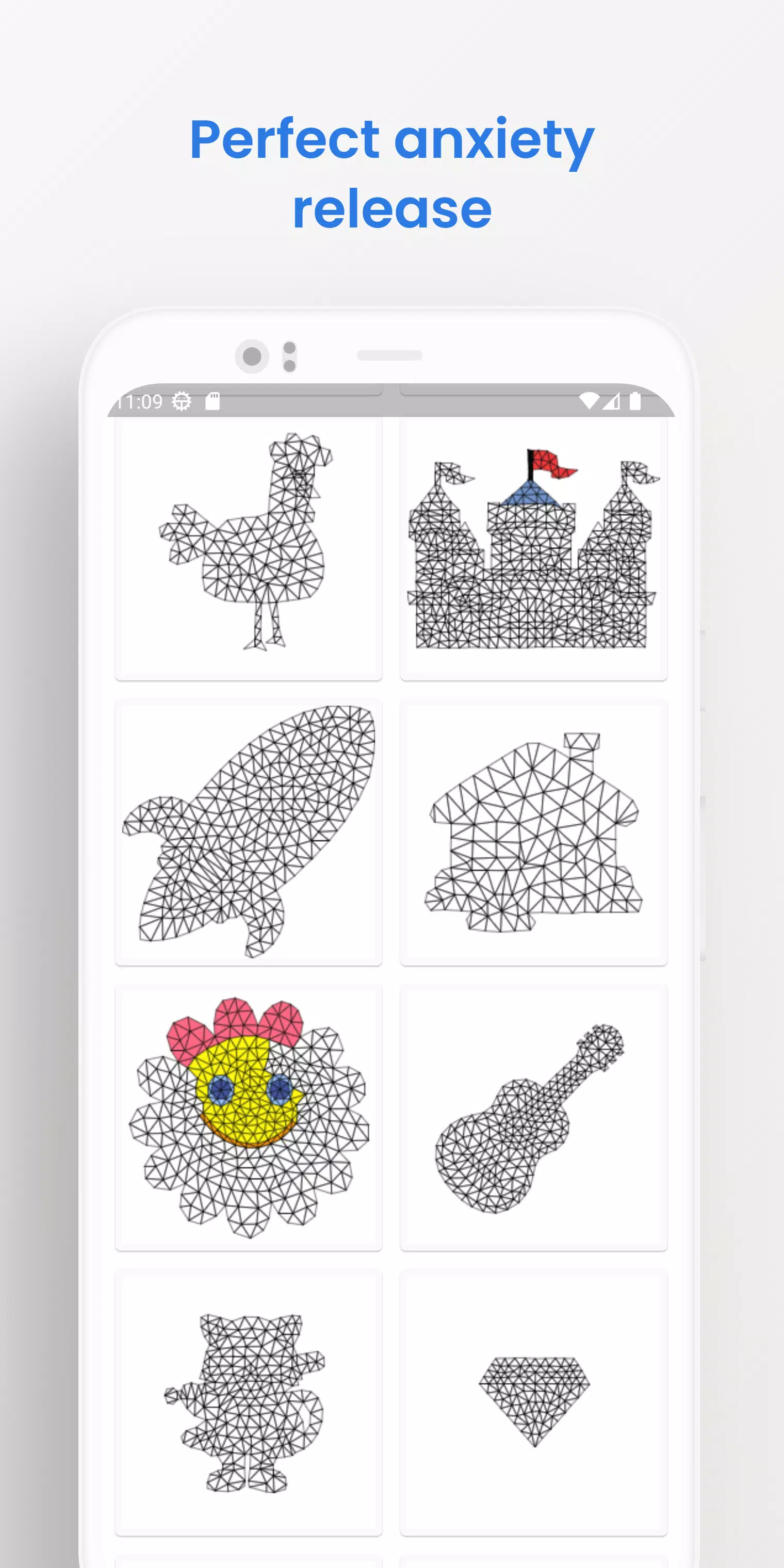
The app presents designs in a clean, minimalist visual style that highlights color and shape rather than flashy effects. Templates are grouped into themed collections—simple, floral, geometric, and complex mandalas—so you can move from quick exercises to layered, multi-triangle compositions. Each template lists an estimated complexity level so you can pick a calming five-minute sketch or a more intricate piece that rewards patience and attention to detail.
Color customization is a core part of Triangle Colouring: create and name your own palettes, lock favorite colors for reuse, and apply subtle transparency to produce soft blends. Accessibility options include high-contrast UI themes, adjustable icon sizes, and colorblind-friendly palettes to help users who need alternative contrast choices. Sound and haptic feedback can be toggled for a quieter or more tactile experience, and the text labels and tutorials are written in clear, concise language for wide comprehension.
Triangle Colouring works fully offline so you can color without a network connection and maintain privacy over your saved images. Replay value comes from remixing palettes, revisiting templates with new color strategies, and experimenting with different tool combinations; creative goals—such as completing a themed collection or refining a particular technique—extend engagement over time. The app intentionally avoids professional-grade drawing features; it is not a full painting suite, so artists seeking vector editing, advanced layering or high-resolution export for print may find it limited.
When a piece is finished you can export it to your device gallery or use the system share sheet to send an image to messaging apps, social platforms or cloud storage. Saved files include a preview thumbnail and basic metadata for easy organization, and the local gallery within the app helps you manage and revisit past creations without needing online accounts or external services.
File size: 19.90 M Latest Version: 1.1.3
Requirements: Android Language: English
Votes: 407 Package ID: com.bytescaffold.trianglecolor
Developer: Bitscaffold
Best Action Necessary Games for Android
Experience nonstop thrills with our newest edge-of-your-seat action game! With console-quality graphics and intuitive touchscreen controls, you'll be drawn into high-octane combat and stunt-driven gameplay. Choose from an arsenal of upgradable weapons and vehicles to blaze through enemy bases, post-apocalyptic cities, and more. Physics-based action packed with explosions and destructible environments make every level more intense than the last.




LIVE A HERO
Retro Hero Mr Kim
Empire of Passion
Arcane Quest Legends
Magic Snap: Momotaro
AllStar Manga Heroes
Lunescape
ONE PIECE Thousand Storm JP
Tap Titans 2