Scan to Download
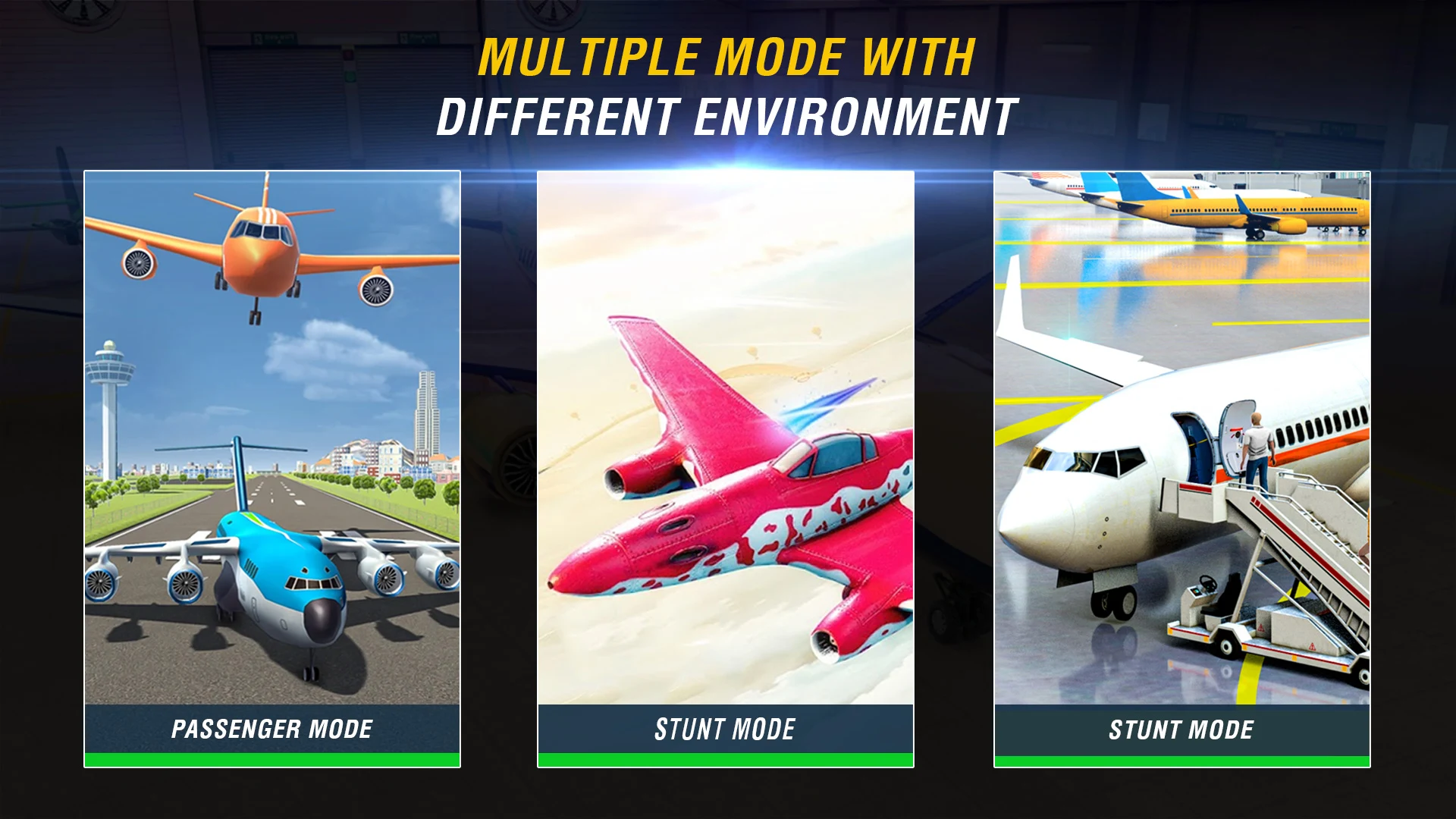
Flight Simulator delivers a realistic airplane experience on mobile, putting you in control of 3D planes across a variety of terrains and timed missions. Flight Simulator places emphasis on intuitive but precise handling so both newcomers and more experienced players can practice takeoffs, tight turns and demanding landings without a steep learning curve. The first moments ease you into basic flight, then later stages ask for disciplined inputs and steady nerves when the environment grows more challenging.
The core gameplay balances approachable controls with a simplified flight model that still rewards attention to speed, angle and momentum. Missions range from straightforward point-to-point deliveries to time-sensitive objectives that require efficient planning and clean landings. Aircraft respond to throttle adjustments, banking and pitch changes in a way that feels consistent across different planes, so once you learn the mechanics you can apply those skills to new challenges. The game also includes an in-game map and clear markers to help you locate mission targets and plan efficient routes.
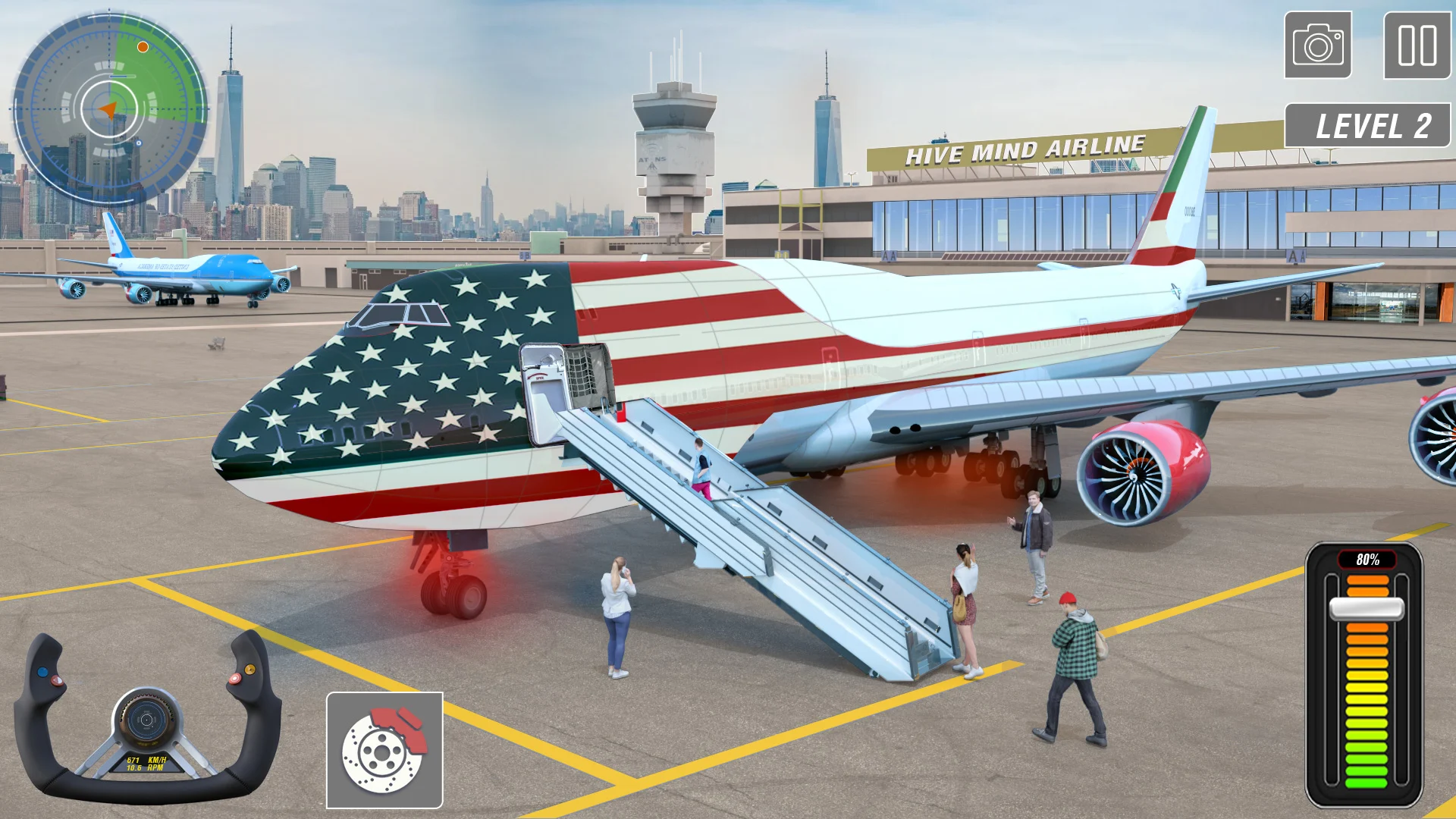
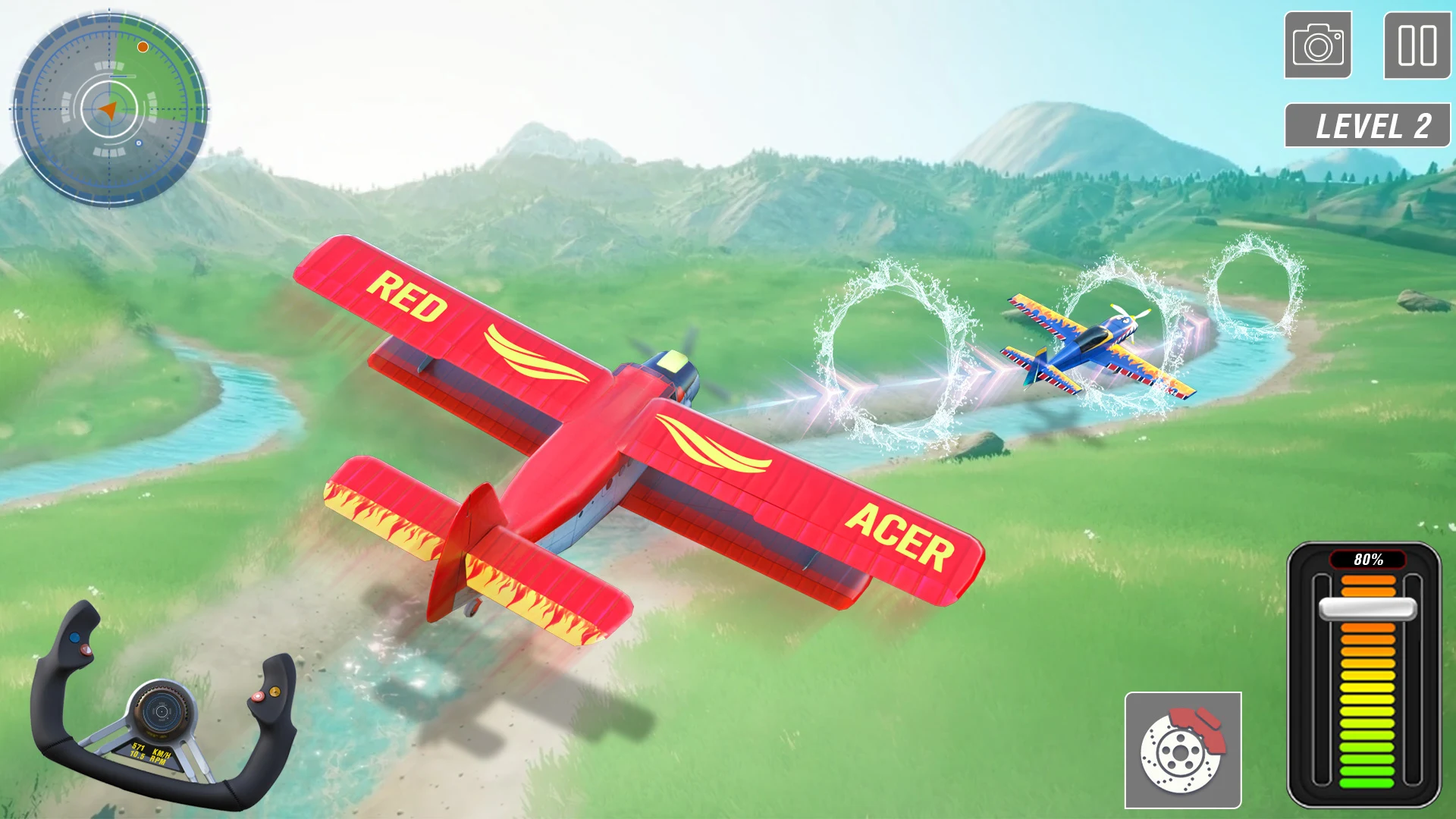
Controls are optimized for touch screens with customizable sensitivity and optional control schemes so you can choose what feels best: intuitive tap-and-drag inputs, on-screen throttle sliders and a simple autopilot assist for players who want to focus on navigation. A short interactive tutorial introduces the cockpit layout, camera options and basic maneuvers, and accessibility settings let you adjust guidance, timing windows and input response. The interface aims to keep HUD elements readable without obscuring the view, making cockpit and external perspectives easy to switch between.
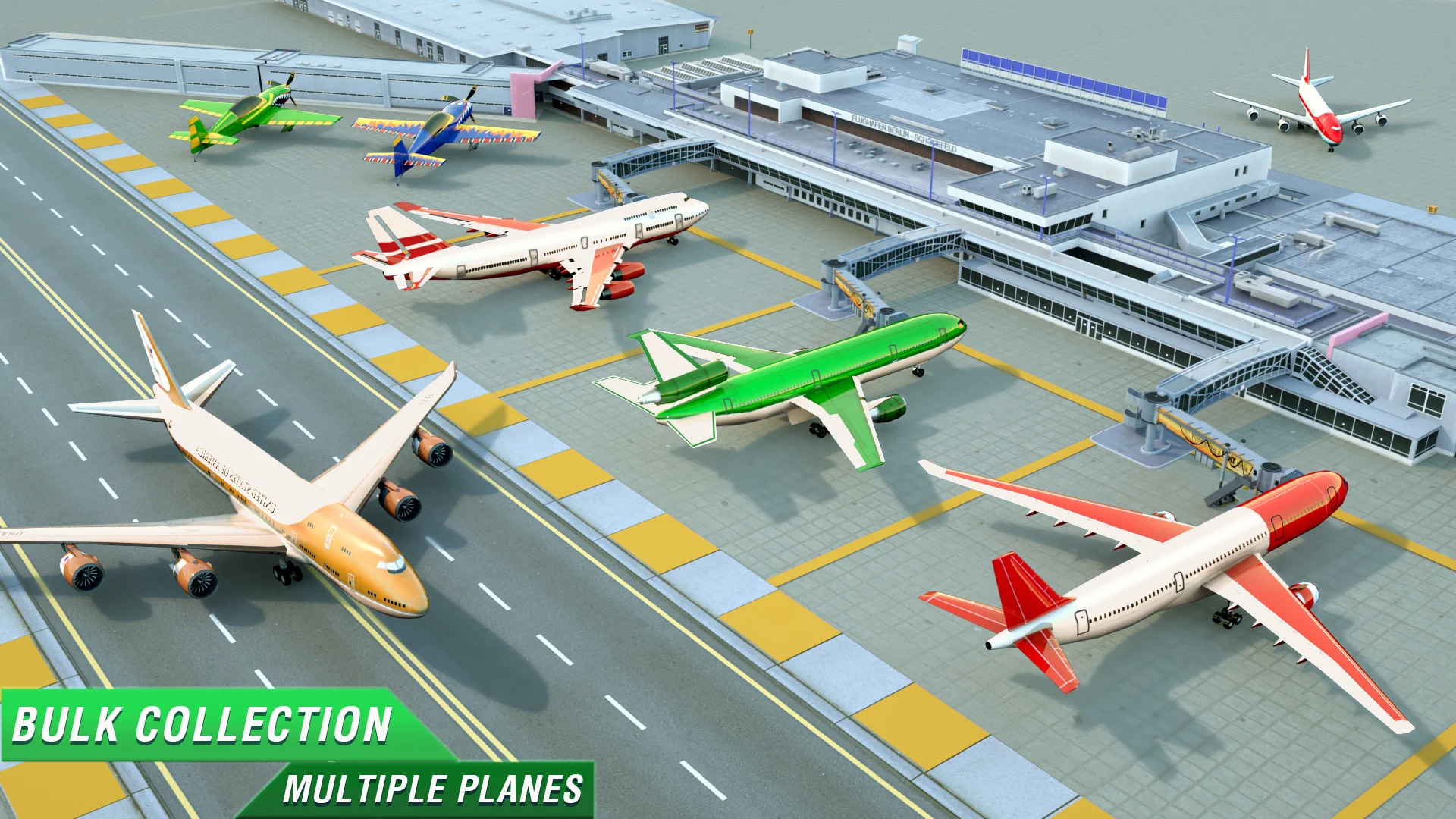
Progression is driven by a coin-based reward system where completing missions and meeting time or accuracy goals yields currency that can be used to unlock new aircraft and performance upgrades. As you collect coins you can purchase planes with higher top speed, greater endurance or improved handling characteristics that change how later missions play. Difficulty increases gradually: early levels focus on mastering takeoff and landing while advanced stages introduce stricter timers and more constrained landing zones that demand precise control.
Flight Simulator offers cosmetic customization such as paint colors and liveries so you can personalize each aircraft without altering core performance unless you choose to invest in upgrades. Visuals emphasize clear, readable 3D models and varied landscapes — coastal runways, mountain valleys and urban strips — with lighting and terrain variety that keep each stage visually distinct. Cockpit details are designed to make instrument reading possible at a glance, and external camera views help when lining up long approaches or surveying the environment.
Each stage is structured to teach one or two specific skills and then combine them in later levels: handling crosswinds and narrow runways, planning fuel- and time-efficient routes, or managing altitude changes on approach. Checkpoints and mission waypoints reduce frustration by giving progress markers within longer runs, while strict landing windows and precision scoring encourage replay and refinement of technique. The difficulty curve intentionally includes unforgiving moments to reward careful flying, so expect to retry tougher landings until you master the required timing.
Replay value comes from replaying stages to improve mission medals, collect additional coins or experiment with different aircraft setups. A practice mode lets you rehearse specific approaches without the pressure of timers, and the game is designed to be playable without a persistent internet connection so you can practice and progress while offline. Settings offer adjustable assistance levels and clear tutorials, making Flight Simulator approachable for newcomers while still challenging for players who prefer a minimalist HUD and no assists.
Expect a steady learning curve, hands-on control options and a clear progression path that rewards steadier flying and deliberate practice. Flight Simulator is not a full professional pilot simulator, but it provides a satisfying balance of realism and accessibility on mobile devices, with thoughtful options for customization, replay and offline play that keep the experience fresh over many sessions.
File size: 81.40 M Latest Version: 1.1.1
Requirements: Android Language: English
Votes: 141 Package ID: com.flightsimulator.airplane3d.airportsimulator.ai
Developer: HiveMind Games Inc.


LIVE A HERO
Retro Hero Mr Kim
Empire of Passion
Arcane Quest Legends
Magic Snap: Momotaro
AllStar Manga Heroes
Lunescape
ONE PIECE Thousand Storm JP
Tap Titans 2