Scan to Download
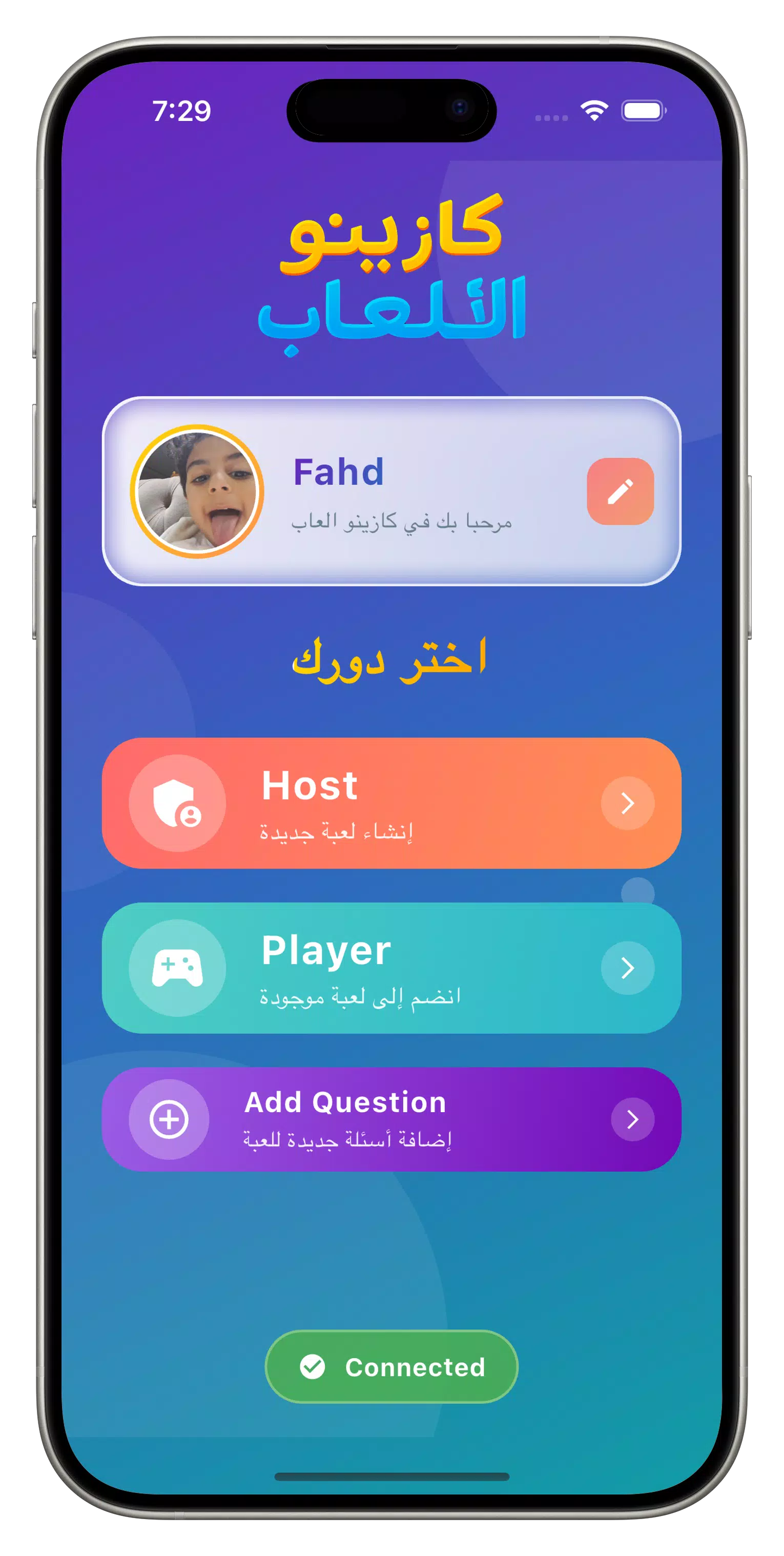
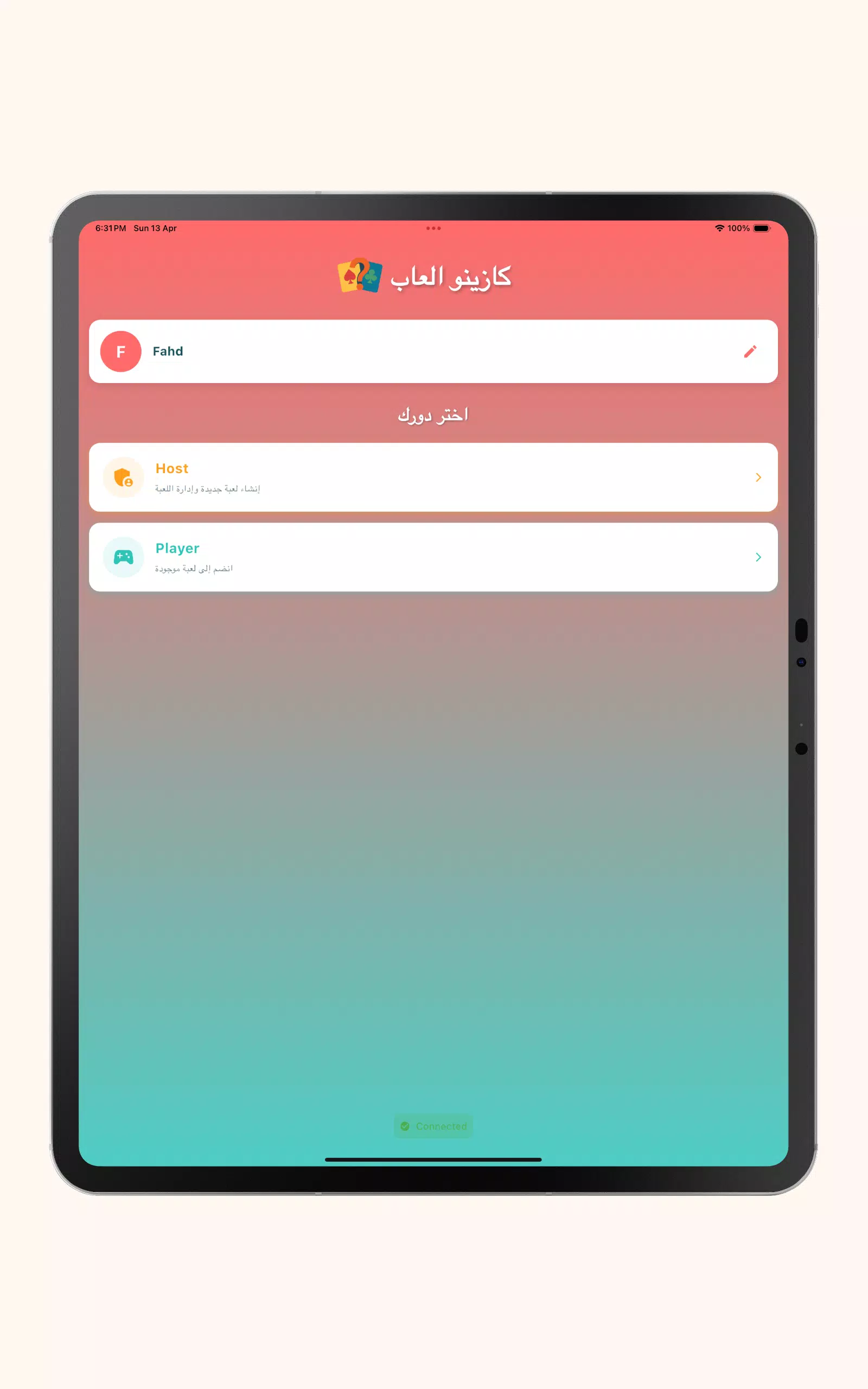
Buzzy Party is a multiplayer buzzer-based trivia game that turns phones into fast-response controllers for social and educational gatherings. Designed for friends, families, classrooms, and team events, Buzzy Party runs short, energetic rounds where one person acts as Host and other players buzz in to answer questions; the Host or built-in AI resolves answers and awards points so sessions stay quick and fair. The app supports a mix of host-led quizzes, rotating-host rounds, bluffing Imposter matches, and guessing games such as Who Am I to keep every meeting lively and adaptable to different group sizes and skill levels.
Real-time buzzer gameplay gives each participant a simple touch-to-buzz control, complete with instant audio and vibration feedback so everyone knows who was first. Multiple distinct modes are included: Classic host-led quizzes for straightforward question-and-answer play, Rondo-style rotating Host rounds to keep roles moving, Stop Complete for timed completion challenges, Who Am I for deduction and guessing, and Imposter for deception and bluffing. Host-controlled or AI-assisted judging lets groups choose between human discretion and automated decisions, and built-in question packs cover a range of topics while allowing you to add your own questions for customized sessions. Rounds are intentionally short to support party flow and classroom pacing, and tie-breaker rules and round limits are available so scoring feels consistent from session to session.
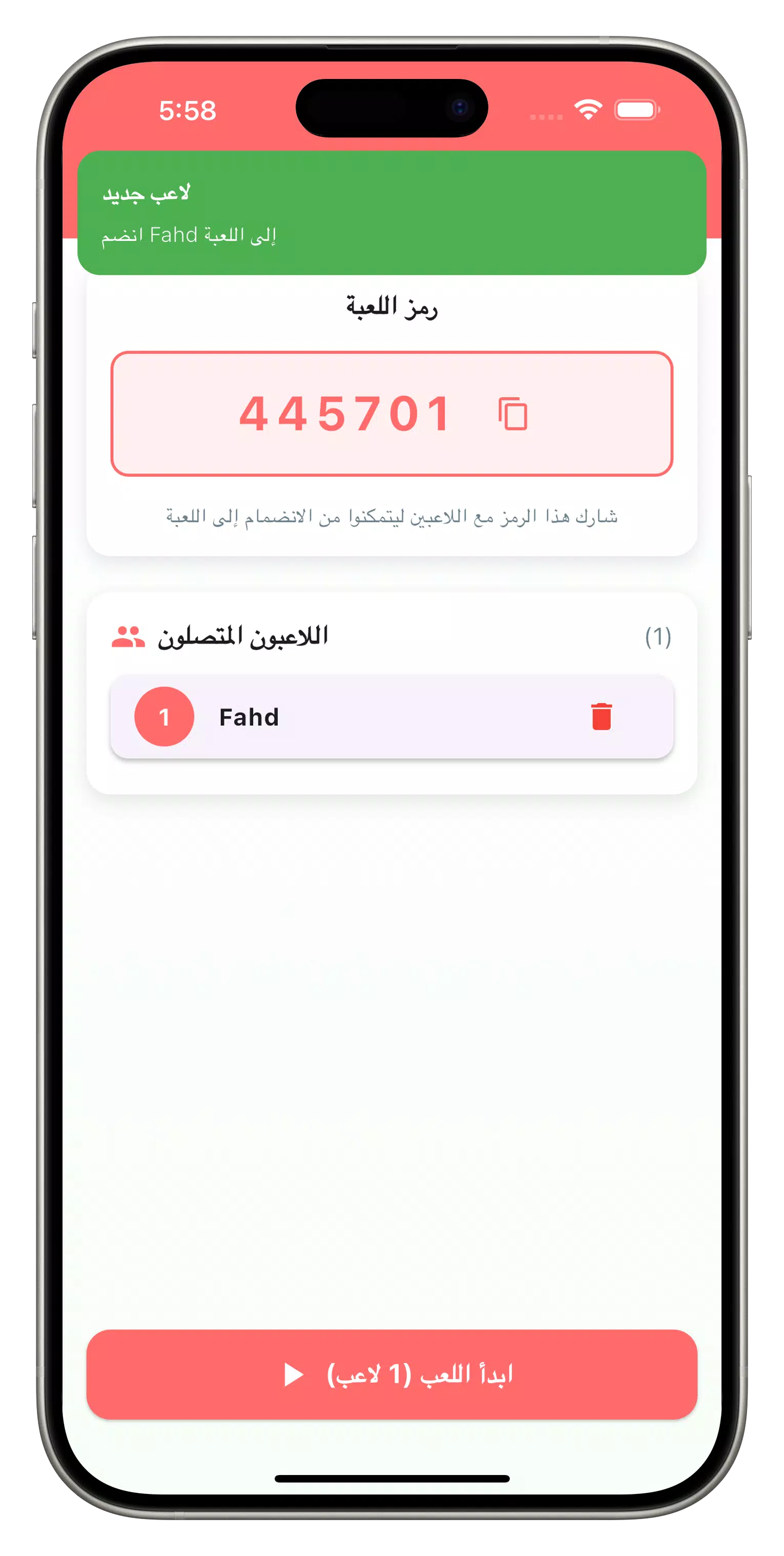
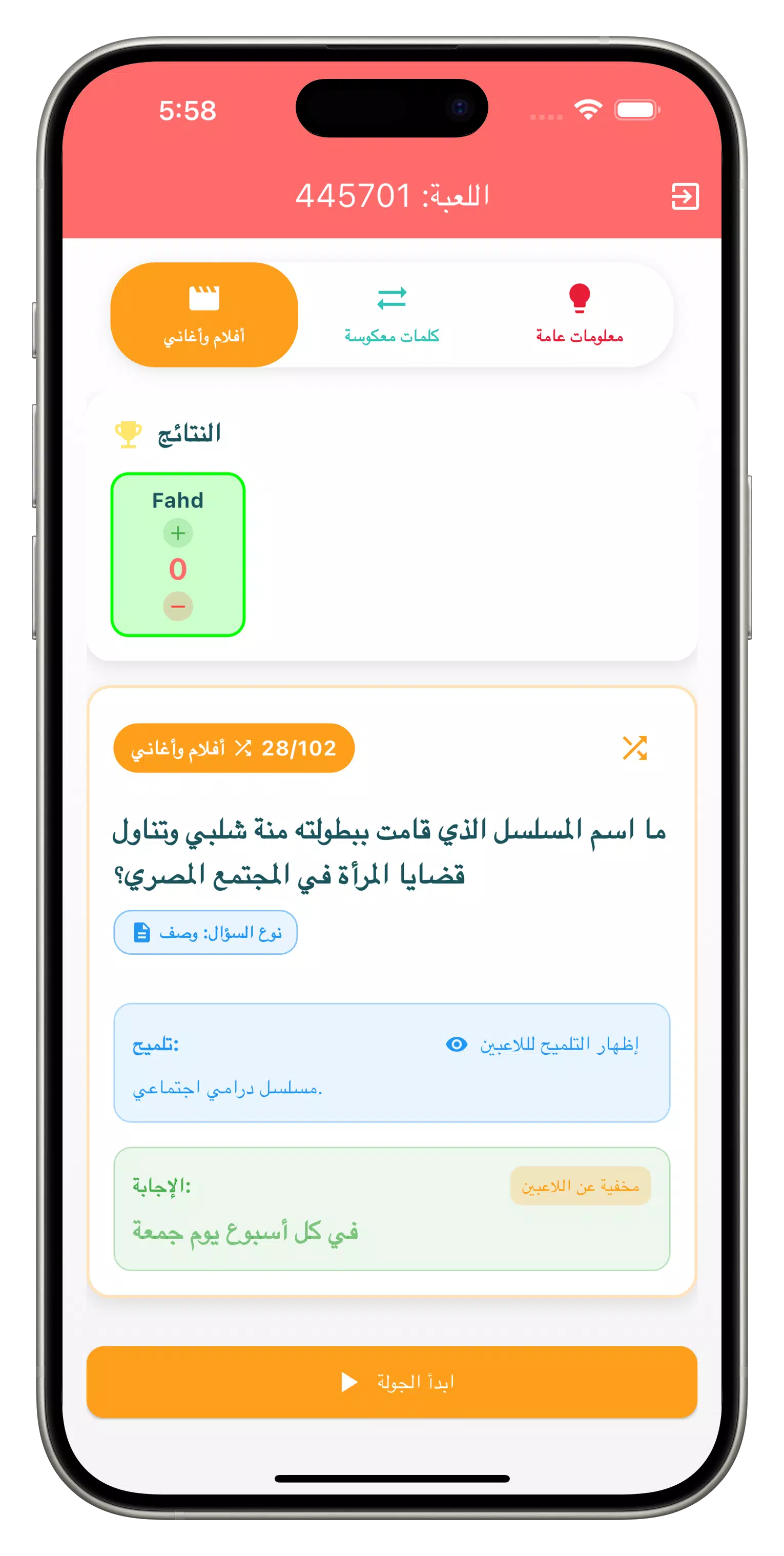
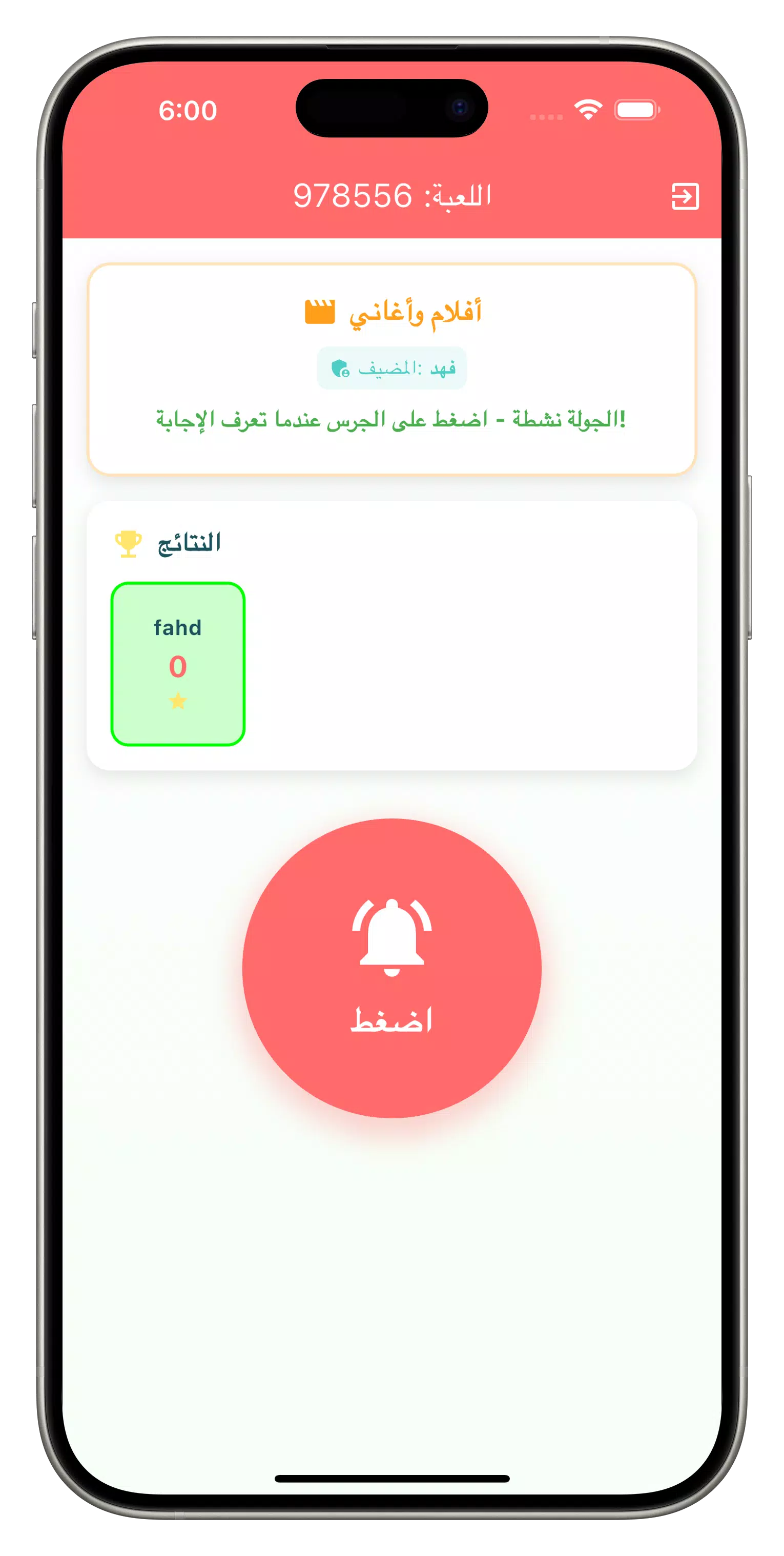
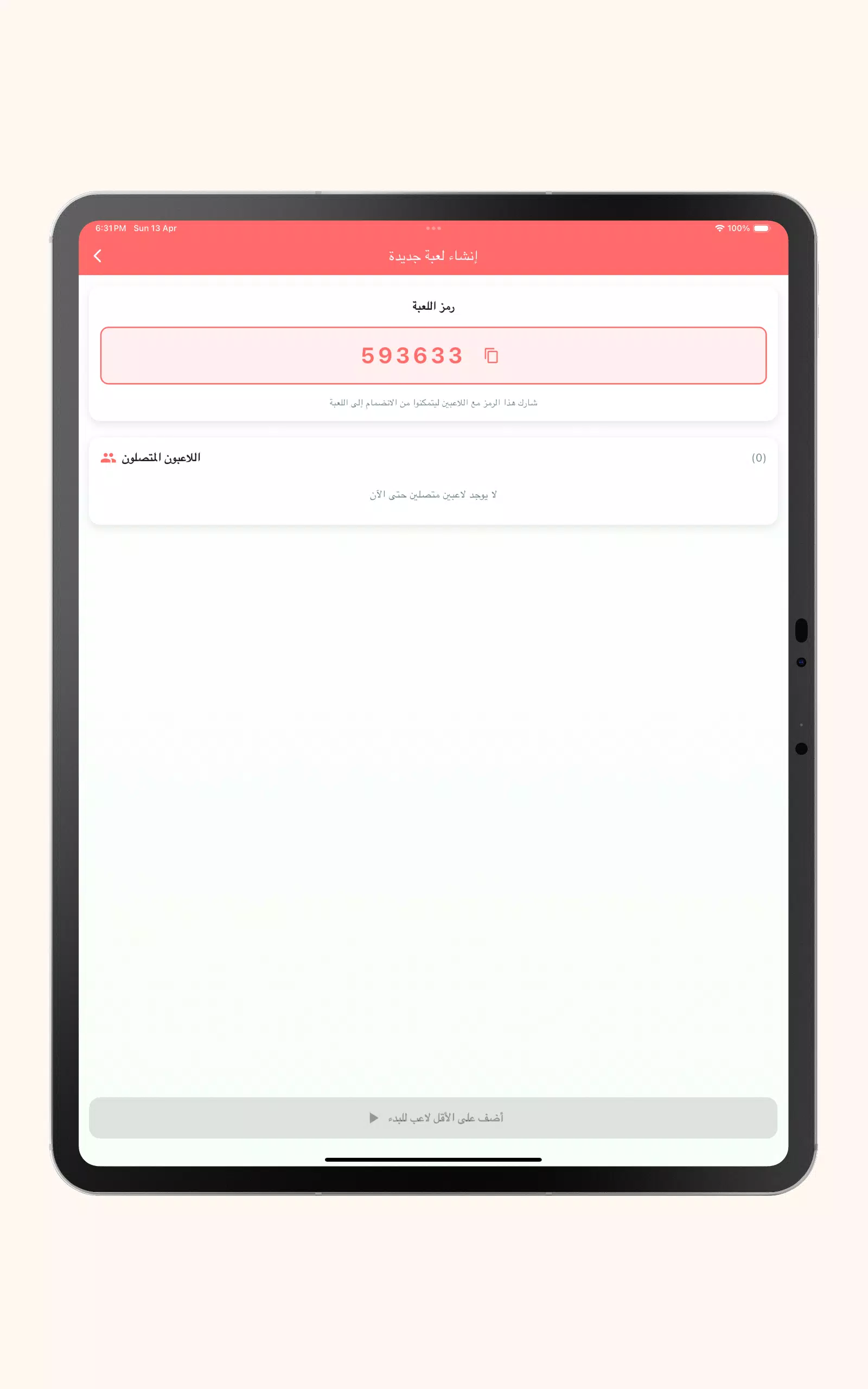
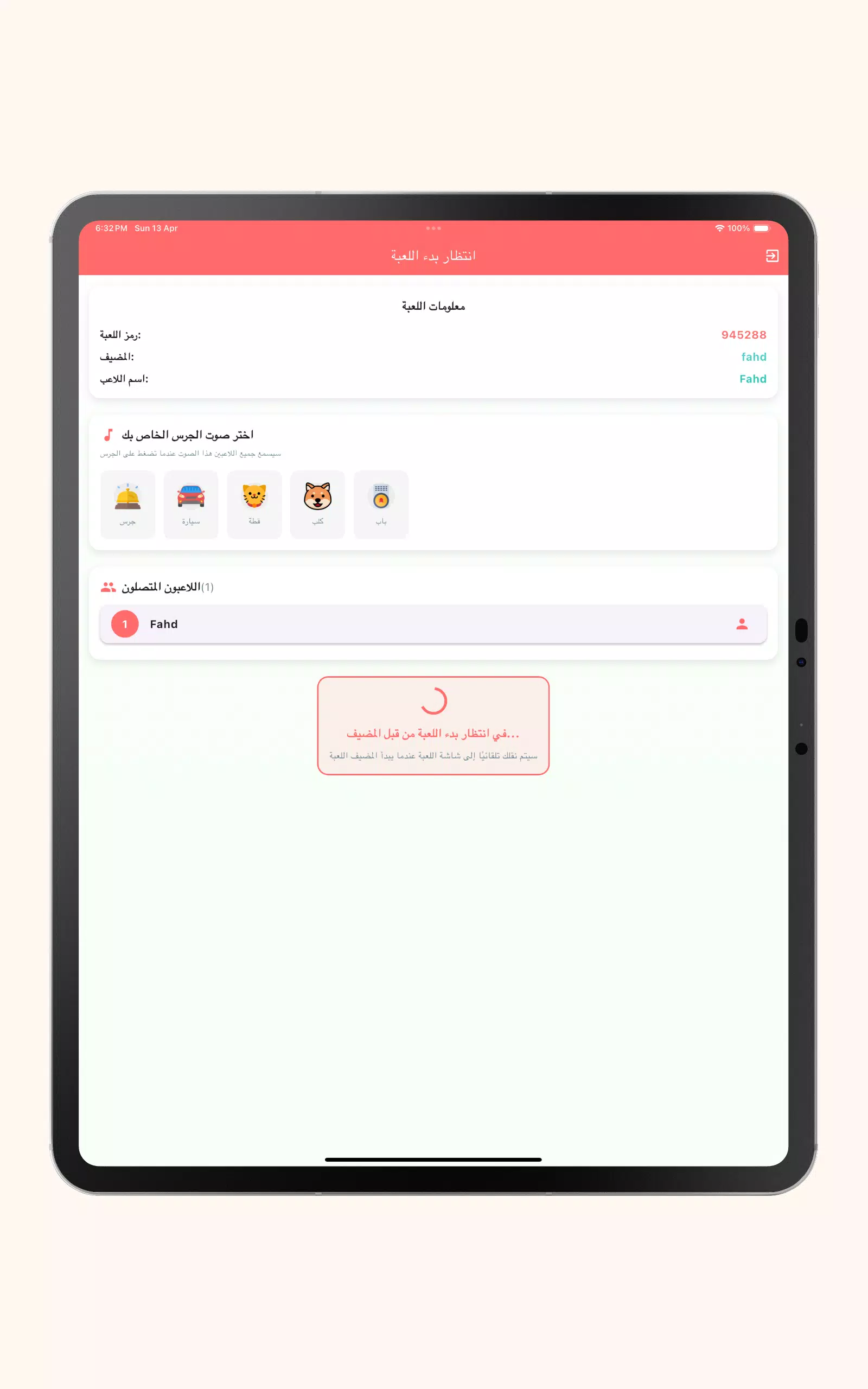
Gameplay centers on quick reflexes and group interaction. Each non-host player taps their phone screen to register a buzz; the app visually highlights the fastest responder and locks out later buzzes to avoid confusion. The Host uses a simple scoreboard interface to accept answers, assign points, and move the session forward, or they can enable AI judging for automatic correctness decisions when a neutral arbiter is preferred. Session setup is straightforward: choose a mode, select a question pack or create a custom list, set round duration or number of questions, and invite players to join the local session. Round-to-round progression is visible on the scoreboard so players track performance as the game proceeds.
Buzzy Party encourages replay by supporting custom question packs and flexible session parameters. You can import or type new questions to suit niche topics, adjust scoring values for different rounds, and configure the number of rounds or time limits to match the available playtime. Progression within a single session is entirely contained to that game: points accumulate, the Host may rotate, and optional tie-breakers or bonus rounds can be added to increase competitiveness. Because the focus is on short, repeatable rounds, groups often replay with new packs or swapped roles to vary challenge and maintain engagement across multiple sessions.
The app uses a clean, colorful interface with large, easy-to-read buttons so players can react without hesitation. Visual cues show the active buzzer and current Host controls, and configurable sound and vibration settings help accommodate noisy rooms or discreet environments. Accessibility options include adjustable text sizes and contrast-friendly color choices to make questions and controls readable for different needs. The design favors clarity over clutter so hosts and players can keep attention on conversation and interaction rather than navigating complex menus.
Buzzy Party is built to work without an internet connection for in-person parties and classroom use: all core gameplay, question packs, and scoring functions operate offline, which makes setup fast and reliable in environments with limited connectivity. Typical use cases include family game nights, classroom review sessions where teachers use the Host role to quiz students, corporate team-building events for icebreakers, and casual gatherings where short, fast rounds fit available time. The ability to add your own content makes the app useful for study groups, themed trivia nights, and training sessions focused on specific subject matter.
The best experience requires multiple players; solo play is limited because the game is designed around buzzer interaction. Modes like Imposter perform best with three or more participants, and Host-based judging can feel subjective unless you switch to AI-assisted decisions. For smooth sessions, test device sound and vibration settings before you start, prepare a couple of question packs suited to your group, and decide how long you want each round to be so gameplay stays brisk. With those simple preparations, Buzzy Party delivers engaging, repeatable party trivia that adapts to a wide range of social and educational settings.
File size: 40.30 M Latest Version: 1.6.32
Requirements: Android Language: English
Votes: 326 Package ID: com.casino.al3ab
Developer: Buzzy Party
Top Educational Free Games for Android
Make learning fun with our new educational game, perfect for kids of all ages! With engaging activities across subjects like math, reading, science and more, children will build knowledge while having a blast. The reward-based system and vibrant graphics keep them motivated to progress through levels. Customizable avatars and whimsical worlds let their creativity shine. Parents can feel at ease knowing their kids are learning, not just playing.





LIVE A HERO
Retro Hero Mr Kim
Empire of Passion
Arcane Quest Legends
Magic Snap: Momotaro
AllStar Manga Heroes
Lunescape
ONE PIECE Thousand Storm JP
Tap Titans 2